Staying Informed and in Touch in an Emergency: A Household Guide
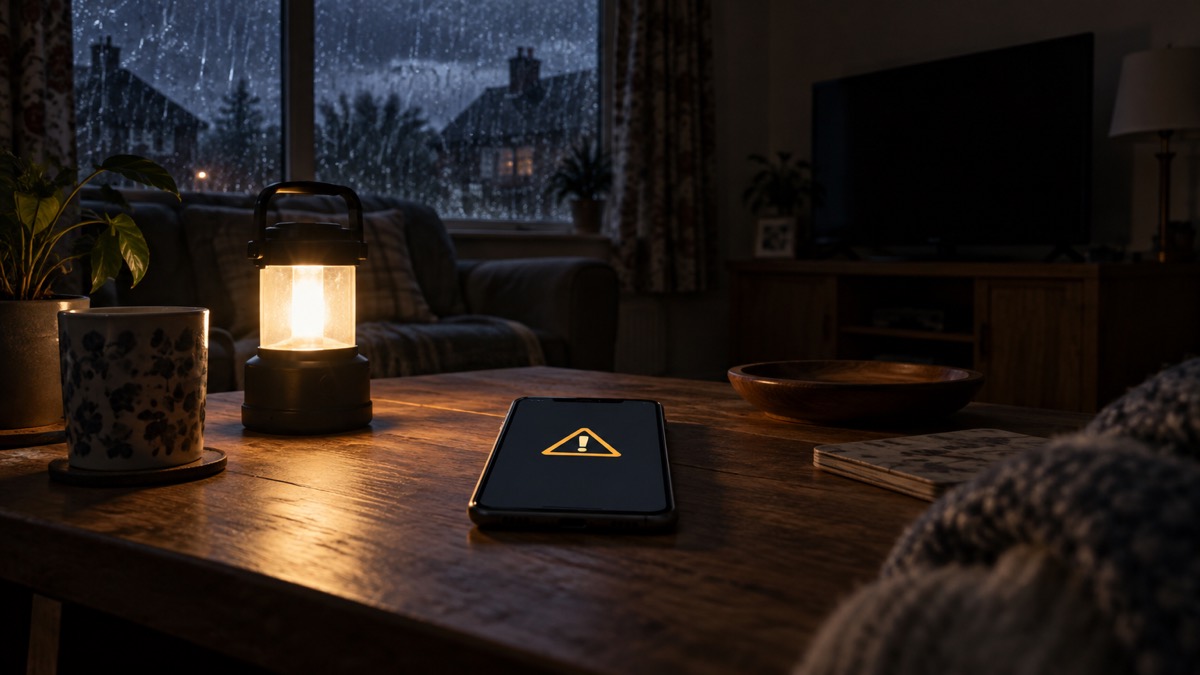
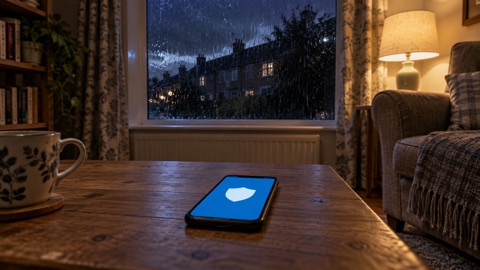
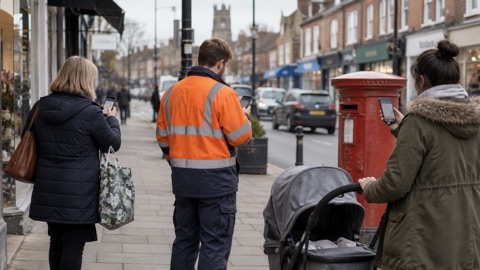
Staying informed in an emergency means having more than one way to receive warnings, call for help and contact your household. UK Emergency Alerts are sent to compatible 4G and 5G mobile phones within an area of risk. Your phone may make a loud siren-like sound even when set to silent, vibrate or read out the message. Follow the instructions in the alert: they are there to keep you and other people safe.1
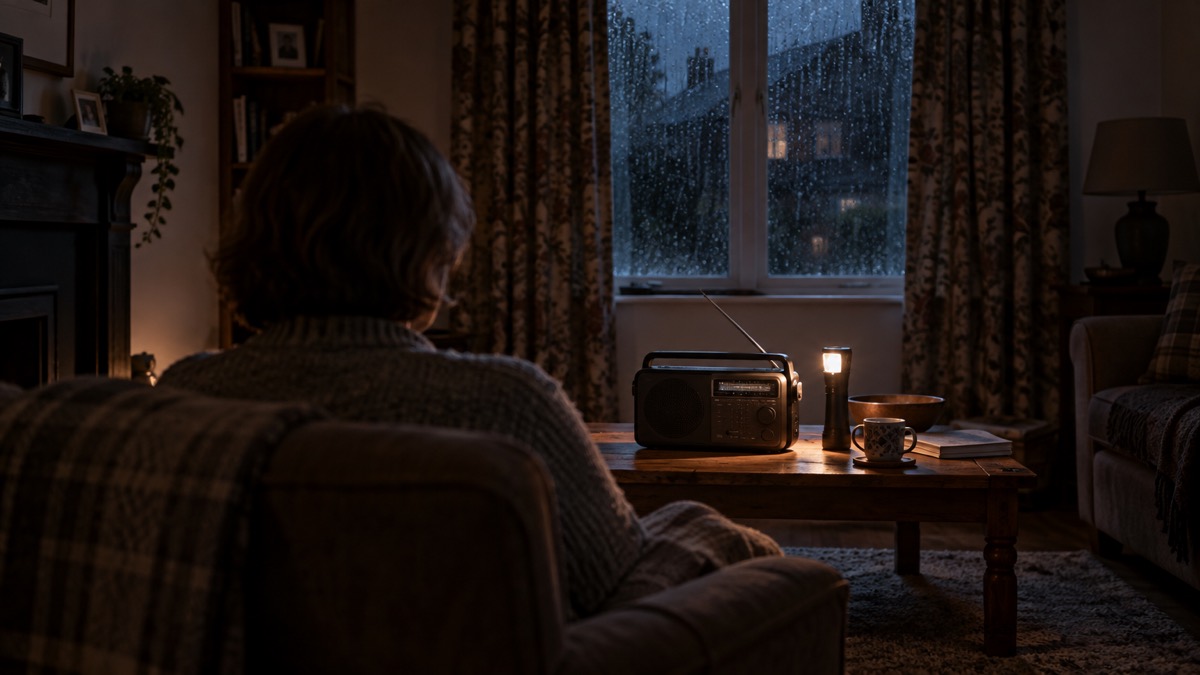
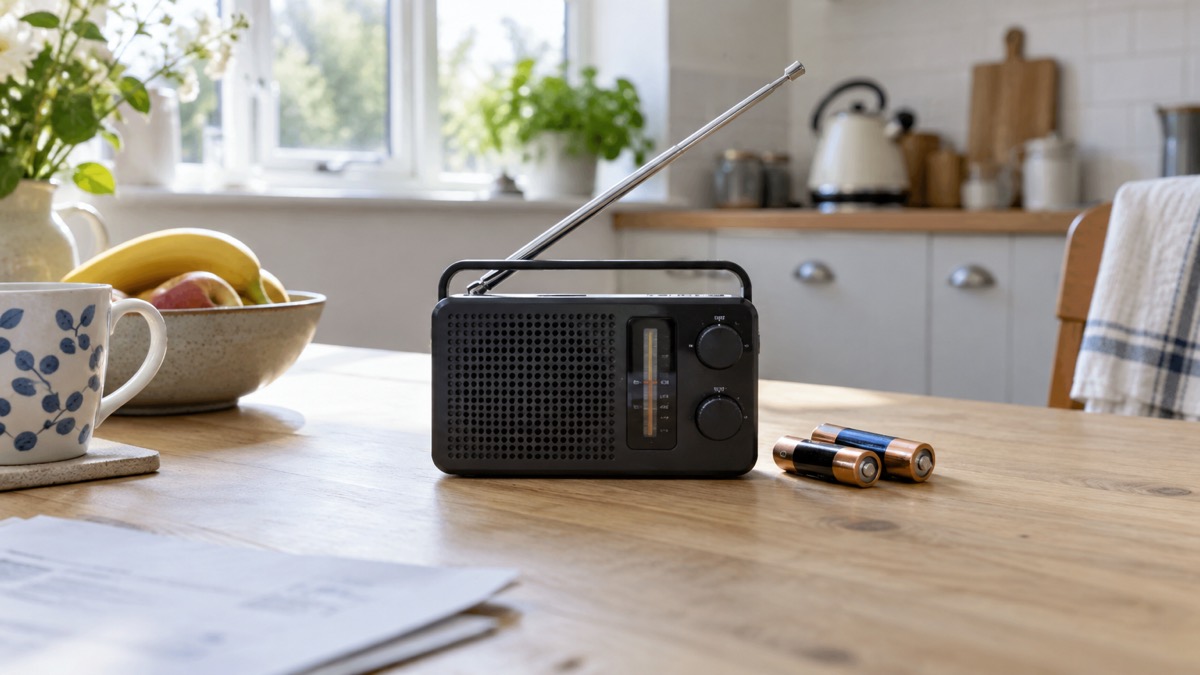
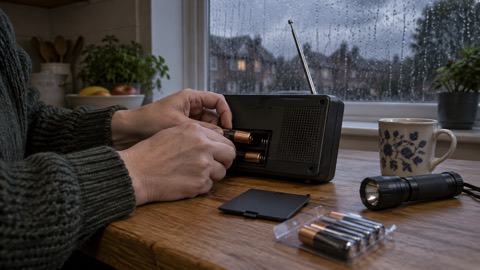
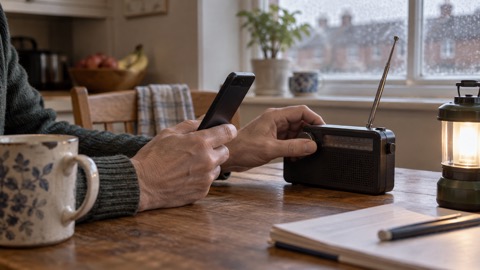
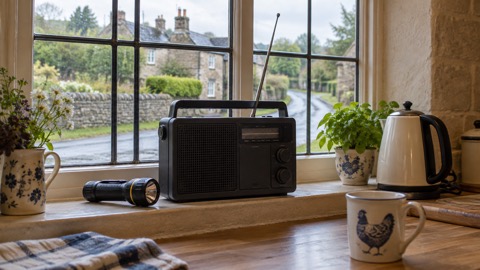
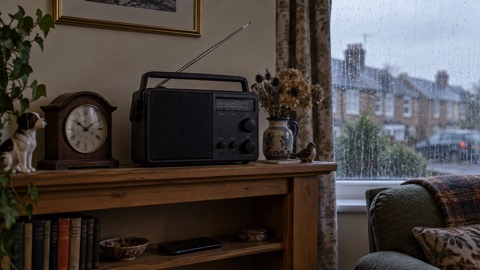
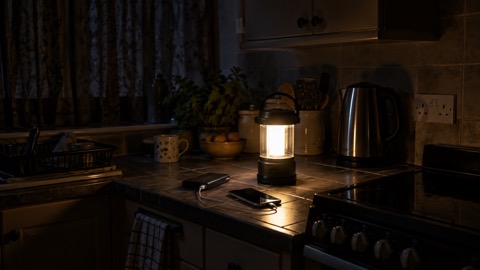
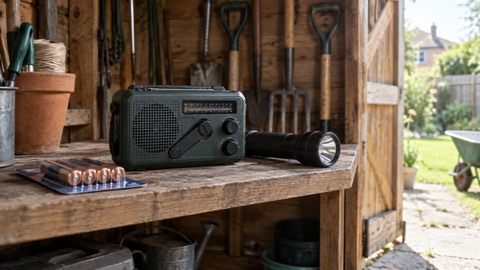
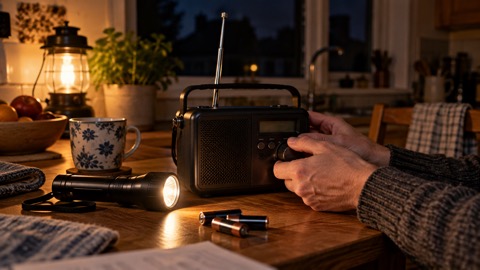
Prepare for the times when a phone, landline or internet connection is unavailable. Keep a charged power pack, even one that only charges a phone, so you can stay in contact during an emergency or power cut.2 Keep a wind-up or battery FM radio with spare batteries, because updates may be broadcast on the radio during an outage.3 Write essential numbers on paper and agree how your household will make contact.
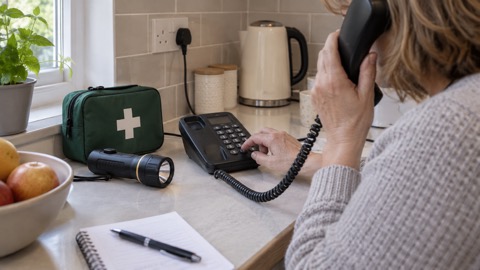
Call 999 when somebody is seriously ill or injured and their life is at risk.4 If a power cut has disabled your landline and there is a life-threatening emergency, attempt to call 999 or 112 using a mobile. Emergency calls automatically roam onto all available networks, and you may receive overlapping signal from an unaffected nearby area.5
When an Emergency Alert arrives
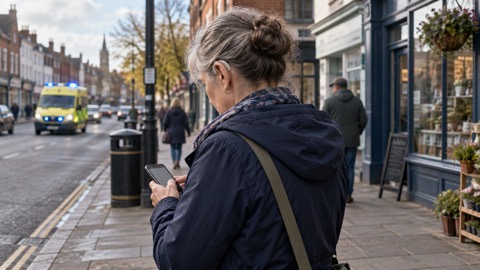
An alert may concern wildfires, severe flooding, extreme storms or another life-threatening emergency. It will include instructions and a phone number or GOV.UK link for more information. Read it carefully and act on those instructions. The Emergency Alerts guide explains the system, while what to do when you receive an alert gives the immediate steps.1
Only the government and emergency services can send alerts. They do not need your phone number or location, and they do not track your location or collect personal data. An alert includes a link to gov.uk/alerts, where you can check that it is genuine; you can also ask nearby neighbours, friends or family whether they received it. See how to tell if an alert is genuine and alert privacy.8
| Situation | What to do |
|---|---|
| At home or elsewhere safely | Read the message and follow its instructions9 |
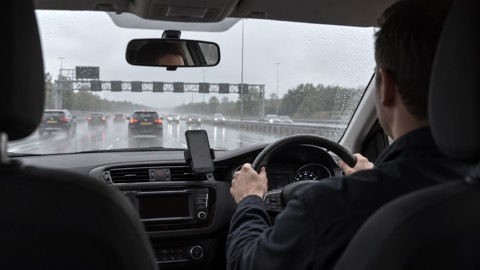
| Driving or riding | Do not read or respond. Find somewhere safe and legal to stop first1 |
| Nowhere safe to stop and nobody else can read it | Tune into live radio and wait for bulletins until you can stop safely and legally8 |
| Unsure whether it is genuine | Check gov.uk/alerts or ask somebody nearby whether they received it8 |
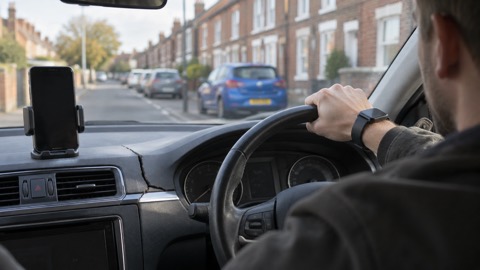
It is illegal to hold a mobile phone while driving or riding a motorcycle, including when stopped at traffic lights or queuing in traffic. The exception relevant here is calling 999 or 112 when it is unsafe or impractical to stop. Read what to do if an alert sounds while driving before relying on any hands-free arrangement.8
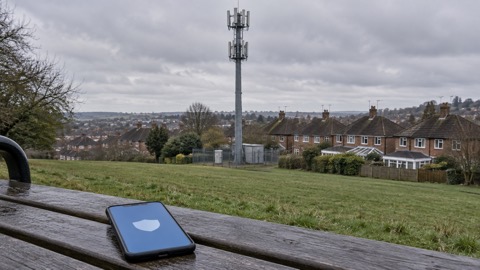
Accessibility features can include audio and vibration attention signals, screen magnification and reading the message aloud. The distinct sound should be audible to hearing-aid users. Alerts can also be repeated, so a phone that was off or out of battery may receive one after reconnecting. Occasional tests check that the system works; Emergency Alert tests explains what to expect.1
Calling or texting 999
Call 999 in a medical emergency when somebody is seriously ill or injured and their life is at risk. Loss of consciousness is one example given by ambulance services. The operator will ask which emergency service you need; in a life-threatening medical emergency, ask for the ambulance service. Do not call 999 when it is not an emergency, because that could delay help for somebody needing urgent assistance. For urgent but non-life-threatening issues, use NHS 111 online.4
- Call 999 when life is at risk, and stay calm.4
- Tell the operator which service you need. Ask for an ambulance in a life-threatening medical emergency.11
- Give the information requested. How to give your exact location explains this part of the call.
- Use a mobile for 999 or 112 if a power cut has disabled your landline and the emergency is life-threatening. Emergency calls roam onto available networks.5
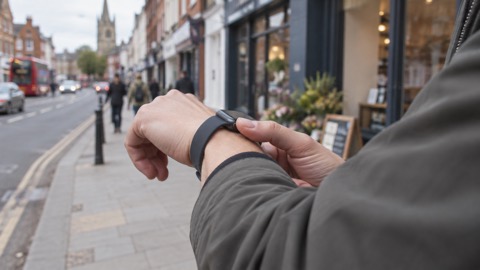
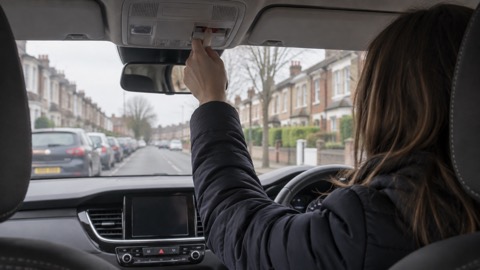
The same life-threatening test applies in Scotland.12 Read when you should call 999, what happens when you ring 999 or 112 and how to call when your mobile network is down. Related guidance covers silent 999 calls, 999 with wifi calling, calling from a smartwatch, your car's SOS button and crash detection.
If you cannot make voice calls, register with emergencySMS now. Text register to 999, then follow the instructions in the reply. You can only use the service after registering. In an emergency, text 999 with a short description of the problem. Your message will be passed to the police, ambulance, fire rescue or coastguard as appropriate. You should receive confirmation, and further information may be requested by text without delaying the ambulance response.7
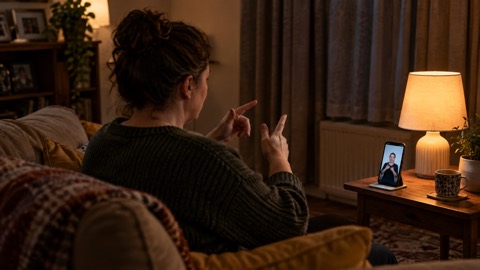
See how to register and text 999 and 999 BSL and Relay UK for the detailed arrangements.
Check your phone can get alerts
Emergency Alerts work on iPhones running iOS 14.5 or later and Android phones and tablets running Android 11 or later. They work on all UK 4G and 5G phone networks. Install the latest software updates and use will your phone receive Emergency Alerts to check your own device.15
| Phone condition | Effect on alerts |
|---|---|
| Turned off, wifi only, incompatible, or connected to 2G or 3G | You will not receive alerts15 |
| In airplane mode | You may not receive alerts15 |
| Earlier Android version | You may still receive them; search device settings for emergency alerts15 |
| Phone released before 2015 | Settings are likely to need changes6 |
| No mobile data or wifi connection | An alert can still be received on a compatible device15 |
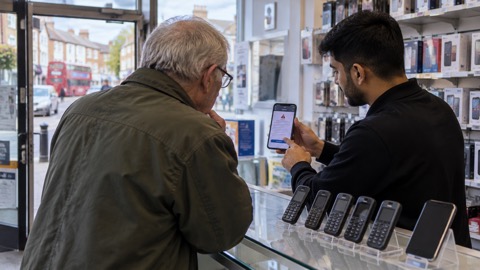
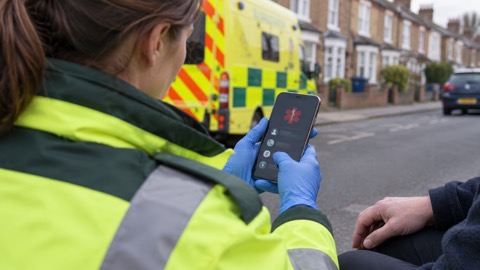
Phones that do not run iOS or Android may also receive alerts. Older feature phones using outdated 2G networks cannot receive them, so check any backup handset as well as your main phone. The 3G switch-off and getting your mobile phone ready pages cover related checks. Adding medical and emergency contacts to your phone is another useful preparation.10
After acknowledging an alert, Android users may find it in the Messages app or Emergency Alert History. On an iPhone, swipe down from the top of the screen to find it in notifications; deleting notifications also deletes the alert. You can also check current and past alerts on GOV.UK. Android devices may issue repeated reminders, which can be controlled in emergency alert settings.15
You can opt out, although keeping alerts switched on supports your safety. On an iPhone, search settings for emergency alerts and turn off Severe alerts and Emergency alerts. On Huawei devices running EMUI 11 or older, turn off Extreme threats, Severe threats and Show amber alerts. Somebody who needs a concealed phone for protection from domestic abuse may need this option. Follow how to turn alerts off or on carefully.6
Warnings worth signing up for
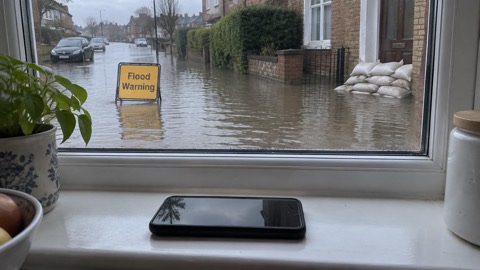
Phone alerts are only one part of an alert routine. Sign up for flood alerts and weather updates, check your flood risk online for England, Scotland, Wales or Northern Ireland, and read your local community risk register.17 Flood alert notifications help you stay up to date.18
| Warning or information | How it helps your routine |
|---|---|
| Flood Alerts, Flood Warnings and Floodline sign-up | Add flood notifications to your preparations and read the household flooding guide18 |
| Met Office weather warnings | Use them alongside the guide to preparing for high winds17 |
| Heat and cold health alerts | Include them in your plans for heatwaves and snow and ice |
| Local radio, television and official online updates | Keep following these after an alert; phone alerts do not replace them1 |
Build these into a routine rather than waiting for severe weather. Free alert services and emergency apps to download provide checklists, while where to get official warnings and news brings the information sources together. During fast-moving incidents, use how to avoid false information before passing on claims.
Keep a radio available even if you normally watch or read the news online. Which radio stations to tune into during a power cut explains where local information fits into your preparations.
Hearing warnings without a mobile
People without a compatible device will still be informed through other methods used by the emergency services. These include the media, community organisations and local emergency services. Alerts supplement local news, radio, television and social media rather than replacing them.1
- Arrange a nearby contact: identify somebody living close by who can tell you when an Emergency Alert is sent.6
- Keep broadcast radio available: use a wind-up or battery FM radio with spare batteries for outage updates.3
- Include neighbours: the community resilience guide can help neighbours and local groups plan together.
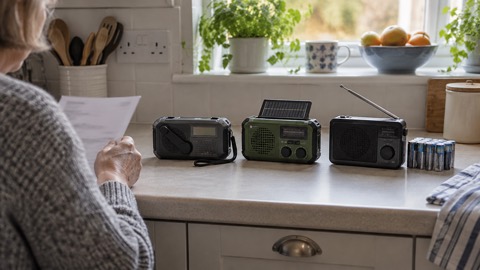
- Choose equipment by how it is powered: compare wind-up and battery radios and DAB or FM radios.
Read how to get emergency warnings without a mobile phone and the emergency radio guide for the detail. The important point is not to make a mobile phone your only warning channel.
Landlines, broadband and power cuts
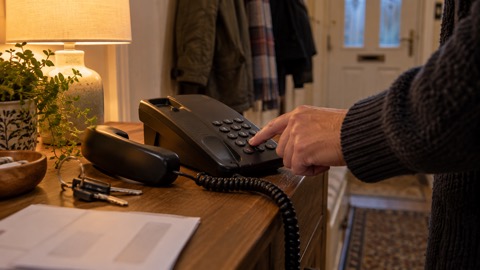
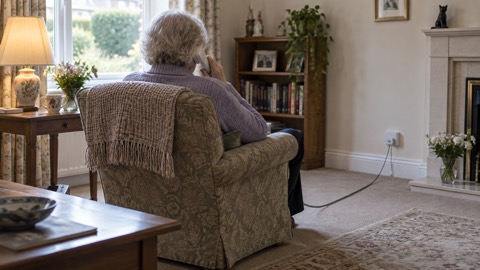
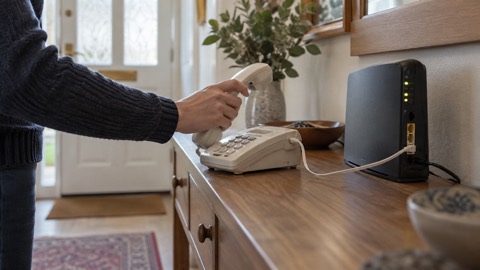
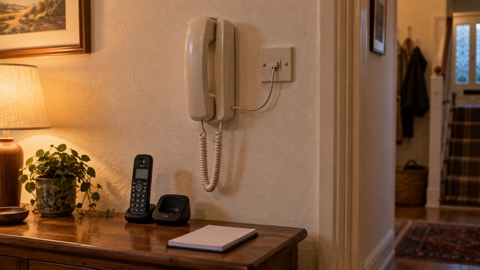
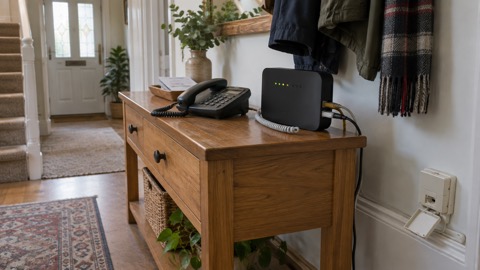
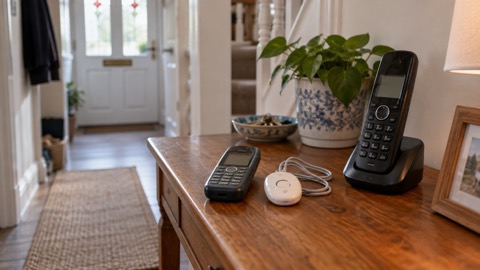
Do not assume that every home telephone arrangement behaves the same way during a power cut. Contact your landline provider if the landline is your only way to make emergency calls, or if telecare equipment is connected to it. A non-mains-powered landline telephone can help you stay in touch during power disruption.20
| Arrangement to check | Action now |
|---|---|
| Landline needed for emergency calls | Ask the provider whether it will work during a power cut20 |
| Landline will not work without power | Ask about a free solution such as a backup battery unit, providing a minimum of one hour for emergency calls5 |
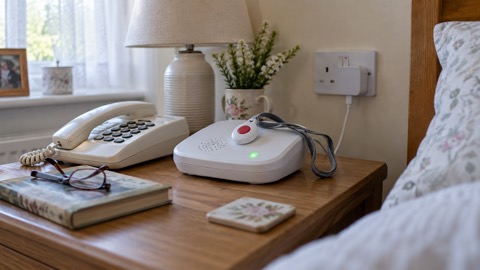
| Telecare or personal alarm connected to phone or broadband | Ask the provider or manufacturer how it works when the network is down3 |
| Broadband problem | Check the provider's status page for planned maintenance and significant incidents3 |
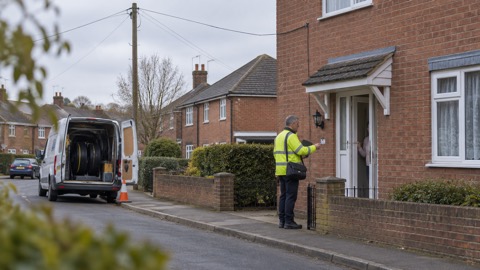
The move from analogue landlines to digital services makes these checks particularly important. Start with the digital landline switchover, the switchover date and the switchover checklist. Then check corded or cordless phones, whether your landline works in a power cut, free battery backup, keeping a landline without broadband, old handsets on digital lines and switchover scams.
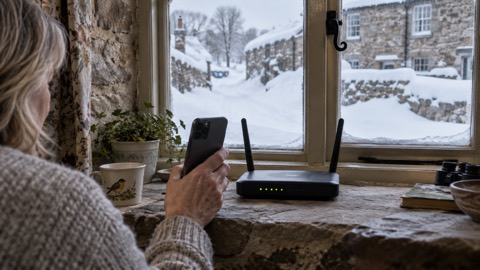
The telecare and personal alarms guide covers those devices. For internet access, see keeping your router and hub running and checking broadband outages. A provider-specific option is explained under BT Battery Back Up.
Keeping phones and radios charged
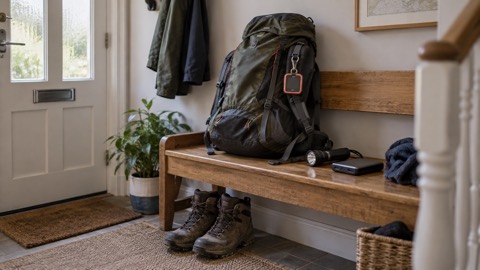
A charged power pack helps you contact loved ones during an emergency or power cut, even if it only charges a phone. Keep extra batteries suitable for charging your phone, and spare batteries for your radio.2
| Item | Purpose |
|---|---|
| Charged power pack | Keeps a phone usable for household contact2 |
| Extra phone-charging batteries | Provides another reserve when mains power is unavailable2 |
| Wind-up or battery FM radio | Receives updates during an outage3 |
| Spare radio batteries | Keeps the radio ready without relying on mains power3 |
Use what to keep charged before a power cut as your checklist and how to save phone battery when power is off. The backup power guide explains wider household options for power banks and chargers.
If your household is considering two-way radios, treat them as part of a contact plan rather than a substitute for emergency calling. Keep the equipment together and check that everybody knows where it is.
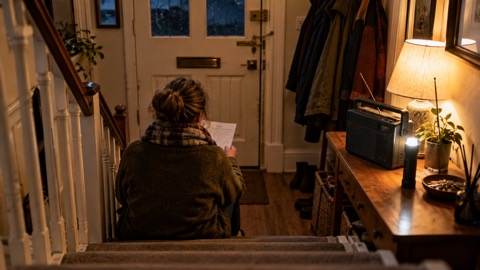
Numbers and contacts on paper
A phone contact list is not enough if you cannot unlock, charge or use the phone. Keep a written record of contact details for work, your doctor, schools, water supplier, electricity network operator, gas supplier, telephone or internet provider, home insurance company, home breakdown services and an emergency friend.22
- Family and emergency contacts, including medical providers
- Work and schools
- Water, electricity and gas suppliers
- Telephone and internet provider
- Home insurance and home breakdown services
- An emergency friend22
Check occasionally that the details are still current.23 Store insurance documents and key contact numbers in an easily accessible place, alongside important items such as medication and identification, so they are available during an emergency or short-notice evacuation.24 Keeping people's email addresses in your phone can also provide another way to reach them.25
Use emergency and non-emergency numbers to keep on paper to complete the list. Then put the details into your household contact plan and your wider household emergency plan. Keep relevant details with your emergency kit, where everybody can find them.
Go in, stay in, tune in
In many major emergencies, the advice is to go inside, stay inside and tune into local radio. Where it is not safe to go out, go indoors, close all windows and doors, and tune into local radio, television or the internet for public information and advice from emergency responders.21
A simple way to organise your response is STAR: Stop, Think, Assess, Respond. Contact 999 if people are injured or in danger.22 Depending on the emergency, responders may specifically ask those affected to go in, stay in and tune in.24
Local radio remains important because it can carry responder advice without depending on your home broadband. The major incidents guide explains the wider household response, while official warnings and news helps you decide what to follow.
When phones and the internet go down
Start with the services your household relies on, particularly medical and personal alarms. Check with the provider or manufacturer how each device works if mobile or broadband service is lost. Communications providers should give clear, timely updates and, where possible, may offer temporary or alternative ways to stay connected. Their status pages often carry planned maintenance and significant incident updates.3
- Check the provider's service status and follow its outage updates.3
- Check medical and personal alarms against the provider's instructions.3
- For a life-threatening emergency during a power cut, try 999 or 112 on a mobile if your landline has no backup. Emergency calls roam onto all available networks.5
- Use your prepared alternatives, including your radio, charged power pack and paper contacts.2
The main guide to what to do when phones and the internet go down leads into mobile networks in a power cut, how networks respond to storms and why signals fail. For connections, see wifi calling and broadband outages.
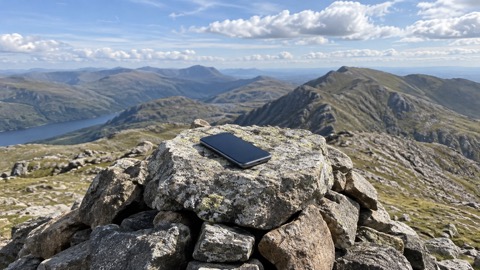
Where mobile coverage is part of the problem, satellite messaging and SOS explains the phone-based option. More detail covers satellite communicators, satellite messenger or phone SOS, ZOLEO, Apple Watch, iPhone satellite SOS and Android satellite SOS.
Power cuts, extra help and useful numbers
Ring 105 to report a power cut, including from a mobile when your landline is down. Official guidance also lists 0800 6783 105, available 24 hours a day. In Northern Ireland, contact NIE Networks on 03457 643 643. Keep the appropriate number on paper and read the power cuts guide for the rest of your household response.20
| Need | Number or action |
|---|---|
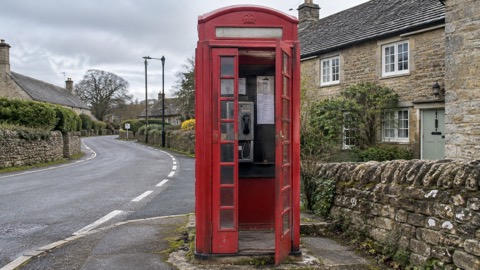
| Life-threatening emergency | Call 999; during a power cut with no working landline, try 999 or 112 on a mobile5 |
| Power cut | Ring 105; official guidance also lists 0800 6783 105, 24 hours a day20 |
| Power cut in Northern Ireland | NIE Networks: 03457 643 643 |
| Gas emergency | 0800 111 999 |
| Gas emergency in Northern Ireland | 0800 002 001 |
| Urgent but non-life-threatening medical issue | Use NHS 111 online11 |
The non-emergency numbers guide helps you keep these separate from 999. For additional support, ask your electricity network operator about the Priority Services Register. Tell your phone or broadband provider about telecare equipment and ask what help is available during outages. Providers should keep customers informed and may offer alternative ways to stay connected where possible.3
Read extra help in an emergency and extra help from phone and broadband providers. Make these arrangements before a storm or outage, then add the relevant provider and network contact details to your paper list.26
Sources (26)
- Emergency Alerts, GOV.UK, 2026
- Personal Resilience: Preparing Yourself, Wiltshire and Swindon Prepared, 2026-10-25
- Phone and Broadband Outages, Prepare Campaign, 2026-10-12
- When to Call 999, South Western Ambulance Service NHS Foundation Trust, 2026-10-29
- Power Cuts, Be Ready Campaign, 2026-10-21
- Emergency Alerts, Denbighshire County Council, 2026-10-26
- Using 999 with Speech or Hearing Impairment, Yorkshire Ambulance Service NHS Trust, 2026-10-29
- National Emergency Alert System: What Is It?, Essex Prepared, 2026-10-29
- Emergency Alerts System Factsheet, Prepare Campaign, 2025-08
- Ten Things to Know About Emergency Alerts, Lancashire Prepared, 2026-10-29
- Using the 999 Service, North East Ambulance Service NHS Foundation Trust, 2026-10-29
- When Should You Call 999?, Scottish Ambulance Service, 2026-10-29
- Contacting 999 with Speech or Hearing Impairment, East of England Ambulance Service NHS Trust, 2026-10-29
- Smoke Alarms and Emergency Text Advice, Cheshire Fire and Rescue Service, 2026-07-27
- How Emergency Alerts Work, GOV.UK, 2026
- National Emergency Alerts, Warwick District Council, 2026-10-29
- National Risk Register, UK Government, 2023
- Protect Yourself and Your Family, Dorset Prepared, 2026-04-21
- Emergency Alerts Factsheet, Saltford Parish Council, 2023-04
- Loss of Essential Services, Greater Manchester Combined Authority, 2026-10-29
- Emergency Planning: Get Prepared, Carmarthenshire County Council, 2026-10-28
- Are You Ready? Booklet, Culham Parish Council, 2025-09
- Emergency Kits and Grab Bags, Central Bedfordshire Council, 2026
- Community Risk Register for Sussex, Sussex Resilience Forum, 2026
- Preparing Yourself for an Emergency, Wiltshire and Swindon Prepared, 2026-10-25
- Strong Winds and Heavy Rain: Warning Information and Advice, nidirect, 2026-01-27
 When Phones and Internet Fail
 Official Warnings and News
 Emergency Radios
 Telecare on Digital Phone Lines
 Mobile Networks in Power Cuts
 Broadband Outages
 Router and Hub Power Cuts
 Wi-Fi Calling
 Satellite Messaging and SOS
 Satellite Messengers
 Calling 999 and 112
 Non-Emergency Numbers
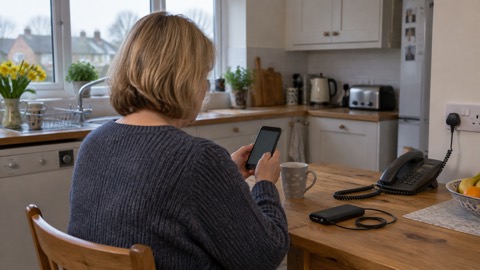 Getting Your Phone Ready
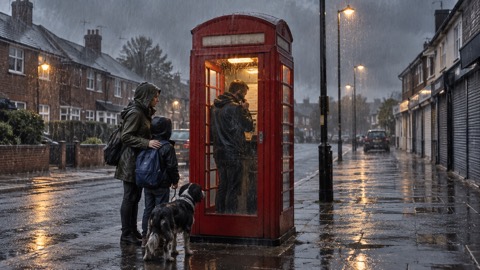 Household Contact Plan
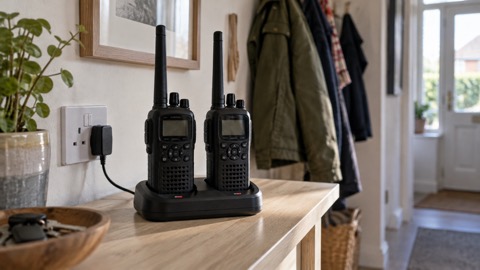 PMR446 Two-Way Radios
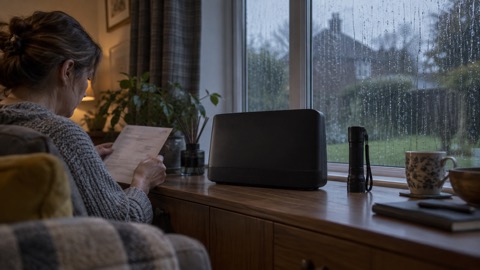 Network Storm Response
 Signal Loss in Storms
 Silent 999 Calls
 Giving Your Exact Location
 When to Call 999
 Calling 999 With No Signal
 999 by Wi-Fi Calling
 When You Get an Alert
 Alerts While Driving
 Spotting a Genuine Alert
 Phones That Get Alerts
 Emergency Alerts On or Off
 Emergency Alert Privacy
 Emergency Alert Tests
 Alerts Without a Mobile Phone
 Landline in a Power Cut
 Free Landline Battery Backup
 Landline Without Broadband
 Analogue Phone Switch-Off Date
 Old Handsets on Digital Lines
 Digital Switchover Scams
 Phone Battery in a Power Cut
 iPhone Satellite SOS
 Satellite SOS on Android
 Calling 999 From a Smartwatch
 Medical ID on Lock Screen
 Car SOS Button
 Radio Stations in a Power Cut
 Avoiding False Information
 Crash Detection
 Free Alert Services
 Emergency Apps
 Digital Switchover Checklist
 What to Keep Charged
 Emergency Numbers List
 Satellite Messenger vs Phone SOS
 Corded or Cordless Phones
 Wind-Up and Battery Radios
 DAB or FM Radios
 Emergency Alerts
 Digital Landline Switchover
 3G Switch-Off
 emergencySMS Registration
 999 BSL and Relay UK
 Provider Extra Help
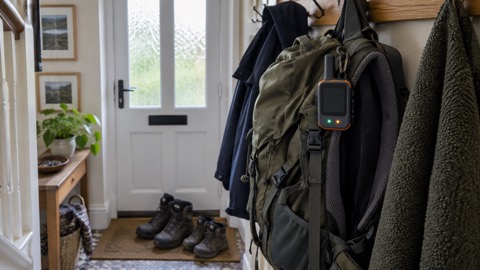 ZOLEO Satellite Communicator
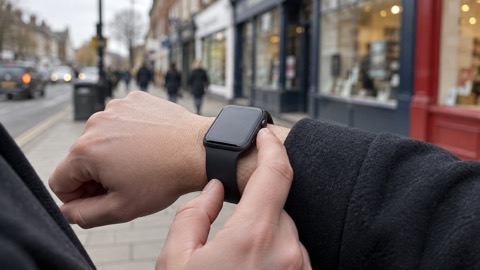 Apple Watch Emergency SOS
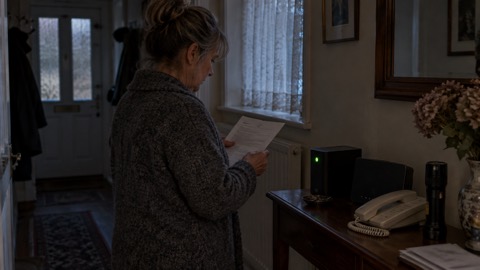 BT Battery Back Up