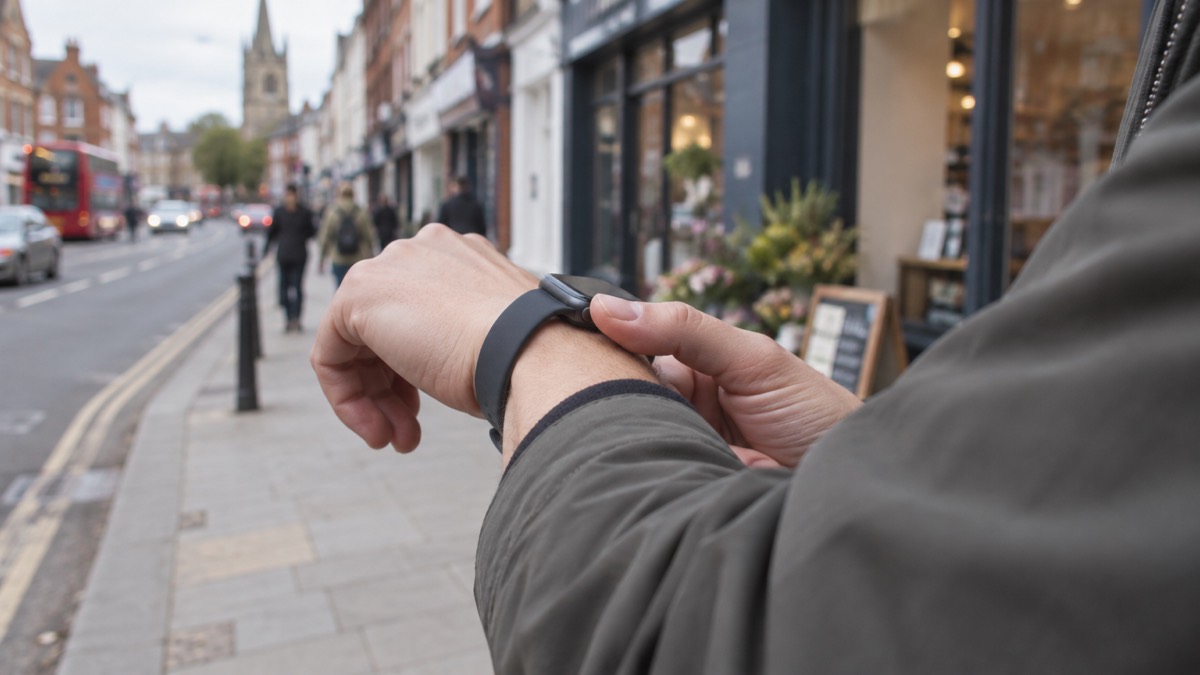
An Apple Watch set up for the UK can call 999 from your wrist. The feature is called Emergency SOS: you press and hold the side button, a countdown starts, and the watch dials the emergency services. It is designed for exactly the moment when reaching for your phone is not possible, because you are injured, trapped, or your phone is out of reach.
The number it dials depends on where you are. In the UK the watch is set up to reach 999, the national emergency number, and 112, the pan-European equivalent, can also be used in the UK1. Only call either number for a life-threatening or serious emergency2.
What the watch can do depends on the model. A cellular Apple Watch has its own mobile connection and can make the call without your iPhone nearby. A GPS only watch relies on the paired iPhone. If you cannot reach 999 or 112, try calling from both a mobile and a landline, as if one is disrupted then the other may be available, and emergency calls from mobiles will automatically connect to any available mobile network3.
Emergency SOS on Apple Watch calls 999 in the UK
The emergency number in the UK is 999. It reaches the police, fire and ambulance service, and it is the number to dial when life is at risk5. The same number is used across England, Scotland, Wales and Northern Ireland, so a watch set up here reaches the same service wherever in the UK you are1.
112 is the pan-European equivalent to 999 and can be used in the UK1. Both numbers reach the national emergency response services, so there is no wrong choice between them. On an Apple Watch configured for the UK, Emergency SOS is set up to dial 999.
The watch is one way to make that call. The important thing is that the call happens, and that you can give the call handler what they need. When a 999 call connects, the handler will ask for the address where you are, including the postcode, the phone number you are calling from, and what has happened8. Scottish Ambulance Service call handlers ask for the phone number you are calling from, the address or location including postcode if possible, and whether the patient is conscious and breathing9. London Ambulance Service asks for your contact number in case they need to call you back10.
That is why a watch call is useful but not magic. It gets the call started when your hands are full or your phone is out of reach, but you still need to be able to speak, or to use a text or video alternative if you cannot. If you cannot speak, there are other routes, including the BSL 999 app for a video call in British Sign Language11, and the emergencySMS service. The watch is one tool among several, and it works best when you have thought about what you would say before you need to say it.
How to start an Emergency SOS call from the watch
The sequence is simple, and it is worth practising once so that you know it under stress. Press and hold the side button on the watch. A countdown begins, and when it ends the watch places the emergency call. The countdown exists so that you can stop an accidental call before it connects.
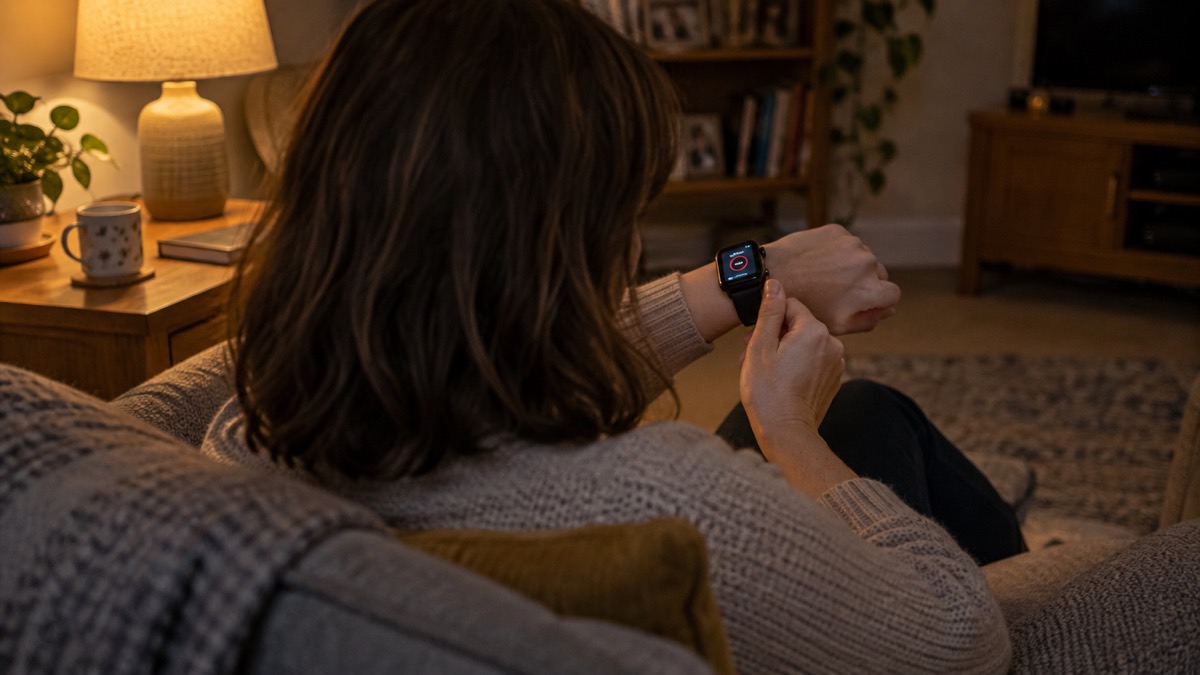
If you are using a watch with a paired iPhone nearby, the call may be handed to the phone. If the watch has its own cellular connection, it can place the call itself. Either way, the aim is the same: get through to 999 and stay on the line.
Once the call connects, give the information in the order the handler asks for it. The address including postcode, the phone number you are calling from, and what has happened12. If you are in a flat, give the building name, address and postcode, then the flat number and floor, and tell them if there are people who have not been able to leave13. Stay on the line until the control operator ends the call13.
If you are calling about a fire and you have got out, find somewhere safe to wait before you call, and do not go back inside14. If you are calling about someone missing, call 999 immediately if you have not found them15.
The number your watch dials depends on where you are
An Apple Watch uses the emergency number for the country it is in. In the UK that is 999. Travel abroad and the same press and hold reaches the local emergency number instead, so the feature still works, but the number it dials is not 999.
This matters for two reasons. First, if you travel, check the local emergency number before you go, so you know what the watch will dial and what to expect. Second, if you are used to dialling 112 in the UK, remember that 112 is the pan-European equivalent and works here1, but outside Europe the local number may be different again.
Within the UK, the arrangements are the same in all four nations. The emergency services are reached on 999, and the call handling is run by the local ambulance, fire and police services. The questions you will be asked are broadly the same: where you are, what has happened, and whether the patient is conscious and breathing9. In Scotland, for example, a heart attack is one of the situations where you should call 99917. In Northern Ireland, the same number reaches the same services5.
| Where you are | What the watch dials | What to expect |
|---|---|---|
| England, Scotland, Wales, Northern Ireland | 999 | Police, fire and ambulance1 |
| Elsewhere in Europe | Local emergency number | The pan-European 112 equivalent1 |
| Outside Europe | Local emergency number | Check the number before you travel |
When the watch can and cannot reach 999
A watch call is still a phone call, and it needs a mobile network. If your own provider is having an outage, a 999 call will automatically connect through another provider's network if one is available4. That is displayed as "emergency calls only" on Android or "SOS only" on iOS4. The same automatic switching applies to calls from a mobile phone18.
But if there is no network at all, the call cannot go through. During a phone and broadband outage you may not be able to contact the emergency services on 99919. If you cannot reach 999 or 112, try calling from both a mobile and a landline, as if one is disrupted the other may be available3. A landline, where it still works, is a useful backup, though the digital landline switchover is changing how landlines behave in a power cut.
The situations where you should call 999 are the same whether you use a watch or a phone. Call for a life-threatening or serious emergency2. That includes difficulty breathing17. Do not call 999 to check where an ambulance is, and only call back if the patient's condition has worsened20.
Cellular or GPS only: which watch can call on its own
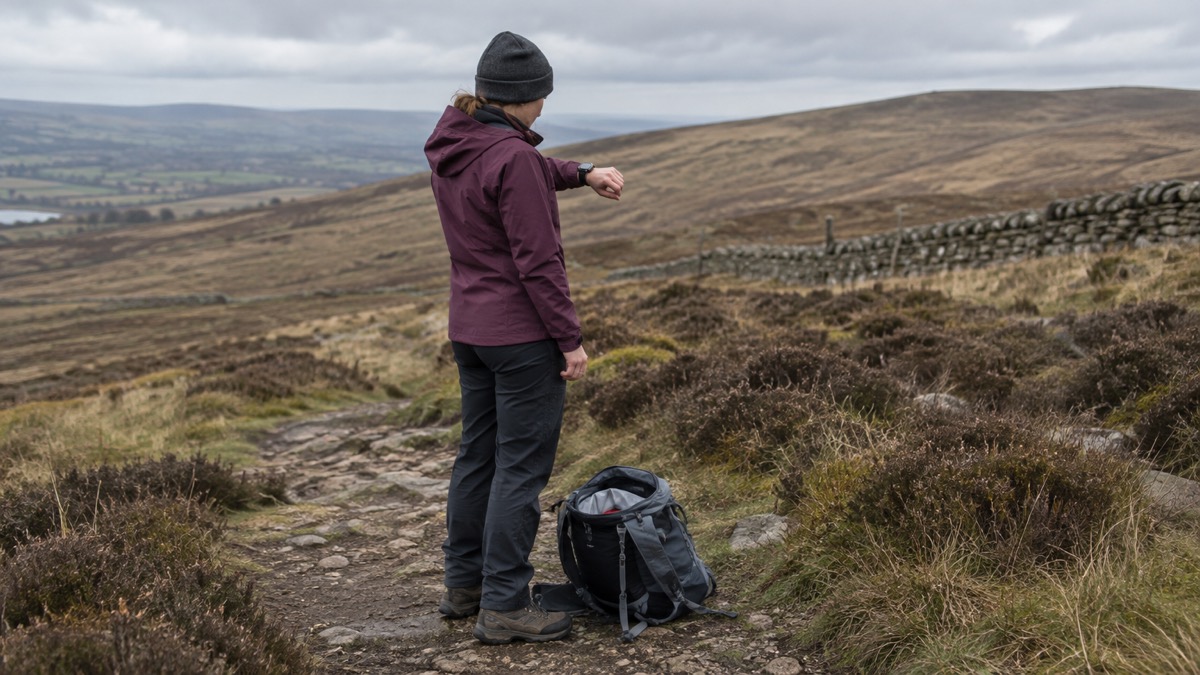
The single most important choice for emergency use is whether the watch has its own mobile connection. A cellular Apple Watch can make calls, including Emergency SOS, without the iPhone nearby, as long as it has a mobile connection. A GPS only watch relies on the paired iPhone4.
| Feature | Cellular model | GPS only model |
|---|---|---|
| Own mobile connection | Yes | No |
| Call 999 without iPhone nearby | Yes, with a connection4 | Relies on the paired iPhone4 |
| Works when phone is out of reach | Yes | No |
| Best suited to | People who are often away from their phone | People who always carry their phone |
If you want the watch to be a standalone way to reach the emergency services, the cellular version is the one that does that. If you always have your phone with you, a GPS only watch can still start the call through the phone, but it is not independent.
The watch is one part of a wider plan. Keep your phone charged, know how to use Wi-Fi calling, and have a paper list of numbers. The Apple Watch page covers the watch's other emergency features, including satellite messaging and crash detection. For the wider picture, see Staying Informed and in Touch in an Emergency.
If you cannot speak, or the call is accidental
Not every emergency call can be a spoken conversation. If you cannot speak, the BSL 999 app allows a video call to 999 in British Sign Language8. The emergencySMS service lets you text 999 if you have registered in advance. These routes are worth setting up before you need them, because they take time to register.
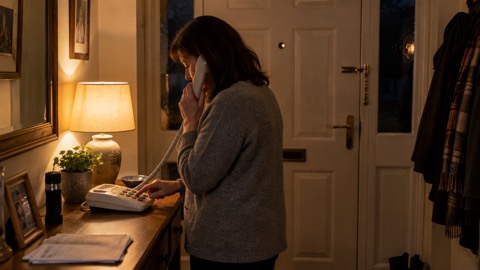
If you set off Emergency SOS by accident, the safest response is to stay on the line and explain. Call handlers may try to call you back if the call is disconnected9, and a silent abandoned call can prompt a response. Do not simply hang up and hope it is ignored.
The same principle applies to any emergency call from a watch: the call is the start of a conversation, not the end of one. Be ready to give your location, say what has happened, and follow the handler's instructions. If you are unsure whether it is an emergency, the NHS 111 service can advise on non-emergency health concerns21, and 101 is the non-emergency police number.
Sources (21)
- 999 and 112: the UK's national emergency numbers, GOV.UK, 2025-01-08
- Winter top tips and advice, South Western Ambulance Service, 2026-10-29
- Phone and broadband outages, Prepare, 2026-10-12
- Stay connected in severe weather, Ofcom, 2026-10-13
- Emergency situations and keeping safe, nidirect, 2025-01-08
- Contact emergency services, Highland Council, 2026-01-30
- Health and welfare, Surrey County Council, 2026-10-28
- Calling 999, London Ambulance Service, 2026-10-29
- Phoning 999, Scottish Ambulance Service, 2026-10-29
- What happens when you call 999, London Ambulance Service, 2026-09-30
- Information for sign language users, North Yorkshire Fire and Rescue Service, 2026-03-11
- 999 :: North East Ambulance Service, North East Ambulance Service
- Fire safety information for residents living in flats, Greater Manchester Fire and Rescue Service, 2026-10-29
- Get out, stay out and call 999, North Wales Fire and Rescue Service, 2026-10-26
- Herbert Protocol, Dorset Police, 2026-10-29
- Herbert Protocol, Surrey Police, 2026-10-29
- When should you call 999, Scottish Ambulance Service, 2026-10-29
- Future of landline calls, Ofcom, 2026-08-26
- Planning for phone and broadband outages, Wiltshire and Swindon Prepared, 2026-10-25
- When to call 999 - NWAS - North West Ambulance Service, North West Ambulance Service (NWAS)
- Resident grab bags, Harborough District Council, 2026-10-29
 Free Alert Services
 Emergency Apps
 Digital Switchover Checklist
 Silent 999 Calls
 Giving Your Exact Location
 When to Call 999
 Calling 999 With No Signal
 999 by Wi-Fi Calling
 When You Get an Alert
 Alerts While Driving
 Spotting a Genuine Alert
 Phones That Get Alerts
 Emergency Alerts On or Off
 Emergency Alert Privacy
 Emergency Alert Tests