Home Cameras and CCTV: Types and How to Choose
Start by deciding what you want the equipment to do, then choose between a camera, video doorbell and alarm. For any internet-connected camera, check its power supply, storage, recording behaviour during a broadband failure and security-update period. If it arrives with a default password, the National Cyber Security Centre (NCSC) says to change it to three random words you will remember, usually through the app used to manage the device.1
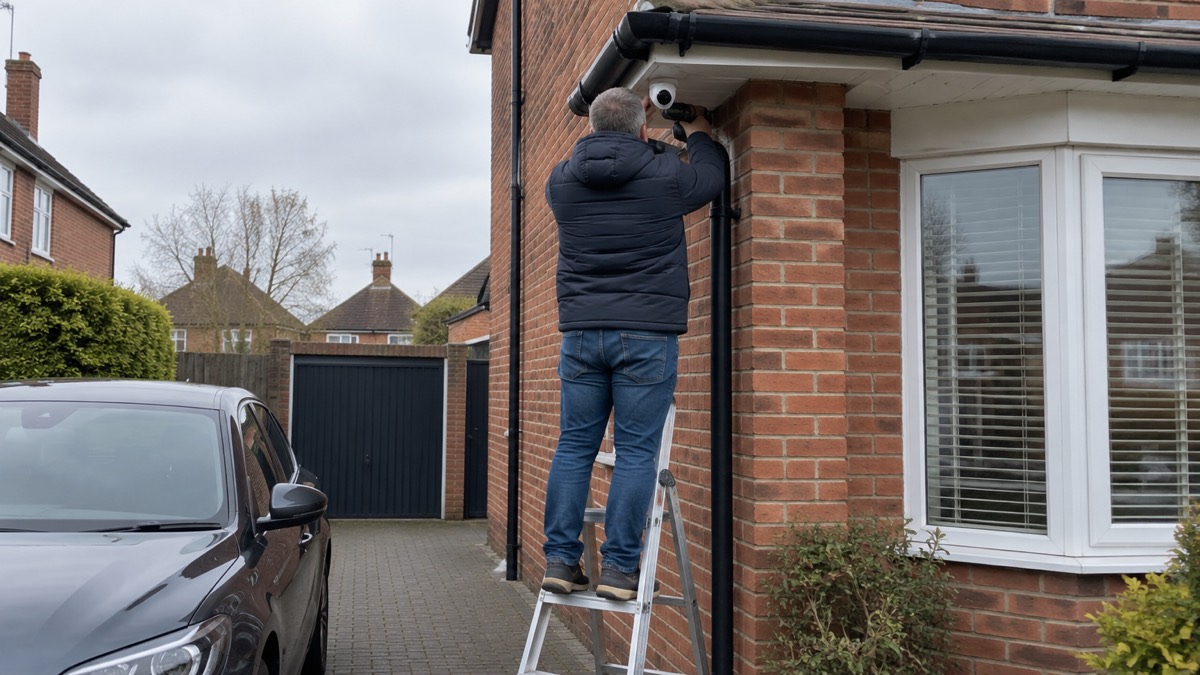
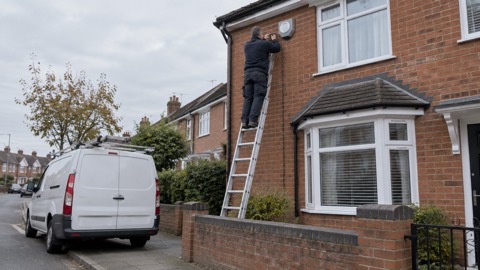
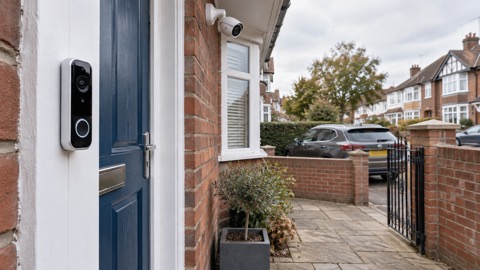
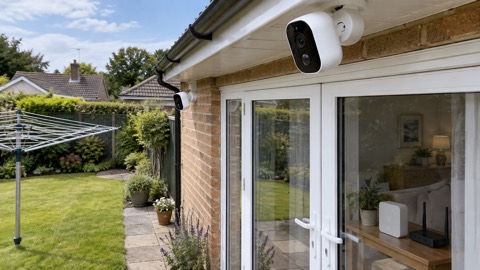
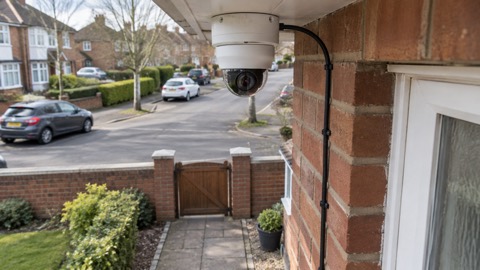
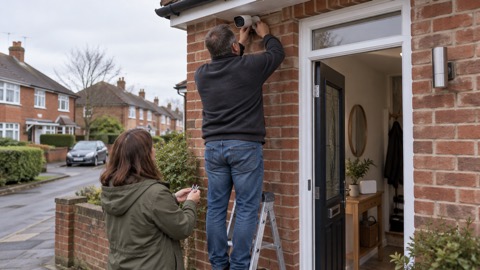
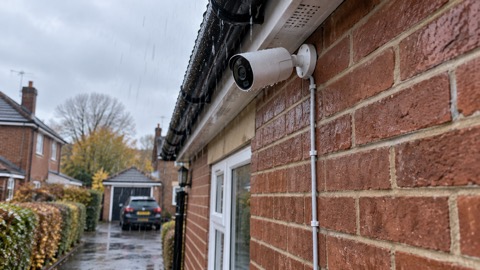
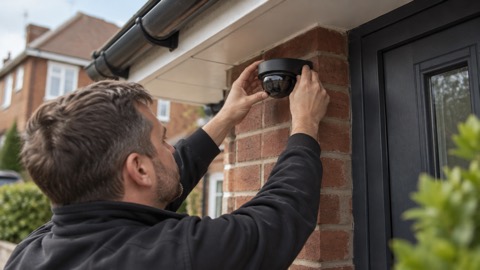
Positioning matters as well. Police Scotland advises mounting a camera 3 metres above the ground, which it says is more likely to record faces and stops thieves breaking the camera.2 Since 29 April 2024, UK manufacturers of consumer smart devices have had to comply with the Product Security and Telecommunications Infrastructure Act, including providing a contact point for reporting security issues.3
If someone has got into your camera
Treat unexpected access as an account-security problem, not simply a camera fault. The NCSC warns that live feeds or images can, in rare cases, be accessed by unauthorised users. Its explanation is that some cameras ship with manufacturer-set default passwords that are well known or guessable.4
- Follow the NCSC advice for hacked accounts, as recommended by Police Scotland, and keep the camera software and its app updated for the latest security updates.7
- Change any default password using the NCSC's three-random-words method.1
- Report suspicious emails to report@phishing.gov.uk; the NCSC will investigate them.8
- If you have lost money after a data breach, tell your bank and report it as a crime to Action Fraud. The NCSC identifies this as the UK reporting route except in Scotland.9
The detailed steps are in how to stop your security camera being hacked and camera and doorbell accounts. If you are considering switching off remote access, read whether it is safe to view your home camera remotely first. The NCSC cautions that disabling remote viewing may prevent movement alerts and could stop the camera working with smart-home devices such as Alexa, Google Home or Siri.4
Camera, doorbell or alarm
A camera is only one part of a system. The government's domestic CCTV guidance defines a CCTV system as including the camera, storage, recording and all associated equipment.10 That is why a buying decision should cover recording and retrieval, not just the camera unit.
| Choice | When it belongs in your assessment |
|---|---|
| Camera | When you are assessing coverage, recording, mounting and storage |
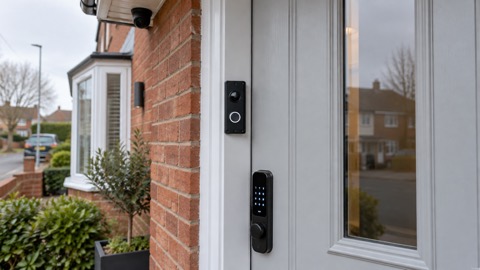
| Video doorbell | When the entrance is the focus; compare power, support and recording arrangements |
| Burglar alarm | When you want an alarm function rather than relying on images alone |
Secured by Design describes a hold-up alarm as invaluable if there is an intruder in the house.11 For a fuller comparison, see burglar alarm or CCTV camera, video doorbell or outdoor camera and the main burglar alarm guide. Police Scotland also advises checking that locks work and that alarm systems, motion lighting and CCTV are activated when leaving home.12
Do not confuse security alarms with fire and carbon-monoxide alarms. In England, relevant landlords must provide a carbon-monoxide alarm in living accommodation containing a fixed combustion appliance, excluding gas cookers.13 Scotland requires one smoke alarm in the living room or most-used room and one heat alarm in the kitchen; specialist alarms for deaf people or Telecare users must be additional.14
Types of camera and how they are powered
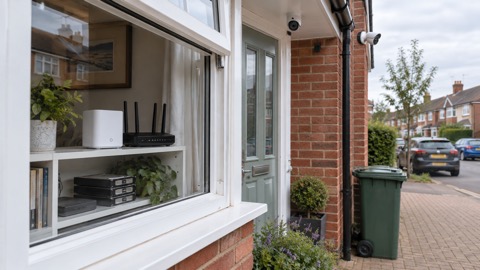
Battery, mains-powered, wired, PoE, floodlight and indoor models should be compared by what the household needs them to do. The NCSC says smart cameras usually connect through home Wi-Fi, so also establish what role any hub, recorder or internet connection plays.4 Our wired or battery camera comparison looks at that choice in more detail.
| Type to compare | What to establish for the exact model |
|---|---|
| Battery | Power arrangements, storage, update support and behaviour during outages |
| Mains or wired | What stops during a power cut and how footage is recorded |
| PoE | The required recorder or network equipment and its internet requirements |
| Floodlight | The power, recording and support arrangements for the complete unit |
| Indoor | Account privacy, remote viewing and where recordings are kept |
Model pages cover the Ajax BulletCam, Ajax TurretCam, Aqara Camera Hub G350, Arlo Essential 3 2K, Arlo Essential 3 Indoor, Arlo Pro 6, Arlo Ultra 2 and Arlo Ultra 3.
Other options include Blink Outdoor 4, Eufy SoloCam S340, eufyCam S3 Pro, eufyCam S4, Reolink Argus 4 Pro and Tapo C320WS. For EZVIZ, see the BC1-B2 Kit, C6 2K+, C6N and C8W Pro 2K. Wired and floodlight pages cover the Philips Hue Secure Wired Camera and Philips Hue Secure Floodlight Camera. UniFi models include the G5 Flex, G6 Bullet, G6 Dome, G6 Instant and G6 Turret.
Video doorbells
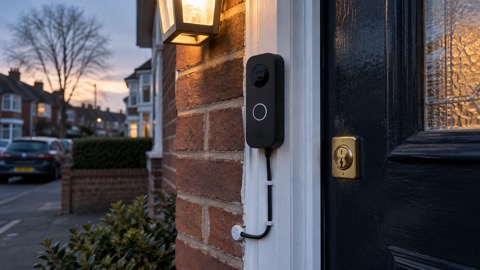
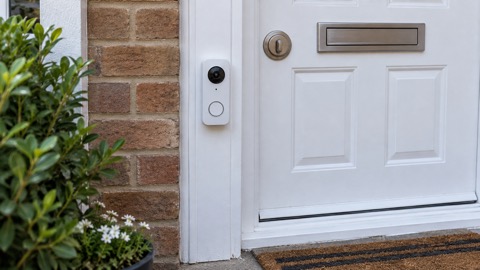
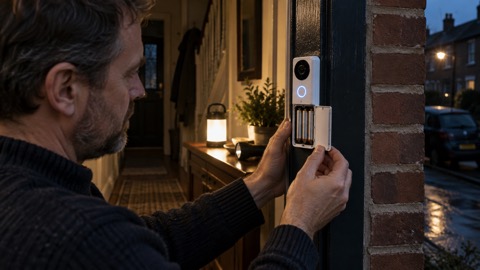
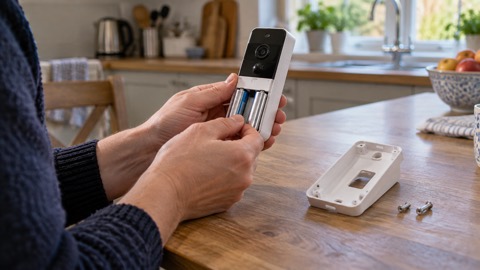
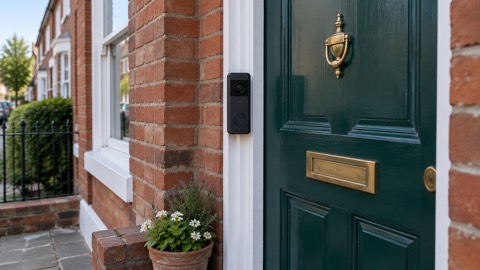
A video doorbell needs the same checks as a camera: power, account security, recording, support and behaviour when connections fail. Which? reported on 16 October 2026 that it had tested 60 video doorbells, showing that this is a substantial product category rather than a single standard arrangement.6
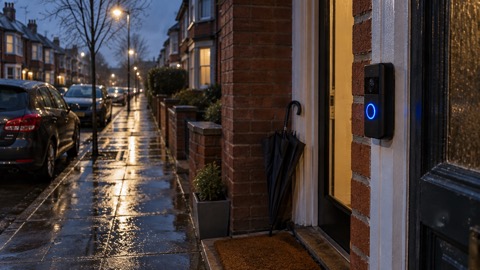
Start with the main video doorbell guide and the battery or wired doorbell comparison. Model pages include the Ajax DoorBell, Arlo Essential 2K Wireless Video Doorbell, Blink Video Doorbell, Blink Battery Doorbell 2K+ and Google Nest Doorbell (Battery).
Also compare the EZVIZ EP8 Ultra, EZVIZ HP3 Pro Peephole Camera, Ring Battery Video Doorbell, Ring Wired Video Doorbell, SimpliSafe Video Doorbell Pro, Tapo D230S1, UniFi Doorbell Lite, UniFi G4 Doorbell Pro and Yale Smart Video Doorbell. Use the individual specifications and support dates, not the product category alone, to make the choice.
Pointing a camera and the law
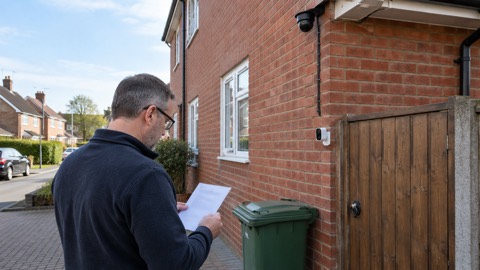
The government publishes specific guidance for people who wish to install, or already have installed, CCTV on their property. It was last updated on 21 May 2026. Read it alongside filming beyond your boundary before deciding where the camera points.10
"A CCTV system includes the camera, storage, recording and all associated equipment."
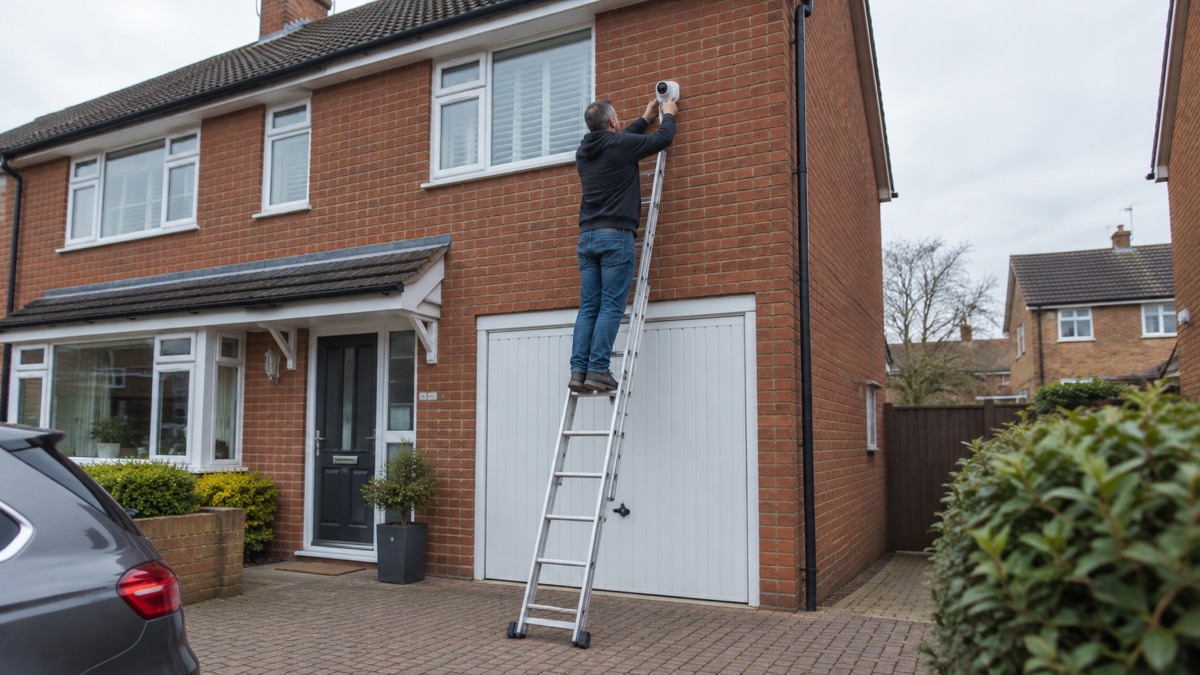
For physical placement, Police Scotland's stated mounting height is 3 metres above the ground.2
Suspicious observation is a separate issue. ProtectUK asks people to report anyone observing CCTV or security arrangements, or taking photographs of entrances and exits of specific buildings, as possible hostile reconnaissance.15
Storing footage and paying for plans
Storage is part of the CCTV system, not an optional detail to consider afterwards.10 Before choosing between local and cloud arrangements, get clear answers to these questions:
- Where is footage stored, and what equipment is needed to record it?
- Which functions require a paid plan, and which work without one?
- Can you retrieve the footage needed by the police?
- What happens to recording, alerts and remote viewing when broadband fails?
- What happens to stored footage when software support ends?
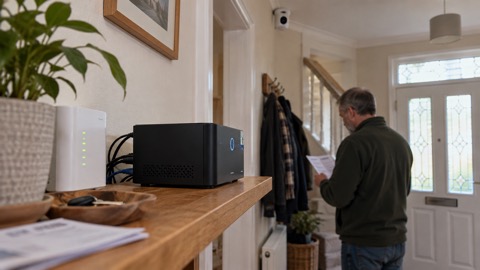
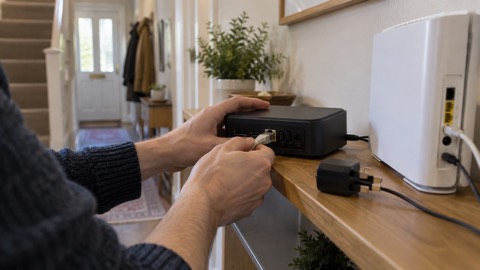
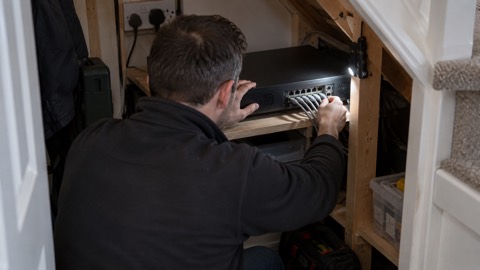
A hub or recorder name does not answer those questions by itself. Check the exact arrangement for the Eufy HomeBase S380, Reolink Home Hub, Reolink Home Hub 2, Reolink RLN4E Recorder, Ajax NVR, UniFi Network Video Recorder and UniFi Cloud Gateway Ultra. This avoids assuming that a camera without a subscription, or one with separate recording equipment, will necessarily meet every recording requirement.
Keeping the camera account secure
Set up the account before mounting and configuring the rest of the system.
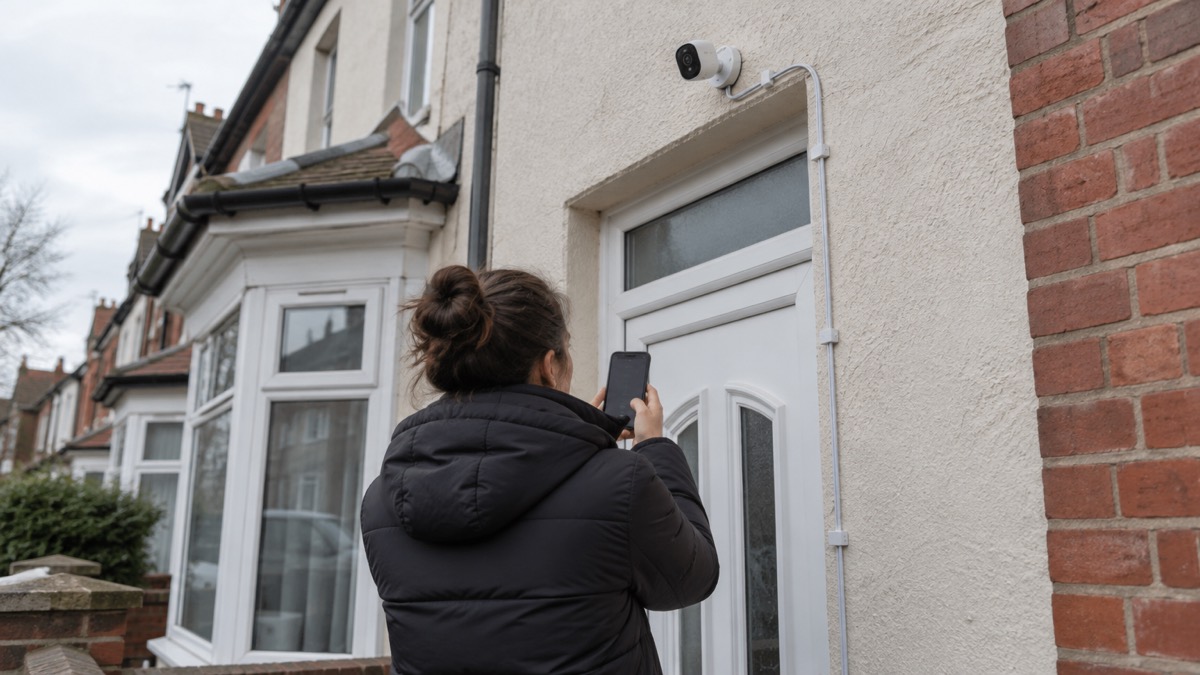
- Replace the default password. The NCSC recommends connecting three random words you will remember, usually through the management app.1
- Keep software and apps updated. Police Scotland identifies this as the way to receive the latest security updates.7
- Understand remote viewing. Disabling it may also disable movement alerts and integration with some smart-home devices.4
- Keep the manufacturer's security contact. UK law requires manufacturers to provide a point of contact for reporting security issues that could otherwise leave devices exploitable by cyber criminals.3
Power cuts and broadband failures
Because smart cameras usually use home Wi-Fi, include broadband and electricity failures in the purchase decision.4 Do not assume either that everything stops or that recording continues: check the manufacturer's instructions for the camera, storage and any intermediate equipment. The dedicated guide asks whether security cameras can record without the internet.
- Check recording, movement alerts and remote viewing separately.
- Check every piece of equipment on which those functions depend.
- Read the household power-cut guide and, if relevant, the backup-power guide without assuming backup power makes a camera system operational.
For help with a power cut, call 105 in England, Scotland and Wales. In Northern Ireland, call NIE Networks on 03457 643 643.5 These interruptions can be widespread: on 9 August 2019, over 1 million customers were affected across England, Wales and some parts of Scotland.16
When updates and support end
Find the update period for the exact model, not just the brand. UK smart-device law has applied since 29 April 2024, and manufacturers must provide a security-issue contact point.3 Our guide to camera and doorbell software updates explains what to check.
| Product or brand | Support information reported by Which? on 16 October 2026 |
|---|---|
| Arlo | Ends between December 2028 and December 2029, depending on model |
| Doro | Ends between December 2028 and December 2029, depending on model |
| Ring Battery Video Doorbell (2nd Gen) | Until at least December 2030 |
These are model-dependent dates, not a general promise for every device.6 Keep the support information with the account and recording details, and check the current position when choosing older equipment such as the Hive View or Hive View Outdoor.
Using footage after a break-in
If the intruder has gone, Police Scotland advises calling 101 or completing its online form.2 Keep the recording available and follow the police's instructions about supplying it. For suspicious activity before an incident, PSNI advice is to note details such as a description or car registration and contact the police.17
- Report the incident through the appropriate police route.
- Provide the description, vehicle registration or other details you have noted.
- Make the relevant footage available for identification and evidence.
ProtectUK's advice on demonstrations illustrates why recordings matter: where CCTV has recorded protesters, it says footage should be handed to police because it may assist identification and provide evidence where offences have been committed.18 For the wider household response, including immediate priorities and reporting, use the burglary guide.
Sources (18)
- Smart security cameras: using them safely in your home, National Cyber Security Centre, 2020-03-03
- Break-in and housebreaking advice, Police Scotland, 2026-11-02
- Smart devices law, National Cyber Security Centre, 2024-04-29
- Smart security cameras: using them safely in your home, PDF, National Cyber Security Centre, 2020-03-03
- Storm Ciarán safety and power-cut contacts, Suffolk County Council, 2026-10-29
- How to buy a smart video doorbell, Which?, 2026-10-16
- Hacked accounts, Police Scotland, 2026-11-03
- Report suspicious emails, websites and phishing, GOV.UK, 2026-10-29
- Data breaches: what to do, National Cyber Security Centre, 2023
- Guidance on the use of domestic CCTV, GOV.UK, updated 2026-05-21
- Alarms advice for domestic properties, Secured by Design, 2023
- Home security advice for West Lothian, Police Scotland, 2023-03
- Smoke and carbon-monoxide alarms, North Yorkshire Fire and Rescue Service, 2026-02-20
- Fire and smoke alarms in Scottish homes, Scottish Government, 2024-08-14
- ACT: report suspicious activity, ProtectUK, 2026-06-01
- GB power disruption, 9 August 2019, GOV.UK, 2019-08-09
- Advice on home safety, Police Service of Northern Ireland, 2022
- Physical threats, ProtectUK, 2022-10-06
 Camera Account Security
 Filming Beyond Your Boundary
 Video Doorbells Guide
 Camera Hacking
 Camera Software Updates
 Cameras Without Internet
 Remote Camera Viewing
 Alarm vs Camera
 Battery vs Wired Doorbell
 Doorbell vs Camera
 Wired or Battery Cameras
 Ajax BulletCam
 Ajax DoorBell
 Ajax NVR
 Ajax TurretCam
 Aqara Camera Hub G350
 Arlo Essential 2K Doorbell
 Arlo Essential 3 2K
 Arlo Essential 3 Indoor
 Arlo Pro 6
 Arlo Ultra 2
 Arlo Ultra 3
 Blink Battery Doorbell 2K+
 Blink Outdoor 4
 Blink Video Doorbell
 Eufy HomeBase S380
 Eufy SoloCam S340
 Eufy eufyCam S3 Pro Kit
 Eufy eufyCam S4 Setup
 EZVIZ BC1-B2 Kit
 EZVIZ C6 2K+
 EZVIZ C6N
 EZVIZ C8W Pro 2K
 EZVIZ EP8 Ultra
 EZVIZ HP3 Pro
 Google Nest Doorbell Battery
 Hive View Outdoor
 Hive View
 Philips Hue Secure Floodlight
 Philips Hue Secure Wired Camera
 Reolink Argus 4 Pro
 Reolink Home Hub 2
 Reolink Home Hub Storage
 Reolink RLN4E Recorder
 Ring Battery Video Doorbell
 Ring Wired Video Doorbell
 SimpliSafe Video Doorbell Pro
 Tapo C320WS Outdoor Camera
 TP-Link Tapo D230S1 Doorbell
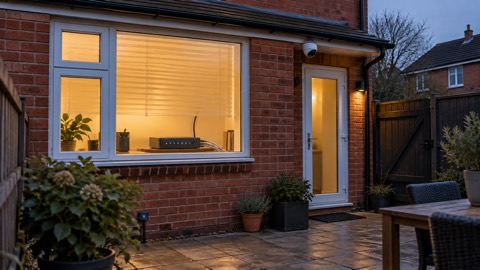 Ubiquiti UniFi Gateway Ultra
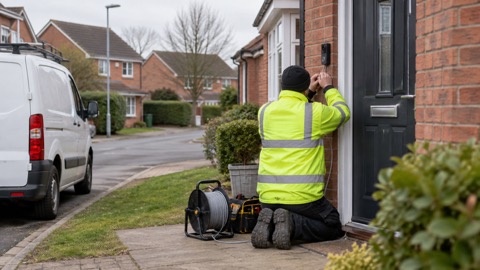 Ubiquiti UniFi Doorbell Lite
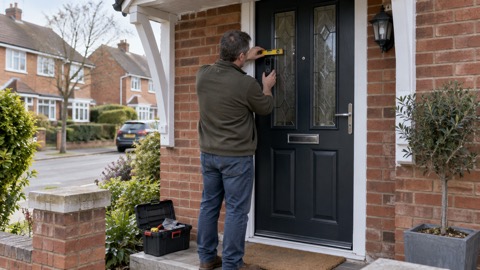 Ubiquiti UniFi G4 Doorbell Pro
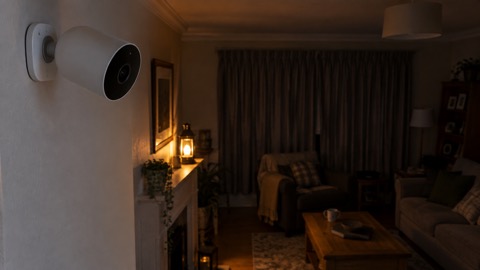 Ubiquiti UniFi G5 Flex Camera
 Ubiquiti UniFi G6 Bullet
 Ubiquiti UniFi G6 Dome
 Ubiquiti UniFi G6 Instant
 Ubiquiti UniFi G6 Turret
 Ubiquiti UniFi Network Recorder
 Yale Smart Video Doorbell