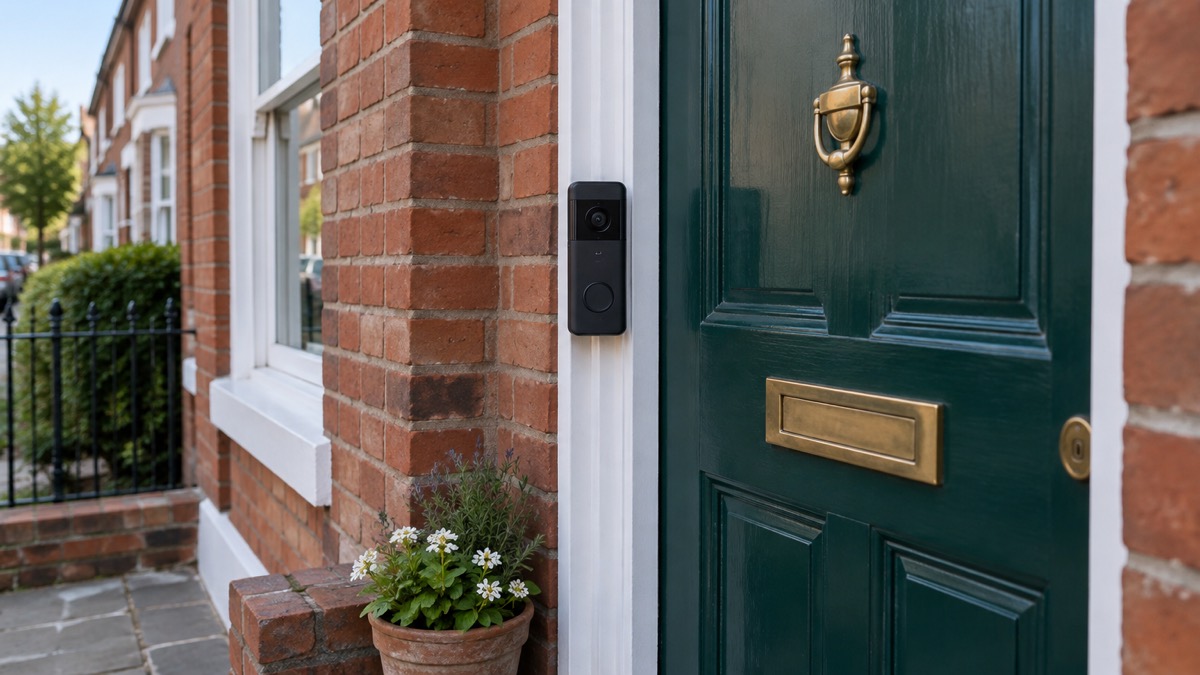
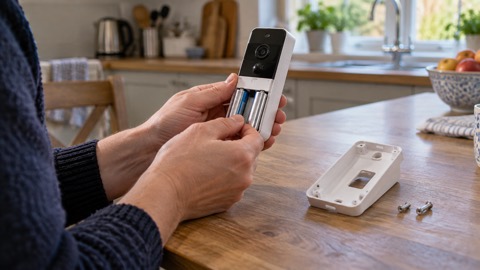
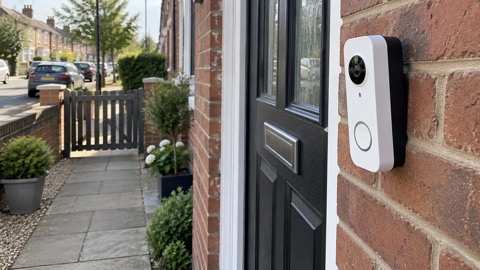
A Ring battery video doorbell is a doorbell with a camera built in, powered by a rechargeable battery you take out and charge rather than by your home's wiring. It sends an alert to your phone when someone presses the bell or sets off the motion sensor, and lets you see, hear and speak to whoever is at the door from wherever you are. Ring says the battery in its battery-powered doorbells and cameras lasts several months with normal use before it needs recharging1.
The main decision is battery or wired. A battery model suits a home with no existing doorbell wiring, and it keeps working from its own battery if the mains power goes off. A wired model needs your existing wiring or a plug-in adapter, and Ring sells both kinds1. The second decision is whether to pay for a subscription. You do not need one to watch live video or talk to a caller, but without one nothing is recorded and saved2.
This page covers what the Ring battery doorbells are, how the motion detection works, how they differ from the wired models, what the Guard Response subscription tier offers UK customers, and how to return one if it is not right for your home. For the wider question of whether a doorbell camera suits your house at all, see Video Doorbells: What They Do and How to Choose One.
Ring Battery Video Doorbell 4K Pro: what it is
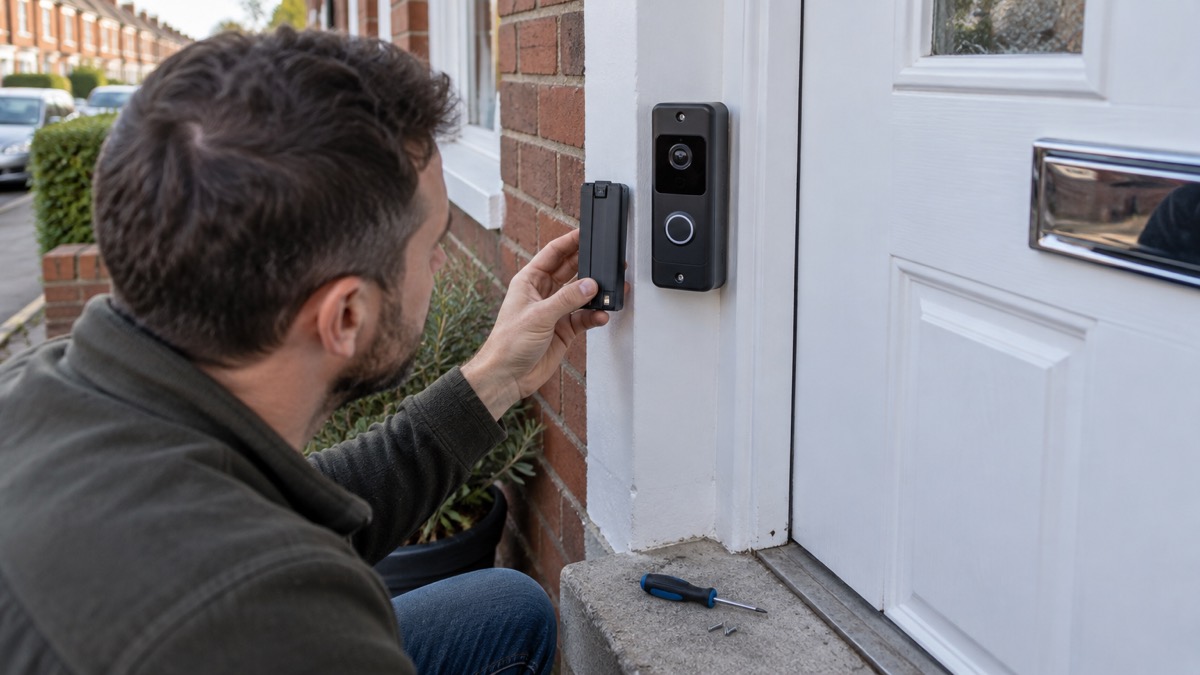
The Ring Battery Video Doorbell 4K Pro is the top of Ring's battery-powered doorbell range, and the headline specification is the picture: Ring lists it as Retinal 4K video5. That resolution matters most for one job, which is recognising a face or reading a number plate on a recording after the event rather than seeing a blurred shape at the door.
Every Ring video doorbell, battery or wired, does the same basic job. Ring says all of them can send notifications to your phone, tablet and PC when anyone presses the doorbell or triggers the motion sensor, and let you see, hear and speak to visitors from anywhere6. The differences between models come down to resolution, how the motion detection works, and how the unit is powered.
The battery models share a family of features. The Battery Video Doorbell 2K Plus, for example, uses a rechargeable removable battery and Ring lists Low-Light Vision and Adaptive Night Vision for it5. The Battery Video Doorbell 2K (2nd Gen) also uses a removable rechargeable battery, can be hardwired if you have the wiring, and Ring lists Colour Night Vision for it5. It connects over 802.11 b/g/n Wi-Fi at 2.4GHz5.
What it suits is a household that wants to see and speak to callers, wants a record of who came to the door, and does not want to run new wiring to the door. What it cannot do is work without a charged battery and a Wi-Fi connection. If either fails, the doorbell stops reporting.
3D motion detection
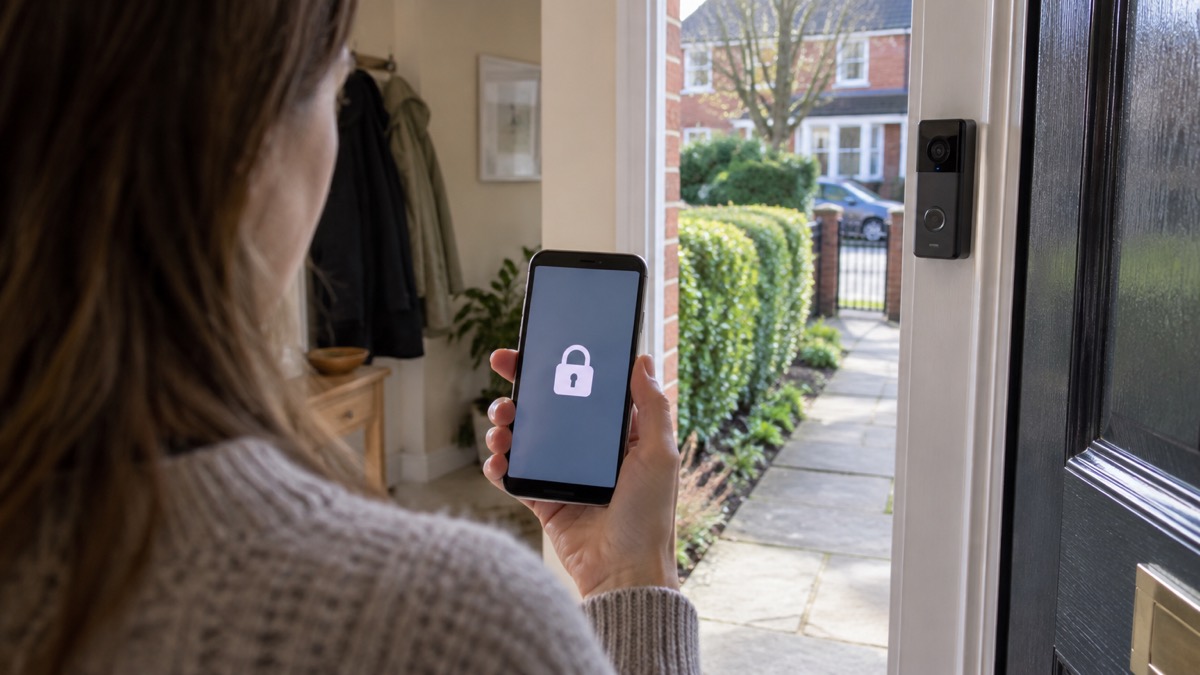
Motion detection is what turns a doorbell from a bell into a camera that watches the approach to your door. Ring's 3D motion detection is listed as a feature of the Battery Video Doorbell 4K Pro5. It is not on every model: Ring's product data marks it as absent on the Wired Video Doorbell 2K (2nd Gen)5.
The point of 3D detection is to judge distance as well as movement, so the camera can be set to alert you only when someone crosses a boundary you choose, such as the edge of your path, rather than every time a car passes or a cat walks by. Fewer false alerts means fewer notifications and, on a battery model, less battery used on recording events you did not care about.
For comparison, Ring gives the detection range of its Wired Video Doorbell 2K (2nd Gen) as motion up to 31 metres and face or object recognition up to 6.3 metres5. Those are the wired model's figures, not the battery model's, but they show the shape of the specification: a long range for spotting movement and a much shorter one for actually identifying what or who it is.
Two practical points follow. First, aim the camera at your own doorstep and path, not at a neighbour's window or the pavement beyond your boundary, because filming beyond your boundary brings data protection duties with it; our guide to Filming Beyond Your Boundary: CCTV, Doorbells and Data Protection explains what those are. Second, check the detection settings after a week. A doorbell that alerts you twenty times a day will be ignored within a fortnight, which defeats the purpose.
Battery or wired: how the Battery Video Doorbell differs from the Video Doorbell Pro
The choice between a battery doorbell and a wired one comes down to three things: whether you have doorbell wiring at the door, whether you want the doorbell to keep working in a power cut, and how much charging you are willing to do.
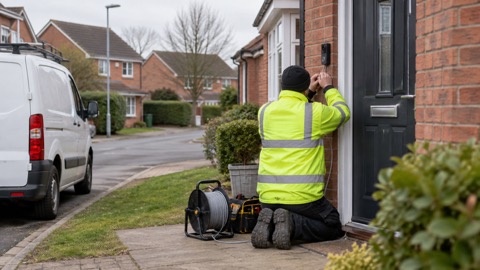
Ring's own support pages set out the split. Some Ring doorbells and cameras are battery-powered, and some are hardwired only, meaning they need to be hooked up to your home's existing wiring or to a plug-in adapter1. The wired models draw power continuously, so there is no battery to recharge, but they stop when the power does.
| Battery model | Wired model | |
|---|---|---|
| Power source | Removable rechargeable battery, can also be hardwired5 | Hardwired to existing doorbell wiring5 |
| Charging | Battery lifts out and is recharged; lasts several months with normal use1 | None, runs from mains |
| In a power cut | Keeps running from its own battery | Stops when the power does |
| Solar option | Listed as working with solar power on the Battery Video Doorbell 2K (2nd Gen)5 | Not listed as working with solar power5 |
| Best suited to | Homes with no doorbell wiring, or where a wire-free install is wanted7 | Homes that already have compatible wiring7 |
The wider trade-off is the same across the industry. Reolink, which makes both kinds, says battery models suit homes without existing doorbell wiring, while wired models provide continuous power for households with compatible wiring or Ethernet connections7. Reolink also notes that a wireless, battery-powered doorbell is better for easy installation, recording during power outages and portability7. Arlo makes the same point about its own doorbell, which can be installed wire-free on its integrated battery or connected to existing doorbell wiring8.
One caution on names. "Video Doorbell Pro" is used by more than one maker for a wired model, and it is not a Ring battery product. SimpliSafe, for instance, sells a Wired Video Doorbell Pro9. If you are comparing, check the power source on the specification rather than the model name.
If you are still weighing it up, our comparison of Battery or Wired Video Doorbell? sets the two approaches side by side.
Guard Response: Ring's subscription tier for UK customers
Ring devices do not require a subscription. Ring states that without one you can view real-time video for Ring doorbells and answer doorbell notifications as they happen1. Features such as instant notifications, Live View and Two-Way Talk are available out of the box and free on all Ring doorbells5.
What a subscription adds is memory. Ring says that without a subscription you can still view real-time video and answer notifications, but videos and photos will not be saved2. With a Ring Protect plan you can save, share and replay recorded video of every doorbell ring, motion event and Live View event for up to 180 days2. Which? puts the same point bluntly: you cannot store video from a Ring device without a subscription4.
New devices come with a trial. Ring says new Ring devices come with a Ring subscription trial that starts automatically when you set up a new video doorbell, security camera or alarm in the Ring app1. A free Ring Subscription trial is included with any Ring Video Doorbell purchase unless you already have a Ring Subscription at the same location2. Anyone who has set up a Ring device is eligible to buy a subscription afterwards10.
In July 2026 Ring introduced a Guard Response tier for UK customers. The Independent reports that it automatically dispatches a licensed security guard to a triggered alarm within 30 minutes, and that the guard then calls the emergency services if needed11. That is a monitoring service rather than a recording plan, and it is a separate decision from whether you want your doorbell footage stored. If professional monitoring is what you are after, our guide to Monitored Alarms: Receiving Centres and Who Responds explains how these services work and who turns up.
Charging, mounting and looking after a battery doorbell
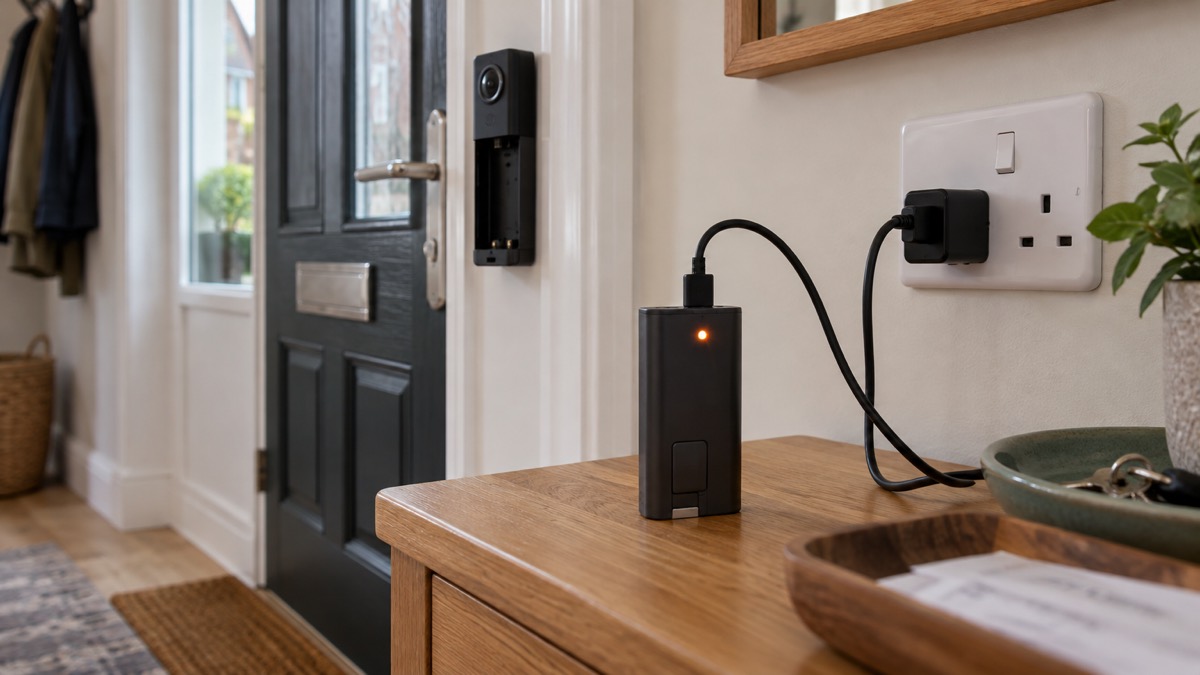
The battery is the part that needs looking after. Ring says the batteries in its battery-powered doorbells and cameras last several months with normal use before needing to be recharged1. Cold weather, a busy doorstep and lots of live viewing will all shorten that. Recharge when the app tells you the battery is low rather than waiting for it to die, so the doorbell is not offline for a day while you remember to plug it in.
Follow the maker's instructions for your model when charging and refitting the battery, and use the charging cable and power supply Ring supplies for it. Do not force a battery into the compartment or refit it wet. If the doorbell is mounted where it gets direct rain, check the seal and the mounting after storms.
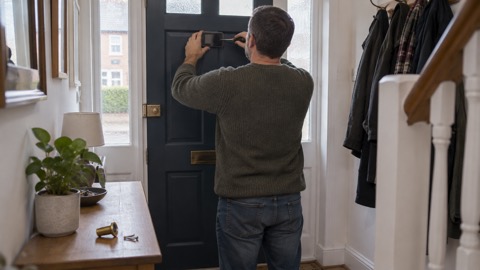
On mounting, the practical rules are simple. Fix the doorbell at a height where it sees faces rather than the tops of heads, and where it cannot be reached easily from the ground. Point it at your own door and path. If you rent, get permission before drilling, and check your tenancy agreement; our guide to Smart Locks in Rented and Shared Homes covers the same permission questions for door hardware.
Wi-Fi is the other thing that decides whether the doorbell works well. The Battery Video Doorbell 2K (2nd Gen) connects over 802.11 b/g/n Wi-Fi at 2.4GHz5. A doorbell at the front of the house on the far side of a thick wall may struggle; if yours drops offline, our guide to Alarms and Cameras on a Weak Mobile Signal or Slow Broadband sets out what to try.
Finally, secure the account. A doorbell camera is a camera on your network, and the account behind it is worth protecting. Our guide to Camera and Doorbell Accounts: Stopping Strangers Getting In covers passwords and two-factor authentication, and How Long Do Cameras and Doorbells Get Software Updates? explains why you should install updates when they arrive.
Returns: 30 days for a full refund
Ring's returns policy is straightforward. You have 30 days from the date you received your device to request a full refund with no questions asked3. The return is free of charge as long as it originates from the same country the device was delivered to3. Ring directs customers to request the return through its customer support team12.
The same 30 day terms appear across Ring's product pages, including the Battery Video Doorbell (2nd Gen)10, the Alarm range13 and individual sensors14. It is a consistent policy rather than a special offer on one item.
To start a return, contact Ring customer support within the 30 days and ask for a refund. Keep the device, its battery, charger, mounting screws and any accessories together, because a return missing parts may be queried. Do not drill the mounting holes until you have decided to keep it: a doorbell that has been screwed to the wall is harder to send back in its original condition.
Ring Automotive, a separate business that makes torches and tyre inflators, runs its own 60 day no quibble returns policy on its products13. Do not assume the two policies are the same; check which Ring business you bought from.
Support, software and how long it lasts
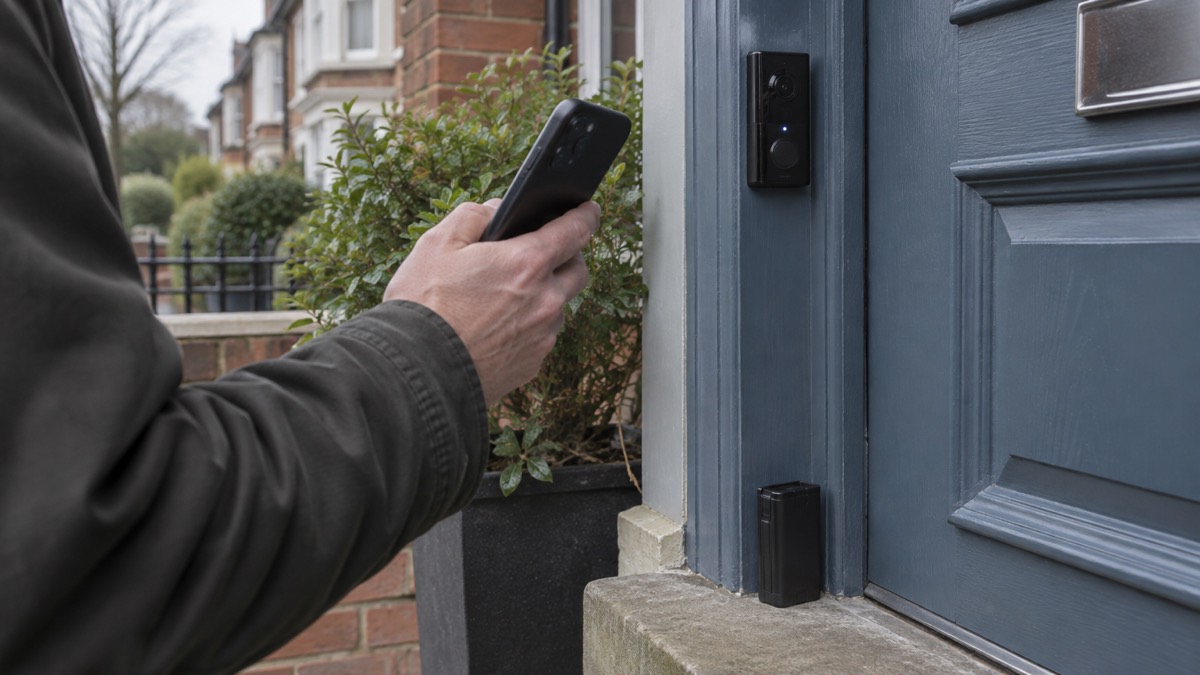
A doorbell is a small computer, and like any computer it needs security updates for as long as you rely on it. Which? reports that Ring has said it will support all video doorbells for at least four years after the device is last available to purchase4. For the Ring Battery Video Doorbell (2nd Gen), Which? lists a software update period until at least December 20304.
That is a commitment from the maker, reported by an independent tester, and it is worth knowing before you buy. Which? makes the same point about other brands: it lists a software update period of at least four years from discontinuation for Ring's indoor cameras15. The pattern across the industry is that support is measured from when a model stops being sold, not from when you bought it, so a model near the end of its life will be supported for less time than a new one.
If something goes wrong, Ring's support pages are the first place to look, and the customer support team handles both faults and returns12. Keep your order confirmation, because the 30 day returns window and any warranty claim both run from the delivery date3.
For the wider picture of how a doorbell fits with alarms, cameras and lighting, start with our Home Security: A Household Guide, and if you are weighing a doorbell against a separate outdoor camera, Video Doorbell or Outdoor Camera? sets out the difference.
Sources (15)
- Doorbell and Security Camera FAQ, Ring, 2026
- Ring Video Recording and Ring Protect Plans, Ring, 2026-11-03
- Alarm Security Contact Sensor (Gen 2), Ring, 2026-11-03
- How to buy the best smart video doorbell, Which?, 2026-10-16
- Ring Wired Video Doorbell (2nd Gen) product page, Ring, 2026
- Video Doorbell Cameras, Ring, 2026
- Reolink Video Doorbells, Reolink, 2026
- Arlo Video Doorbells, Arlo, 2026
- Home Security System Essentials | SimpliSafe, SimpliSafe UK
- Ring Battery Video Doorbell Plus (2nd Gen) product page, Ring, 2026
- Best home security system, The Independent, 2026-07
- Alarm Security Outdoor Siren, Ring, 2026-11-03
- Alarm Security 5 Piece Kit (Gen 2), Ring, 2026-11-03
- Alarm Security Motion Detector (Gen 2), Ring, 2026-11-03
- Best indoor security cameras, Which?, 2026-08-18

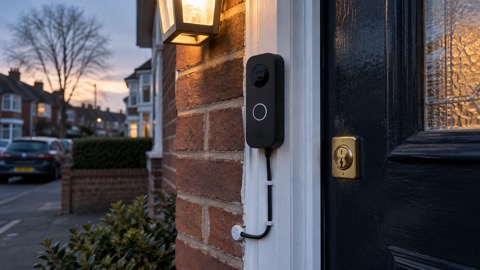 Ajax DoorBell
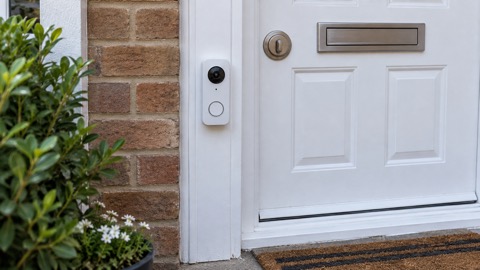 Arlo Essential 2K Doorbell
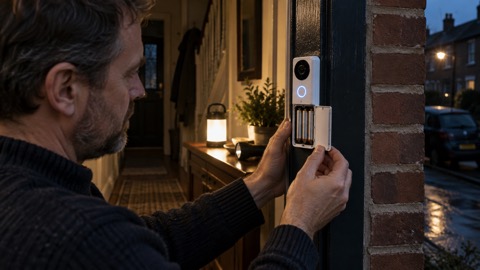 Blink Battery Doorbell 2K+
 Blink Video Doorbell
 EZVIZ HP3 Pro
 Google Nest Doorbell Battery
 Ubiquiti UniFi Doorbell Lite
 Ubiquiti UniFi G4 Doorbell Pro