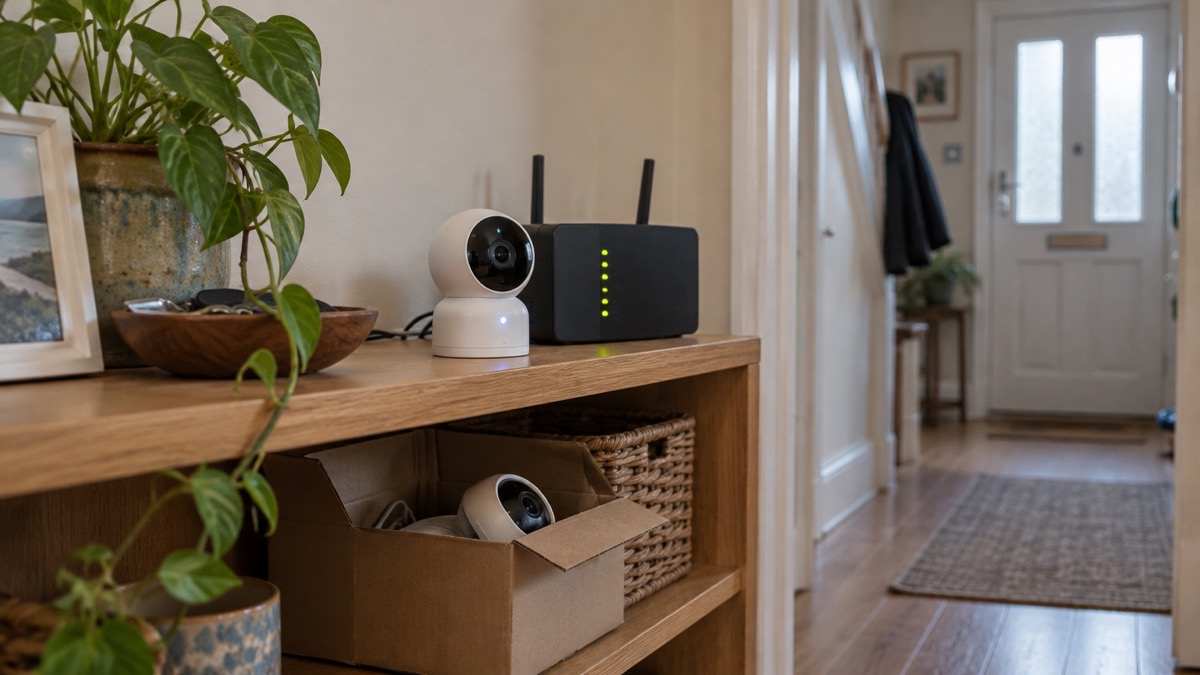
A security camera or video doorbell is only as good as the software running on it. Makers issue firmware updates to close security holes and fix faults, and the question every household should ask before buying is how long those updates will keep coming. The answer varies enormously: some makers promise at least four years after a device is last sold, others two years from purchase, and some publish no period at all.
The clearest commitment comes from Ring, which has said it will support all video doorbells for at least four years after the device is last available to purchase1. Its wired doorbells carry the same promise in the maker's own words: the device "gets software security updates until at least four years after it is bought new from this website"2. That wording matters, because it ties the promise to buying new from Ring directly.
For an ordinary household the practical steps are simple. Check the stated update period for the exact model before you buy, keep automatic updates switched on, and know what you will do when support ends. This page sets out what the main makers promise, how to check and manage updates, and what changes when a device stops being supported.
Ring doorbells get security updates for at least four years after purchase
Ring has made the broadest public commitment of the doorbell makers. It has said it will support all video doorbells for at least four years after the device is last available to purchase1. For individual models this translates into firm dates: the Battery Video Doorbell (2nd Gen) has a software update period until at least December 2030, and the Video Doorbell Wired (2nd Gen) until at least 20301.
The same four-year principle runs across Ring's alarm range. Ring has said it will support all of its alarm systems with software updates for at least four years after the device is last available to buy on the Ring website5. The Ring Alarm Base Station carries the promise that it "receives guaranteed software security updates until at least four years after the device is last available for purchase as a new unit on our websites"6. Individual kits have their own dates: the Ring 5 Piece Kit (Second Generation) with Outdoor Siren has a software update period until at least 20285.
Amazon applies a similar rule to its other camera brand. Ring and Blink security cameras will be supported for at least four years from launch7. The Blink Video Doorbell (Gen 2) is listed with a software update period of four years after purchase from Amazon1.
| Device | Stated software update period | Source |
|---|---|---|
| Ring Battery Video Doorbell (2nd Gen) | Until at least December 2030 | 1 |
| Ring Video Doorbell Wired (2nd Gen) | Until at least 2030 | 1 |
| Ring Wired Video Doorbell 2K (2nd Gen) | At least four years after purchase new from Ring | 2 |
| Ring Wired Video Doorbell 4K Elite | At least four years after purchase new from Ring | 8 |
| Ring Alarm Base Station | At least four years after last available as a new unit | 6 |
| Ring 5 Piece Kit (2nd Gen) with Outdoor Siren | Until at least 2028 | 5 |
| Blink Video Doorbell (Gen 2) | Four years after purchase from Amazon | 1 |
The four-year promise applies to doorbells bought new from the maker
The wording of Ring's product pages is precise, and it is worth reading closely before you buy. The promise covers a device "bought new from this website"2. A doorbell bought from another retailer, or passed on second-hand, may not carry the same stated commitment, even though the brand-wide statement is broader.
Other makers set their own periods, and they differ in what the clock runs from. Some count from purchase, some from launch, some from the date a product is discontinued. The table below sets out the periods published for a range of doorbells and cameras.
| Maker or model | Stated update period | Source |
|---|---|---|
| Yale Smart Video Doorbell | Four years from discontinuation, and until January 2028 | 1 |
| Philips Hue Wired Video Doorbell | Five years from purchase | 1 |
| Nest Doorbell (Battery) | Five years from release date | 1 |
| SimpliSafe Video Doorbell Pro | Three years from launch | 1 |
| TP-Link Tapo D230S1 Smart Battery Video Doorbell | Three years from discontinuation | 1 |
| Eufy doorbells | At least five years from launch | 1 |
| Arlo | Support ends between December 2028 and December 2029, depending on model | 1 |
| Swann | Two years from the date of purchase | 1 |
| Reolink | At least two years after the product is last for sale | 1 |
| Arlo 2K Wireless Video Doorbell | Software update period unknown | 1 |
The differences are not small. A Swann product supported for two years from purchase and a Philips Hue doorbell supported for five years from purchase sit at opposite ends of the same market. The lesson for a household is to treat the update period as a specification in its own right, as important as resolution or night vision, and to check it for the exact model rather than the brand.
Updates that add features: Arlo Pro 5S and Apple Home
Not every update is a security patch. Some add features, and some features depend on a particular firmware version being installed. Ajax, for example, states that its Photo by tamper alarm feature is available only for devices with firmware version 16.132.41.30 or later, manufactured from March 20269. The same version is required for the Superior Jeweller radio protocol and firmware update feature9. On the MotionCam Outdoor, the setting to notify you of a risk of fast battery discharge is available with firmware version 6.59.4.15 and later, except version 7.58.5.1210. Whatever the feature, regular software updates are essential throughout a smart product's lifetime, and failing to update could affect the full functionality and security of your smart home5.
Subscription services also shape what a camera can do. Arlo Secure includes 30 days of video storage, enhanced motion detection, and a pledge to replace your doorbell if it is stolen1. That is a service attached to the account rather than the hardware, and it depends on the device continuing to receive updates.
Apple Home support is another feature that arrives by update. Arlo cameras including the Pro 5S show up in the Apple Home app for live view and notifications when on AC power and connected to a Base Station or SmartHub11. If you rely on a smart home platform, check that your model is supported before you buy, because the integration is a software feature and can be added or changed. Regular software updates are essential throughout a smart product's lifetime, and failing to update could affect the full functionality and security of your smart home5.
Regular software updates are essential throughout a smart product's lifetime, and failing to update could affect the full functionality and security of your smart home12. That is the wider point: updates are not only about security. They keep the features you paid for working, and they keep the device compatible with the app and platform you use to control it.
When a firmware update goes wrong
Most updates pass without incident, but they can fail, and the consequences range from a device that misbehaves to one that stops working. A reviewer reported that an Aqara Smart Lock U200, after about eight months of good operation, malfunctioned following a firmware update to version 3.0.0_0080: the lock turned without engaging, failed to calibrate and showed repeated bolt errors13. That is a smart lock rather than a camera, but the lesson carries across connected home devices: an update can introduce a fault as well as fix one. Secured by Design advises updating IoT software to receive security fixes for vulnerabilities and enabling automatic updates9.
The practical defences are straightforward. Keep the device powered as the maker requires during an update, because an interrupted update is more likely to leave a device in a bad state. Ajax states that its hub update takes up to 2 minutes with the security system disarmed and the external power supply and backup battery connected14. Another Ajax manual gives the same figure with the system disarmed and the internal or external power source connected15. The update process is automatic and takes minutes when the security system is disarmed16.
If an update notification arrives unexpectedly, be cautious. Get Safe Online advises that if you receive update notifications out of the blue, you should first check that you do indeed have the software or app loaded, then go to the supplier's official website to check directly for the latest updates17. That guards against fake update prompts, which are a common way to deliver malware.
How to check the firmware version and keep updates on
You do not need to understand the firmware to manage it. You need to know how to check which version is running and how to make sure updates arrive without you having to remember them.
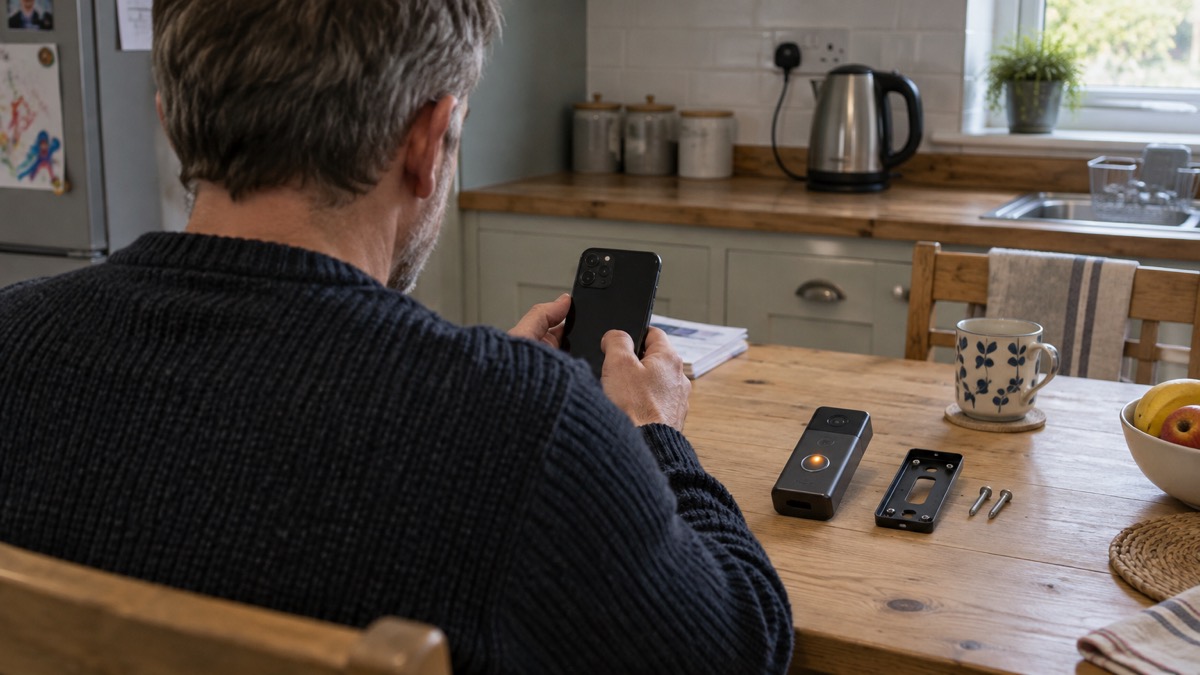
The National Cyber Security Centre advises setting all software and devices to update automatically, including your antivirus software3. Secured by Design gives the same advice for internet-connected devices: as with all software, they need updating to receive security fixes for vulnerabilities, and you should enable automatic updates18. Essex Prepared's cyber security guidance makes the same point: software and app updates contain vital security updates to help protect your devices from cyber criminals19. Police Scotland advises keeping software and apps updated for the latest security updates20.
Checking the version is usually a matter of opening the maker's app and looking in the device settings. Some devices also signal an update through their light. The IndoorCam uses a secure automatic firmware update with signature verification21.
A simple routine keeps a household on top of this:
- Turn on automatic updates in the app and leave them on3.
- Check the firmware version every few months, and after any notification9.
- Keep the device powered as the maker requires during updates14.
- If a notification arrives out of the blue, check the supplier's official website before acting17.
- Note the date support is due to end, so you are not caught out1.
After security updates stop
Every connected device has an end. When the maker stops issuing updates, the device no longer receives fixes for newly found vulnerabilities, and it becomes a weaker point on your home network. Some products stop working altogether. Hive has said that its View Camera, a discontinued smart security product, would no longer function following the three-year support period ending on 1 August 20254.
The support periods published by makers vary widely, and some are open-ended in practice. TP-Link has said it will support cameras for three years after the product is last for sale7, and separately that it will support products for three years after the product is last for sale1. Reolink has said it will support cameras for at least three years after the product's end-of-life date7. Eufy has said it will update its cameras for at least three years from launch7. Yale has said it will support its products for four years5, and Somfy for two years from the date of manufacture5.
Some products carry no published period at all. The Amalock ALM1000 Wi-Fi Alarm Kit is listed with a software update period unknown5, and the Arlo Essential 2K Indoor Camera likewise7. An unknown period is not a reason to avoid a device, but it is a reason to plan for replacement sooner rather than later.
When support ends, you have three options: replace the device, keep it but isolate it from the rest of your home network, or accept the risk. For most households the first is the cleanest. If you keep it, treat it as a device you no longer trust with anything sensitive.
Buying second-hand, from other retailers, or a new model
The support period should shape where you buy as well as what you buy. Ring's product pages tie the four-year promise to a device bought new from its website2, so a second-hand unit or one from another shop may not carry the same stated commitment. That does not make it unsafe, but it does mean you should check the model's period yourself rather than rely on the brand's headline promise.
For a second-hand doorbell, a few checks make the difference:
- Find the model's stated software update period before you pay.
- Check the firmware is current and that automatic updates are available9.
- Make sure the previous owner has removed the device from their account, so you can set it up as your own.
- Check the support end date, and decide whether you are happy to replace it when support ends.
Buying from another retailer is usually fine, but the promise may be worded for direct purchases. The brand-wide statements, such as Ring's commitment to support all video doorbells for at least four years after the device is last available to purchase1, are broader than the product-page wording, but the safest approach is to check the exact model.
Newer models do not automatically get longer support. A recent launch may still carry a shorter stated period than an older device, so check the figure for the model rather than assuming. If you are choosing between a doorbell and a camera, or between wired and battery models, the support period is one more column in the comparison, alongside power, storage and how the device connects. Our guides to video doorbells and home cameras and CCTV set out those choices, and camera and doorbell accounts explains how to keep the account itself secure.
Sources (21)
- How to buy the best smart video doorbell, Which?, 2026-10-16
- Ring Wired Video Doorbell 2K (2nd Gen), Ring, 2026-11-03
- Protecting devices from viruses and malware, National Cyber Security Centre, 2024
- Product news, Hive, 2026-11-03
- Best burglar alarms and smart security systems, Which?, 2026-05-19
- Ring Alarm 5 Piece Kit (2nd Gen), Ring, 2026-11-03
- Best indoor security cameras, Which?, 2026-08-18
- Ring Wired Video Doorbell Elite (2nd Gen), Ring, 2026-11-03
- Superior MotionCam HD (PhOD) Jeweller manual, Ajax Systems, 2026-09-28
- MotionCam Outdoor manual, Ajax Systems, 2026-09-28
- Best smart security camera UK, The Smart Home Guide, 2024-01-01
- Smart homes safety advice, Electrical Safety First, 2026-10-25
- Aqara Smart Lock U200, Aqara, 2025-07-29
- Superior Hub Hybrid 2 manual, Ajax Systems, 2026-10-06
- Hub 2 manual, Ajax Systems, 2026-09-25
- OS Malevich update guidance, Ajax Systems, 2026-10-27
- CCleaner warning: what you need to know, Get Safe Online, 2017-09-19
- Cyber security advice, Secured by Design, 2026
- Cyber security, Essex Prepared, 2026-10-29
- Hacked accounts, Police Scotland, 2026-11-03
- IndoorCam specifications, Ajax Systems, 2026-11-02
 Moving Home Locks Checklist
 After a Break-In Checklist
 Holiday Security Checklist
 Camera Hacking
 Cameras Without Internet
 Remote Camera Viewing