

Swann makes home security cameras that a household can fit itself, and the CoreCam is the model described in the maker's own product information: a wireless camera with two-way talk, a siren, heat and motion detection, 1080p HD video and an IP65 weatherproof rating for outdoor mounting1. It comes with a 32GB microSD card for local storage, and Swann states that footage can be stored locally with a DVR, NVR or microSD card with no ongoing cloud fees required1. A rolling 24 hours of cloud backup is included, and an optional Secure+ subscription extends that to 60 days1.
For a household preparing for emergencies, the useful part is that the camera keeps working as a camera whether or not you pay a subscription, and that the footage can sit on a card in your own home. The maker states that all its products are yours to own with no ongoing costs or fees, and that its servers are secure in the UK with no unknown overseas data sharing2.
This page covers what Swann makes, how the kit is installed, where footage is stored, what happens to your data, how to use a camera during an emergency, and where to get support. It does not cover prices, and it does not rank Swann against other makers.
What Swann makes for UK households
Swann describes itself as a trusted leader in DIY and professional surveillance, with over 35 years of global security expertise1. In practice that means cameras and recording equipment a household can buy, mount and run itself, rather than a monitored service installed and managed by a security company. The CoreCam is the model whose specifications are set out in the maker's product information, and it is the one this page describes in detail.
The kit is designed around two jobs. The first is watching: a camera with heat and motion detection, a microphone and speaker for two-way talk, and a siren to deter activity1. The second is keeping what it sees: footage recorded to a microSD card in the camera, or to a DVR or NVR, with cloud backup as an extra rather than the only option1.
| Feature | What the maker states | Why it matters to a household |
|---|---|---|
| Video | 1080p HD1 | Clear enough to identify people and vehicles at the distances a home camera covers |
| Weatherproofing | IP65 rating, mount outdoors1 | Can stay mounted through wind and rain, including storm seasons |
| Detection | Heat and motion detection1 | Alerts you to activity rather than recording continuously |
| Two-way talk | Microphone and speaker to talk with people near the camera1 | Lets you speak to a caller or a neighbour without opening the door |
| Siren | Deter activity with loud siren1 | A visible and audible deterrent when something is happening |
| Local storage | 32GB microSD card included1 | Footage stays in your home even if the internet or a subscription fails |
| Remote viewing | Watch live feeds or review footage remotely using Wi-Fi1 | Check your home while you are away or after an alert |
For a household building an emergency plan, the camera belongs in the same conversation as locks, lighting and neighbours. The police service's home security guidance is the place to start on the physical side, and our guide to home security sets out the wider picture: doors and windows, lighting, and what to do before you go away2.
Founded in Melbourne in 1987, with over 35 years in security
Swann is widely associated with Melbourne, Australia, and the company's own product information describes over 35 years of global security expertise1. The material here does not give a founding date or city, so if the exact history matters to you, check it with the maker rather than relying on a secondhand account.
What the maker does state is the experience claim: over 35 years of global security expertise, and a position as a trusted leader in DIY and professional surveillance1. That framing explains the shape of the product range. The kit is sold to be installed by the household, with the option of professional installation for larger systems, rather than being a service that arrives with a contract.
For a UK household, the practical question is not the company's age but whether the kit suits the way you live. A camera you fit yourself can be mounted where you need it, moved when you move house, and kept running without a monthly bill. The trade-off is that you are responsible for installation, for keeping the account secure, and for checking that the camera is still working after a storm or a power cut.
No ongoing fees: the kit is yours to own
Swann sells the camera as a product you keep, and states that footage can be stored locally with a DVR, NVR or microSD card with no ongoing cloud fees required1. The CoreCam includes a 32GB microSD card for exactly that purpose1. A rolling 24 hours of cloud backup is included as standard, and the optional Secure+ subscription extends cloud backup to 60 days and adds smarter alerts, rich notifications, a 3 year extended warranty, insurance coverage and exclusive special offers1.
That structure matters in an emergency. If the internet goes down, or a subscription lapses, or a cloud service is disrupted, a camera recording to its own card keeps recording. If the card fills up, older footage is overwritten, so check it periodically and keep anything you might need.
| Option | What you get | What it costs you |
|---|---|---|
| Local only | Recording to the included 32GB microSD card, or to a DVR or NVR1 | No ongoing cloud fees required1 |
| Included cloud | A rolling 24 hours of cloud backup1 | Included with the camera1 |
| Secure+ subscription | 60 days of cloud backup, smarter alerts, rich notifications, a 3 year extended warranty, insurance coverage and special offers1 | A paid subscription, optional1 |
The subscription is an add-on, not a key. Nothing in the maker's information suggests the camera stops recording locally if you do not subscribe. If you want the simplest setup, run it on the card and treat the cloud as a convenience.
Where your footage is stored: secure UK servers
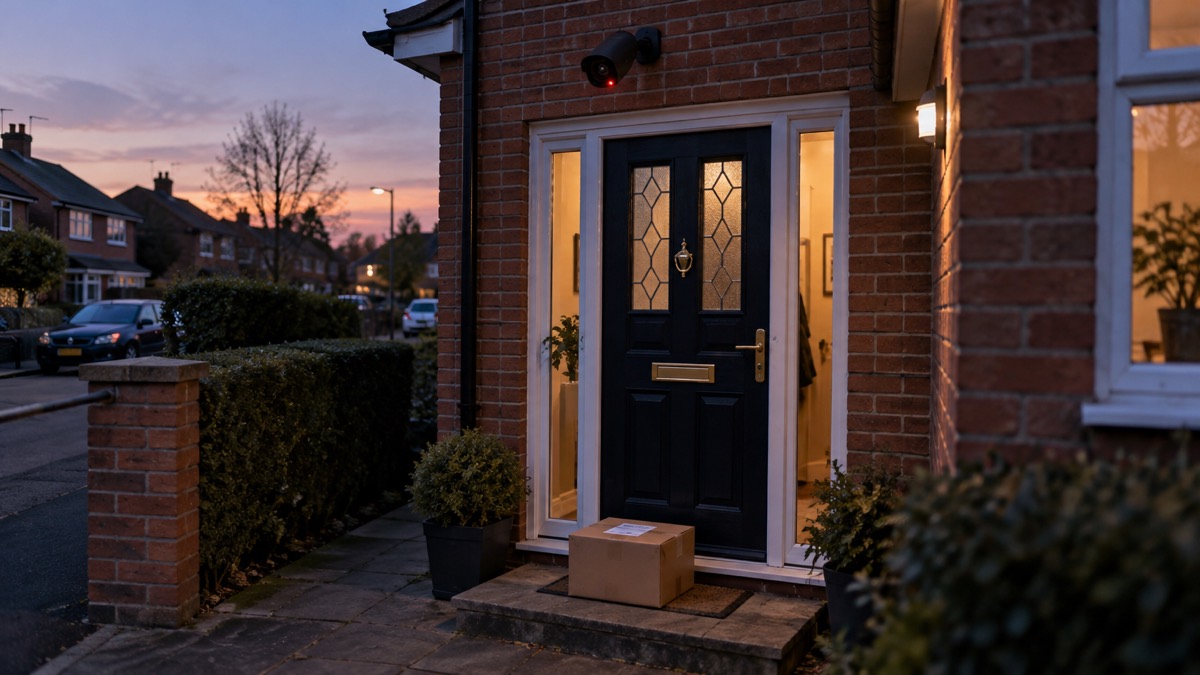
The maker's product information describes local storage as the core of the system: footage stored on a DVR, NVR or microSD card, with no ongoing cloud fees required1. The CoreCam ships with a 32GB microSD card for local storage1. Cloud backup is available as a rolling 24 hours included, or 60 days with Secure+1.
The material here does not set out which servers hold Swann's cloud footage or where they are located, so this page cannot confirm a UK-only storage claim. What it can say is that the local option keeps footage in your own home, on a card you control, which is the simplest way to limit who else can see it. If cloud storage matters to you, check the maker's current privacy terms before you buy.
Whichever you choose, the account that controls the camera needs protecting. The National Cyber Security Centre advises that passwords are often stolen when an organisation holding your details suffers a data breach, and that you should use a strong, separate password for important accounts3. Two-step verification adds a second check at sign-in, and the NCSC explains how to set it up on popular services at ncsc.gov.uk/2sv3. Police Scotland makes the same point: if someone can access your device, they might be able to use your saved passwords to log into your accounts4.
What happens to your data and who can see it
A camera in your home produces personal data: images of your household, your visitors, your street and your routines. The material here does not describe Swann's own data practices, so treat this section as the general rules that apply to any connected camera, and check the maker's privacy notice for the specifics.
Data breaches are not abstract. The NHS England pages on the Synnovis cyber incident explain that data stolen in an attack may potentially relate to any of Synnovis' service users, including some NHS hospitals, GP practices and clinics across England, and that affected organisations will review copies of their data to understand what it contains, who it may identify and whether individuals need to take any steps5. Essex Preparedness notes that personal data breaches can lead to identity theft and legal consequences under GDPR6. The lesson for a camera owner is that the account holding your footage deserves the same care as your email.
Practical steps, drawn from official guidance:
- Use a strong, separate password for the camera account, and set up two-step verification3.
- Watch for the signs of a compromised account: not being able to log in, or messages or notifications you do not recognise sent from your account7.
- If you think an account has been hacked, Police Scotland advises checking the National Crime Agency's guidance on how to check if your data has been stolen8.
- You can check whether your email address has appeared in a data breach using Have I Been Pwned, and change the passwords for any compromised accounts9.
- If a device is lost or stolen, remember that saved passwords on it can be used to reach your accounts4.
Using Swann cameras to keep watch on your home during an emergency
A camera earns its place in an emergency plan in three ways: it lets you see your home when you are not in it, it gives you a record if something happens, and it lets you speak to someone at the door without opening it. Swann states that you can watch live feeds or review footage remotely using Wi-Fi1, and the two-way talk and siren give you a way to respond without being there1.
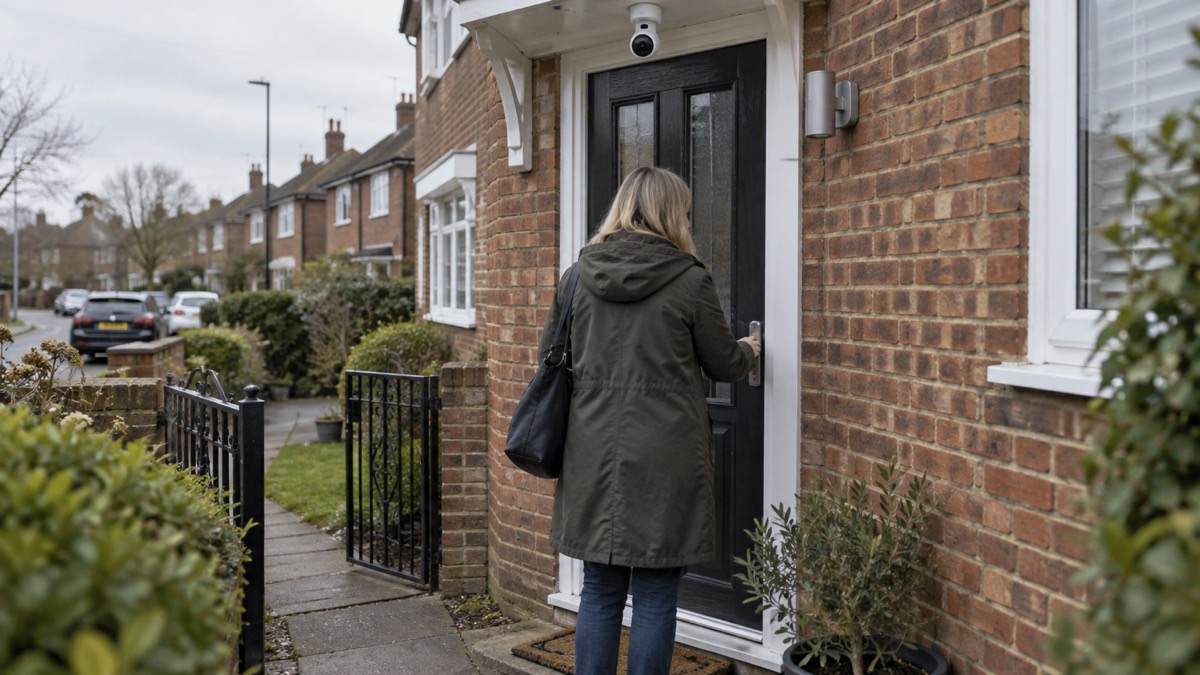
The limits are just as important. The material here gives no battery life or backup duration for the CoreCam, so plan on the camera being unavailable when mains power fails. If your area has a power cut, the camera goes with it unless you have a separate backup power arrangement, which our guide to backup power at home covers. The camera also depends on your Wi-Fi and internet connection, so a storm that takes out broadband takes out remote viewing.
Use the camera alongside people, not instead of them. The government's emergency guidance says that if it is safe to do so, you should consider checking in on neighbours or anyone you think might need additional help or support, or passing on important information about the emergency10. The police service's advice for going away is similar: local Neighbourhood Watch Schemes can help when you are on holiday by increasing surveillance of your property and encouraging neighbours to report suspicious activity11.
A simple routine for a household with a camera:
- Before a storm or a trip away, check the camera is online and the card has space.
- Local Neighbourhood Watch Schemes can help when you are on holiday by increasing surveillance of your property and encouraging neighbours to report suspicious activity11.
- Keep the camera's account password strong and two-step verification on3.
- After a power cut, check the camera has come back online and is recording again.
- If you see something suspicious, report it to the police rather than confronting anyone.
Support and help from Swann
The material here does not set out Swann's support channels, warranty terms or returns process beyond the 3 year extended warranty included with the Secure+ subscription1. For support, use the contact details on the maker's own website, and keep your proof of purchase with your household records.
For the wider emergency picture, the help that exists for UK households is mostly local and free. Our guide to extra help in an emergency explains who qualifies for support and how to sign up12. Charities such as Silverline provide befriending support and advice and information on local groups and organisations, with a befriending call scheme providing regular contact13.
If you are worried about a neighbour during severe weather, the Comhairle nan Eilean Siar asks that family, neighbours and friends living nearby assist and support elderly and vulnerable people14. That is the same principle as a camera: look out for each other, and use the kit to help you do it.
Safety notices and recalls: what to check
The material here contains no recall or safety notice for Swann cameras. That does not mean none exists; it means you should check the maker's website and the government's product safety alerts and recalls service before and after you buy.
The recalls in the material show why this matters. The London Fire Brigade advises that tumble dryers manufactured between April 2004 and September 2015 have been identified as being at risk, and that owners of Hotpoint, Indesit, Creda, Swan and Proline tumble dryers need to check whether their machine needs to be replaced or modified as part of a safety notice15.
For anything you mount outdoors or wire in, official guidance is clear. Where electrical work is required, for example fitting an outdoor socket, you should use a qualified and competent installer16. For work on fixed wiring, choose someone registered with a competent person scheme who can self-certify that their work complies with building regulations17. The CoreCam itself is described as having no wires and taking minutes to install1, so mounting it is a household job; anything that involves your home's wiring is not.
Sources (17)
- CoreCam Wireless Security Camera, Swann, 2026-11-03
- Break-in and housebreaking, Police Scotland
- Using passwords to protect your devices and data, National Cyber Security Centre, 2026
- Passwords and two-factor authentication, Police Scotland
- Synnovis cyber incident, NHS England, 2025-11-10
- Cyber attacks and threats, Essex Prepared, 2026-10-29
- Data breaches, National Cyber Security Centre, 2026
- Hacked accounts, Police Scotland
- Keeping yourself safe online, Avon and Somerset Police, 2026-11-02
- Be informed about hazards, UK Government
- Get into a pre-holiday routine | Avon and Somerset Police, Avon and Somerset Police
- Priority Services Register, Surrey County Council, 2026-10-28
- https://www.suffolk.gov.uk/coronavirus-covid-19/covid-19-community-support, Suffolk County Council
- Storm Boelo amber weather warning, Comhairle nan Eilean Siar, 2026
- How to check if your tumble dryer is a fire risk, London Fire Brigade, 2026-10-25
- Plug-in solar panels: safety advice, London Fire Brigade, 2026-10-25
- Oil storage regulations and safety, UK Government, 2026-10-29