

A Blink system is a set of battery or mains-powered cameras and doorbells that connect to your home Wi-Fi and send video to the Blink app. For a household getting ready for emergencies, the useful part is simple: a camera on a flood-prone back door, a doorbell that shows you who is at the door, or an indoor camera you can check while you are away. The kit is not a substitute for an alarm, and it depends on your Wi-Fi and your power.
The decisions that matter are few. Do you want clips saved without a monthly fee? If so you need a Sync Module 2 and a USB flash drive, both sold separately, because the doorbell has no way to store clips by itself1. Do you want cloud storage and person detection alerts? Those need a Blink Subscription Plan2. And do you want a battery model that keeps working when the mains goes off, or a plug-in model that does not?
This page sets out what Blink makes, how the storage and hub options work, where to buy in the UK and Ireland, and how to keep support and warranty cover. It does not rank Blink against other makers.
What Blink makes for UK households
Blink's range splits into three groups that matter for a household plan: doorbells, outdoor cameras and indoor cameras, plus the hubs and mounts that tie them together. The maker's product pages list the current line-up, including the Video Doorbell, Battery Doorbell 2K+, Outdoor 4, Outdoor 2K+, Mini 2, Mini 2K+, Mini 4K+, Mini Pan-Tilt 2K+, Wired Doorbell 2K+, Wired Floodlight Camera and the Sync Modules2.
For emergency planning, the useful question about any camera is what it does when something goes wrong. A battery doorbell keeps watching the front door when the power is off, as long as its batteries hold and your Wi-Fi router still has power. A plug-in indoor camera stops the moment the socket goes dead. An outdoor camera on a flood-prone wall gives you a view of rising water before you open the door.
The maker describes the Battery Doorbell 2K+ as an easy-to-install, wireless setup suited to renters and homeowners alike, which matters if you cannot drill or wire2. The Outdoor 2K+ is described as easy wireless setup with 2K clarity2. The Wired Floodlight Camera gives real-time motion alerts and lets you sound the camera's security siren from the Blink app2.
| Kit type | What it does for the household | Power | Where it fits a plan |
|---|---|---|---|
| Video Doorbell | 1080p HD view of the doorstep, two-way talk | Battery | Front door, rented or owned1 |
| Battery Doorbell 2K+ | 2K wireless doorbell, easy to install | Battery | Front door where wiring is difficult2 |
| Outdoor 4 and Outdoor 2K+ | Wire-free outdoor view | Battery | Outdoor walls, drives, outbuildings2 |
| Mini 2K+, Mini 4K+, Mini Pan-Tilt 2K+ | Indoor view, 2K or 4K | Plug-in | Hallway, downstairs room2 |
| Wired Doorbell 2K+ | 2K hardwired doorbell | Mains | Front door with existing wiring2 |
| Wired Floodlight Camera | 3000 lumen motion light plus camera and siren | Mains | Yards and driveways2 |
Video resolution: 1080p and what the higher numbers buy you
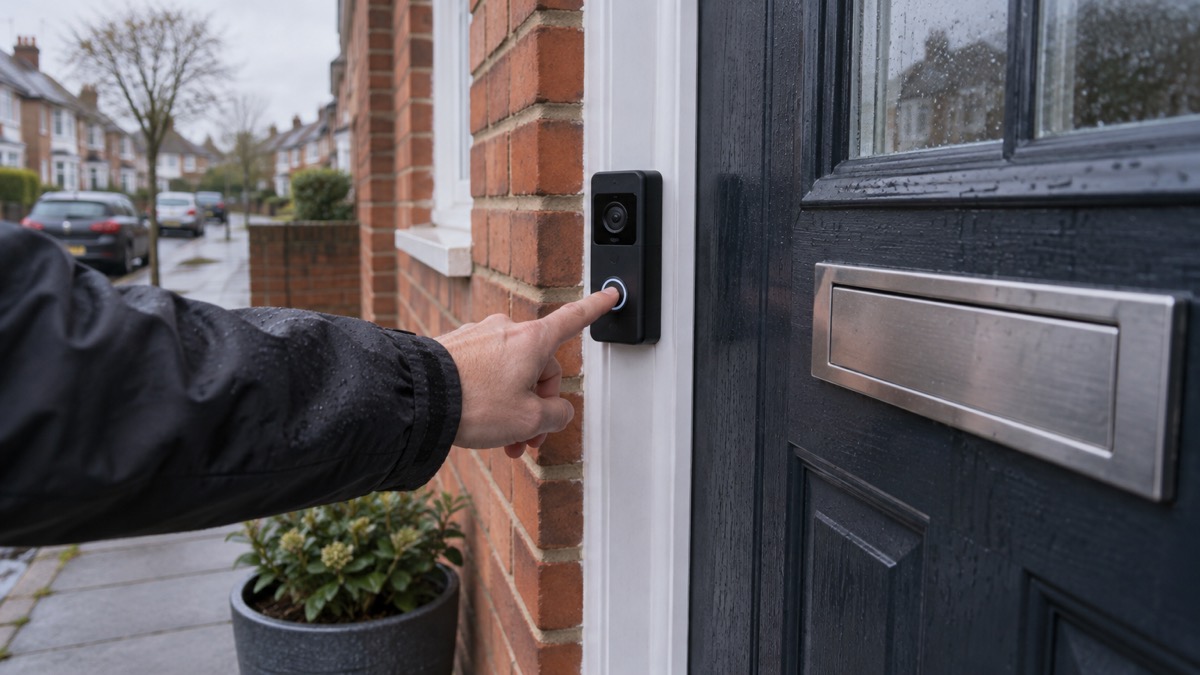
The first-generation Blink Video Doorbell records 1080p HD video1. Newer models in the range go further: the Outdoor 2K+, Mini 2K+, Mini Pan-Tilt 2K+ and Wired Doorbell 2K+ all record 2K, and the Mini 4K+ records 4K with 10x enhanced zoom2. The Wired Floodlight Camera pairs 3000 lumens of motion-triggered light with full-colour video2.
Resolution decides whether you can read a number plate or recognise a face at the distance your camera actually covers. A 1080p doorbell at head height on a front door is usually enough to see who is there. A camera covering a long drive or a back garden needs more, which is where 2K and 4K help. The Mini 4K+ offers 4K resolution with 10x enhanced zoom2.
Be realistic about what any of this does in an emergency. A camera records; it does not stop water, wind or a person. Its value is information: knowing the back gate is open, the river has reached the step, or a parcel is sitting in the rain. Treat it as one sensor in your plan, alongside a torch, a radio and a written list of contacts. For the wider picture, see Home Security: A Household Guide.
Storing clips locally or in the cloud
Blink gives you two ways to keep footage, and the choice decides whether you pay a monthly fee.
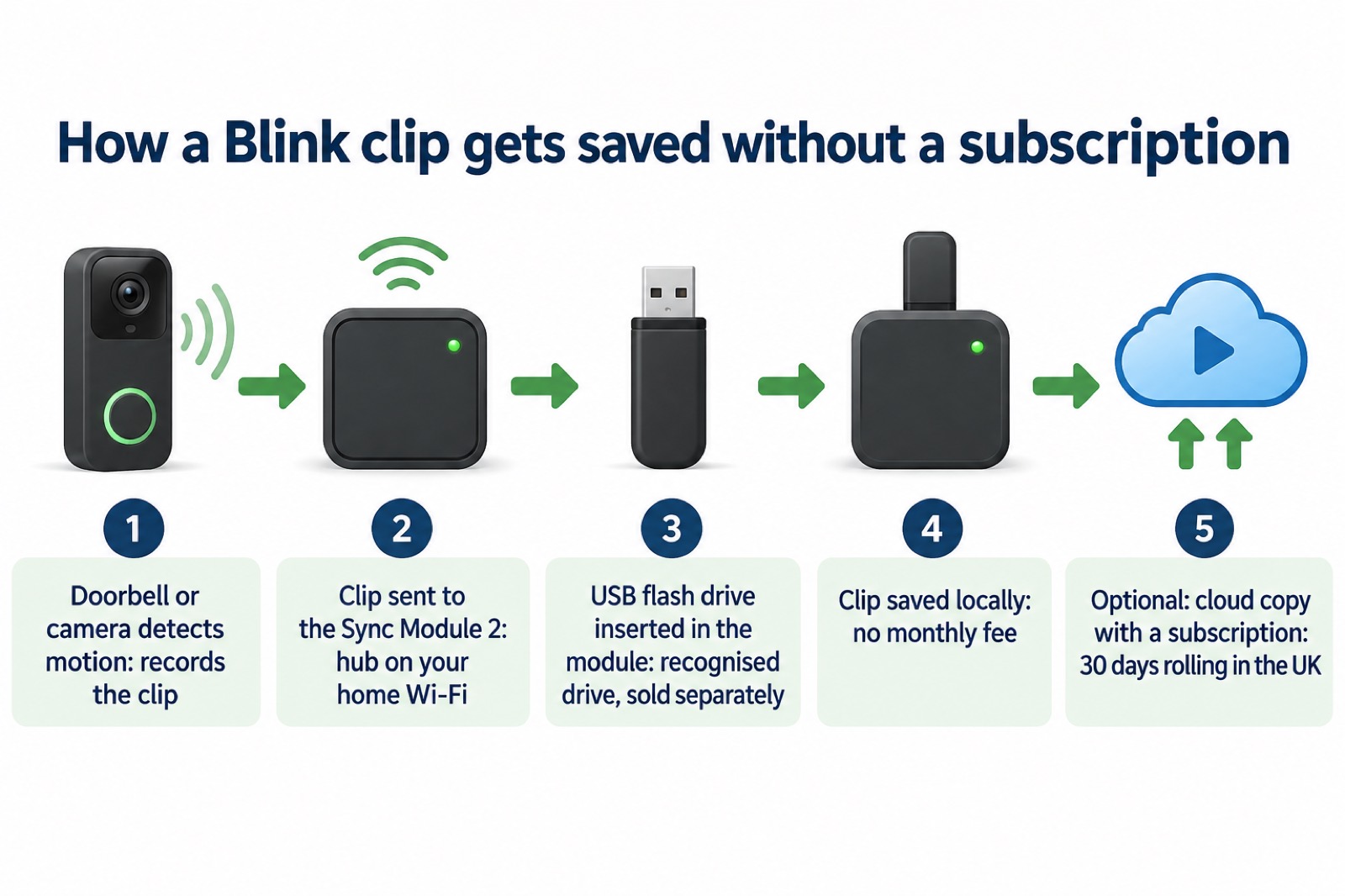
Local storage. You can save clips to local storage for no monthly fee by adding your doorbell to a Sync Module 2 system with a USB flash drive, sold separately1. The doorbell has no way to store clips by itself, so without a Sync Module 2 and a recognised flash drive, nothing is kept on site1. Which? notes that you can buy a Sync Module with Blink doorbells for local storage, and that the Video Doorbell (Gen 2) offers free local storage with cloud storage available on subscription3.
Cloud storage. With a Blink Subscription Plan you receive unlimited video recording cloud storage for 60 days for each clip, 30 days in the EU and UK1. Which? describes the Blink Plus plan as giving 30 days of rolling cloud storage3. A new Video Doorbell comes with a 30-day trial of the Blink Subscription Plus Plan at no cost, covering all devices on your Blink account1.
There is one legacy detail worth knowing if you have an old account. Accounts created on or before April 15, 2020 continue to have the original 7200 seconds, or 2 hours, of cloud storage per Sync Module, shared with the Blink devices on the account1.
For a household plan, local storage has an obvious advantage in an emergency: it keeps working without a subscription and keeps the footage in your house. The trade-off is that a thief who takes the Sync Module and drive takes the footage with it. The National Cyber Security Centre's general advice on irreplaceable data is to keep a copy in the cloud and also on removable media5. The same logic applies to a clip you might need after an incident.
Local storage requires the Blink Sync Module 2
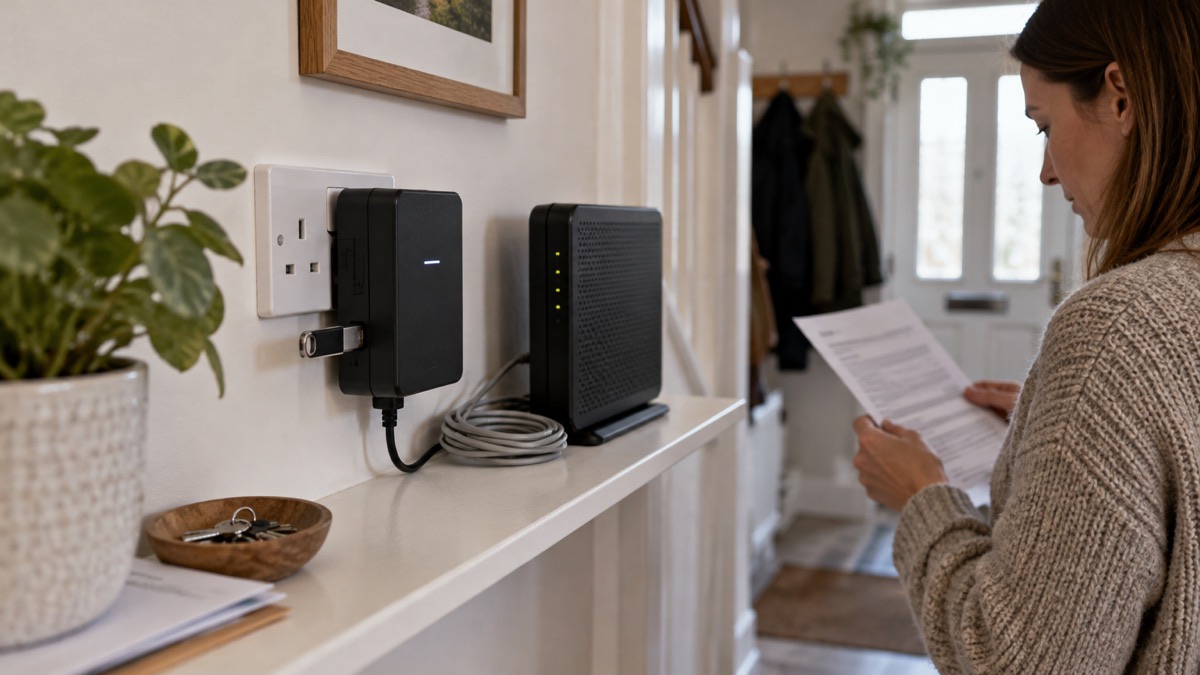
The Sync Module 2 is the small hub that makes local recording possible. You add your doorbell or camera to a Sync Module 2 system and insert a recognised USB flash drive, both sold separately1. Without it, a Blink doorbell has no on-board storage at all1.
Setup is wireless. The maker describes the Outdoor 2K+ as easy wireless setup, and the Battery Doorbell 2K+ as an easy-to-install wireless setup2. In practice you power the Sync Module, connect it to your Wi-Fi through the Blink app, insert the flash drive, then add each camera to the system.
Two details are easy to miss. First, not every Blink doorbell needs a Sync Module: the maker states plainly that the Video Doorbell does not require a Sync Module, while the Battery Doorbell 2K+ lists the Sync Module as required1. Second, the Sync Module does more than storage. If your Mini camera shares the same Sync Module 2 system as your doorbell, the Mini can sound a chime for doorbell presses1.
Where to buy Blink in the UK
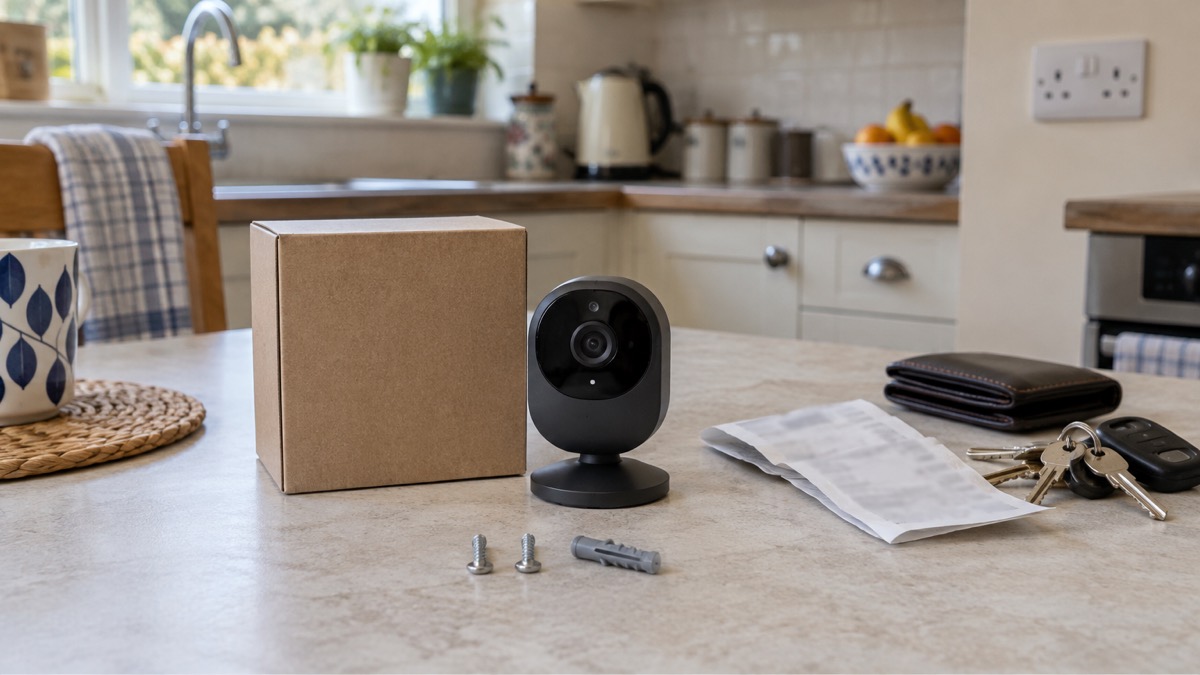
Blink is an Amazon brand, and the maker's own site lists the full range of cameras, doorbells, mounts and Sync Modules2. Beyond that, the range is sold through retailers: the maker lists Amazon.co.uk, Argos, ScrewFix, Very, Curry's PC World and John Lewis as UK retailers6. The fire and rescue service's general advice on electrical goods is to always buy from a shop you know and trust, an approved retailer or direct from the manufacturer of the same name as the device7.
That advice matters more than it sounds. The independent electrical safety charity Electrical Safety First estimates that potentially millions of recalled electrical items are still in UK homes because the response rate to a recall is often worryingly low8. Buying from a known retailer and registering the product are the two habits that keep you in the loop if something goes wrong.
When you buy, keep a record. The Police Service of Northern Ireland advises keeping a record of everything you buy and, if possible, which parcel delivery firm the retailer is using, because fake delivery charge texts and emails are increasing9. That applies to a camera as much as to any other parcel.
Buying Blink in Ireland
The material available here does not set out separate Irish retail arrangements for Blink. What applies on both sides of the Irish Sea is the buying habit: use a reputable seller, check the product complies with British or European standards, and take particular care on online auction or fulfilment platforms10. If you buy components separately, check they are compatible10.
For a household in Ireland planning for emergencies, the same practical points hold. A battery doorbell does not depend on mains wiring, which suits rented property. Local storage through a Sync Module 2 avoids a recurring subscription. And the software update commitment, at least four years after the device is last available to purchase, is the figure to check before you rely on a camera for the long term3.
Keep your receipt: support goes through the original seller
Blink support and warranty claims are handled through the seller you bought from, so the receipt and order record are the documents that matter. Keep them with the product's box and any registration confirmation.
Registration is the other half of the habit. The fire and rescue service advises always making sure you register your appliances, so you will be informed if any issues are identified with the product you have bought11. Register My Appliance explains the payoff: if an appliance is subject to a product recall in future, the manufacturer will be able to contact you immediately to arrange a replacement or to carry out work to make it safe, and the manufacturer will only contact you in the event of a recall, with your details not used for marketing11.
For a Blink device, that means registering the camera or doorbell with the maker and keeping the proof of purchase. If a fault appears, go to the original seller first with your receipt. If the seller cannot resolve it, contact Blink support and quote the order.
Where Blink fits a household emergency plan
A camera is a sensor, not a shield. It tells you what is happening at your door, your drive or your back gate. It does not keep the water out, keep the lights on or keep you warm. Place it in your plan where information changes what you do: a flood-prone rear door, a gate you cannot see from the kitchen, a hallway you want to check while away.
Power is the limiting factor. Battery models such as the Video Doorbell and Battery Doorbell 2K+ are not tied to the mains2. Plug-in models such as the Mini 4K+ need a socket2. In a power cut, your Wi-Fi router also loses power, so even a battery camera may record locally without sending you an alert until the router is back. For the wider picture on keeping connected, see Staying Informed and in Touch in an Emergency and Power Cuts: A Household Guide.
Keep the kit ready the way you keep a torch ready. Check the batteries in a battery doorbell on a regular schedule. Check that the Sync Module 2 is powered and that the flash drive still has space. Check the app still shows a live view from each camera. And check the software update commitment for your model, which Blink states as at least four years after the device is last available to purchase3.
For the wider household plan, start with Getting Started: Preparing Your Household for an Emergency and Home Security: A Household Guide.
Sources (11)
- Blink Video Doorbell FAQ, Blink Support, 2026-11-03
- Blink products, Blink, 2026-11-03
- How to buy the best smart video doorbell, Which?, 2026-10-16
- Select Your Country — Blink Smart Security, Blink (blinkforhome.com)
- Always back up your most important data, National Cyber Security Centre, 2018-12-17
- Official Blink Retailers, Blink Support, Blink Support (support.blinkforhome.com)
- Home buyers, Electrical Safety First, 2026-10-25
- Christmas safety advice, Police Service of Northern Ireland, 2026-11-02
- E-feiciau ac e-sgwteri – diogelwch tân, Mid and West Wales Fire and Rescue Service
- Register your appliance, Cornwall Fire and Rescue Service, 2026-10-29
- White goods, Mid and West Wales Fire and Rescue Service, 2026-10-29
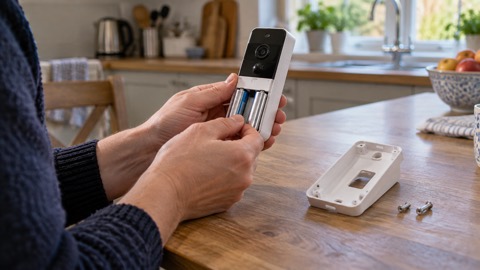 Blink Video Doorbell
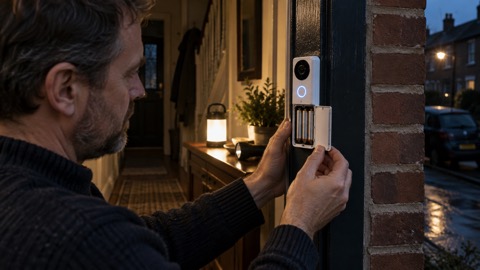 Blink Battery Doorbell 2K+
 Blink Outdoor 4