
Reolink is a security camera maker that sells to UK households, and its kit is the kind of thing people buy after a break-in, a flood or a long power cut has made them think about watching the house. The maker states that it sells security cameras to the United States, Germany, the United Kingdom and other dozens of countries1. For a household getting prepared, the useful question is not which camera looks best but what keeps working when the power, broadband or phone signal fails, and how long the maker will keep the software secure.
The answer is that Reolink's local storage design suits preparedness well. Cameras can record to a microSD card, a recorder or a Home Hub rather than to a paid cloud, and the Home Hub can create a local network so cameras keep working without an internet connection2. The maker says it supports cameras for at least three years after a product's end-of-life date, and its hubs and recorders carry a two-year limited warranty with 24/6 online support4.
This page covers what Reolink sells, how each type of kit helps in an emergency, how ordering and payment work for UK buyers, how long updates last, and where to get support. It does not rank Reolink against other makers.
What Reolink sells to UK households
The maker states that it sells security cameras to the United States, Germany, the United Kingdom and other dozens of countries1. The line-up falls into four groups that matter for a household plan: cameras (outdoor, indoor and battery-powered), video doorbells, recorders that hold the footage, and hubs that tie the cameras together.
The design choice that matters most for emergencies is local storage. Reolink cameras support recording to microSD cards, compatible recorders or Home Hubs, and the maker sells them as cameras without a mandatory subscription7. That means footage stays in your house and keeps recording when the internet is down, provided the camera has power. The Home Hub goes further: it creates a local LAN network so cameras function without an internet connection at all2.
| Kit type | What it does | Where it fits a household plan |
|---|---|---|
| Outdoor cameras | Watch the garden, drive and approach; most are IP65 or higher rated for year-round weather5 | Checking storm or flood damage, watching an empty house |
| Battery cameras | Wire-free setup, can pair with solar panels for continuous operation8 | Rented homes, sheds, places without wiring |
| Video doorbells | Person, vehicle, animal and package detection; battery or wired models9 | Monitoring the front door and deliveries |
| Recorders and hubs | Store footage locally, manage up to 8 cameras, sound an alarm when a camera triggers2 | The core of an offline-capable system |
For the wider picture on protecting a home, see our guide to home security.
Security cameras for keeping watch on your home
Reolink's cameras are built around app alerts and live viewing, with smart detection that distinguishes people, vehicles and animals to cut false alarms8. For preparedness, the value is in what they show you after an event: whether a storm has brought a fence down, whether floodwater has reached the door, whether a property left empty during an evacuation is undisturbed.
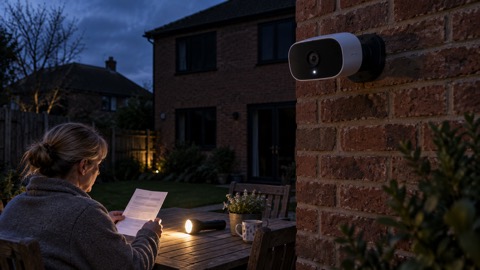
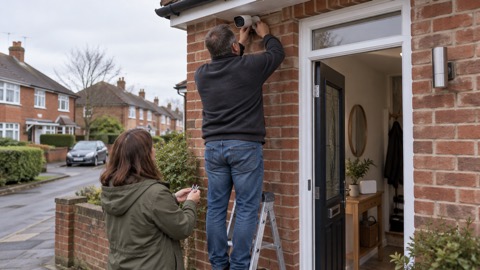
Outdoor models are mostly IP65 or higher rated, which the maker says ensures reliable performance year-round5. Installation is DIY, with no professional fitting needed5. Battery-powered models are completely wire-free and can be paired with solar panels for continuous, low-maintenance operation, which suits a shed, garage or rented property where you cannot run cable8.
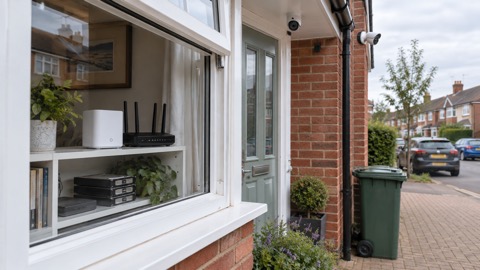
The Home Hub and Home Hub 2 are the pieces that make a system resilient. Each works with up to 8 Reolink cameras, stores footage locally with encryption, and sounds an alarm when any connected camera is triggered, with a choice of ringtones2. The Home Hub 2 adds AI video search and lets you set expiry dates on user permissions, so a temporary viewer's access lapses on its own10. The Home Hub creates a local network so cameras keep working without the internet2.
The named product pages set out each piece in more detail: the Reolink Argus 4 Pro battery camera, the Reolink Home Hub, the Reolink Home Hub 2 and the Reolink RLN4E Recorder.
Cameras that keep recording when the internet drops
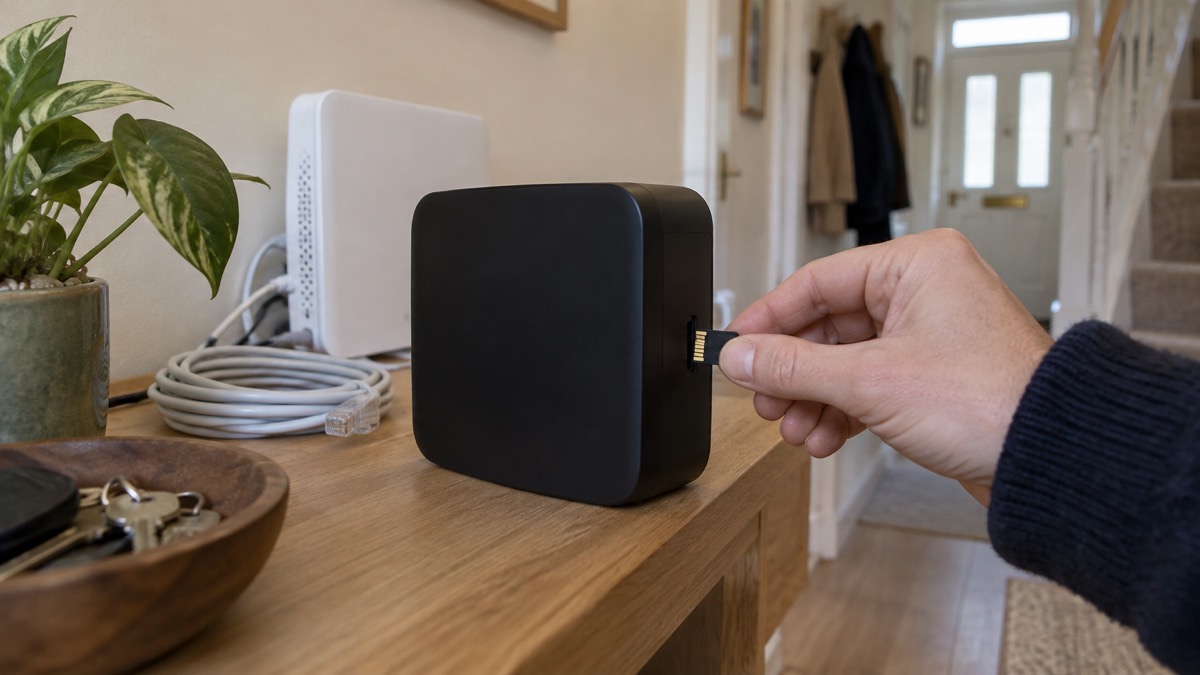
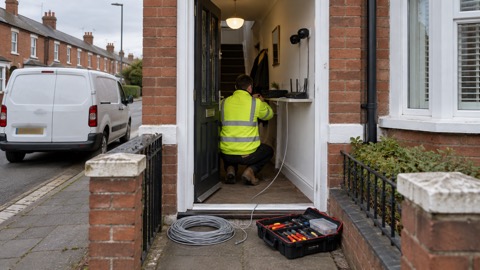
A camera that depends on the cloud stops being useful the moment broadband fails, which is common in a storm or a power cut. Reolink's local storage options avoid that. The RLN4E recorder has a built-in microSD slot supporting up to a 512GB card, giving offline storage that keeps recordings when the network is down1. It supports up to 4 PoE cameras and 2 additional Wi-Fi cameras, though the maker notes the actual number may vary with power consumption and other factors1.
The Home Hub holds up to 8 cameras and needs no internet to keep them running2. For a household that wants footage to survive a broadband outage, that is the design to look for.
Doorbells for the front door
Reolink's video doorbells come in battery and wired Wi-Fi versions, with person, vehicle, animal and package detection and two-way audio9. The maker suggests battery models for rented homes and doors without existing wiring, and wired models for terraced and semi-detached houses with doorbell wiring where continuous monitoring is wanted9. No monthly subscription is required9. For the front-door view in a household plan, see home security.
Ordering from the UK
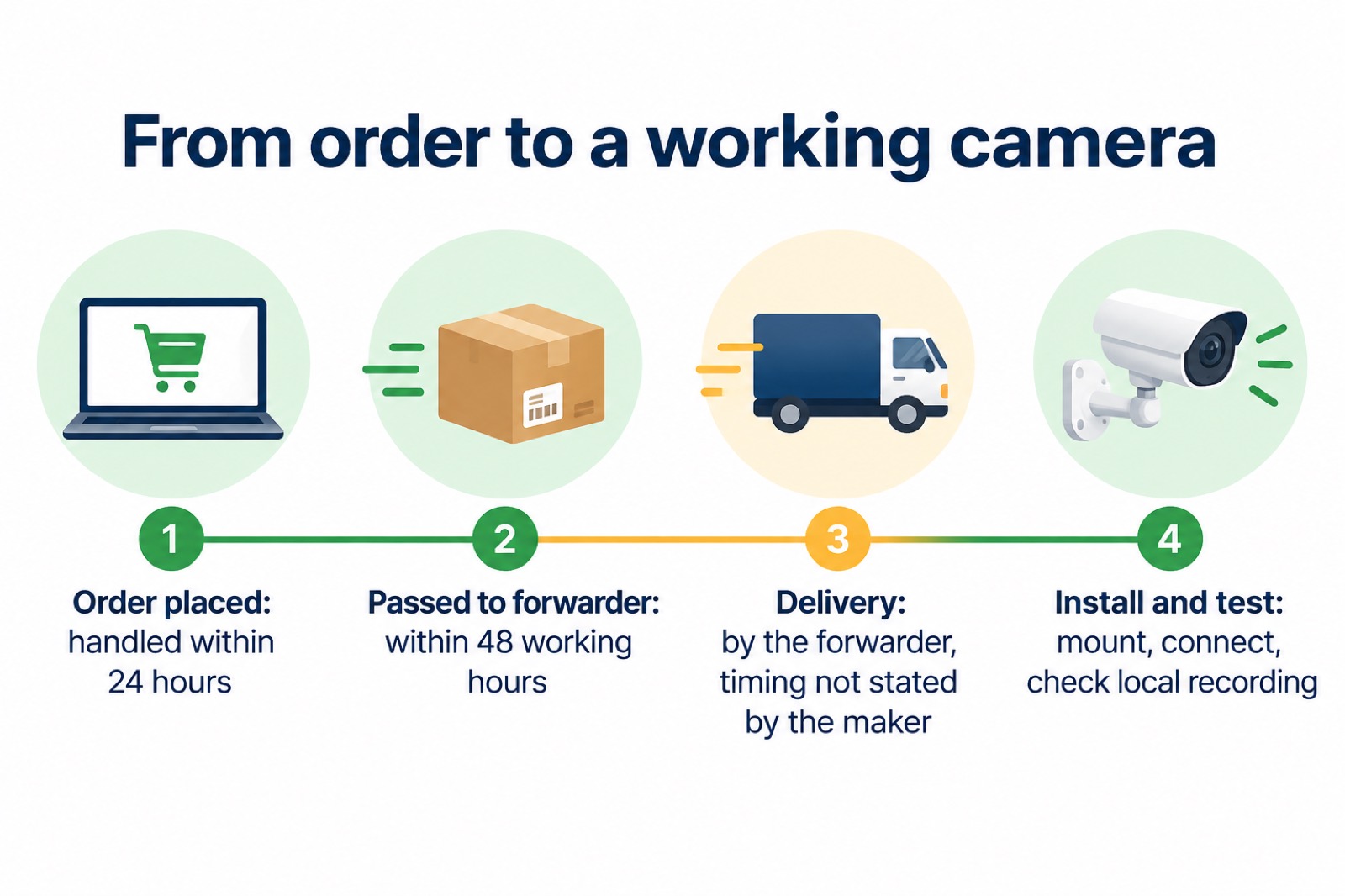
Reolink sells to the UK directly through its own store, and the maker states that it handles orders within 24 hours and passes packages to its forwarders within 48 working hours6. That is the maker's handling time, not the delivery time: once a parcel is with the forwarder, the courier's schedule applies. Keep the order confirmation and any tracking details with your household records.
Before you order, check where you are buying from. Electrical Safety First warns that a "co.uk" web address does not guarantee a site is UK based, and advises being wary if no address or only a PO Box is given11. Buying from the maker's own UK store avoids that particular risk.
- Check the seller: use the maker's own UK store or a known retailer, and look for a full postal address11
- Check the connection: look for "https://" and the padlock icon in the address bar before entering payment details12
- Pay by card or PayPal: this gives you a record and, depending on the amount, possible cover13
- Keep the paperwork: order confirmation, payment receipt and warranty details
The Police Service of Northern Ireland advises against paying by transferring money directly to people or companies you do not know, because a bank may not recover or refund money lost to fraud15. That advice applies across the UK.
Orders handled within 24 hours, dispatched within 48 working hours
The maker's stated handling time is the same across its product pages: orders are handled within 24 hours and packages are passed to forwarders within 48 working hours6. Two things follow for a household buying kit ahead of winter or storm season.
First, order with time to spare. A 48 working hour handover to a forwarder is measured in working hours, so a Friday order can sit over the weekend before it moves. If you want a camera installed before a forecast storm, order well ahead rather than the day before.
Second, plan the installation as part of the purchase. A camera on a shelf is no use in a power cut; one fitted, charged and tested is. Allow time to mount it, connect it to the hub or recorder, and check that local recording works with the router switched off.
Paying for an order: PayPal or card
Reolink accepts PayPal, which it says is available in 202 countries and 25 currencies, or credit and debit cards including Visa, MasterCard, American Express and Discover3. The maker does not list which currencies its own checkout accepts, so check the currency and amount on the final payment screen.
Paying by card or PayPal is also the safer choice. Electrical Safety First advises paying with PayPal or a credit card because the purchase will likely be insured13. The amount of protection can depend on the total cost of the transaction, so keep the receipt14.
Software updates: at least three years after end of life
A security camera is only as good as its software. The National Cyber Security Centre advises installing the latest software and app updates, because updates fix security holes that attackers can exploit16. For a camera watching your home, an unpatched device is a weak point in your network as well as a security risk.
Which? reports that Reolink has said it will support cameras for at least three years after the product's end-of-life date4. Which? has also reported a shorter commitment from Reolink, of at least two years after the product is last for sale17. The two figures are not the same measure, and the two reports disagree on which applies, so treat the three-year figure as the maker's stated position and check the specific model with Reolink support.
Electrical Safety First advises checking, before you buy any smart device, whether it will get regular software updates and how long after purchase it will be supported18. That is the question to ask of any camera you plan to rely on for years.
| Question | What to check |
|---|---|
| Is my model still supported? | Ask Reolink support or check the product page for its status4 |
| How long after end of life? | At least three years, per Which?'s report of Reolink's commitment4 |
| Is the app current? | Update the Reolink app and PC client to the latest version16 |
| Is the model discontinued? | Some models, such as the E1 Swift, are listed as discontinued19 |
Checking whether your camera still gets updates
The National Cyber Security Centre advises checking online to find whether a specific model still receives updates from the manufacturer16. For Reolink owners, that means three checks: the product page for the model's status, the Reolink app for the current version, and Reolink support for a straight answer on the model's support period.
Some Reolink models are already listed as discontinued, such as the E1 Swift, which the maker says is discontinued and directs owners to support for service19. A discontinued model is not automatically unsafe, but it will not receive new features and its update window is running down. If a camera no longer receives security updates, isolate it on a separate network or replace it rather than leave it connected to the same network as your other devices.
Support and warranty for UK owners
Reolink's hubs, recorders and cameras carry a two-year limited warranty, and the maker offers 24/6 online support with one-to-one help3. Several products also carry a 30-day money back guarantee3. Support is reached through the maker's support site, which the product pages link to3.
For a household, the warranty matters most for the kit you rely on in an emergency. Keep the order confirmation and the product page details, because a warranty claim usually needs proof of purchase and the model number. The Home Hub 2, for example, is covered by a two-year limited warranty3.
| Item | Warranty | Support |
|---|---|---|
| Home Hub and Home Hub 2 | 2-year limited warranty3 | 24/6 online support, one-to-one2 |
| RLN4E recorder | 2-year limited warranty1 | 24/6 online support, one-to-one1 |
| Cameras (Argus 4 Pro, E1 Swift and others) | 2-year limited warranty19 | Via Reolink support19 |
If a product is recalled or found unsafe, stop using it and follow the maker's or the safety body's instructions. Electrical Safety First publishes warnings about unsafe goods sold through online marketplaces, and the same caution applies to any second-hand or marketplace purchase11. For the wider picture on keeping a home secure through an emergency, see home security and cyber attacks.
Sources (19)
- Reolink RLN4E product page, Reolink, 2026-11-02
- Reolink Home Hub product page, Reolink, 2026-11-02
- Reolink Home Hub 2 product page, Reolink, 2026-11-02
- Best indoor security cameras, Which?, 2026-08-18
- Reolink outdoor security cameras, Reolink, 2026-11-03
- Reolink RLK8-OMVI2iP4 product page, Reolink, 2026-11-02
- Reolink security cameras without subscription, Reolink, 2026-11-03
- Reolink WiFi security cameras, Reolink, 2026-11-03
- Reolink video doorbells, Reolink, 2026-11-03
- Reolink Home Hub with TrackMix WiFi kit, Reolink, 2026-11-02
- Unsafe household goods sold via online marketplaces, Electrical Safety First, 2023
- Protect against scams and fraud, Avon and Somerset Police, 2026-11-02
- Don't be electricked, Electrical Safety First, 2026-10-25
- Traitor or faithful: how to spot a treacherous gadget, Electrical Safety First, 2026-10-25
- Christmas safety advice, Police Service of Northern Ireland, 2026-11-02
- Install the latest software and app updates, National Cyber Security Centre, 2021-12-21
- How to buy the best smart video doorbell, Which?, 2026-10-16
- Smart homes, Electrical Safety First, 2026-10-25
- Reolink E1 Swift product page, Reolink, 2026-11-02
 Reolink Argus 4 Pro
 Reolink Home Hub
 Reolink Home Hub 2
 Reolink RLN4E Recorder