
Ajax Systems makes a modular alarm and monitoring system: a central hub, detectors for intrusion, fire and water, keypads and sirens, cameras and recorders, and relays that switch other equipment. For a household preparing for emergencies, the useful question is not what the system does day to day but what it does when the power fails, a pipe bursts or a storm takes out the broadband. The maker's own manuals answer that in some detail.
The short answer is that the system is built to keep watching when the mains goes off. Wireless devices carry on running on their pre-installed batteries, and hubs have a built-in rechargeable backup battery, with one exception: Superior Hub Hybrid needs a third-party 12 V battery fitted in its casing1. A hub with a backup battery keeps Fibra wired devices powered too, including wired devices whose own external supply has failed1.
What you lose in a long outage is the remote side. Remote control, configuration in the Ajax apps and push notifications all need internet access2. So the system still detects and still sounds its sirens, but your phone may stop telling you about it. That single point shapes how a household should plan around Ajax kit: treat it as a local alarm that survives the power cut, and treat the phone alerts as a bonus that depends on the broadband.
What Ajax makes for UK households
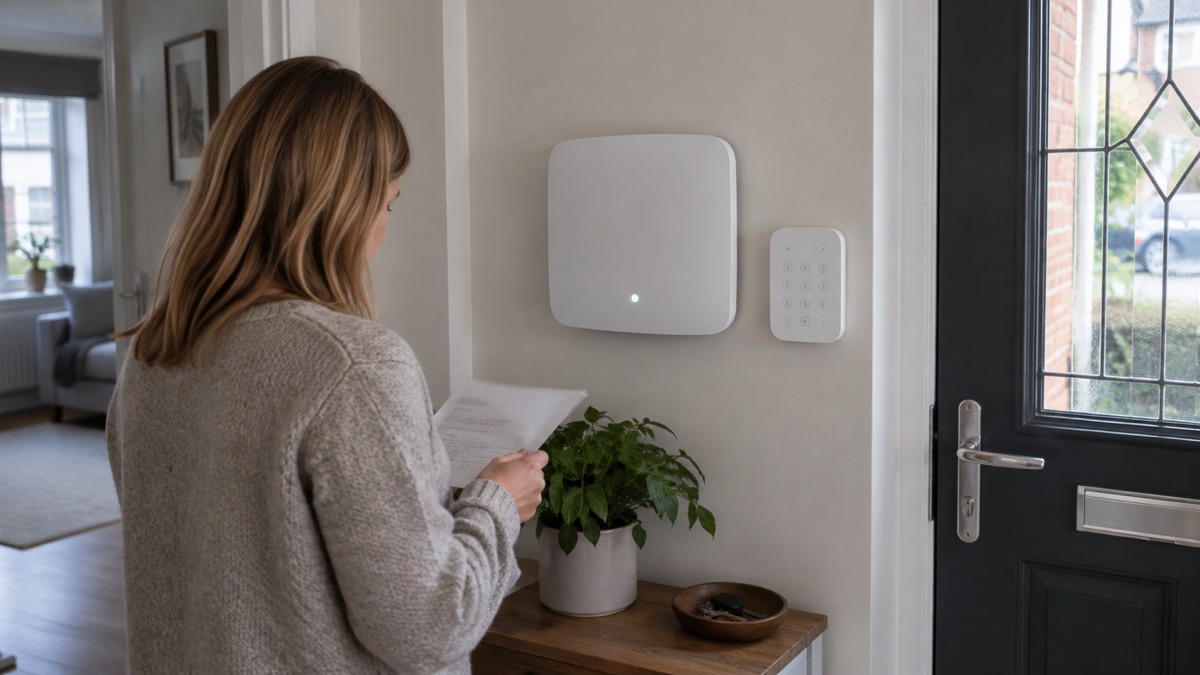
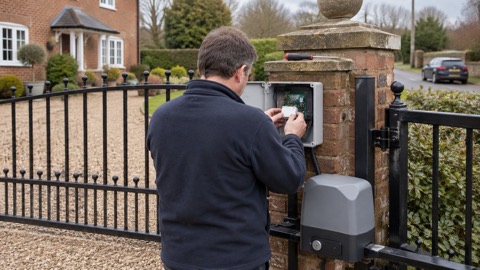
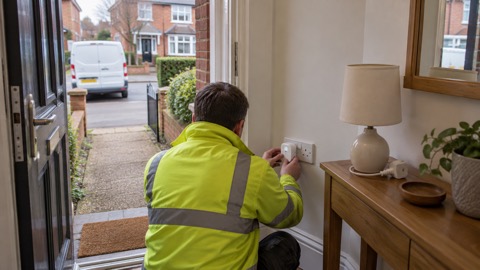
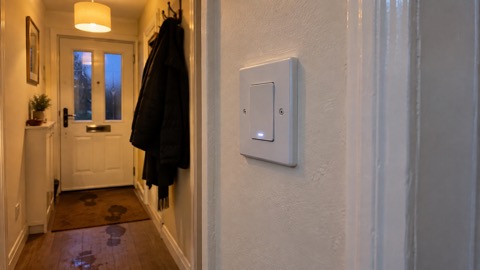
Ajax builds one system out of many parts, and the parts fall into a few clear groups. There are hubs, which are the control units that every other device talks to. There are detectors for intrusion, fire and water. There are keypads and sirens for arming, disarming and warning. There are cameras and recorders for seeing what is happening. And there are relays and switches that let the system act on the world, shutting off water or cutting power to a circuit.
Two product lines sit side by side. The Jeweller range is wireless and connects over the Jeweller radio protocol. The Superior range is sold, installed and maintained only by accredited Ajax Systems partners, a restriction the maker repeats across its Superior manuals5. For a household, that means the Jeweller range is the one you are most likely to meet through a local installer, while Superior kit arrives through a specialist.
The system is designed to be extended. A water damage prevention setup can carry up to 250 devices, and devices are added by scanning their QR codes in the Ajax apps7. That matters for preparedness: you can start with a hub and a couple of detectors and add fire, flood and camera coverage as your plan develops, rather than buying everything at once.
Hubs: the control unit that links every device
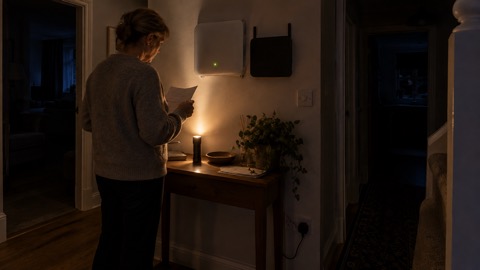
The hub is the centre of everything. Hub 2 Plus is described as the central device in the Ajax system, controlling the operation of all connected devices and interacting with the user and the security company4. Hub Plus is the indoor-only central device, coordinating connected devices and talking to the user and the security company8. Superior Hub Hybrid 2 is a hybrid control panel compatible with both wired and wireless Ajax devices9.
Capacity is the first thing to check, because it decides how far your plan can grow.
| Hub | Devices supported | Notes |
|---|---|---|
| Hub 2 | Up to 100 Ajax devices10 | Wireless |
| Hub Plus | Up to 150 Ajax devices8 | Indoor use only; Ethernet, Wi-Fi and GSM8 |
| Hub 2 Plus | Up to 200 Ajax devices4 | SIP telephony to a monitoring station4 |
| Hub BP Jeweller | Up to 100 wireless Ajax devices2 | Cellular connection only2 |
| Superior Hub Hybrid 2 | Up to 250 wired and wireless devices9 | Hybrid wired and wireless |
Two details matter for a household. First, the hub's front logo lights in red, white, purple, yellow, blue or green depending on status, which gives you a quick visual check that the system is alive10. Second, the hub's capacity is a hard ceiling: once you reach it, no further devices can be added, so plan the fire, flood and intrusion coverage you want before you choose the model.
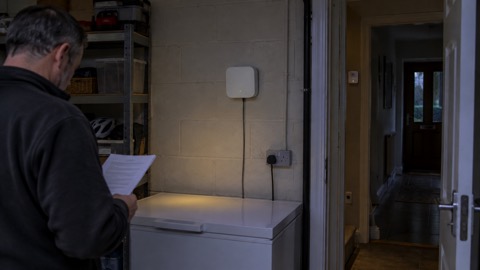
Range is the other limit. Ajax ReX is a range extender that boosts the range of all Ajax devices and manages their communication with the hub over Jeweller3. In a large or thick-walled house, a repeater is often what makes the difference between a detector that reports reliably and one that drops out.
Detectors for intrusion, fire and flooding
The detectors are where the system earns its place in a household plan, because each one covers a different kind of emergency.
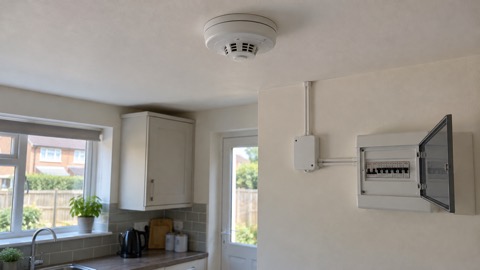
For fire, FireProtect 2 (Heat) Jeweller is a wireless fire detector with heat sensors3. Its most important property is interconnect: through an Ajax hub it activates up to 200 fire detectors in 20 seconds, which the maker describes as three times faster than the fire standard requires3. In a house, that means a fire detected in one room can set off the alarms throughout, giving everyone time to get out. The maker also offers a combined heat and smoke version, FireProtect 2 RB (Heat/Smoke) UL Jeweller, with remote control and configuration through the Ajax apps6.
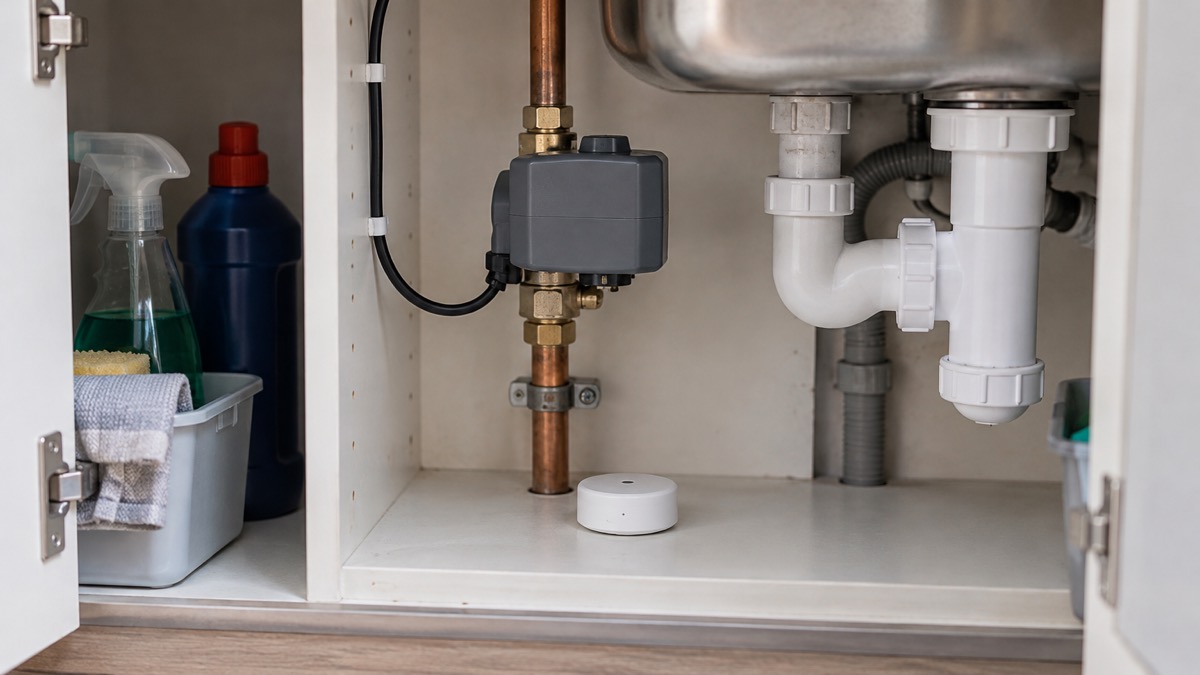
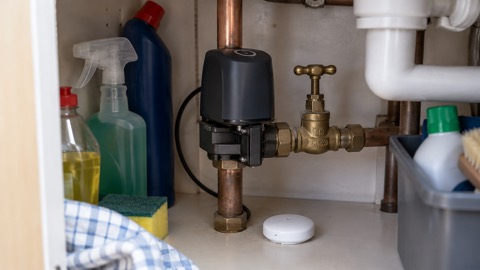
For water, there are two parts. LeaksProtect Jeweller is the leak detector, and a single Ajax system can carry up to 250 of them7. WaterStop Jeweller is a smart water shutoff valve, designed for indoor use and compatible with cold and hot water pipes11. It works with LeaksProtect Jeweller and with third-party detectors connected through an Ajax integration module12. A water damage prevention system can carry up to 250 leak detectors and shutoff valves7.
The automation is what turns detection into action. WaterStop supports scenarios triggered by an alarm, by a change of security mode, on a schedule, by button, by temperature, by humidity and by CO2 concentration13. In practice, a household can have the water shut off automatically when a leak is detected, or when the system is armed and the house is empty.
Sirens, keypads and key fobs
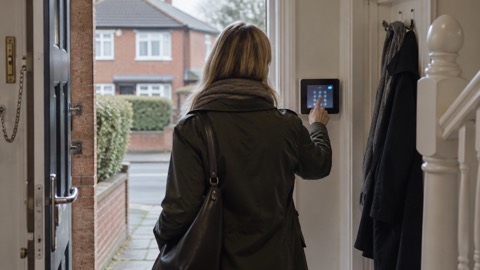
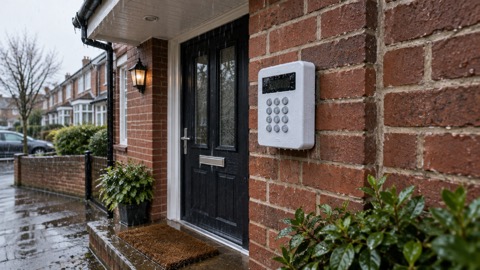
Keypads are how people who do not want to use a phone arm and disarm the system. KeyPad Plus Jeweller is a wireless touch keypad that manages the system with encrypted contactless cards and key fobs, connecting over the Jeweller secure radio protocol14. KeyPad TouchScreen Jeweller adds a touch screen, and Superior KeyPad TouchScreen Fibra is a wired keypad with a touch screen designed for managing the Ajax system, exchanging data with the hub over the secure Fibra wired communication protocol15.
One warning from the maker is worth repeating. The KeyPad TouchScreen's buzzer is not a siren; it is meant for additional notifications only, and Ajax sirens are the devices designed to deter intruders17. A household that wants an audible warning should fit a siren, not rely on the keypad.
"We do not recommend using KeyPad TouchScreen instead of the siren. The keypad’s buzzer is meant for additional notifications only."
Keypads also carry a feature that matters in a frightening situation. A duress code entered at the keypad does not activate sirens or show visible alerts in the apps, but sends a silent alarm to the security company and to users17. That is a safety feature for a household, not a substitute for calling the police in an emergency.
Capacity is limited: up to 10 keypads and sirens combined can be added to a hub16. Plan the positions, front door and back door usually, before you buy.
Running on batteries when the power or internet goes down
This is the section that matters most on a preparedness site, and the maker has published a clear account of it.
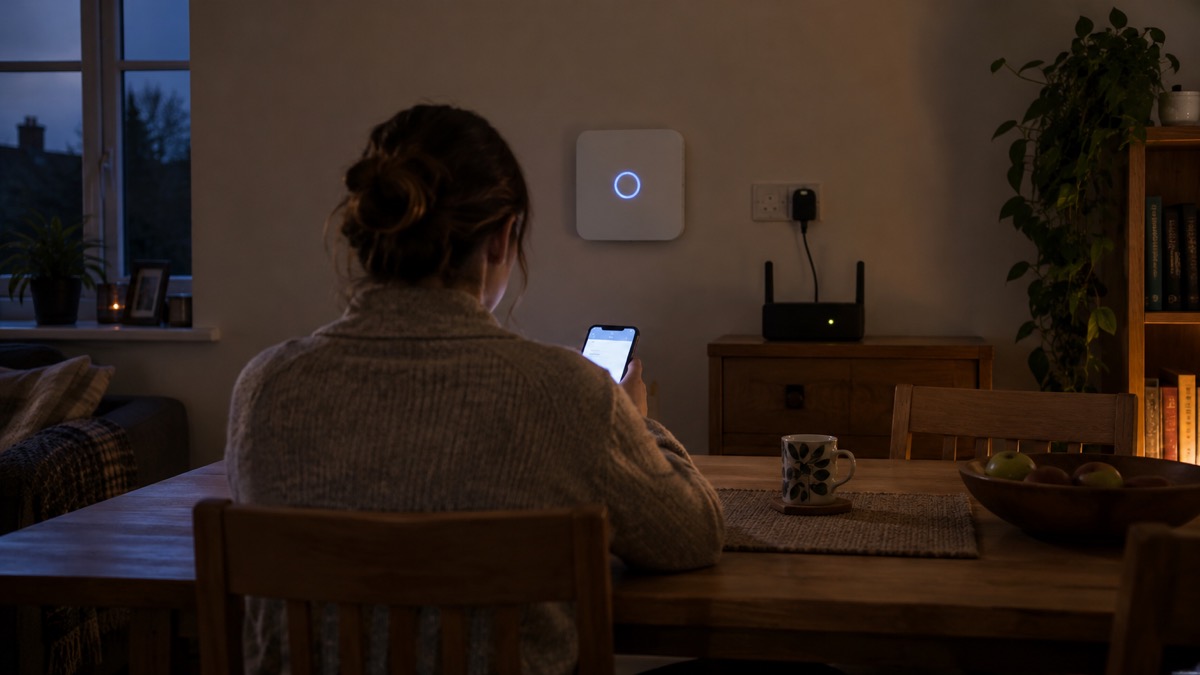
Wireless devices continue to operate on pre-installed batteries as before a power outage, and devices with an optional external power supply run on their pre-installed batteries if that supply is unavailable1. Fibra devices are powered by the hub's backup battery during an outage, including wired devices whose optional external supply has failed1. Third-party wired devices are kept going by the backup battery in the integration module, by the module's pre-installed batteries, or by the hub's or a LineSupply Fibra backup battery, depending on the module used1.
Hubs, apart from Superior Hub Hybrid, have a built-in backup battery that provides system operation during a power outage1. Superior Hub Hybrid instead needs a third-party 12 V battery installed in the casing, and with default settings, GSM only, disarmed and thirty wired devices connected, it gives up to 60 hours of backup battery operation1.
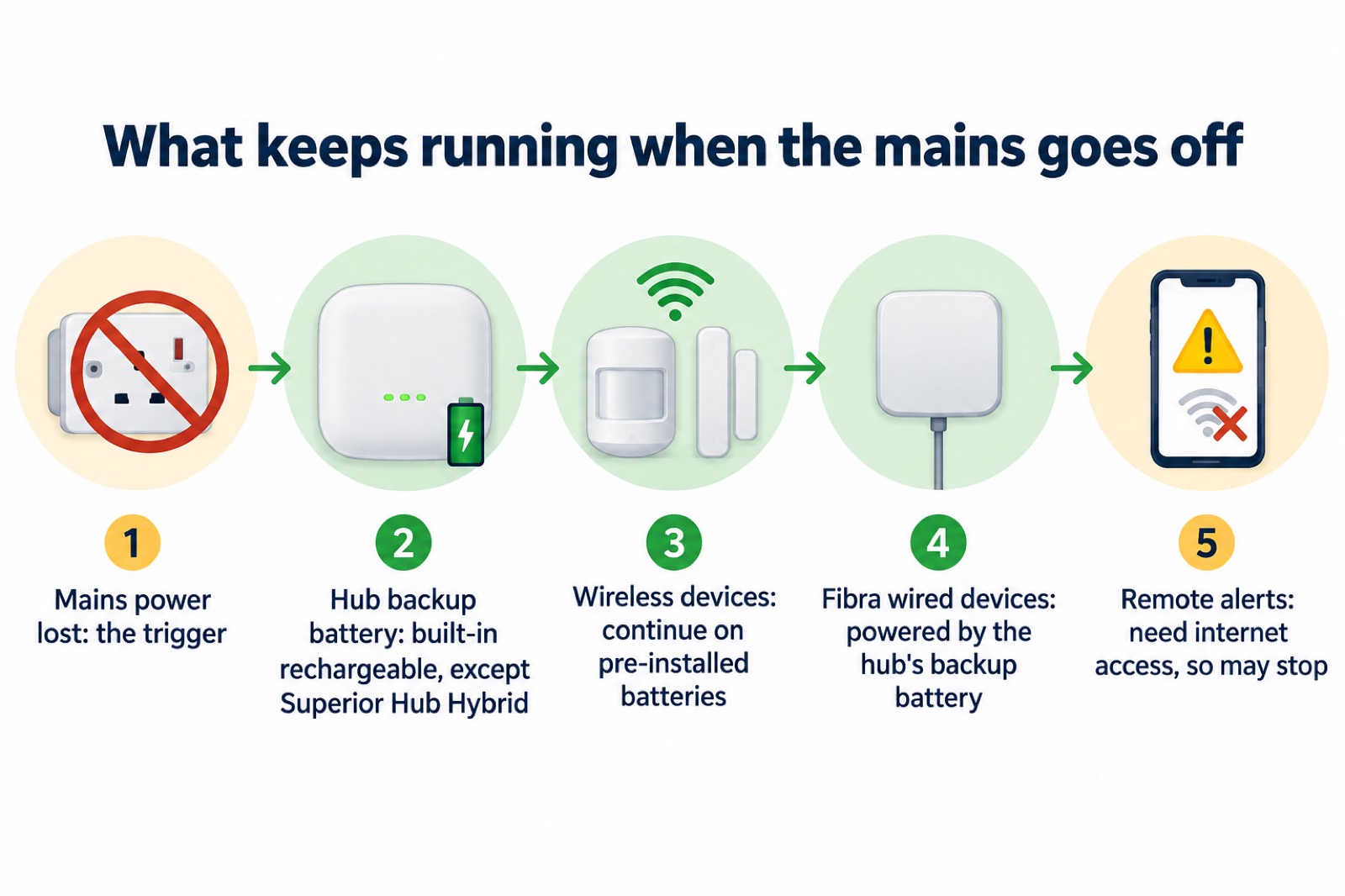
Two settings help stretch that backup. Battery power saver keeps the hub connected to Ajax Cloud for 10 minutes by default after any system event, adjustable from 5 minutes to 1 hour10. The hub can also be woken on any device event, on a scheduled wake-up set in the Ajax PRO apps, or on demand by sending an SMS with a secure code to the hub's SIM number1.
Automation and smart home devices that need an external power supply stop working in a power loss, while devices on pre-installed batteries are unaffected; the notification about connection loss can be turned on or off in device settings1. For a household, that is the line between what stays useful and what goes quiet.
Setting up and managing the system from the Ajax app
The Ajax apps are how the system is configured and watched. Settings are reached by selecting the space, going to the Control tab, tapping the gear icon in the bottom right corner, setting the parameters and tapping Back to save8. Notifications are set per user under Control, then Settings, then Users, selecting the user and opening their Notification settings18.
What the system tells you depends on the event. System alarms cover intrusion, a hold-up alarm, fire, leakage and loss of connection between the hub and the Ajax Cloud server18. Alarm notifications can arrive as calls, push notifications with a siren sound, or SMS, though calls are not available for messages about the loss of connection between hub and cloud18. Camera detectors triggering send push notifications with the standard signal sound18. Push notifications are sent by the Ajax Cloud server over the internet to the user's app18.
That last point is the one to plan around. If the broadband is down, the push notifications stop, even though the system itself is still working. A household that wants alerts during an outage should look at the hub's own communication channels: Hub Plus can use Ethernet, Wi-Fi and the GSM network8, and Hub BP Jeweller connects to the internet only via a cellular network, setting its APN settings automatically2.
For anyone running more than ten hubs, the maker directs users to Ajax PRO: Tool for Engineers or Ajax PRO Desktop10. For a single household, the standard Ajax Security System app is the one you will use.
Professional installation and monitoring in the UK
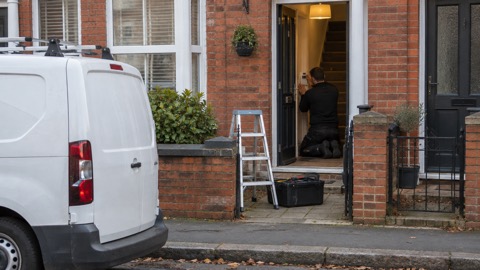
Ajax kit can be installed by a householder, but the professional route is where monitoring and standards compliance come in. The Superior range is restricted: only accredited Ajax Systems partners can sell, install and maintain Ajax Superior products5. That applies across the Superior line, including keypads, cameras and motion detectors5.
For monitored systems, the hub can talk to a central monitoring station. Hub 2 Plus supports telephony settings that let it communicate with a central monitoring station over the SIP protocol4. Keypads and the wider system can transmit events and alarms to a monitoring station using SurGard (Contact ID), ADEMCO 685, SIA (DC-09) and other protocol formats14.
For UK installers, the maker provides a route to the British security standard. The PD 6662 setting wizard in the Ajax PRO app opens a step-by-step guide to setting up the system to comply with PD 6662:2017, reached at Hub, then Settings, then Service, then PD 6662 Setting Wizard10. If your insurer or installer asks for a system installed to a standard, that wizard is how the hub is configured for it.
Support and warranty
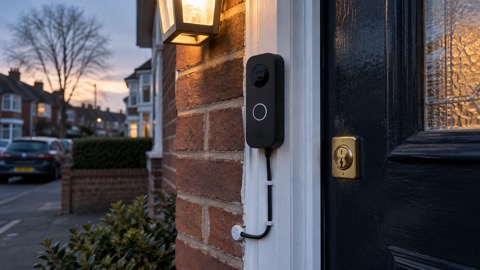
Ajax Systems Manufacturing products carry a warranty valid for 2 years after purchase2. The DoorBell product page states a 24 month warranty21, which is the same period expressed in months.
Technical support is available around the clock. The maker states that its AI-powered chatbot and professional technical support team are available 24/74, and the contact address given is support@ajax.systems5. The maker's advice is to contact technical support first if a device is not working correctly, because in many cases issues can be resolved remotely8.
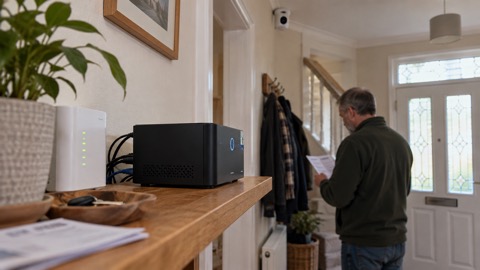
For a household, that means keeping the purchase details and the installer's contact to hand, and using the maker's support before assuming a device has failed. If a device does not function correctly, the NVR manual says to contact Ajax Technical Support first, since most technical issues can be resolved remotely22.
Safety notices and recalls
An alarm system is safety equipment, and safety equipment needs checking. The Office for Product Safety and Standards issues recalls and alert notices on its website, and that is where to look for official product safety action23. Recalls do happen to fire equipment: a product recall was issued for Bull and Cygnus Fire Alarm Detection Systems23.
The wider principle is registration. Fire and rescue services and safety bodies advise registering electrical items and appliances with the manufacturer so you can be contacted if there is a safety recall24. Do the same with any alarm or detection equipment you buy, and keep the receipt.
For the home more broadly, the fire and rescue service advises registering appliances so you can be contacted easily if there is a safety recall for your product25. The same discipline applies to an Ajax system: register it, keep the paperwork, and act on any notice you receive.
Where Ajax fits a household plan
Ajax is not a substitute for the basics. A household still needs water, food, light, warmth and a way to stay informed, and the site's guides to getting started, the emergency kit and backup power cover those. What Ajax adds is early warning and, with WaterStop, automatic action on a burst pipe.
The realistic role for the kit is threefold. It gives you fire interconnect that works across the house in 20 seconds3. It gives you flood detection and shutoff that works without you being at home11. And it gives you intrusion alerts that keep running on batteries when the mains fails1. What it does not give you, without internet, is a message on your phone2.
Plan around that gap. Know which of your devices keep working in an outage, keep spare batteries for the devices that use them, and check the app after any long power cut. The site's guides to power cuts, home emergencies and home security set out the wider household routine that the kit supports.
Sources (27)
- How an Ajax system operates in case of a power outage, Ajax Systems, 2026-08-19
- Hub BP Jeweller manual, Ajax Systems, 2026-09-25
- FireProtect 2 (Heat) Jeweller, Ajax Systems, 2026-11-02
- Hub 2 Plus manual, Ajax Systems, 2026-09-25
- Superior MotionCam G3 (PhOD) Jeweller manual, Ajax Systems, 2026-09-04
- FireProtect 2 RB (Heat/Smoke) UL Jeweller, Ajax Systems, 2026-11-02
- LeaksProtect Jeweller, Ajax Systems, 2026-11-02
- Hub Plus manual, Ajax Systems, 2026-09-25
- Superior Hub Hybrid 2 manual, Ajax Systems, 2026-10-06
- Hub 2 manual, Ajax Systems, 2026-10-27
- WaterStop Jeweller, Ajax Systems, 2026-11-02
- Water leak prevention solution | Ajax Systems, Ajax Systems
- Ajax WaterStop Jeweller user manual | Ajax Support, Ajax Systems
- KeyPad Plus Jeweller manual, Ajax Systems, 2026-09-17
- Superior KeyPad Fibra manual, Ajax Systems, 2026-06-12
- Superior KeyPad TouchScreen Fibra manual, Ajax Systems, 2026-06-15
- KeyPad TouchScreen Jeweller manual, Ajax Systems, 2026-09-17
- How Ajax sends alarms, Ajax Systems, 2026-07-09
- Electrical items, London Fire Brigade, 2026-10-29
- Superior DomeCam HLVF manual, Ajax Systems, 2026-10-28
- Ajax DoorBell specifications, Ajax Systems, 2026-11-02
- NVR user manual | Ajax Support, Ajax Systems
- Product recall: Bull and Cygnus Fire Alarm Detection System, Office for Product Safety and Standards, 2026-08-12
- Child safety hub: fire, RoSPA, 2026-10-26
- Electrical fire safety, Greater Manchester Fire and Rescue Service, 2026-10-29
- Electrical fire safety leaflet, Greater Manchester Fire and Rescue Service, 2026
- Product recall: HAMAX Buddy Baby Seat, Office for Product Safety and Standards, 2026-10-26
 Ajax Hub
 Ajax Hub (4G) Jeweller
 Ajax KeyPad TouchScreen
 Ajax KeyPad Plus
 Ajax KeyPad Outdoor
 Ajax MotionCam
 Ajax MotionCam Outdoor
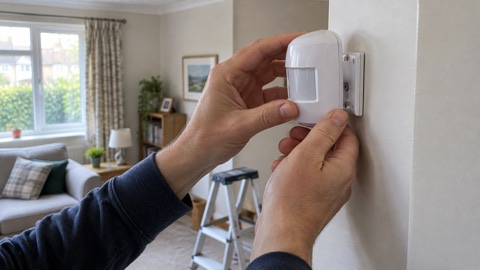 Ajax MotionProtect
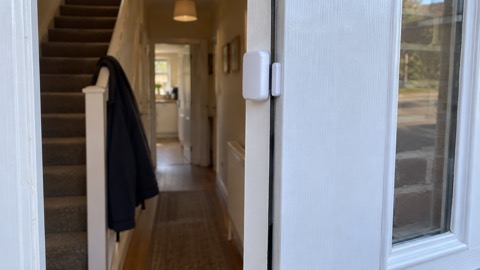 Ajax DoorProtect Plus
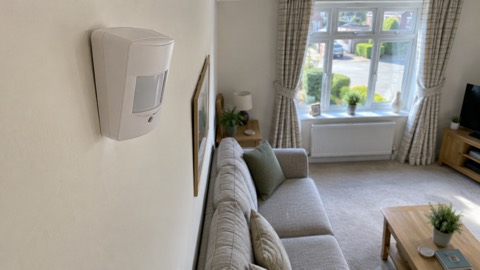 Ajax CombiProtect
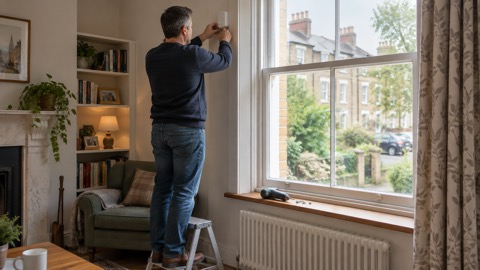 Ajax GlassProtect
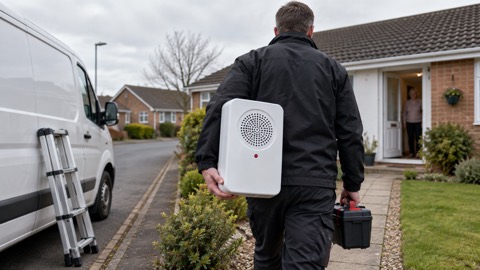 Ajax HomeSiren
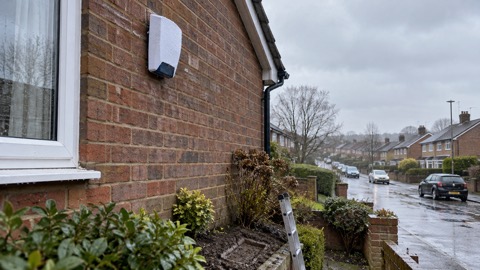 Ajax StreetSiren
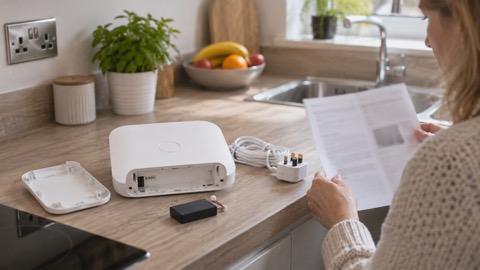 Ajax Hub (2G) Jeweller
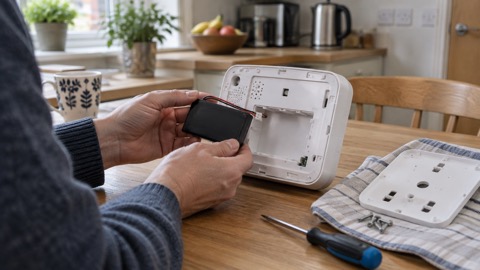 Ajax Superior Hub Hybrid
 Ajax ReX Jeweller
 Ajax Relay
 Ajax Socket
 Ajax LightSwitch
 Ajax DoorBell
 Ajax BulletCam
 Ajax TurretCam
 Ajax NVR
 Ajax WallSwitch
 Ajax WaterStop