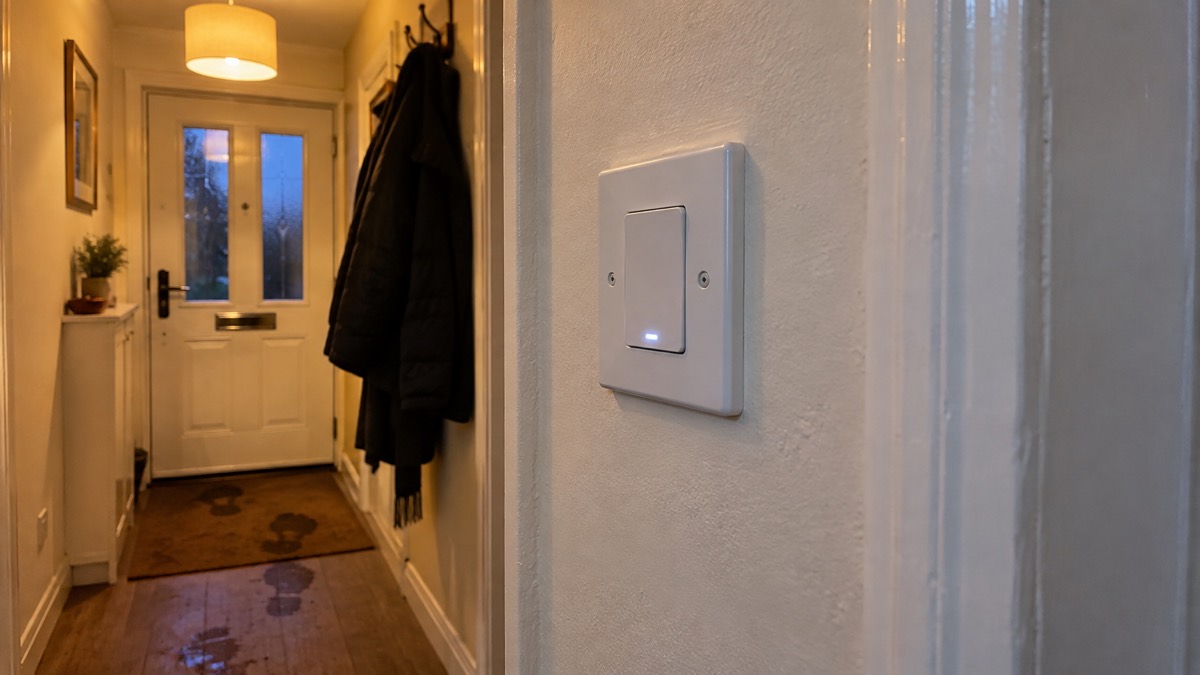
The Ajax LightSwitch is a smart wall light switch that works with an Ajax alarm hub. It lets you turn a light on or off from the Ajax app as well as by pressing the switch itself, and it can be included in the automation rules that the hub runs. For a household preparing for emergencies, its value is simple: it is a light switch that still works by hand when the app, the internet or the hub is unavailable, and it can be programmed to switch lights on and off while you are away.
It is not a backup power device. During a power cut it has no supply and the light will not work, so it belongs alongside torches and battery lamps, not instead of them1.
This page explains what the LightSwitch does, how the versions differ, how to have it fitted safely, how to use it during an emergency, what happens in a power cut, where it must not go, and how to keep it updated and supported.
What the Ajax LightSwitch does in a home
The LightSwitch is one of a family of Ajax devices that the hub can switch on and off. Ajax's own support article lists the devices that can be triggered by automation rules, naming the WallSwitch, Relay, Socket, LightSwitch and WaterStop, and it also describes a pulse action for these devices3. In plain terms, the hub can send a command that turns the LightSwitch on or off, and you can build that command into a schedule or a rule.
For an ordinary household, that means two useful things. First, the switch can be operated from the app, so a light can be turned on without walking to it. Second, it can be part of a routine that makes the house look occupied: the police service advises using timer switches to turn on some lights when it goes dark while you are away8. A smart switch can do the same job through the hub, and it can be combined with other Ajax devices on the same system.
The switch is also a physical switch. Pressing it operates the light directly, which is the part that matters most in an emergency. If your broadband fails, if the hub loses its connection, or if your phone is flat, the switch still works as a light switch. That is the difference between a smart switch and a smart bulb that depends on an app: the wall control remains.
Ajax is a security and automation brand, and the LightSwitch sits within a system built around its hubs. If you are new to the system, the Ajax brand page explains the range, and the Home Security: A Household Guide sets out how alarms, sensors and controls fit together in a household plan.
LightSwitch or LightSwitch Jeweller: how the versions differ
Ajax uses the name Jeweller for devices that communicate using its Jeweller radio protocol, and the LightSwitch is sold under that family name. The practical point for a buyer is compatibility: the switch is designed to work with an Ajax hub, and the hub is what connects it to the app and to the internet.
The maker's documentation shows that Ajax does not always provide firmware upgrades across hardware generations. In its manual for the MultiTransmitter, Ajax states that a firmware upgrade for old versions is not provided because of hardware differences9. That is a reminder to check the version you are buying and to keep the hub's software current, because features and fixes arrive through the hub.
| Version | What it is | What to check before buying |
|---|---|---|
| LightSwitch | Smart wall switch controlled through an Ajax hub and by hand | That your hub supports it1 |
| LightSwitch Jeweller | The same switch in Ajax's Jeweller radio family | That your hub supports it3 |
If you already run an Ajax system, the switch is an addition to it rather than a standalone product. If you do not, the switch is only useful once a hub is in place, so the hub is the first purchase and the switch the second. The Burglar Alarms: Types and How to Choose One page explains what a hub does in a system, and Monitored Alarms: Receiving Centres and Who Responds covers what happens when an alarm is raised.
Fitting it safely: when to use a qualified electrician
Replacing a wall switch means working on the fixed wiring of your home, and that is not a job for a householder without the training. The Health and Safety Executive is clear that electrical installations must be installed by someone with the necessary training, skills and experience to carry out the work safely, and that repairs should only be carried out by a competent person2. Warwickshire Fire and Rescue Service puts it plainly: find a certified electrician for any electrical installations, repairs or modifications4. Cheshire Fire and Rescue Service gives the same advice: always have a qualified electrician carry out any electrical work to your property or appliances10.
The government's guidance on choosing someone to do this work adds a useful test: choose someone registered with a competent person scheme, who can self-certify that their work complies with building regulations11. That gives you a route to check an installer before you book, and a certificate afterwards.
The HSE also advises arranging inspection and testing of fixed wiring installations to minimise deterioration, covering the circuits that supply light switches, sockets and wired-in equipment, normally carried out by a competent person, usually an electrician2. If your wiring has not been checked for some years, having the switch fitted is a sensible moment to ask for that check at the same time.
Using it to keep lights working during an emergency
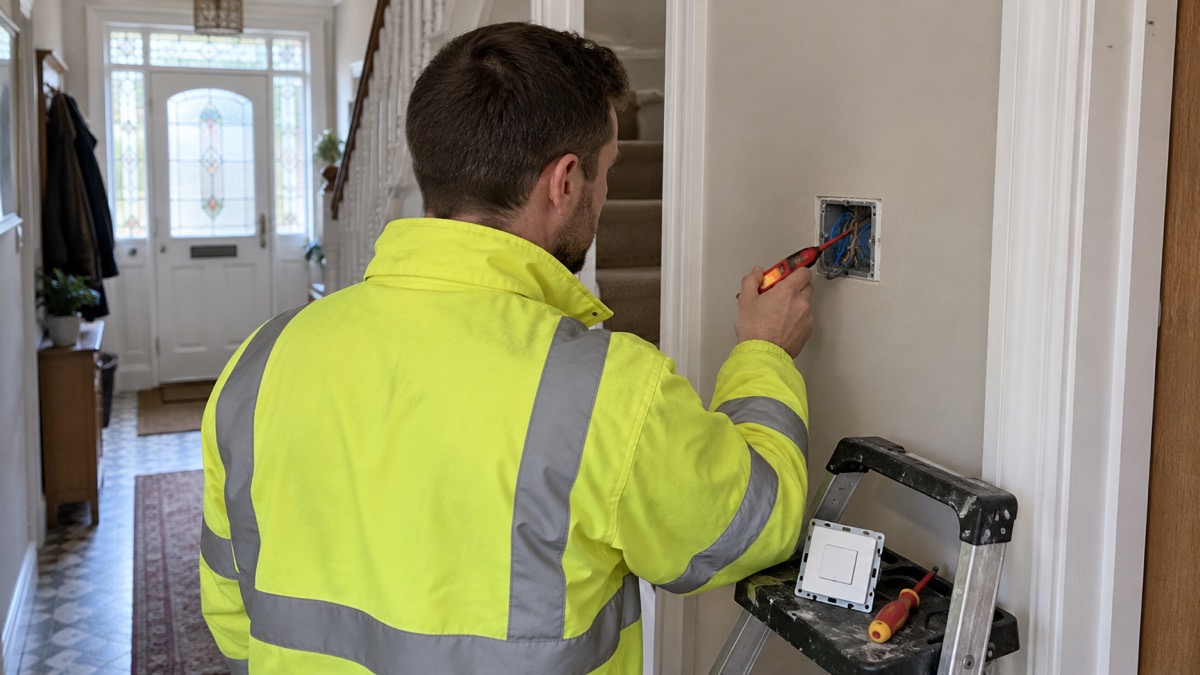
The LightSwitch helps with lighting in an emergency in two ways: it keeps a light controllable when you are not in the room, and it can be part of a plan that makes the house look occupied. It does not provide light when the power is off, so the household plan needs both.
Fire and rescue services consistently advise keeping a working torch or battery-operated lamp easily accessible so that you do not reach for candles during a power outage6. North Wales Fire and Rescue Service advises keeping a light or torch handy in the event of a power cut or failure5. North Devon Council advises keeping useful items in one easy-to-find place, ideally somewhere accessible if the lights are not working12. The NHS Stay Steady and Safe checklist suggests a motion-activated night light for getting up in the night, which reduces the risk of falls in the dark13.
A practical arrangement for a household with the LightSwitch is:
- Keep torches and a battery lamp in a fixed place that you can reach in the dark, as fire services advise6.
- Leave one light switched on so you know when power returns, as the Met Office and network operators advise14.
- Use the app or the hub's schedules to turn lights on in the evening when the house is empty, in line with police advice on timer switches8.
- Check the switch still works by hand, so you are not dependent on the app in an emergency.
The Emergency Lighting at Home: Torches, Lanterns and Candles page sets out the full lighting kit, and Power Cuts: A Household Guide covers what to do when the supply fails.
What happens to the switch in a power cut
During a power cut the LightSwitch has no mains supply, so the light it controls will not work, whether you press the switch or use the app. The switch is not a battery device and does not store energy. When the supply returns, the circuit is restored and the switch resumes normal operation.
Network operators advise leaving a light on so you know when the power cut has been fixed15. The Met Office gives the same advice during storms and snow14, and Aberdeenshire Council notes that during a power cut you might notice your electricity going off and coming back on several times for short periods while engineers re-route electricity around a fault, a process called switching16. A LightSwitch left in the on position will come back on with the circuit, which makes it a useful indicator.
If your lights go off but your neighbours still have power, Westminster City Council advises checking the trip switch: if it is off, switch it back on, and if it switches back off, unplug all appliances and reset the switch because one appliance may be faulty17. That check applies to the circuit the LightSwitch is on as much as any other.
Where the LightSwitch must not be fitted
The LightSwitch is an indoor wall switch for dry interior locations. It should not be fitted in a bathroom, shower room, outdoors, or anywhere it will be exposed to water, steam or the weather. Those locations have specific electrical requirements, and the decision about what may be fitted there belongs to a qualified electrician.
Fire services give related advice about keeping flames and heat away from fittings. Lincolnshire Fire and Rescue Service says never move a lit candle18, and Dorset and Wiltshire Fire and Rescue Service says do not attach decorations to lights or heaters because they can burn easily19. Those rules matter around any switch or light fitting: keep combustible material clear.
For outdoor lighting that deters intruders, the Outdoor Lights That Deter Burglars: Types and Placement page covers the options, and Windows: Locks, Glazing and Ground-Floor Risks covers the openings themselves.
Support, warranty and safety notices
Ajax supports its devices through the hub and the app. The maker's support article on notifications lists the system events the hub can report, including hub updates and maintenance, and recommends enabling all types of notifications for these events so that an alert is not missed3. That is the practical way to hear about a firmware update or a fault: turn the notifications on.
Independent security advice on connected devices is to enable automatic updates where a device offers them, and where it does not, to set up alerts for new firmware and update devices on time7. The same guidance notes that some devices update themselves while others, such as routers and smart bulbs, may not7. Treat the hub and the switch as devices to keep current.
If the hub loses its connection to the Ajax server, the maker states that the Ajax logo lights red21. That is your visual check that remote control is unavailable, even though the switch still works by hand.
Keep the receipt and the installer's certificate with your household documents. If the switch develops a fault, contact the maker or the installer rather than opening it yourself, because the HSE advises that repairs should only be carried out by a competent person2.
Sources (21)
- Electrical safety: your questions answered, Electrical Safety First, 2026-10-25
- Electricity and electrical equipment hazards, Health and Safety Executive, 2026
- How Ajax sends alarms and notifications, Ajax Systems, 2026-07-09
- Electrical fire safety, Warwickshire County Council, 2026-10-29
- Stay safe this winter, North Wales Fire and Rescue Service, 2016
- Caravan, motor home and campervan safety, Humberside Fire and Rescue Service, 2026-10-29
- How to safeguard IoT gadgets at home, Get Safe Online, 2023-02-07
- House security, Police Service of Northern Ireland, 2026-11-02
- MultiTransmitter Jeweller user manual, Ajax Systems, 2026-10-19
- Electrical fire safety, Cheshire Fire and Rescue Service, 2026-07-17
- Oil storage regulations and safety, GOV.UK, 2026-10-29
- Be prepared for emergencies, North Devon Council, 2026-10-29
- Stay Steady and Safe home safety checklist, NHS Norfolk and Suffolk ICB, 2026
- Amber warning for further snow in Scotland, Met Office, 2026-01-10
- Is there any action I should take when power is disrupted?, NIE Networks, 2026-10-25
- Yellow weather warning for wind, Aberdeenshire Council, 2026-10-26
- Prepare your household for emergencies, Westminster City Council, 2014-04
- Candle safety, Lincolnshire County Council, 2026-10-29
- Don't let fire ruin your Christmas, Dorset and Wiltshire Fire and Rescue Service, 2026-10-29
- Flooding support, Lancashire County Council, 2026-10-29
- Hub without internet, Ajax Systems, 2024-10-11

 Abode Security Kit
 Ajax CombiProtect
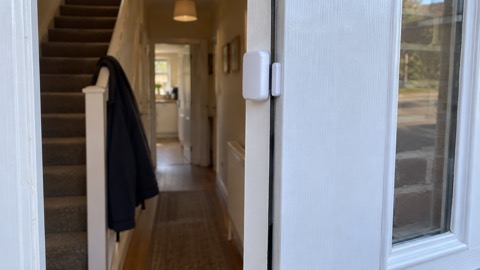 Ajax DoorProtect Plus
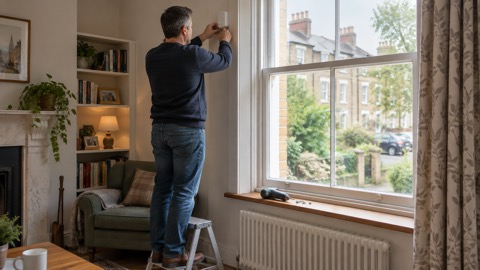 Ajax GlassProtect
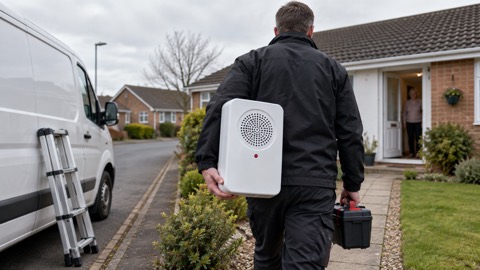 Ajax HomeSiren
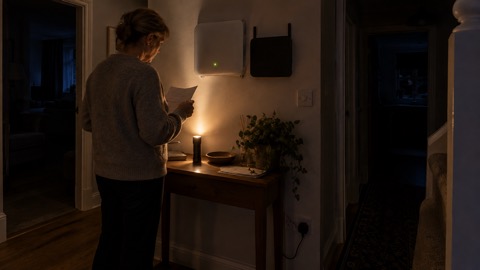 Ajax Hub 2 Plus
 Ajax Hub 2G Jeweller
 Ajax Hub 4G Jeweller
 Ajax KeyPad Outdoor
 Ajax KeyPad Plus
 Ajax KeyPad TouchScreen
 Ajax MotionCam Outdoor