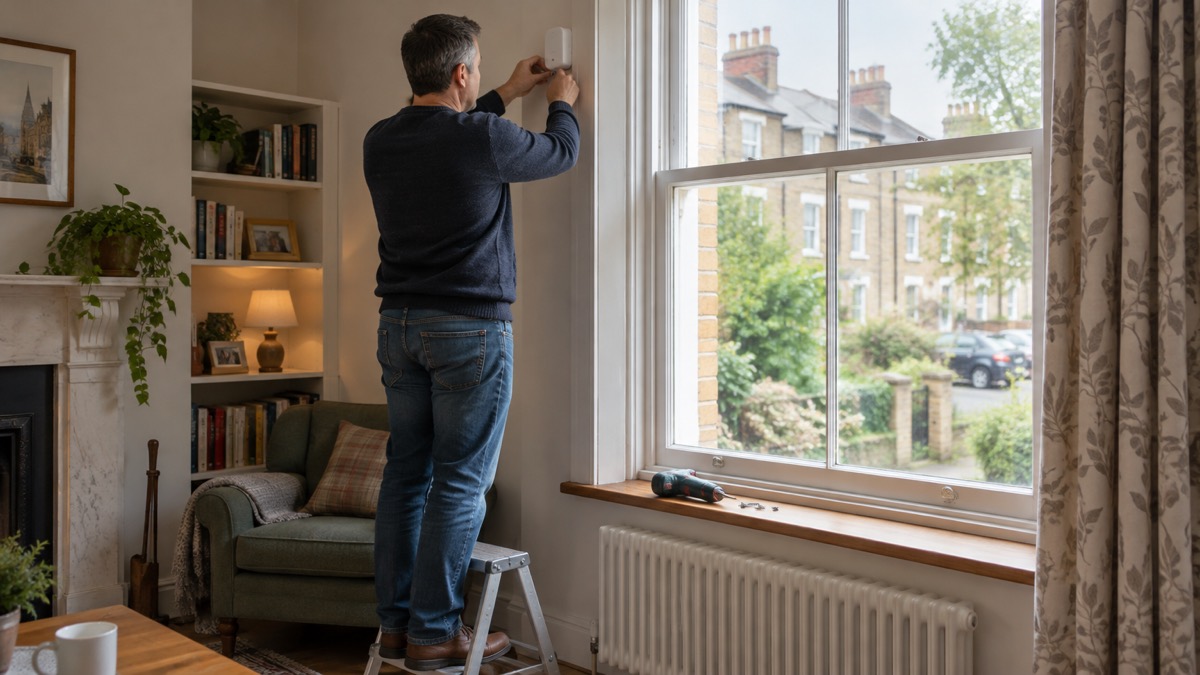
The Ajax GlassProtect is a wireless indoor glass break detector. It listens for the sound of glass being hit and then shattering, and if it hears both in the right order it sends an alarm to your Ajax hub, which can sound sirens and notify you1. It is a listening device, not a shock sensor: it hears the break rather than feeling the window move.
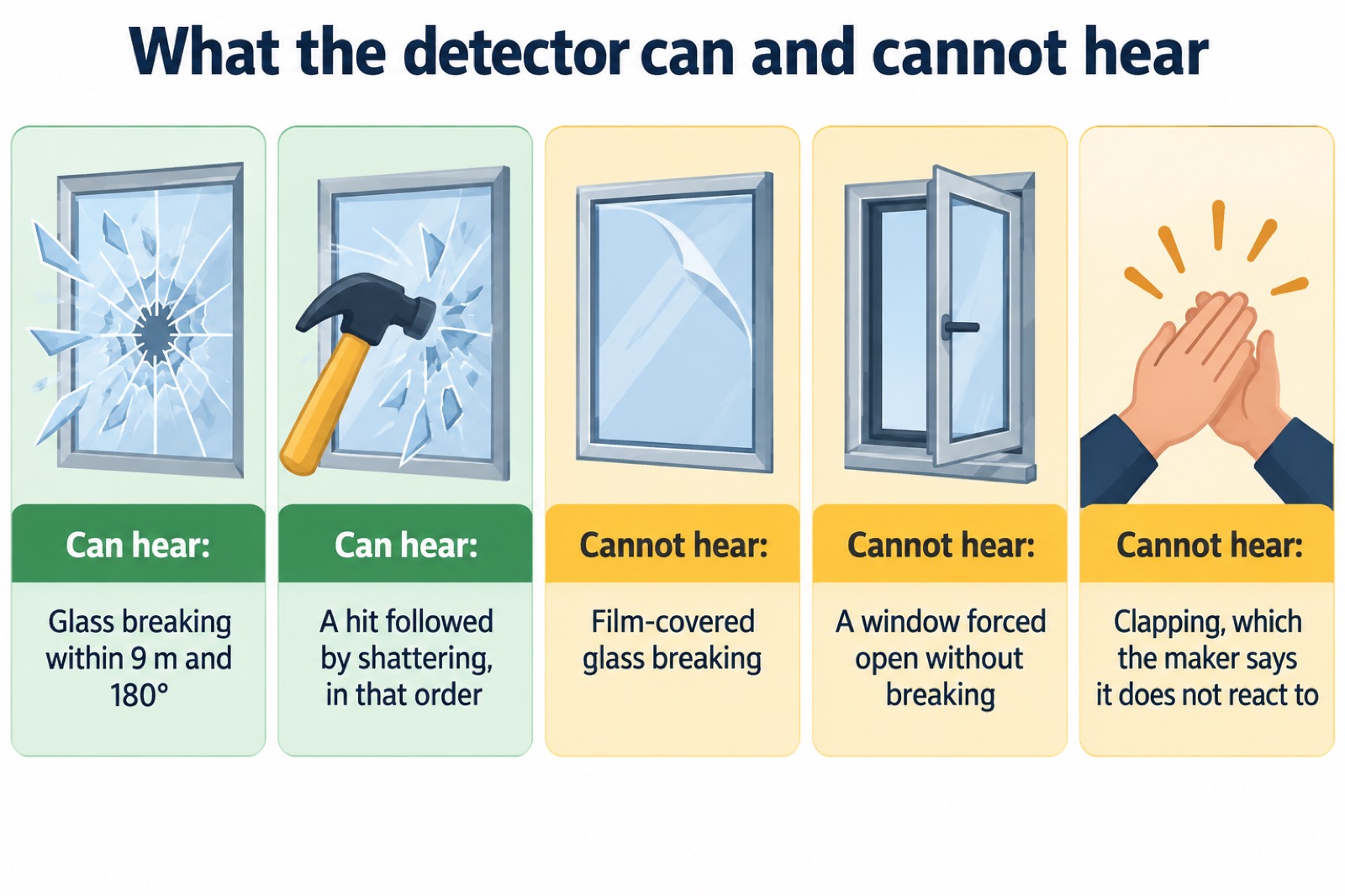
That matters for what it can and cannot do. The maker states it will not detect glass breaking if the glass is covered with shockproof, sunscreen, decorative or any other film2. It is for indoor use only1. Fitted in the right place, it covers a detection range of up to 9 metres across a 180° angle, and it runs on a pre-installed CR123A battery with a calculated life of up to 7 years1.
This page sets out what the detector does, its specifications, where to fit it and where not to, how to pair and test it, and how to change the battery safely. It is written for a household fitting one as part of a wider alarm system, so it assumes you already have, or are planning, an Ajax hub.
What GlassProtect does: hears a hit, then the shattering
The detector works in two stages. It needs to recognise a low-frequency sound, the thud of something hitting the glass, and then a high-frequency sound, the crashing of glass shattering. If it hears them in that order it raises the alarm; if it hears only one, it stays quiet1. The maker calls this two-stage verification, and the GlassProtect U Jeweller version describes the same logic as its DualTone digital algorithm, requiring the dull impact and the ringing fragments within 1.5 seconds3.
When triggered, the detector immediately transmits the alarm signal to the hub, activating the sirens if connected and notifying the user and the security company1. It connects to the Ajax system over the protected Jeweller radio protocol1.
It is worth being clear about what this means in practice. A detector that listens will respond to the sound of breaking glass, not to the window being forced. If someone prises a window open without breaking it, a glass break detector will not notice. That is why it is usually fitted alongside opening detectors on doors and windows, and why the maker offers a socket for a third-party wired detector with a normally closed contact type, so a door contact can feed into the same device1.
The detector also reports temperature, updating when it senses a change of at least 2°C, with an acceptable error of 2°C between the app reading and the room1. That is a secondary function rather than the reason to buy it.
Specifications: range, battery, size and certification
The GlassProtect Jeweller is the current model in the range, and the maker's datasheet gives its figures. The original GlassProtect manual gives the same detection range and battery life1.
| Specification | Figure |
|---|---|
| Type | Wireless indoor glass break detector with microphone2 |
| Detection distance | Up to 9 metres (datasheet also gives 1 to 30 ft)1 |
| Detection angle | 180° horizontal2 |
| Radio range to hub | Up to 1,000 metres line of sight1; datasheet gives up to 3,250 ft in open space2 |
| Radio protocol | Jeweller, with frequency hopping to prevent interference and jamming1 |
| Frequency bands | 866.0 to 866.5 MHz, 868.0 to 868.6 MHz, 868.7 to 869.2 MHz, 905.0 to 926.5 MHz, 915.85 to 926.5 MHz, 921.0 to 922.0 MHz, depending on sales region2 |
| Battery | 1 × CR123A, pre-installed2 |
| Battery life | Calculated up to 7 years1 |
| Dimensions | 3.54″ × 0.79″ × 0.79″2 |
| Weight | 1.06 oz2 |
| Operating temperature | 14 °F to 104 °F2 |
| Operating humidity | Up to 75%2 |
| Protection class | IP502 |
| Colours | Black, white2 |
| Security grade | Grade 22 |
| Warranty | 24 months2 |
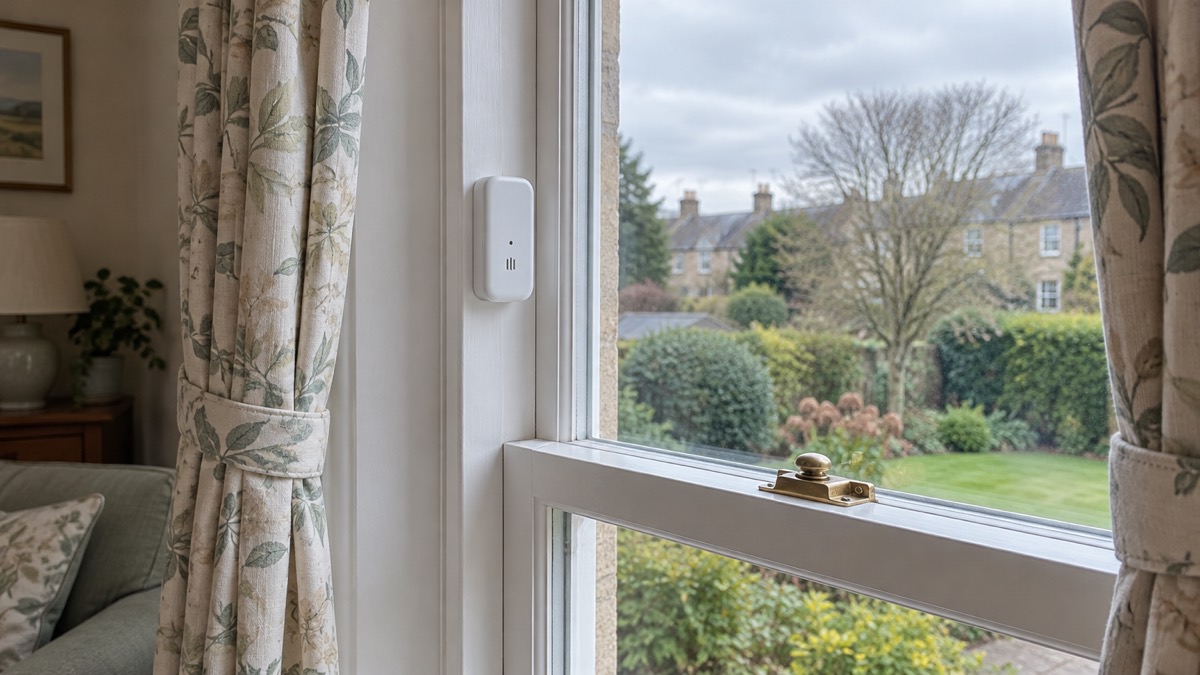
The certification list is long and worth knowing if your insurer or installer asks. The datasheet cites the EN 50131 series and PD 6662:2017, with a certificate issued by TREZOR TEST s.r.o., plus RED, EMC, LVD, RoHS and CSA certification, UL 639 and ULC S306 for intrusion detection units, and PSTI UK Schedule 1 compliance2. The maker notes that only Hub 2 Plus Jeweller and Hub 2 (4G) Jeweller are certified to UL/ULC standards, and that the uartBridge, ocBridge Plus and wired detector socket have not been evaluated by UL1.
The complete set includes the detector, a SmartBracket mounting panel, the pre-installed CR123A battery, a cable for connecting third-party devices, an installation kit and a quick start guide2.
Detection range: up to 9 metres across a 180° angle
The headline figure is up to 9 metres, with a horizontal detection angle of 180°1. In a typical room that is generous: a detector on the wall opposite a window will hear a break across the width of most domestic rooms. The maker's own guidance on positioning is more specific than the range figure suggests, though. For the GlassProtect U Jeweller, the detector should be positioned at an angle of up to 90 degrees to the window or windows it is protecting3.
The practical point is that the microphone needs a clear path to the glass. Sound is blocked and absorbed by soft furnishings, and the maker warns against installing where objects interfere with sound passage3. If there are curtains, place the detector between them and the window, for example at the window side jamb1.
Glass it cannot protect: film-covered windows
This is the limitation that catches people out. The maker states plainly that the device will not detect glass breaking if the glass is covered with shockproof, sunscreen, decorative or any other film2. The manual repeats it for both models: the detector does not react to the breaking of film-covered glass1.
That covers more homes than you might think. Solar control film, privacy film, decorative frosting and shatter-resistant film all sit between the glass and the microphone, and they change the sound the detector is listening for. If your windows have any of these, a listening detector is the wrong tool for that glass.
The maker's own alternative is the DoorProtect Plus wireless opening detector with shock and tilt sensors, which detects the breaking of film-covered glass by sensing the shock and movement rather than the sound1. That is a different product with a different job, and it is worth understanding the difference before you buy.
If you are improving the glass itself, official guidance suggests making existing glass safer by applying a shatter-resistant film, and using safety glass at low level such as in doors and windows, looking for the British Standards kitemark4. The Building Regulations require safety glass in glazed doors, side panels and areas below 800mm in new buildings5. These measures make glass harder to break; they do not make a listening detector able to hear through film.
For the wider picture on glazing, locks and ground-floor risk, see Windows: Locks, Glazing and Ground-Floor Risks.
Where to fit it, and where not to
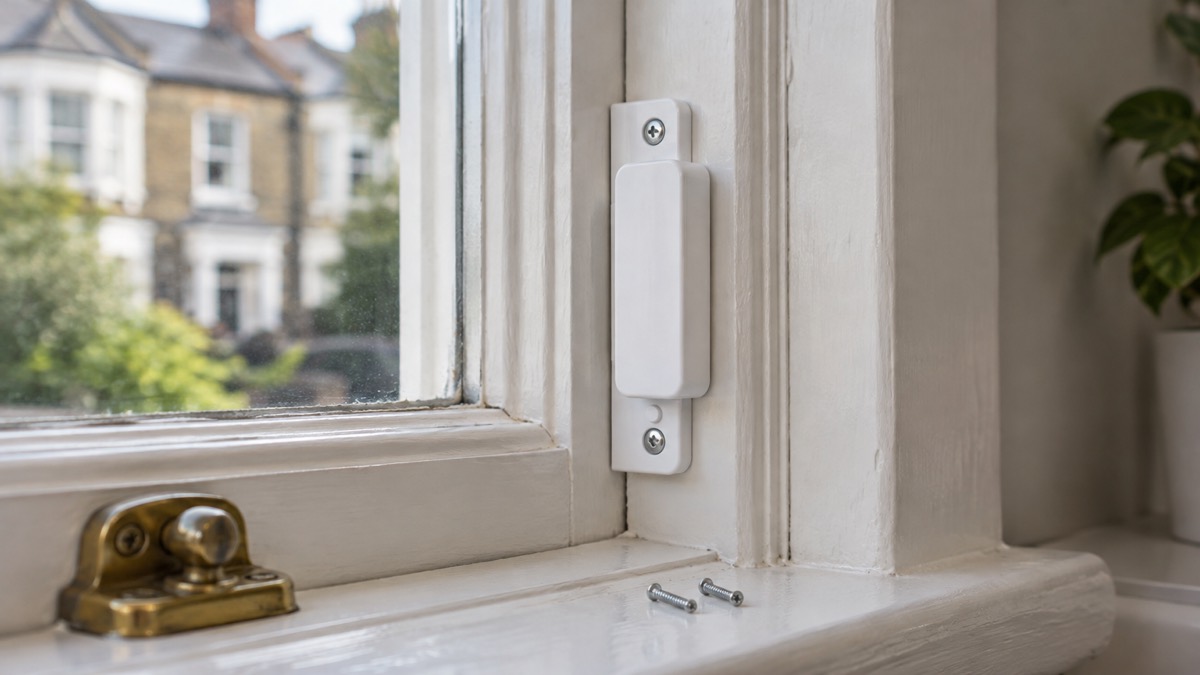
The maker lists a set of places to avoid. Do not install the detector outdoors, near sirens and speakers, near metal objects or mirrors, in places with fast air circulation, in premises where temperature and humidity fall outside the permitted limits, or closer than 1 metre to the hub1. The U Jeweller manual adds a low or unstable signal level to that list, and warns that fitting closer than 1 metre to the hub or range extender can lead to a loss of communication3.
The reasons are practical. Sirens and speakers produce sound that can confuse the microphone. Metal objects and mirrors reflect sound. Fast air circulation, from a fan or an air conditioning unit, adds noise. And a detector too close to the hub can struggle to communicate reliably.
A sensible routine is:
- Choose a spot with a clear line to the glass, at the side jamb or between the curtains and the window1.
- Check the signal strength in the app before fixing anything permanently; aim for 2 to 3 bars1.
- Fix the SmartBracket panel with the screws in the installation kit rather than tape1.
- Run the test described below before you rely on it.
Setting it up: pairing, sensitivity and operating modes
Only users with administrator rights can add the device to the hub1. You configure the detector through the Ajax app for macOS, Windows, iOS or Android1. The GlassProtect U Jeweller requires an Ajax hub with an up-to-date OS Malevich version3.
To pair, follow the app's add-device flow. If pairing fails and the LED blinks once per second, switch the detector off for 5 seconds and try again1. The device name can be up to 12 Cyrillic characters or up to 24 Latin characters1.
Once paired, you have three settings that decide how it behaves:
- Sensitivity. Three levels, Low, Normal and High, adjusted by a professional installer or a user with admin rights in the app1. Higher sensitivity hears more, including more of the room.
- Operating mode. Instant Alarm reacts immediately when armed. Entry/Exit applies a delay so you can disarm after coming in. Follower waits for a delay set by another detector1.
- Chime. If you connect a wired opening detector, you can set the detector to chime with 1 to 4 short beeps when a door opens1. Before configuring the chime, make sure the wired opening detector is connected and the External contact option is enabled1.
The maker recommends installing the wired detector no more than 1 metre from the GlassProtect1. Note that the entry and exit delay functions apply to the connected wired detector only1.
On radio compatibility, the hub and device must operate at the same radio frequency; devices from different regions may not work together, so buy and use Ajax devices in the same region1. The GlassProtect U Jeweller works with one hub at a time, and when connected to a new hub it stops sending events to the old one3. If you are choosing a hub, see Ajax Hub (2 Plus, 2, Plus) and Ajax Hub (4G) Jeweller.
Testing the detector without breaking the glass
You do not need to break a window to check the detector works. The maker's procedure is to hit the glass with your fist without breaking it, then simulate a high-frequency glass shattering sound for 1.5 seconds after the first hit1. If the detector catches the low-frequency sound, the LED blinks1.
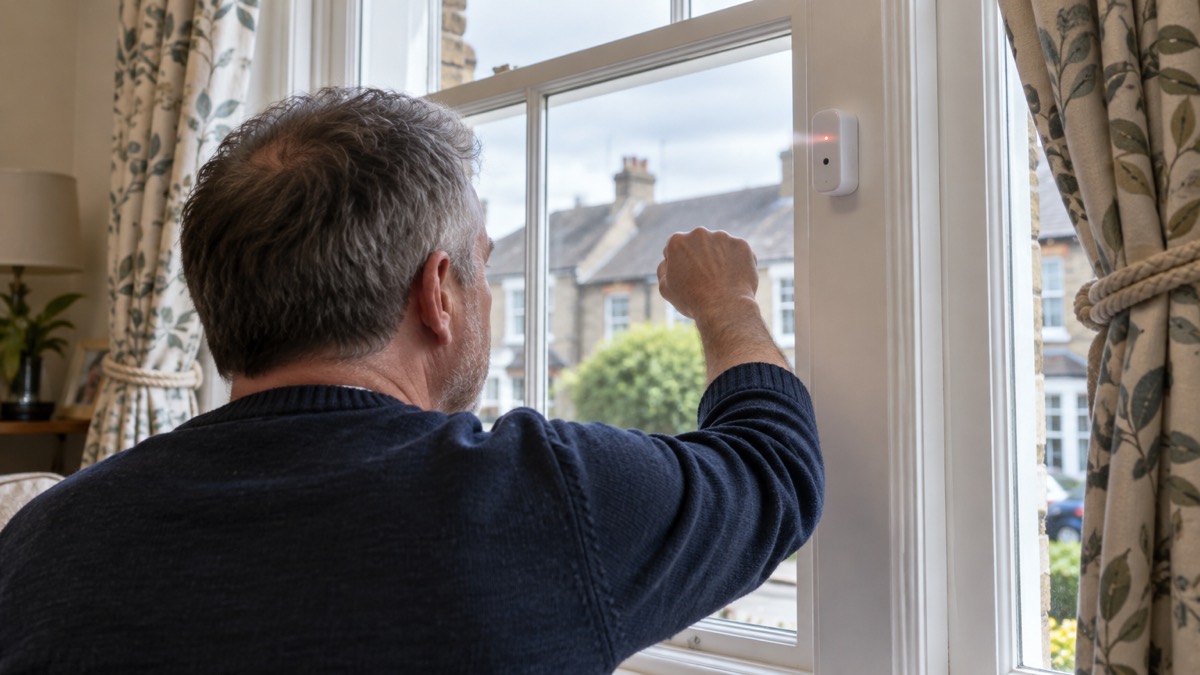
The maker is clear that the detector does not react to clapping1, so do not use a clap as your test. Use a firm but controlled knock on the glass, then the simulated shatter sound.
Tests do not start immediately: they begin within a period of 36 seconds when using standard settings1. Give it that long before deciding it has failed. For the U Jeweller, the maker's pass criterion is that if the detector did not respond to a break during the test in 5 out of 5 cases, it should be installed in a different location3.
If you are checking the radio link rather than the microphone, use the signal strength test in the app. The maker recommends 2 to 3 bars1. If you see one bar, move the detector: even a 20 cm shift can significantly improve signal reception1. If it is still low after moving, use a radio signal range extender1. The maker's warning on the signal test is blunt: with poor signal strength, stable operation of the security system cannot be guaranteed, so take the necessary measures to improve signal quality6.
Battery: up to 7 years on one CR123A, and how to replace it
The detector ships with a CR123A battery pre-installed, and the maker calculates a life of up to 7 years1. That figure assumes the hub's 5-minute ping interval1. The default ping interval is 36 seconds1, so a detector left on default settings will not reach the full calculated life. The maker states that if other batteries are installed, the operating time may differ from the calculated time7.
When the battery runs low, the system notifies you, and the LED indicator smoothly lights up and goes off if a glass break is detected or the tamper is triggered1. The battery status is not updated instantly but during the next polling of the devices, by default every 36 seconds7.
To replace the battery, the maker's steps are7:
- Dismount the detector from the SmartBracket attachment panel.
- Turn off the GlassProtect.
- Unfasten the clamp and remove the front panel.
- Change the battery, observing the polarity. Use a CR123A7.
- Reattach the back panel.
- Turn on the device and check the battery status in the app.
The maker lists Huiderui or Duracell as battery manufacturers2. The warranty runs for 2 years after purchase and does not cover the pre-installed battery1.
Support, warranty and keeping it working
The warranty is 2 years from purchase, excluding the pre-installed battery1. If the device does not work correctly, the maker advises contacting the support service first, because in half of cases technical issues can be solved remotely1.
For cleaning, use a soft dry cloth suitable for tech equipment. Do not use any substances containing alcohol, acetone, petrol or other active solvents1. Keep the microphone opening free of dust so it can hear clearly.
On false alarms, the maker's own test is the place to start: switch the appliances that usually operate in the room on and off, such as generators or air conditioners, and if this triggers the detector, change the sensitivity or relocate it1. The detector sends an alarm once in 5 seconds1. Its DualTone two-factor algorithm verifies a break by low and high sound frequencies, which helps it tell glass from other noise2.
The same principle applies to any alarm: false alarms have causes, and siting and maintenance reduce them. Official fire guidance makes the point that steam and cooking fumes are the most common cause of false alarms, and that alarms should not be fitted too close to the kitchen door8. Fire and rescue services advise avoiding fitting alarms in kitchens or bathrooms where steam or cooking fumes may trigger false alarms9, and note that automatic fire alarms can react to steam, cigarette smoke, aerosol sprays or cooking fumes10. The maker of one alarm range lists dust build-up, insects inside detectors, high humidity and sudden temperature changes among common causes11. Heat alarms are offered as a way to avoid cooking fumes triggering a response12. Keeping your system maintained reduces the potential for false alarms14.
For the wider question of how alarms fit into a home security plan, see Burglar Alarms: Types and How to Choose One and Monitored or Self-Monitored Alarm?. If your home has a weak mobile signal, Alarms and Cameras on a Weak Mobile Signal or Slow Broadband explains what to check.
Sources (14)
- GlassProtect user manual, Ajax Systems, 2025-12-30
- GlassProtect Jeweller specifications, Ajax Systems, 2026-11-02
- GlassProtect U Jeweller user manual, Ajax Systems, 2025-07-01
- Baby and toddler safety, NHS, 2026-02-19
- Preventing accidents in the home, RoSPA, 2026-10-26
- What is the signal strength test, Ajax Systems, 2022-10-25
- How to replace batteries in GlassProtect, Ajax Systems, 2024-05-10
- Smoke and heat alarms, Scottish Fire and Rescue Service, 2025-04-14
- Smoke alarms, Cheshire Fire and Rescue Service, 2026-07-27
- Automatic fire alarms, Surrey County Council, 2026-09-07
- Important information for home occupiers, FireAngel, 2026-02-06
- Kitchen safety, Scottish Fire and Rescue Service, 2024-11-11
- Heat alarms, Aico, 2026-10-28
- Alarm systems, SSAIB, 2026-11-02

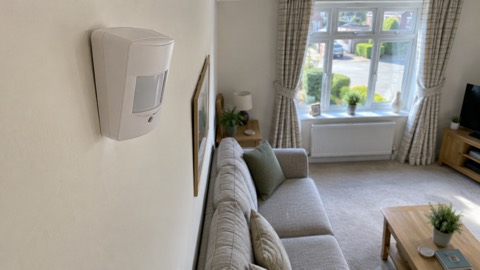 Ajax CombiProtect
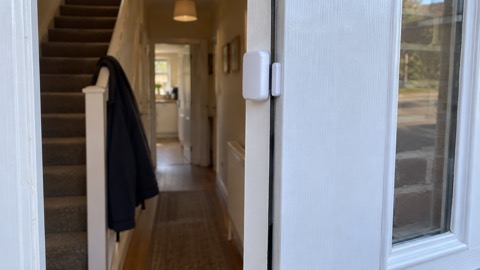 Ajax DoorProtect Plus
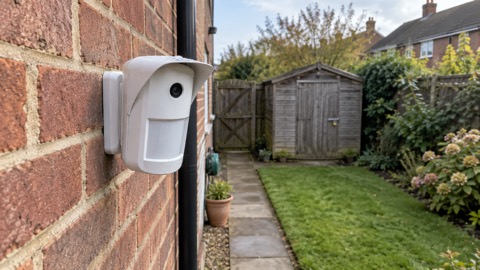 Ajax MotionCam Outdoor
 Ajax MotionCam
 Ajax MotionProtect