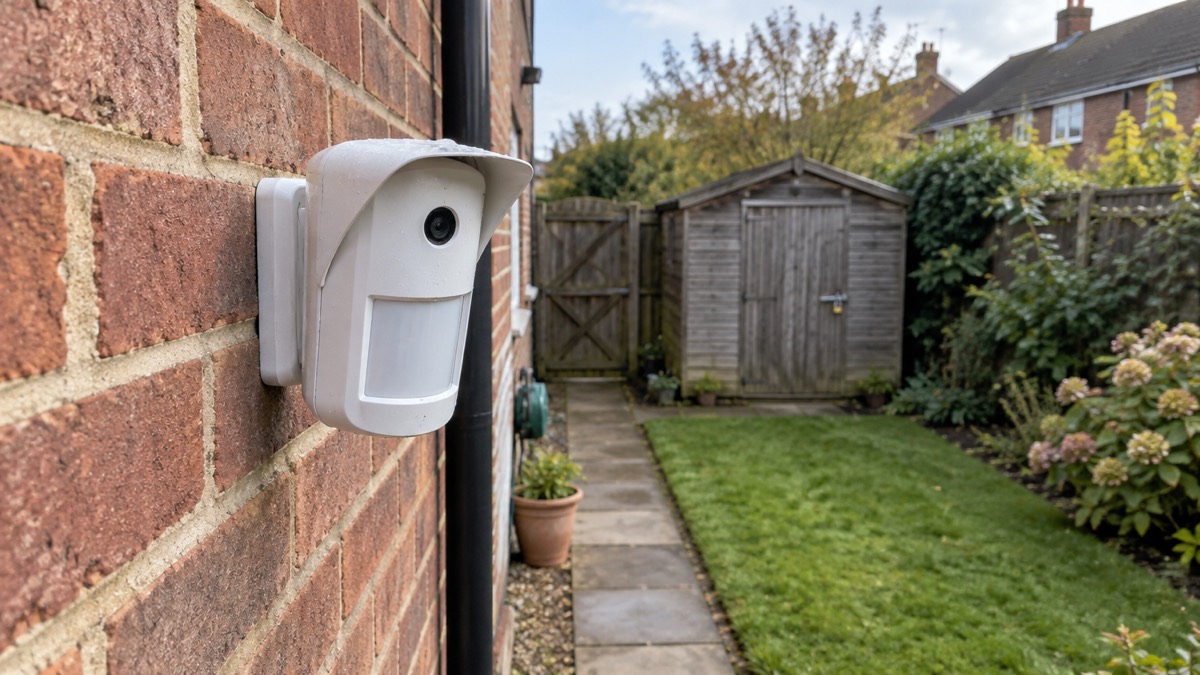
The Ajax MotionCam Outdoor is a battery-powered outdoor movement detector with a small camera built in. When it is armed and something moves in its detection zone, it takes a short series of photographs and sends them through an Ajax hub to the app on your phone, so you can see what set the alarm off before you decide what to do. The maker describes it as "a wireless outdoor motion detector with a camera for alarm verification"1.
For a household, that means fewer wasted trips into the garden at night and a clearer picture of whether the movement was a fox, a neighbour or someone at your gate. It is a sensor for an Ajax alarm system, not a standalone camera: without a compatible hub it has nothing to send its pictures to.
The figures that decide whether it suits your home are these. It detects movement at up to 15 metres across a 90° zone, and the range is set by hand on the detector body between 3 and 15 metres1. It is designed to sit 0.8 to 1.3 metres above the ground, which is also the height at which its pet immunity works1. Four CR123A batteries give up to 3 years at one alarm a day on standard settings1. Photos arrive in as little as 9 seconds at the lower resolution1.
What the MotionCam Outdoor does, and what it cannot do
The detector uses two passive infrared sensors, and the maker states that "an alarm is detected if both IR sensors detect a movement"1. That two-sensor rule is what cuts down nuisance triggers from a warm patch of wall or a sudden change in light. Once the alarm is confirmed, the camera fires and the images go to the hub, which passes them to the Ajax app and, if you have monitoring, on to the alarm receiving centre.
You can set how many alarms carry a photo: between 1 and 10, or a photo every time the detector is triggered, with the count resetting when the system is disarmed1. The PhOD version adds more ways to get a picture: Photo on Demand, where you ask for a shot from the app, Photo by Scenario, where an Ajax fire detector triggering makes this camera take a picture, Photo by Schedule, and Photo by arming or disarming2. Photo by scenario is disabled by default2.
What it cannot do is see through glass. The maker is explicit: "Note that MotionCam Outdoor does not detect movement behind the glass"1. It is not a substitute for a camera watching a continuous view, and it does not record video. It gives you a handful of stills at the moment of an alarm.
Detection range: 15 metres across a 90° zone
The detection zone is a fan 90° wide, and its width grows with distance. The maker's table gives the spread at each range setting1:
| Range setting | Width of detection zone |
|---|---|
| 3 metres | 6 metres |
| 4 metres | 8 metres |
| 7 metres | 14 metres |
| 9 metres | 18 metres |
| 13 metres | 26 metres |
| 15 metres | 30 metres |
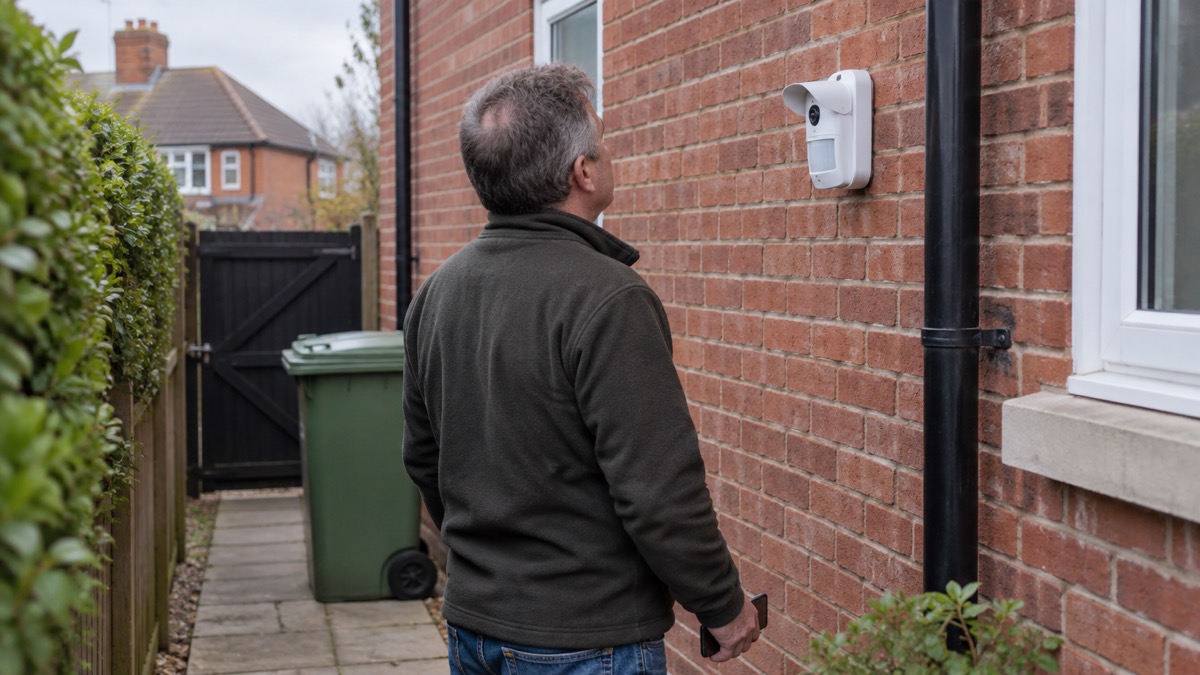
The range is not set in the app. It is set "manually, with a scrollbar on the detector body, and is from 3 to 15 meters"1. The scrollbar has marked positions, and the maker gives the distance each one gives at a given mounting height. At the fourth bar, fitted at 0.8 to 1.3 metres, the detector reaches up to 12 metres; at the fifth bar at the same height it reaches up to 15 metres1. Fitted lower, at 0.5 metres, the fifth bar gives up to 13 metres1.
Those distances were measured under test conditions: medium sensitivity, an ambient temperature of +23°C, clear weather and a person walking1. Rain, heat haze and heavy clothing all shorten real-world range, so set the zone a little wider than the ground you actually need to cover and test it by walking the boundary.
The maker notes that "up to 13 meters is evaluated by UL"1, a certification limit rather than a limit on what the detector will do. The PhOD datasheet gives the same 15 metre figure and a 90° horizontal detection angle2.
Where to mount it: 0.8 to 1.3 metres above the ground
Height is the single decision that most affects how the detector behaves. The maker states that "the detector is placed 0.8, 1.3 meters above ground level" and that "this height is a prerequisite for the effective work of the pet immunity function"1. The datasheet puts the same advice in imperial units, at 2.6 ft to 4.3 ft2.
There is a deliberate alternative. The detector "can be placed 0.5 meters above ground level to protect the facility from crawling burglars", but at that height pet immunity is not available1. So the choice is between a sensor that ignores the cat and one that catches someone crawling under a window. If you have no pets, the lower mounting is worth considering for a ground-floor window or a side return.
A few placement rules from the maker's manual1:
- Fit it on a flat, stable surface such as a house wall or a solid fence; a shaky surface causes false alarms3.
- Keep it at least 1 metre away from the hub1.
- Aim for a Jeweller and Wings signal strength of 2 to 3 bars in the app; if you see a single bar, move the detector, because "repositioning even by 20 cm can significantly improve signal reception"1.
- Do not point it at bushes 80 cm high or more, which can trigger false alarms in warm weather1.
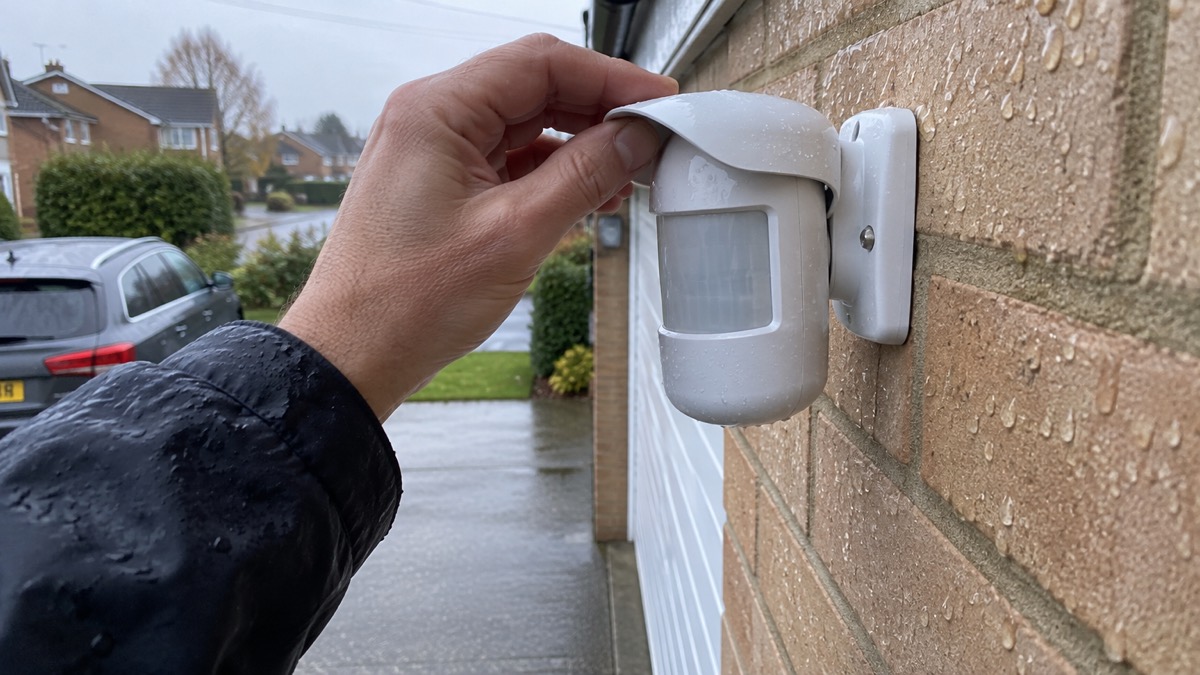
- Use the Hood visor supplied in the kit to shield the camera and the masking detection from heavy rain and snow3.
For comparison, general outdoor camera advice puts a camera 2 to 3 metres high, angled slightly down for the clearest view4, and Police Scotland suggests 3 metres above the ground, where it is more likely to record faces and harder for a thief to break5. A motion detector is a different job: it wants to look across ground level, not down on heads, which is why its height is so much lower.
Where it will not work well
The detector is happiest on a stable wall looking over open ground. Several situations defeat it.
- Behind glass. It will not detect movement through a window, so it cannot watch a driveway from inside a conservatory1.
- Shaky mountings. A loose fence panel or a gate post that moves in the wind produces false alarms3.
- Tall planting in the zone. Bushes 80 cm or taller in the detection area cause false alarms in warm weather1.
- Pets at the wrong height. At 0.5 metres there is no pet immunity, and even at the correct height a large or very active animal can trigger a detector set to high PIR sensitivity1.
- Direct CMS connection only. If the system talks to a monitoring station directly rather than through a hub, photos by scenario, schedule and arming or disarming will not reach the station3.
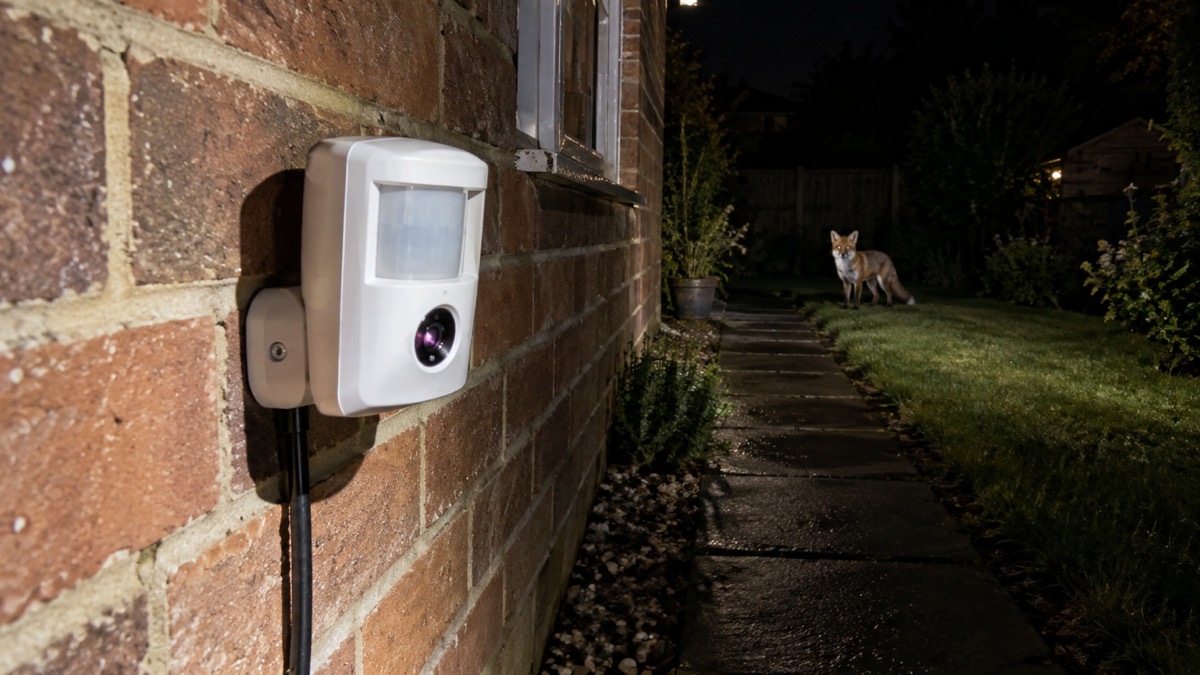
On pets, the maker's own support article is candid: "the detector with a high sensitivity of the PIR sensor can be triggered by large and active pets or by other thermal interferences"4. The datasheet lists pet immunity for animals up to 2.6 ft tall2. Traditional sensors "detect any movement, which can lead to false alarms when pets roam freely"6, which is why the height rule matters so much here. If animals are your main worry, the wider question of which sensors suit a household with pets is worth reading alongside this page: Which alarm sensors are safe to use with pets?.
Photos by alarm and on demand: up to 5 images in as little as 9 seconds
The camera takes "1 to 5 photos at a time (depending on the settings)" and transmits them to the hub1. Resolution decides how many you get and how fast they arrive. At 320×176 the detector sends 1 to 5 images; at 640×352 it sends up to 31.
| Resolution | Images per series | Delivery time, direct to hub |
|---|---|---|
| 320×176 (default) | 1 to 5 | up to 9 seconds |
| 640×352 | up to 3 | up to 20 seconds |
Those times are for a detector connected directly to the hub1. Route the signal through a range extender and it slows: up to 13 seconds at the lower resolution when the extender passes photos over Wings, and up to 21 seconds at the higher resolution over Ethernet1. The maker's own figures for the detector are up to 9 seconds at 320 × 176 px and up to 20 seconds at 640 × 352 px, measured with the hub connected by Ethernet or 4G and a Wings signal strength of 2 to 3 bars2.
Each frame can be saved "individually (in JPEG format) or the entire series (in GIF or MP4 format)"1. The camera has a 105° horizontal and 50° vertical viewing angle, wider than the 90° detection zone, and an infrared backlight for night photography and low light2. The maker notes that the camera and photo features are not evaluated by UL2.
On the PhOD version, Photo on Demand needs "up to 3 seconds to start the Photo on demand shooting"3, and the LED "lights up green for 0.5 seconds" while it takes the shot3, so anyone in the garden can see the detector working. Photo by schedule requires a hub on OS Malevich 2.19 or later2.
Batteries last up to 3 years on four CR123A cells
The pre-installed batteries "provide up to 3 years of battery life at the rate of 1 alarm per day with the standard Jeweller settings"1. The PhOD datasheet gives the same up to 3 years with the Delay when entering feature disabled2. After the app sends a low battery notification, the detector "can work for up to 2 months"1, which is your window to change them without losing cover.
Cold weather is the main variable. The maker's battery life figures for the MotionCam range are given for standard settings on the bundled cells, and the maker notes that running time falls as the temperature drops4. The datasheet puts effective motion detection at temperatures from −13°F to 140°F2. If your detector faces a cold, exposed wall, expect the shorter end of that range and check the app more often in winter.
The maker recommends Panasonic CR123A Industrial Lithium, 3 V, and notes that "CR123A and CR123 batteries are of the same type" so either form factor fits7. It advises lithium cells generally because "they have a large capacity and are less affected by temperatures"1. If you fit another brand, "the operating time may differ from the calculated time"7.
To change the cells, the maker's instructions are7:
- Loosen the locking screw at the bottom with a PH2 cross-head screwdriver.
- Slide the detector up and off the SmartBracket mounting panel.
- Remove the Hood, then hold the power button for 3 seconds to switch the device off.
- Undo the four screws with the PH2 screwdriver, pry up and remove the back cover.
- Replace all four CR123A cells, watching the polarity marked in the battery slot.
- Reassemble in reverse order and refit to the bracket.
The PhOD version with firmware 7.58.5.14 and later adds a Notify on risk of fast battery discharge setting3, which warns you early if the cells are draining faster than expected.
Tamper and masking alerts if the lens is covered or the detector is moved
The detector is built to complain if someone interferes with it. It has "masking sensors reacting to hindering, covering and painting the lens"2, and it raises a tampering alarm on "attempts to detach the detector from the surface or remove it from the mounting panel"2. The masking detection "is always active and works regardless of the detector or system security mode"3, so covering the lens is reported even when the system is disarmed.
The timing is quick. An obstacle held in front of the lens, within 10 centimetres, raises a masking alarm in 7 seconds, and the detector takes 20 seconds to restore once it is clear1. Painting over the lens, or sticking something over the lens or the side of the detector, takes 100 seconds to register1. The HighMount variant adds a setting that notifies users "if sensors are covered with ice and do not detect movement" when anti-masking is enabled8.
The LED gives a visible signal too: on the HighMount it lights green for about 0.6 seconds for a tamper alarm, a magnetometer alarm, masking detected or restored, and for taking photos on demand8.
This matters for a household because a detector that has been quietly disabled is worse than none. If the app reports masking or tampering, treat it as a real event and check the garden before dismissing it. The same principle runs through the wider guide to home cameras and CCTV, where a camera that has been turned or covered is a common first move in a burglary.
Maintenance, warranty and support
The detector needs very little attention, but a monthly check is sensible. The maker of a comparable outdoor camera advises: "Check live view and alerts monthly to confirm performance"9. For this detector, that means opening the app, confirming the signal strength is still 2 to 3 bars, walking the zone to see a photo arrive, and looking at the battery level.
The warranty runs for "2 years after purchase" and does not apply to the bundled batteries1. The PhOD datasheet states 24 months2, and the PhOD manual confirms 2 years after purchase for Ajax Systems Manufacturing products3.
If something is wrong, the maker asks you to contact support first: "in half of the cases, technical issues can be solved remotely"1. The address is support@ajax.systems, and the HighMount manual notes that the support team is available 24/78. Before you call, have the hub model, the firmware version and the detector's signal strength to hand.
Fitting it into an Ajax system
The MotionCam Outdoor is one sensor in a wider Ajax system, and it only works with a hub that speaks the same language. The maker states it is "incompatible with Hub and Hub Plus hubs, ReX Jeweller radio signal range extender, third-party security central units, ocBridge Plus and uartBridge integration modules"1. The PhOD manual adds that "connection to other hubs, radio signal range extenders, ocBridge Plus and uartBridge is not provided"3. If you are building a system from scratch, the Ajax Hub 2 Plus and the Ajax Hub 4G Jeweller are the current hubs in the range.
Radio frequency matters. "The hub and the device must operate at the same radio frequency; otherwise, they are incompatible"3, so buy the detector and hub in the same sales region. The datasheet lists bands from 866.0 to 926.5 MHz depending on region, with 905.0 to 926.5 MHz certified to UL/ULC2. Radio range is up to 5,600 ft between detector and hub or extender in open space2, and communication loss is detected within 36 seconds2. Data is protected by block encryption with a dynamic key, and the radio uses frequency hopping to prevent interception and jamming2.
The detector works with only one hub. When you connect it to a new one, "it stops sending commands to the old hub" and must be removed from the old hub's device list by hand1. Plan a hub swap so the garden is not left unwatched while you sort out the old device list.
If you are weighing up whether a detector like this or a camera suits your home better, the comparison of burglar alarms and CCTV sets out the trade-offs, and the guide to monitored alarms explains what happens to an alarm once it leaves the house.
Sources (9)
- MotionCam Outdoor user manual, Ajax Systems, 2026-09-28
- MotionCam Outdoor (PhOD) Jeweller specifications, Ajax Systems, 2026-11-02
- MotionCam Outdoor (PhOD) Jeweller user manual, Ajax Systems, 2026-09-23
- MotionCam battery life, Ajax Systems, 2024-04-30
- Break-in and housebreaking advice, Police Scotland, 2026-11-02
- How do I stop my dog setting off my house alarm, Verisure, 2026-03-30
- How to replace batteries in MotionCam Outdoor, Ajax Systems, 2024-04-30
- MotionCam Outdoor HighMount (PhOD) Jeweller user manual, Ajax Systems, 2026-08-04
- Best security camera features for UK weather conditions, eufy, 2025-09-17

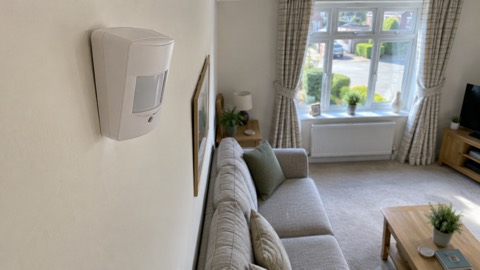 Ajax CombiProtect
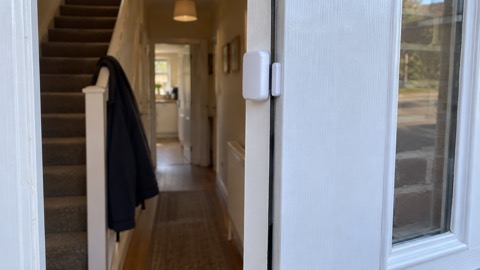 Ajax DoorProtect Plus
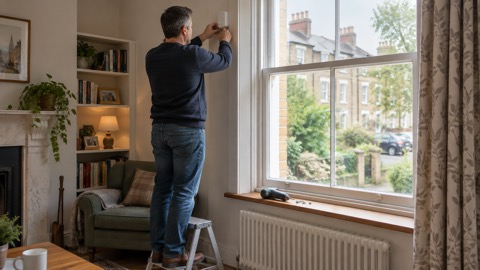 Ajax GlassProtect
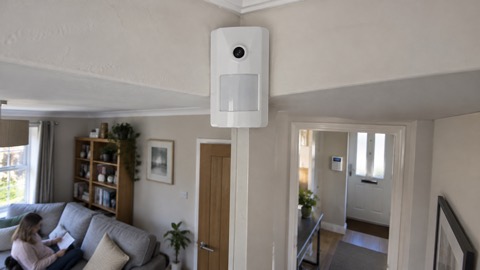 Ajax MotionCam
 Ajax MotionProtect