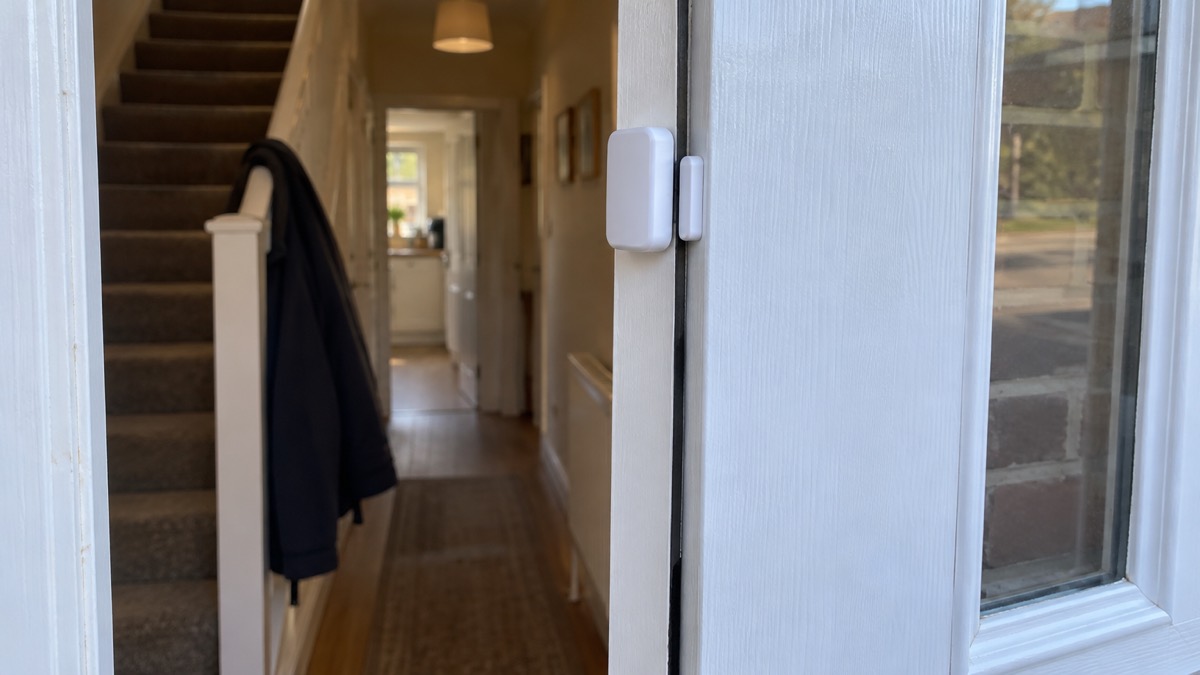
The Ajax DoorProtect Plus is a wireless sensor that fits to a door or window and watches it in three ways at once: it reports the door or window opening, it feels a shock such as a kick or a hard knock, and it notices the frame being tilted. Ajax describes it as a wireless opening, shock and tilt detector1. It is part of the Ajax system, so it talks to an Ajax hub rather than standing alone, and it is powered by a single pre-installed CR123A battery that Ajax calculates will last up to 5 years at a rate of 10 openings and closings a day1.
That battery figure is the headline for most households: a sensor you fit and then largely forget, apart from a check every three months. The catch is siting. The detector has to go on the moving part of the door or window for the shock and tilt sensors to work at all, and Ajax sets tight limits on the gap between detector and magnet1. Get that right and it is a quiet, long-lived addition to a burglar alarm; get it wrong and it will either miss an opening or raise false alarms.
This page covers what the sensor does, how long the battery lasts, where to fit it and where never to fit it, how to set the delays and sensitivity, and how to test it. It does not cover the hub itself, which is dealt with on the Ajax Hub (2 Plus, 2, Plus) page.
What the DoorProtect Plus detects, and what it cannot do
The unit combines three sensing jobs. A reed switch detects the magnet moving away as the door or window opens. An accelerometer picks up shock, so a kick at the door or a hard knock on the glass registers. The same accelerometer handles tilt, so a window or door being levered out of square is caught. Ajax lists the sensitive elements as one accelerometer and two reed switches on the U Jeweller variant, and one accelerometer and one reed switch on the standard Jeweller variant3.
The important limitation is physical. Ajax states plainly that the detector must be placed on a moving part for it to detect shock and tilt1. A sensor screwed to the fixed frame will still report opening through the magnet, but it will not feel the shock of a kick or the tilt of a frame, because the frame does not move. That single sentence decides the whole installation.
It also reports more than alarms. Ajax lists the events it can transmit as tamper alarm and recovery, third-party wired detector alarm and recovery, connection loss and recovery, on and off, and an unsuccessful arming attempt1. The tamper alert covers attempts to tear the detector off the surface or remove it from its mounting panel2. If someone rips the sensor off the door, you hear about it.
What it cannot do is tell you who is there, or see anything. It is a contact and movement sensor, not a camera. For that you would be looking at a different kind of device, such as the Ajax MotionCam, and for the wider question of what a sensor network can and cannot achieve, the guide to burglar alarms sets the options out.
One further limit worth knowing before you buy: Ajax says the detector is not compatible with the ocBridge Plus and uartBridge integration modules1. If your plan was to bring Ajax sensors into another system through one of those bridges, this sensor will not do it.
Battery life: up to 5 years from one CR123A
The DoorProtect Plus runs on a single CR123A cell, supplied pre-installed3. Ajax calculates a battery life of up to 5 years at a rate of 10 openings and closings a day with the standard Jeweller settings1. That is a calculation, not a promise: more openings, more shock events and a weaker radio link to the hub will all shorten it.
The figures behind that estimate are worth knowing because they explain the warning signs. The battery has a full capacity of 1,600 mAh, the device draws 11.8 μA when idle at its nominal 3 V and up to 24 mA at peak2. Ajax sets the low battery threshold at 2.5 V and the recovery voltage at 2.7 V3. At 2.1 V the device switches off, with 300 mAh of capacity left2. In other words, the low battery warning arrives well before the sensor stops working, which is the point of it.
The app shows charge in fixed steps: 0%, 10%, 20%, 30%, 50%, 75% and 100%1. Do not expect a precise percentage. When the notification comes, Ajax advises replacing the battery immediately and says lithium batteries are advisable1. The maker's datasheet names Panasonic as the battery manufacturer for the U Jeweller variant3.
Where to fit the detector and magnet
Ajax recommends the magnet on the moving part and the detector on the door frame or window frame1. That sounds like a contradiction of the shock and tilt rule, and it is worth reading carefully: the detector goes on the frame, but it must be positioned so that it is on a part that moves when the door or window is forced. In practice that means high on the opening edge, close to the magnet, not tucked into a corner where the frame is rigid.
The magnet side is fixed. Ajax says the magnet is attached to the right of the detector, and the side is marked with an arrow on the enclosure1. The product page repeats it: the magnet should be installed to the right of the detector2.
The gap between the two parts depends on how they meet:
| Mounting arrangement | Magnet to use | Maximum gap |
|---|---|---|
| Detector and magnet on the same plane | Large magnet | 2 cm1 |
| Detector and magnet on perpendicular planes, such as inside a door frame | Small magnet | 1 cm1 |
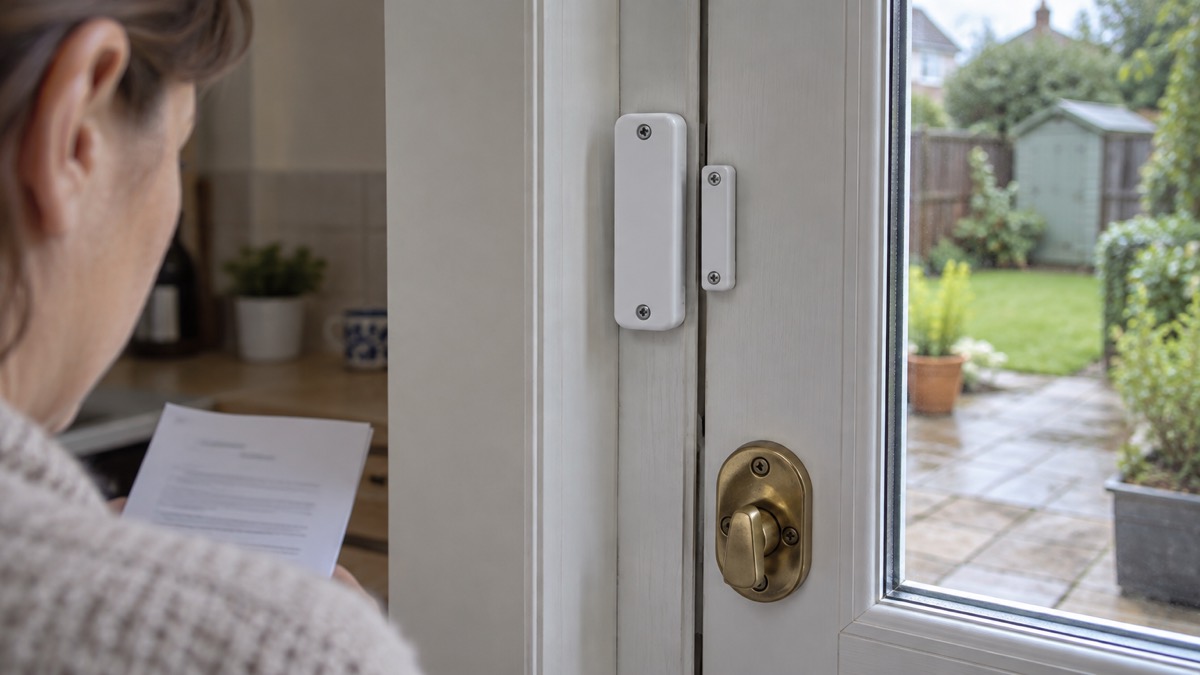
The perpendicular case is the one that catches people out. Ajax's manual for the earlier DoorProtect makes the same point about the small magnet and the 1 cm limit4, so it is a consistent rule across the range rather than a quirk of this model.
Two more siting rules matter. Do not install the detector on the hinge side of the window or door, because it may not respond to opening1. And do not install it with the LED indicator facing down, as this may cause it to fall and fail through damage2.
If the signal is weak, Ajax advises relocating the device, noting that repositioning even by 20 cm can significantly improve reception1. The recommended signal strength in the app is 2 to 3 bars1. The hub communication range is up to 1,200 m without obstacles1, which is generous in a house but says nothing about thick walls, foil-backed plasterboard or a metal consumer unit in the way.
Where it must never go
Ajax lists the places the detector must not be fitted, and each has a reason that matters:
- Outdoors. This can lead to false alarms and damage to the detector1.
- Inside metal structures. This may result in the loss of the radio signal1.
- Near mirrors. This may shield or attenuate the radio signal1.
- In rooms outside the permitted temperature and humidity range. This may damage the detector1.
- On the hinge side of a door or window. It may not respond to opening1.
- With the LED facing down. It may fall and fail through damage2.
The operating range is from 14 °F to 104 °F, with a narrower band certified to UL/ULC standards, and humidity up to 75%, or up to 85% under that certification2. The protection class is IP50, which is dust protected but not water resistant2. A bathroom, a shed or a garage door exposed to driving rain is therefore the wrong home for it.
The same caution applies to any door that forms part of a protected escape route. A sensor is not worth a compromised fire door.
Setting delays, shock sensitivity and tilt angle
All of the settings are made in the Ajax app, and Ajax says they are adjusted by a PRO or a user with admin rights2. If you are the account holder, that is you; if an installer set the system up, ask them.
Entry and exit delays. The delay when entering can be set from 5 to 120 seconds, and the delay when leaving from 5 to 120 seconds1. Night Mode has its own pair of delays, also 5 to 120 seconds each1. Set the entry delay long enough to walk in and reach the keypad without rushing, and the exit delay long enough to shut the door and leave.
Shock sensitivity. There are 3 levels3. The default is Normal, which Ajax describes as the recommended value suitable for most objects1. Raise it for a solid door that does not transmit a knock well; lower it for a thin panel that rattles in the wind. Ajax also offers an option to ignore a single shock, again set by a PRO or admin in the app3.
Tilt angle. Before the system is armed, the sensor remembers its initial position and triggers if the deviation is more than 5°1. The product page gives the activation threshold as from 5° to 25°2. The alarm delay after tilting can be set from 1 second to 1 minute1.
Ventilation mode. If you want to arm the system with a window left slightly open, Ajax says you can, provided you deactivate the magnetic sensor in the settings first1. Do this deliberately and remember you have done it: with the reed switch off, that window no longer reports opening, though shock and tilt still work.
Roller shutters. For a roller shutter, the feature needs firmware version 5.53.1.0 or higher1. You set the number of impulses from the shutter detector needed to raise an alarm, between 2 and 7, and the counting window, between 5 and 30 seconds1. That is how the system distinguishes a shutter being forced from one moving in the wind.
Chime. The detector can be set to give 1 to 4 short beeps as a chime1, which is useful on a shop-style door or a side gate.
Testing and checking it every three months
Ajax says the optimal frequency of checks is once every three months1. Put it in the diary alongside the other household checks: the same three month rhythm is what fire services expect for communal fire doors in blocks of flats7, and the Chartered Institute of Plumbing and Heating Engineering suggests checking your internal stop valve still functions every six months9. A single quarterly walk-round covers the lot.
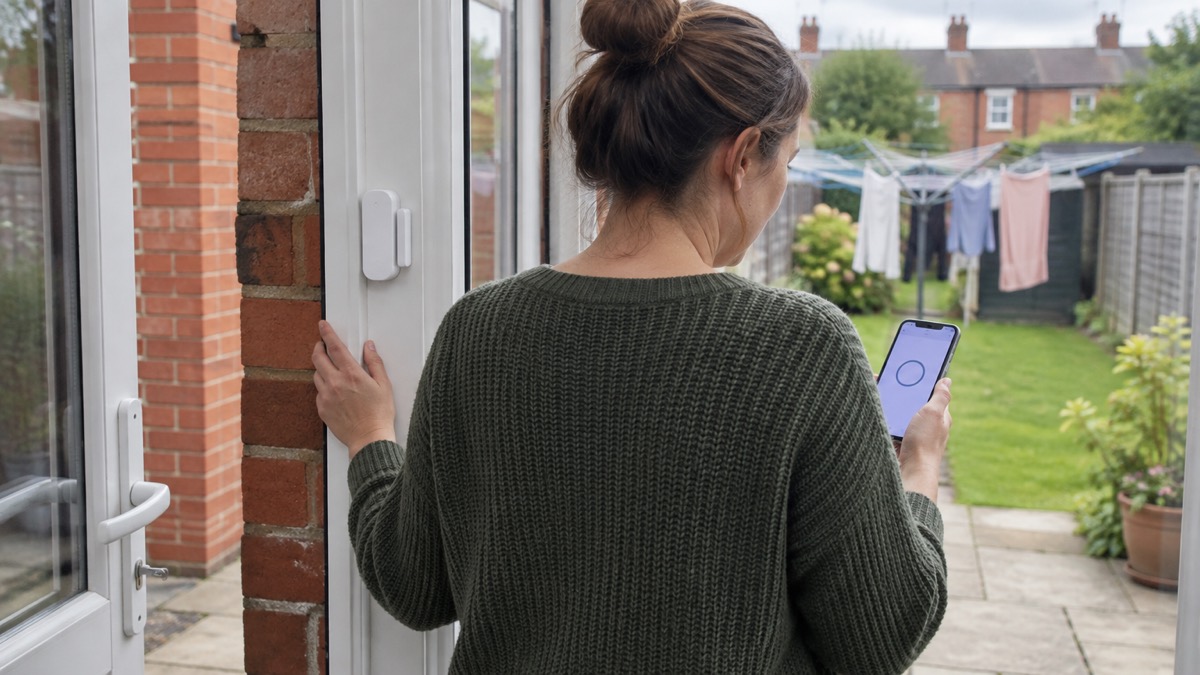
The test itself is straightforward. Ajax notes that tests do not start straight away but begin no later than a single hub to detector ping period, 36 seconds by default1. So press test, wait, then open the door and watch for the response. If the detector fails to respond to opening in 5 cases out of 5 during the test, reduce the distance between the detector and the magnet1. If it does not react to shock in 5 cases out of 5, the sensitivity should be increased1.
A few practical points on the check:
- Confirm the app shows a signal strength of 2 to 3 bars1.
- Check the tamper alert works by easing the detector off its mounting panel and confirming the notification arrives2.
- Look at the battery level in the app and note it, so you can see the trend next quarter.
- Wipe the casing with a soft dry cloth; Ajax warns against alcohol, acetone, petrol and other active solvents1.
The detector also reports temperature, updated when it senses a change of at least 2°C, with an acceptable error of 2°C between the app value and the room1. That is a rough guide to a cold room, not a thermometer.
Support, warranty and getting help
Ajax gives a 24 month warranty on the DoorProtect Plus3. The maker asks owners to contact Ajax Technical Support first, and says its AI-powered chatbot and professional technical support team are available 24/71. Before you call, have the hub model, the app version and the detector's firmware version ready. The app versions Ajax lists for its space functionality are Ajax Security System 3.0 for iOS and Android, Ajax PRO: Tool for Engineers 2.0, and Ajax PRO Desktop 4.01.
Only a PRO or a space admin with the rights to configure the system can add a device to the hub1, so if your system is managed by an installer, that is the person to ask. Ajax also states that the security system must be designed and installed by specialists1, which is worth weighing if you are planning a whole-house system rather than adding one sensor.
On certification, the DoorProtect Plus is listed at Security Grade 2 and certified to EN 50131-1, EN 50131-2-6, EN 50131-2-8, EN 50131-5-3, EN 50131-6 and PD 6662:2017, with the certificate issued by TREZOR TEST s.r.o.3. It is also listed as compliant with PSTI UK Schedule 13, the UK's minimum security standard for connected products. If you are checking whether a product carries the approvals your insurer or installer expects, the guide to police approved products explains what the various marks mean.
Ajax notes that only Hub 2 Plus Jeweller and Hub 2 (4G) Jeweller are certified according to UL/ULC standards1, which matters if you are matching the sensor to a hub for a particular approval. The hub and the device must also operate on the same radio frequency, and Ajax advises buying and using Ajax devices in the same region for that reason1.
For the wider picture of how sensors, hubs and alerts fit together, the home security guide is the place to start, and the Ajax Hub (4G) Jeweller page covers the hub that most often sits behind this detector.
Sources (9)
- DoorProtect Plus Jeweller user manual, Ajax Systems, 2026-08-31
- DoorProtect Plus Jeweller specifications, Ajax Systems, 2026-11-02
- DoorProtect Plus U Jeweller specifications, Ajax Systems, 2026-11-02
- DoorProtect user manual, Ajax Systems, 2026-05-22
- Fire doors, London Fire Brigade, 2026-10-25
- High-rise homes, flats and apartments, Cheshire Fire and Rescue Service, 2026-05-20
- Fire doors and why they are important, Greater Manchester Fire and Rescue Service, 2026-10-29
- In an emergency, Scottish Fire and Rescue Service, 2026-10-25
- Don't be frozen out, Chartered Institute of Plumbing and Heating Engineering, 2024-01-11

 Ajax CombiProtect
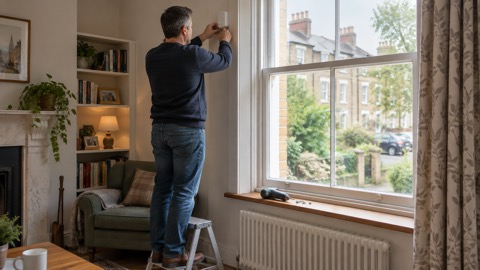 Ajax GlassProtect
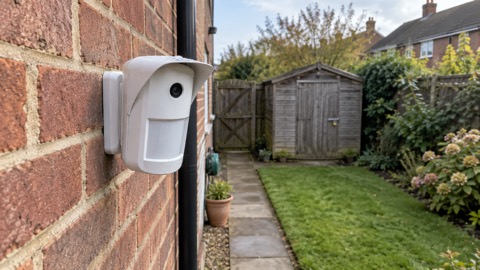 Ajax MotionCam Outdoor
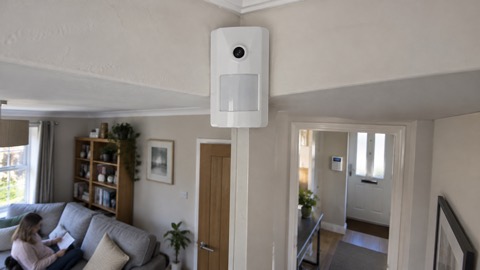 Ajax MotionCam
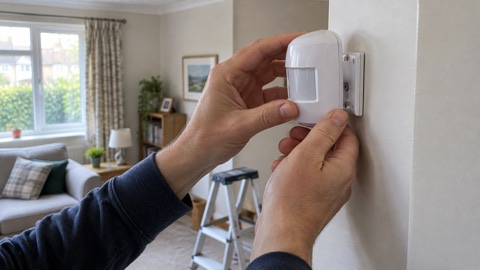 Ajax MotionProtect