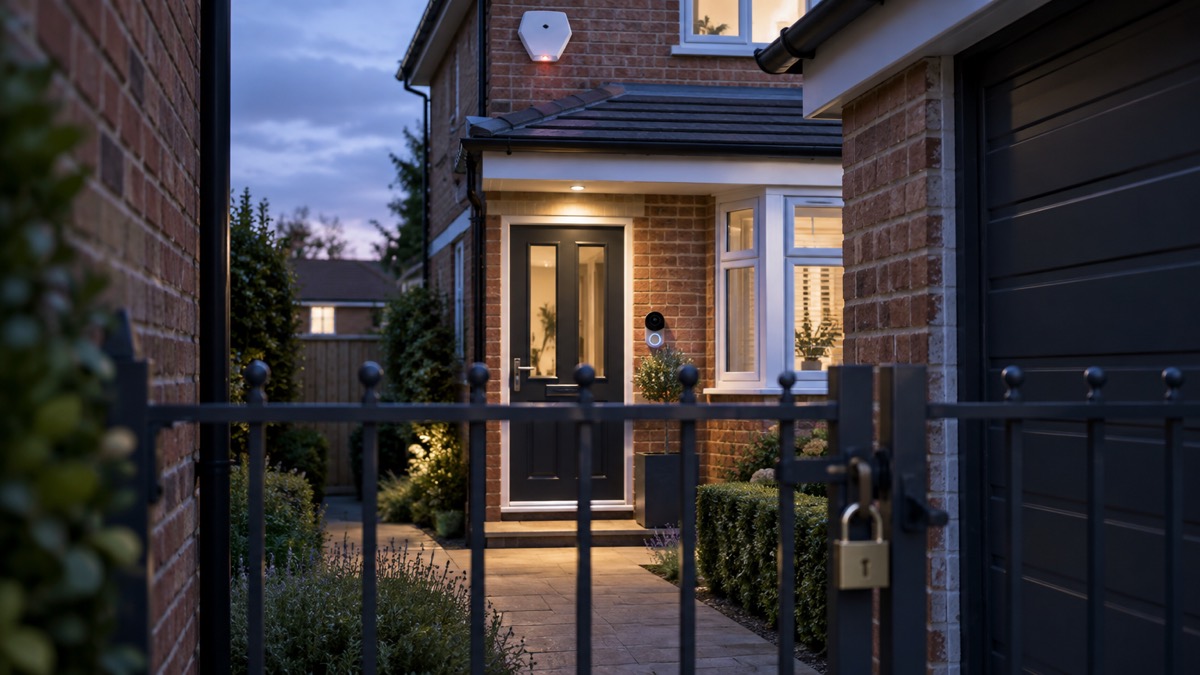
The Ajax Hub (4G) Jeweller is the control panel of an Ajax intruder alarm system: the box that talks to every sensor, decides what counts as an alarm, and passes it on to your phone and, if you have one, to a monitoring centre. It is made by Ajax Systems and is the 4G version of the Hub (2G) Jeweller, so it can use a mobile network as well as a wired internet connection1.
If you are choosing one, the numbers that decide it are these. It takes up to 100 Ajax devices, with a radio range of up to 2,000 m in open space, and it holds up to 50 access codes1. Its built-in backup battery keeps the system running for up to 15 hours when the Ethernet connection is switched off1. It reaches the Ajax Cloud over Ethernet and a SIM card, and if one channel drops it switches to the other and tells the monitoring centre and users1.
If you already own one, the routine is simple: fit it indoors, away from the router and power cables, keep the SIM funded, check it once every three months, and clean it only with a mild method the maker allows1. This page sets out what it does, what it can and cannot do, and how to run it safely.
What the Hub (4G) Jeweller does
The hub is the control panel of the Ajax system1. Every detector, keypad, siren and range extender in the system reports to it, and it holds both user and system settings as well as the parameters of the connected devices1. It is intended for indoor installation only1.
It is a Jeweller system, which means the devices talk to the hub over Ajax's own radio protocol rather than over your home wi-fi. Jeweller uses polling to show real-time device status and to carry alarms, events and readings into the Ajax apps2. The hub does not support every Ajax device, so the maker directs buyers to the Ajax devices compatibility table before adding hardware1.
The 4G model differs from the 2G version in several ways that matter to a household:
- It supports 4G (LTE) networks, where the 2G version supports only 2G networks1.
- It supports scheduled access, letting you set temporary access to the premises on specific days and at specific times1.
- It supports setting templates, which apply preconfigured settings to a group of devices at once1.
- It supports a system integrity check in the Ajax PRO apps, which the 2G model does not1.
- It displays its IMEI, the 15-digit serial number that identifies the hub's modem on a mobile network, and only when a SIM card is fitted1.
The box contains the hub, the SmartBracket mounting panel, a power supply cable, an Ethernet cable, an installation kit, a GSM start package or Ajax SIM (not available in all countries) and a quick start guide1.
Specifications: up to 100 devices and 2,000 m radio range
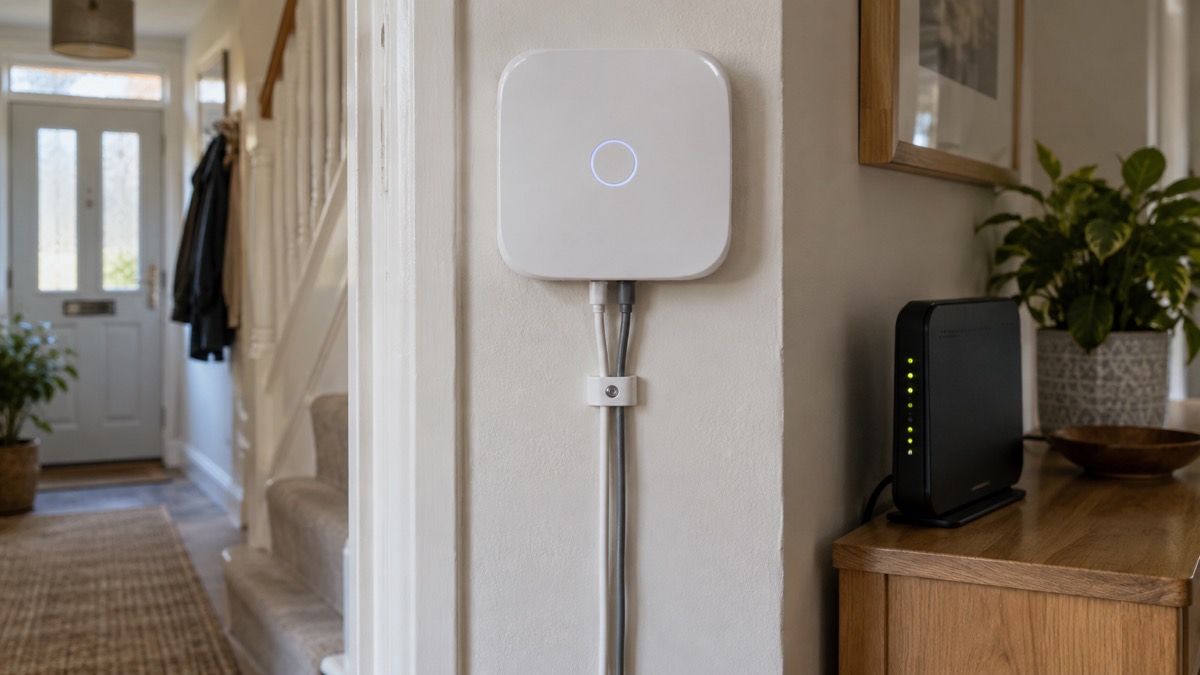
The headline capacity is up to 100 Ajax devices on one hub, protecting against intrusion, fire and flooding1. The radio range is up to 2,000 m in open space, for example without walls, doors or inter-floor construction1. In a real house, walls and floors cut that down, which is why Ajax sells a range extender: the hub accepts one range extender alongside up to 10 sirens or keypads with a built-in buzzer1.
How many devices you can actually run depends on how often the hub checks in with them. The device ping interval is 36 seconds by default, and the maker gives these limits1:
| Device ping interval | Maximum devices |
|---|---|
| 12 seconds | 39 devices |
| 24 seconds | 79 devices |
| 36 seconds or more | 100 devices |
The hub counts missed pings to decide a device has failed to report, with 8 packets by default1. A shorter interval means faster fault detection but fewer devices; the default of 36 seconds allows the full 1001.
Other limits worth knowing before you plan a system:
- Tag and Pass: the Hub (4G) Jeweller supports 50 Tag and Pass devices3.
- Keypads and sirens: running OS Malevich 2.33 and later, the hub supports up to 10 sirens and up to 50 keypads with a built-in buzzer1.
- Access codes: up to 501.
- Offline events: the buffer holds between 100 (the default) and 1,000 events, in steps of 501.
- Video: for hubs running OS Malevich 2.42.111 or later, the maker provides a video device calculator to work out how many third-party video devices the hub can take1.
The hub does not support scenarios based on temperature, humidity, CO2 concentration, or touching the LightSwitch Jeweller1. If you want those automations, they are not available on this panel.
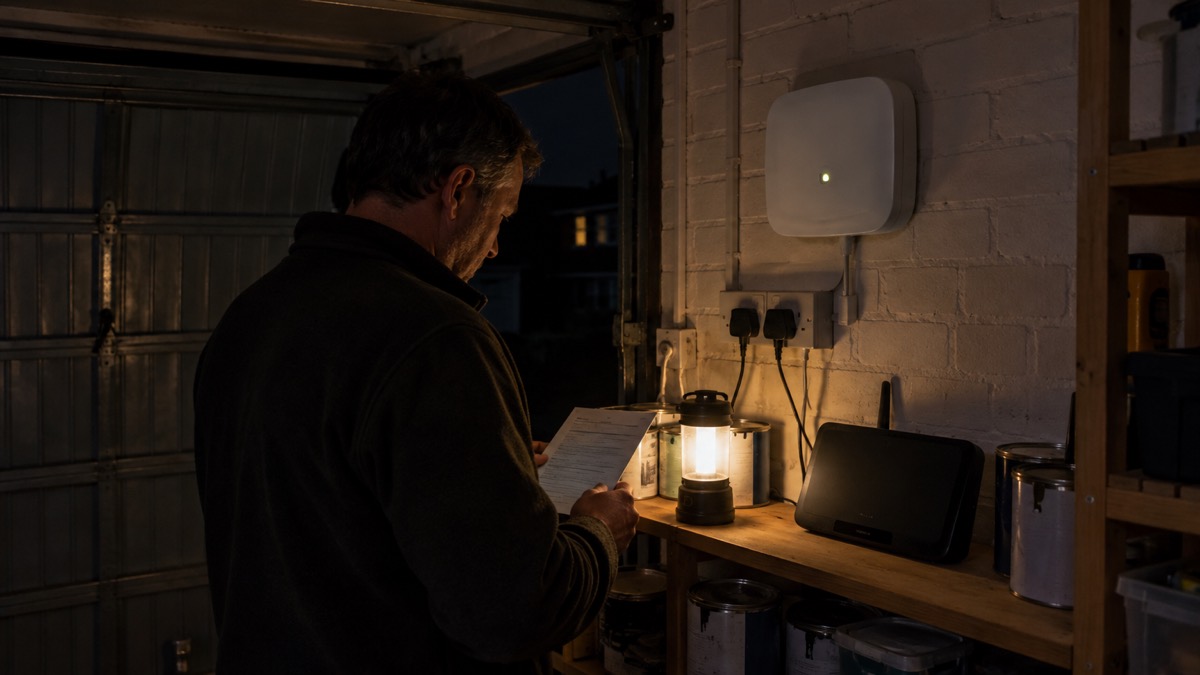
Backup battery: up to 15 hours if the power goes off
The hub has a built-in rechargeable backup battery that keeps the system running when mains power fails4. The maker's figure for this model is up to 15 hours of autonomous operation when the Ethernet connection is switched off1. Ajax's own support material also gives a general figure of up to 14 hours of autonomous system operation for the built-in battery across its hubs5. The two figures come from different Ajax documents and differ by an hour; treat 14 to 15 hours as the working range and do not rely on the longer end.
The battery also powers Fibra devices during a power outage, including wired devices whose optional external power supply is unavailable4. The charge level shows in the app in 5% increments1.
For context, an alarm system's backup battery is normally expected to last at least 12 hours in a power cut, according to independent guidance from the NSI6. Ofcom's rules for telephone backup units are a different case: providers must offer at least one hour of backup in a power cut, and some provide up to seven hours7. The hub's 14 to 15 hours sits comfortably above both, but it is not indefinite.
Two settings change how the battery is used. The hub stays connected to the Ajax Cloud for 10 minutes after any system event by default, adjustable from 5 minutes to 1 hour, which affects how hard the radio and modem work after an alarm8. And in a power cut the hub's indicator does not start flashing immediately: it waits 180 seconds1.
Two ways to reach the cloud: Ethernet and a 4G SIM
The hub's available communication channels are Ethernet and a SIM card1. The Ajax Cloud service can communicate with a hub over several independent channels, including Ethernet, wi-fi and cellular9. If one channel becomes unavailable, the hub automatically switches to another and notifies the security company's monitoring centre and system users1. That is the point of paying for the 4G model: a cut phone line or a failed router does not silence the system.
For the SIM, the maker specifies a micro SIM card with the PIN code request disabled, which you can do from a mobile phone, and enough funds on the account to pay for GPRS and SMS services1. Ajax SIM cards need OS Malevich 2.16 or later to activate1. If the hub has enough funds or bonus SMS it can send text messages even when the app shows the cellular data status as not connected1.
Signal strength decides whether the mobile side is worth having. The maker recommends installing the hub where signal strength is 2 to 3 bars; at 0 or 1 bar the hub cannot send an SMS about an event or alarm1. The hub needs approximately 2 minutes to identify the available communication channels after switch-on1.
If the Ethernet connection does not come up by itself, the maker's instruction is to disable proxy and MAC address filtering and enable DHCP in the router settings, so the hub receives an IP address1. If the connection between hub and cloud is lost, Ajax recommends checking the hub's internet connection first9.
What the LED colours mean
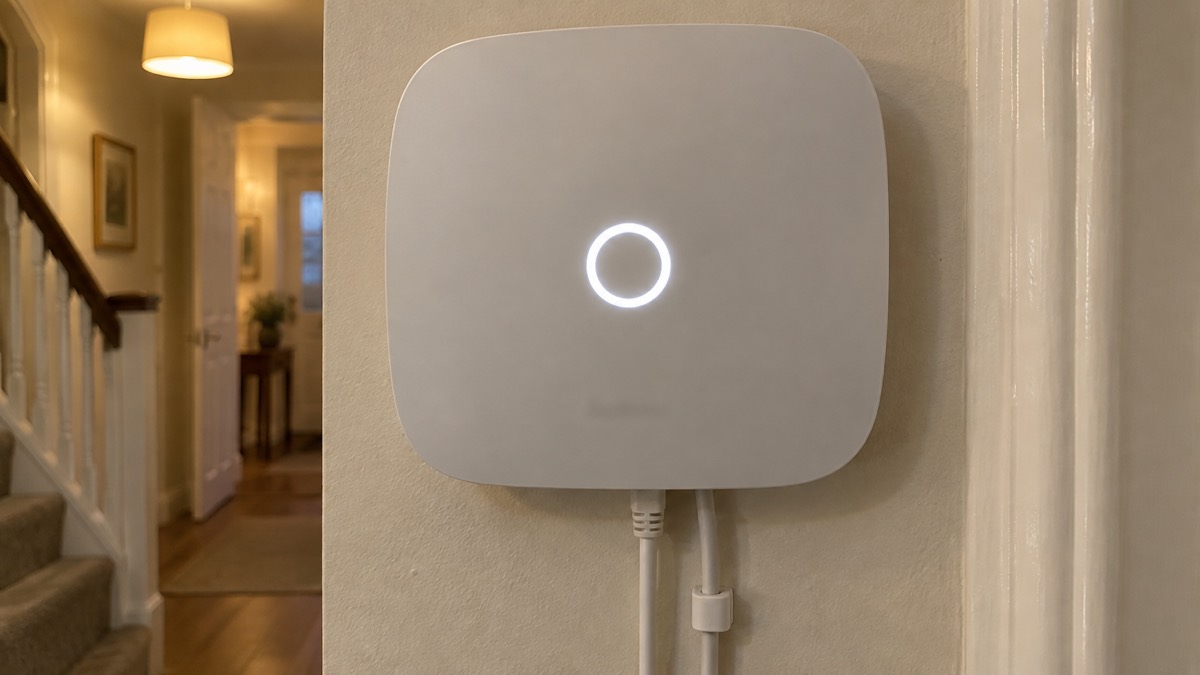
The Ajax logo on the front of the hub lights red, white, purple, yellow, blue or green depending on the system's state1. The colours a household will see most often are these:
| Logo | What it means |
|---|---|
| Red, steady | The hub is not connected to the internet, or there is no connection with the Ajax Cloud server1 |
| Red, flashing | The hub is being reset to factory settings1 |
| White | Two communication channels are connected: Ethernet and a SIM card1 |
| Green | One communication channel is connected: Ethernet or a SIM card1 |
| Green when armed | On firmware OS Malevich 2.15.2 and higher, the LED lights green when the hub is set to Armed, Partially armed or Night Mode1 |
A steady red logo is the one to act on. It means the hub has lost its route to the internet or to Ajax Cloud, so alarms may not reach your phone or the monitoring centre. Ajax's own troubleshooting note says that when hub communication with the server fails, the Ajax logo lights red12. The hub notifies users and the security company within 60 seconds of losing the connection by default1, and the app can alert you with a standard push notification or with a siren sound, which is enabled by default1. The delay before a server failure alarm is raised can be set from 30 to 600 seconds, with a recommended default of 300 seconds, and the hub polls the server every 10 to 300 seconds, recommended 601.
The logo's brightness is adjustable from 1 to 10, with 10 as the default1. If the panel sits in a bedroom, turning it down is a setting, not a fault.
Maintenance, warranty and support
The maker's recommended routine is a check once every three months1. That is the moment to confirm the logo colour, look at the battery level in the app, check the SIM has credit, and test that alerts still reach your phone.
Cleaning is deliberately limited. The maker says not to use any substances containing alcohol, acetone, petrol or other active solvents on the hub1. A dry or lightly damp cloth is the safe approach; anything harsher risks the casing and the logo.
When fitting or refitting the hub:
- Do not place it close to radio interference sources, meaning less than 1 metre from the router and power cables1.
- Do not use double-sided adhesive tape; the maker says it cannot guarantee secure attachment and makes the device easier to remove1.
- Do not break off the perforated part of the mounting panel, which is needed to trigger the tamper if someone tries to dismantle the hub1.
- Do not flip the hub when mounting it vertically; when properly fixed, the Ajax logo reads horizontally1.
- Use the cable retainer clamp so the power and Ethernet cables cannot be pulled out on purpose1.
If a device will not pair, switch it off for 5 seconds and try again1. An admin or professional installer can add a device only while the system is disarmed1. Firmware updates are enabled by default and run when a new version is available, but only when the system is disarmed and external power is connected to the hub1.
The warranty on Ajax Systems Manufacturing products is valid for 2 years after purchase1. Technical support, including an AI-powered chatbot and a professional support team, is available 24/7, and the maker states that technical issues can be resolved remotely in half of the cases1.
Where the hub fits in a monitored system
The Hub (4G) Jeweller is the panel at the centre of an Ajax installation, not a complete alarm on its own. It needs detectors, and it needs somewhere for its alarms to go. If you are weighing up whether to have a monitored system at all, our guide to monitored alarms and receiving centres explains who responds and when, and how police respond to intruder alarms covers what the police will and will not attend. For the wider choice of system types, start with burglar alarms: types and how to choose one.
Two features of this panel are worth understanding before you buy into the ecosystem. The PD 6662 wizard opens a step-by-step guide to setting the system up to comply with the PD 6662:2017 British security standard1; it is a configuration aid, and whether your installation needs to meet that standard is a question for your insurer and installer. And the hub is certified to UL/ULC standards only in its Hub 2 Plus Jeweller and Hub 2 (4G) Jeweller versions, according to Ajax's HomeSiren manual14; that is a North American certification and does not replace the British standard question.
If the mobile side is your reason for choosing this model, read our guide to alarms and cameras on a weak mobile signal or slow broadband before you commit to a position for the hub. And if a power cut is your concern, keeping your home protected in a power cut sets the hub's 15 hours alongside what else in the house needs power.
Sources (14)
- Hub (2G) / (4G) Jeweller user manual, Ajax Systems, 2026-09-24
- FireProtect Jeweller specifications, Ajax Systems, 2026-11-02
- Access devices manual, Ajax Systems, 2026-05-06
- How an Ajax system operates in case of a power outage, Ajax Systems, 2026-08-19
- Hub 2 blackouts FAQ, Ajax Systems, 2024-07-03
- My alarm system has a back-up power battery: what is the life of the battery?, NSI, 2019-02-05
- Future of landline calls, Ofcom, 2026-08-26
- Hub 2 user manual, Ajax Systems, 2026-10-27
- Hub server communication troubles, Ajax Systems, 2019-05-21
- ScottishPower Energy Networks evidence paper, Senedd, 2025
- Stay connected in severe weather, Ofcom, 2026-10-13
- Hub without internet FAQ, Ajax Systems, 2024-10-11
- Scam missed parcel SMS messages: advice on avoiding malware, National Cyber Security Centre, 2021-04-23
- HomeSiren manual, Ajax Systems, 2026-07-28

 Ajax Hub 2 Plus