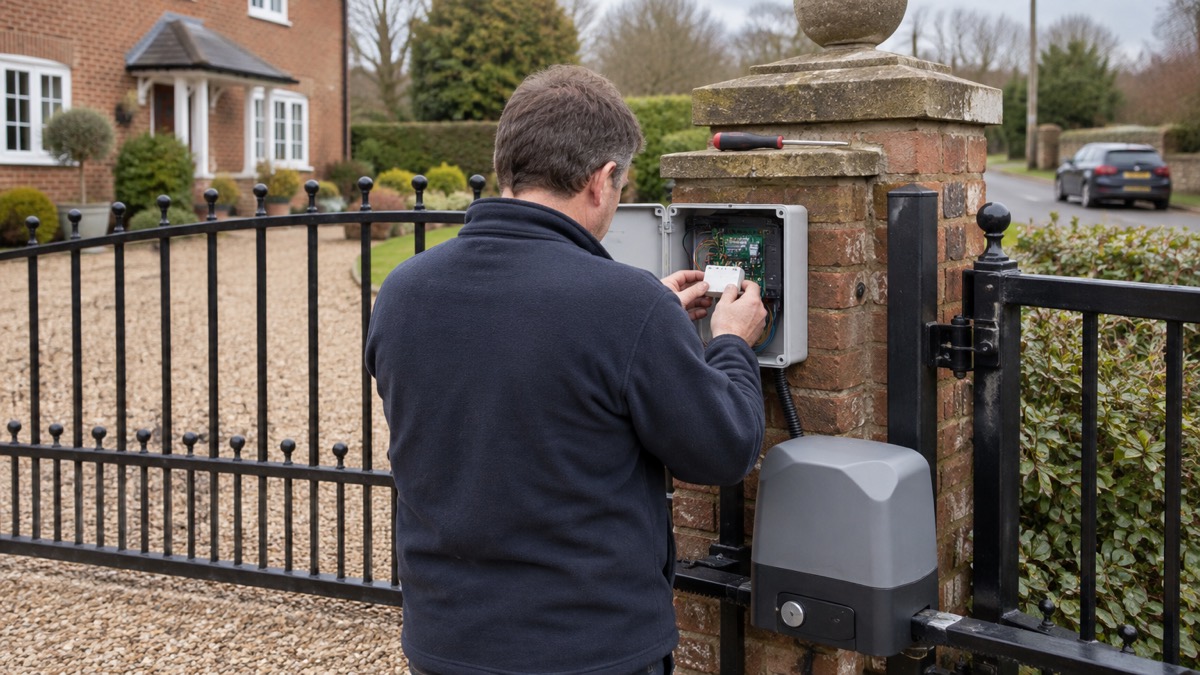
The Ajax Relay is a small switch that lets your Ajax alarm system operate something else in the house: a light, a gate motor, a motorised valve, a router, a blind motor. It is not a sensor and not a hub. It sits on the same wireless system as your other Ajax devices and, when the system tells it to, it opens or closes a pair of contacts. That is the whole of what it does, and it is worth understanding before you buy one, because a relay is only as useful as the thing you wire to it.
For a household preparing for emergencies, the relay matters in two ways. First, it can make an alarm do something physical: switch on a light when the alarm sounds, so a dark hallway or an outside wall is lit when you need to leave or when help is coming. Second, it can put an ordinary household device under remote control, so a gate, a blind or a pump can be operated from the app rather than by hand. The maker's own product page is the place to check the current specification, and the Ajax range page shows where the relay sits among the other devices.
What it cannot do is just as important. The Relay Jeweller has a protection class of IP20, which is not weatherproof, and the maker states it is suitable for indoor or outdoor use only when installed in a hermetically sealed enclosure1. It switches low-voltage contacts; it does not supply power to whatever you connect. And any mains wiring it is part of must be done by a registered electrician, not by a householder following a video.
What the Ajax Relay does, and what it does not
A relay is an electrically operated switch. The Ajax Relay Jeweller receives a command over the Jeweller radio protocol and moves its contacts, which are either normally open or normally closed1. In pulse mode it changes state briefly and returns; in bistable mode it stays where it is put until told otherwise1. Which mode you want depends entirely on what is wired to it. A gate motor or a door strike usually wants a pulse, the way a doorbell button gives a short signal. A light or a pump that should stay on until you turn it off wants bistable.
The maker lists the ways the relay can be triggered: by arming or disarming the system, by schedule, by alarm, by temperature, by humidity, by CO2 concentration, or by touching a LightSwitch or pressing a Button1. That list is the practical heart of the device. It means the relay can be part of an automatic response rather than something you remember to operate. A schedule can open blinds at a set time. A temperature reading can start a fan. An alarm can switch on a light.
What the relay does not do is provide power. It is a switch in a circuit, and the circuit has to be designed and installed around it. It also does not replace a sensor: it will not detect smoke, water or movement. If you are building a system from scratch, the Home Security: A Household Guide sets out how sensors, hubs and outputs fit together, and the Ajax Hub (2 Plus, 2, Plus) page explains the controller the relay reports to.
Fire scenario: switching on emergency lights when the alarm sounds
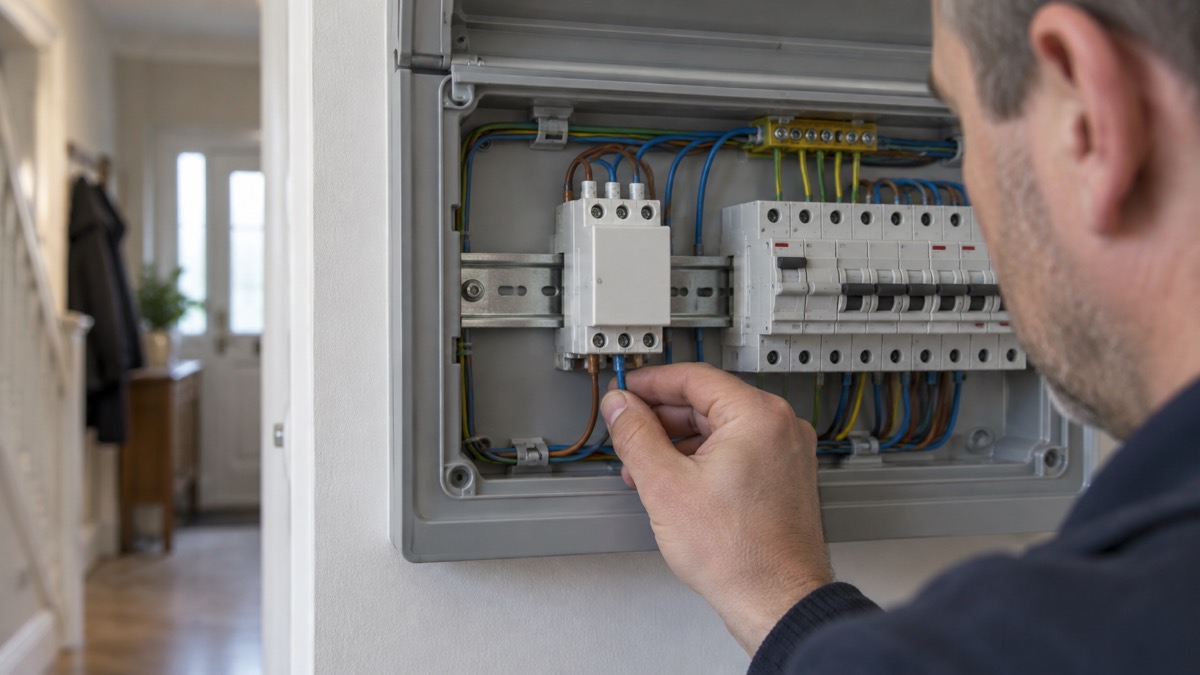
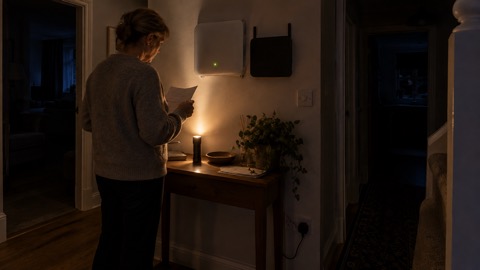
This is the use that most often brings a household to the relay. The maker lists alarm as a trigger, so a relay can be configured to switch a circuit when the system raises an alarm1. In practice that means a light in a hallway, a landing or outside the front door can come on at the moment the alarm sounds, rather than waiting for someone to find a torch.
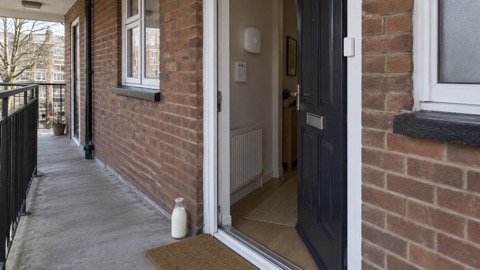
Why that matters is straightforward. Fire and rescue services advise that you test your ability to respond to the sound of the smoke alarm and practise leaving in the dark to simulate a real emergency2. A light that comes on with the alarm removes one of the hardest parts of that drill. The ambulance service makes the same point from the other direction: if it is dark, switch on external and internal lights so your home is easy for crews to find3. A relay wired to an outside light, triggered by the alarm, does that automatically.
There are limits. A relay is not a smoke alarm and does not replace one. If you discover signs of fire, the advice is to raise the alarm, get out using the nearest fire exit and call 9994. Nothing about a smart relay changes that order. The relay is there to make the exit easier to see and the house easier to find, not to fight the fire or delay you.
For households where someone is deaf or hard of hearing, a flashing or lit alarm matters more than sound. Fire services note that a battery alarm with an emergency light alerts people with hearing difficulties when the alarm goes off5. A relay driving a lamp is a different approach to the same problem, and it should sit alongside, not instead of, an alarm designed for that purpose. The Emergency Lighting at Home guide covers the wider question of what to keep ready for a night-time evacuation.
Devices a relay can control around the home
The relay's contacts are the only interface, so the question is always what circuit you put them in. Around a typical home the candidates fall into a few groups.
- Gates and door strikes. A pulse from the relay can operate a gate motor or an electric release, so the gate can be opened from the app rather than a keypad.
- Motorised valves and pumps. A relay can switch a pump or a valve actuator, which is useful where a sump or a heating circuit needs to be brought on remotely.
- Routers and network equipment. A relay can power-cycle a router or a modem, which is a way to recover a connection without being at home.
- Lighting. The most common use, whether triggered by alarm, schedule or a Button.
- Blind and curtain motors. Covered below.
The relay is one of several Ajax devices that act on the home rather than sense it. The Ajax WallSwitch and Ajax Socket switch mains loads directly, the Ajax LightSwitch replaces a wall switch, and the Ajax WaterStop is built for shutting off water. The relay is the general-purpose option for anything those do not cover, and it is the one to choose when the load is not a standard plug or light fitting.
For households where mobility is restricted, remote switching is more than convenience. Carers UK notes that voice-activated devices and systems can enable someone with restricted mobility or ability to control appliances more independently around the home6. A relay triggered by a Button or a schedule is a simpler version of the same idea: the light or the gate responds without someone crossing the room. The Extra Help in an Emergency guide covers the wider arrangements for households that need this kind of support.
Opening and closing blinds and curtains automatically
Blind and curtain motors are a good fit for a relay because they are simple loads with a clear on and off. Wired through a relay in bistable mode, a blind motor can be driven by a schedule, so the house looks occupied at the times you choose, or by a Button by the door.
The emergency case is less obvious but real. In a heatwave, closing blinds on a south-facing window during the day keeps some of the sun out; in a winter power cut, opening them lets in light so you are not relying on torches. A schedule that runs without you is worth more than one you have to remember. The Heatwaves and Drought guide covers the wider household response to hot weather.
There is a security angle too. A house that looks occupied is less attractive to a burglar, and blinds that open and close on a schedule are part of that picture. The How to Make Your House Look Occupied When You're Away page sets out the other measures that go with it. Do not rely on the relay alone: if the hub loses power, the schedule stops.
Weatherproofing: IP66 boxes and the IP20 relay
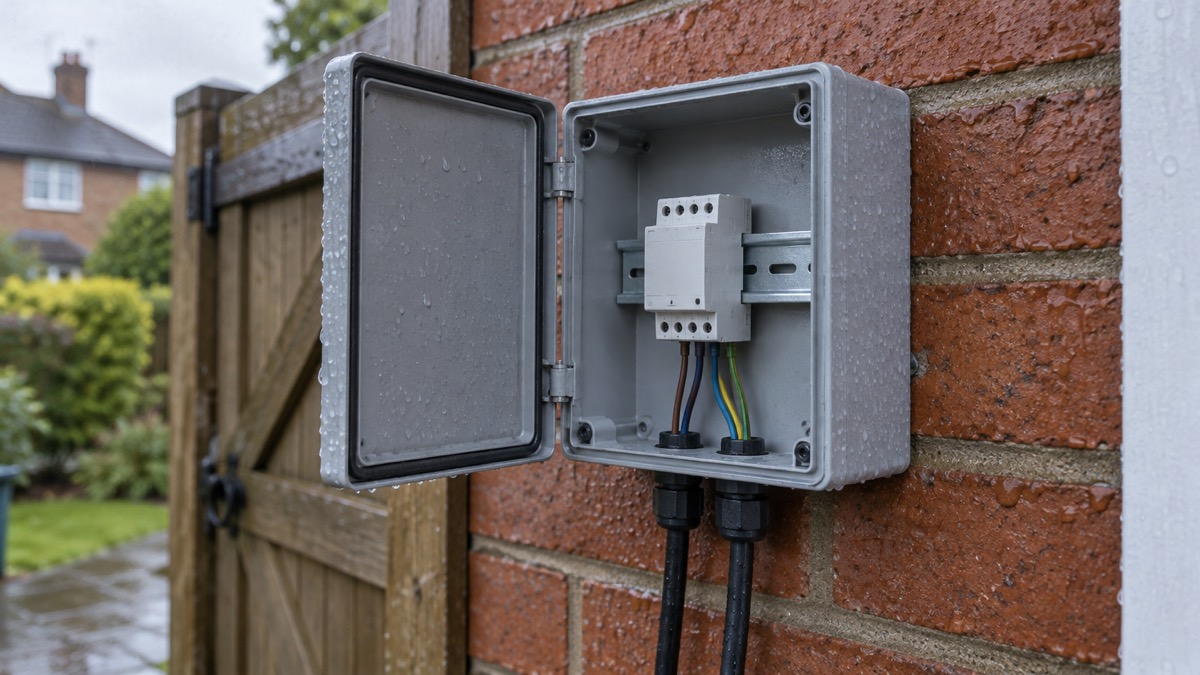
The single most important specification on this device for anyone thinking of putting it outside is its protection class: IP201. That rating means it is protected against fingers and small objects but not against water. It is not a weatherproof device.
The maker's instruction is explicit: the Relay Jeweller is suitable for indoor or outdoor use when installed in a hermetically sealed enclosure1. In other words, the weatherproofing comes from the box, not the relay. An IP66 enclosure is the usual way to achieve that, and the relay goes inside it on a DIN rail, with the DIN Holder sold separately1. Cable glands and seals have to be fitted properly, or the enclosure is only as good as its weakest entry point.
Outdoor electrical work carries its own risks. Electrical Safety First advises that if any faults are found, switch off the electrical supply immediately and have them repaired by a registered electrician7. That applies to outdoor lighting circuits and to anything else the relay is switching. Before any outdoor work, check for buried cables: Northern Powergrid's SafeDig service asks you to register or log in to access cable location data, search your area using the interactive map, then plan safely and follow the safety guidelines before digging8.
Winter brings its own problems. The Met Office's winter checklist includes insulating pipes9, which matters if the relay is switching a pump or a valve in an outbuilding. A frozen pipe can burst and take the circuit with it. The Storms, Snow and Ice guide covers the wider preparation.
Safe installation and use
The relay is a mains-adjacent device, and the safety rules are the ordinary ones for electrical work, applied without shortcuts.
- Isolate the circuit before you touch it. Switch off at the consumer unit and prove it is dead. If you are not competent to do this, stop and call a registered electrician.
- Check for buried services before any outdoor digging. Use the SafeDig service to check cable locations in your area8.
- Mount the relay properly. The maker recommends a DIN rail with the DIN Holder, sold separately1.
- Use a sealed enclosure outdoors. The relay is IP20 and needs a hermetically sealed enclosure for outdoor use1.
- Test the trigger before you rely on it. Arm the system, press the Button or set off the test alarm, and confirm the relay does what you expect.
The relay has device authentication as its protection against spoofing1, which means it should only accept commands from a paired system. That is a reason to pair it carefully and to keep your hub's firmware current. The National Cyber Security Centre's top tips for staying secure online are a sensible baseline for any connected device in the home10.
For gas, the advice is different and simpler. Cadent's guidance is that to switch off the supply you turn the red tap handle 90 degrees to the left or 90 degrees to the right, a quarter turn clockwise or anti-clockwise, and do not turn it back on until advised it is safe to do so11. That is a hand operation on the emergency control valve, not something a relay should be wired to. If you smell gas, follow the gas emergency procedure rather than reaching for an app. The Gas and Heating Failures guide sets out what to do.
Support and documentation
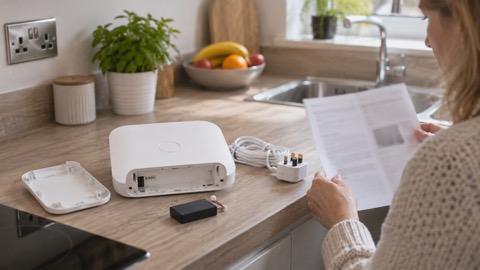
The Relay Jeweller comes with a quick start guide and double-sided adhesive tape in the box1. The full specification, including the radio certifications and the two operation modes, is on the maker's product page1. If you are installing it as part of a wider system, the hub's own documentation is the place to check compatibility, because the relay is a Jeweller device and depends on the controller it reports to.
Ajax maintains a support site with manuals and FAQs. The MultiTransmitter Jeweller manual, for example, was updated on 19 October 2026 with information on 2EOL and 3EOL versions, and the maker notes that the previous version without that support is ceasing production and delivery. That pattern, a manual revised as hardware changes, is worth knowing: check the version of the manual that matches the device you have, not the first one you find.
For households that need help contacting the emergency services, the options are wider than a relay. Relay UK is free and available 24/7, and offers help for contacting 999 for people who are deaf, hard of hearing or speech-impaired, via the Relay App, textphones and text messages from a mobile phone12. The service is regulated, so it can be used for arranging GP and hospital appointments over the phone13. Ofcom has set out that emergency video relay is available in the UK, staffed by qualified and experienced interpreters, 24 hours a day14, and that emergency text relay and emergency SMS will continue to be available alongside it14. People do not need to register to use the video relay service15.
That is the kind of support a household should know about before an emergency, not during one. The Staying Informed and in Touch in an Emergency guide covers the wider picture, including how Emergency Alerts reach a phone and what to do if yours does not receive them16.
Sources (17)
- Relay Jeweller product page, Ajax Systems, 2026-11-02
- Fire escape plan, Warwickshire County Council, 2026-10-29
- Preparing for an ambulance arrival, North West Ambulance Service NHS Trust, 2026-04-20
- Automatic fire alarms, Surrey County Council, 2026-09-07
- Smoke alarms, Cornwall Council, 2021-03-19
- Technologies to make life easier, Carers UK Scotland, 2026-10-25
- Outdoor lighting safety, Electrical Safety First, 2026-10-25
- Top tips for staying secure online, National Cyber Security Centre, 2021-12-21
- Storm advice, Powercut 105, 2026-10-26
- WeatherReady winter checklist, Met Office, 2026-10-28
- Your home emergency guide, Cadent Gas, 2026-10-29
- Helpful advice flood, National Grid Electricity Distribution, 2024-12
- Emergency SMS service, Avon and Somerset Police, 2026-11-02
- Emergency video relay, Ofcom, 2023-03-31
- New emergency video relay service for sign language users, Ofcom, 2021-06-22
- Emergency Alert to be sent to England and Wales, GOV.UK, 2026-08-14
- Identifying and supporting persons who are vulnerable in an emergency, GOV.UK, 2025-04-28

 Abode Security Kit
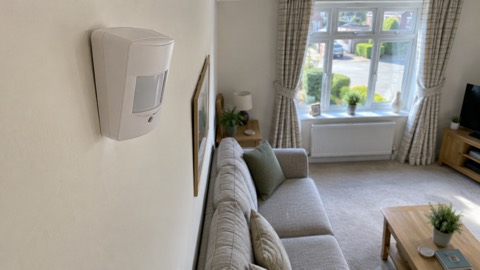 Ajax CombiProtect
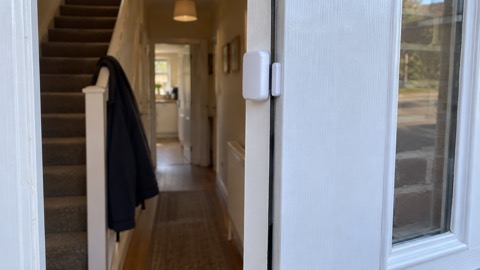 Ajax DoorProtect Plus
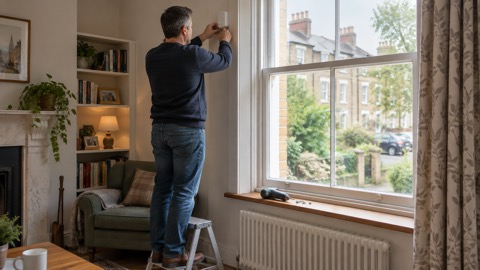 Ajax GlassProtect
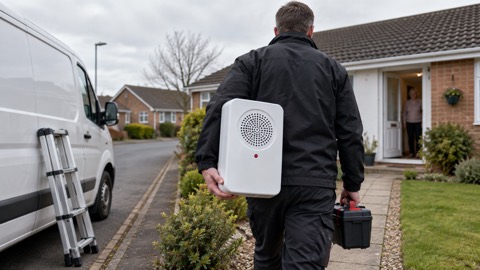 Ajax HomeSiren
 Ajax Hub 2 Plus
 Ajax Hub 2G Jeweller
 Ajax Hub 4G Jeweller
 Ajax KeyPad Outdoor
 Ajax KeyPad Plus
 Ajax KeyPad TouchScreen
 Ajax LightSwitch