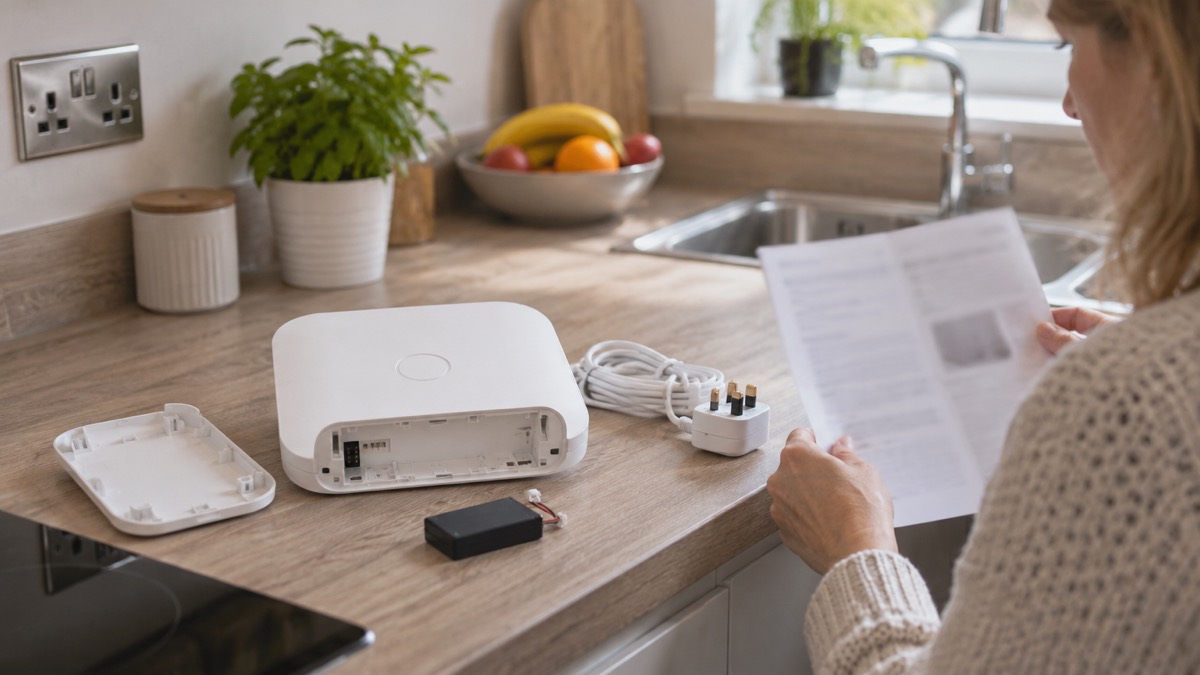
If you are considering an Ajax Hub (2G) Jeweller for your home alarm, the most important thing to know is that it runs on 2G mobile networks only, and it leaves out several features that other hubs in the range include. It does have a backup battery that can keep it running for up to 15 hours on default settings, or up to 70 hours with Battery power saver enabled, according to the maker1. That matters in a power cut, when your alarm is one of the things you want to keep working.
The hub is the control unit at the centre of an Ajax Jeweller system. It receives signals from wireless sensors and passes alarms and events on to the Ajax app and, if you use one, to a monitoring company. The 2G version is the entry point to that system, but it comes with real limits: no access codes, no walk test, no delayed power loss alerts, and a fixed event buffer of up to 64 events2. If any of those matter to you, a different model in the range may suit you better.
This page sets out what the hub does in an emergency, what it cannot do, how to keep it ready, and what the 2G network switch-off means for a household relying on it. It is written for someone who wants the alarm to keep working when the power goes, not for someone comparing specifications for their own sake.
What the Hub (2G) Jeweller does for a home alarm system
The hub is the brain of an Ajax Jeweller system. Sensors such as the MotionCam and DoorProtect Plus use the Jeweller radio protocol to transmit alarms and events to the hub, which then passes them to the Ajax app and, if you have a monitoring contract, to a receiving centre4. The hub also manages the system's security: the maker states that Jeweller supports block cipher encryption and device authentication on every session with the hub, radio hopping against interference and interception, and notifications about jamming and connection loss5.
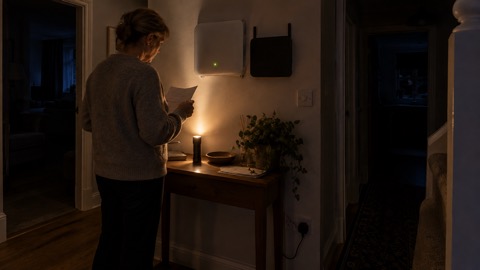
For a household preparing for emergencies, the hub's job is to keep the alarm working when the mains power fails. It does this through a backup battery, and through its mobile connection if your broadband goes down. The maker's support article on power outages sets out how an Ajax system operates when the power fails, and the figures for the Hub (2G) Jeweller are specific to this model1.
The hub also holds an event log. On the Hub (2G) Jeweller, the event buffer can store up to 64 events2. This is the record of what happened while the hub was offline or unable to reach the app. It is smaller than on other hubs in the range, where you can select from 100 to 1000 events in increments of 50, but it is enough to see what triggered while you were away or asleep.
What the hub does not do is act as a standalone siren or a monitoring service. It needs sensors, and it needs either a broadband connection or a SIM card to reach the app. If you want a system that works without any internet at all, the maker's support article on hubs without internet explains the limits2.
Mobile connection: 2G networks only
The Hub (2G) Jeweller supports only 2G networks, while the 4G version supports 4G (LTE) networks3. That is the single most consequential difference between the two models for a household planning for emergencies. If your home broadband fails in a storm or a power cut, the hub's mobile connection is what keeps it in touch with the app and with a monitoring centre. On a 2G-only hub, that connection depends on a network that is being switched off.
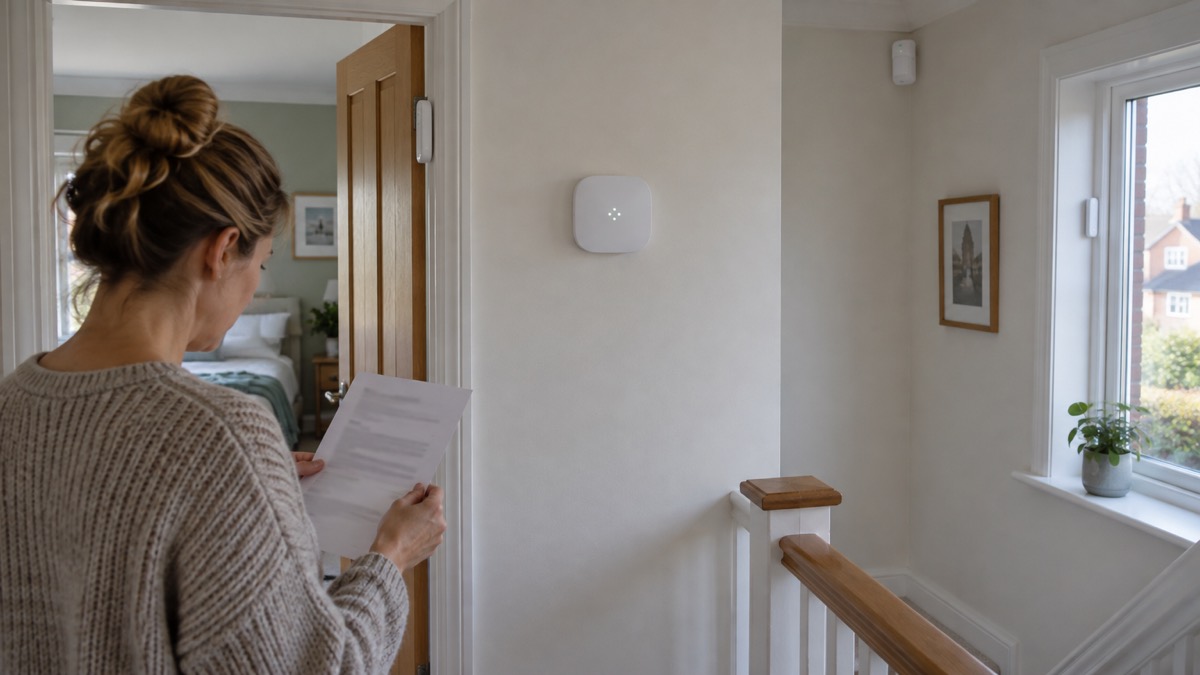
The maker's manual does not state a date for the 2G switch-off, and the documents reviewed here do not include a statement from Ajax about what happens to 2G hubs after switch-off. What the manual does say is that Ajax SIM cards require OS Malevich 2.15.7 or later for activation on the Hub (2G) Jeweller3. If you are setting up a new hub with an Ajax SIM, check the firmware version before you rely on the mobile connection.
For a household in an area with a weak mobile signal, the hub's mobile connection may be unreliable regardless of the network generation. The page on alarms and cameras on a weak mobile signal explains what to check. The hub's radio connection to its sensors is separate from its mobile connection, so a weak mobile signal does not stop the alarm from triggering; it stops the hub from telling you about it.
If you are buying a hub now and want it to last through the next decade of network changes, the 4G model is the one the maker positions for 4G (LTE) networks6. The Hub (4G) Jeweller page sets out what that model adds.
Power: runs from a 12V external supply
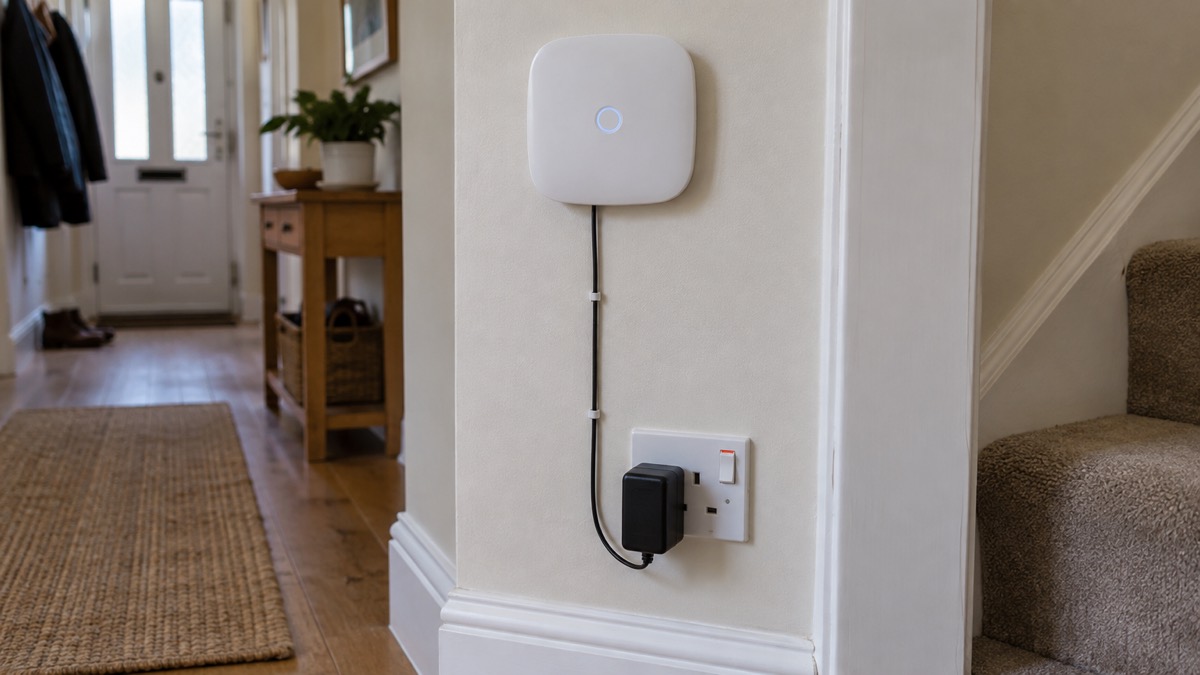
The Hub (2G) Jeweller runs from a 12V PSU for Hub, Hub Plus and ReX2. That is the mains adapter that comes with the hub. When mains power fails, the hub switches to its backup battery. The maker's support article gives two figures for the Hub (2G) Jeweller: up to 15 hours on default settings, or up to 70 hours with Battery power saver enabled1.
The difference between those two figures is large, and it comes down to how the hub is configured. Battery power saver is a setting that reduces the hub's power consumption, and the maker states that the Hub (2G) Jeweller and Hub (4G) Jeweller do not support the Battery power saver feature1. That means the 70-hour figure does not apply to this hub. The realistic figure for the Hub (2G) Jeweller is up to 15 hours on default settings1.
Fifteen hours is enough to get through most power cuts, but not all of them. A storm that takes out power for two days will outlast the hub's battery. If you want the alarm to keep running beyond that, you need a plan for recharging or replacing the hub's power source, or a hub with a longer runtime. The page on keeping your home protected in a power cut sets out the wider household plan.
The hub's backup battery is internal and not user-replaceable in the way a torch battery is. The maker's manual for the Superior Internal Battery describes a separate product for the Superior Hub G3 Jeweller and Superior ReX G3 Jeweller, which requires a compatible Ajax hub or range extender to operate7. That battery is not listed as compatible with the Hub (2G) Jeweller.
Event log: holds up to 64 events
The Hub (2G) Jeweller's event buffer can store up to 64 events2. This is the record of alarms, arming and disarming, and other system activity that the hub holds when it cannot reach the app or the monitoring centre. When the connection is restored, the hub sends those events on.
The buffer size is fixed on this model. On other hubs running OS Malevich firmware version 2.25 and later, you can select from 100 (by default) to 1000 events in increments of 502. The maker states that this feature is available for hubs with OS Malevich firmware version 2.25 and later, except for the Hub (2G) Jeweller model2. For hubs with firmware version up to OS Malevich 2.17, the buffer can contain no more than 130 events2. The Hub (2G) Jeweller sits outside that range entirely, with its fixed 64-event buffer.
What does 64 events mean in practice? If your hub loses connection during a storm and you have a dozen sensors, 64 events covers a few days of normal activity: doors opening, motion triggers, arming and disarming. If you have a busy household and a long outage, the buffer may fill and older events will be overwritten. The practical advice is to check the event log in the app as soon as the connection is restored, rather than relying on it days later.
The event log is not the same as the app's notification history. The app keeps its own record, and the hub's buffer is what fills the gap when the hub cannot reach the app. If you want to know what happened while you were away, the event log is where to look.
Features this hub does not support
The Hub (2G) Jeweller leaves out several features that other hubs in the Ajax range include. The maker's manual states them plainly: the hub does not support access codes, does not support the Walk test feature, and does not support delaying notifications of external power loss3. Each of these matters for a household planning for emergencies, and each has a workaround or an alternative.
| Feature | Hub (2G) Jeweller | What it means for you |
|---|---|---|
| Access codes | Not supported6 | You cannot arm or disarm with a code on this hub. Use the app or a keypad instead. |
| Walk test | Not supported6 | You cannot run the guided walk test. Use the Jeweller Signal Strength Test instead8. |
| Delayed power loss alerts | Not supported6 | You get a power loss notification as soon as mains power drops, with no delay setting. |
| Battery power saver | Not supported1 | The 70-hour battery figure does not apply. Expect up to 15 hours1. |
| Event buffer size adjustment | Not supported2 | The buffer is fixed at up to 64 events2. |
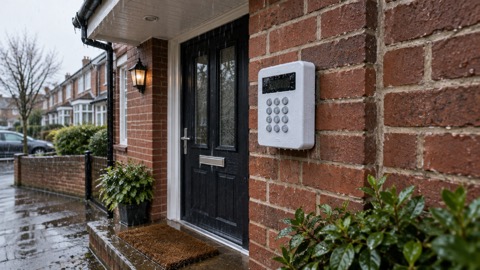
The access code limitation is the one that changes how you use the system day to day. On hubs that support access codes, you can give a code to a family member or a carer without giving them the app. On the Hub (2G) Jeweller, you cannot3. If you need code entry, the KeyPad Plus or KeyPad TouchScreen may provide it, depending on the hub model.
The walk test limitation is less serious. The Jeweller Signal Strength Test shows the current signal strength in the Ajax app and on the device's LED in real time, as the device exchanges data with the hub8. That gives you the information a walk test would give you, without the guided procedure.
The delayed power loss alert limitation is the one that matters most in an emergency. On hubs that support it, you can set a delay before the hub tells you the mains power has failed, so that a brief flicker does not trigger an alert. The Hub (2G) Jeweller does not support this feature3. That is not dangerous, but it is noisier.
Wired sensors: no 2EOL or 3EOL connections
If you want to connect wired sensors to your Ajax system, the Hub (2G) Jeweller has a hard limit: it does not support 2EOL and 3EOL connection types at all9. Those are the wiring configurations used by many third-party wired detectors, and without them the hub cannot read those sensors through a MultiTransmitter Jeweller.
The maker's manual for the MultiTransmitter Jeweller explains the position. The previous version of the MultiTransmitter, without 2EOL and 3EOL support, is no longer in production and delivery, though technical support and warranty services remain unchanged9. New devices come in different packaging with a "3EOL" label9. The Hub (2G) Jeweller cannot use the 2EOL or 3EOL connection types at all, so even with the newer MultiTransmitter, wired sensors on those configurations will not work with this hub9.
For a household with existing wired sensors, that is a reason to look at a different hub. The Hub (4G) Jeweller and the Hub 2 Plus are the models to check against the MultiTransmitter's requirements. The maker's manual for the MultiTransmitter sets out which hubs support which connection types9.
If you are starting from scratch with wireless sensors, this limitation does not affect you. The hub's Jeweller radio handles the wireless devices, and the wired connection issue only arises if you want to bring third-party wired detectors into the system.
Firmware needed to activate an Ajax SIM
If you plan to use an Ajax SIM card in the Hub (2G) Jeweller, the maker states that the SIM requires OS Malevich 2.15.7 or later for activation3. That is the minimum firmware version. If your hub is running an older version, the SIM will not activate until you update the firmware.
Firmware updates are delivered through the Ajax app. The maker's manual for the hub sets out the update process6. For a household preparing for emergencies, the practical point is to check the firmware version before you rely on the mobile connection. A hub that has been in a cupboard for a year may be several versions behind.
The firmware version also determines which features are available. The event buffer feature requires OS Malevich 2.25 or later on hubs that support it, though not on the Hub (2G) Jeweller2. The Delaying notifications of external power loss feature requires OS Malevich 2.22 or later, again not on this hub1. Keeping the firmware up to date does not add those features to the Hub (2G) Jeweller, but it does keep the hub secure and compatible with the app.
Keeping the hub ready for an emergency
An alarm hub is only useful in an emergency if it is ready when the emergency arrives. For the Hub (2G) Jeweller, that means checking four things: the backup battery, the mobile connection, the firmware version, and the event log.
- Check the backup battery. The hub's internal battery should hold up to 15 hours on default settings1. Test it by unplugging the hub from mains power for a few minutes and confirming it stays online in the app. If it drops offline immediately, the battery needs attention.
- Check the mobile connection. The Hub (2G) Jeweller supports only 2G networks3. Check the signal strength in the app, and confirm the SIM is active. If you are in a weak signal area, the page on alarms and cameras on a weak mobile signal explains what to do.
- Check the firmware version. The Ajax SIM requires OS Malevich 2.15.7 or later3. Check the version in the app and update if needed.
- Check the event log. After any outage, review the event log in the app.
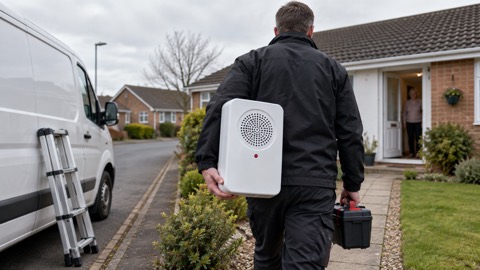
The hub's radio connection to its sensors is separate from its mobile connection. A weak mobile signal does not stop the alarm from triggering; it stops the hub from telling you about it. If you want a siren that sounds locally regardless of the mobile connection, the HomeSiren or StreetSiren provides it.
Where the Hub (2G) Jeweller fits a household plan
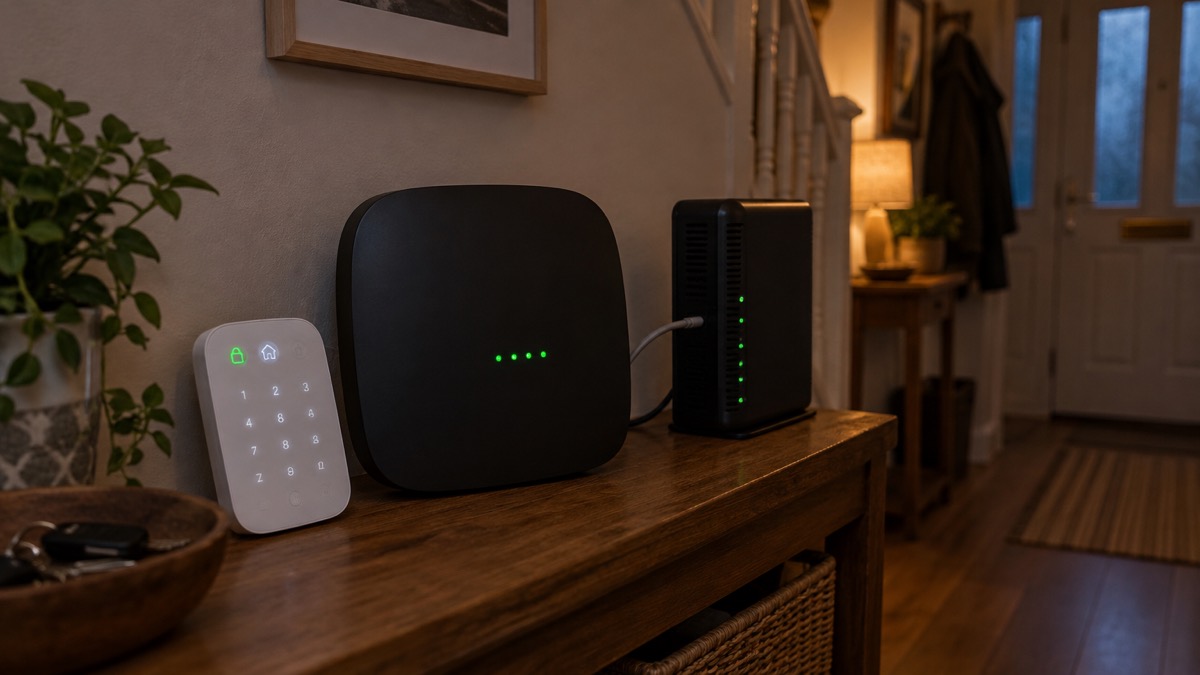
The Hub (2G) Jeweller is an entry-level hub in the Ajax range, and its limits are the limits of that position. It does the core job: it receives signals from wireless sensors, passes alarms to the app, and keeps running for up to 15 hours on its backup battery when the mains power fails1. For a household in a strong 2G signal area with a straightforward wireless system, it covers the basics.
It is not the hub for a household that needs code entry, wired sensors, a long battery runtime, or a mobile connection that will survive the 2G switch-off. For those households, the Hub (4G) Jeweller or the Hub 2 Plus is the model to look at. The Ajax brand page sets out the range.
For the wider household plan, the page on burglar alarms explains the types and how to choose one, and the page on monitored alarms explains receiving centres and who responds. The hub is one part of that plan, not the whole of it.
Sources (9)
- How an Ajax system operates in case of a power outage, Ajax Systems, 2026-08-19
- Hub without internet, Ajax Systems, 2024-10-11
- Hub (2G) / (4G) Jeweller user manual | Ajax Support, Ajax Systems
- MotionCam PHOD manual, Ajax Systems, 2026-09-28
- FireProtect 2 Heat CO, Ajax Systems, 2026-11-02
- Hub (2G) Jeweller user manual, Ajax Systems, 2026-09-24
- Superior Internal Battery manual, Ajax Systems, 2026-01-28
- What is the signal strength test, Ajax Systems, 2022-10-25
- MultiTransmitter Jeweller user manual, Ajax Systems, 2026-10-19

 Abode Security Kit
 Ajax CombiProtect
 Ajax DoorProtect Plus
 Ajax GlassProtect
 Ajax HomeSiren
 Ajax Hub 2 Plus
 Ajax Hub 4G Jeweller
 Ajax KeyPad Outdoor
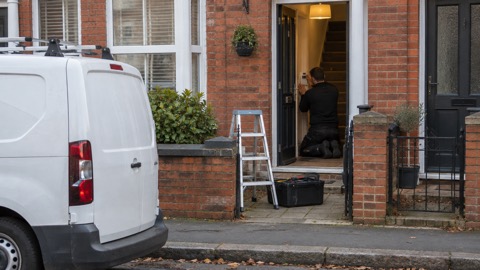 Ajax KeyPad Plus
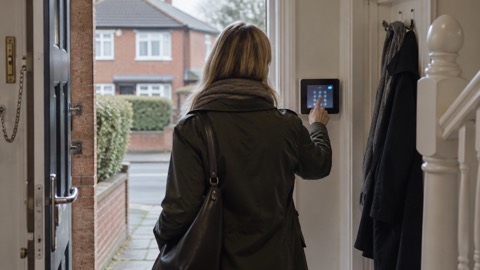 Ajax KeyPad TouchScreen
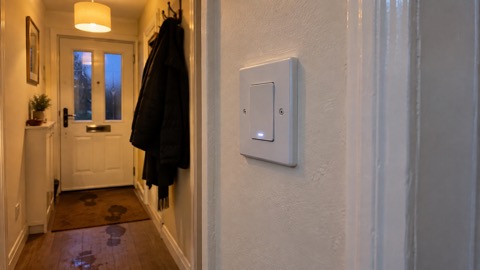 Ajax LightSwitch
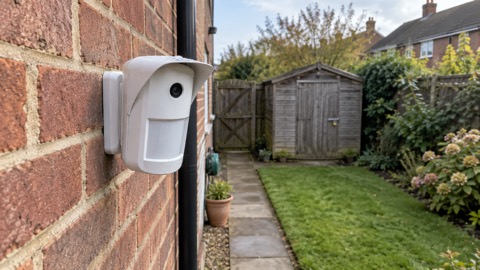 Ajax MotionCam Outdoor