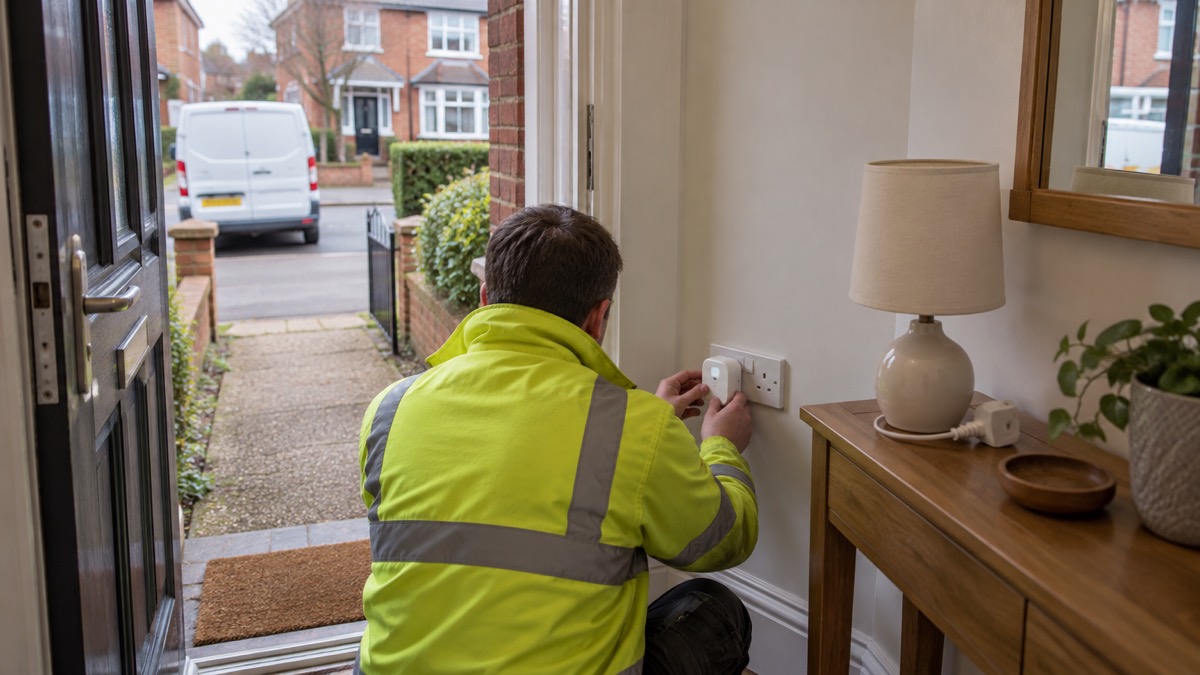
The Ajax Socket is a smart plug that sits in a standard UK three-pin wall socket and lets you switch whatever is plugged into it on or off from the Ajax app, while recording how much electricity that appliance uses1. For a household thinking about emergencies, that makes it two things at once: a way to control a lamp, a charger or a small appliance remotely, and a way to see what your essential appliances actually draw so you can plan backup power around real numbers rather than guesses.
It is not a battery and it is not a generator. In a power cut the Socket goes dead along with the circuit it sits on, and nothing plugged into it will run. What it does do is help you prepare: measure the load of the freezer you want to keep going, switch off appliances that could be dangerous when the power returns, and keep a lamp on a schedule so the house looks and feels occupied. Ajax gives it a 24-month warranty and a radio range to the hub of up to 3,600 ft in open space1.
This page covers what the Socket does, what is safe to plug into it, how to set it up, how to use it around a power cut, where it must not go, and how to get support. It is written for ordinary UK households, and every safety instruction names the body giving it.
What the Ajax Socket is and what it does in a home
The Socket is a single UK type G plug that replaces the ordinary plug you would use for one appliance. Ajax describes it as a smart plug with power consumption monitoring, and the maker states that it controls the current, voltage, power and electric energy consumed by connected appliances, with all data saved to non-volatile memory and resettable in the Ajax app1. Non-volatile means the readings survive a power cut rather than resetting to zero, which matters if you are trying to work out how much energy a freezer or a heater used during an outage.
It works as part of an Ajax system, talking by radio to an Ajax hub rather than to your router. That distinction is the one that matters in an emergency. Ajax states that when the hub has no internet connection the security system continues autonomous operation, responding to all events, executing the enabled scripts and activating the siren when applicable4. So the Socket and the rest of the system keep working inside the home even when broadband is down; what you lose is remote control and app notifications from outside.
For preparedness, the useful jobs are modest and practical. You can put a lamp on the Socket and have it come on in the evening so the house looks occupied, which sits alongside the wider advice on making a house look occupied. You can put a phone charger or a small appliance on it and switch it off remotely. And you can use the energy readings to understand what your essential kit draws, which is the starting point for any plan built around backup power at home.
It is not a substitute for a smart meter, which gives real time information on your energy use across the whole house so you can manage usage, save money and reduce emissions5. The Socket measures one appliance at a time. Think of it as a diagnostic tool for the few devices you care about in an emergency, not a whole-home monitor.
What you can plug into it, and what you should not
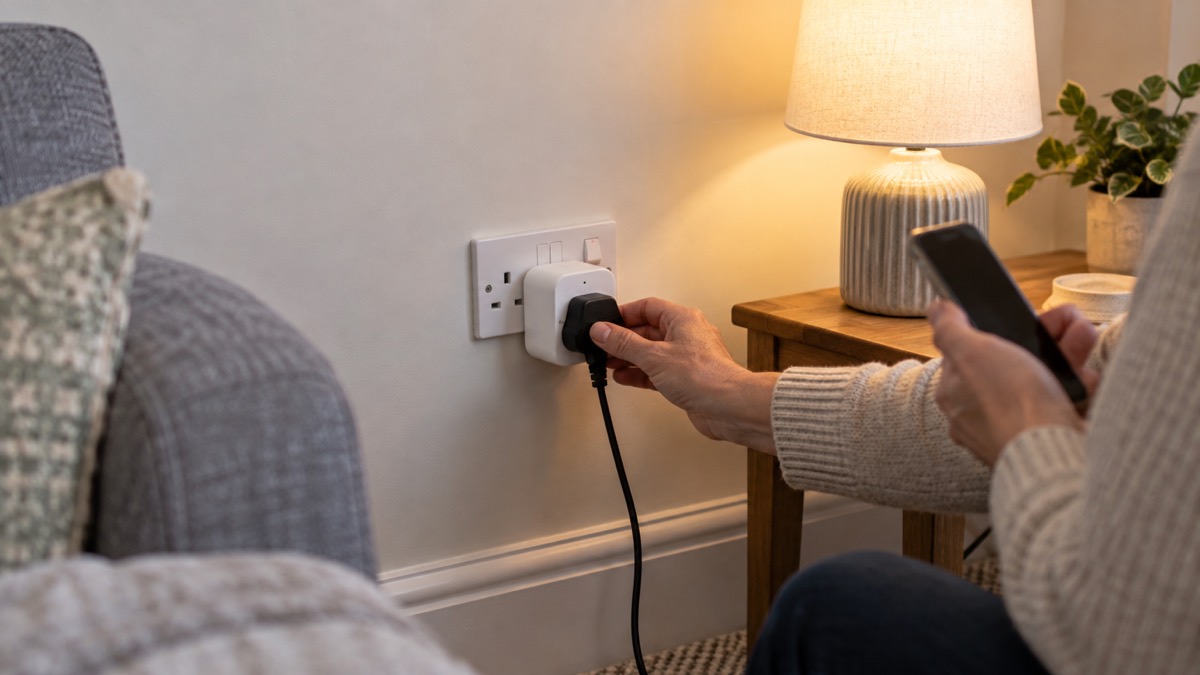
The Socket can carry any appliance that fits within the limits of a UK socket, but the fire and rescue services are consistent about what those limits are. The guidance is to use one plug in each socket where possible, and if you must use more than one, to use a fused adaptor and keep the total output to no more than 13 amps6. The same figure appears across services: never plug into an extension lead or socket appliances that together use more than 13 amps or 3000 watts of energy2.
That limit is the one to hold in your head. Overloaded sockets, where too many appliances are plugged into one socket, can lead to overheating2. The risk is not abstract: overheating is the mechanism by which an overloaded socket becomes a fire.
What suits the Socket well:
- Lamps and low-power lighting, which are the obvious use for keeping a room lit and the house looking occupied.
- Phone and device chargers, provided the charger goes in without force. Fire services advise not using a charger if you have to force it into the wall socket, and not using it on an extension lead7.
- Small electronics and standby loads, where the energy readings tell you what is quietly drawing power.
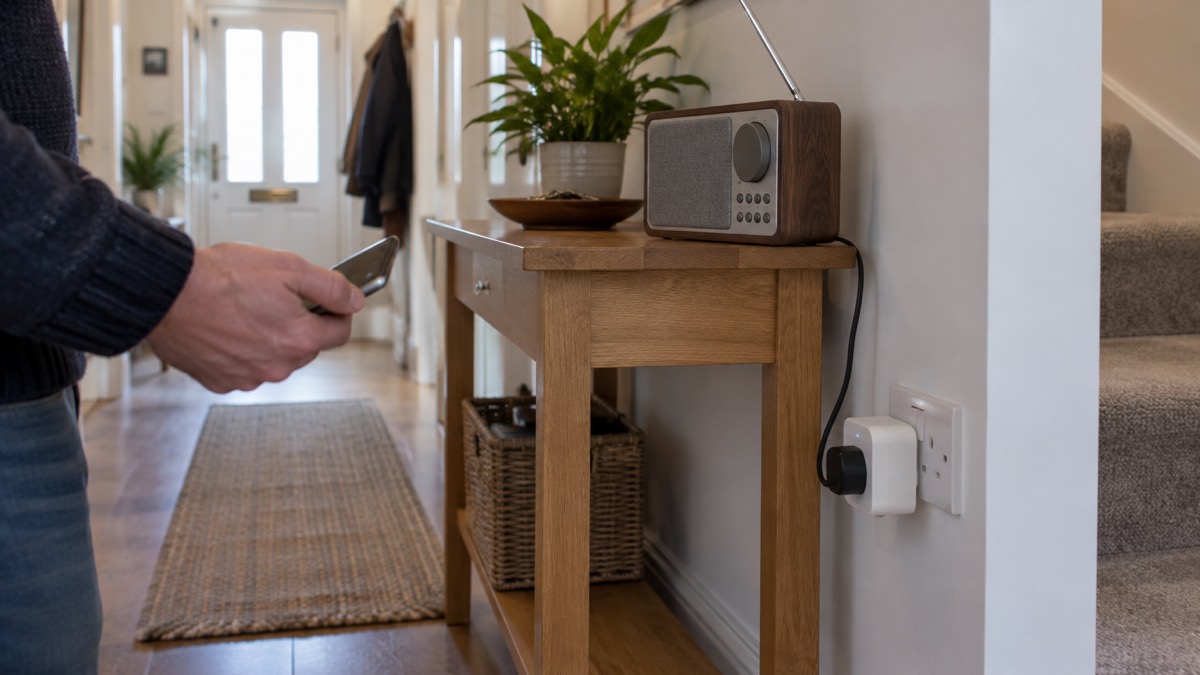
- A single low-power appliance you want to switch remotely, such as a radio.
What does not suit it:
- Electric heaters. Fire services advise that electric heaters should be plugged into a wall socket and not an extension lead, because leads can be overloaded and cause fires8. A heater is a high-power item and belongs straight in the wall.
- Kettles and other high-powered kitchen items. Multi-socket adaptors should never be used with high-powered items such as kettles, heaters or hair straighteners9.
- Anything that needs to run during a power cut. The Socket has no power then, so a freezer or a medical device on it will stop.
Setting up the Socket in the Ajax app
The Socket is added to an Ajax system through the app, and the app's settings are reached the same way for its devices. Ajax's manual sets out the route: select the space if you have several of them or if you are using a PRO app, go to the Control tab, go to Settings by tapping the gear icon in the bottom right corner, set the required parameters, then tap Back to save the new settings10. The Socket's own energy readings are reset in the app as well1.
A sensible order for a household setting one up for the first time:
- Fit the Socket in the wall socket where the appliance will actually live, not somewhere convenient for pairing. Radio range is quoted for open space, and walls and floors reduce it1.
- Add it to the hub in the app and give it a name you will recognise in an emergency, such as "freezer" or "hall lamp", rather than a serial number.
- Check the signal where it sits. Ajax quotes up to 3,600 ft between the device and a hub or range extender in open space1. A socket in a detached garage or at the end of a long garden is the case to test before you rely on it.
- Set the parameters you want in the app settings and save them10.
- Plug in the appliance and watch the energy reading for a day or two, so you know its normal draw before an emergency rather than during one.
If you run more than one Ajax device, the hub's own settings are worth a look at the same time. Ajax hubs with OS Malevich firmware version 2.25 and later, except the Hub (2G) Jeweller model, let you set the event buffer from 100 events by default up to 1000 events in increments of 504. A longer event log is useful after a power cut, when you want to see what switched and when.
Using it safely during a power cut and when power returns
The Socket cannot keep anything running through a power cut, but it can make the cut safer and the return to power less risky. The first principle is that appliances which could pose a hazard should be switched off while the power is out, so they do not spring back to life unexpectedly. Official power cut advice is to switch off appliances that could pose a hazard, and to leave a light on so you know when your power comes back on11.
That is where the Socket earns its place. If a lamp is on the Socket, you can leave it switched on so the light tells you the power is back, and switch off the more hazardous appliance on a second Socket or at the wall. Fire services add a general rule that plugs should always be turned off when not in use, except those designed to be left on, like freezers12.
A short sequence for a household during a cut:
- Switch off appliances that could pose a hazard before the power returns11.
- Leave a light on so you know when power is restored11.
- Keep a phone charged and write down important phone numbers, and keep important documents safe and handy13.
- Check on vulnerable neighbours or family11.
- When power returns, bring appliances back on one at a time, watching the Socket's energy reading for anything unusual.
If you spot damaged or dangerous electrical equipment, including during or after a power cut, report the problem, but call 999 in an emergency14. The Health and Safety Executive's general principle is that cables, plugs, sockets and fittings must be robust enough and adequately protected for the working environment, and that machinery should have an accessible switch or isolator to cut off the power quickly in an emergency15. Check cables, chargers, plugs and sockets regularly for damage16.
For the wider picture of getting a household through an outage, see Power Cuts: A Household Guide and Keeping Your Home Protected in a Power Cut.
Where the Socket must not be used
No weatherproofing rating is stated for the Socket, so the safe assumption is that it is an indoor device for dry rooms. Where official guidance deals with outdoor sockets at all, it is in the context of plug-in solar panels, and it calls for a minimum IP65-rated installation fitted by a competent person if a panel is plugged into an outdoor socket17. A plug with no stated protection should not be asked to do that job.
Places to keep it out of:
- Bathrooms and other damp rooms, where moisture and mains plugs do not mix and the Socket has no stated rating against either.
- Outdoors, sheds and garages with damp walls, for the same reason.
- Caravans and mobile homes, where fire services give their own advice to avoid overloading sockets18. If you use one there, treat the 13 amp limit as absolute.
- Anywhere you would have to force the plug in. Fire services advise not using a charger if you have to force it into the wall socket7.
There are also things not to do with it, drawn from the same body of fire safety advice. Do not use block shaped plug adapters, which can pull away from the socket causing a spark19. Only use one adaptor per socket, do not plug one adaptor into another, and try to keep to one plug per socket20. Never attempt to repair damaged sockets or extension leads yourself21. And in rented accommodation, never overload sockets in your house or flat22.
Overload and overheating protection
The Socket's energy monitoring is the feature that lets a household see an overload coming, but it does not remove the need to respect the limit. The figure to work to is 13 amps or 3000 watts in total for anything plugged into a socket or lead2. Overloaded sockets, where too many appliances are plugged into one socket, can lead to overheating2, and overheating is what turns an electrical fault into a fire.
Fire and rescue services set out the same rules in slightly different words, which is a sign of how firmly they are held. Avoid overloading power sockets and use appropriate extension cords to prevent electrical fires23. Never overload extension leads and multi-socket adapters, check the current rating, usually 13 amps, make sure the total power drawn by all plugged-in appliances does not exceed it, do not daisy-chain, fully uncoil leads before use, and use one plug per socket rather than adaptors where possible9. Do not overload socket outlets or use inappropriate extension leads, and use uncoiled extensions that are suitably rated24.
| Rule | What it means in practice | Source |
|---|---|---|
| Total load | No more than 13 amps or 3000 watts through a socket or lead | 2 |
| One plug per socket | Use a fused adaptor only if you must, and keep the total to 13 amps | 6 |
| No daisy-chaining | Never plug one adaptor into another | 20 |
| Uncoil leads | Fully uncoil an extension lead before use | 9 |
| High-power items | Heaters, kettles and hair straighteners go straight into the wall | 9 |
| Fuses | Replace only with the same amperage rating, never a higher-rated fuse or makeshift materials | 10 |
If a socket circuit trips, the independent guidance is to unplug all appliances connected to that circuit before resetting the breaker, then flip the affected switch back to ON10. That order matters: resetting with a faulty appliance still connected can simply trip it again, or worse.
Support, warranty and safety notices
Ajax gives the Socket a 24-month warranty1. Technical support is available around the clock: the maker states that its AI-powered chatbot and professional technical support team are available 24/710. Ajax also advises that if a device does not work correctly you should first contact the technical support service, noting that in half of the cases technical issues can be solved remotely10. That is worth doing before you start unplugging things or resetting circuits.
For a household, the practical points are:
- Keep the app and device software up to date. Official guidance is to apply updates to apps and device software as soon as they are available, and to turn on automatic updates if available25. Updates may take time and need a reliable internet connection, so do them at home on Wi-Fi with the device plugged in25.
- Check the hardware regularly. Regularly check cables, chargers, plugs and sockets for damage16.
- Know when to stop using something. If a plug, lead or socket is damaged, do not repair it yourself21, and report dangerous electrical equipment, calling 999 in an emergency14.
- Keep the wider system in view. The Socket is one device on an Ajax system; the hub and its other devices are covered on the Ajax brand page and in the guide to home security.
Sources (25)
- Socket (type G) Jeweller specifications, Ajax Systems, 2026-11-02
- Electrical safety: sockets, Manchester Fire and Rescue Service, 2026-10-29
- Christmas safety tips, Warwickshire County Council, 2026-10-29
- Hub without internet, Ajax Systems, 2024-10-11
- Benefits of having a smart meter, UK Power Networks, 2026-10-25
- Kitchen fire safety, Devon and Somerset Fire and Rescue Service, 2026
- Top ways to reduce your risk of having a fire at home, Devon and Somerset Fire and Rescue Service, 2026
- Stay fire safe, Manchester Fire and Rescue Service, 2026-10-29
- Fire prevention, Fire Kills campaign, 2026-03-25
- Hub Plus user manual, Ajax Systems, 2026-09-25
- Power, gas and water: what if they fail, Surrey County Council, 2025-12-29
- Hoarding fire safety, Warwickshire County Council, 2026-10-29
- Power cuts, West Yorkshire Prepared, 2026-10-29
- Electricity and electrical equipment hazards, Health and Safety Executive, 2026
- Plug-in solar panels: safety advice, London Fire Brigade, 2026-10-25
- Electrical safety, Manchester Fire and Rescue Service, 2026-10-29
- Christmas fire safety tips, North Yorkshire Fire and Rescue Service, 2019-12-05
- Ring in 2025 with a safer home, Northern Ireland Fire and Rescue Service, 2025-01-02
- Fire safety checklist, Devon and Somerset Fire and Rescue Service, 2026
- Electrical sockets, Manchester Fire and Rescue Service, 2026-10-29
- Stay Warm Stay Safe leaflet, Ards and North Down Borough Council, 2025
- Caravans and mobile homes, Devon and Somerset Fire and Rescue Service, 2025-06-20
- Student and rented accommodation, North Yorkshire Fire and Rescue Service, 2026-09-21
- Electrical fire safety leaflet, Manchester Fire and Rescue Service, 2026
- Recovering a hacked account, National Cyber Security Centre, 2022-08-24

 Abode Security Kit
 Ajax CombiProtect
 Ajax DoorProtect Plus
 Ajax GlassProtect
 Ajax HomeSiren
 Ajax Hub 2 Plus
 Ajax Hub 2G Jeweller
 Ajax Hub 4G Jeweller
 Ajax KeyPad Outdoor
 Ajax KeyPad Plus
 Ajax KeyPad TouchScreen
 Ajax LightSwitch