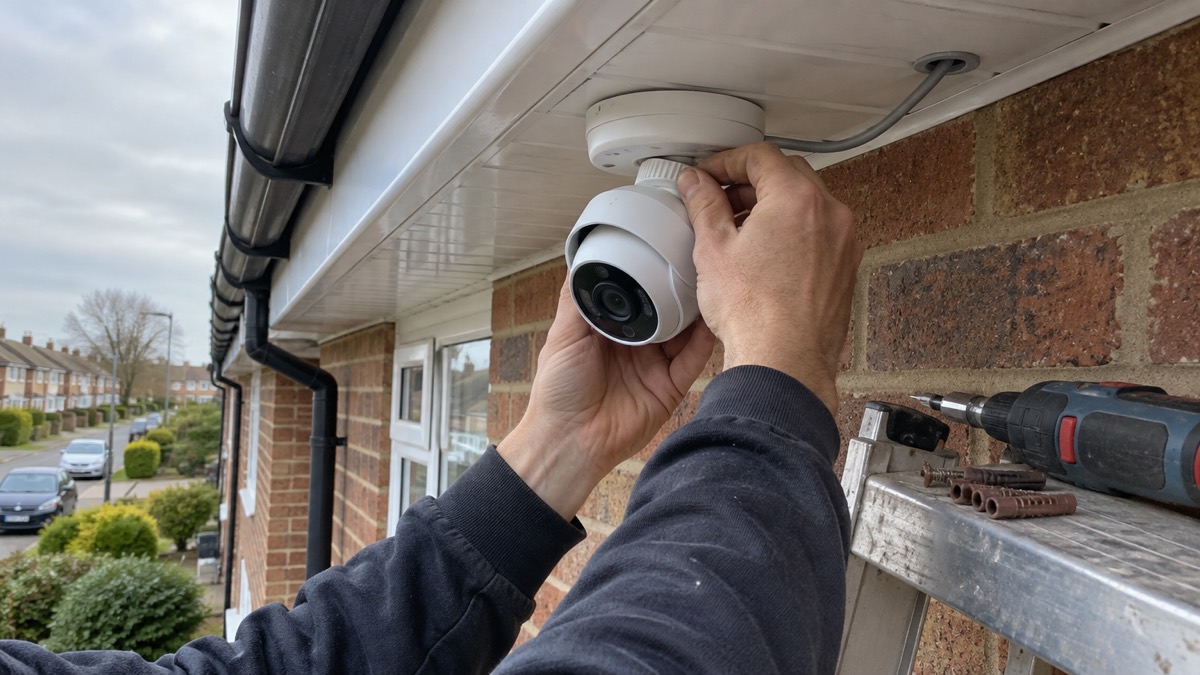
The Ajax TurretCam is a wired security camera for the outside of a home, made by Ajax Systems. It is not a standalone gadget you stick up and forget: it is designed to join an Ajax system, connected by Ethernet cable, and it is powered either over that same cable (Power over Ethernet, or PoE) or from a 12 V supply. Ajax states that only professionals should design and install an Ajax system, so the realistic path for most households is to have it fitted as part of an Ajax alarm installation rather than to wire it yourself1.
What it offers is a 5 MP picture from a 4 mm lens with a horizontal view of 75 to 85°, hybrid night lighting that reaches up to 164 ft, and on-board recording to a microSD card of up to 256 GB, which is not included2. It is built for British weather, rated IP66 for dust and water and IK08 against impact, and it runs on under 7.2 W over PoE2.
This page sets out what the camera does, what it needs, how to use it safely and where to get help if something goes wrong. It does not cover price, and it does not set the camera against other makes.
What the TurretCam HL is and what it suits
Ajax describes the TurretCam HL as a wired AI-powered security IP camera with hybrid illumination that improves image quality at night1. The 5 Mp/4 mm version is a wired AI-powered camera with an 85° viewing angle, hybrid illumination, True WDR, a microphone and PoE or 12 V power, for outdoor and indoor use2. It is a turret-style body, meaning the lens sits in a rounded housing that can be aimed, and it connects to the rest of the system over Ethernet1.
The "AI" part matters for a household because it decides how many alerts you get. Ajax says the camera's algorithms identify moving objects and distinguish people, animals and vehicles1. The datasheet lists the detection types as People, Pets, Vehicles and Line-crossing2. Detection is done by software analysis of the image frames rather than a separate sensor2, so a clean lens and an unobstructed view do more for reliability than any setting. Other makers make the same point about smart detection generally: it reduces false alerts from rain, leaves or shadows3.
The camera suits a household that is already having an Ajax alarm fitted, or that wants a wired camera on a fixed cable run where Wi-Fi is weak. It does not suit someone who wants a camera they can put up in an afternoon with no cabling and no installer, because Ajax's own instruction is that only professionals should design and install an Ajax system1.
Ajax also sells a varifocal version, the TurretCam HLVF NM (5 Mp), with a 2.8 to 12 mm motorized lens, hybrid illumination, True WDR, audio and alarm inputs and outputs, and PoE or 12 V power4. If you need to zoom the view to a gate or a path, that is the variant to ask your installer about; the fixed 4 mm lens on the HL gives the wide view described here.
Image, lens and how far it sees
The picture comes from a 5 MP CMOS sensor of the 1/2.8" type behind a 4 mm fixed-iris lens with a maximum aperture of f/1.62. The wide aperture helps in low light, and the sensor's minimum illumination is 0.005 lx in colour and 0 lx in black and white, which is why the camera can keep a usable image after dark with its own lighting2. The dynamic range is 120 dB with True WDR, and the signal-to-noise ratio is more than 52 dB2.
The field of view is 75 to 85° horizontally, 40 to 50° vertically and 105 to 115° diagonally2. In practice that is a wide view of a drive or garden rather than a tight shot of one gate. The camera records at up to 25 frames per second in H.265 or H.264, and the image can be rotated 0° or 180° in settings, which helps when the camera has to be mounted upside down under an eave2.
How far it sees depends on what you are asking it to do. Ajax gives four distances for the 5 Mp/4 mm model:
| Task | Distance |
|---|---|
| Detection | 282 ft |
| Observation | 112 ft |
| Recognition | 56 ft |
| Identification | 28 ft |
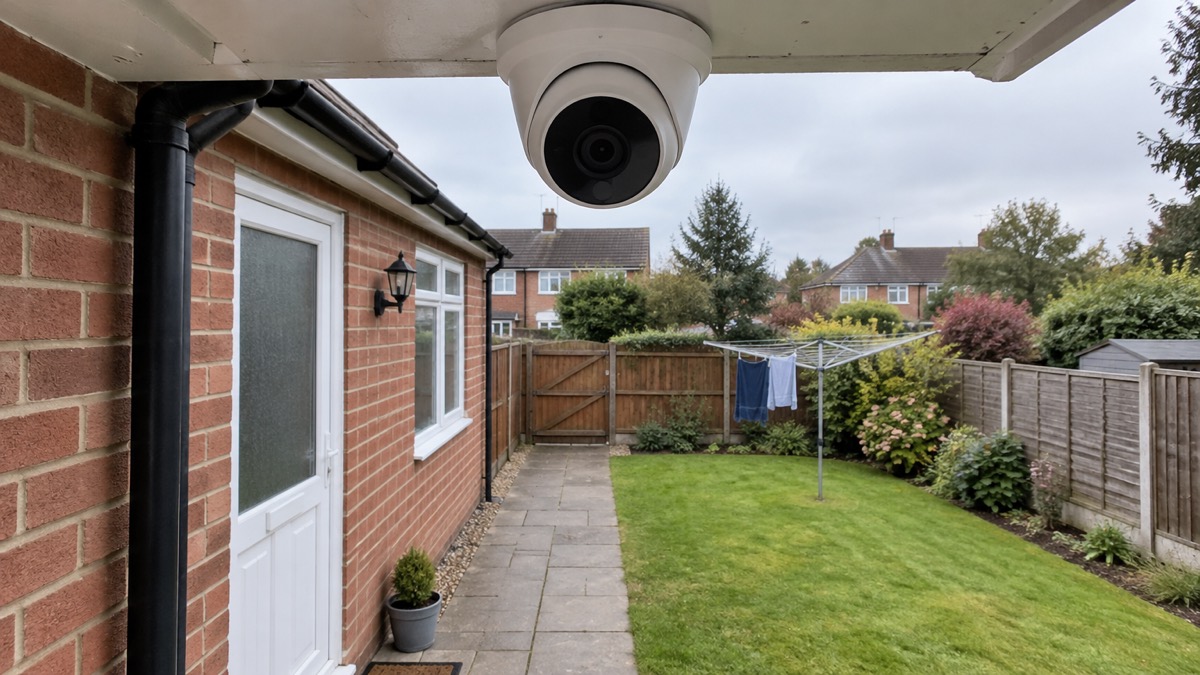
Those figures come from the maker's datasheet2. The one that decides where you put the camera is identification: at about 28 ft the camera can show a person clearly enough to identify them. Detection at 282 ft means the camera will notice movement a long way off, but a figure at that range will be a speck. If the point of the camera is to give you or the police a recognisable image of someone at your gate, the gate needs to be within roughly 28 ft of the lens. For comparison, independent testing guidance for video doorbells treats spotting someone up to 2.5 metres away as good performance5, which shows how much closer the useful range is than the detection range on any camera.
The camera is available in four variants, the TurretCam (5 Mp/2.8 mm), (8 Mp/2.8 mm), (5 Mp/4 mm) and (8 Mp/4 mm)6. The 2.8 mm lens gives a wider view and the 8 Mp sensor more detail; the 4 mm lens sits between them. Ask your installer which suits the distance you need to identify someone at.
Seeing in the dark
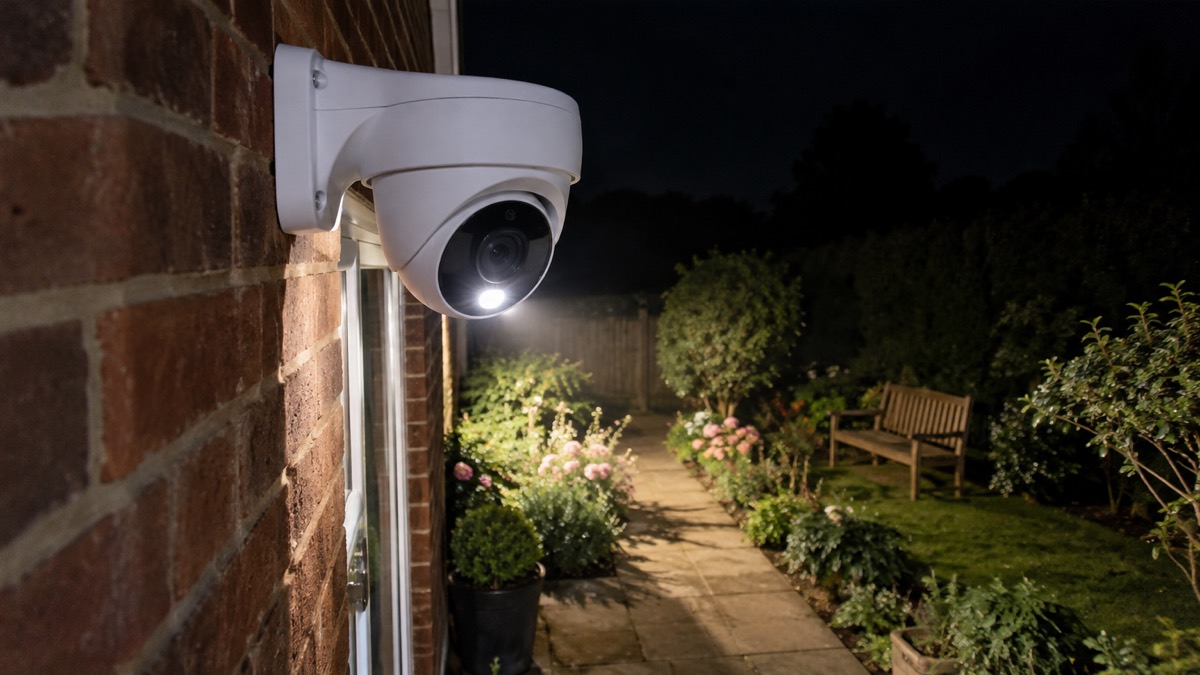
The TurretCam HL has two kinds of built-in light. Its infrared LED and its white LED each reach up to 164 ft2. Infrared gives a black and white picture without visible light, which is less noticeable to neighbours; the white LED lights the scene in colour, which is more useful for identifying clothing or a vehicle, but it also announces that the camera is there. Intelligent lighting control adjusts the intensity of both in real time to prevent overexposure, so a face close to the lens is not washed out by the light2.
The camera's low-light sensitivity is what makes this work: 0.005 lx in colour and 0 lx in black and white2. The lighting stabilisation setting in the app runs from 1 to 2.9 for adjusting WDR levels and 3 to 5 for activating and adjusting HDR levels1. If night images look flat or blown out, that is the setting to discuss with your installer.
Power, cabling and recording
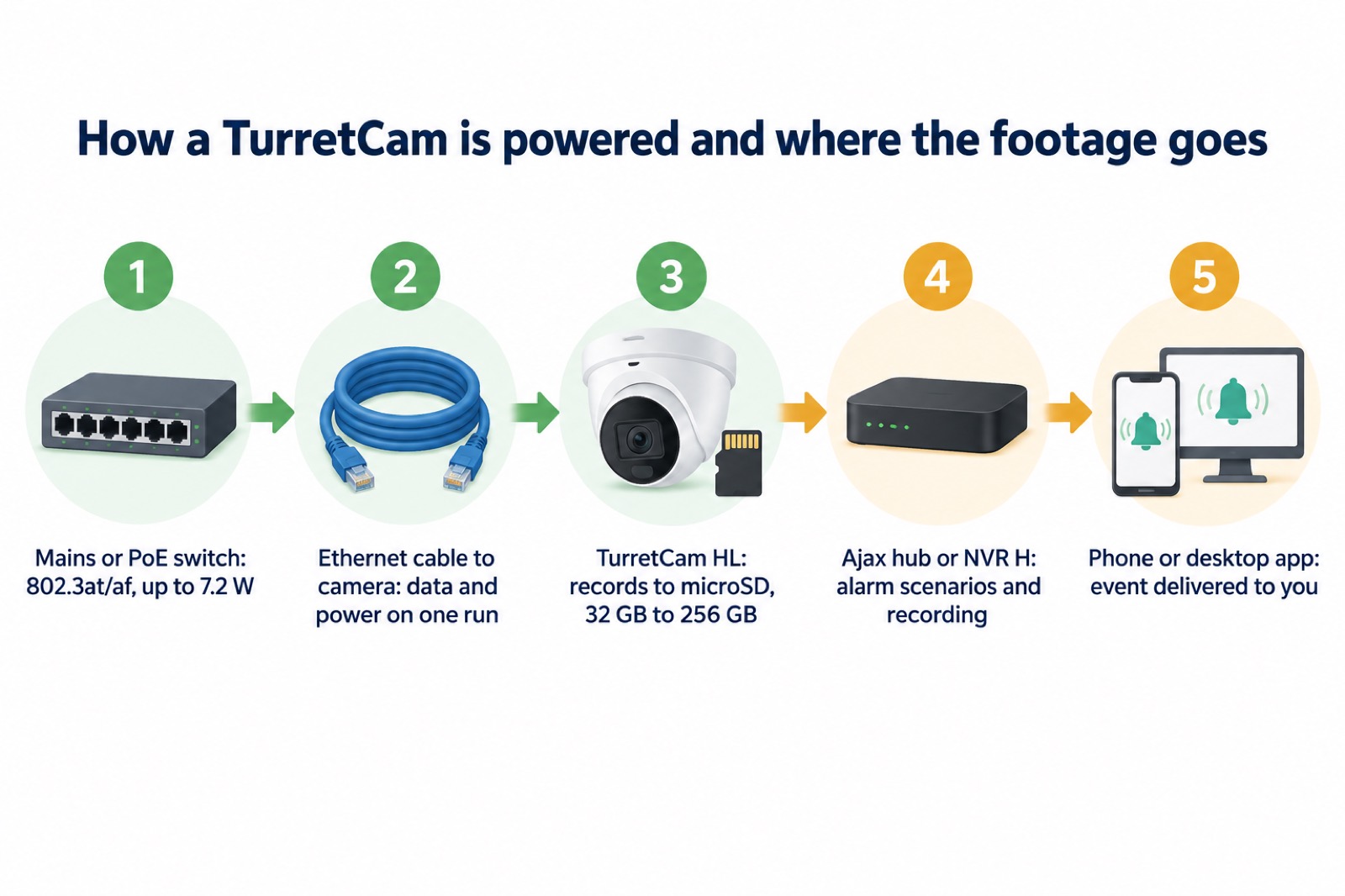
The camera takes power one of two ways. Over PoE it draws up to 7.2 W at maximum and up to 6.9 W on average, using the 802.3at/af standard2. On a 12 V supply it draws up to 6.3 W at maximum and up to 5.9 W on average, from a 12 V ± 20% supply unit2. For context, basic PoE cameras typically use around 3 to 7 W, while models with higher resolution, infrared or colour night vision, or pan and tilt can use up to 15 W or more3. The TurretCam sits at the lower end, which matters if you are adding it to a PoE switch that already has other devices on it.
Recording is to a microSD card inside the camera. Ajax specifies a card from 32 GB to 256 GB, Class V30 or faster, and states plainly that the card is not included in the complete set2. The manual for the wider TurretCam range gives the same 32 GB to 256 GB range and asks for Class 30 or faster6. The camera can also run without a memory card or record via an NVR6. For scale, most home security cameras support local recording on cards of up to 256 GB or 512 GB7.
The camera connects by Ethernet and uses Ajax's JetSparrow peer-to-peer video protocol, which the maker describes as fast and encrypted2. It has one RJ-45 self-adaptive Ethernet port rated at 10/100 Mbps2. Because it is wired, it does not depend on your Wi-Fi reaching the far end of the garden, which is often the weakest point for a battery camera.
Built for a British outdoor wall
The TurretCam HL carries an IP66 protection class, which Ajax describes as making it suitable for outdoor installation, and an IK08 impact rating1. It operates between −22 °F and 140 °F and in humidity up to 90%2. The metal enclosure is described by Ajax as robust and as protecting the device against sabotage6.
To put IP66 in context, independent electrical safety guidance says an outdoor socket must be protected against splashes and rain at IP44 or preferably higher, and IP55 or IP66 if it is likely to be hit by water jets9. Outdoor camera makers commonly quote IP65 or IP66 for their weatherproof models10, and one maker's guidance describes IP65, IP66 or IP67 as confirming a camera is sealed against dust and resistant to rain or even temporary submersion12. IP66 is therefore a sensible rating for a camera on a British wall, but it is not a licence to site it anywhere.
Ajax's manual is specific about where not to fit it: not in places where temperature and humidity fall outside the permissible limits, because that could damage the device, and not where objects or structures may obstruct its view1. In practice that means avoiding a spot in full sun against a dark wall in a heatwave, avoiding a position where a gutter pours onto the housing, and checking that a growing shrub will not block the lens in a year's time.
Mounts, installation and what comes in the box
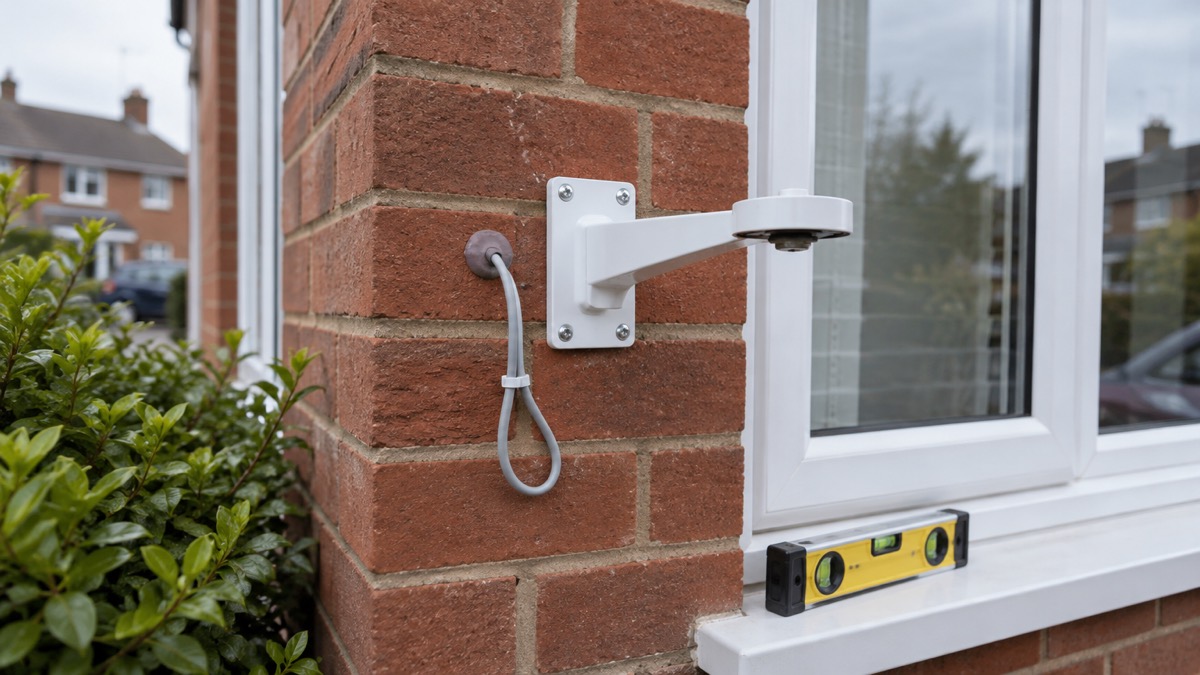
The complete set contains an installation template, an installation kit and a quick start guide2. The compatible mounts are the JunctionBox (118×59), MountCam A1, MountCam A2, MountCam B1 and MountCam B22. The camera body is released from its holder with the bundled 2 mm hexagon key, so the base can be fixed first and the camera hung afterwards6.
Ajax's instruction that only professionals should design and install an Ajax system is the one to follow here1. That is not only about the alarm panel: the camera needs a cable run, a PoE switch or a 12 V supply, and a position chosen for the view and the weather. If you are having an Ajax alarm fitted, ask for the camera to be included in the same visit.
If you are adding the camera to an existing Ajax system, the hub matters. Ajax says third-party cameras and video recorders can be added either directly to the hub or to an Ajax NVR, provided they support the RTSP protocol13. The Ajax Hub (2 Plus, 2, Plus) is the kind of panel the camera would join. For a fuller picture of how cameras fit into a home security plan, see Home Cameras and CCTV: Types and How to Choose.
Alarms, recording and working with other recorders
The camera earns its place in an Ajax system because it can be tied to the alarm. Ajax says the system allows you to configure a scenario in which Ajax detectors trigger selected cameras to start recording, and the recorded event is delivered immediately to the mobile or desktop monitoring app2. That means a door contact or motion detector can start the camera rolling before the intruder is in frame.
The siren activation feature has conditions. It is available when the camera and at least one siren are added to an Ajax hub with OS Malevich 2.31 or later, and the camera and hub must be online at the moment of motion detection1. Ajax's own explanation of how it sends alarms lists camera detectors triggering push notifications with the standard signal sound7. If you want a siren to sound as well, the Ajax StreetSiren or Ajax HomeSiren are the devices to discuss with your installer.
The camera also works with other makers' recorders. The TurretCam HL is conformant with ONVIF Profile G and S and implements ONVIF H.265 encoding, transmission of motion detection and AI recognition events, and control over wide dynamic range and other image settings2. Ajax lists Milestone, Genetec and Digifort as video management systems it can connect to, and ONVIF authorisation needs firmware version 2.356 or later6. Ajax's NVR H recorder accepts third-party IP cameras with ONVIF and RTSP as well as Ajax video devices8, and one camera can be paired with several video recorders in one space at the same time1.
Security, privacy and firmware
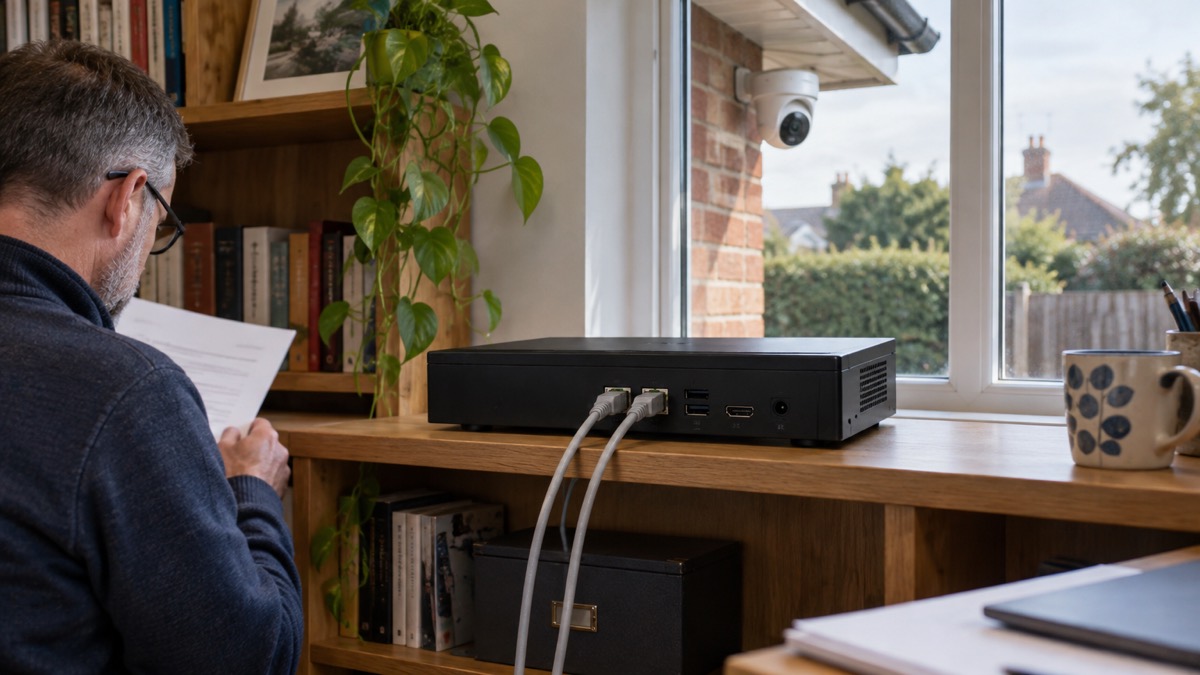
The camera is designed to be updated and to keep its footage verifiable. The TurretCam HL supports secure boot against firmware spoofing and OTA signature verification for secure automatic updates2. Video segments downloaded from the camera carry an Ajax digital signature that verifies their integrity, checked with the Ajax Media Player tool1. The connection uses mTLS encryption2, and the camera supports HTTP, HTTPS, TCP/IP, IPv4, RTSP, UDP, DHCP and DNS2.
Access is controlled by the owner. Ajax states that all access rights, including those for mobile app users, installers and monitoring company operators via Ajax PRO Desktop, are fully configurable by the device owner2. That is worth setting up deliberately: decide who can view live footage and who can download recordings, and review it when an installer or monitoring company changes.
To update the firmware, Ajax's support article gives the steps: go to the Devices tab, select the camera (or select NVR and then Cameras if it is connected to a video recorder), open Settings with the gear icon, view the version number and release notes, tap Next to download and tap Install to confirm14. Ajax releases security updates for cameras and NVRs for at least two years of the warranty period14. Independent guidance for outdoor cameras makes the same point simply: update firmware through the app whenever prompted for security fixes12. For more on keeping a camera account secure, see Camera and Doorbell Accounts: Stopping Strangers Getting In and How to Stop Your Security Camera Being Hacked.
The camera carries RoHS, EMC Directive and Low Voltage Directive certification and meets PSTI UK Schedule 12. The warranty is 24 months from the date of purchase2.
Support, warranty and where to get help
The warranty runs for 24 months from purchase, and the camera is made by AS Manufacturing LLC for Ajax Systems1. Keep the receipt and the installer's details; a warranty claim will ask for both.
If the camera is part of an alarm and something goes wrong with the alarm itself, the question of who responds is a separate one. Monitored Alarms: Receiving Centres and Who Responds explains how a monitoring centre handles an activation, and How Police Respond to Burglaries and Intruder Alarms sets out what the police will and will not attend. If you are weighing a camera against an alarm, Burglar Alarm or CCTV Camera: Which Suits Your Home? sets the two side by side.
For the wider subject of cameras on a British home, Home Security: A Household Guide is the place to start. If your camera is one of several devices on a slow line, Alarms and Cameras on a Weak Mobile Signal or Slow Broadband covers what to check. And if you are filming beyond your boundary, Filming Beyond Your Boundary: CCTV, Doorbells and Data Protection explains the rules that apply.
Sources (14)
- TurretCam HL user manual, Ajax Systems, 2026-10-28
- TurretCam HL (5 Mp/4 mm) specifications, Ajax Systems, 2026-11-02
- PoE IP cameras, Reolink, 2026-11-03
- Ajax TurretCam HLVF NM (5 Mp) specifications, Ajax Systems, 2026-11-02
- How to buy the best smart video doorbell, Which?, 2026-10-16
- TurretCam user manual, Ajax Systems, 2026-10-28
- How Ajax sends alarms, Ajax Systems, 2026-07-09
- NVR H user manual, Ajax Systems, 2026-10-27
- Patio heaters safety advice, Electrical Safety First, 2026-10-25
- Outdoor security cameras, Reolink, 2026-11-03
- Arlo cameras, Arlo, 2026-11-03
- Best security camera features for UK weather conditions, eufy, 2025-09-17
- Hub 2 Plus user manual, Ajax Systems, 2026-09-25
- How to update the firmware on Ajax cameras and NVRs, Ajax Systems, 2024-10-16

 Ajax BulletCam
 Aqara Camera Hub G350
 Arlo Essential 3 2K
 Arlo Essential 3 Indoor
 Arlo Pro 6
 Arlo Ultra 2
 Arlo Ultra 3
 Blink Outdoor 4
 Eufy SoloCam S340
 Eufy eufyCam S3 Pro Kit
 Eufy eufyCam S4 Setup
 EZVIZ BC1-B2 Kit