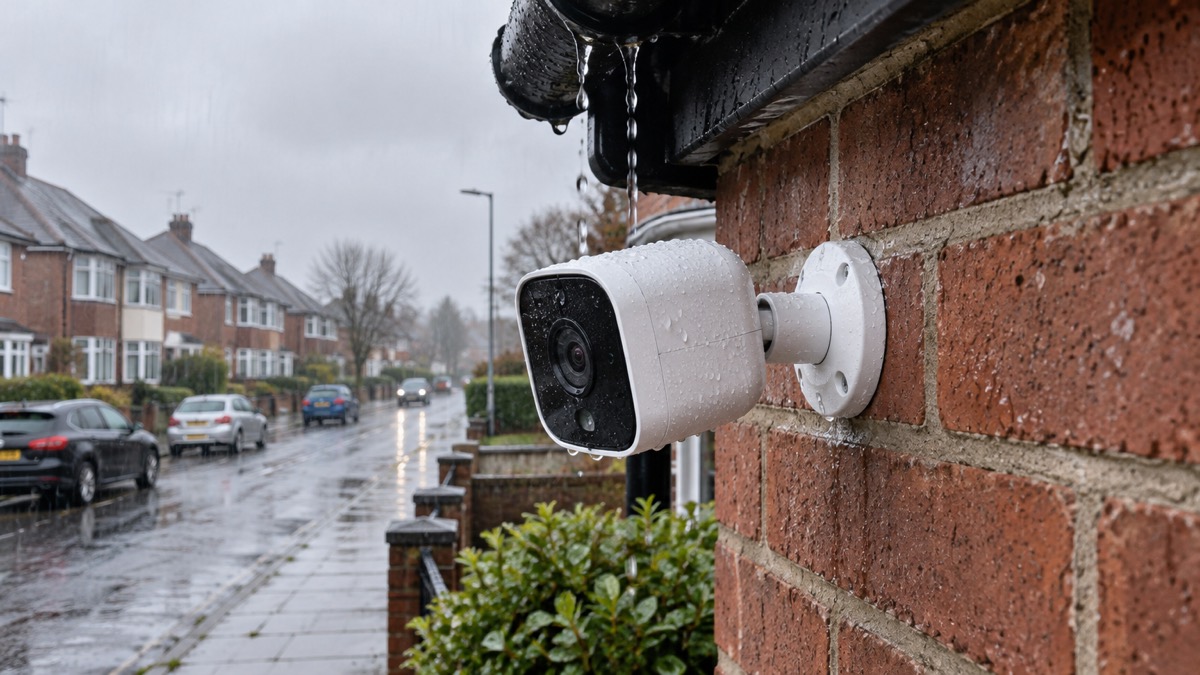
The Arlo Ultra 3 is a 4K outdoor security camera that runs on a removable battery and does not connect to your home Wi-Fi on its own. It needs the Arlo SmartHub, a small box that plugs into your router with the supplied power supply and Ethernet cable, and the cameras talk to the hub rather than to the router1. That single fact shapes everything else: how you set it up, where you put the hub, and what happens to your footage if the hub loses power or your broadband drops.
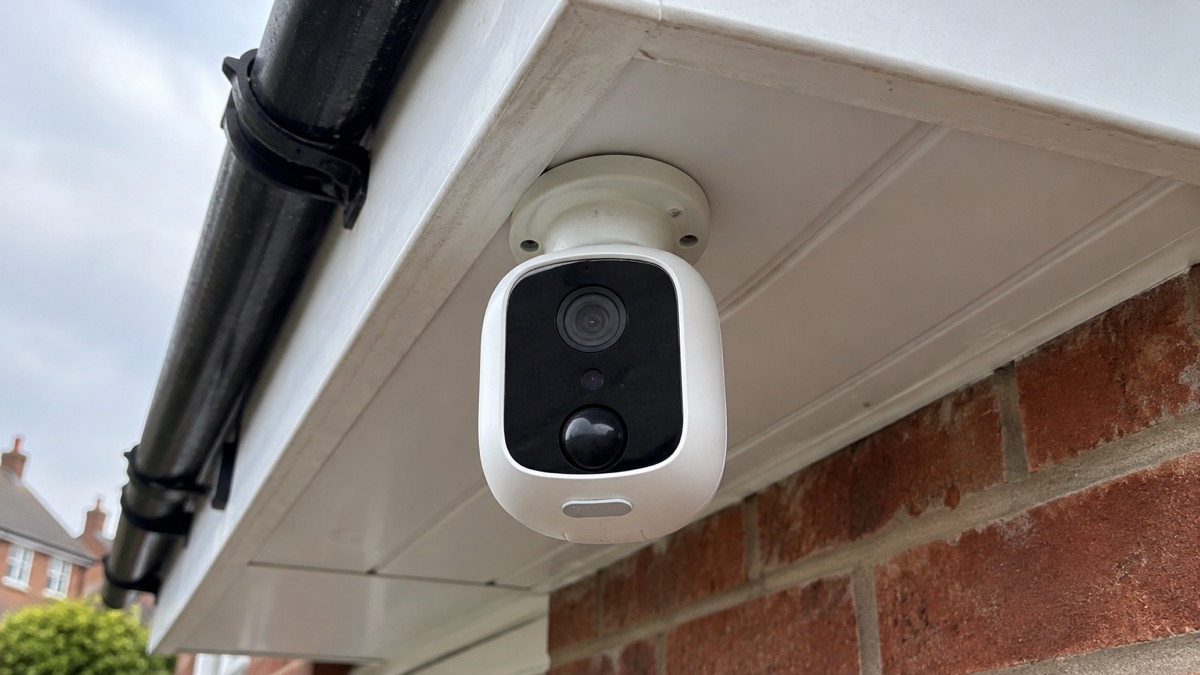
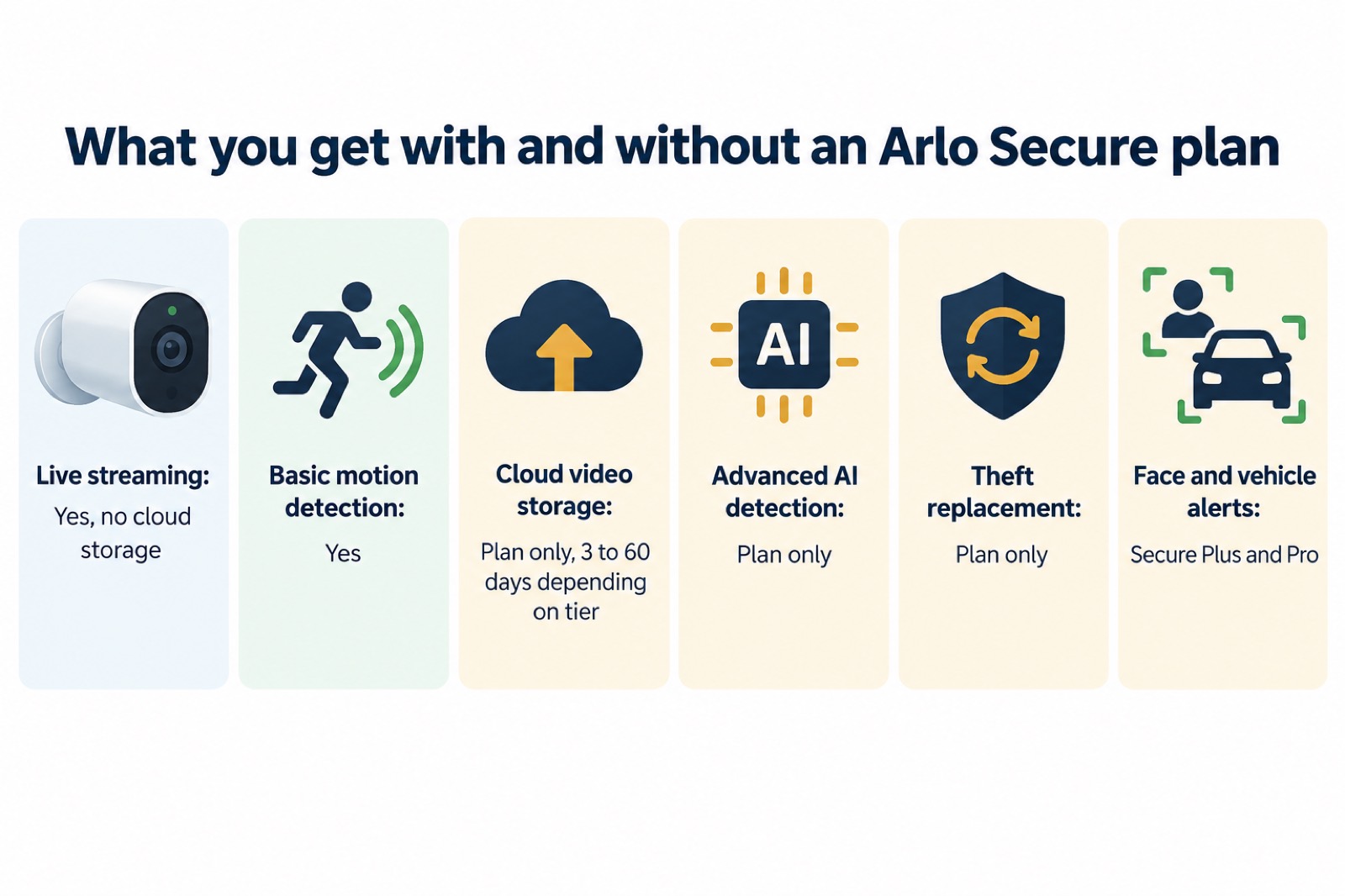
If you are deciding whether it suits your home, the headline figures are these. Arlo lists 4K resolution, a 180° field of view, 12x digital zoom, colour and infrared night vision, motion and audio detection, a built-in siren and a battery life of six months2. The camera is rated IP65 for outdoor use1. Each camera you add comes with a free 30-day subscription to the top-tier Arlo Secure cloud service for that camera1, and without a plan you keep live streaming and basic motion detection but no cloud storage3.
If you already own one, the practical priorities are the hub's position and power, charging the batteries safely, and knowing what the camera will and will not do when the internet or the subscription lapses. This page sets out the specifications, what the system can and cannot do, how to charge and mount it without taking risks, and where to get help if something goes wrong.
Specifications: 4K, 180 degrees and IP65
The Ultra 3's headline specification is its sensor and lens. Arlo lists 4K resolution and a 180° field of view, with 12x digital zoom for picking out detail2. Expert Reviews measured the same camera at 3,840 x 2,160 live video at 24 frames per second with a 180-degree diagonal field of view, and notes an 8 megapixel sensor1. Arlo describes the picture as 4K HDR with distortion-free clarity and colour detail in near darkness4.
| Specification | Arlo's figure | Independent figure |
|---|---|---|
| Resolution | 4K2 | 3,840 x 2,160 at 24fps1 |
| Field of view | 180°2 | 180° diagonal1 |
| Digital zoom | 12x2 | Not stated |
| Night vision | Colour, IR black and white2 | Not stated |
| Weather rating | IP652 | IP651 |
| Power source | Removable battery2 | Not stated |
| Battery life | 6 months2 | Up to six months, depending on use1 |
| Pan and tilt | No2 | Not stated |
| Two-way audio | Yes, with noise and echo cancellation2 | Not stated |
| Connectivity | 2.4GHz and 5GHz, Arlo adaptor included2 | Hub and cameras both support 2.4GHz and 5GHz1 |
Two things follow from that table. First, the camera does not move: there is no pan or tilt, so you aim it once and the 180° view has to cover what you want2. Second, the six-month battery figure is a rating, not a promise. Expert Reviews describes the batteries as rated for up to six months of use, "although that depends on the usage scenario"1. Frequent live viewing, lots of motion triggers and cold weather all draw on the battery faster than the headline suggests.
The IP65 rating is worth understanding rather than skimming. Arlo states that its outdoor cameras have IP65 ratings and are designed for all-weather protection against heat, cold, rain, snow and sun5. That covers normal British weather. It does not cover immersion, a pressure washer aimed at the lens, or a charging port left open to the rain.
The SmartHub is not optional
This is the part that catches people out. With Arlo's smaller cameras you can connect the camera straight to your home Wi-Fi. With the Ultra 3 you cannot. Expert Reviews is explicit: "You cannot connect the cameras directly to your home Wi-Fi network as you can with Arlo's lesser cameras"1. Arlo's own specification lists SmartHub Required as Yes2. The hub and the cameras both support 2.4GHz and 5GHz Wi-Fi signals1, and Arlo describes setup as simple with dual band Wi-Fi4.
What the hub does for you in practice:
- It carries the video. The cameras send footage to the hub, and the hub sends it on to your router and the internet.
- It holds the smart home link. Arlo lists Alexa, Google, IFTTT, SmartThings and HomeKit for the Ultra 3, with the SmartHub required2.
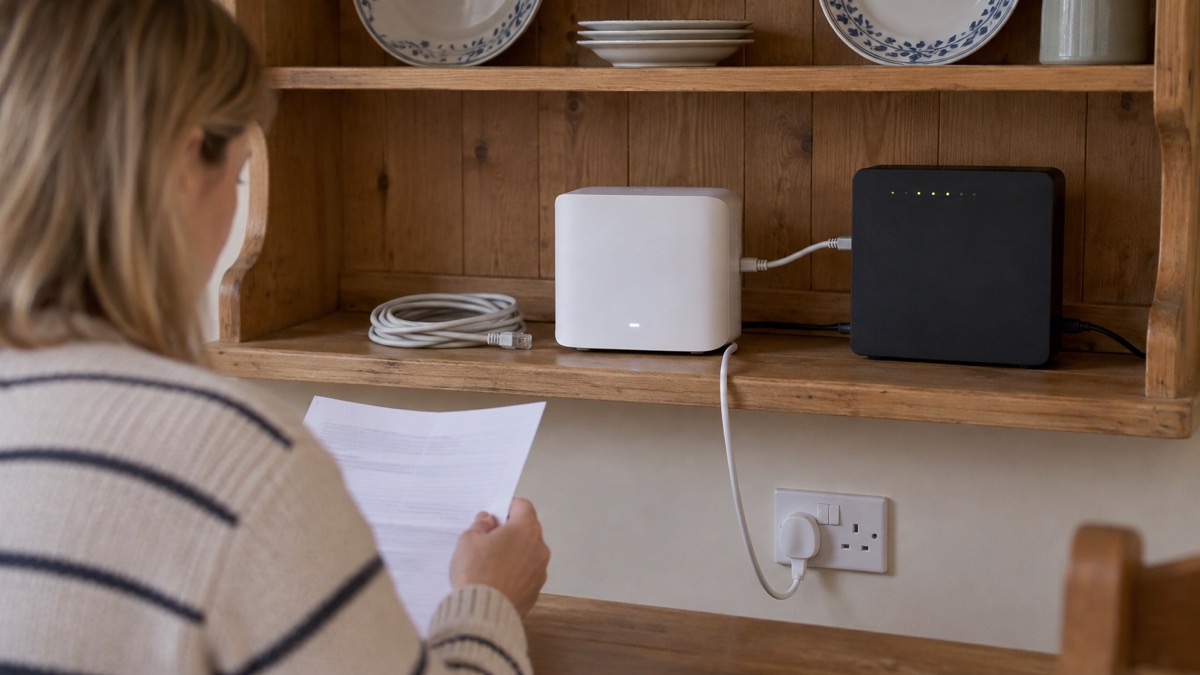
- It needs mains power and a wired connection. Arlo bundles a power supply and an Ethernet cable with the hub1.
That last point is the one to plan around. Put the hub somewhere with a spare socket and a short run to the router, not in a cupboard where it will be unplugged for the vacuum and forgotten. If the hub loses power, the cameras have nothing to talk to. If you are thinking about how a camera system behaves when the electricity goes off, our guide to keeping your home protected in a power cut covers the wider picture, and alarms and cameras on a weak mobile signal or slow broadband is worth reading before you commit if your broadband is unreliable.
Detection, alerts and night vision
The Ultra 3 watches in two ways: motion and audio2. On top of that, Arlo lists advanced AI detection for people, animals, packages and vehicles, customisable face and vehicle alerts, and trainable AI alerts, each marked with an asterisk on the specification sheet2. The asterisk matters. Arlo's service plan pages show that the face and vehicle alert features sit with the Secure Plus and Secure Pro plans, described as advanced AI that recognises familiar faces and known vehicles6. In other words, the camera detects movement on its own, but the smarter sorting of what that movement is depends on the plan you hold.
At night the camera offers colour and infrared black and white night vision, backed by a spotlight2. Arlo describes the colour performance as revealing vital colour detail in near darkness4. Colour night vision needs some light to work with, which is what the spotlight is for; in true darkness you get the infrared black and white image.
The camera also has a built-in siren2. Arlo does not give a loudness figure for the Ultra 3 in the material here, but for a sense of scale it states that its wireless video doorbell includes an 80 dB smart siren that can be triggered automatically when motion is detected or manually through the app7. Treat a camera siren as a deterrent and an alert to you, not as a burglar alarm. If you want a proper alarm, our guide to burglar alarms and how to choose one sets out the options, and burglar alarm or CCTV camera: which suits your home compares the two approaches directly.
Arlo also lists Fire Alerts as a beta feature on the Ultra 32. Beta means it is still being tested. It is not a smoke alarm and should never replace one. A working smoke alarm sounds at 85dBA at 3 metres, according to FireAngel8, and the Scottish Government published guidance on alarms for deaf and deafblind people on 1 August 20239. Keep certified alarms in the rooms that need them and treat the camera's fire alert as a bonus.
Battery life: up to six months, if you are lucky with the weather
Arlo rates the Ultra 3 battery at six months and lists the power source as a removable battery2. Expert Reviews puts it the same way, describing batteries rated for up to six months of use "although that depends on the usage scenario"1. The gap between the rating and your reality comes down to a few things:
- How often you watch live. Every live view wakes the camera and streams video.
- How much passes the lens. A camera covering a busy pavement or a windy tree will trigger far more than one covering a quiet back gate.
- The cold. Battery capacity falls in low temperatures, so a camera on a north-facing wall in January will not match its summer performance.
- Signal quality. A camera far from the hub works harder to stay connected.
The battery is removable, which is the practical advantage: you can charge one indoors while a spare keeps the camera running, rather than leaving a gap in coverage. Arlo lists USB-C fast charging for the Ultra 3 camera4, and Expert Reviews confirms the cameras charge through the USB-C port1.
Charging and setting up the cameras and hub safely
Lithium-ion batteries are safe when handled properly and dangerous when they are not. The fire and rescue service and product safety bodies are consistent about the basics, and they apply to camera batteries just as they do to e-bike batteries.
The full set of precautions, each from the body that gives it:
- Use the correct charger. East Sussex Trading Standards lists "Use the correct charger" among its battery safety advice12. Use the USB-C charger supplied or specified by Arlo for its own battery.
- Charge where you can see it. The Government's guidance on e-bike and e-scooter fires says to charge when awake and present, not overnight or while out13.
- Keep exits clear. Electrical Safety First advises charging in a safe place with no escape routes blocked14, and the Government guidance says the same for e-bike batteries13.
- Do not cover the charger or battery. The Government guidance is explicit on this point13.
- Unplug when full. Both the London Fire Brigade and the product safety guidance say so10.
- Give it a designated place. The fire service advises workplaces to set up clear procedures for safe charging, including supervision and designated charging zones15. At home, that means one sensible spot, not the arm of the sofa.
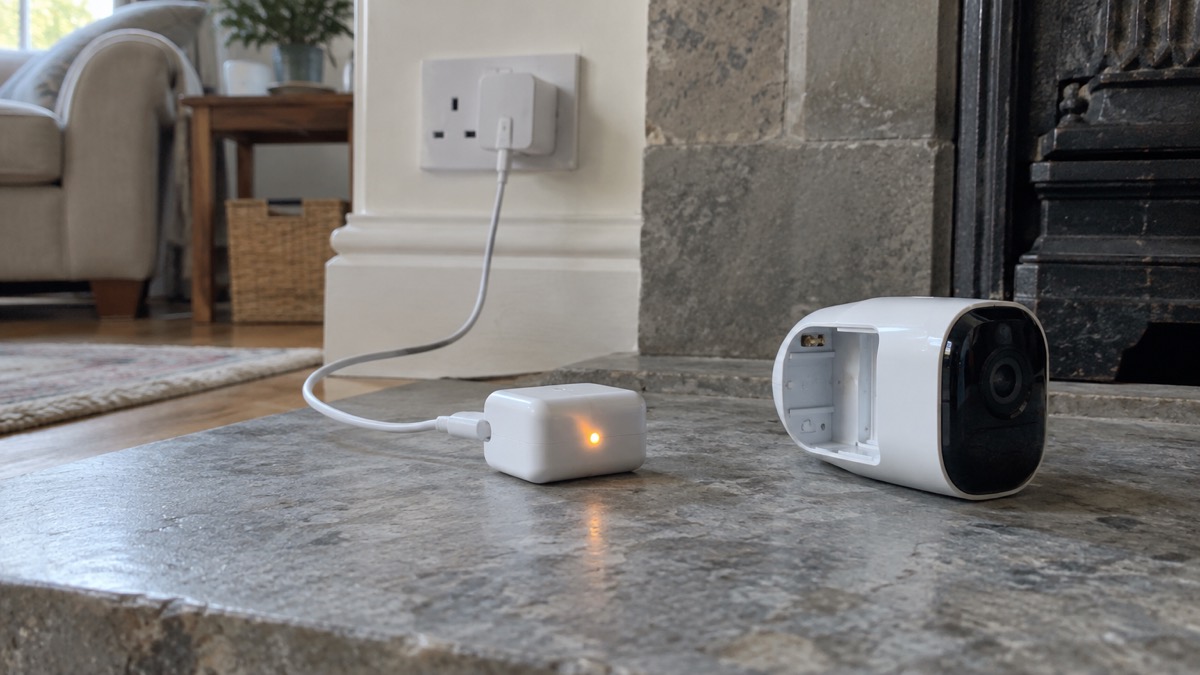
For setup, the sequence is straightforward. Plug the hub into the router with the Ethernet cable and into the mains with the power supply1. Install the Arlo Secure app and add the hub, then add each camera. Charge the camera batteries fully before the first mount, using the USB-C port1. When you add a camera to your account you get a free 30-day subscription to the top-tier Arlo Secure cloud service for that camera1, so set the camera up before you need it rather than the day you go away.
Where 4K live streaming falls short
4K is the reason many people choose this camera, and it is genuinely useful for identifying a face or a number plate after the event. But the live view is not always 4K, and there are two specific limits to know before you rely on it.
The first is remote viewing. Expert Reviews found that "if you access your cameras via a remote cellular connection, the live stream resolution drops to Full HD"1. So the picture on your phone while you are out is not the 4K the box promises; it is Full HD, which is still clear but less detailed. The same review found the app can support two 4K live streams as well as at least three 2K feeds simultaneously1, which is plenty for a household but worth knowing if you plan to watch several cameras at once.
The second is snapshots. When the cameras are in 4K live-streaming mode, the option to take a snapshot or start recording a live feed disappears1. If you are watching something happen and want a still, you have to come out of 4K first, by which time the moment may have passed. Plan on the camera's own recordings, which need a Secure plan, rather than on grabbing a frame yourself.
Cloud storage, privacy and how long updates will last
Without a plan, Arlo states that the features available are live video streaming with no cloud storage and basic motion detection3. Everything else, including the recordings you would want after an incident, comes with a subscription. The tiers differ mainly in how far back you can look:
| Plan | Cloud storage | Notes |
|---|---|---|
| No plan | None | Live streaming and basic motion detection only3 |
| Arlo Secure Lite+ | 3 days | One camera or doorbell, basic detection, theft replacement16 |
| Arlo Secure Plus+ | 14 days | 12 months included with the whole-home bundle4 |
| Arlo Secure Pro | 30 days | Includes customisable face and vehicle alerts6 |
| Arlo Secure (sell sheet) | Up to 60 days | Video history through the app15 |
The figures differ between Arlo's own documents: the service plan page lists 30 days for Secure Pro6, while a doorbell sell sheet describes up to 60 days of video history15. Where they disagree, treat the plan page as the figure for the plan you are buying and check before you subscribe.
Two conditions matter more than the storage length. First, renewal: Arlo states you will be notified 5 days before your cloud storage service expires, with renewal costs and the option to unsubscribe, and that renewal is taken automatically from your billing details if you do not unsubscribe4. Second, cancellation: if you cancel, Arlo states you will no longer have access to any videos previously stored on your account, and you lose the advanced AI features and the theft replacement service3. Download anything you might need before you cancel.
On privacy, Arlo states that it uses secure EU-based cloud storage and never volunteers your personal data to authorities17. The National Cyber Security Centre's advice on smart security cameras is the sensible counterweight: if you do not need remote viewing over the internet, disable it, though doing so may stop alerts and smart home integration18. Our guide to stopping strangers getting into your camera and doorbell accounts covers passwords and two-factor authentication, and is it safe to view your home camera remotely looks at the trade-off in more detail.
Finally, support. Which? reports that Arlo's support will end between December 2028 and December 2029, depending on the model19. That is the window in which software updates are expected to stop, after which the camera will keep working but without security fixes. Our page on how long cameras and doorbells get software updates explains why that matters.
Where to get help
If a battery overheats, swells, smokes or catches fire, get out, stay out and call 999. Do not try to move a burning lithium-ion battery or put water on a live electrical fire.
If your camera develops a fault within its warranty, deal with Arlo or the retailer you bought it from. Arlo states that its UK online shop offers free delivery and free returns17.
For advice on securing your home more widely, our home security guide is the place to start, and home cameras and CCTV: types and how to choose sets the Ultra 3 in context against other ways of watching your home. If you are comparing it with Arlo's other models, the Arlo Pro 6 and Arlo Ultra 2 pages cover those, and wired or battery security cameras explains the trade-off that decides most installations.
Sources (19)
- Arlo Ultra 3 review, Expert Reviews, 2026
- Arlo Cameras, Arlo, 2026
- Arlo Pro 6, Arlo, 2026
- Whole Home Security Kit, Arlo, 2026
- Smart Home Security Systems for the UK | Arlo UK, Arlo
- Arlo Service Plans, Arlo, 2026
- Arlo Doorbells, Arlo, 2026
- Ultra Slim smoke and carbon monoxide alarms, FireAngel, 2025
- New fire alarm standard: alarms for deaf and deafblind people, Scottish Government, 2023
- Fire safety booklet, London Fire Brigade, 2026
- Product safety, East Sussex County Council Trading Standards, 2026
- Lithium battery fire safety, Mid and West Wales Fire and Rescue Service, 2026
- Buy safe, be safe: avoid e-bike and e-scooter fires, GOV.UK, 2024
- Hoverboards and self-balancing boards, Electrical Safety First, 2026
- 2K Video Doorbell sell sheet, Arlo, 2025
- Arlo Wireless Video Doorbell Camera, Full HD | Arlo UK, Arlo
- Arlo UK, Arlo, 2026
- Smart security cameras: using them safely in your home, National Cyber Security Centre, 2020
- Best indoor security cameras, Which?, 2026

 Ajax BulletCam
 Ajax TurretCam
 Aqara Camera Hub G350
 Arlo Essential 3 2K
 Arlo Essential 3 Indoor
 Arlo Pro 6
 Arlo Ultra 2
 Blink Outdoor 4
 Eufy SoloCam S340
 Eufy eufyCam S3 Pro Kit
 Eufy eufyCam S4 Setup
 EZVIZ BC1-B2 Kit