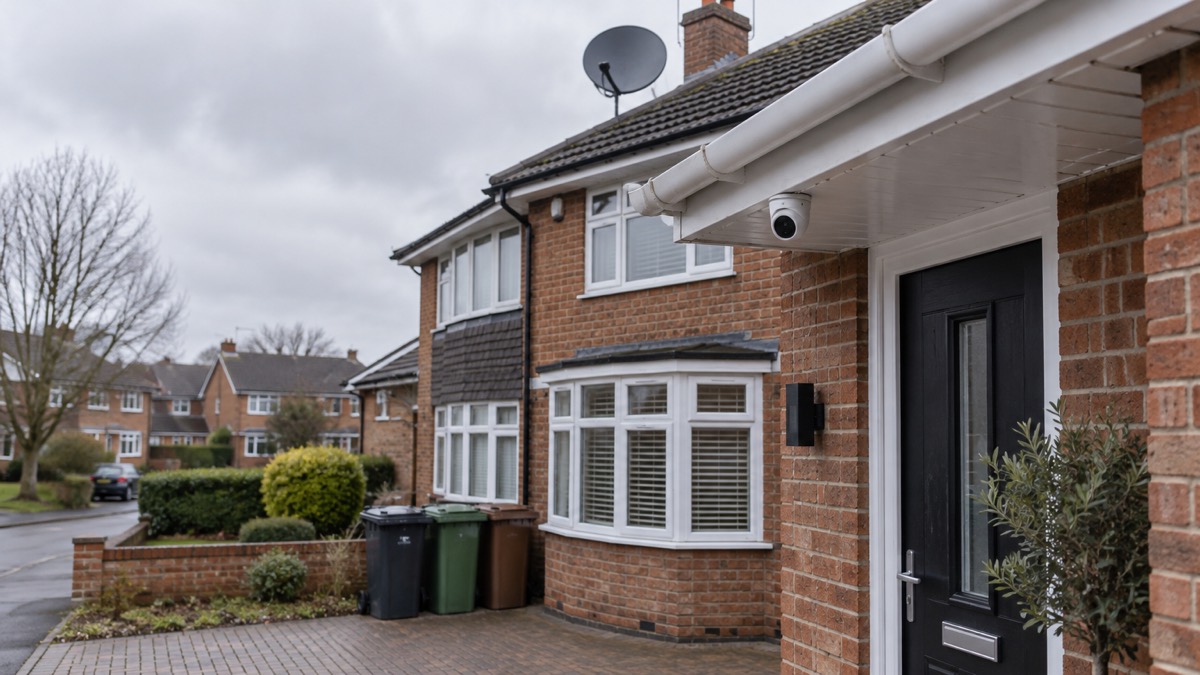
Viewing your home camera from your phone is safe, provided you deal with the password first. Many cameras and doorbells leave the factory with a default password that is either commonly used or easily obtainable online, and Secured by Design, the police crime prevention initiative, advises changing it and using a strong password instead1. The National Cyber Security Centre (NCSC) puts it more bluntly: if your smart device comes with a default password, change it immediately2.
Once that is done, remote viewing is one of the most useful things a camera does. It lets you check on your home while you are out, see who is at the door, and keep an eye on someone you care for. The risks come from weak account security, not from the idea of remote viewing itself. A strong, unique password, two-step verification and up-to-date software close off the routes that strangers use.
This page covers why camera feeds can be seen by others, how to set a password you can remember, how two-step verification works, how the camera connects through your home Wi-Fi, what you lose if you turn remote viewing off, and what to do if you think someone has accessed your feed.
Why camera feeds can be seen by strangers
A camera feed can be seen by someone else for three broad reasons: the account is protected by a password that is easy to guess or already known, the password has been reused on another site that was breached, or the device itself is running outdated software with known flaws. Secured by Design points to the first of these, noting that many internet-connected products are produced with a default password either commonly used or easily obtainable online1.
Reusing a password widens the problem. Police Scotland advises avoiding repeated passwords for different accounts, because a breach on one service can hand criminals the key to another9. The NCSC makes a related point about sextortion scam emails: if a message includes your password, do not panic, as it is probably from an old breach of personal data, but change your account password immediately and anywhere else you use the same one5.
The device's own software matters too. Essex Prepared advises installing the latest software and app updates, which contain vital security updates to help protect your devices from cyber criminals7. A camera that no longer receives updates is a weaker proposition: Which? says that if a video doorbell you own falls out of update support, there is an increased risk in using it, and although it is unlikely to immediately get hacked, the risk does go up with out-of-support products8.
There is a wider privacy point that sits alongside security. The maker of the Bosch Smart Home Eyes Outdoor Camera II advises users to avoid filming public places, streets and private properties, and to inform visitors, employees and relatives that an outdoor camera is installed that may be recording10. That is about being a good neighbour as much as about being secure, and it is worth thinking through before you point a camera at a shared space.
Setting a strong password: three random words
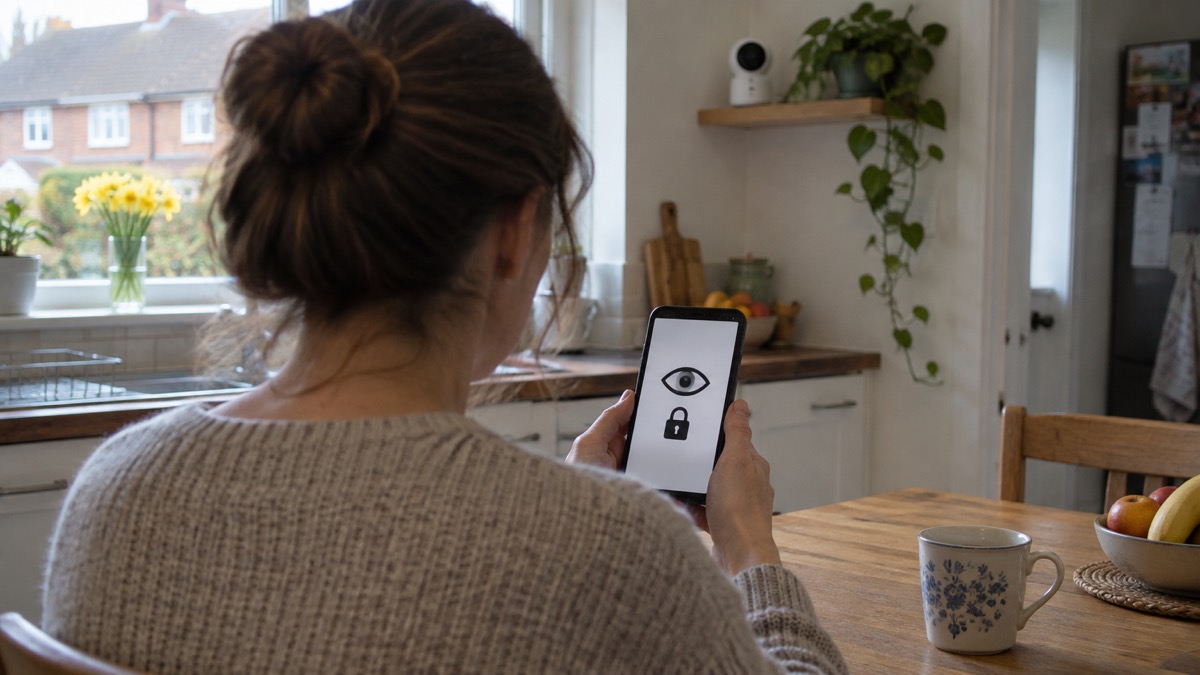
The official advice on what makes a strong password is consistent across the sources here. Police Scotland recommends following NCSC advice to use three random words3. The NCSC's own guidance on hacked accounts says to use a strong and unique password, such as three random words4. Essex Prepared repeats it: use three random words to create a password that's difficult to crack7.
The point of three random words is that they are long and memorable without being personal. Avon and Somerset Police advise against words that are personal to you, such as your name, date of birth or pet's name, and suggest a combination of three random words, uppercase and lowercase letters, numbers and symbols instead6. West Yorkshire's community risk register gives an example of the pattern: the NCSC recommends using three random words, such as "BallDogRed", to create memorable but strong passwords11.
Your email address deserves particular care, because it is the route to resetting everything else. The NCSC's top tips poster says your email password should be strong and different from all your other passwords, and suggests combining three random words12.
"If your smart device comes with a default password (like 0000), change it immediately."
A password manager can take the strain if you have several accounts. The NCSC says passwords stored in a browser are only as secure as your devices and accounts, so do not switch off the security auto-update feature for your browser and operating system13. If you use a password manager, switch on two-step verification on the password manager account itself, so that even if a cyber criminal knows the primary password they still cannot access it13.
Two-step verification and passkeys: the second lock
Two-step verification, also called two-factor authentication, is an extra layer of security that works by asking for more information to prove your identity before accessing your account6. In practice it gives you a code to enter from an app or SMS, and means that even if a criminal knows your password, they will not be able to access your accounts2. Avon and Somerset Police describe enabling it as an easy and effective way to protect your accounts from unauthorised access6, and Essex Prepared lists it as recommended to help protect your online accounts7.
Turn it on for the camera app and for the email address you used to create the camera account. If someone obtains your camera password but cannot pass the second step, the feed stays closed to them. The same logic applies to your password manager, as above13.
Passkeys are not covered by the sources behind this page, so no specific advice on them can be given here. What the official guidance does support is the combination of a strong, unique password and two-step verification, and that combination is what protects a camera account. If your camera app offers passkeys as a sign-in method, treat them as an addition rather than a replacement, and keep two-step verification switched on.
How your camera connects through home Wi-Fi
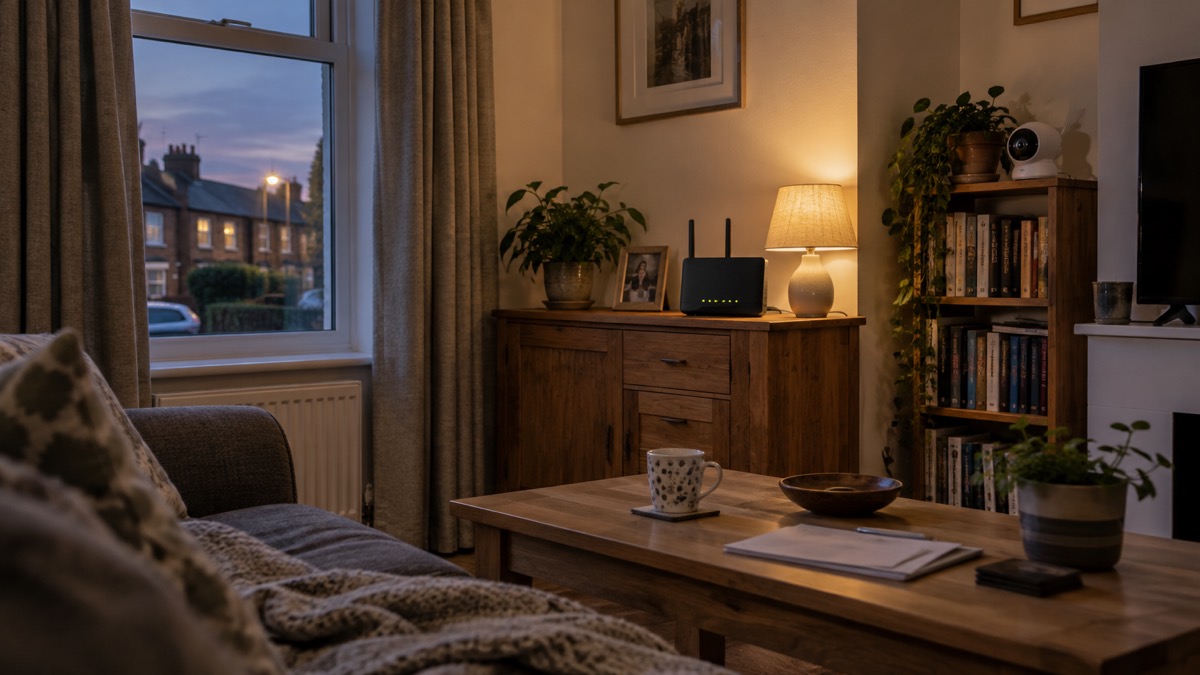
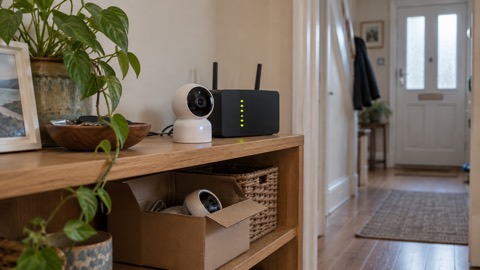
A Wi-Fi camera relies on the internet to transmit video footage and receive commands or alerts through a mobile app or web interface, as Reolink explains14. That is the trade-off at the heart of remote viewing: the same connection that lets you look in from work is the connection a stranger would need to reach the feed. Bosch's support pages make the same point from the other direction, noting that you can access its Eyes outdoor camera at any time as long as both the outdoor camera and your smartphone have an internet connection, and that the two devices do not need to be on the same Wi-Fi network10.
It helps to know which kind of camera you have. A wireless camera generally means it transmits video without physical cables, but it may still use wires for power; a Wi-Fi camera connects to your network via Wi-Fi, allowing remote access and cloud storage; all Wi-Fi cameras are wireless, but not all wireless cameras rely on Wi-Fi15. Reolink draws the same distinction: Wi-Fi cameras specifically refer to cameras that use a Wi-Fi connection to transmit video and allow remote access, while wireless cameras is a broader term that includes any cameras capable of transmitting video without cables14.
Placement affects reliability. Reolink advises that in most cases the Wi-Fi camera can be placed within 30ft of the router for a stronger signal14. If your camera sits at the far end of a garden or in a garage, a weak link will show up as dropped footage and missed alerts, which is a practical reason to check the feed before you rely on it.
Setting up a camera usually means pairing it with your home network through the maker's app. Tapo, for example, tells users to download the Tapo app, create an account, and follow the step-by-step instructions to pair the camera, select your home Wi-Fi network, and enter your password16. Tapo's own guidance for its camera users is to use strong passwords, keep firmware updated, and enable two-factor authentication to enhance safety and prevent unauthorised access to footage16.
Turning off remote viewing and what you lose
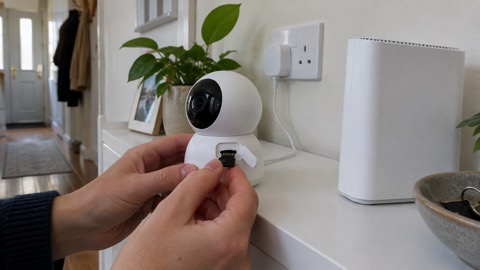
You can turn remote viewing off, and some households do. The cost is straightforward: you lose the ability to check the feed when you are away from home, and you lose the alerts that tell you something is happening. What you keep depends on how the camera stores footage. Eufy explains that wireless security cameras work offline if they support local SD card recording, and that models like its SoloCam continue capturing footage without Wi-Fi, but you will not receive alerts or view the feed remotely until the internet returns15.
Cloud-based cameras behave differently. Bosch states that during a temporary loss of internet connection its Eyes outdoor camera II does not capture event data or clips, and you cannot access clips already recorded and stored in the Bosch Cloud; everything works as usual again once the connection is restored10. That is a useful illustration of what "offline" means for a cloud camera: not just no live view, but no recording at all for the duration.
There is a second, quieter loss. If you cannot view the feed, you also cannot use the camera to check on someone you care for. Carers UK notes that cameras around the home can help you keep an eye on the person you care for, and that they can be used in systems alongside motion sensors18. For a household relying on that, turning remote viewing off is a decision to take deliberately, not by accident.
If you do keep remote viewing on, protect the phone that receives it. Avon and Somerset Police advise turning off preview notifications so thieves cannot view personal information or security codes shown on the lock screen19, and Our Watch makes the same point about message previews, so that thieves will not see messages about reset or login codes when the phone is locked20. A camera feed that pops up on a locked phone is convenient, but it is also visible to anyone holding the handset.
If you think someone has accessed the feed
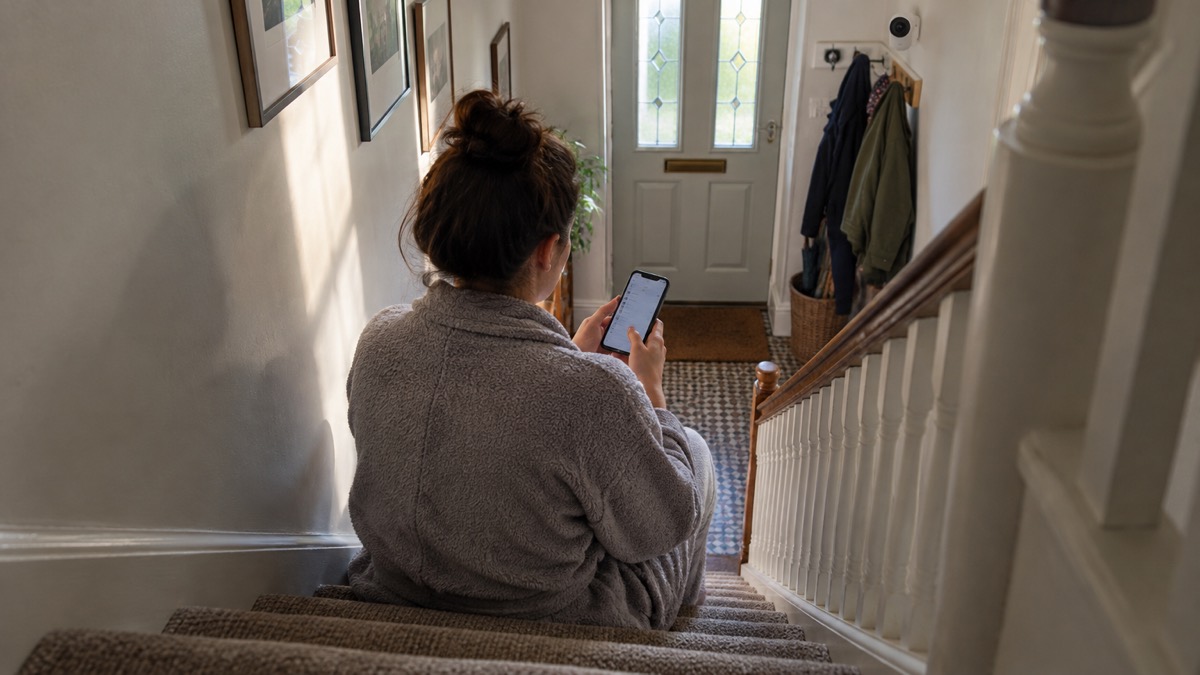
Act quickly and in order. First, change the camera account password, and change it anywhere else you used the same one; the NCSC gives exactly this advice for accounts caught up in a breach5. Second, turn on two-step verification if it is not already on6. Third, look through the camera app for devices or sessions you do not recognise and sign them out.
If a suspicious message or link is what prompted your concern, the NCSC's phishing guidance is reassuring: if you haven't entered any personal information, downloaded any files, or installed any software, it's unlikely you need to take further action, but you should stay alert to emails and notifications on your accounts to check for any suspicious activity21. If you did download something, the picture changes. Get Safe Online describes what remote access scams can do: steal personal information and saved passwords, access bank accounts and private files, get into email and social media accounts, install malware, spyware or keyloggers, monitor activity or access the webcam, and lock you out of your own computer22. Its advice if someone is already on your computer is to turn off your internet connection22.
Report suspicious activity around your home as well as on your account. ProtectUK, the national counter-terrorism policing site, asks people to report hostile reconnaissance: anyone observing CCTV or security arrangements, or taking photos of entrances and exits of specific buildings23. That is a different matter from a hacked account, but it is the same instinct, and it is worth knowing where to send it.
For the wider picture on choosing, placing and living with cameras, see Home Cameras and CCTV: Types and How to Choose, and for the account side in more depth, Camera and Doorbell Accounts: Stopping Strangers Getting In. If you are weighing up a camera against an alarm, Burglar Alarm or CCTV Camera: Which Suits Your Home? sets the two side by side. Households with a slow connection may find Alarms and Cameras on a Weak Mobile Signal or Slow Broadband useful, and anyone whose camera has stopped receiving updates should read How Long Do Cameras and Doorbells Get Software Updates?.
Sources (23)
- Cyber security advice, Secured by Design, 2026
- Using passwords to protect your devices and data, National Cyber Security Centre, 2026
- Passwords and two-factor authentication, Police Scotland, 2 November 2026
- Hacked accounts, National Cyber Security Centre, 2026
- Sextortion scam emails, National Cyber Security Centre, 2026
- Keeping yourself safe online, Avon and Somerset Police, 2 November 2026
- Cyber security, Essex Prepared, 29 October 2026
- How to buy the best smart video doorbell, Which?, 16 October 2026
- Hacked accounts, Police Scotland, 3 November 2026
- Eyes Outdoor Camera II help, Bosch Smart Home, 2 November 2026
- Community Risk Register, West Yorkshire Prepared, 2025
- Top tips for staying secure online, National Cyber Security Centre, 2024
- Password managers, National Cyber Security Centre, 21 May 2026
- Wi-Fi security cameras, Reolink, 3 November 2026
- Wireless security cameras, Eufy, 3 November 2026
- Wi-Fi security cameras, Tapo, 3 November 2026
- Smart homes, Electrical Safety First, 25 October 2026
- Technologies to make life easier, Carers UK, 25 October 2026
- Smartphone theft, Avon and Somerset Police, 2 November 2026
- Protect your phone and data, Our Watch, 2026
- Phishing, National Cyber Security Centre, 2026
- The dangers of scammers connecting to your computer, Get Safe Online, 28 April 2026
- Report suspicious activity, ProtectUK, 1 June 2026
 Moving Home Locks Checklist
 After a Break-In Checklist
 Holiday Security Checklist
 Camera Hacking
 Camera Software Updates
 Cameras Without Internet