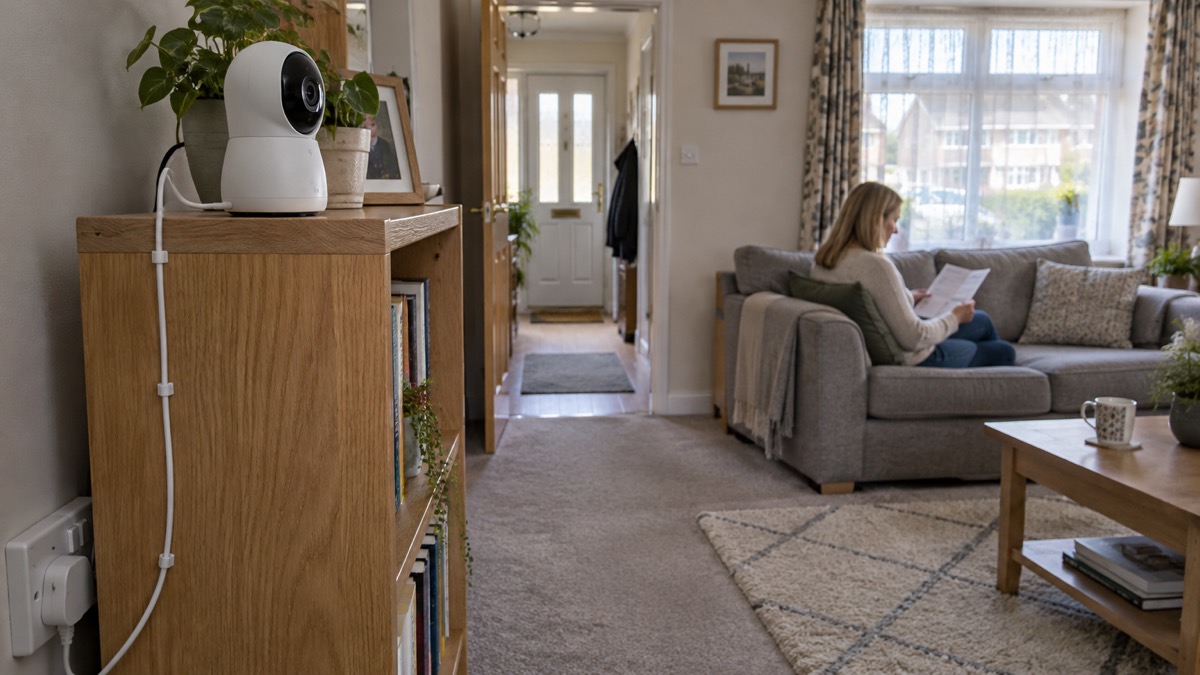
The Arlo Essential 3 Indoor is a plug-in indoor camera that records 2K video at 2304 x 1296 with a 130° diagonal view, detects motion up to 7.5m away, and carries a siren and two-way audio so you can talk to whoever is in the room or try to put an intruder off1. It is for use indoors only, it does not pan or tilt, and it needs mains power, so it is not a device that keeps watching through a power cut1.
What it suits is a household that wants to look in on a room while it is out, check on a pet or an older relative, or keep a record of comings and goings in a hallway or living room. What it does not do is replace a burglar alarm, a smoke alarm or a carbon monoxide alarm. Arlo describes fire and sound recognition as features that come with an Arlo Secure subscription sold separately, and even then the camera is an extra pair of eyes rather than a life-safety device1.
Before you buy, three things decide whether it will do what you want: whether you will pay for a subscription or add an Arlo Hub for local storage, whether the room has a socket near where you want the camera, and whether the camera can see what you need from a fixed position, since it cannot be turned remotely1.
What the camera does for a household
The Essential 3 Indoor is one part of the Arlo range, which Arlo describes as a smart security ecosystem for homes and small businesses covering cameras, video doorbells and floodlights4. Arlo is owned by Verisure, which Arlo describes as Europe's leading alarm provider, and the company says it uses secure EU-based cloud storage and does not volunteer your personal data to authorities4. That matters to a household because the footage from an indoor camera is intimate by nature: it shows your rooms, your routines and your family.
In the home, the camera's job is narrow and useful. It gives you a live view of a room on your phone, sends a motion alert when something moves within 7.5m, lets you speak through the built-in speaker and microphone, and can sound a siren1. Arlo describes the audio as being there to talk with family and pets or deter intruders6. A 12x digital zoom lets you close in on part of the picture, though digital zoom enlarges what the sensor already captured rather than adding detail1.
The privacy shutter is the feature most households will use daily. Arlo says that when you disarm the camera the automatic lens cover slides shut, and describes it as an automatic privacy shield with a full lens for complete privacy1. If the camera points at a sofa, a hallway or a kitchen, that shutter is what makes it acceptable to the people who live there. The camera also has RGB status lights, which tell you at a glance whether it is recording or idle1.
It is a small unit: 53.27 x 109.93 x 53.27mm and 106.25g, with a 3 megapixel sensor1. Arlo lists it as a T3 Award Winner for 2026, describing it as exceeding expectations with powerful performance and smart features; that is the maker's own account of an award, not an independent test1. For how it fits alongside other indoor cameras, see Home Cameras and CCTV: Types and How to Choose.
Video quality and the 130° view
The camera records at 2K, which Arlo gives as 2304 x 1296, and you can drop to 1080p or 720p in the settings1. The lower modes are worth knowing about: they use less bandwidth and less storage, which matters if your broadband is modest or you are relying on a cloud plan with a short history. Arlo gives a minimum home upload speed of 2 Mbps for the camera1.
The 130° diagonal field of view is wide enough to take in a good part of a room from a corner, but it is fixed. Because the camera does not pan or tilt, where you put it is where it looks1. Arlo gives a wireless range of up to 91m line of sight, which is the distance between camera and router rather than anything to do with what it can see1. In a typical UK flat or terraced house, the router is usually well inside that, but thick walls still cut signal, and a camera at the far end of a garden or in an outbuilding is beyond what an indoor unit is for anyway.
Arlo says the camera captures clear 2K video even in low light settings6. That is the maker's claim, and it is the sort of thing worth testing in your own room at the time of day you care about, rather than taking on trust. If the room is genuinely dark, the camera falls back on infrared.
Night vision and seeing in low light
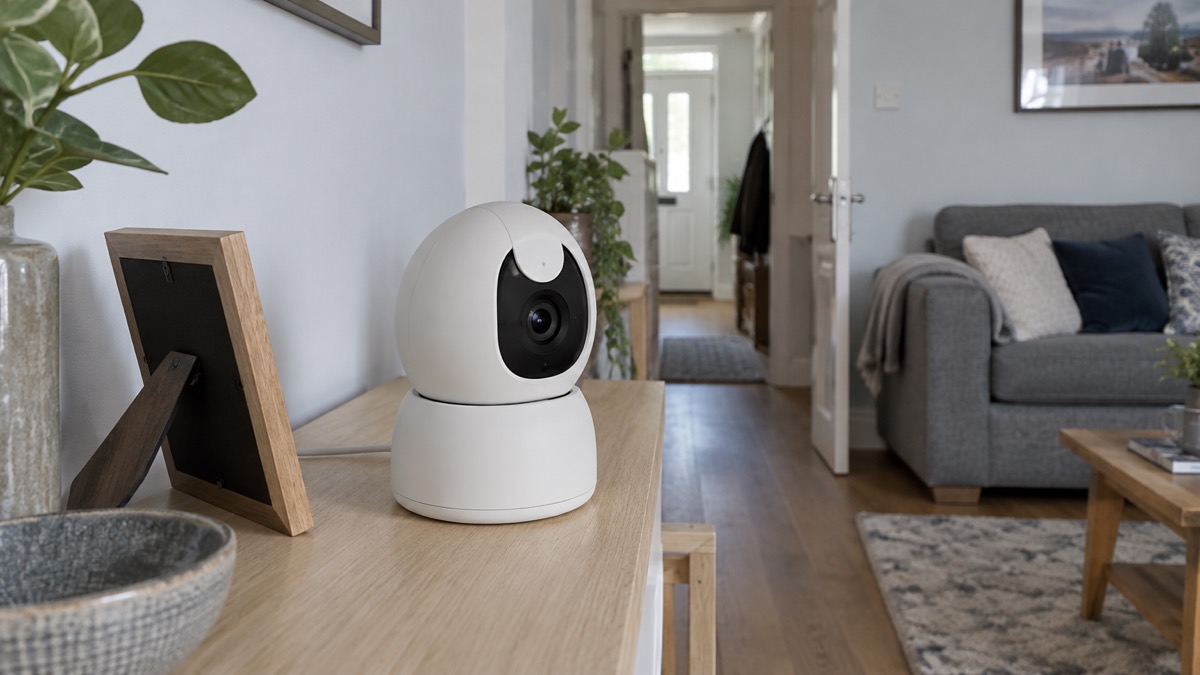
The Essential 3 Indoor has black and white night vision1. Arlo says all its cameras include night vision so you can see clearly in low light or complete darkness, and that select models offer colour night vision4. This model is not one of the colour ones, and it has no spotlight1.
The practical effect is that after dark you get a monochrome picture lit by infrared. That is fine for seeing whether a door is open or whether someone is in a hallway. It is less good for identifying a face or reading a number, and it is no use at all through glass: infrared reflects off a window and blinds the camera to what is outside. If you want to watch a driveway or a front garden, an outdoor camera is the right tool, and the difference is set out in Video Doorbell or Outdoor Camera?.
Arlo's own explanation of how cameras manage after dark is that most rely on infrared for black and white images, while others use onboard spotlights or low-light sensors to give colour night vision when there is enough ambient light7. The Essential 3 Indoor sits in the first group. If a street lamp or a landing light gives the room some glow, the picture will be better, but the camera will not switch to colour.
Motion detection, the siren and two-way audio
Motion detection is image based and reaches 7.5m1. In practice that means the camera compares what it sees against what it saw a moment ago, so a curtain moving in a draught, a pet crossing the room or sunlight shifting across a wall can all trigger an alert. Arlo's subscription adds AI that recognises people, pets, sound and fire, which is how you cut down on alerts that are not about a person1.
The siren and two-way audio are the camera's active features. Arlo lists a siren as present and audio as two-way, and describes the built-in speaker and microphone as being for talking with family and pets or deterring intruders1. A siren from a small indoor unit is a noise, not a security system: it may startle someone who should not be there, and it will also startle a cat. Decide in advance whether you want it armed, because a siren you trigger by mistake at midnight is memorable for the wrong reasons.
| Feature | What Arlo lists | What it means at home |
|---|---|---|
| Motion detection | Image based, 7.5m range1 | Alerts on movement in a room, including pets and draughts |
| Siren | Yes1 | A noise you can trigger from the app |
| Audio | Two-way1 | Speak and listen through the camera |
| Digital zoom | 12x1 | Enlarges part of the picture, no extra detail |
| Pan and tilt | No1 | Fixed view once mounted |
| Spotlight | No1 | No light of its own after dark |
Where it must not go
Arlo lists the camera as indoor use only1. That rules out a shed, a garage, a porch or a garden wall, and it also rules out a windowsill behind glass in a room that gets very hot or very cold. A conservatory in a heatwave or an unheated spare room in a cold snap is not where an indoor unit belongs.
There is a second, less obvious limit. An indoor camera pointed at a window is pointed at the street, and that brings data protection into play. If your camera can see beyond your boundary, even incidentally, the rules on domestic CCTV apply to you. Filming Beyond Your Boundary: CCTV, Doorbells and Data Protection explains what that means for where you aim it and what you do with the footage.
Keep the camera away from heat sources and from anywhere a cable crosses a walkway. If you are heating a room with a portable heater during a cold spell, the fire and rescue service advice is to use only heaters designed for indoor use and to follow the manufacturer's guidance8. The same principle applies to the camera: use it as the maker intended, indoors, plugged into a socket that is not overloaded.
Recordings, Arlo Secure and how long support lasts
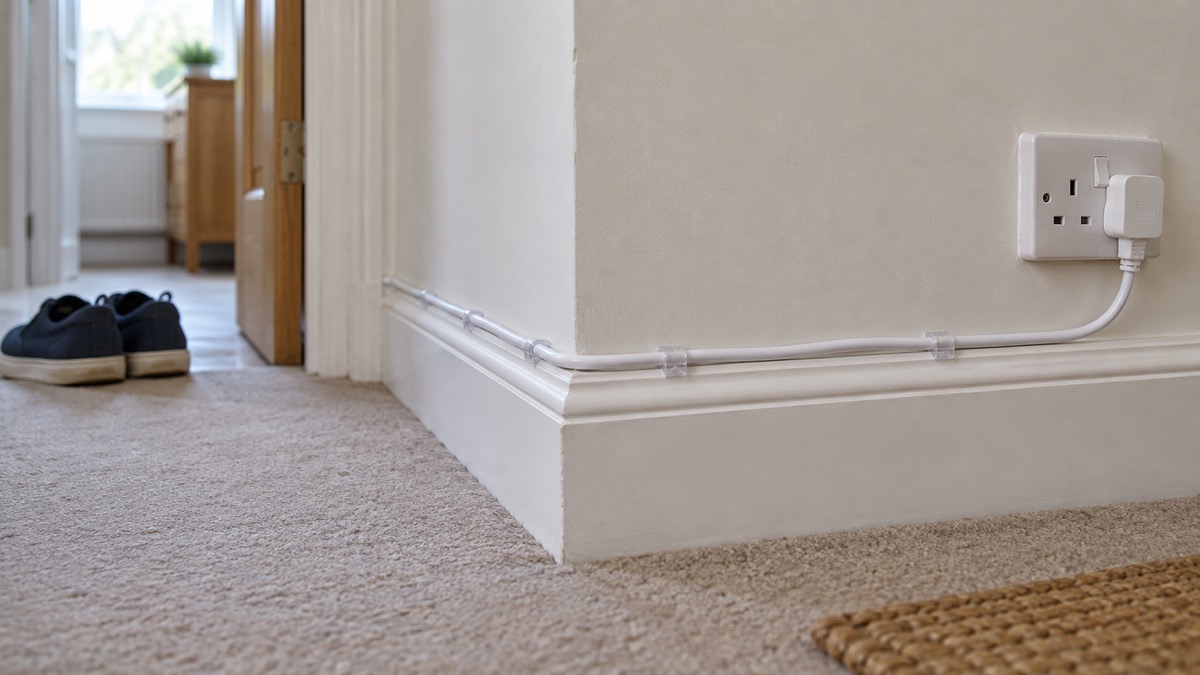
The camera's listed storage type is cloud1. Without a subscription, Arlo says you still get motion alerts, live streaming, two-way audio, the siren, schedules and automations, and local storage if you have an Arlo Hub or Base Station2. That last point is the one to check before buying: local recording depends on a hub, not on the camera alone. If you would rather not depend on the cloud at all, Can Security Cameras Record Without the Internet? sets out what is and is not possible.
The subscription tiers differ mainly in how far back you can look. Arlo lists 3 days of cloud storage on its Lite+ plan10, and up to 60 days of video history through the app on Arlo Secure11. Which? describes Arlo Secure as giving 30 days of video storage, enhanced motion detection and a pledge to replace your doorbell if it is stolen12. The two figures for Arlo Secure do not agree, and the documents give no explanation, so treat the retention period as something to confirm with Arlo before you rely on it.
Account security deserves a moment. An indoor camera account that someone else can get into is a window into your home. Camera and Doorbell Accounts: Stopping Strangers Getting In covers passwords and two-factor authentication, and How to Stop Your Security Camera Being Hacked goes further.
Specifications
| Specification | Arlo's figure |
|---|---|
| Video resolution | 2K (2304 x 1296)1 |
| Video modes | 2K, 1080p, 720p1 |
| Field of view | 130° diagonal1 |
| Image sensor | 3 megapixels1 |
| Digital zoom | 12x1 |
| Night vision | Black and white1 |
| Motion detection | Image based, 7.5m range1 |
| Siren | Yes1 |
| Audio | Two-way1 |
| Pan and tilt | No1 |
| Spotlight | No1 |
| Power type | Plug in1 |
| Connectivity | 4GHz and 5GHz Wi-Fi1 |
| Minimum upload speed | 2 Mbps1 |
| Wireless range | Up to 91m line of sight1 |
| Mount type | Table stand or wall mount1 |
| Indoor or outdoor use | Indoor use only1 |
| Storage type | Cloud1 |
| Dimensions and weight | 53.27 x 109.93 x 53.27mm; 106.25g1 |
| Certifications | FCC, UK, CE, IC, EU RoHS, EU REACH1 |
Setting it up and living with it
Setup is a matter of joining the camera to your Wi-Fi, which Arlo lists as working on both 4GHz and 5GHz bands1. If your router presents the two bands as separate networks, choose one deliberately: the 5GHz band is usually faster over short distances, the 4GHz band reaches further through walls. Either way, check the camera's signal where it will actually sit, not where you set it up.
Mounting is either on its table stand or on a wall1. A shelf at chest height looking towards a door gives a better view of faces than a high corner looking down at heads. Once it is fixed, remember that the view is fixed too: there is no pan and tilt to correct a bad angle later1.
For power cuts, plan on the camera going dark. Arlo lists the power type as plug in, so there is no battery to fall back on1. The Met Office's advice for coping with a power cut is to have battery candles, torches and batteries, and a mobile phone power pack ready in advance13. Northern Ireland's guidance adds keeping a supply of candles, and a Welsh community council's advice is to keep a torch handy14. The Red Cross advises that during a power cut you should stay calm, that the power companies will be working to restore power, and that you should protect your electrical appliances by switching them off and unplugging them16. A network operator's warning is blunt about damaged equipment: stay back and do not touch it17. Blankets and warm clothing to hand are the other recurring piece of advice18. For the wider picture, see Keeping Your Home Protected in a Power Cut.
If you want cover that survives an outage, that is a separate decision about backup power, not something this camera can do. Backup Power at Home: A Household Guide covers the options, and Wired or Battery Security Cameras? explains the trade-off in general terms.
Where to get help
If the camera stops working, Arlo's own support pages are the first place to look, and the model is listed on the Arlo Essential range page1. Keep a note of the model and the date you bought it, because that is what any support conversation will start with.
If you are buying a camera because you are worried about being burgled, a camera is one layer among several. How Burglars Choose a Home and What Puts Them Off and Burglar Alarm or CCTV Camera: Which Suits Your Home? will help you decide where the money is best spent. If you have already had a break-in, After a Burglary: Crime Numbers, Insurers, Repairs and Support sets out what to do, and When to Call 999 or 101 About a Crime at Home tells you which number to use.
For households in Scotland and Northern Ireland, reporting and support work differently, and Scotland and Northern Ireland: Reporting Crime and Getting Support explains how.
Sources (19)
- Arlo Essential 3 2K Indoor Security Camera, Arlo, 2026
- Arlo Service Plans, Arlo, 2026
- Best Indoor Security Cameras, Which?, 2026
- Arlo Home, Arlo, 2026
- Arlo, Arlo, 2026
- Arlo Cameras, Arlo, 2026
- Best Security Camera Features for UK Weather Conditions, Eufy, 2025
- Safe Home Heating, Warwickshire County Council, 2026
- Portable Heaters, Cheshire Fire and Rescue Service, 2026
- Arlo 2K Wireless Video Doorbell, Arlo, 2026
- Arlo 2K Doorbell Sell Sheet, Arlo, 2025
- How to Buy the Best Smart Video Doorbell, Which?, 2026
- Amber Warning for Further Snow in Scotland, Met Office, 2026
- Strong Winds: Weather Warning Information and Advice, nidirect, 2026
- Adverse Weather Events, Llangattock Community Council, 2026
- The Pillowcase Project: Thunderstorms, British Red Cross, 2026
- SSEN Yellow Alert Warning for the North of Scotland Ahead of Storm Isha, SSEN, 2024
- Staying Safe in the Snow, North Yorkshire Fire and Rescue Service, 2023
- Flooding Cuts Power to 55,000 in Lancaster, Electricity North West, 2015

 Ajax BulletCam
 Ajax TurretCam
 Aqara Camera Hub G350
 Arlo Essential 3 2K
 Arlo Pro 6
 Arlo Ultra 2
 Arlo Ultra 3
 Blink Outdoor 4
 Eufy SoloCam S340
 Eufy eufyCam S3 Pro Kit
 Eufy eufyCam S4 Setup
 EZVIZ BC1-B2 Kit