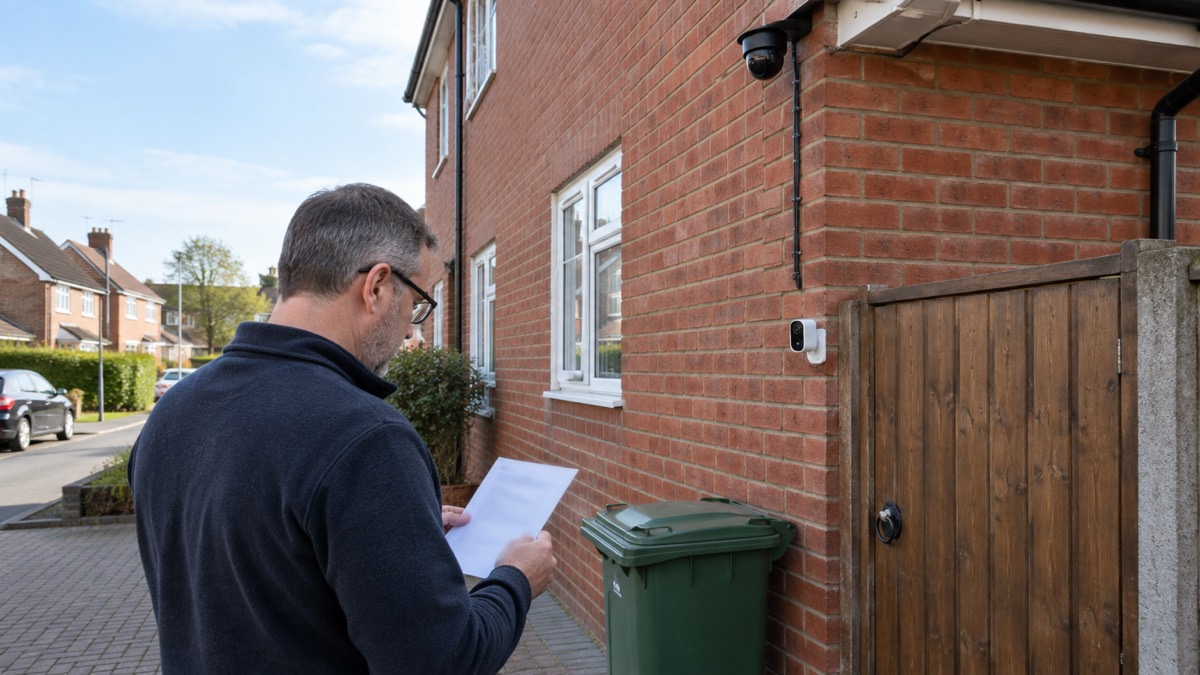
The choice between a wired and a battery security camera comes down to one question: do you want the camera recording all the time, or only when something moves? Wired cameras, and especially Power over Ethernet (PoE) models, can record continuously, never need charging and hold a stable connection, but they need a cable run to each camera1. Battery and solar cameras are quicker to fit and can go almost anywhere, but they usually record motion-triggered clips to conserve power, and you will need to recharge or replace batteries from time to time1.
For most households the deciding factor is practical rather than technical. If you are renting, live in a terraced house, or cannot run cables to where the camera needs to go, a battery camera is the sensible route3. If you want permanent 24/7 coverage and can get power and a network cable to the spot, a wired or PoE camera gives you reliability that wireless cannot match1.
Whichever you pick, the installation rules are the same. Mount it high enough to be out of easy reach but low enough to capture faces, check the weatherproofing rating before it goes outside, and test the signal or plan the cable route before you drill anything. This guide sets out how each type behaves, what a PoE setup needs, where to mount it and how to keep it working.
Wired or battery: how each one behaves
The word "wireless" causes most of the confusion here. A wireless camera transmits video without a cable, but it may still need a wire for power, and a Wi-Fi camera is simply one that connects to your network over Wi-Fi rather than by cable8. All Wi-Fi cameras are wireless, but not all wireless cameras rely on Wi-Fi. Some run on batteries or solar panels, others plug into a standard power adapter8.
Wired cameras stay dependable because they have a direct link to power and your network. They avoid the Wi-Fi dropouts and interference that can affect wireless models, particularly over long distances3. The trade-off is installation: wired outdoor cameras need proper wiring, which adds cost and effort7.
Battery cameras suit rented homes, terraced houses and any spot where running cables is difficult3. They are easy to install and flexible in placement, but they need periodic charging or battery replacement7. Many are built to pair with a small solar panel that tops up the battery, which reduces how often you have to intervene4.
| Feature | Wired / PoE | Battery / solar |
|---|---|---|
| Power | Mains or PoE, continuous1 | Rechargeable or replaceable battery, or solar8 |
| Recording | 24/7 continuous possible1 | Usually motion-triggered5 |
| Installation | Needs a cable run, more effort7 | Quick, flexible placement7 |
| Maintenance | No batteries to replace2 | Periodic charging or replacement7 |
| Suits | Permanent coverage, larger homes4 | Rented homes, awkward cable routes3 |
Ring, for example, sells indoor and outdoor cameras that are battery-powered, plug-in or hardwired, so the same brand spans both approaches9. The right answer depends on your home, not on the badge on the box.
Wired cameras give continuous 24/7 recording
If you want a camera that is always watching, wired is the way to get it. Wired outdoor cameras get consistent power and offer exceptional reliability. They can record 24/7 and give fast, stable connectivity, but they need proper wiring7. A wired camera such as the eufy Wired Cam C31 is built around continuous wired power to deliver 24/7 uninterrupted recording10.
The same logic runs through the ranges. eufy's own guidance says wired CCTV is generally better for 24/7 recording, dependable power and stable video, making it suitable for larger homes, while wireless cameras are easier to install and reposition1. Reolink puts it plainly: if you need reliable 24/7 surveillance, wired cameras are the better option; for simple DIY installation and flexibility, Wi-Fi cameras are more suitable4.
Continuous recording has a power cost. Cameras that record continuously generally have higher power requirements than motion-triggered models3. That is why battery cameras default to motion clips: a battery that has to power a sensor, a processor and a radio all day would need charging constantly. Some outdoor cameras can record continuously, but many are designed to record only when motion is detected to save battery life and storage space. For constant recording, look for a camera with continuous video and a reliable power source such as mains or solar5.
Recording modes vary by model and by how the camera is powered. Reolink's video doorbells, for instance, record on motion in battery mode but can record 24/7 continuously to a microSD card in standalone wired power mode, while its PoE models support 24/7 continuous, motion-triggered and scheduled recording11. The Aqara Doorbell Camera G400 (Wired) offers 24/7 continuous recording, but only once a microSD card is fitted, and the card is not included12.
Battery and solar cameras are quicker to fit but usually record on motion
Battery and solar cameras win on speed and flexibility. Battery or solar-powered models are quicker to set up and flexible in placement, though you will usually be limited to motion-triggered recording and occasional recharging6. Wireless outdoor cameras are easy to install and can be placed almost anywhere, but they require periodic battery charging or replacement7.
It is worth knowing that "wireless" does not always mean battery. Most wireless security cameras are actually plugged into the mains, with a few offering some back-up battery time in case of power failure13. So if you are shopping for a battery camera, check the power source rather than the marketing label.
Battery and solar cameras usually capture motion-triggered clips to conserve power, while mains-powered indoor cameras and PoE systems may support 24/7 recording5. Solar panels help by topping up the battery during daylight, and some cameras are designed to run this way continuously8. A battery doorbell can also keep recording during a power outage, which is a genuine advantage if the mains goes off11.
The practical downsides are the ones you live with: a clip that starts a second too late, a battery that needs charging in the cold, and a notification you have to act on. None of these makes a battery camera a bad choice. They make it a different tool, suited to a household that wants a camera up this weekend without an electrician.
PoE cameras: power and data through one Cat5e cable
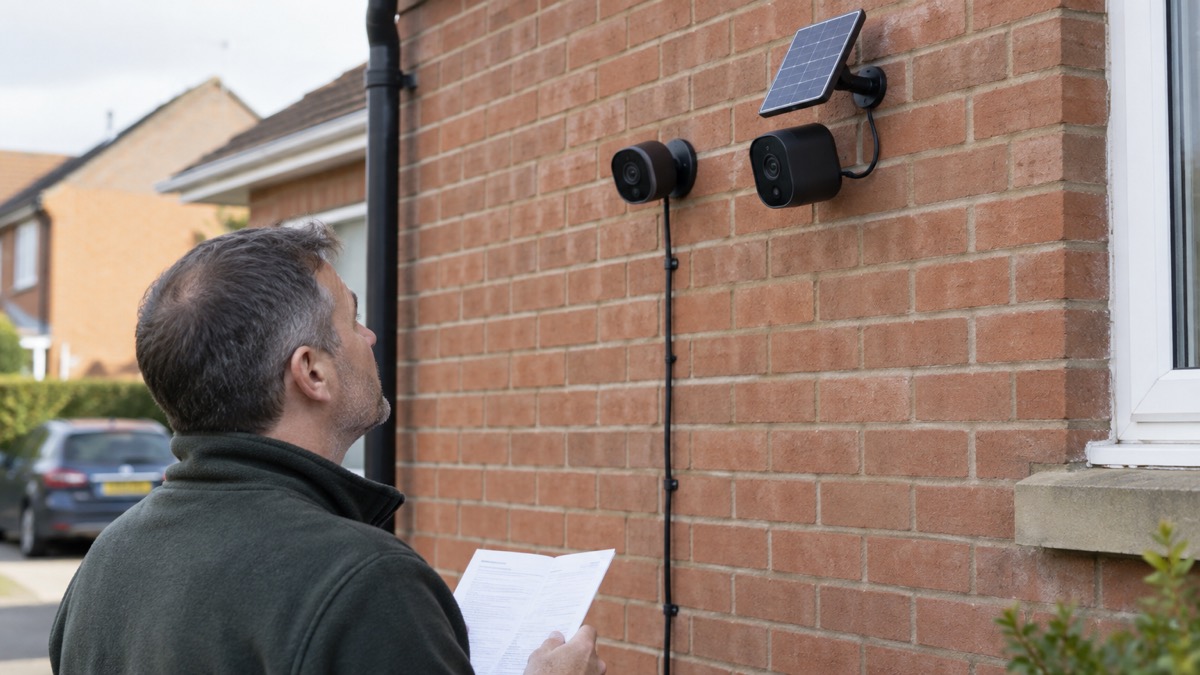
Power over Ethernet is the neatest way to run a wired camera. A PoE camera receives both power and data through a single Ethernet cable2. That one cable replaces the separate power lead and network connection a conventional wired camera needs, which simplifies the run from the house to the camera.
The cable itself matters. You need a compatible Ethernet cable rated Cat5e or higher, and Cat5e or Cat6 cables carry both the electrical power and the network data between the components2. PoE cameras use these cables for power and data transmission, supporting continuous high-resolution recording with local storage4. Because the connection is physical, PoE cameras provide a stable wired link without Wi-Fi interference2.
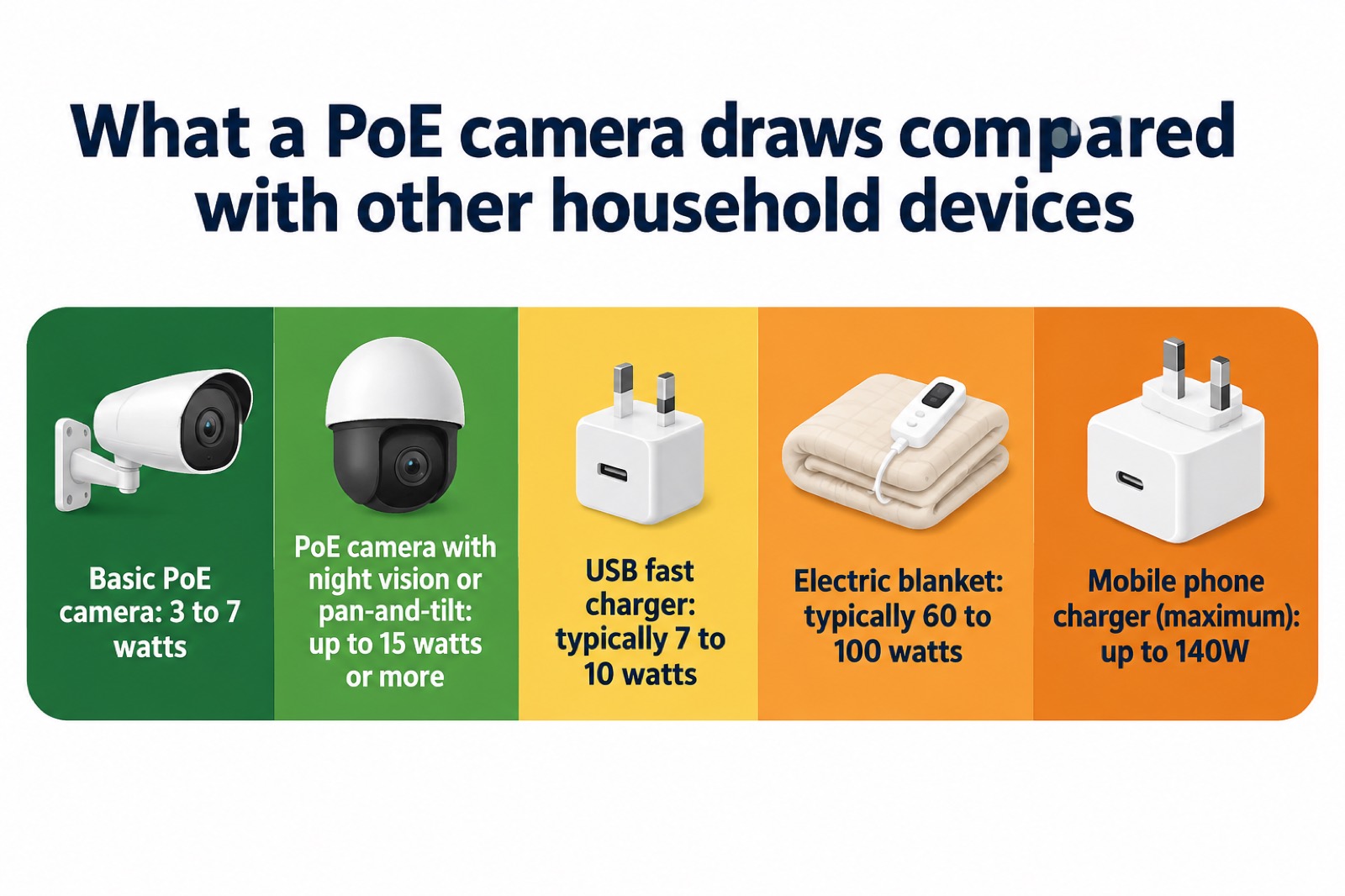
Power draw is modest. A typical PoE IP camera uses between 3 and 15 watts2. Basic PoE security cameras may consume around 3 to 7 watts, while models with higher resolution, infrared or colour night vision, or pan-and-tilt features can use up to 15 watts or more2. For comparison, a mobile phone charger can draw up to 140W, a USB fast charger typically delivers 7 to 10 watts, and an electric blanket uses typically 60 to 100 watts depending on the model and settings14. A PoE camera is a light load, but it is a permanent one, so it adds to your baseline electricity use day and night.
PoE cameras need Ethernet wiring, but they provide a stable connection and continuous power, making them suitable for permanent installations3. They also require little maintenance because there are no batteries to replace, and they store footage locally on a recorder without mandatory subscription fees2. That combination of no charging and no subscription is the main reason people choose PoE for a long-term setup.
What a PoE setup needs: injector, switch or NVR
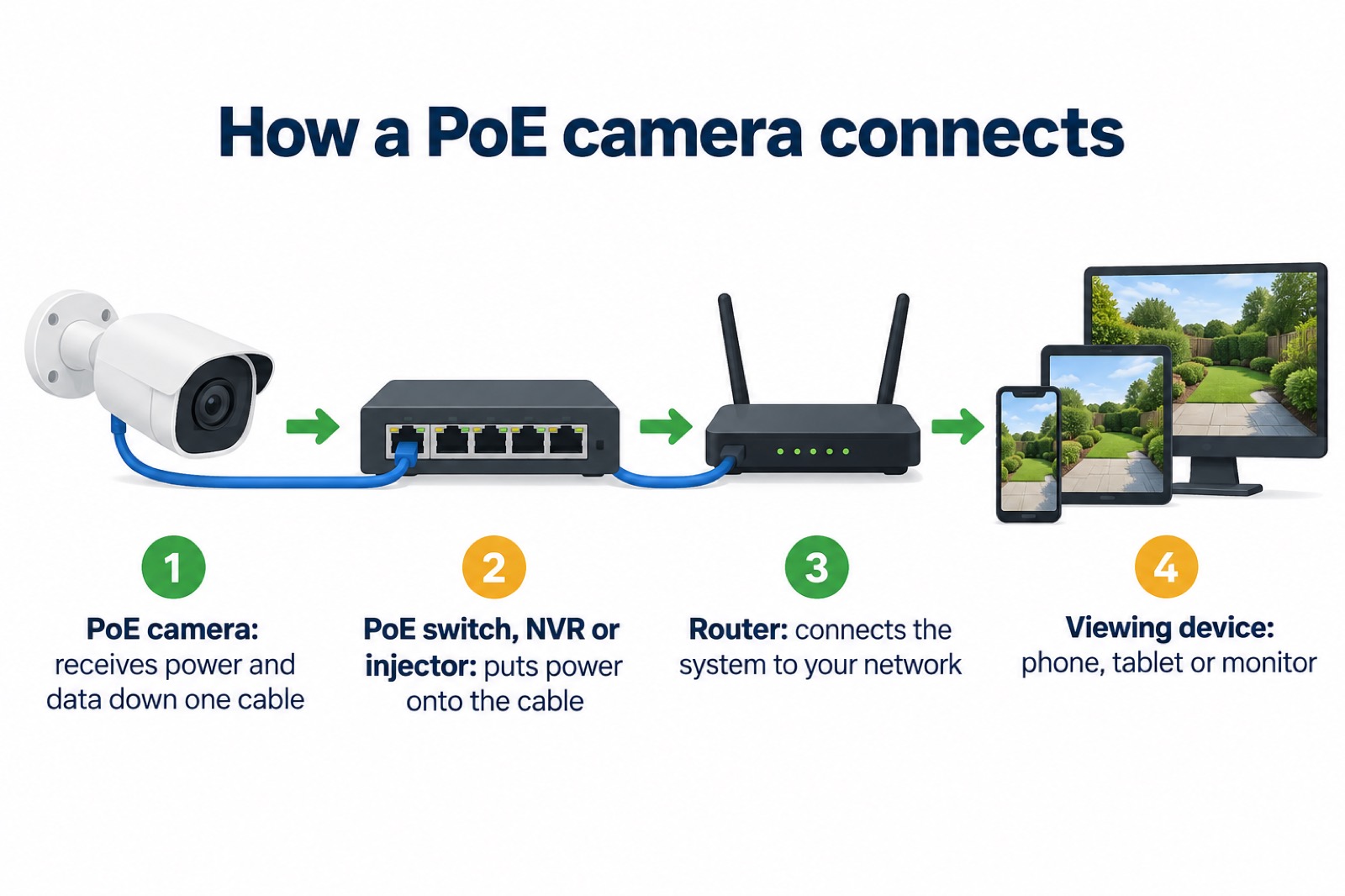
A PoE camera does not work on its own. The typical chain runs from the camera, through a PoE switch, network video recorder (NVR) or injector, to your router2. The injector or switch is what puts power onto the Ethernet cable alongside the data, so you need one of them somewhere in the run2.
The components of a PoE system are the PoE cameras, a PoE NVR, Ethernet cables, a router and your viewing devices2. A PoE NVR both powers the cameras and stores their footage, which is why it is the usual choice for a multi-camera setup. The eufy NVR Security System S4 Max, for example, uses wired PoE cameras connected to an NVR, providing 24/7 recording, 16MP triple-lens views, AI tracking and expandable local storage5. Note that internet access may still be needed for remote viewing, alerts or updates, even though the power and footage travel down the Ethernet cables1.
If you already own a PoE switch, you can combine it with a recorder. Reolink's RLN4E supports three methods: plug the PoE NVR and PoE switch into the same router; plug the PoE switch into the PoE NVR and connect the NVR's LAN port to the router; or plug the PoE switch into the router and connect the NVR's LAN port to the PoE switch17. Be aware of channel limits: connected with a PoE switch, that recorder supports 6 PoE IP cameras at most, and adding switches does not expand the number of cameras supported because the video channels are fixed17.
Some cameras need more than basic PoE. The Ring Wired Video Doorbell 4K Elite requires a PoE+ source compliant with IEEE 802.3at, such as a PoE+ switch or injector, which is not included18. Check the power specification of any camera before you buy the switch.
Where to mount it: 2 to 3 metres high, angled down
Height is the balance between deterrence and evidence. Police Scotland advises putting a CCTV camera 3 metres above the ground, because it is more likely to record faces and stops thieves from breaking the camera19. Camera makers give a similar range: choose a spot 2 to 3 metres high, angled slightly down for the clearest view6. Reolink suggests mounting a Wi-Fi outdoor camera 8 to 10 feet high, hard to reach for tampering yet low enough for clear faces4.
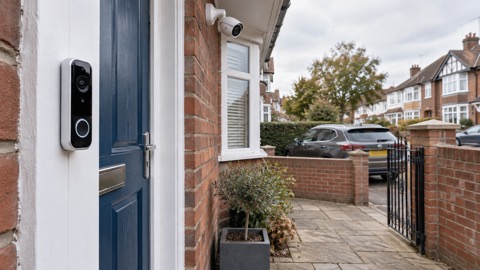
Doorbells are the exception. A battery-powered doorbell is best mounted around four feet (1.2 metres) off the ground, measured to the bottom of the unit, so it captures faces at the door20. That is much lower than a wall camera, and for good reason: a doorbell needs to see the person standing on the step, not the top of their head.
Before you drill, test the signal. Test your Wi-Fi strength where you plan to mount the camera, because brick, metal and even water tanks can reduce it6. As a guide, a Wi-Fi camera can usually be placed within about 30ft of the router for a stronger signal4. If the spot is beyond that, or the wall is thick, a wired or PoE camera sidesteps the problem entirely.
Weatherproofing and upkeep: IP65 to IP67
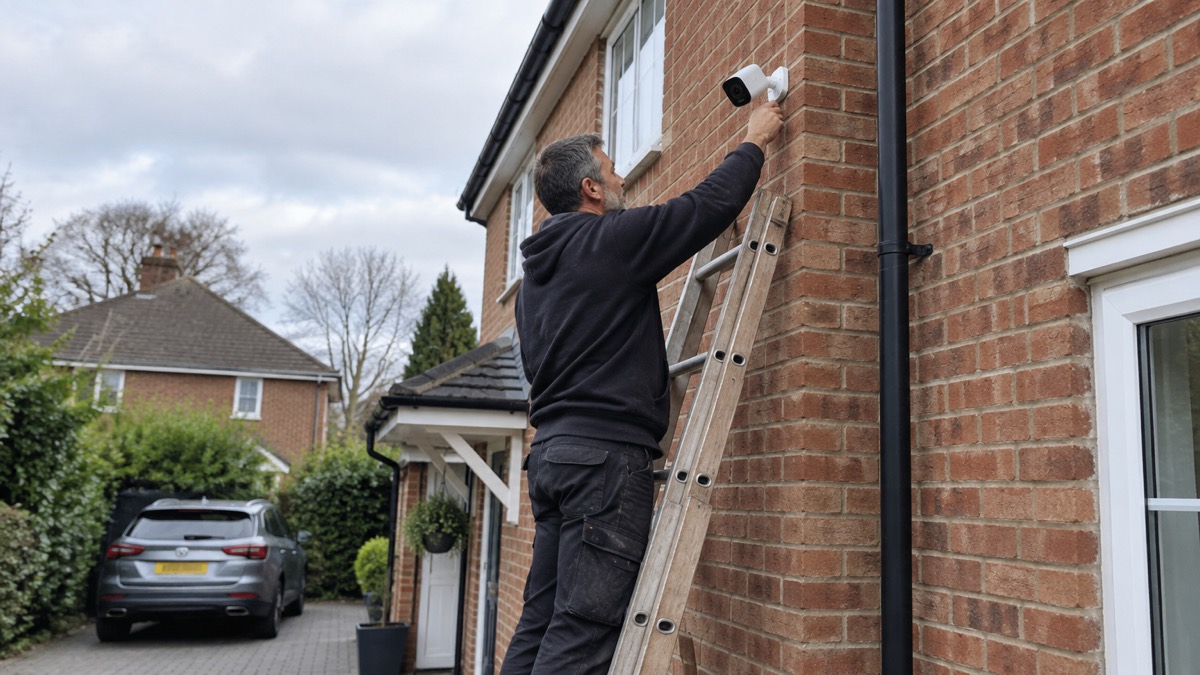
An outdoor camera in the UK has to cope with rain, dust and cold. The IP rating tells you how well it is sealed. Ratings like IP65, IP66 or IP67 confirm the camera is sealed against dust and resistant to rain or even temporary submersion6. Reolink says its outdoor models typically carry an IP65, IP66 or higher weatherproof rating7, and many eufy outdoor cameras are built with IP67-rated weather resistance8. The Aqara Doorbell Camera G400 (Wired) is IP65 weatherproof, built to withstand rain and dust12.
Look for models with an IP65 or IP66 weather-resistance rating or higher, and check the manufacturer's specified operating temperature range3. The temperature range matters as much as the water rating: a camera rated for a mild climate may struggle in a hard frost. For context, outdoor electrical sockets are expected to be rated IP44 or preferably higher, and IP55 or IP66 if likely to be subjected to water jets21, so an IP65 camera is comfortably above the minimum for exposed outdoor equipment.
Upkeep is simple but not optional. Wipe the lens periodically to remove dust, rain spots or cobwebs6. Check the mount and cable entry after storms, and on battery models keep an eye on charge levels as the weather turns cold. A camera that is dirty, loose or flat is not protecting anything.
Choosing resolution, detection and what happens when support ends
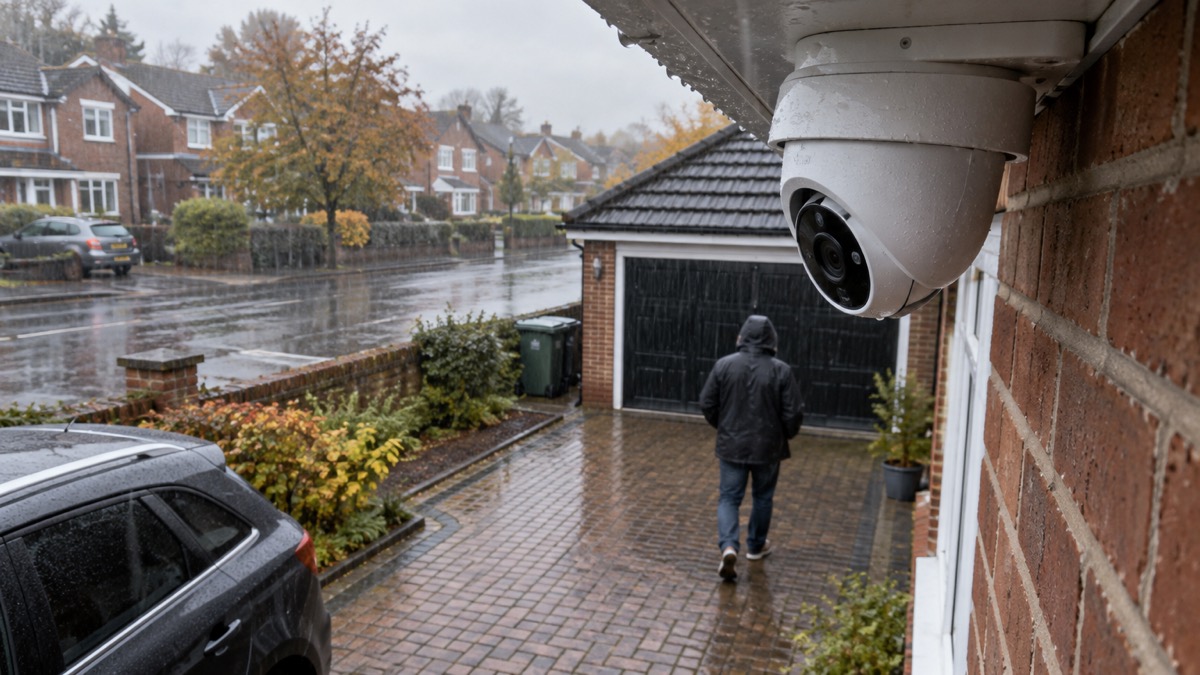
Resolution is the first specification most people compare. Prefer 2K or 4K for sharper details, and check for clear low-light night vision8. Reolink's Wi-Fi cameras offer 2K or 4K resolution4. For most homes, 4K (8MP) cameras suit most homes, while 12MP or 16MP models provide extra detail for large properties and zooming needs2. Philips Hue offers a 1080p battery camera and a 2K wired camera, which shows how the same brand spans the range22.
AI detection is what keeps alerts useful. It can distinguish people, vehicles, pets or packages, reducing false alerts from rain, leaves or shadows2. Reolink's Wi-Fi cameras use detection technology that can identify people, vehicles and other movements to help reduce false alarms4. Some cameras process this on the device: the Aqara Doorbell Camera G400 detects motion and people in real time using local AI, without relying on the cloud12.
Finally, think about how long the camera will be supported. Hive ended support for the Hive Homeshield smart burglar alarm, including sirens, keypads and sensors, along with the Hive View indoor and Hive View Outdoor cameras, on 1 August 202523. A camera that loses software support can stop receiving updates and app access, so check the maker's support position before you build a system around it.
Sources (23)
- Outdoor Security Cameras, eufy, 2026-11-03
- PoE IP Cameras, Reolink, 2026-11-03
- Security Cameras Without Subscription, Reolink, 2026-11-03
- WiFi Security Cameras, Reolink, 2026-11-03
- Security Hub, eufy, 2026-11-03
- Best Security Camera Features for UK Weather Conditions, eufy, 2025-09-17
- Outdoor Security Cameras, Reolink, 2026-11-03
- Wireless Security Cameras, eufy, 2026-11-03
- Doorbell and Security Camera FAQ, Ring, 2026-11-03
- eufy Wired Cam C31, eufy, 2026-11-03
- Video Doorbells, Reolink, 2026-11-03
- Doorbell Camera G400 (Wired), Aqara, 2026-08-20
- Best Indoor Security Cameras, Which?, 2026-08-18
- USB Chargers, Electrical Safety First, 2026-10-25
- Ratings of Electrical Appliances, Electrical Safety First, 2026-10-25
- Electric Blankets, Electrical Safety First, 2026-10-25
- Reolink RLN4E, Reolink, 2026-11-02
- Wired Video Doorbell 4K Elite, Ring, 2026-11-03
- Break-in and housebreaking - Police Scotland, Police Scotland
- How to Buy the Best Smart Video Doorbell, Which?, 2026-10-16
- Patio Heaters, Electrical Safety First, 2026-10-25
- Smart Home Security, Philips Hue, 2026
- Best Burglar Alarms and Smart Security Systems, Which?, 2026-05-19
 Alarm vs Camera
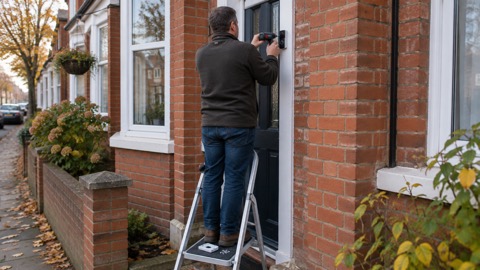 Battery vs Wired Doorbell
 Doorbell vs Camera