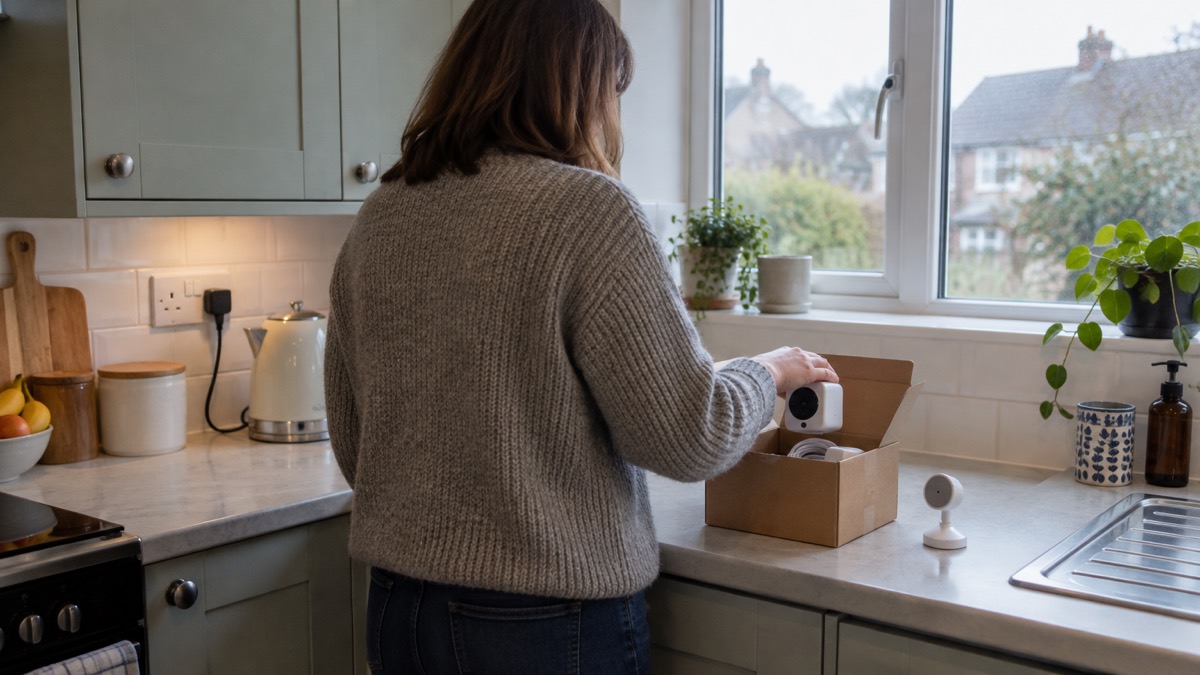
If you own a Hive View camera, the first thing to know is that Hive has ended support for it. Hive's own product news says the camera would work as normal until the three-year support period ended on 01/08/2025, and that "the camera will no longer function following the three-year support period ending on 01/08/2025"1. Hive Video Playback subscriptions for discontinued products were cancelled automatically on the same date, renewals due on or after 01/07/2025 were stopped in advance, and no payments were taken beyond 30/06/20251.
That changes what the camera is worth to a household preparing for an emergency. A camera is only useful in a power cut, a storm or an evacuation if it still works and still records. A Hive View, on Hive's own account, no longer does either. If you are choosing a camera now, the questions that matter are whether it records without a subscription, what happens to it when the power or broadband goes, and how long the maker will keep supporting it.
This page sets out what the Hive View was and did, how the indoor and outdoor versions differed, the specifications that decide how any home camera behaves in an emergency, how to set one up and mount it safely, and what to do about support, warranty and software updates.
What the Hive View was and what it did for a household
The Hive View was a smart security camera sold as part of Hive's home security range, in an indoor version and an outdoor version. In a household plan it sat in the same place as any other camera: watching a door, a garden or a room, and letting you look in from a phone. Its practical value in an emergency was always limited by two things, both of which apply to every camera of its kind. It needs mains power, and it needs your home internet connection. When either fails, the view fails with it.
Hive has now gone further. Its product news states that the only products being discontinued are its smart security and leak detection devices, plus some older models of the Hive Hub, and that the rest of the portfolio is unaffected1. The Hive View Camera is named among the discontinued smart security products, with support ended on 01/08/20251. Which? reported the same end date of 1 August 2025 for the Hive HomeShield smart burglar alarm, including sirens, keypads and sensors, along with the Hive View indoor camera and Hive View Outdoor camera6.
For a household, that means the camera should not be counted on in your plan. If you still have one installed, treat it as decoration rather than security. Do not rely on it to record a break-in, to check on an empty home, or to give you a view during a power cut. If you want a working camera, choose one whose maker still supports it and whose recordings do not depend on a subscription you may lose.
Hive View and Hive View Camera: how the two versions differ
The material available describes the Hive View Camera as a single discontinued product, with support ended on 01/08/20251. Which? refers to both a Hive View indoor camera and a Hive View Outdoor camera, and gives both the same end date of 1 August 20256. The two versions were sold for different places: one indoors, one outdoors. Beyond that, the available facts do not set out differences in resolution, field of view, night vision or power between the indoor and outdoor models, so this page does not invent them.
What matters for preparedness is the same for both. An indoor camera is useful for checking a room or a hallway; an outdoor camera is useful for a door, a drive or a garden. Neither is a substitute for a working burglar alarm, good door and window locks, or a neighbour who will look in. Our guide to home cameras and CCTV sets out the types side by side, and burglar alarms covers what an alarm does that a camera does not.
If you are replacing a Hive View, the choice is really between a camera that records locally and one that relies on a cloud subscription. The two behave very differently when the internet goes down or a subscription lapses.
| What you need it for | Local-recording camera | Subscription camera |
|---|---|---|
| Recording without a monthly fee | Maker states no monthly subscription required7 | Some makers require a subscription to store video8 |
| Footage during a broadband outage | Depends on the maker and setup; check the specification | Cloud recording stops when the connection drops |
| Keeping footage long term | You hold the card or recorder | Held by the service, subject to its terms |
| Support life | Varies by maker; check the stated support period3 | Tied to the subscription and the maker's support |
Specifications that decide how it works
The available facts do not give a full specification sheet for the Hive View. What they do give is the set of specifications that decide whether any home camera is useful to a household in an emergency, and those are worth knowing before you buy a replacement.
Power. Most wireless security cameras are plugged into the mains, with a few offering some back-up battery time in case of power failures, according to Which?3. A mains camera is only as reliable as your electricity supply. If you want a camera that keeps watching through a cut, look for one with a stated battery back-up and check how long it lasts.
Night vision. One camera maker describes infrared night vision distances of typically 10 m to 30 m across home security cameras9. That is a broad industry figure, not a Hive specification, and it shows why placement matters: a camera at the far end of a long garden may see very little at night.
Storage. Recording options vary. One maker offers 24/7 and motion-triggered, continuous and motion-triggered, or motion-triggered only, with smart person, vehicle and animal detection and local recording7. A recorder can be set to read and write, so it records new footage, or read-only, so it only plays back existing files and saves nothing new10. If you fit a recorder, check which mode it is in.
Support life. Makers commit to different periods. Which? reports that Philips Hue said it will support its products for at least five years from purchase from an authorised reseller, Imou for two years from launch, and Ezviz for at least four years from launch3. Another Which? article gives Imou and Ezviz as two years from launch and Swann as two years from the date of purchase8. The two Which? articles disagree on the Imou and Ezviz figures, so check the maker's current statement before you rely on it. Our guide to how long cameras and doorbells get software updates goes through this in more detail.
Setting it up and connecting it to your home Wi-Fi
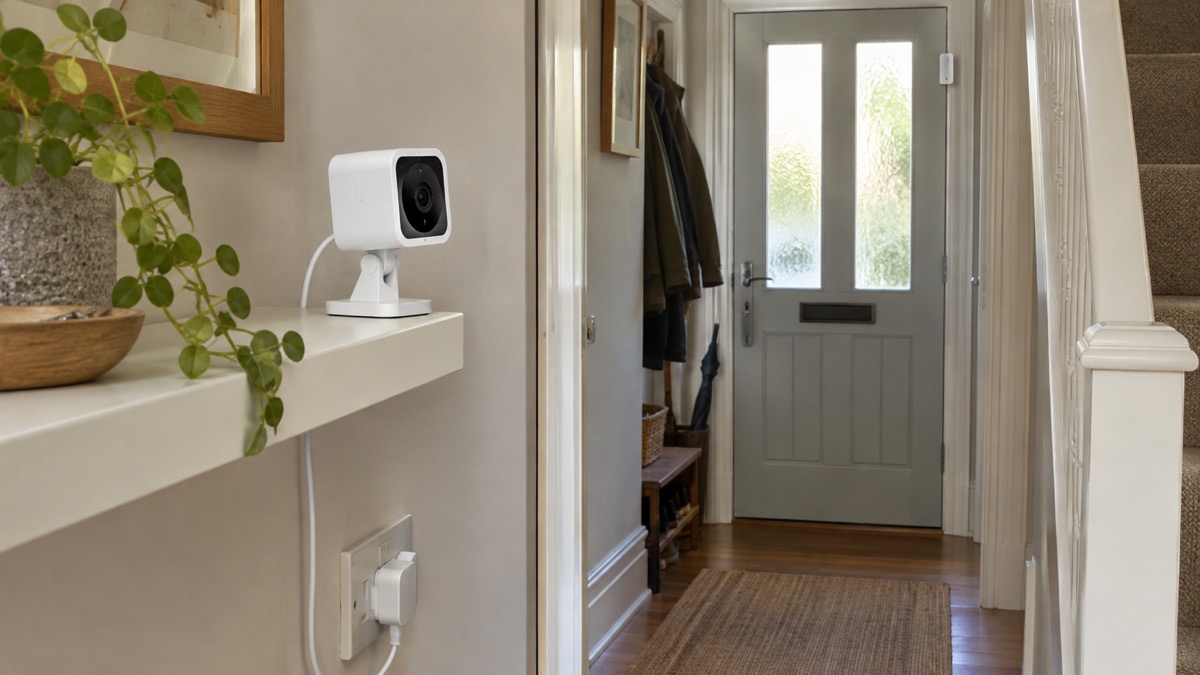
A camera is only as good as the network behind it. Set it up at home, on your own wi-fi, with the device plugged in. The National Cyber Security Centre advises that updating a device may take some time and requires a reliable internet connection, so it is best to do it at home where you can access your wi-fi and keep your device plugged in5. Do the same when you first install a camera: update it before you rely on it.
If your home is moving to a digital phone line, the change affects your broadband and phone setup. On the day of the switchover, your home phone will need to be plugged into a wi-fi hub, which the provider will send if you have not got one, along with an adapter and instructions or an engineer4. A camera that depends on your router depends on that hub working. Our guide to alarms and cameras on a weak mobile signal or slow broadband covers what to do when the connection is poor.
A few practical steps make a camera more reliable:
- Put the camera and router on the same floor where you can, and check the signal at the camera's position before you fix it.
- Give the camera a strong, unique password and turn on two-step verification if the app offers it.
- Keep the camera's software up to date, and do it at home where you can reach your wi-fi and keep the device plugged in, as updating may take some time and needs a reliable connection5.
- Write the login details down and keep them somewhere the household can find them, so a camera account does not die with one person's phone.
What happens to the camera in a power cut or broadband outage
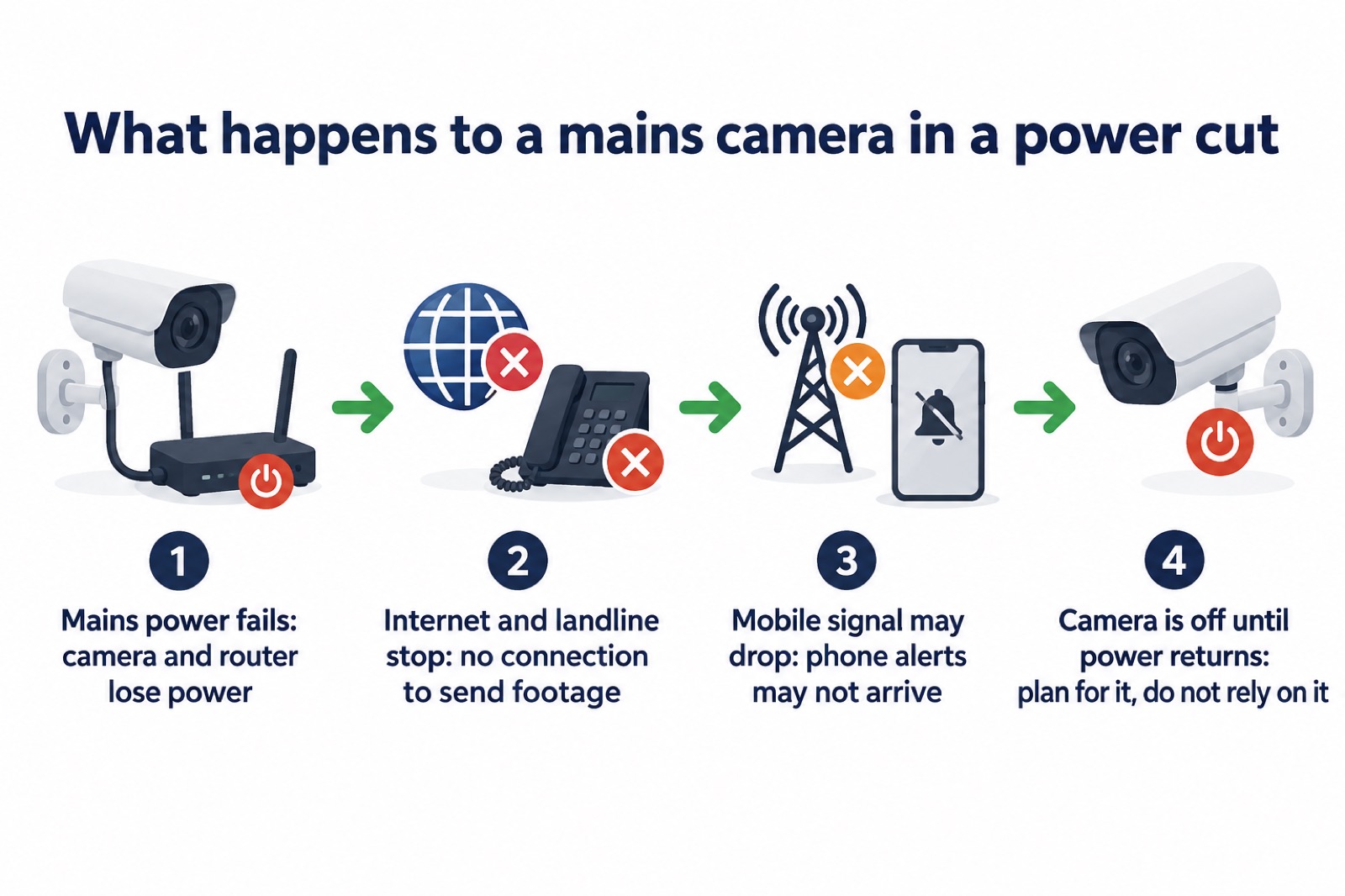
This is the part that matters most for emergency planning, and it applies to every mains camera, not just the Hive View. In a power cut, gas boilers and heating, electrical appliances and your home's internet and landline connections will stop working, and you might also lose mobile phone signal2. A camera that needs the internet to send you footage therefore goes dark at exactly the moment you might want it.
Most wireless security cameras are plugged into the mains, with a few offering some back-up battery time in case of power failures3. If your camera has a battery, check how long it is stated to last and test it before you need it. If it does not, plan on it being off.
There is a second effect worth knowing. During a power cut, systems such as solar panels, heat pumps, EV chargers and batteries switch off automatically to protect the home and engineers, and should not be damaged11. So a home battery will not keep the camera running unless it is wired to do so, and most are not.
What to do instead:
- Check with the neighbours, as lights on nearby could mean your circuit has tripped or only one area is cut off12.
- Keep one light switched on so you know when power is restored13.
- Treat the camera as off until the power and connection are back, and check it afterwards.
- Most wireless security cameras are plugged into the mains, with a few offering some back-up battery time in case of power failures3.
Our guide to keeping your home protected in a power cut sets out the wider steps, and backup power at home covers what can keep a router and a camera going.
Where to mount it safely indoors and out
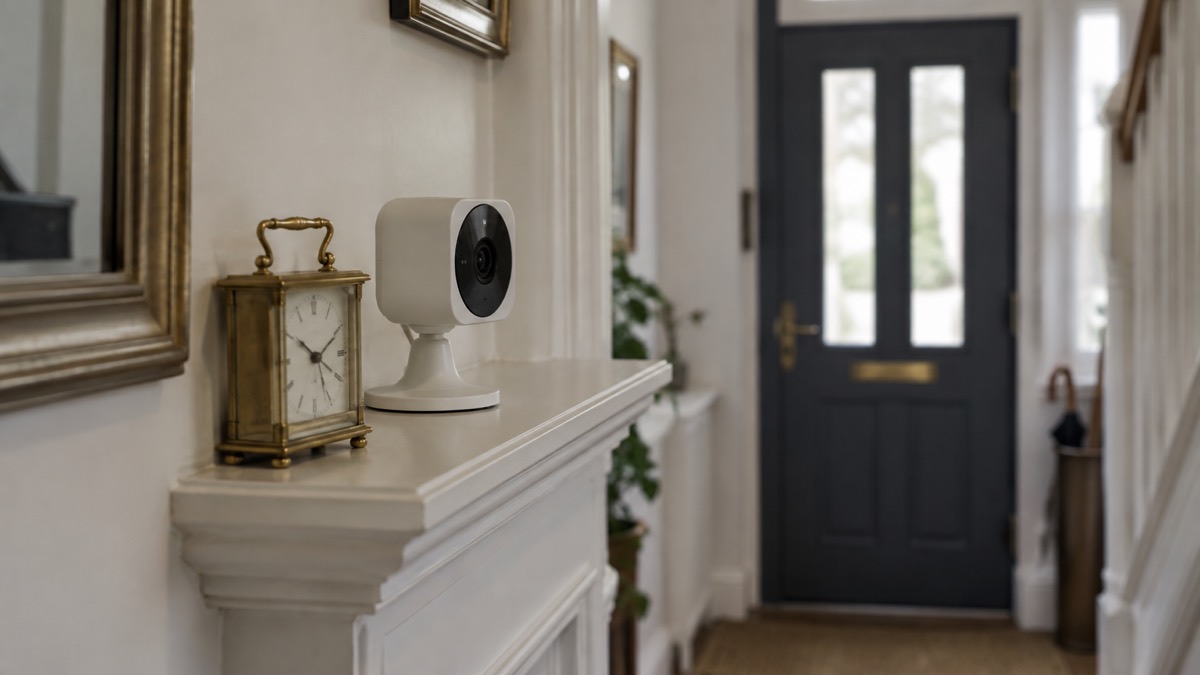
Placement decides what a camera sees and whether it survives. For outdoor cameras, one maker advises tucking them under eaves to shield them from rain, and aiming for a height that catches faces but stays out of reach: too low invites tampering, too high misses details7. The same maker suggests mounting cameras at vulnerable entry points, including front doors, rear patio entrances, side gates and driveways9.
Indoors, the principle is the same: cover the ways in, and keep the camera out of easy reach. If you fit a recorder, one maker advises choosing an installation site where it is hidden from prying eyes, for example in the pantry, to reduce the likelihood of sabotage10. A camera that can be unplugged or turned around by anyone who reaches it is not much of a deterrent.
Safety comes before security. Do not run cables where they cross a doorway, a walkway or a fire escape route. Fire and rescue services advise keeping door and window keys accessible14, and keeping a fire escape plan somewhere visible and near your front door15. A camera cable that snags on a key or blocks a door is a hazard, not a help. If you live in a flat or a high-rise building, check with the building owner or managing agent before fixing anything to a shared wall or communal area; fire services publish separate advice for high-rise living15.
If you cannot bring a small pet's hutch inside, turn the enclosure around so that it faces a wall or fence instead of the open garden17.
Support, warranty and software updates
The support position for the Hive View is settled and it is not good news. Hive states that the camera will no longer function following the three-year support period ending on 01/08/20251. Hive Video Playback subscriptions for discontinued products were cancelled automatically on 01/08/2025, renewals due on or after 01/07/2025 were stopped in advance, and no payments were taken beyond 30/06/20251. Which? gives the same 1 August 2025 end date for the Hive View indoor and outdoor cameras, alongside the Hive HomeShield alarm6.
If you still have a Hive View, the practical steps are:
- Stop relying on it for security, and do not count it in your emergency plan.
- Note that no payments are taken beyond 30/06/2025, renewals due on or after 01/07/2025 were stopped in advance, and all subscriptions related to discontinued products will have automatically cancelled on 01/08/20251.
- Replace it with a camera whose maker states a support period, and note the date that period ends.
- Keep any replacement's software up to date, and do it at home where you can reach your wi-fi and keep the device plugged in, as updating may take some time and needs a reliable connection5.
When you choose a replacement, ask the maker two questions: how long will you support this model, and what happens to my recordings if I stop paying? The answers vary widely. Which? reports support commitments of at least five years from purchase for Philips Hue, two years from launch for Imou and at least four years from launch for Ezviz3, while a separate Which? article gives Imou and Ezviz two years from launch and Swann two years from purchase8. Where the two disagree, check the maker's current statement.
For the wider picture, our guide to camera and doorbell accounts explains how to stop strangers getting into an account, and filming beyond your boundary covers what you may capture beyond your own property.
Sources (17)
- Hive product news, Hive, 2026-11-03
- Storms and bad weather, Energy Networks Association, 2026-10-25
- Best indoor security cameras, Which?, 2026-08-18
- The digital switchover, Suffolk County Council, 2026-10-29
- Install the latest software and app updates, National Cyber Security Centre, 2021-12-21
- Best burglar alarms and smart security systems, Which?, 2026-05-19
- Security camera without subscription, Reolink, 2026-11-03
- How to buy the best smart video doorbell, Which?, 2026-10-16
- The most popular home security cameras, Ezviz, 2026-09-28
- NVR H series manual, Ajax Systems, 2026-10-27
- Planned outage, SSEN, 2026-10-29
- Power cuts - what can you do? | AA Insurance, The AA
- Strong winds | Northern Powergrid, Northern Powergrid
- High-rise living, Scottish Fire and Rescue Service, 2026-10-25
- High-rise living, North Wales Fire and Rescue Service, 2026-10-25
- Celebrate safely, Humberside Fire and Rescue Service, 2026-10-26
- Fireworks and pets, Blue Cross, 2025-11-26

 Ajax BulletCam
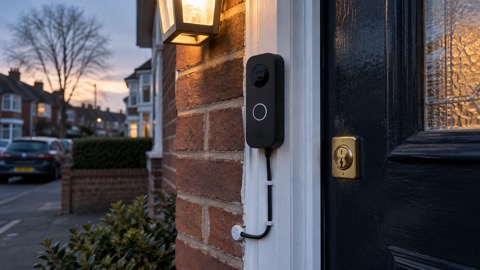 Ajax DoorBell
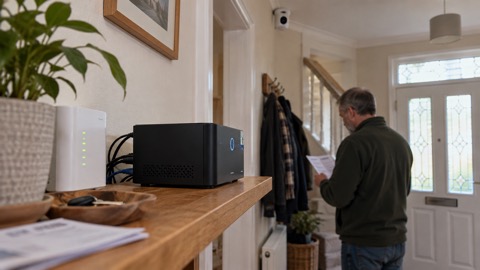 Ajax NVR
 Ajax TurretCam
 Aqara Camera Hub G350
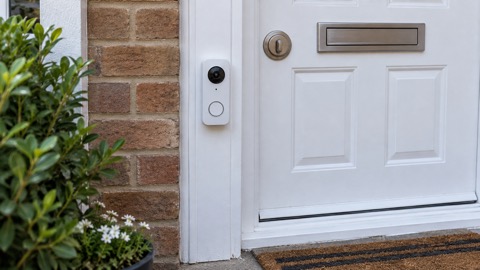 Arlo Essential 2K Doorbell
 Arlo Essential 3 2K
 Arlo Essential 3 Indoor
 Arlo Pro 6
 Arlo Ultra 2
 Arlo Ultra 3
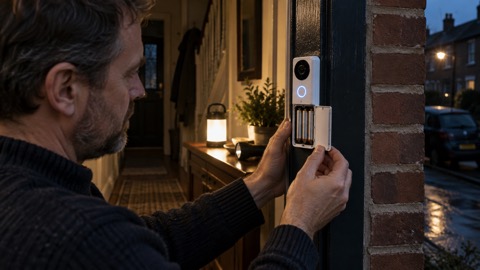 Blink Battery Doorbell 2K+