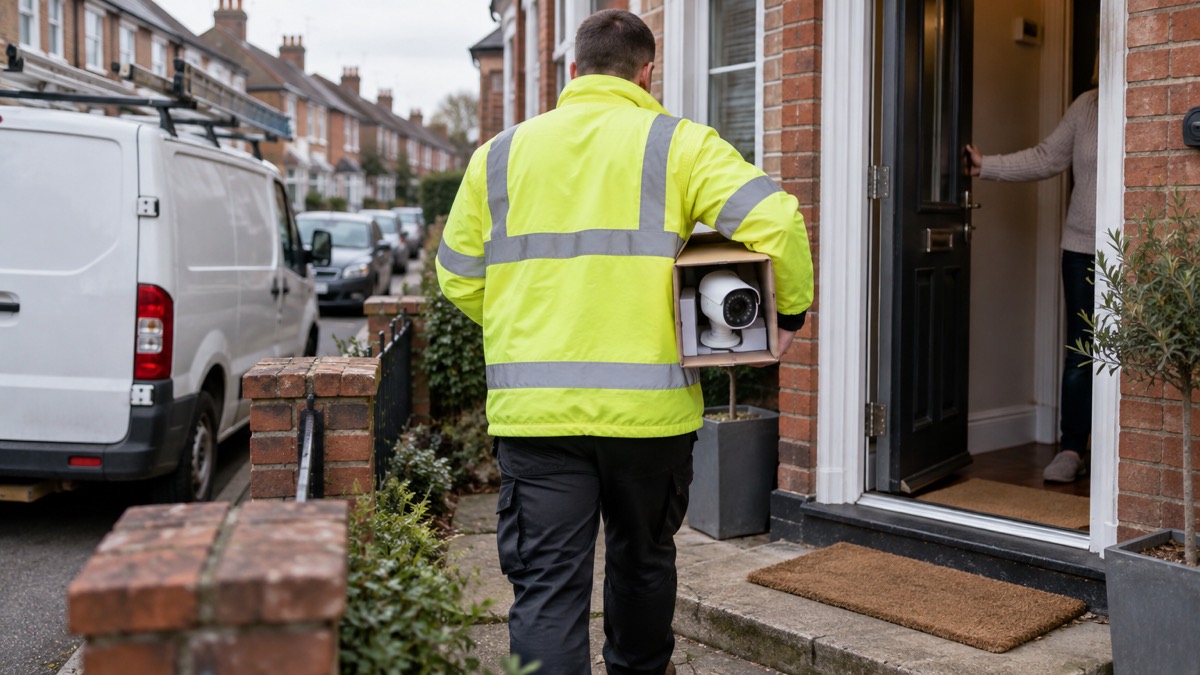
A Hive View Outdoor is an outdoor security camera, and for a household getting ready for emergencies the useful question is not what it looks like but what it does when things go wrong. It watches a garden, drive or back door, and it depends on two things to keep doing that: mains power and a working internet connection. If either fails, expect recording and remote viewing to stop until they come back.
That matters most in exactly the situations you are preparing for. Severe weather, power cuts and provider outages are the recognised causes of phone and broadband disruption, and that disruption can last for a number of days after severe weather1. A camera that only records when it detects motion, and that needs Wi-Fi for live viewing and app alerts, will be silent for that whole period2.
So plan around it. Keep the camera as one layer of your home security rather than the only one, keep a battery or wind-up radio at home for updates during a power cut, and know how to check on your home in person if the link goes down3. The sections below cover what the camera needs, how to fit it safely, how weather affects it, what happens to recordings in an outage, and where to get support.
Power and connection: what it needs to keep recording
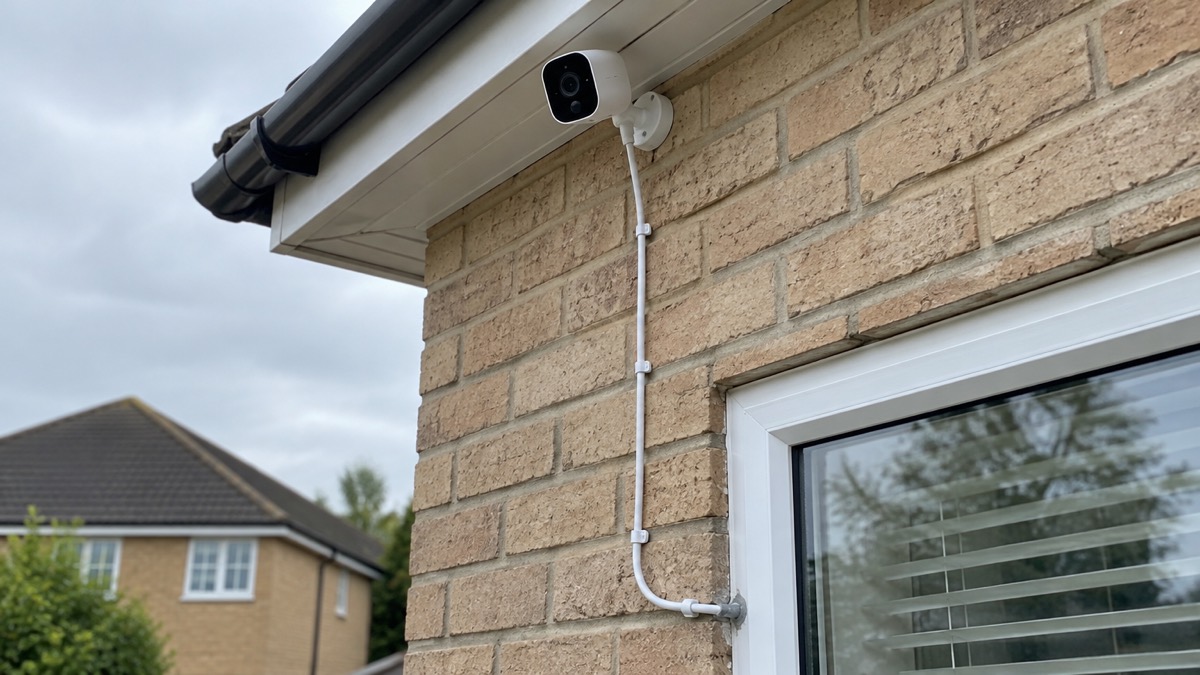
An outdoor camera is only as reliable as the two services feeding it. Most outdoor security cameras need Wi-Fi to offer full features such as live streaming, app alerts and cloud storage, though some models can record locally to a memory card or base station without a constant internet connection2. Some can record continuously, but many are designed to record only when motion is detected, to save battery life and storage space; for constant recording, look for cameras with continuous video and a reliable power source such as mains or solar2.
For a household, that shapes how you use it. A camera on motion detection is a deterrent and an evidence tool, not a live guard. It will catch someone crossing the drive, but it will not give you a continuous record of a long night, and it will not tell you anything while the broadband is down.
If you want the camera to keep working through a power cut, the power supply has to survive the cut too. That is a job for your wider backup plan rather than the camera itself: see our guide to backup power at home and to keeping your home protected in a power cut. Whatever you do, do not run mains extension leads out to a camera across wet ground, and have outdoor lighting circuits fitted with a residual current device so a fault trips the supply rather than leaving metalwork live5.
Fitting it outdoors safely
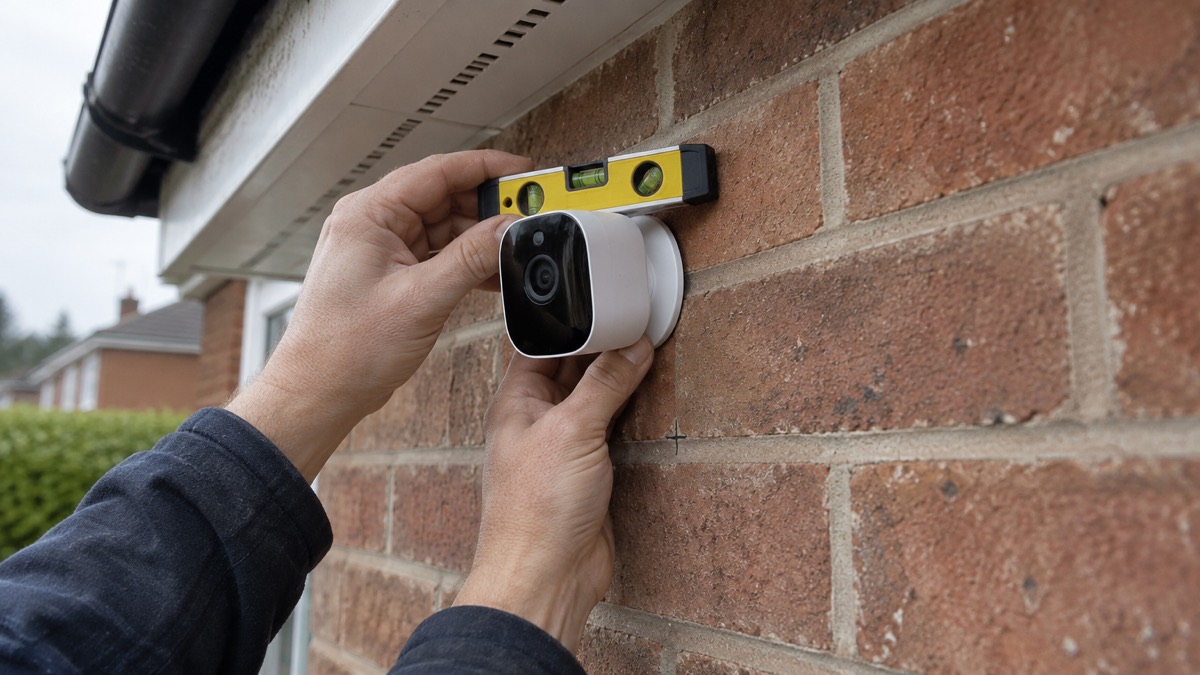
Fitting the camera is a small outdoor electrical job, and the safety rules are the same as for any outdoor wiring. The fire and rescue service advice is to make sure outdoor lights are fitted with a residual current device5. Treat a camera the same way: if it takes mains power, have the supply protected, keep connections indoors or in a proper weatherproof enclosure, and do not improvise with indoor plugs and extension leads left out in the rain.
Position comes next. Put the camera where it covers the approach you care about, such as a gate, a back door or a driveway, and where it is high enough to be out of easy reach but not so high that you only record the tops of heads. Check the live view on your phone before you drill, and again after dark, so you know what the camera actually sees.
- Check the signal first: test the Wi-Fi strength at the mounting point before fixing anything.
- Keep cables tidy: route them so they cannot be pulled, tripped over or filled with water.
- Light the approach: outdoor lighting and a camera work better together than either alone; see outdoor lights that deter burglars.
- Mind the boundary: if the camera looks beyond your property, read filming beyond your boundary before you fit it.
- Secure loose garden items: before forecast high winds, check for loose items outside your home and plan how you could secure them, including bins, garden furniture, trampolines, tents, sheds and fences6.
If you are weighing a camera against other deterrents, our comparison of a burglar alarm or CCTV camera and the wider guide to home cameras and CCTV set out the choices.
Weather, cold and where the camera must not be placed
Outdoor kit lives with the weather, and the weather is when you most want it working. The Met Office advises, when a yellow wind warning is in force, to prepare to protect your property and people from injury, to check for loose items outside your home and plan how you could secure them6. A camera bracket, a loose cable clip or a garden item thrown by wind can damage the camera or the wall it is fixed to, so include the camera in your pre-storm check.
Cold brings its own problems. Ice and snow on the lens, frozen cables and condensation inside a housing all degrade the picture, so check the maker's specification for your climate before relying on it through a hard winter. In snow and ice, official advice is to avoid setting off when it is snowing heavily or forecast to snow, and to avoid heavy rain, ice or fog7. The same caution applies to climbing a ladder to clear a camera: do it in daylight, when you can see where you are walking and working8.
Where the camera must not go:
- Not facing a neighbour's window or a public footpath without checking the data protection rules first; see filming beyond your boundary.
- Not where a ladder left against the wall gives easy access to the camera or to a window beside it.
- Not over a boundary where it could record people who have a reasonable expectation of privacy.
- Not on a listed building or in a conservation area without checking whether consent is needed.
What happens to recordings in a power cut or broadband outage
This is the section that matters most for preparedness. When the power goes, a mains-powered camera stops. When the broadband goes, a camera that relies on Wi-Fi for live streaming, app alerts and cloud storage loses those features, even if it still has power2. Disruption can come from severe weather, power cuts or a provider outage1.
How long it lasts varies. Phone and broadband outages are usually short or localised, but in some instances, such as following severe weather, disruption can last for a number of days1. The impact can also differ by where you live, with rural areas more likely to be affected10. If your mobile, broadband or landline is unavailable after a severe weather event, report it to your provider if you can, because that helps make sure faults are fixed as soon as possible10.
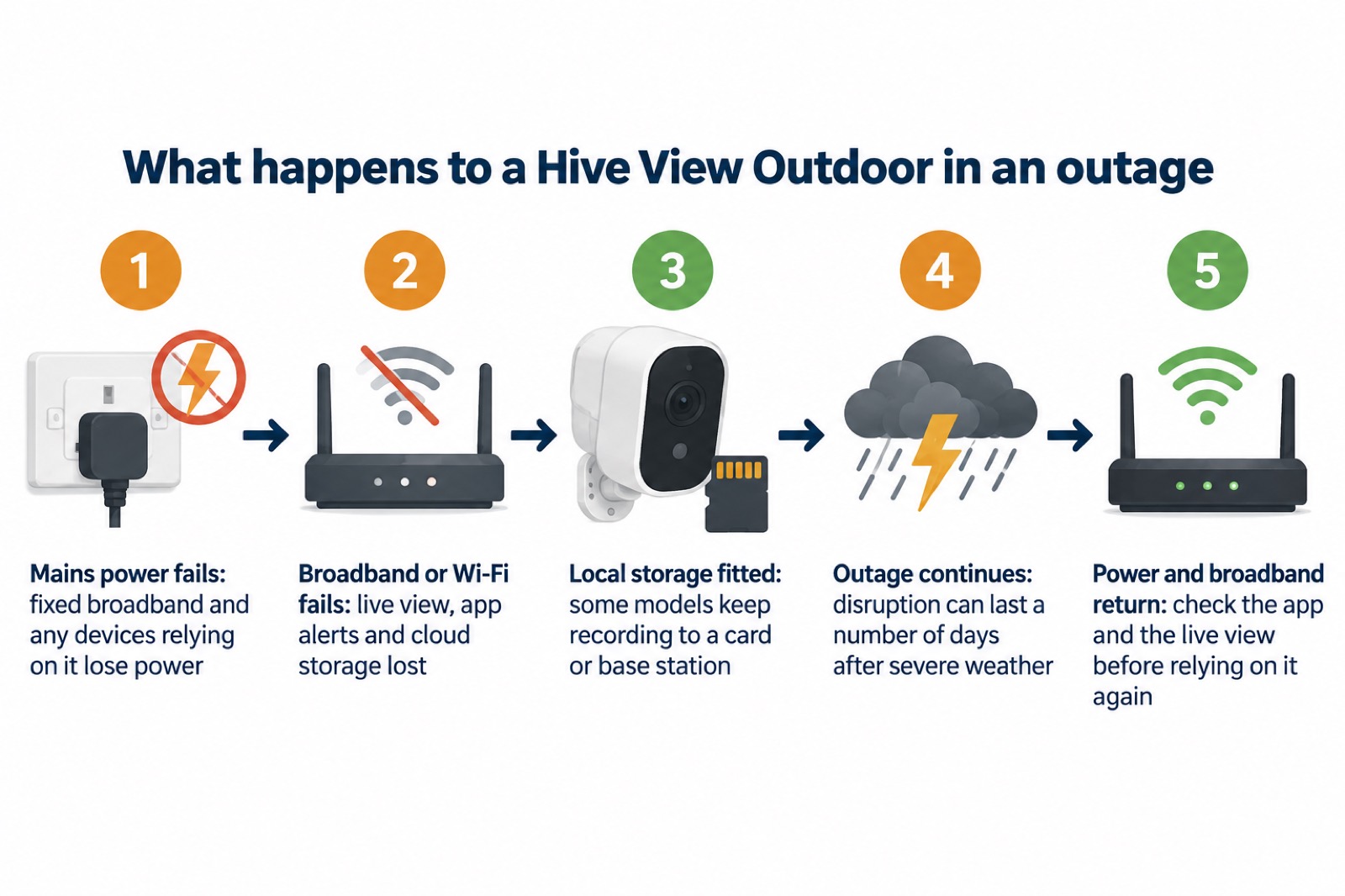
What you can do about it:
- Keep a battery or wind-up radio and spare batteries at home, because updates may be communicated by radio during a power cut3.
- Write down radio station frequencies on paper, so you can find them without a working phone3.
- Report the outage to your provider once you can, to speed up the fix10.
- Check the camera in person when power and broadband return, and confirm the live view and any recordings before you rely on it again.
If you live somewhere the broadband fails often, official guidance suggests considering satellite internet as a backup option, especially in a rural or remote area11. Our guide to alarms and cameras on a weak mobile signal or slow broadband covers the alternatives in more detail.
Support, warranty and safety notices
No recall notice, warranty terms or support contact details for the Hive View Outdoor are given here, so the reliable route is the maker's own pages. Start with the Hive brand page and the maker's product and support pages, register the product so the maker can reach you, and keep the proof of purchase somewhere safe. If you want to increase your warranty, the maker states that you can join Hive+ and get ongoing warranty on all your Hive devices12.
Check for safety notices before and after you fit the camera. If a recall or safety notice is issued, stop using the product as instructed and follow the maker's directions for return or replacement. Registering the product is the simplest way to be told.
Keep the software up to date. Updates carry security fixes as well as new features, and an outdoor camera is a device on your home network, so treat it like one. Our guides to camera and doorbell accounts and to stopping your security camera being hacked explain the settings that matter, and how long cameras and doorbells get software updates helps you judge how long to expect support.
If you need help with home safety more broadly, a home fire safety visit can cover assistive technology as well as smoke alarms, and fire and rescue services offer these visits in many areas13. For households that need extra support in an emergency, see our guide to extra help in an emergency.
Sources (13)
- Phone and broadband outages, UK Government, 2026-10-12
- Outdoor security cameras, eufy, 2026-11-03
- Power cuts, UK Government, 2026-10-21
- The most popular home security cameras, EZVIZ, 2026-09-28
- Fire safety advice to keep you safe at Christmas, Devon and Somerset Fire and Rescue Service, 2016-12-19
- Accessible UK weather warnings, Met Office, 2026-10-24
- Driving in snow and icy conditions, Devon and Somerset Fire and Rescue Service, 2026-01-02
- Weather safety, Oxford Health NHS Foundation Trust, 2026-09-18
- Slips, trips and falls, Cheshire Fire and Rescue Service, 2026-05-20
- Stay connected in severe weather, Ofcom, 2026-10-13
- Stay connected in severe weather (Welsh), Ofcom, 2026-10-13
- Hive Motion Sensor | Hive Home, Hive Home (hivehome.com)
- Check if you're eligible for a safer home visit, Suffolk County Council, 2026-10-29

 Ajax BulletCam
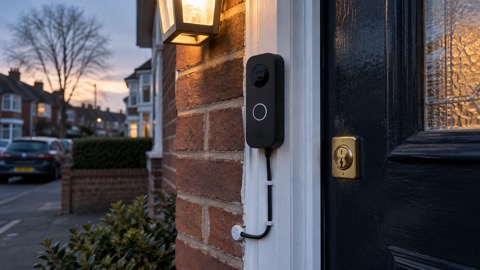 Ajax DoorBell
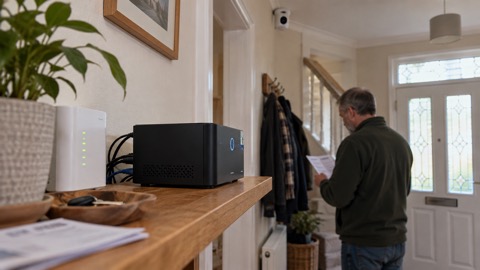 Ajax NVR
 Ajax TurretCam
 Aqara Camera Hub G350
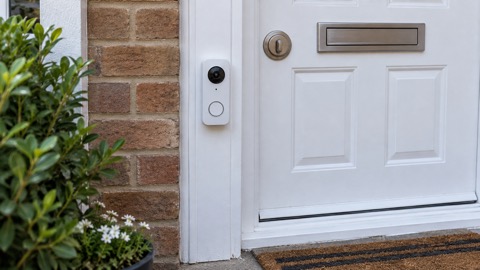 Arlo Essential 2K Doorbell
 Arlo Essential 3 2K
 Arlo Essential 3 Indoor
 Arlo Pro 6
 Arlo Ultra 2
 Arlo Ultra 3
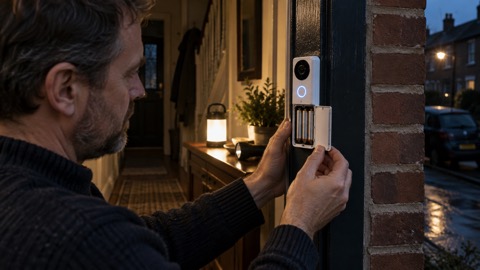 Blink Battery Doorbell 2K+