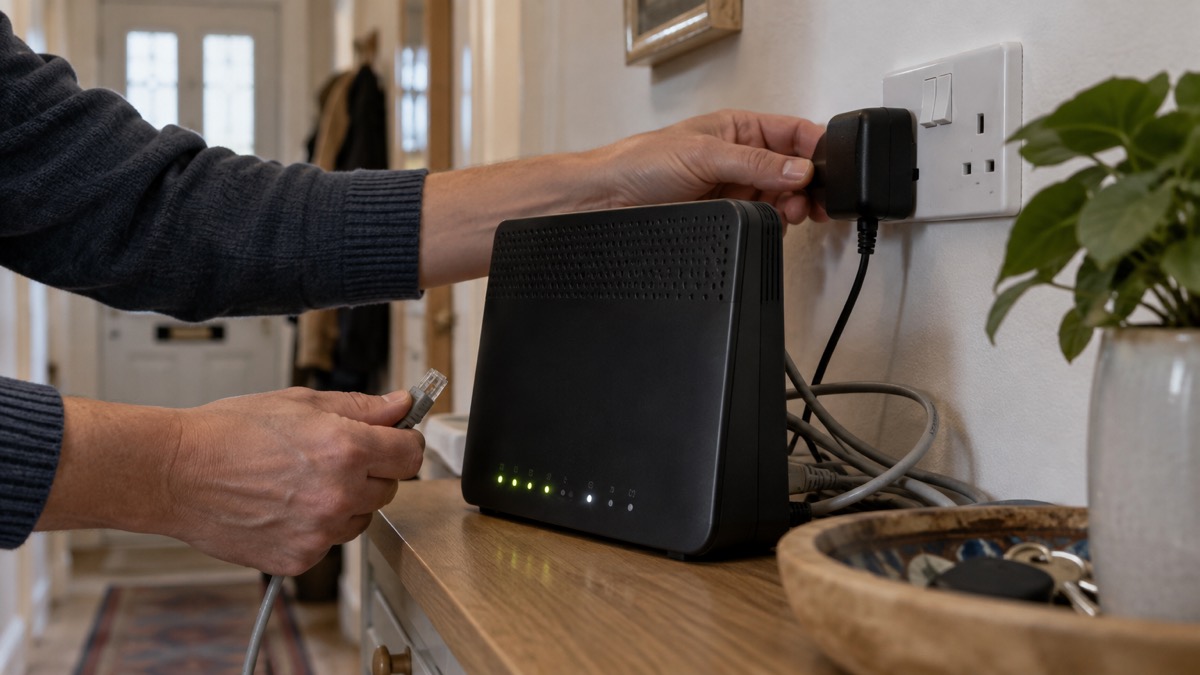
When your broadband goes down, the first thing to do is report the fault to your provider. Ofcom's advice is clear: if your mobile, broadband or landline is unavailable after a severe weather event, report it to your provider if you can, because this helps make sure faults are fixed as soon as possible1. Backup help, priority repair and compensation all start from that report, so it is the single most useful action in the first minutes of an outage.
Most phone and broadband outages are short and localised, but official guidance warns that in some instances, such as following severe weather, disruption can last for a number of days2. A broadband outage can be caused by a power cut or by a problem affecting your service provider3, so check early whether your electricity is also off, because that changes what you should do next. If the power has gone too, call 105 to report it or get information4.
While the fault is being fixed, you have three realistic ways to stay online: your mobile phone's data connection, a hotspot shared from your phone, and any backup solution your provider supplies, such as a battery unit for a digital landline or a mobile-data back-up hub. This page sets out each of them, what they can and cannot do, and how to stay safe while using them.
Report the fault first: backup help starts from your fault report
Before you try any workaround, tell your provider their service to you has failed. Ofcom's severe weather guidance is direct on this point: report the fault to your provider if you can, because it helps make sure any faults are fixed as soon as possible1. Providers cannot dispatch an engineer or switch on backup support for a household they do not know is affected, and a fault that nobody reports may be assumed to be fine.
Reporting also unlocks support you may not know you are entitled to. Ofcom says that if you are a vulnerable customer, for example elderly or with additional needs, and your phone and broadband provider is aware of this, they should provide extra support1. The government's phone and broadband outage guidance adds that registering your needs with your provider can enable practical help such as tailored communications, priority fault repair and additional support during service disruptions2. That support is only available to households the provider knows about, which is another reason the fault report comes first.
How you report depends on what has failed:
- Broadband or landline only: contact your provider through their app, website or phone line, using mobile data if your Wi-Fi is down.
- Power as well: if the power goes off, call Freephone 105 to report it or get information4. The government's power cut advice is to visit your local network operator's website to report a power cut and track updates, or call 105 if you cannot report online5.
- After a storm or flood: contact relevant utility companies if damage has occurred once you are safely home6, and report power outages to National Grid where that is your local network operator7.
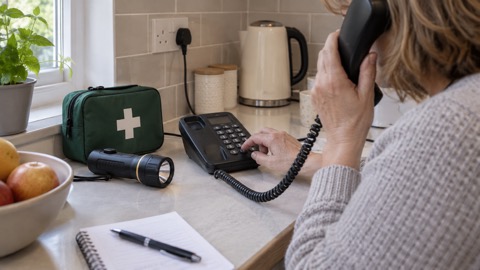
If you cannot get through on any phone, plan with your neighbours or community about who could assist you during an outage, for example identifying someone who could drive you to get help in an emergency2. Keep a list of important contact numbers on paper, not just stored in your mobile phone in case the battery runs out8.
The backup your provider should give you
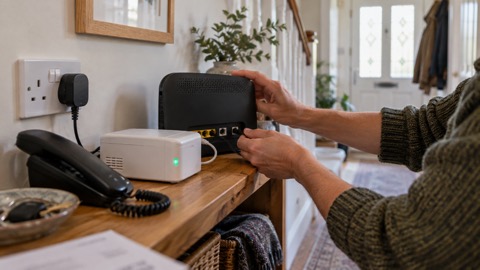
If your broadband outage is caused by a power cut, and your landline is a digital line running over broadband, the backup that matters most is the one your provider supplies for the phone itself. The rules here are firm. If you do not have a working mobile phone or a reliable mobile signal, your landline provider must offer you a free solution such as a battery back-up unit1. More generally, if your landline will not work during a power cut, your landline provider might offer you a free solution, such as a back-up battery unit, for a minimum of one hour, that would enable you to call the emergency services during a power cut if you needed to5.
That one-hour figure is the Ofcom minimum, and it is worth knowing both because it is what you can insist on and because many providers now go further. This back-up must last for at least one hour in a power cut, but some providers have back-ups that last up to seven hours1. If your provider offers a longer back-up, ask what it covers and how long it lasts, so you know what to expect before a power cut rather than during one.
| Backup type | Who it is for | How long it lasts | What it does |
|---|---|---|---|
| Landline battery back-up unit | Households without a working mobile or reliable mobile signal; required, free | At least one hour; some providers up to seven hours1 | Keeps a digital landline working so you can call 999 in a power cut |
| Provider back-up solution (general) | Any household whose landline will not work in a power cut | Minimum of one hour5 | Enables emergency calls during a power cut |
| Telecare battery backup | Telecare users, assessed by the provider | Assessed individually | Keeps care alarms and other important devices working during a power cut10 |
If you use telecare or a personal alarm, contact your phone and broadband provider so you get the right help11. The provider will assess your needs and may provide a free battery backup and have engineers test it, making sure care alarms and other important devices continue to work during a power cut10. Suffolk's digital switchover telecare guide gives the same advice in plain terms: your telephone provider can offer a free solution such as a battery back-up unit that lets you contact emergency services, and you should check with your device provider for backup solutions in the event of a power cut12.
If you use medical equipment that requires a power supply, make a plan with your care provider or clinical care team now about what will happen in a power cut, setting out what action you or someone you care for needs to take and who to contact9. Your emergency plan should include backup power arrangements, instructions for operating the equipment, maintenance information, and what you would do during a long power outage10. Make sure any essential medical equipment has a battery back-up, so you can keep using it even if the power is out13.
Connecting home devices through your phone's hotspot
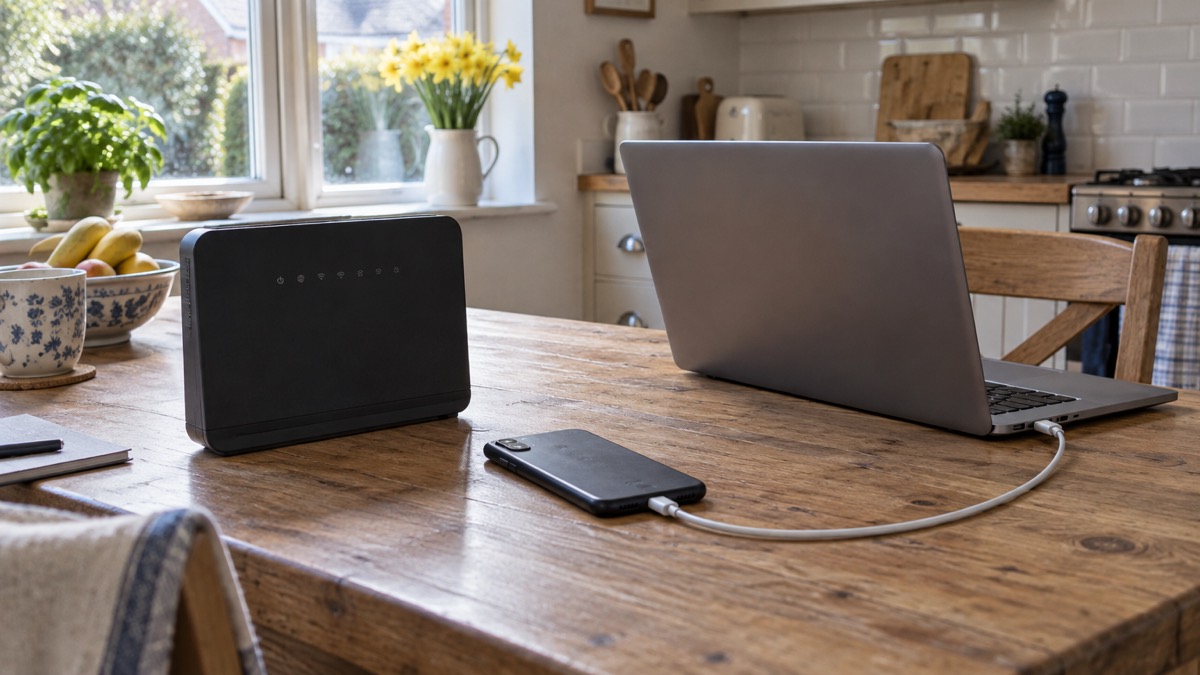
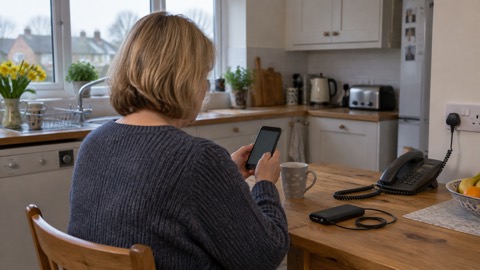
While the fault is open, your mobile phone is usually the fastest way to get a laptop, tablet or another phone back online. Most smartphones can share their mobile data connection as a personal hotspot over Wi-Fi, and any Wi-Fi enabled device in the house can then use the internet through it. Official preparedness advice treats this as the standard fallback: keep your mobile charged and ensure some data is available in case Wi-Fi is down13, and include a mobile phone charger in your home emergency kit14.
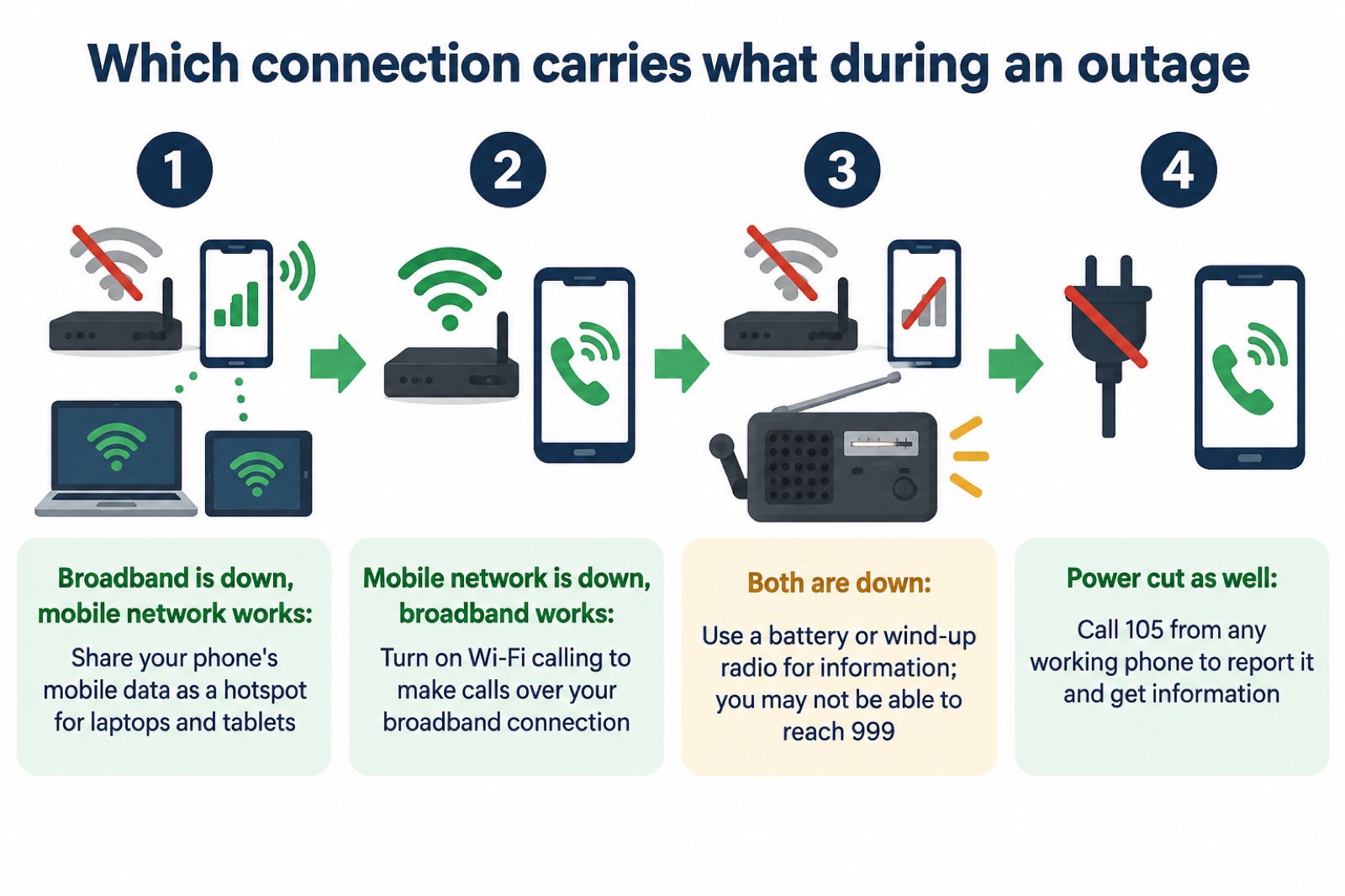
The reverse also works, and it matters for calls. If your mobile network is down but you have a working internet connection, you may still be able to make calls over Wi-Fi by enabling Wi-Fi Calling on your device2. Ofcom's advice is to turn on Wi-Fi calling in your settings on your mobile device to allow calls over your broadband connection if your mobile network is unavailable1. So the two directions of fallback cover each other: mobile data carries your internet when broadband is down, and broadband carries your calls when the mobile network is down.
A few practical points from official guidance:
- Check your devices now. If you have medical or personal alarm devices that use phone or internet connections, check with the provider or manufacturer how they work if the network is down, for example how your personal alarm or diabetes sensor would function if mobile or broadband service is lost2.
- Keep numbers on paper. Keep a list of important contact numbers, not just stored in your mobile phone in case the battery runs out8.
- Plan for jammed networks. Consider how your family will stay in touch in the event of an emergency, as mobile networks may be jammed and cordless telephones need power to work15.
- Use battery devices to report. If you are experiencing a power cut at the moment, use a mobile phone, tablet or another device that runs from battery power to visit the power cut page16.
*A phone sharing its mobile data as a Wi-Fi hotspot for a laptop during a broadband outage.
Getting a usable signal, and keeping the phone safe
A hotspot is only as good as the mobile signal behind it, and a power cut can weaken that signal too, since masts run on electricity and their own backup batteries. If your signal is poor indoors, moving near a window or door often helps, and it is worth testing where in your house the signal is strongest before you ever need it. Keep a battery or wind-up radio at home as a fallback for information: if the power is out, use a battery-powered or wind-up radio and try both digital and FM stations18. You can also use a car radio, but in severe weather it might be safer to stay indoors18. During a power cut, updates may be communicated by BBC local radio and by Radio 2 and Radio 4 in the event of a national power outage19.
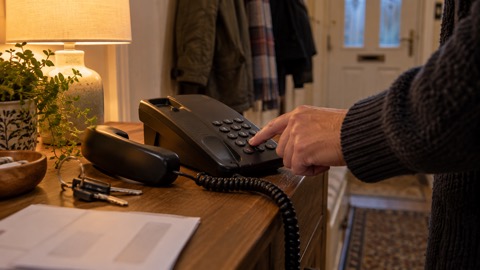
If possible, have an analogue phone that can be connected in your house, as this will still work if a power cut impacts the mobile network20. Ensure you have access to a phone before bed21. These are small habits, but during a multi-day outage after a storm they are what keeps a household reachable.
A phone running a hotspot works hard, and that creates a fire risk the fire and rescue services want households to know about.
The same caution applies to any charger left plugged in permanently, not only during an outage. If a phone used as a hotspot becomes hot to the touch, move it off soft furnishings, take it out of any case, and stop charging it until it cools.
Data allowance during and after the fault
Plan your mobile data as though the outage could last days, because sometimes it does. Outages are usually short or localised, but in some instances, such as following severe weather, disruption can last for a number of days2. Official advice is to make sure you keep your mobile charged and ensure some data is available in case Wi-Fi is down13. Before a storm is forecast, that means charging everything and checking your data balance; during an open fault, it means spending data on what matters, such as reporting the fault, checking updates and keeping in touch, rather than streaming.
If it is a localised power cut, stay with friends or relatives until your power is back on20. Leave a light on so you know when your power comes back on, switch off appliances that could pose a hazard, and check on vulnerable neighbours or family20. Back up work and important files in advance, and keep a mobile phone charged with important phone numbers written down20.
For households whose broadband fails repeatedly, there is a longer-term option. Ofcom advises that if your broadband often goes down, you might want to consider satellite internet as a backup, especially if you live in a rural or remote area1. The government's outage guidance adds that fixed satellite broadband, using a satellite dish, and new satellite services that connect directly to mobile devices can sometimes help you stay connected when land-based networks are down, but availability and performance can vary, so ask providers what options might best fit your needs2.
What Virgin Media's Back-up Hub trial offered
Virgin Media has run a backup scheme that shows how a provider-supplied mobile-data hub works in practice. The Back-up Hub connected to the mobile network and created a Wi-Fi network in the home, bridging the gap while the fixed line was repaired. It was powerful enough for 20 devices to connect and get online at the same time, depending on bandwidth requirements, and it worked with any Wi-Fi-enabled device such as phones, tablets and laptops, though not devices needing a wired connection, as there was no port to plug them into. To use it, you needed to live in an EE or Virgin Mobile network area23.
The maker's support article sets out what the device could and could not do, and the details are a useful model for any similar product:
| What the Back-up Hub offered | Detail |
|---|---|
| Network requirement | You needed to live in an EE or Virgin Mobile network area23 |
| Connected devices | Up to 20 devices at the same time, depending on bandwidth requirements23 |
| Compatible devices | Any Wi-Fi enabled devices: phones, tablets, laptops, smart watches and more; not devices needing wired connections, as there was no port to plug them into23 |
| Connection details | The Wi-Fi network name (SSID), Wi-Fi Key and password were printed on a sticker on the back of the battery cover23 |
| Signal indicator | When you had a strong connection, the signal indicator light went solid green23 |
| Return policy | Once your service was restored, you did not need to return the device23 |
Two points from that table matter beyond the trial. First, mobile-data hubs serve Wi-Fi devices only: anything that needs an Ethernet cable, such as many printers and some smart home hubs, will not connect through one. Second, the sticker on the device holds the credentials you need in an outage, so if you have one, note where it is kept and tell the rest of the household.
The trial has ended, but it shows what to ask any provider for. Under the scheme, once your service was restored you did not need to return the device, and your right to automatic compensation for total loss of your fixed broadband remained unaffected23. If you lose Virgin Media service today, the route is the same as for any provider: report the fault, and ask what backup they currently offer.
Compensation for a total loss of broadband
If your broadband outage came with a power cut, there is a separate compensation system run by the electricity network operators, and it is worth knowing how it works because it runs in parallel with anything your broadband provider owes you. You will automatically be paid by your local network operator if you do not have power for a certain number of hours24. For repeated cuts, you must make a claim with your local network operator, who will decide if you should get this payment25.
There are limits. You will not be paid for blackouts caused by a national power shortage, damage to electrical equipment or appliances, or a low supply after a power cut25. If your supply is cut off because of a faulty energy meter, contact your energy supplier instead of the network operator26. And if you did not receive a payment automatically and it has been a few months, contact your network operator directly24.
For the broadband itself, Virgin Media's trial terms stated plainly that your right to automatic compensation for total loss of your fixed broadband remains unaffected by any backup device supplied23. In other words, a back-up hub or similar stopgap keeps you online, but it does not erase the provider's obligation for the loss of the service you pay for. The Broadband Speed Code of Practice continued to apply to the fixed line, though it did not cover speeds provided over the Back-up Hub23.
The analogue switch-off: why broadband outages now affect your phone
One change behind all of this is the move from the old analogue phone network to digital landlines that work over broadband. The detail of how and when this affects your home depends on your provider and your area, so check with them directly. What matters for preparedness is the effect: if your phone service runs over your broadband, a power cut or broadband outage can take your home phone down with it, which is why the backup options on this page matter more than they used to.
The practical consequence is that a broadband outage is now also a landline outage for a digital-line household. That is why the battery back-up rules described earlier exist, and why it is worth checking with your provider what back-up, if any, comes with your line. It is also why an old analogue phone, kept connected where the network still allows it, is still worth having: it will work if a power cut impacts the mobile network20.
If you have not yet been switched over, use the time. Contact your landline provider to check whether your phone will work during a power cut, especially if it is your only way of making emergency calls or you have a telecare kit connected5. If you use a telecare device, contact your phone and broadband provider so you get the right help11. And tell others who live with you what to do27, so the whole household knows how to report a fault, use the hotspot and reach help when the broadband, the phone and the power all go at once.
For more on each part of this, see what to do when phones and the internet go down, keeping your router and hub running in a power cut, Wi-Fi calling and when it helps, getting a free battery backup for a digital landline, and the digital landline switchover.
Sources (27)
- Stay connected in severe weather, Ofcom
- Phone and broadband outages, Prepare Campaign
- Planning for phone and broadband outages, Wiltshire and Swindon Prepared
- Prepare for emergencies: risks, Surrey County Council
- Power cuts, Be Ready Campaign
- Recovering from an emergency, Essex Prepared
- Flood recovery information, Devon County Council
- Loss of utilities, Birmingham City Council
- Power cuts, Prepare Campaign
- Disabled people and carers, Ready Scotland
- Stay connected in severe weather (Welsh), Ofcom
- Digital switchover telecare guide, Suffolk County Council
- 12 tips to prepare for a power cut, Horsted Keynes Parish Council
- Emergency kit, Ready Scotland
- Preparing for an emergency, Nottinghamshire County Council
- Power outages, Dorset Prepared
- Emergency plan, Ready Scotland
- Emergency plan, Ready Scotland
- Loss of essential services, Greater Manchester Combined Authority
- Power cuts, West Yorkshire Prepared
- Winter safety, Manchester Fire and Rescue Service
- Electrical safety in your home, Mid and West Wales Fire and Rescue Service
- Virgin Media Back-up Hub, Virgin Media
- Plan for a power cut, Ofgem
- Check if you can get a payment for a power cut, Ofgem
- Help if you have a power cut, Ofgem
- Prepared personal resilience, Scottish Borders Council
 Free Alert Services
 Emergency Apps
 Digital Switchover Checklist
 When Phones and Internet Fail
 Official Warnings and News
 Emergency Radios
 Telecare on Digital Phone Lines
 Mobile Networks in Power Cuts
 Router and Hub Power Cuts
 Wi-Fi Calling
 Satellite Messaging and SOS
 Satellite Messengers
 Calling 999 and 112
 Non-Emergency Numbers
 Getting Your Phone Ready