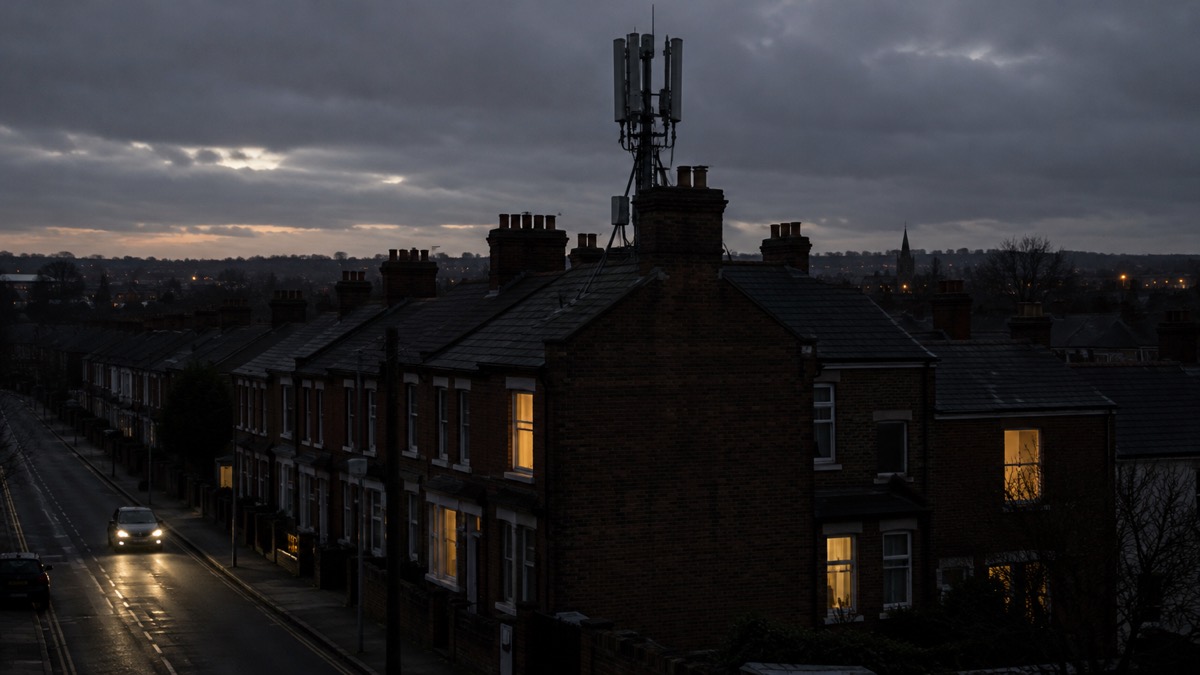
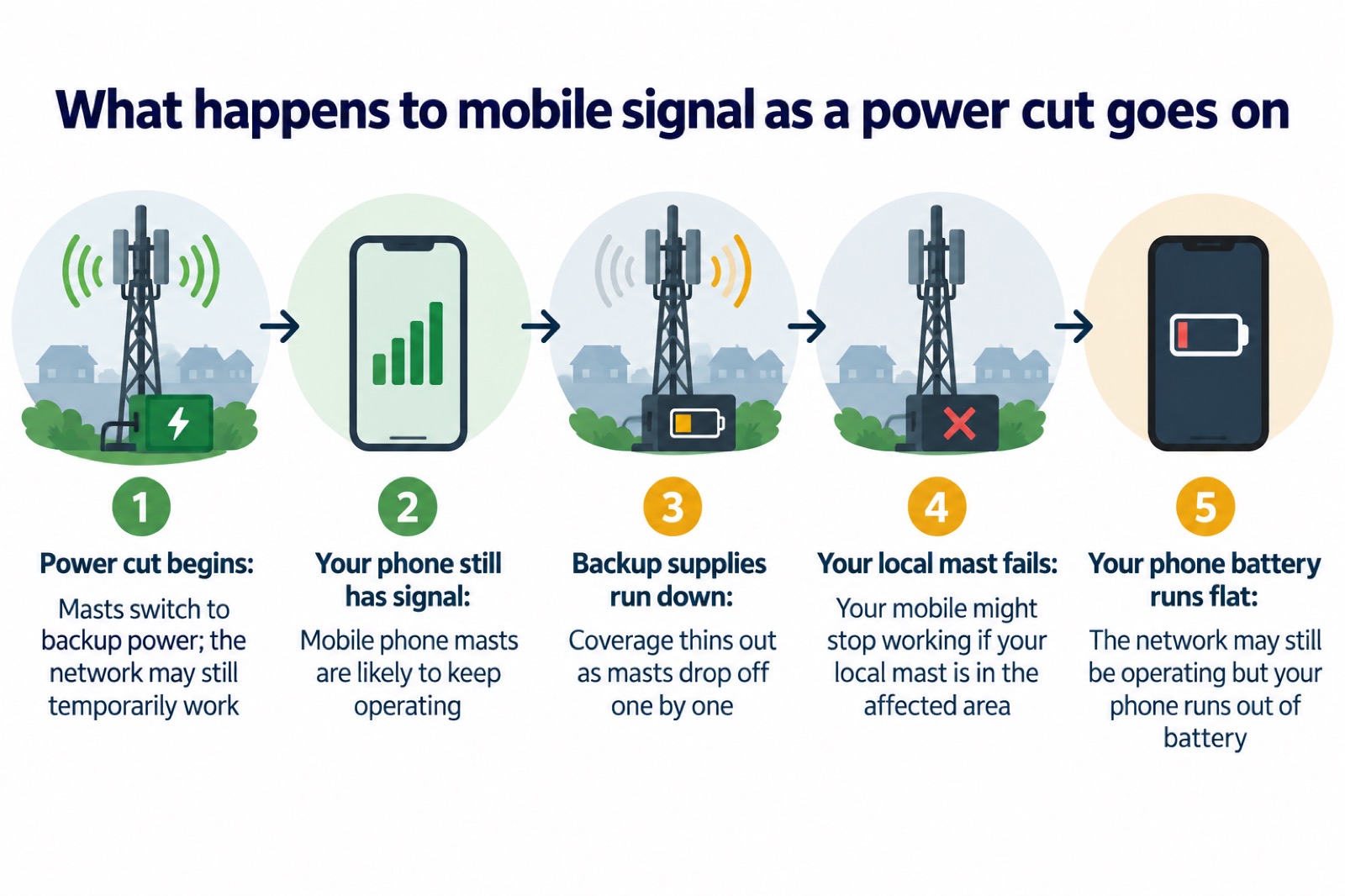
In most short power cuts, your mobile phone keeps working. Mobile phone masts are likely to keep operating during a power cut, often on backup power in specific regions, so the signal you rely on every day usually survives a brief outage1. The catch is that this does not last indefinitely: your mobile phone might stop working if your local mast is itself in the affected area, and as a long cut goes on, coverage can drop as masts run down their backup supplies3.
That means the practical answer for a household is twofold. First, keep your phone charged and have a way to top it up without mains power, because the network may still be operating even though your phone runs out of battery4. Second, know the fallbacks: a 999 or 112 call will automatically try to connect through another mobile network if your own has no signal, and 105 is the free number to call about the power cut itself5.
This page explains what happens to mobile signal during a power cut, how to keep your phone usable, what happens to your landline and broadband, and where to turn when the signal drops. It sits alongside our wider guide to staying informed and in touch in an emergency.
Does mobile signal work in a power cut?
Usually, yes, at least at first. Mobile phone masts are likely to keep operating during a power cut, and official guidance notes that the mobile phone network may still temporarily work in specific regions with backup power1. So for a short cut, the most common experience is that your phone carries on as normal and you may not notice anything has changed on the network side.
The failure mode is different from what most people expect. The problem is rarely that the whole network collapses at once. It is that individual masts, or the connections between them, lose power or exhaust their backup supplies one by one. Your mobile phone might stop working if your local mast is in the affected area, which means two neighbours on different networks, or even the same network but served by different masts, can have completely different experiences during the same cut3. This patchiness is why you may have one bar of signal, or a signal that comes and goes, while someone a street away has none at all.
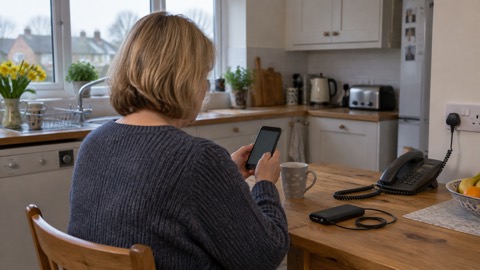
The other half of the problem sits in your hand rather than on the mast. The mobile phone network may still be operating during a power cut even though your phone runs out of battery, because you have no way to charge it at the wall4. A working mast is no use to you with a flat phone, which is why the single most useful thing you can do before any storm or cut is charge everything you own that holds a charge.
It is also worth remembering that a power cut is not the only way to lose communications. You could still lose access to communication services due to a power cut or a problem affecting your service provider, so a network fault can leave you without signal even when your electricity is fine8. Our guide to what to do when phones and the internet go down covers that situation.
Why coverage can drop as a cut goes on
Masts do not run on mains power alone. When the electricity fails, they switch to backup power, and official guidance describes the network as still working temporarily on that backup in affected regions2. The word that matters is temporarily. Backup supplies are finite, and as a long power cut goes on, masts that have been running on batteries begin to drop off, so coverage thins out rather than vanishing all at once.
What this means in practice for your household:
- Use your phone early. If the cut is likely to last, check on people, report the cut and gather information while your battery and signal are still there.
- Text as well as call. A short text can get through on a weak or congested connection where a voice call will not, and it does not need both of you to be free at the same moment.
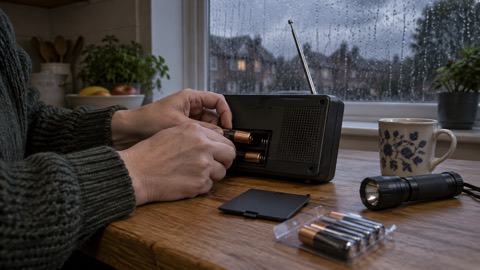
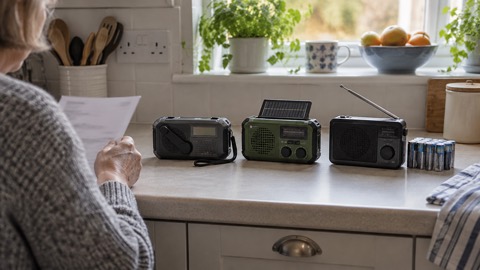
- Plan for the worst case. If you rely entirely on your mobile, have a second way to get information, such as a battery or wind-up radio. Our guide to emergency radios explains the options.
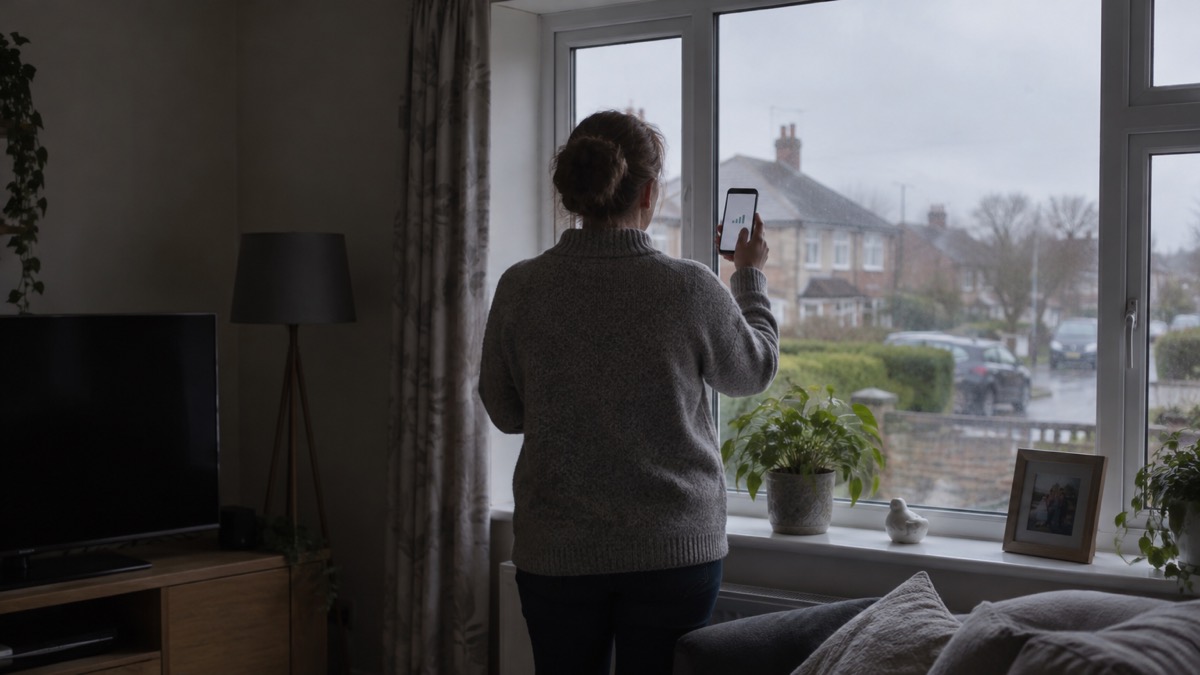
Storms make all of this more likely, which is why the official storms advice is to charge mobile phones, power banks and any back-up batteries for medical equipment in case there is a power cut, before or when a storm is forecast9. The Met Office winter preparation advice goes further and suggests storing key information such as the power cut helpline number, 105, on your phone, together with a separate battery charger, so the numbers you need are not trapped behind an internet search you cannot run10.
Keep your phone charged before and during a power cut
The Met Office is blunt about this: make sure you keep your mobile phone charged so you can make calls in case of an emergency7. Anglesey Council's winter readiness advice says the same, because having your mobile charged means you can call for support if needed11. It is a preparation you can make at any time, and it costs you nothing until the day it matters.
Build the habit around forecasts rather than around luck:
- When a storm is forecast, charge mobile phones, power banks and any back-up batteries for medical equipment, as the official storms advice recommends9.
- In snow and cold weather, keep your mobile phone charged and any battery packs you may have, as North Yorkshire Fire and Rescue Service advises12.
- Every so often anyway, top up your phone and power bank so they are never near empty overnight.
Once the power is off, switch from charging to conserving. Turn the screen brightness down, switch off anything you are not using, and avoid using the phone as your entertainment, because every minute of screen time is minutes of call time you will not have later. Our page on how to save your phone battery in a power cut goes through the settings in detail.
For topping up without mains, Scottish Borders Council's resilience advice is that a small power bank, charged regularly, can help power your mobile phone in a power cut13. Keep it charged and keep a cable with it. A car can also serve as a charger if you have a suitable cable, but if you run the engine to charge, do it in the open air, never in a garage or with the exhaust blocked, because of carbon monoxide. Our backup power at home guide covers larger options if you want more than a phone charge.
Landlines and broadband phones stop working without power

If your home phone is part of your fallback plan, check what kind of line it is on, because the old assumptions no longer hold for every household.
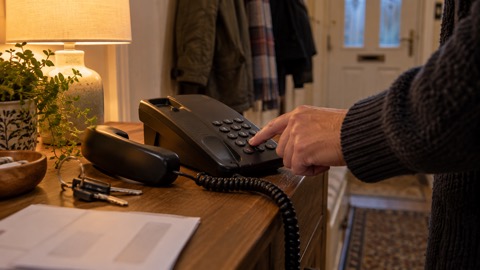
A traditional corded landline phone, plugged into an old-style analogue line, might still be working in a power cut, because the line itself carries the power the phone needs3. That is why community resilience advice suggests keeping an analogue phone that can be connected in your house, as this will still work if a power cut impacts the mobile network14. Westminster Council's long-standing advice makes the same point from the other direction: have at least one standard landline telephone in the house, as cordless telephones will not work in a power cut, because their base station needs mains electricity16.
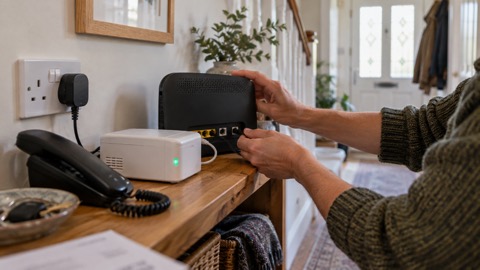
The complication is the digital landline switchover. Digital landlines cannot carry an electrical power connection, so in the event of a power cut they will not work, as Argyll and Bute Council puts it17. South Gloucestershire Council states it plainly: digital landlines do not work during power cuts18. Ofcom, the regulator, explains that digital landlines need mains electricity and will not work in a power cut unless there is a battery back-up5. If your phone service comes through your broadband router rather than a traditional socket, it is a digital line, and it will go silent when the power does, along with your broadband.
| Phone type | Works in a power cut? | Why |
|---|---|---|
| Corded phone on an analogue line | Often yes | The line itself carries power to the phone3 |
| Cordless phone (any line) | No | The base station needs mains electricity16 |
| Digital landline through a router | No, unless it has battery backup | Digital landlines need mains electricity5 |
There is help available. If your landline will not work during a power cut, your landline provider might offer you a free solution, such as a back-up battery unit, for a minimum of one hour, that would enable you to call the emergency services during a power cut if you needed to3. Ofcom's guidance on vulnerable customers says that where you have an analogue landline, your communication provider must provide a free back-up battery unit, meaning the landline would work for at least an hour during a power cut, and many batteries now last much longer20. If your only way of making emergency calls is through a landline phone, or you have a telecare kit connected to your landline, contact your landline provider to understand whether your phone will work during a power cut3. Our pages on the digital landline switchover and getting a free battery backup walk through this in detail.
Making emergency calls when your own network has no signal
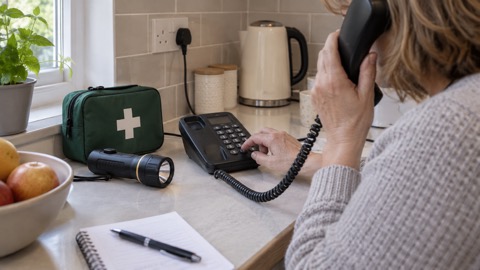
This is the fact most worth remembering from this page. Ofcom's advice is that even if you have no signal on your usual mobile network, calling 999 will automatically connect through another mobile network if one is available5. Emergency calls roam onto all available networks, so a phone showing no bars on its own network can still get through to 999 if any other network's mast is within reach3.
So if you have a life-threatening emergency during a power cut, and you have no working landline, the advice from the Prepare campaign and Greater Manchester Combined Authority is the same: attempt to call 999 or 112 using a mobile. You might receive signal from a nearby area that is not affected, because emergency calls automatically roam onto all available networks3. Try it even when the phone tells you there is no signal.
The Prepare campaign's phone and broadband outage advice adds a further step: if you cannot reach 999 or 112, try calling from both a mobile and a landline, as if one is disrupted then the other may be available20. Between the two, and the automatic roaming of emergency calls, you have three separate routes to the emergency services before you need to consider anything else.
For anything that is not a life-threatening emergency, the number you want is 105. Dorset Prepared's advice is simple: in a power cut call 105 from your mobile or landline6. It is free, it connects you to your local electricity network operator, and it is how you report the cut and hear estimated restoration times. Our guide to non-emergency numbers covers 101 and NHS 111 as well.
If you are deaf or cannot use a voice phone, there are registered ways to reach emergency services by text and video relay. See our guides to emergencySMS and 999 BSL and Relay UK.
Wi-Fi calling: one fallback with a catch
Wi-Fi calling lets your mobile make calls over your broadband connection instead of the mobile network. Ofcom's severe weather advice is to turn on Wi-Fi calling in your settings on your mobile device, to allow calls over your broadband if your mobile network is unavailable22. The Prepare campaign's outage guidance says the same: if your mobile network is down but you have a working internet connection, you may still be able to make calls over Wi-Fi by enabling Wi-Fi Calling on your device20.
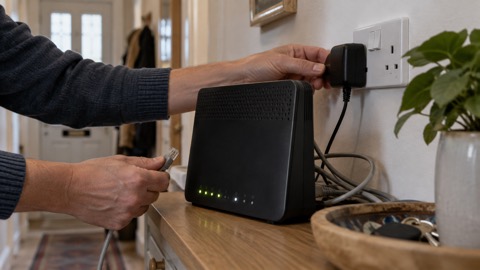
The catch in a power cut is obvious once you think about it: your broadband usually needs mains electricity for the router, so if the power is out at your house, the Wi-Fi is out too. Wi-Fi calling helps when the mobile network is down but your broadband is fine, for example during a network fault or a mast failure that does not affect your electricity. It is worth switching on now, before any emergency, because it is one more route that costs nothing. Our pages on Wi-Fi calling, keeping your router running in a power cut and broadband outages cover the details.
Emergency Alerts: how warnings reach your phone
The UK Government's Emergency Alerts service warns you about serious nearby threats to life through your mobile phone or device23. Alerts are sent using mobile phone networks to compatible mobile phones and tablets in a specific geographical area24. They are sent to compatible 4G and 5G mobile phones within an area of risk, they do not need your location or phone number, and only the government and emergency services can send them25. The system works by using the cell tower your phone is connected to: all towers in the area broadcast the alert, and the Government does not need to know the specific location or personal data on your device23.
When an alert arrives, your phone or tablet might make a loud sound even if it is set to silent, vibrate, and read out the message26. The alert can work with screen magnification, may read the message out and override volume settings, and the noise should be audible to hearing aid users27. You do not need Wi-Fi or mobile data to receive one, only a connection to a UK 4G or 5G mobile network24.
Because alerts travel over the mobile network, a power cut that takes down the masts in your area also takes down this warning channel. That is one more reason to keep a battery or wind-up radio as a backup way of receiving news and warnings, and our page on where to get official warnings and news lists the sources.
If you or someone in your household has no compatible mobile phone, the existing procedures still apply: those without a mobile will still be made aware through the news and local emergency services25. The official factsheet advises identifying someone living nearby who can inform you of any Emergency Alerts27. Our guide to how to get emergency warnings without a mobile phone expands on this.
The 3G switch-off and older phones
Mobile providers began switching off 3G networks in 2025, which matters here for two reasons. First, older phones that rely on 3G lose service altogether, not just during power cuts. Second, the official Emergency Alerts factsheet notes that alerts work on all 4G and 5G phone networks widely used by smartphones, but will not include older non-smart phones, and the 3G technology they use is being switched off23.
Denbighshire Council's guidance adds a practical detail: phones released before 2015 are likely to require some changes to the settings to receive alerts, and phones must have the latest software update28. If you carry an older handset, or you are preparing on behalf of a relative who does, check the software is up to date and that the phone is 4G capable.
Ofcom does not have a formal role in the 3G switch-off, but it expects mobile providers to give adequate notice, ensure communications are simple and clear, use a range of communication methods and formats, provide extra help to customers that need it, particularly people struggling financially, and provide information about roaming when travelling abroad30. Providers are expected to notify affected customers by text message or email, with information on their website and more reminders as the switch-off gets closer30. If you have received messages from your provider about 3G, take them seriously rather than assuming they are marketing. Our page on the 3G switch-off lists which phones and alarms stop working.
Telecare alarms and people who need extra help
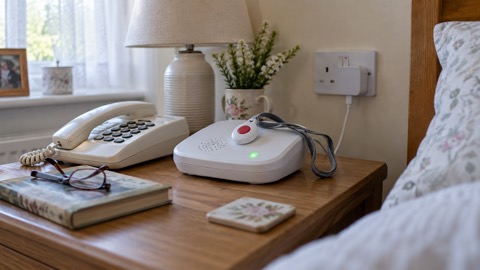
If you have a personal alarm, sometimes called a telecare device, or other connected equipment monitoring your health such as a diabetes sensor, the official advice is to speak to your device provider or manufacturer to understand how they will function during a power cut3. The Prepare campaign's phone and broadband outage guidance says the same: check with the provider or manufacturer how your devices work if the network is down20.
The Government's Telecare National Action Plan sets out why this matters. Many digital telecare alarms have an in-built roaming SIM, meaning they will connect to a mobile phone mast in the event of a mains power cut. But an alarm can still fail during a power cut, for example if it does not have an internal battery, if that battery runs out of power, or if it is connected via a router that does not have a battery back-up. Knowing which of these applies to your own alarm, before an emergency, is the whole point of asking.
Help is available for people who need it. Ready Scotland's advice for disabled people and carers is that a provider will assess your needs and may provide a free battery backup and have engineers test it, so care alarms and other important devices continue to work during a power cut31. The Be Ready campaign for disabled persons and carers repeats the landline entitlement described above: if your landline will not work during a power cut, your landline provider might offer you a free solution, such as a back-up battery unit, for a minimum of one hour19. If you have no other means of calling the emergency services, your telecoms provider will offer a solution to allow calls to be made17. Our guides to telecare and personal alarms, extra help from providers and extra help in an emergency set out how to ask and what to expect.
Where to get updates and help during a power cut
Once the cut has started, use battery-powered devices to find information. Dorset Prepared's advice is that if you are experiencing a power cut at the moment, use a mobile phone, tablet or another device that runs from battery power to visit the power cut page and report it1. Anglesey Council notes you may be able to get direct messages to your mobile device that will update you about a power cut, if you have signed up to your network operator's notification service in advance11.
The places to turn, in rough order:
- Call 105 from a mobile or landline to report the cut and hear restoration information6.
- Check your network operator's website and social media. Energy Networks' advice is that social media and your local network operator's website are the best places for key updates and restoration times in storms or emergencies, so follow your operator before the next storm32.
- Listen to local radio on a battery or wind-up set if the mobile network is down, since radio transmitters often keep running when masts do not. Our page on which radio stations to tune into during a power cut lists them.
- Rely on news and local emergency services for warnings if you have no working mobile, as the Emergency Alerts guidance confirms is the fallback25.
Before any of this is needed, the preparation is modest: keep the phone charged7, keep a power bank charged13, store 105 and your key numbers on the phone and on paper10, and know which of your phones will actually work when the mains fails. Our getting your mobile phone ready for an emergency page and the checklist of what to keep charged before a power cut turn that into a routine you can do this week.
Sources (32)
- Power outages, Dorset Prepared, 2024-04-03
- Power cuts: be informed about hazards, Be Ready Campaign, 2026-10-21
- Power cuts: be informed about hazards, Prepare Campaign, 2026-10-21
- How to prepare for the loss of electricity, Wiltshire and Swindon Prepared, 2026-10-25
- Future of landline calls, Ofcom, 2026-08-26
- Protect yourself and your family, Dorset Prepared, 2026-04-21
- What to do in a power cut, Met Office, 2026-10-25
- Planning for phone and broadband outages, Wiltshire and Swindon Prepared, 2026-10-25
- Storms: be informed about hazards, Prepare Campaign, 2026-10-19
- 10 things you should do now to prepare for winter, Met Office, 2026-10-25
- Winter ready, Isle of Anglesey County Council, 2026-10-25
- Staying safe in the snow, North Yorkshire Fire and Rescue Service, 2023-03-09
- Be more resilient in 30 simple ways in 30 days, Scottish Borders Council, 2026-10-29
- Community Risk Register, West Yorkshire Prepared, 2025
- Power cuts, West Yorkshire Prepared, 2026-10-29
- Prepare your household for emergencies, Westminster City Council, 2014-04
- Digital phone switchover, Argyll and Bute Council, 2026
- Switchover to digital landlines, South Gloucestershire Council, 2026
- Advice for disabled persons and carers, Be Ready Campaign, 2026-10-20
- Phone and broadband outages: be informed about hazards, Prepare Campaign, 2026-10-12
- Loss of essential services: prepare yourself, Greater Manchester Combined Authority, 2026-10-29
- Stay connected in severe weather, Ofcom, 2026-10-13
- Frequently asked questions about Emergency Alerts, UK Government, 2023
- Emergency Alerts service, Croydon Council, 2026
- National Emergency Alerts, Warwick District Council, 2026-10-29
- Emergency Alerts: easy read, UK Government, 2025-09
- National Emergency Alerts factsheet, Lydiard Tregoze Parish Council, 2023-04
- Emergency alerts, Denbighshire County Council, 2026-10-26
- National Emergency Alerts factsheet, Saltford Parish Council, 2023-04
- Emergency video relay and accessibility, Ofcom, 2023-03-31
- Disabled people and carers, Ready Scotland, 2026-10-25
- Power cut help, Energy Networks Association, 2026-10-25
 Free Alert Services
 Emergency Apps
 Digital Switchover Checklist
 When Phones and Internet Fail
 Official Warnings and News
 Emergency Radios
 Telecare on Digital Phone Lines
 Broadband Outages
 Router and Hub Power Cuts
 Wi-Fi Calling
 Satellite Messaging and SOS
 Satellite Messengers
 Calling 999 and 112
 Non-Emergency Numbers
 Getting Your Phone Ready