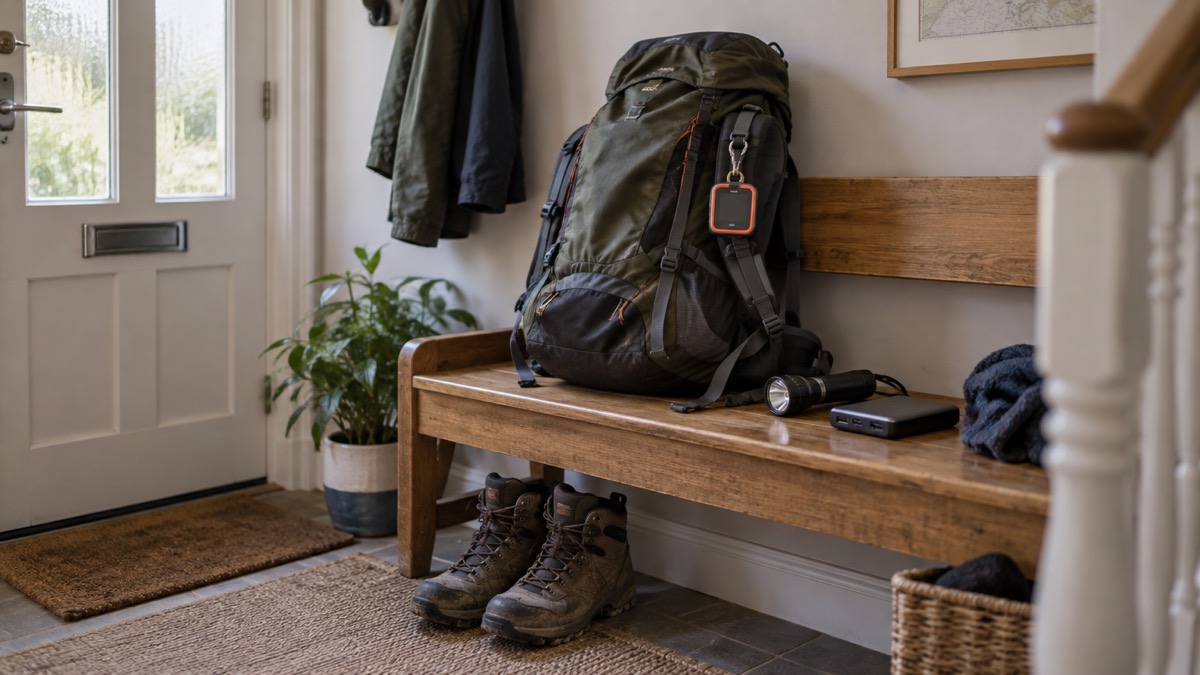
A satellite messenger is a small dedicated device that sends and receives text messages, and can raise an SOS, over a satellite network when your mobile phone has no signal at all. It is the tool people reach for in the places and moments where ordinary networks fail: a glen with no coverage, a power cut that has taken the masts down, a storm that has knocked out broadband for days. It is not a phone replacement and it is not broadband: it passes short messages, slowly and deliberately, over a network built to keep working when nothing else does.
The network behind most dedicated messengers is Iridium. Its signal can be blocked by tall buildings, trees, landforms, devices that operate on similar frequencies and even your own body, so a clear view of the sky matters more than anything else about how you hold or place the device1. The device itself needs an active service plan to transmit anything at all, and the maker of the ZOLEO communicator, one of the best known examples, requires a 90-day minimum term before the plan can be suspended or cancelled without penalty1.
This page explains what a satellite messenger does, what happens after you press the SOS button, what the service commitments look like, what a monitored SOS service can and cannot promise, and how to get your household ready to use one. If you are weighing a dedicated device against the satellite SOS features now built into some phones, our comparison page Satellite Messenger or Phone Satellite SOS sets the two side by side.
What a satellite messenger does when there is no phone signal
Start with what actually fails in an emergency, because that decides whether a satellite messenger is worth having. Ofcom's advice on staying connected in severe weather sets out the sequence. If your phone shows signal but calls will not connect, try sending a standard text message: texts might still get through even if the mobile network is extremely busy, and using them helps reduce the pressure on the network2. That is the first thing to try, and it costs nothing. Only when there is no signal, or the network is down entirely, does a satellite messenger earn its place in your kit.
UK Government preparedness advice makes the same point from the other direction. It notes that some mobile phones can use Emergency SOS on iOS and Satellite SOS on Android to contact the emergency services by satellite where no mobile networks are available3, and it suggests practical fallbacks for everyone: download or print maps so you can navigate without internet access, since your smartphone's GPS may still work with no signal but map apps need pre-downloaded maps to show routes4. A dedicated messenger sits at the top of that ladder of fallbacks: it works when the phone's own satellite features are absent, exhausted or unsuited to keeping a household in touch.
What it gives you is messaging, not calls. Short texts to family, check-in messages that say where you are, and an SOS button that raises help. For a household, that covers the two things that matter most in a communications outage: telling people you are safe, and calling for assistance when nobody can ring 999. Our page on What to Do When Phones and the Internet Go Down covers the full sequence of fallbacks, and Satellite Messaging and SOS on Phones covers what a phone alone can do.
One group should think about this earlier than most. The Met Office advises people using a digital landline who do not have a mobile phone, or who live in an area with poor or no mobile signal, to speak to their communications provider about additional support in advance5. If that describes your household, a satellite messenger is one of the options worth weighing alongside the provider's own backup measures, and our page on Extra Help From Phone and Broadband Providers explains what to ask for.
How fast messages get through: a few minutes, not a few seconds
Set expectations before you buy, because the speeds involved are very different from anything a mobile phone user is used to. The maker of the ZOLEO communicator states that if the device does not have a clear view of the open sky, it may take a few minutes to connect with the satellites passing overhead1. With a clear view it connects faster, but this is never an instant medium. Plan on messages taking minutes, and in the worst case longer, and you will not be caught out.
For comparison, here is how the main ways of getting a message out behave, according to official guidance and the maker:
| Method | Typical delivery time | Depends on |
|---|---|---|
| UK Government Emergency Alert | About 4 to 10 seconds after the alert is sent6 | Your phone being switched on and in the alert area |
| Standard text message (SMS) | Can take up to 48 hours6 | Network capacity; texts may get through when calls cannot2 |
| Satellite messenger | A few minutes to connect when the sky view is obstructed1 | A clear line of sight to the sky |
Two things follow from this. First, a satellite messenger is for deliberate communication, not conversation: send the message that matters, then wait. Second, the delay is not a fault in the device. It is the physics of talking to satellites that are moving at more than 30,000 kilometres an hour1 and are not always directly overhead when you press send.
Battery behaviour is tied to the same patience. The maker advises that the less often your device checks for messages, the longer its battery will last1. A device set to check rarely will run for longer between charges but will pick up replies more slowly. Before a trip or a storm season, decide which matters more and set the check interval accordingly, and make sure everyone in the household knows where to see the battery level.
A clear view of the sky decides everything
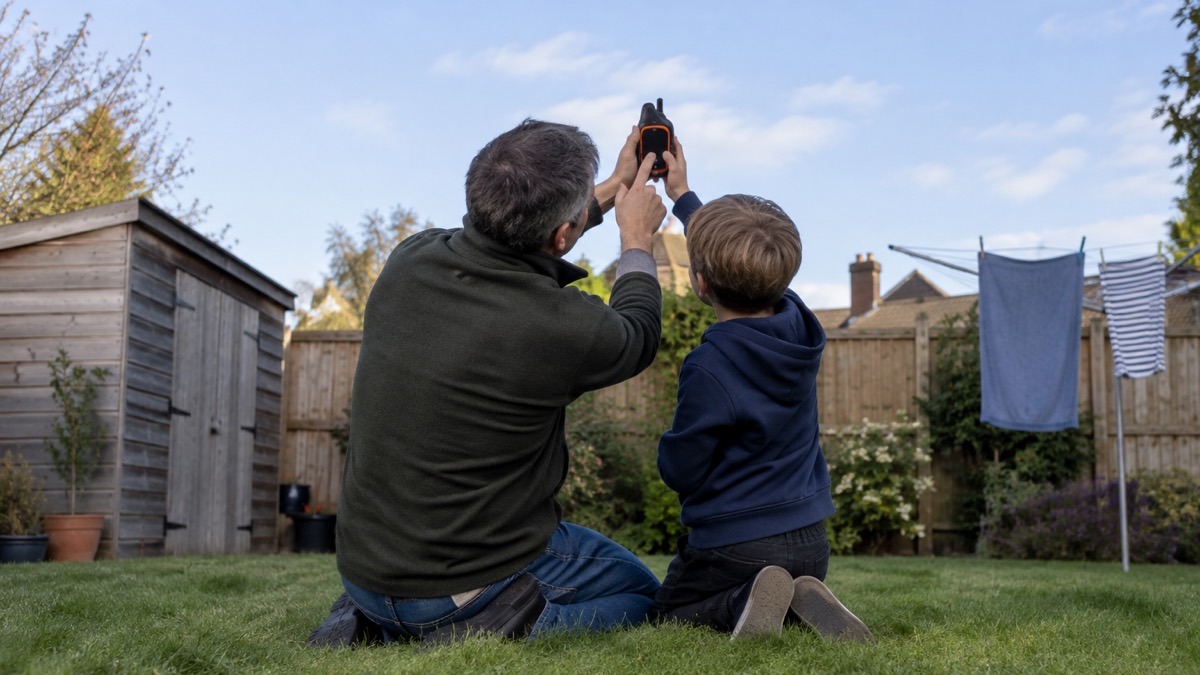
The single most important instruction for using a satellite messenger comes from the maker itself: position the device face up with its blinking lights pointed toward the sky to ensure a clear line of sight1. That is worth repeating to everyone who will use it, because it is the difference between a message leaving in seconds and the device hunting for several minutes.
What blocks the signal is solid material between the device and the sky. Buildings, trees, deep valleys and vehicle roofs all obstruct the line of sight. The maker's guidance is blunt about the consequence: an obstructed sky view is what turns a quick connection into a wait of a few minutes1. Outdoors, find open ground. In a vehicle, get out if it is safe to do so. At home during a power cut, a windowsill or a spot in the garden beats an interior room.
What does not block the signal is weather. The maker states that the Iridium satellite network is not affected by poor weather including heavy cloud cover, fog, rain or snow, or by natural disaster events like bushfires, earthquakes, storms and floods1. This is the technology's great strength for UK households: the storms that bring down power lines, flood roads and knock out mobile masts are exactly the conditions the satellite network shrugs off. A messenger is arguably most useful on the worst weather day of the year, which is precisely when you would not want to depend on a mobile network alone. Our page on Mobile Networks in a Power Cut explains why masts fail when the electricity does.
Sending an SOS: what happens after you press the button
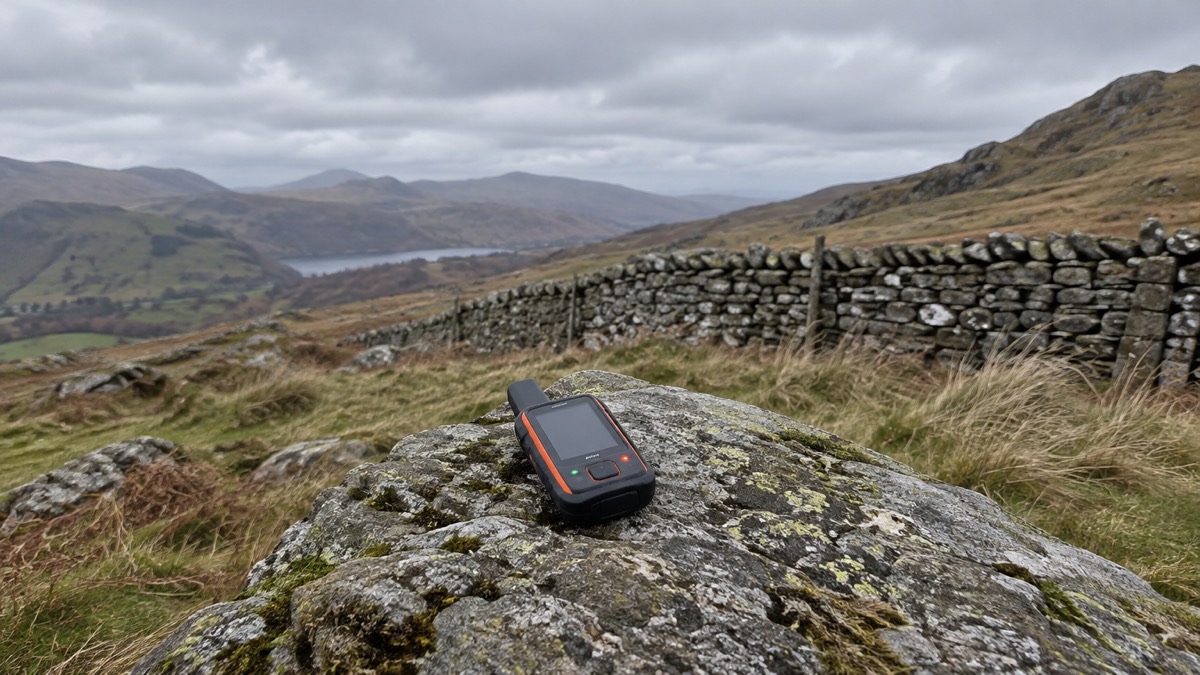
An SOS on a satellite messenger is not a direct call to 999. It goes to a monitoring service, and understanding that chain is the difference between trusting the button and misunderstanding it. The clearest official description of how monitored emergency buttons work comes from the telecare sector. Warwickshire County Council describes the process for monitored personal alarms: pressing the alarm, or a sensor detecting a problem, makes the lifeline call the control centre, where a trained member of staff assesses the situation, checks if you are okay and takes appropriate action, which could include calling a family member, a friend or the emergency services7. A satellite messenger's SOS works on the same pattern: a staffed centre receives the alert, sees your location and your message, and decides what to dispatch.
That human step is a feature, not a delay. It means the person who responds can read a message you have typed, see who you are, and escalate appropriately. It also means the service can reach people besides the emergency services: a family member or a friend, exactly as the telecare model allows7. When you set up the device, you will normally nominate those contacts, so choose people who will answer an unknown number and can act on your behalf.
The same monitored-button pattern already exists in other parts of daily life, which is useful for explaining it to a household. National Highways describes the eCall system in cars: it can be manually activated by the driver or passenger by pressing a button, known as the eCall SOS button, and you should press it to manually trigger the emergency call system if your vehicle sensors fail to activate the feature automatically8. Our page on What the SOS Button in Your Car Does covers that system in full. The lesson common to all of these is the same: the button is a request for help that a person or system then acts on, not a guarantee that a particular ambulance is already moving.
For people with additional communication needs, UK Government guidance is to continue using established accessibility services where available to contact the emergency services, including Relay UK, emergency SMS and 999 BSL4. The North East Ambulance Service notes it has recently launched a BSL video relay service that allows paramedics to access a British Sign Language interpreter at the scene of an incident or at home9. If anyone in your household relies on these services, register for emergencySMS and 999 BSL and Relay UK in advance, and treat the satellite messenger as an addition to them, not a replacement.
Cancelling a false alarm
Sooner or later, someone will press the button by mistake, and how you cancel matters. The principle that runs through all official false-alarm guidance is: cancel deliberately, through the proper route, and never disable the device to stop it. The fire and rescue services give the clearest instruction on this pattern, for smoke alarms. Dorset and Wiltshire Fire and Rescue Service advises that in the event of a false alarm you press and release the central test button to pause the alarm, and it will automatically return to full sensitivity within 10 minutes10. Devon and Somerset Fire and Rescue Service gives the same instruction, that the alarm will automatically return to full sensitivity within 10 minutes11. Manchester Fire and Rescue Service adds that if your smoke alarm goes off by mistake and there is no fire, you can silence the alarm by pressing the same test button, and it will automatically reset12.
"If your smoke alarm goes off by mistake, do not take out the batteries."
Apply the same thinking to a satellite messenger. Do not switch the device off, drain its battery or hide it in a drawer to stop an SOS you did not mean to send: that leaves the device useless for the real emergency later. Instead, use the cancellation procedure the maker provides, and if the SOS has already reached a monitoring centre, expect to have to confirm to a real person that you are safe. With ZOLEO, the coordination team at Global Rescue receives your alert and location, confirms it, and works to contact the appropriate authorities to help dispatch assistance7, so answer any call or message that follows. A monitoring centre that has received an SOS and cannot reach you will treat that as a reason to escalate, not to stand down.
Practise the cancellation before you need it, in the same session where you practise sending. Everyone who might press the SOS button should also know how to un-send it, and both actions should be second nature before the device goes into a rucksack or a grab bag.
Service plans: a 90-day minimum, then suspend when not needed
A satellite messenger is not a one-off purchase. The maker of the ZOLEO is explicit that the device requires an active service plan to transmit messages over the Iridium satellite network1. Without a plan, the hardware does nothing, however good its battery and antenna. Budget your thinking accordingly: the commitment is ongoing, not just the device.
The terms are more flexible than many subscriptions. The maker states that ZOLEO offers flexible plans that can be changed at any time and suspended or cancelled without penalty any time after the initial 90-day minimum term1. That 90-day minimum is the key figure for a household deciding how to use one. A realistic pattern for a UK family is to activate the plan for the season or the trip when you actually need it: a walking holiday, a winter of storms, a period when a vulnerable relative is relying on you. After the first 90 days, you can suspend the plan for the months the device sits in a drawer, and reactivate it when the next need comes.
Read the plan's details before signing, and check three things with any provider: what the minimum term is, what suspending the plan does to your device settings and contacts, and what happens to SOS monitoring while the plan is suspended. The maker's own terms are the authority on its own product, so go to them rather than to a retailer's summary. Our page on the ZOLEO Satellite Communicator covers that device in detail.
What a monitored SOS service cannot promise
Be clear-eyed about the limits, because they shape how you use the device. The most important limit is stated in UK Government preparedness guidance: during a widespread communications outage, established accessibility services may themselves be affected, in which case people should seek help directly from emergency responders or go to their nearest police station, fire station, ambulance station or hospital4. The same logic applies to any monitored service: the satellite link from your device is robust in bad weather1, but the monitoring centre, its phone lines and the responders it calls all sit on ordinary infrastructure that an emergency can strain. A satellite messenger greatly improves your odds of raising help; it does not guarantee a particular response time or a particular rescue.
The second limit is that no official body will tell you which device to buy. The Scottish Ambulance Service states plainly that it is unable to recommend a specific make or model for your community's needs14. That is the honest position of the emergency services across the board: the choice of a satellite messenger is yours, and it should be made on your household's circumstances, not on a recommendation you might assume carries official weight.
The third limit is coverage of the whole household's needs. A messenger handles text and SOS. It does not receive Government Emergency Alerts, which are sent to mobile phones and tablets based on your current location15, and which make a loud siren-like sound, vibrate and read out the alert even if the phone is set to silent16. Keep a working mobile phone in the household for alerts, and see our pages on Emergency Alerts and How to Get Emergency Warnings Without a Mobile Phone for the full picture. A messenger is one layer in a stack, alongside a radio, a phone and a contact plan.
Satellite broadband as a backup connection
A related option, and one worth understanding so you do not confuse it with a messenger, is satellite broadband for the home. Ofcom's advice is direct: if your broadband often goes down, you might want to consider satellite internet as a backup, especially if you live in a rural or remote area2. This is a dish on your property delivering a full internet connection, not a pocket device sending texts. It suits a different problem: a household whose land-based line fails repeatedly, rather than a household that needs emergency messaging on the move.
UK Government preparedness advice adds nuance. It notes that fixed satellite broadband, using a satellite dish, and new satellite services that connect directly to mobile devices can sometimes help you stay connected when land-based networks are down, but availability and performance can vary, so ask providers what options might best fit your needs4. The words "sometimes" and "can vary" are doing real work there: satellite broadband is a genuine option, not a guaranteed one, and the only way to know what it would do at your address is to ask providers directly.
For most households the practical division is this. If your need is keeping the whole home online through repeated outages, look at satellite broadband and at our page on Broadband Outages. If your need is being able to call for help and tell family you are safe when every network is down, a satellite messenger is the tool that does that job, and it does it from a pocket.
Getting the household ready: test it and show everyone
A device nobody knows how to use is dead weight, so the preparation matters as much as the purchase. The UK Government's Be Ready campaign, launched as the first stage of a three-year campaign to help households across the UK feel better prepared, encourages small, simple steps rather than dramatic ones17, and the government has worked closely with local resilience forums across the UK to root the advice in what works for local communities17. A satellite messenger fits that spirit exactly: one device, learned properly, tested once, shown to everyone.
Do these things before you rely on it:
- Place it properly. Position the device face up with its blinking lights pointed toward the sky to ensure a clear line of sight1. Show everyone what that looks like in practice.
- Set the check interval. Remember the maker's advice that the less often the device checks for messages, the longer its battery will last1, and choose a setting that suits how you will use it.
- Practise sending and cancelling. Everyone who might use the SOS button should know both how to send a message and how to cancel a false alarm through the proper procedure, never by disabling the device.
- Nominate contacts. Decide in advance who the monitoring chain should reach, following the telecare pattern of a family member, a friend or the emergency services7.
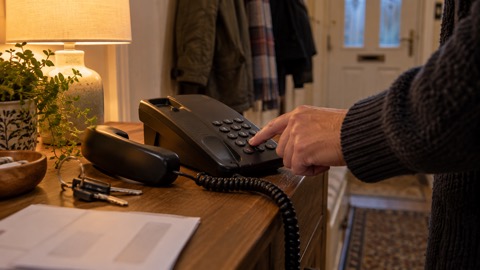
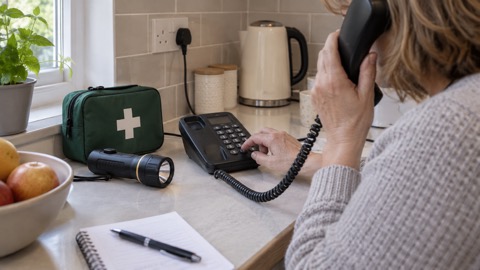
- Keep the fallbacks. Keep a corded home phone that does not need electricity, not cordless, as official guidance advises18, plus a paper list of numbers from our emergency numbers checklist, and printed or downloaded maps4.
- Plan for time away. If the device travels with you, official fire service guidance on being away from home suggests asking a trusted neighbour to move your post, or asking Royal Mail to hold your letters using the Keepsafe Service19.
Finally, keep the whole picture in view. A satellite messenger is one of the more specialised items in a household's communications kit, and it makes most sense sitting alongside the simpler layers: the emergency radio, the charged phone, the contact plan and the knowledge of how to call 999 when your network is down. Our section guide, Staying Informed and in Touch in an Emergency, puts all of those layers in order, and Getting Your Mobile Phone Ready for an Emergency covers the steps that cost nothing and take an evening.
Sources (19)
- Getting started with satellite messaging, ZOLEO, 2026
- Stay connected in severe weather, Ofcom, 2026
- Stay connected in severe weather (Welsh), Ofcom, 2026
- Phone and broadband outages, UK Government Prepare campaign, 2026
- What to do in a power cut, Met Office, 2026
- National emergency alerts, Warwick District Council, 2026
- Assistive technology, Warwickshire County Council, 2026
- eCall driving advice, National Highways, 2026
- Your service: 999, North East Ambulance Service NHS Foundation Trust, 2026
- Problems with smoke alarms, Devon and Somerset Fire and Rescue Service, 2026
- Smoke alarms, Dorset and Wiltshire Fire and Rescue Service, 2026
- Smoke and heat alarms, Manchester Fire and Rescue Service, 2026
- Flat fire safety: stay safe, Manchester Fire and Rescue Service, 2026
- Purchasing a public access defibrillator, Scottish Ambulance Service, 2026
- Alerts and warnings, UK Government Be Ready campaign, 2026
- Get prepared for emergencies: alerts, UK Government Prepare campaign, 2026
- Households encouraged to take small, simple steps to stay prepared, UK Government, 2026
- Loss of utilities, East Cambridgeshire District Council, 2026
- While you are away, Mid and West Wales Fire and Rescue Service, 2026
 Free Alert Services
 Emergency Apps
 Digital Switchover Checklist
 When Phones and Internet Fail
 Official Warnings and News
 Emergency Radios
 Telecare on Digital Phone Lines
 Mobile Networks in Power Cuts
 Broadband Outages
 Router and Hub Power Cuts
 Wi-Fi Calling
 Satellite Messaging and SOS
 Calling 999 and 112
 Non-Emergency Numbers
 Getting Your Phone Ready