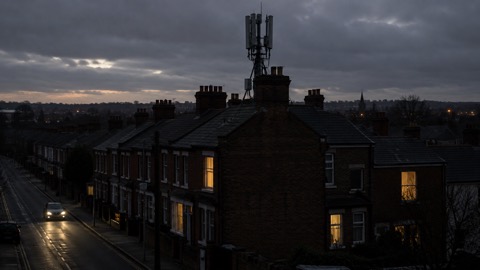
When your phone shows no signal and the broadband light has gone dead, the first thing to know is that you still have ways to reach help. If you need 999 in a life-threatening emergency, try calling from both a mobile and a landline, because if one is disrupted the other may be available, and emergency calls from mobiles automatically connect to any available mobile network1. In the most serious circumstances your mobile, landline and broadband could all be down at once, which is why it pays to have a battery or wind-up radio and a paper list of phone numbers ready before anything goes wrong1.
The second thing to know is that the government can warn you even when data services are struggling. The UK Emergency Alerts system sends messages to compatible 4G and 5G phones in an area of risk, and your phone does not have to be connected to mobile data or wifi to receive one3. Alerts arrive within about 4 to 10 seconds of being sent, appear on screen for 20 seconds, and sound a loud siren-like noise for up to 10 seconds5.
This page walks through what to do in order: reach 999, receive warnings, and stay informed until the networks come back.
Calling 999 when your phone or internet is down
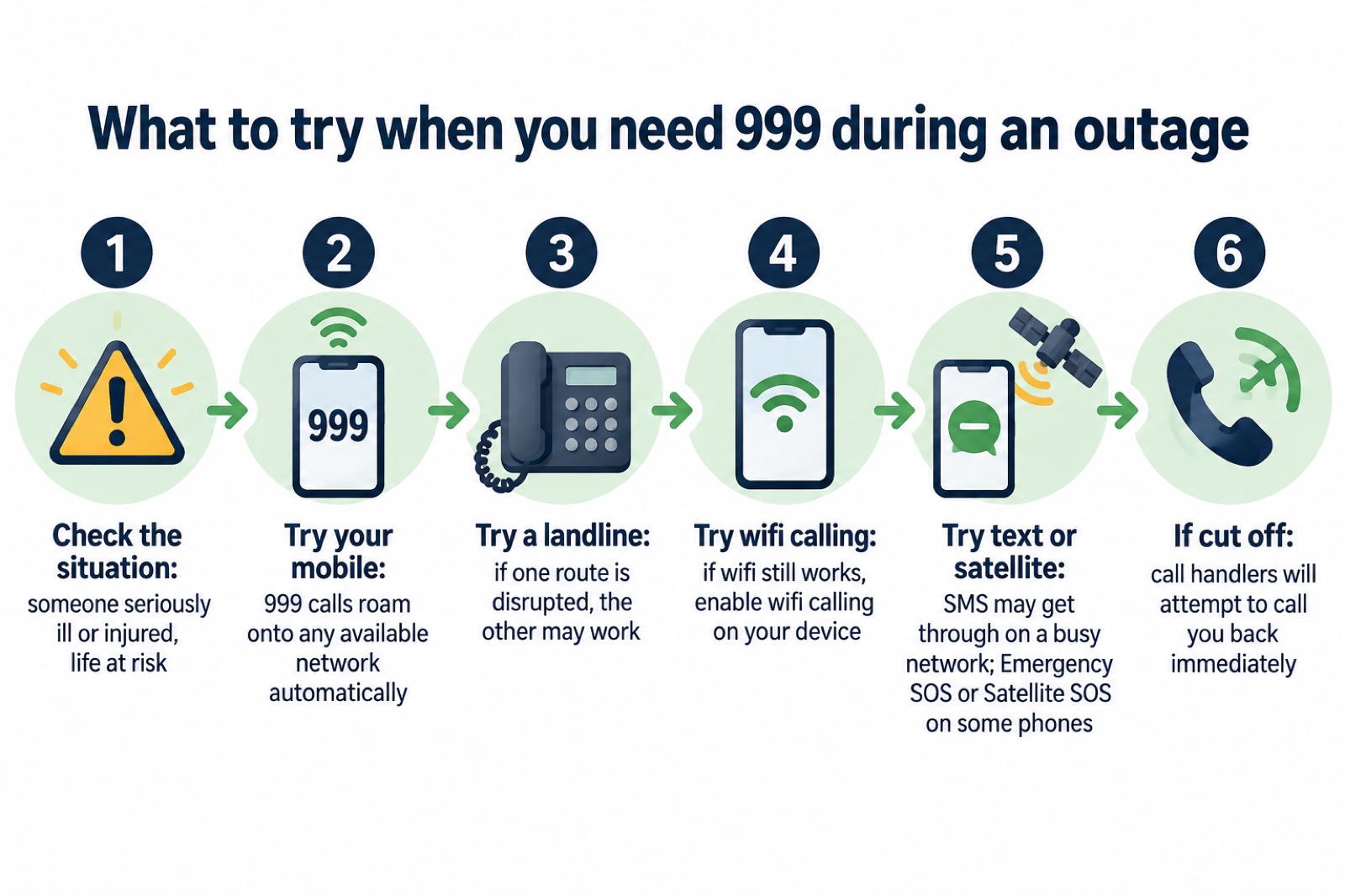
If someone is seriously ill or injured and their life is at risk, always call 9999. When you call, an operator will ask which emergency service you need; in a life-threatening medical emergency, ask for the ambulance service10. Do not call 999 if it is not an emergency, as this could delay helping someone who needs urgent assistance10.
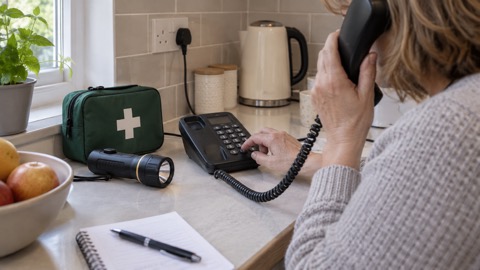
The crucial fact during an outage is that emergency calls are treated specially. Even if you have no signal on your usual mobile network, calling 999 will automatically connect through another mobile network if one is available7. Ofcom, the communications regulator, states this plainly, and it means a phone showing "no service" may still get a 999 call out, because the call roams onto whatever network is still working in your area7. If you cannot reach 999 or 112, try calling from both a mobile and a landline, as if one is disrupted then the other may be available1.
If the outage is caused by a power cut and you have no back-up power to your landline phone, or you have a corded landline, Greater Manchester's resilience guidance advises you to attempt to call 999 or 112 using a mobile: you might receive overlapping signal from a nearby area that is unaffected11. If your mobile network is down but you still have a working wifi connection, you may be able to make calls over wifi by enabling wifi calling on your device1. Some mobile devices can also use Emergency SOS (on iOS) or Satellite SOS (on Android) to contact emergency services via satellite where no mobile networks are available12.
If your call is disconnected for any reason, ambulance call handlers will attempt to call you back immediately, so stay on the line as long as you can and keep the phone free afterwards13. If your phone shows signal but calls will not connect, try sending a standard text message: texts might still get through even if the network is extremely busy, and using them helps reduce pressure on the network12.
If your landline is your only way of calling for help
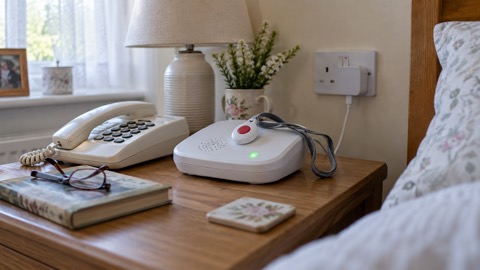
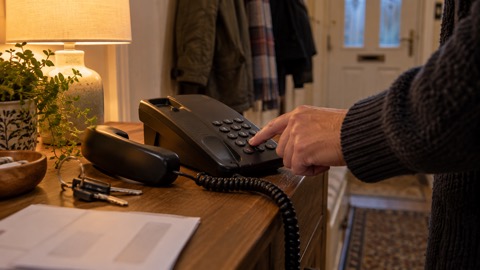
Contact your landline provider to understand whether your phone will work during a power cut, especially if it is your only way of making emergency calls or you have a telecare kit connected14. Cordless telephones need power to work, so a corded phone that draws its power from the line is the safer backup15. Northern Ireland's direct.gov guidance advises having the phone numbers you might need to hand, and notes that a non-mains powered landline telephone will help you stay in touch during disruptions to your power supply16. If your landline will not work during a power cut, your provider might offer you a free solution, such as a back-up battery unit, for a minimum of one hour17.
Emergency Alerts reach your phone without mobile data or wifi
The Emergency Alerts system enables people to be contacted via their mobile phone and tablet if their lives are at risk in an emergency8. Alerts are sent using mobile phone networks to compatible phones and tablets in a specific geographical area18. Only the government and the emergency services can send them19, and they are used to warn you about life-threatening emergencies such as severe flooding, wildfires and extreme storms19.
The point that matters during an outage: your mobile phone or tablet does not have to be connected to mobile data or wifi to get an alert4. The alert travels over the mobile network's own signalling, not over the internet, so a broadband failure does not block it. Emergency alerts work on all 4G and 5G phone networks in the UK3. After the alert is sent by the government or emergency services, the message is received on a mobile phone within about 4 to 10 seconds5.
Alerts do not need your location or your phone number, and they do not track your location, need your phone number, or collect personal data21. You will get alerts based on your current location, not where you live or work, and you do not need to turn on location services19. When you get an alert, stop what you are doing and follow the instructions of the alert22.
If you do not have a compatible device, you will still be informed about an emergency: the emergency services have other ways of warning people, and those without a mobile will still be made aware through the news and local emergency services19. Denbighshire Council advises people less likely to have a mobile to identify someone who lives near them who can inform them of any Emergency Alerts being sent5.
Which phones get Emergency Alerts, and how to check yours
Emergency alerts work on iPhones running iOS 14.5 or later, and Android phones and tablets running Android 11 or later3. All mobile phones and tablets that use 4G and 5G will get alerts4, and other phones that do not run iOS or Android may also receive them3. If you have an earlier version of Android, you may still be able to receive alerts: to check, search your device settings for 'emergency alerts'3.
Two things affect whether an alert actually arrives. First, make sure your device has all the latest software updates3. Emergency Alerts are sent to compatible 4G and 5G mobile phones within an area of risk, if they have the latest software update, and mobile phones released before 2015 are likely to require some changes to the settings23. Second, check that alerts are not switched off: search for "emergency alerts" in your phone settings and follow the instructions for your device18.
| Device | What gets alerts | What to check |
|---|---|---|
| iPhone | iOS 14.5 or later3 | Latest software update; alerts not turned off in settings3 |
| Android phone or tablet | Android 11 or later3 | Latest software update; search settings for 'emergency alerts'3 |
| Earlier Android | May still receive alerts3 | Search device settings for 'emergency alerts' to check3 |
| Other phones | Not running iOS or Android may also receive alerts3 | Check with the maker's guidance3 |
| Phones released before 2015 | Likely to need settings changes23 | Adjust settings as the guidance describes23 |
If you have medical or personal alarm devices that use phone or internet connections, check with the provider or manufacturer how they work if the network is down, for example how your personal alarm or diabetes sensor would function if mobile or broadband service is lost1. Users of telecare devices or other alerting services should be aware that their devices might not work without electricity or internet17.
When an alert will not reach you
You will not receive alerts if your device is turned off, connected to a 2G or 3G network, wifi only, or not compatible3. You may not receive alerts if your device is in airplane mode19. This matters most for people who keep a hidden or concealed phone: it is possible to opt out of the system if you need your phone to stay concealed5.
The likelihood of receiving a message in any given year is low, and the most frequent use is expected to be for flooding23. Emergency Alerts will not replace local news, radio, television or social media19, so treat them as one warning channel among several, not the only one.
What an alert looks and sounds like
You will know if you get an Emergency Alert because you will hear a loud siren-like sound and your phone will use a distinct vibration8. Your mobile phone or tablet may make a loud siren-like sound even if it is set to silent, vibrate, and read out the alert4. A message will appear on your screen telling you about the emergency and what you need to do21, and the alert will give you clear instructions of what to do to stay safe21.
The timings are fixed: the alert will appear on your device for 20 seconds, and you will hear a loud, siren-like sound for up to 10 seconds21. The sound and vibration last for about 10 seconds19. An alert will include a phone number or a link to the GOV.UK website for more information19.
When an alert arrives, your mobile phone or tablet may make a loud siren-like sound even if it is set on silent, vibrate, and read the alert out19. The sound and vibration last for about 10 seconds19. A message then appears on your screen telling you about the emergency and giving you clear instructions on what to do to stay safe19.
If you have a vision or hearing impairment, audio and vibration attention signals will let you know you have an emergency alert if accessibility notifications have been enabled on your mobile phone or tablet19. Some phones will also read out the message and can override volume settings, and Emergency Alerts use a distinct vibration type. Testing with users who have hearing aids demonstrated that the reserved tone is pronounced for those individuals in a unique way, and for those with visual impairments screen magnification will also facilitate reading an Emergency Alert5.
If you dismiss an alert and need to find it again: on Android phones, the alert may be found in the Messages app or 'Emergency Alert History'; for iPhone users, the alert will be in your notifications, and if you delete your notifications, the alert will also be deleted23.
How to tell a genuine alert from a scam text
Genuine alerts appear as a notification and include a link to gov.uk/alerts, where you can also check that an alert is genuine21. The government's advice is simple: visit gov.uk/alerts for more information and to check that an alert is genuine4. If in doubt, go to gov.uk/alerts or contact neighbours, friends or family in the nearby area to check whether they have received it too5.
Only the government and the emergency services can send Emergency Alerts19, and alerts will only be sent by the emergency services and government departments, agencies and public bodies that deal with emergencies19. A text message asking you to click a different link, reply with personal details, or make a payment is not the Emergency Alerts system. The system does not need your phone number and does not collect personal data5, so anything requesting those things should be treated with suspicion and checked at gov.uk/alerts.
If you are driving when an alert sounds
If you are driving when you get an alert, you should carry on driving. Do not pick up the phone4. You should not read or otherwise respond to an Emergency Alert while driving or riding a motorcycle: continue driving and find somewhere safe and legal to stop before reading the message21. It is illegal to use a hand-held device while driving or riding19, and the law still applies if you are stopped at traffic lights, queuing in traffic or supervising a learner driver21.
If there is nowhere safe or legal to stop close by and nobody else in the vehicle to read the alert, tune into live radio and wait for bulletins until you can find somewhere safe and legal to stop21. You can use a hand-held mobile phone if you are safely parked, or if you need to call 999 or 112 in an emergency and it is unsafe or impractical to stop21. If you do use hands-free access, such as voice command, a dashboard holder or mat, or a windscreen mount, the device must not block the driver's view of the road or the traffic21.
Staying informed without a working phone
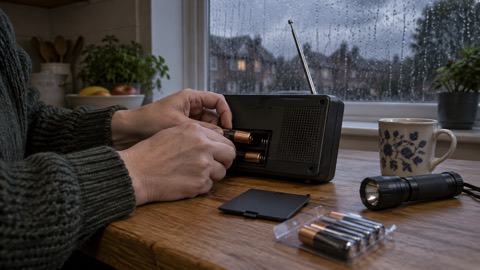
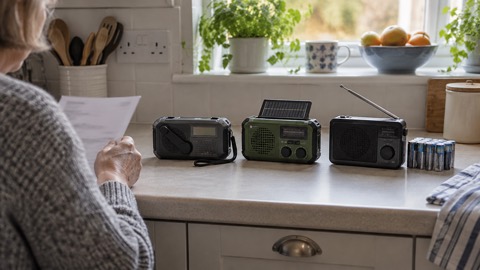
When the phone networks are down or jammed, radio becomes your main source of official news. If the power is out, use a battery-powered or wind-up radio, and try both digital and FM stations. You can also use a car radio, but in severe weather it might be safer to stay indoors25. If it is not safe to go outside, go indoors, close all windows and doors, stay indoors and stay up to date using radio, TV or online information25.
Communications providers should keep you informed during outages with clear, timely updates on what is happening, and where possible may offer temporary or alternative ways to stay connected. They often have a status page with updates on planned maintenance and significant incidents, which you can check from a working connection elsewhere1. Information might also be provided through the UK Government's emergency alert system if mobile networks are available12.
Get ready before anything fails
The preparations are small and worth doing now:
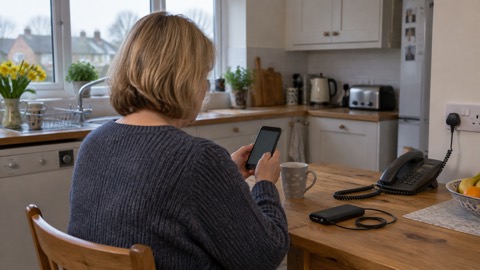
- Keep your mobile phone charged so you can make calls in case of an emergency26, and keep extra batteries to charge your phone27.
- Charge mobile phones and power banks in case there is a power cut, and find your emergency plan and make sure it is up to date28.
- Make sure your phone has all your important phone numbers in it, and have a list on paper too29. Ask yourself: if you could not access numbers on your phone or online, how would you find those important numbers of family or your insurance?27
- Consider how your family will stay in touch in an emergency, as mobile networks may be jammed and cordless telephones need power to work15.
- If you regularly travel for work, think through how you would get home without relying on mobile apps: know your usual route, but also be aware of at least one alternative, such as a different train line, bus route or road1.
- Your mobile phone needs to be charged and switched on all the time, and a number to call in an emergency can be programmed into it30.
Help for people who need it
If you are disabled or a carer, official guidance warns that users of telecare devices or other alerting services should be aware that their devices might not work without electricity or internet17. If your landline will not work during a power cut, your landline provider might offer you a free solution, such as a back-up battery unit, for a minimum of one hour17. In Scotland, guidance for disabled people and carers explains that a telecare provider will assess your needs and may provide a free battery backup and have engineers test it, so care alarms and other important devices continue to work during a power cut31.
Sources (31)
- Phone and broadband outages, prepare.campaign.gov.uk, 2026
- Planning for phone and broadband outages, Wiltshire and Swindon Prepared, 2026
- How alerts work, GOV.UK, 2026
- Emergency Alerts easy read guide, UK government, 2025
- Emergency Alerts, Denbighshire County Council, 2026
- Emergency Alerts Factsheet, Saltford Parish Council, 2023
- Future of landline calls, Ofcom, 2026
- Emergency Alerts System factsheet, prepare.campaign.gov.uk, 2025
- When to call 999, South Western Ambulance Service, 2026
- Your service: 999, North East Ambulance Service, 2026
- Loss of essential services, Greater Manchester Combined Authority, 2026
- Stay connected in severe weather, Ofcom, 2026
- Phoning 999, Scottish Ambulance Service, 2026
- Power cuts, beready.campaign.gov.uk, 2026
- Preparing for an emergency, Nottinghamshire County Council, 2026
- Strong winds and heavy rain warning information and advice, nidirect, 2026
- Advice for disabled persons and carers, beready.campaign.gov.uk, 2026
- Emergency Alerts service, Croydon Council, 2026
- Emergency Alerts, GOV.UK, 2026
- Emergency Alerts, Isle of Anglesey County Council, 2026
- National emergency alert system: what is it, Essex Prepared, 2026
- Get prepared for emergencies: alerts, prepare.campaign.gov.uk, 2026
- National Emergency Alerts, Warwick District Council, 2026
- Opting out of Emergency Alerts, GOV.UK, 2026
- Emergency plan, ready.campaign.gov.scot, 2026
- What to do in a power cut, Met Office, 2026
- Prepare yourself, Wiltshire and Swindon Prepared, 2026
- Storms and wind, ready.campaign.gov.scot, 2026
- Weather and health, Public Health Wales, 2026
- What to do if you fall, NHS inform Scotland, 2026
- Disabled people and carers, ready.campaign.gov.scot, 2026
 Free Alert Services
 Emergency Apps
 Digital Switchover Checklist
 Official Warnings and News
 Emergency Radios
 Telecare on Digital Phone Lines
 Mobile Networks in Power Cuts
 Broadband Outages
 Router and Hub Power Cuts
 Wi-Fi Calling
 Satellite Messaging and SOS
 Satellite Messengers
 Calling 999 and 112
 Non-Emergency Numbers
 Getting Your Phone Ready