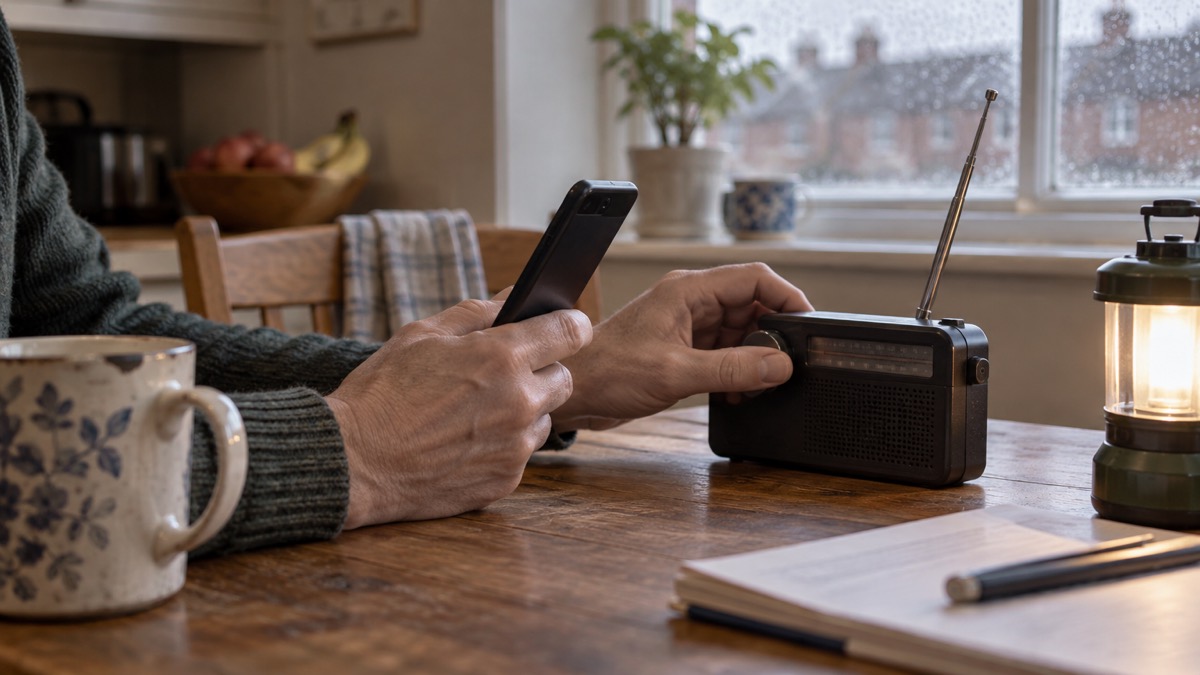
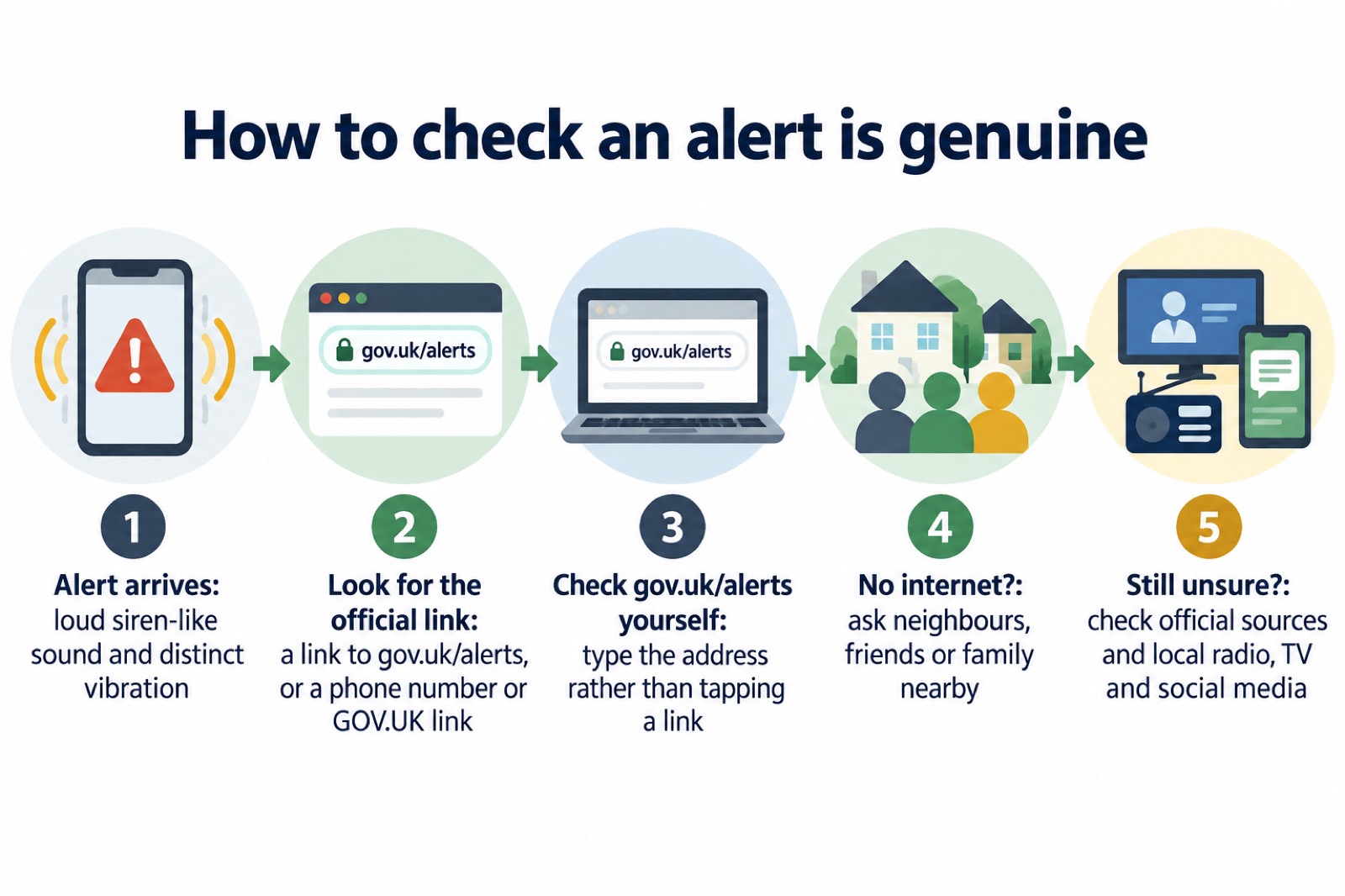
If your phone has just sounded a siren and shown a warning, the quickest way to tell whether it is genuine is to go to gov.uk/alerts. Official guidance says you will be able to check an alert is genuine there1. A real UK Emergency Alert appears as a notification and includes a link to gov.uk/alerts, or a phone number or a link to the GOV.UK website for more information2.
Emergency Alerts are a UK government service that warns you if there is a danger to life nearby4. They are sent using mobile phone networks to compatible 4G and 5G phones and tablets in a specific geographical area, and they arrive with a loud, siren-like sound and a distinct vibration, with a message on screen until you acknowledge it3. They are used for serious incidents where there is a risk to life, such as severe flooding, major fires or extreme weather4.
So the test is simple. Check the message for the official link, check gov.uk/alerts yourself, and if anything still feels wrong, ask the people around you whether they got the same alert. This page sets out how to do each of those, what to do if the message has no official link, and how to check when you have no internet at all.
Check any emergency alert at gov.uk/alerts
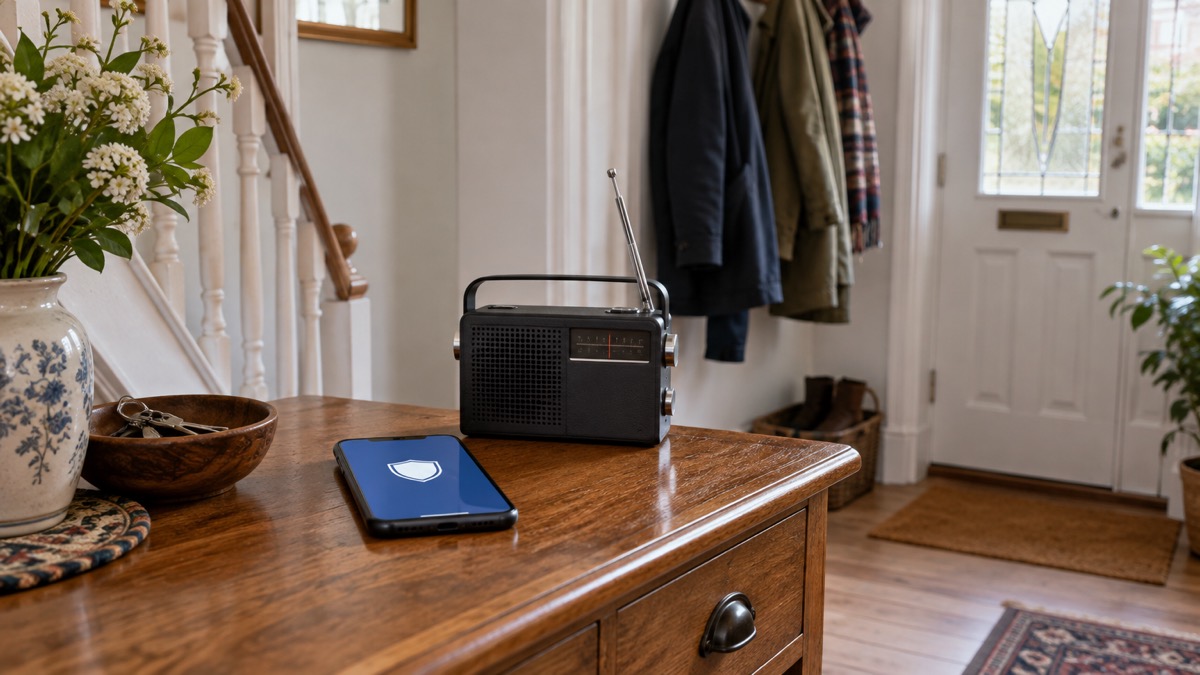
The single most reliable step is to check the official page yourself rather than trusting the message in front of you. Guidance from councils across the UK repeats the same instruction: you will be able to check an alert is genuine at gov.uk/alerts1. The Easy Read version of the government's own factsheet says the same: visit gov.uk/alerts for more information and to check that an alert is genuine7.
Do this by typing the address into your browser rather than tapping a link in a message you are unsure about. That way you reach the official page regardless of where the message wanted to send you. The page also tells you whether any alerts are currently in force; at the time of writing it stated that there are no current alerts2.
It helps to understand what the system is and is not. Emergency Alerts are sent to compatible 4G and 5G mobile phones within an area of risk, they do not need your location or phone number, and only the government and emergency services can send them3. The service does not need your phone number, does not collect personal information or track your location, and no personal data is shared when an alert is sent4. That matters for spotting a fake: a message that asks you to confirm your details, sign in, or share your location is not behaving like the real system.
If you want the fuller picture of how the system decides who gets a message and when, our guide to how the UK phone warning system works covers it. For what to do in the moments after one arrives, see what to do when you get an emergency alert.
Genuine alerts carry a link to gov.uk/alerts
A genuine alert has a recognisable shape. It appears as a notification and includes a link to gov.uk/alerts, where you can check that the alert is genuine3. The government's own page adds that an alert will include a phone number or a link to the GOV.UK website for more information2. Either route gives you a way back to an official source.
The delivery is distinctive too. You will hear a loud, siren-like sound and your phone will use a distinct vibration, and a message will appear on your screen until you acknowledge it3. Audio and vibration attention signals are there precisely so that you notice an alert even if your phone is in a pocket or bag8.
| What you see or hear | What it tells you |
|---|---|
| Loud, siren-like sound and distinct vibration | The standard attention signal for a real alert3 |
| A message held on screen until acknowledged | Real alerts stay visible until you respond3 |
| A link to gov.uk/alerts | The official place to confirm it is genuine1 |
| A phone number or link to the GOV.UK website | The other official route given for more information2 |
| A request for personal details or payment | Not part of the system, which collects no personal information4 |
After you acknowledge an alert, you can still find it. On Android phones the alert may be found in the Messages app or in "Emergency Alert History"; on an iPhone it will be in your notifications3. That is useful if you want to re-read the instructions or show someone else what arrived.
One limit worth knowing: Emergency Alerts will not replace local news, radio, television or social media2. They are one channel among several, not the only one, so a genuine alert sits alongside official reporting rather than instead of it.
Is this emergency alert real?
Most of the time the answer is yes, and the right response is to act on it. Official guidance is direct: when you get an alert, stop what you are doing and follow the instructions of the alert8. In an actual emergency, follow the instructions in the alert to keep yourself and others safe7.
Alerts are issued for serious situations. Emergency alerts may be sent during emergencies such as severe flooding, major fires, extreme weather or other incidents that require immediate action4. Fire and rescue services can issue an alert if there is a risk to life, and the alert is based on your current location9. A real example shows the tone: an alert issued on 14 August 2026 told people to report signs of fire immediately by calling 99910.
If you are unsure whether an alert is real, the official advice is not to guess alone. If in doubt, go to gov.uk/alerts or contact neighbours, friends or family in the nearby area to check whether they have received it too5. Because alerts go to compatible phones in a specific area, the people closest to you should have had the same message at the same time. A message that only you received, and that nobody nearby recognises, deserves more suspicion.
If the alert is real and tells you to act, act. If it is real and tells you to stay put, stay put. The instructions in the alert take priority over anything else you were doing.
If in doubt, ask neighbours, friends or family
The official fallback when you cannot confirm an alert yourself is other people. Guidance is explicit that if in doubt you should contact neighbours, friends or family in the nearby area to check whether they have received the alert too5. This is not a vague suggestion; it is the recommended check when the official page is not to hand.
It also works in the other direction. If you know anyone in your neighbourhood who may not be known to emergency, health and social care services but may need help in an emergency, check on them to see if they need any help and support them if you can12. Councils advise finding out whether any elderly or vulnerable neighbours might need your help13. Some people are less likely to have a mobile phone at all, and official guidance advises identifying someone who lives near you who can inform you of any Emergency Alerts being sent5.
For people who are deaf or hard of hearing, the same principle applies: if calling 999 is difficult, ask a trusted neighbour to assist in an emergency14. Our guide to getting emergency warnings without a mobile phone sets out the alternatives in more detail.
What to do if the alert has no gov.uk link
A message that claims to be an emergency alert but carries no official link or number does not match the description of a genuine one. Genuine alerts include a link to gov.uk/alerts, or a phone number or a link to the GOV.UK website2. If yours has neither, slow down.
- Do not tap any link in the message. Go to gov.uk/alerts yourself by typing the address1.
- Do not reply with personal details. The real system does not need your phone number and does not collect personal information4.
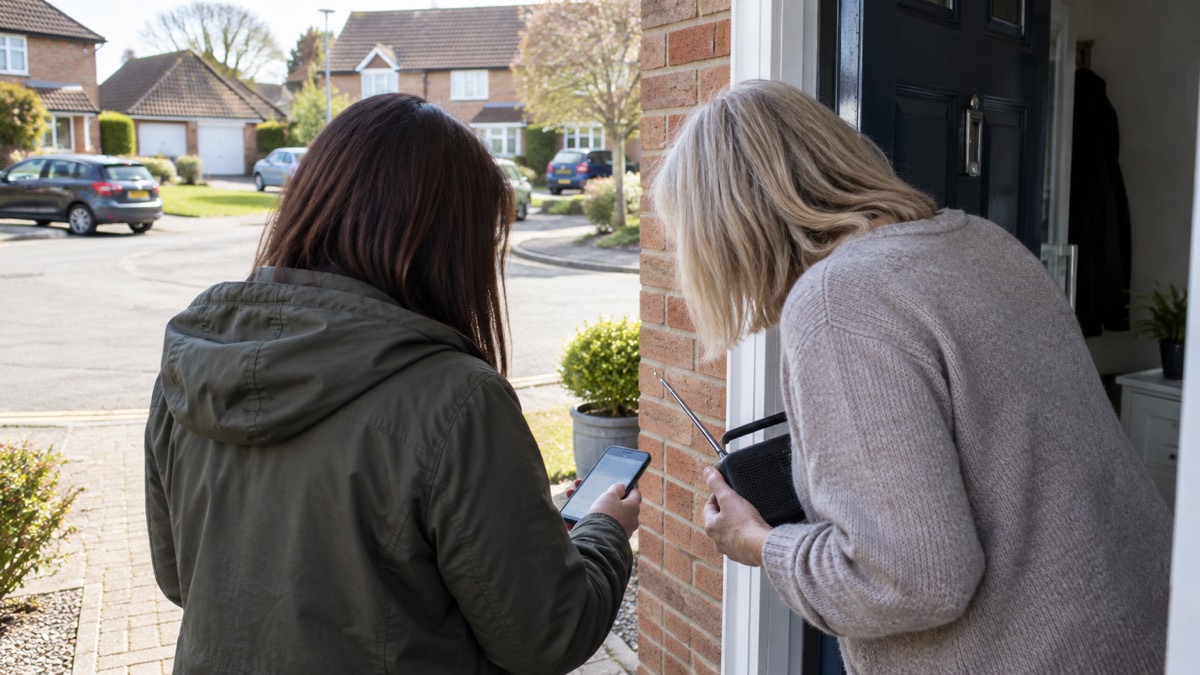
- Ask people nearby. Contact neighbours, friends or family in the area to check whether they received it too5.
- Check official channels. Pay attention to official sources such as the websites and social media accounts of local authorities, government agencies or emergency services15.
Official sources include the websites and social media accounts of emergency services, government agencies and local councils, as well as local radio, television and the internet16. If a suspicious message is doing the rounds, those channels are where a real warning would be confirmed or corrected. Our guide to where to get official warnings and news in an emergency lists them, and how to avoid false information in an emergency covers what to do when a rumour spreads.
Links to other websites and reporting a suspicious alert
A genuine alert may point you to the GOV.UK website, but it does not send you off to unfamiliar sites asking for information. If a message pushes you towards a website that is not GOV.UK, treat it as unconfirmed and check gov.uk/alerts directly instead1. The same applies to any message that asks you to sign in, pay, or confirm who you are: the real service does none of these things4.
If you believe a message is a deliberate attempt to cause alarm or to defraud, report it. Official counter-terrorism advice is to report any suspicious activity to the police by calling 99917. When reporting suspicious activity, in an emergency always dial 99918. If anyone is acting suspiciously it is essential to report them18. For anything that is not an immediate emergency, use the non-emergency route so that 999 stays free for life-threatening calls; our guide to non-emergency numbers explains which number to use.
Checking without internet access
You do not need mobile data or wifi to receive an alert. Your mobile phone or tablet does not have to be connected to mobile data or wifi to get alerts21. Alerts work on compatible devices connected to UK 4G and 5G mobile networks4. That is why an alert can reach you when the internet is down.
Checking one is a different matter, and this is where people get caught out. If you have no internet, you cannot load gov.uk/alerts. In that case, fall back on the official alternatives:
- Ask someone nearby. Contact neighbours, friends or family in the area to check whether they received it too5.
- Listen to local radio and television. These remain official channels alongside the alert itself2.
- Look for official social media once you reconnect. Emergency services, government agencies and local councils post there16.
There are also conditions under which a phone will not receive an alert at all. You will not receive alerts if your device is turned off, connected to a 2G or 3G network, wifi only, or not compatible21. If your phone is old or set to wifi only, it is worth checking whether it can receive alerts before you rely on it; our guide to whether your phone will receive emergency alerts explains how.
Alerts received by text message
An Emergency Alert is not an ordinary text. It is sent using mobile phone networks to compatible mobile phones and tablets in a specific geographical area4, and it arrives with the siren-like sound and on-screen message described above3. A plain SMS that simply asks you to click a link, call a premium number or hand over details does not match that description.
This distinction matters most for people who rely on texting in an emergency. The emergencySMS service, which lets people with speech or hearing difficulties contact 999 by text, carries its own warning: don't assume that your message has been received until the emergency service sends a message back22. The same caution applies to any message that claims to be official. Wait for confirmation from an official source before you act on it.
If you are deaf, hard of hearing or have speech difficulties, our guides to emergencySMS and 999 BSL and Relay UK explain how to register and use those services. For the wider question of what to do when networks are struggling, see what to do when phones and the internet go down.
Sources (22)
- Emergency Alerts, Isle of Anglesey County Council, 2026-10-29
- Emergency Alerts, GOV.UK, 2026
- National Emergency Alerts, Warwick District Council, 2026-10-29
- Emergency alerts service, Croydon Council, 2026
- Emergency Alerts, Denbighshire County Council, 2026-10-26
- Preparing yourself for flooding incidents, London Resilience Partnership, 2026-10-25
- Emergency Alerts System factsheet, Easy Read, UK Government, 2025-09
- Alerts and warnings, UK Government Be Ready campaign, 2026-10-20
- Protecting your home from wildfires, North Yorkshire Fire and Rescue Service, 2026-06-15
- Emergency alert of 14 August 2026, GOV.UK, 2026-08-14
- National Emergency Alerts Service, North Hertfordshire District Council, 2022-08-17
- Homes prepared, Surrey County Council, 2026-10-28
- Emergency advice for residents, Warwickshire County Council, 2026-10-29
- For People with Disabilities, Tyne and Wear Fire and Rescue Service, Tyne and Wear Fire and Rescue Service
- Be informed about hazards, UK Government Prepare campaign, 2026-10-22
- Find and share information in an emergency, Ready Scotland, 2026-03-24
- Threat levels, ProtectUK, 2026-05-01
- Terrorist attack, Lancashire Prepared, 2026-10-29
- Prepare yourself, Greater Manchester Combined Authority, 2026-10-29
- Get help and advice in an emergency, Lincolnshire County Council, 2026-10-29
- How alerts work, GOV.UK, 2026
- Using 999 with speech or hearing impairment, Yorkshire Ambulance Service NHS Trust, 2026-10-29
 Free Alert Services
 Emergency Apps
 Digital Switchover Checklist
 Silent 999 Calls
 Giving Your Exact Location
 When to Call 999
 Calling 999 With No Signal
 999 by Wi-Fi Calling
 When You Get an Alert
 Alerts While Driving
 Phones That Get Alerts
 Emergency Alerts On or Off
 Emergency Alert Privacy
 Emergency Alert Tests
 Alerts Without a Mobile Phone