If you do not have a mobile phone, or yours is too old to receive Emergency Alerts, you are not left without warning. The government says plainly that those without a mobile will still be made aware through the news and local emergency services, and that Emergency Alerts will not replace local news, radio, television or social media1. The alert system is one channel among several, not the only one.
It helps to know what the system is and who it reaches. Emergency Alerts are sent to compatible 4G and 5G mobile phones within an area of risk, and only the government and emergency services can send them3. They are based on your current location, not where you live or work, and you do not need to turn on location services to receive them1. If your phone cannot receive them, the older routes still stand.
The practical answer for a household without a mobile is to do three things: arrange for a neighbour or relative with a compatible phone to pass alerts on to you, keep a way to hear news and radio that works when the power fails, and know that the emergency services have other means of informing you4. The sections below take each in turn.
Without a mobile, warnings reach you through the news and local emergency services
The alert system was never designed to be the only way a household hears about danger. The government's own guidance is that people without a compatible device will still be informed about an emergency, because the emergency services have other means of getting the message out1. The national factsheet puts it in plain terms: if you do not have a mobile phone, you will still be made aware through the media and local emergency services6. An independent guide to the service says the same: if you do not have a mobile, you will still be kept informed through other channels7.
What those channels look like in practice depends on where you live and what is happening. For a fast-moving incident, such as a fire or a chemical release, local radio and television bulletins and the emergency services on the ground carry the warning. Emergency Alerts will not replace local news, radio, television or social media4. The principle to hold on to is that the alert on a phone is a prompt to act, not the only notice you will get.
There is a limit worth knowing. The government says Emergency Alerts will not replace local news, radio, television or social media1. That cuts both ways: it means you can rely on those channels, but it also means you should know which ones work in your area and keep a way to reach them. A household with no mobile should treat the radio as its primary warning device, not a backup.
Where you live changes some of the detail. Flood warnings are run by the environment bodies for each nation, and the sign-up routes differ between England, Scotland, Wales and Northern Ireland. If you do not have a compatible device, you will still be informed about an emergency through other means used by the emergency services4. It is worth a short call to your council to ask what covers your address.
Emergency Alerts do not need mobile data or wifi
A common reason people give for thinking alerts will not reach them is that they do not use mobile data or have no home wifi. That does not stop an alert. The government says your mobile phone or tablet does not have to be connected to mobile data or wifi to get alerts3. The easy-read factsheet repeats it: your phone or tablet does not have to have mobile data or wifi to get an alert8. Alerts travel over the mobile network itself, so a phone with no data plan and no wifi can still sound.
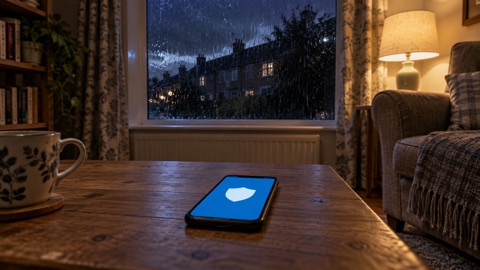
The system is also unusually private, which matters if you have been put off by stories about tracking. The government states that the emergency services and the UK government do not need your phone number to send you an alert3, and that the government does not need your phone number or any of your details8. Councils describing the service say it does not track your location, need your phone number, or collect personal data5. There is no sign-up and no charge to receive alerts9.
What does stop an alert is the state of the device and the network it is on. The government lists the conditions under which you will not receive alerts: the device is turned off, connected to a 2G or 3G network, wifi only, or not compatible3. It adds that you may not receive alerts if the device is in airplane mode3. For a household relying on a basic phone, that list is the checklist: leave it switched on, keep it on a 4G or 5G network where signal allows, and check the alert settings are enabled.
If you are unsure whether a particular handset is compatible, the settings menu is the place to look. The government says that with an earlier version of Android you may still be able to receive alerts, and that you can check by searching your device settings for "emergency alerts"3. Settings may be named differently depending on the maker and software version, such as "wireless emergency alerts" or "emergency broadcasts"10. If the setting is there and switched on, the phone is worth keeping charged and to hand.
Choosing someone to pass warnings on to you
The most reliable arrangement for a household without a mobile is a person. The government advises identifying someone who lives near you who can inform you of any Emergency Alerts being sent5. BT's guidance for its customers says the same: anyone without a 4G or 5G capable device should identify someone who lives near them who will be able to inform them of any alerts11. This is not a formal service; it is a neighbourly arrangement, and it works best when it is agreed in advance and tested.
Make the arrangement specific rather than vague. Agree who will contact whom, by what means, and what they will say. A short script helps: the alert's headline, the area it covers, and the action it asks for. If the person passing it on is unsure, they can read the alert out. The government notes that a phone may read out the alert as well as sound a siren-like noise and vibrate1, so the person relaying it can simply let the phone speak.
It is worth having a second name. If your first contact is away, ill or has no signal, a second neighbour or a relative in the same area keeps the arrangement working. The government's wider household advice is to add emergency contacts or medical information to a mobile phone (often called 'ICE' or 'Medical ID') so emergency services can access it without unlocking your phone, and to let your chosen emergency contact know12. For a household without a mobile, the equivalent is a written contact list kept by the phone and in the hallway.
Community schemes can extend this further. A community flood plan, for example, sets out how neighbours warn each other and who checks on whom. The guidance for community plans includes a caution that applies to any such scheme: do not rely on your mobile phone as your only source of communication13. It also advises that if someone needs emergency assistance you should contact the emergency services, and that when speaking to others you should clearly explain your role and how you can help13. A neighbourhood arrangement is a supplement to official warnings, not a replacement for them.
Keeping a way to hear the news in an emergency
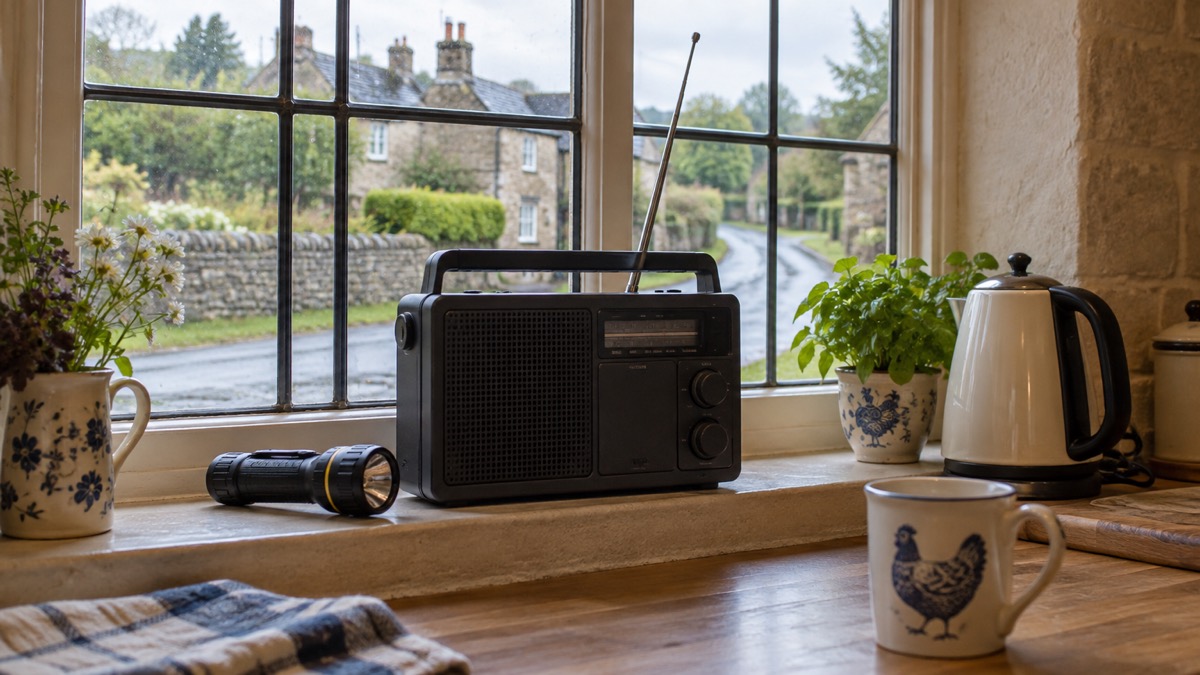
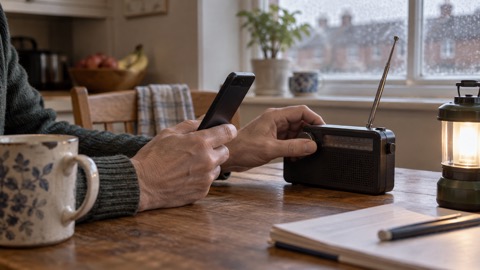
If the alert on a phone is not available to you, the radio becomes the household's main warning device. The long-standing official instruction for an emergency is "Go In, Stay In, Tune In", and the guidance behind it advises tuning in to your local radio station as well as using social media14. That instruction assumes you have a radio that works when the mains power does not, which means a battery or wind-up set kept with spare batteries, and a note of the local stations that carry emergency bulletins.
Television and online news have their place, but both depend on power and, for online news, on a working connection. A radio does not. Keep it somewhere you can find in the dark, and check it periodically. The same principle applies to the other warnings a household might receive: a severe weather warning from the Met Office, a flood warning from the environment body, or a message from the council. Each has a route that does not require a smartphone, whether that is radio, television, a landline call or a knock on the door.
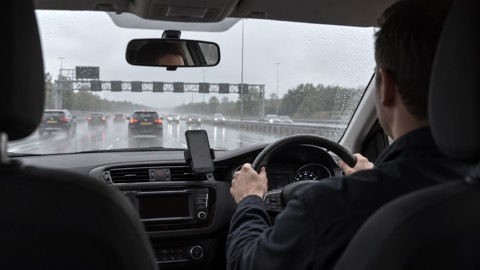
"tune into live radio and wait for bulletins until you can find somewhere safe and legal to stop."
That instruction was written for drivers who cannot read an alert at the wheel, but it captures the fallback for anyone: live radio, and wait for the next bulletin. For a household without a mobile, it is the default.
There is one more route worth knowing about for anyone who is unwell or unsteady on their feet. A falls plan from NHS Inform notes that calling out or banging on a wall or floor could be difficult if you are unwell or hurt, and that using a phone or alarm is more reliable16. If you live alone without a mobile, a personal alarm or a telecare pendant that works over a landline or digital line is a practical way to raise help, and it is separate from the alert system. Your council or the telecare provider can explain what works in your area.
Older phones, landlines and other ways to be reached
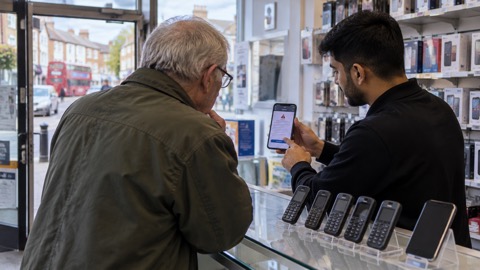
Not every phone that is not a recent smartphone is useless. The government says other phones that do not run iOS or Android may also receive alerts3. If you have an older handset, check its settings for an emergency alerts option before assuming it will not work. If it does receive alerts, keep it charged and switched on, and treat it as one more channel rather than the only one.
For a landline-only household, the picture is more mixed. The government's advice for a power cut is that if you do not have back-up power to your landline phone, or have a corded landline, and have a life-threatening emergency, you should attempt to call 999 or 112 using a mobile, because emergency calls automatically roam onto all available networks17. That is about calling out, not being warned, but it shows why a landline alone is a thin thread in a power cut. Some areas run telephone warning systems that deliver recorded advice to a landline, mobile, text message or email18; ask your council whether one covers your address.
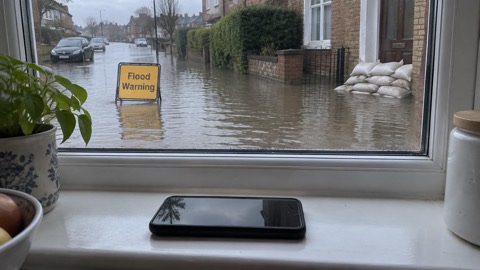
Flood warnings are the clearest example of a warning service that reaches beyond the smartphone. The government says you can get free flood warnings direct to your mobile, home phone or email4. If you do not use the internet, the guidance for one local warning scheme suggests asking a friend or neighbour to help you sign up19. Once signed up, act on the warning: the government's flood advice includes turning off your gas, electricity and water supplies if it is safe to do so20.
| Situation | What still reaches you | What to do |
|---|---|---|
| No mobile at all | News, radio, television, local emergency services1 | Keep a battery or wind-up radio and know your local stations14 |
| Basic or older phone | Possibly alerts, if the handset supports them3 | Search settings for "emergency alerts" and leave the phone on3 |
| Landline only | Landline warning schemes where they run18; flood warnings by phone4 | Ask your council what covers your address |
| Phone off or in airplane mode | Nothing until it is switched back on3 | Leave it on and connected to 4G or 5G where possible3 |
Where to get help and further information
If you need extra help because of age, disability or a medical condition, ask your supplier to add you to the Priority Services Register. It is free to join and worth doing before an emergency rather than during one. Your council's emergency planning pages and your supplier's website explain how to register.
For flood warnings, sign up to the service for your nation and check the current warnings before bad weather arrives. The government's flood help pages set out what to do during and after a flood20. For severe weather, the Met Office publishes warnings and seasonal advice21. For power cuts, the government's preparedness guidance explains what to expect and how to prepare12.
If you are deaf, hard of hearing, blind or partially sighted, the alert system has accessibility features: audio and vibration attention signals will let you know you have an emergency alert if accessibility notifications have been enabled on your phone or tablet1. If you do not have a compatible device, the same principle applies as for anyone else: arrange for someone nearby to pass warnings on, and keep a radio you can hear or feel.
Finally, keep a written list of the numbers and services you rely on, including your council, your supplier and your local radio station, somewhere you can find it without a phone. The Staying Informed and in Touch in an Emergency: A Household Guide sets out the wider picture, and the pages on where to get official warnings and news and emergency radios go into more detail on the channels that do not depend on a smartphone.
Sources (21)
- Emergency Alerts, GOV.UK, 2026
- National Emergency Alerts, Warwick District Council, 2026
- Emergency Alerts, GOV.UK, 2026
- Protecting your property from flooding, Met Office, 2026
- Emergency Alerts, Denbighshire County Council, 2026
- Emergency Alerts System factsheet, Prepare campaign, 2025
- Emergency Alerts Service, Mobile UK, 2026
- Easy Read: Emergency Alerts, GOV.UK, 2025
- Emergency Alerts Service, Croydon Council, 2026
- Opting out of Emergency Alerts, GOV.UK, 2026
- Emergency Alert, BT, 2026
- Be ready for emergencies, Be Ready campaign, 2026
- Community flood plan, Natural Resources Wales, 2026
- Protect yourself and your family, Dorset Prepared, 2026
- National Emergency Alerts factsheet, Lydiard Tregoze Parish Council, 2023
- Creating a falls plan, NHS Inform, 2024
- Power cuts, Prepare campaign, 2026
- Chemical and nuclear sites, Cumberland Council, 2026
- Emergency Alerts, Isle of Anglesey County Council, 2026
- Help during a flood, GOV.UK, 2026
- Winter car kit, Met Office, 2026
 Free Alert Services
 Emergency Apps
 Digital Switchover Checklist
 Silent 999 Calls
 Giving Your Exact Location
 When to Call 999
 Calling 999 With No Signal
 999 by Wi-Fi Calling
 When You Get an Alert
 Alerts While Driving
 Spotting a Genuine Alert
 Phones That Get Alerts
 Emergency Alerts On or Off
 Emergency Alert Privacy
 Emergency Alert Tests