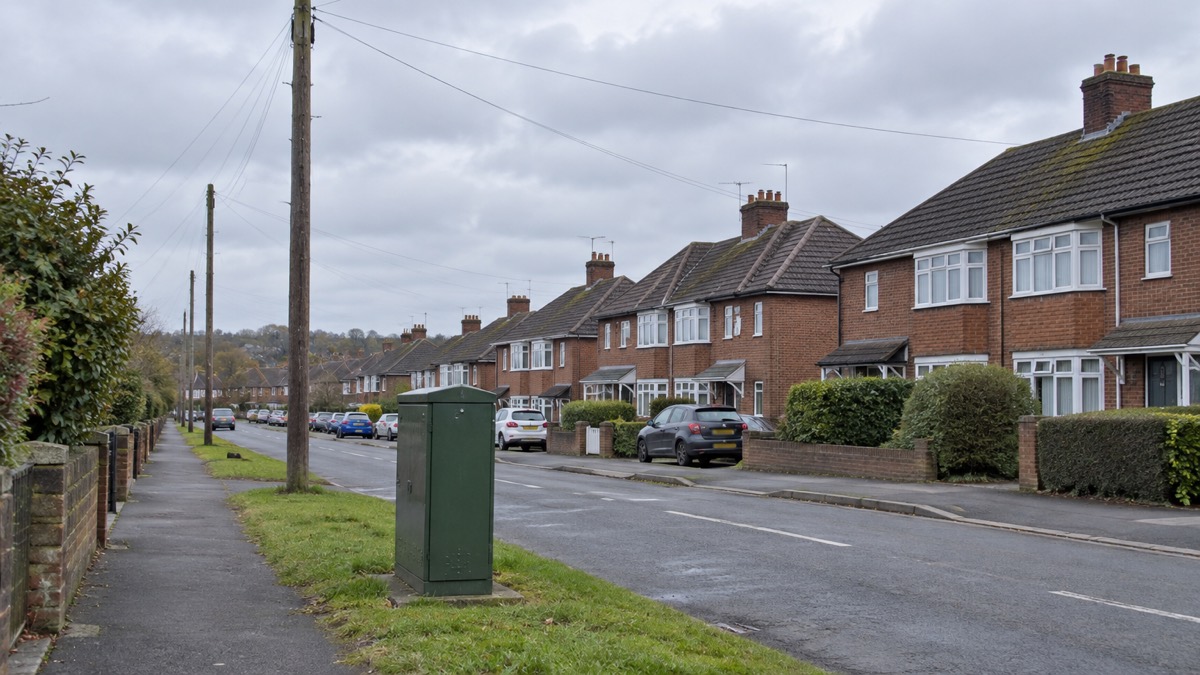
Most providers are moving customers from old analogue copper landlines to digital phone services, and between now and January 2027 most telephone providers will be moving their customers across1. The change itself can be small: instead of plugging into the phone socket on your wall, your landline will plug into your broadband router2. What catches households out is everything else that used a phone line, and what happens when the power goes.
A digital landline needs mains electricity and will not work in a power cut unless you have a battery back-up3. Telecare devices connected to a digital landline network may not work during a power cut4. So the work before your switch date is mostly checking: what in your home depends on that line, whether it will still work, and what you will do if it does not.
Your provider must assess your needs and make arrangements to support you properly when moving you to a digital landline, giving you clear information, extra help with installation if you need it, and support afterwards if anything goes wrong5. That obligation only helps if they know your circumstances, which is why the first item on the list below is to tell them.
Checklist: what to do before your landline goes digital
Work through this in order. Most items take one phone call, and the earlier you make them the more room your provider has to sort out equipment or an engineer visit.
Tell your provider if you use telecare or rely on your landline
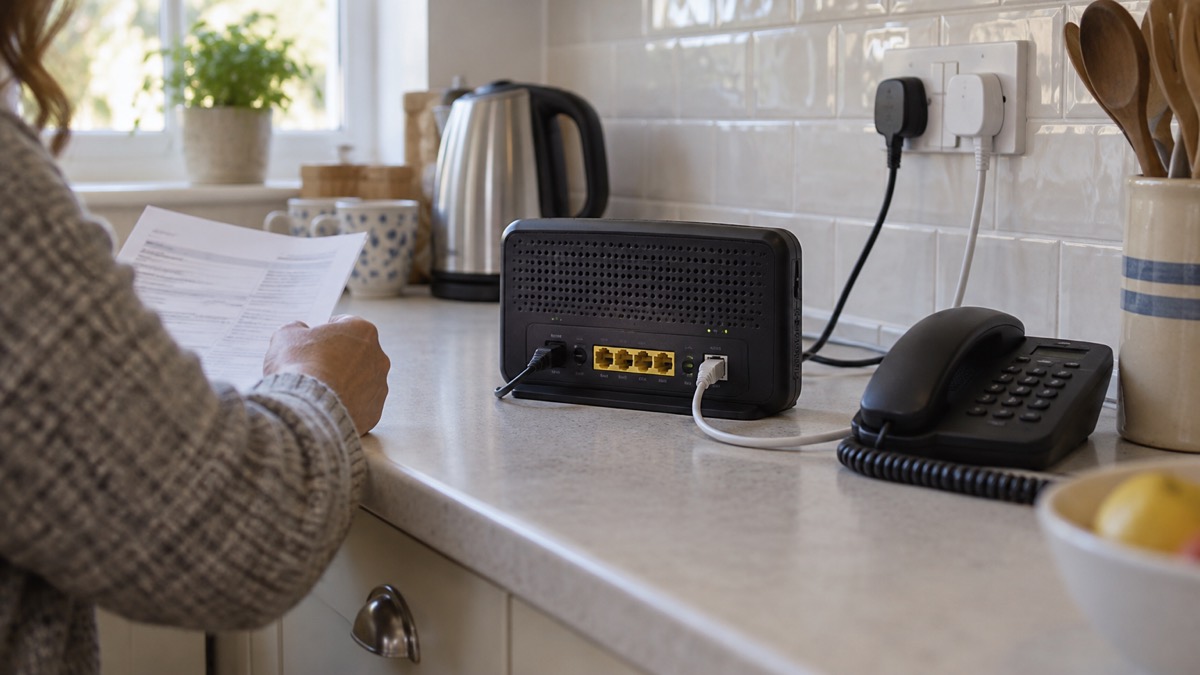
This is the item that matters most, and the one most easily missed. If you or someone you know uses telecare, contact your landline provider in the first instance; they can help to make sure your alarm keeps working through the switchover12. Your provider will give you additional support for the switchover and check whether your existing equipment is digital-ready2. It is also worth reaching out to the supplier of any telecare equipment you use to ensure compatibility with the new system, or to find out whether any updates or upgrades are necessary13.
Do not assume it will keep working. An analogue telecare alarm system may not work properly if you have an internet connection, or if you have a digital landline instead of an analogue landline at home14. Wherever possible you should not accept or buy an analogue device; consider only a digital alarm if you are unsure15. If you are arranging a telecare service for the first time, the government publishes a way to find a telecare provider16.
The same conversation covers the rest of the household. If you rely on your landline, have poor mobile signal or use telecare or health devices, tell your service provider so they can make sure you get the right support during the switch and can provide you with battery back-up support17. If you use telecare, a health alarm, health monitoring equipment or other devices connected to your phone line, tell your service provider before switching so they can help you check everything continues to work safely1.
| What you use the line for | Who to tell | What to ask |
|---|---|---|
| Telecare pendant, fall detector or health alarm | Landline provider and device supplier5 | Is it digital-ready, and what happens in a power cut?18 |
| Burglar alarm, fire alarm, CCTV or payment terminal | Your system provider8 | Will it work after the switchover, and what are the options?8 |
| The phone is your only way to call for help | Landline provider5 | What support and battery back-up can you provide?1 |
| No broadband at home | Phone company2 | What landline only service is available?2 |
Your provider should contact you first. Your telephone service provider should inform you ahead of the switch13, and communications providers will contact customers ahead of a migration taking place; look out for that material and be careful not to confuse it with marketing material19. But do not wait to be found: contact your telecoms provider to check that services you rely on are not affected20.
On switch day: plug your phone into the router, not the wall socket
The physical change is usually simple. You will need to plug your phone into your broadband router, rather than directly into the wall socket5. If you already have an internet connection, the change may be as simple as plugging your phone into your broadband router rather than the socket on the wall, though in some cases an engineer visit may be required19. If you already have broadband, the transition could be as simple as plugging your current landline phone into your existing router, though you may need an adaptor or additional equipment21.
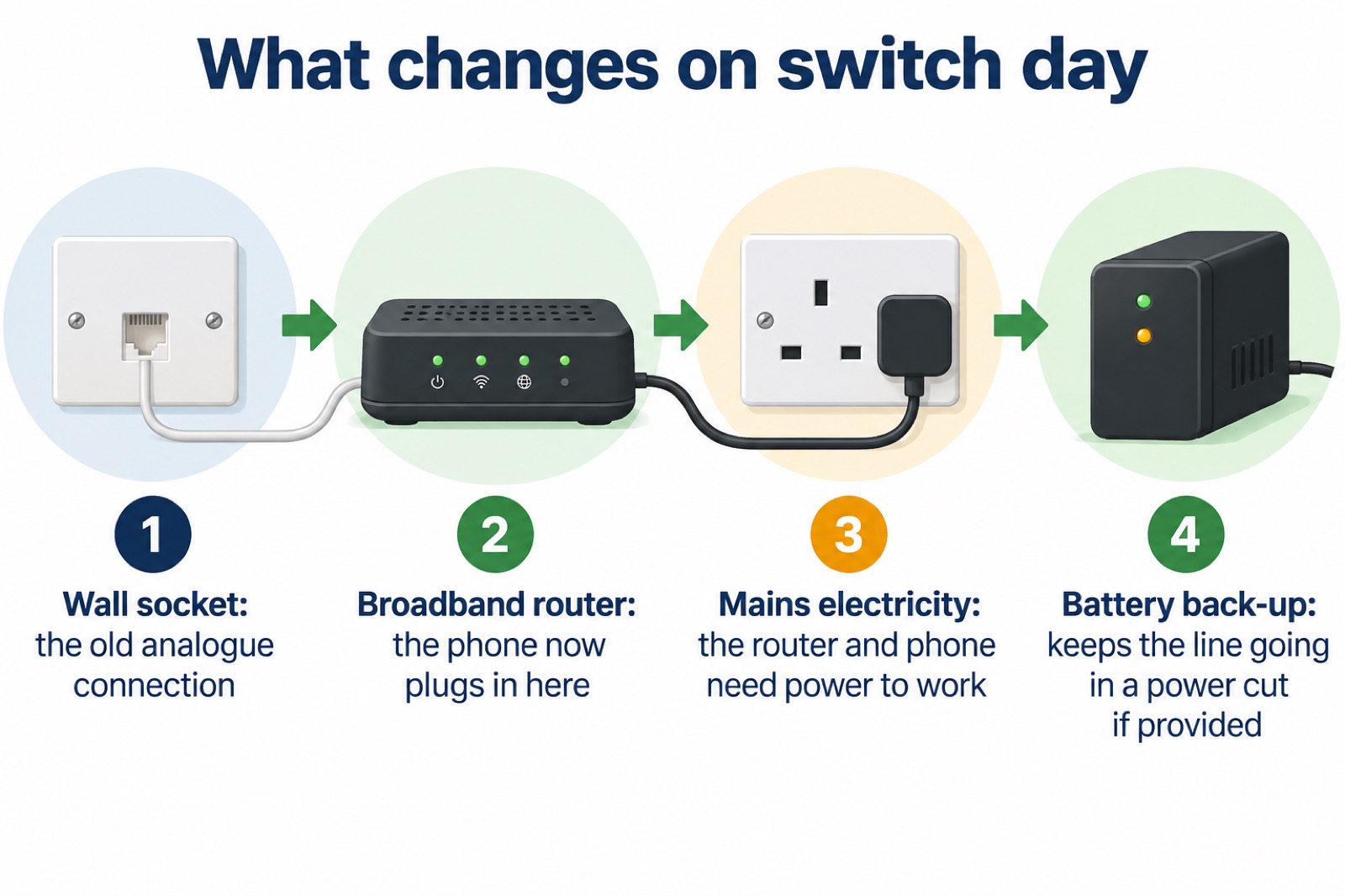
If you have not got a hub, the provider will send one along with an adapter and instructions, or an engineer7. The change may be as simple as plugging your phone into a broadband router rather than the phone socket on the wall, or you may be given a new router to do this20.
Two things to check once it is connected. First, that every handset in the house still works, including any extension you rely on in a bedroom. Second, that the line behaves as you expect when the router loses power, because that is the moment the difference bites. If you are unsure whether an older handset will work on the new line, see will an old phone handset work on a digital line.
Keep a way to call for help if the power or broadband fails
Digital landlines need mains electricity and will not work in a power cut unless there is a battery back-up3. Digital landlines cannot carry an electrical power connection, so in the event of a power cut they will not work20. That is the single biggest change for a household, and it is why the fallbacks below matter.
Ask for a backup unit. If your landline will not work during a power cut, your landline provider might offer you a free solution such as a back-up battery unit, for a minimum of one hour6. Ask specifically, and ask what the unit covers: the router, the phone, or both.
Keep a mobile charged and a paper list of numbers. Have the telephone numbers you might need to hand; as well as mobile phones, a non-mains powered landline telephone will help you stay in touch during a power cut22. Keep a mobile phone charged and write down important phone numbers23. A charged power bank and a spare analogue phone are the practical pairing11.
Use Wi-Fi Calling if the mobile network is down. If your mobile network is down but you have a working internet connection, you may still be able to make calls over Wi-Fi by enabling Wi-Fi Calling on your device24. This only helps while the broadband and router still have power, so it is a second line of defence, not a replacement for a backup battery.
Plan for the first hour. If it is a localised power cut, stay with friends or relatives until your power is back on; leave a light on so you know when it returns; switch off appliances that could pose a hazard; and check on vulnerable neighbours or family23. Ensure you have access to a phone before bed25.
If you have no mobile phone, or live where mobile signal is poor, speak to your communications provider about additional support they can offer you in advance3. The same applies to anyone who needs extra help generally: see extra help in an emergency and extra help from phone and broadband providers.
If you have no broadband, or your alarm is not ready
Not every household has an internet connection, and the switch is not meant to leave anyone without a phone. If you do not have an internet connection, your phone company will ensure that there is still a landline only service offered2. Some providers go further: an interim, dedicated landline service allows customers who do not use broadband to use their current landline in the same way as today until a digital solution becomes available, or 2030 if that comes sooner19.
For alarms, the rule is the same whichever system you have. If you use telecare, a health alarm, CCTV, a house alarm, a payment terminal or any other device connected to your phone line, check with your equipment provider that it will work with a digital phone line before you switch8. Systems connected to your landline, like a burglar or fire alarm, might not work after the switchover; talk to your system provider about your options even if you do not know when your phone line will be switched8. If you are buying a new alarm or device, check with the provider of that equipment that it is compatible with digital phone lines19.
| Situation | What to do | Who advises |
|---|---|---|
| No broadband at home | Ask your phone company about the landline only service2 | South Gloucestershire Council |
| Alarm or telecare not confirmed compatible | Contact your landline provider and your device supplier before your landline is changed to digital8 | Openreach |
| Rely on the line, poor mobile signal | Tell your provider before your landline is changed to digital7 | Ofcom |
| Buying a new alarm | Contact the supplier of any telecare equipment you use to check compatibility with the new system19 | UK government |
Where to get help and what to read next
Your first call is your landline provider: if you or someone you know uses telecare, contact them in the first instance, and they will give you additional support for the switchover and check if your existing equipment is digital-ready5. If you use telecare, contact your landline provider in the first instance; they can help to make sure your alarm keeps working through the switchover16. Charities can help you work out what to ask: Carers UK and Carers Trust both cover technology and equipment for people who look after someone26, and Age UK covers telecare and home adaptations15.
For the wider picture, read the digital landline switchover: what changes for your home phone and telecare and personal alarms when phone lines go digital. On power cuts specifically, see will your landline work in a power cut?, getting a free battery backup for a digital landline and keeping your router and hub running in a power cut. If your alarm is the concern, will a burglar alarm work after the digital switchover? covers it, and can you keep a landline without broadband? answers the no-broadband case. For calling for help when networks fail, see what to do when phones and the internet go down and Wi-Fi Calling: how it works and when it helps.
Sources (26)
- Digital phone lines for homes, Openreach, 2026-10-29
- Switchover to digital landlines, South Gloucestershire Council, 2026
- Stay connected in severe weather, Ofcom, 2026-10-25
- UK transition from analogue to digital landlines, GOV.UK, 2023-01-06
- Future of landline calls, Ofcom, 2026-08-26
- Advice for disabled persons and carers, Be Ready, 2026-10-20
- The digital switchover, Suffolk County Council, 2026-10-29
- Check your personal alarm will work after the landline switch off, Citizens Advice, 2025-02-20
- Power cuts, Be Ready, 2026-10-21
- Digital switchover telecare guide, Suffolk County Council, 2025
- Tips to prepare for a power cut, Electricity North West, 2026-10-26
- Emergencies, adaptations and telecare, Carers Trust, 2026-10-29
- Technology and equipment, Carers UK, 2026-10-29
- Telecare national action plan, GOV.UK, 2025-02-11
- Telecare, Age UK, 2026-08-11
- Find a telecare provider, GOV.UK, 2025-05-13
- Switching off PSTN across the UK, Openreach
- The landline switchover, National Grid, 2026-10-25
- Moving landlines to digital technologies, GOV.UK, 2025-05-28
- Digital phone switchover, Argyll and Bute Council, 2025-07-20
- Landline phones are going digital, RNID, 2025-01-17
- Strong winds weather warning information and advice, nidirect, 2026-10-24
- Power cuts, West Yorkshire Prepared, 2026-10-29
- Phone and broadband outages, Prepare, 2026-10-12
- What to do in a power cut, Met Office, 2026-10-29
- Technology to keep you safe at home, Independent Age, 2026
 Free Alert Services
 Emergency Apps
 What to Keep Charged