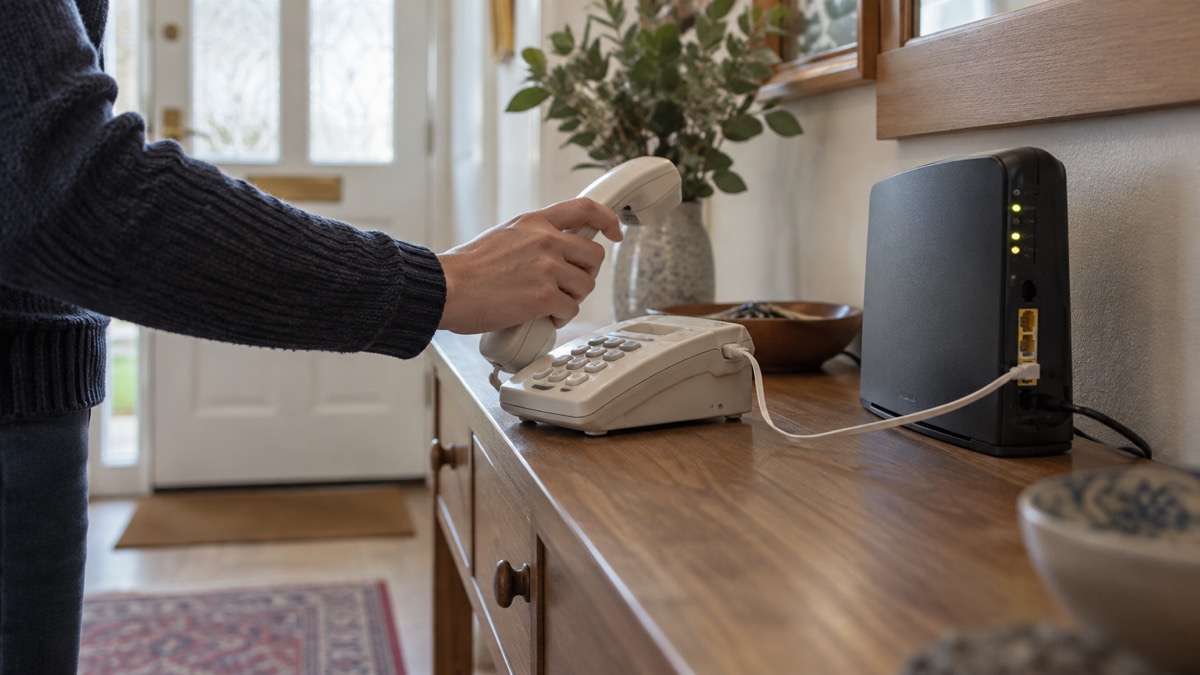
In most cases, yes: your existing handset will keep working when your landline goes digital. Openreach says that in most cases your existing handset will work with your new digital phone line, and your provider will advise you during the switch1. What changes is where the phone plugs in. Instead of the wall socket, your phone service will usually work through a broadband router, and you plug the phone into the router rather than directly into the wall2.
Two things do change, and both matter for an ordinary household. First, a digital landline needs mains electricity, so it will not work in a power cut unless you have a battery back-up4. Second, anything else that used your phone line, such as a telecare alarm, a burglar alarm or a payment terminal, may need checking with its supplier before the switch5.
The switch is happening across the UK. By 31 January 2027 all traditional phone lines will be going digital, and landline users must move to a digital option before then6. Your phone number will not change, and nobody will have to lose their landline service because of this change7. This page sets out what to check on your own phone, how to keep a working line in an outage, and what to do about alarms and devices.
Most handsets keep working, but they plug into the router
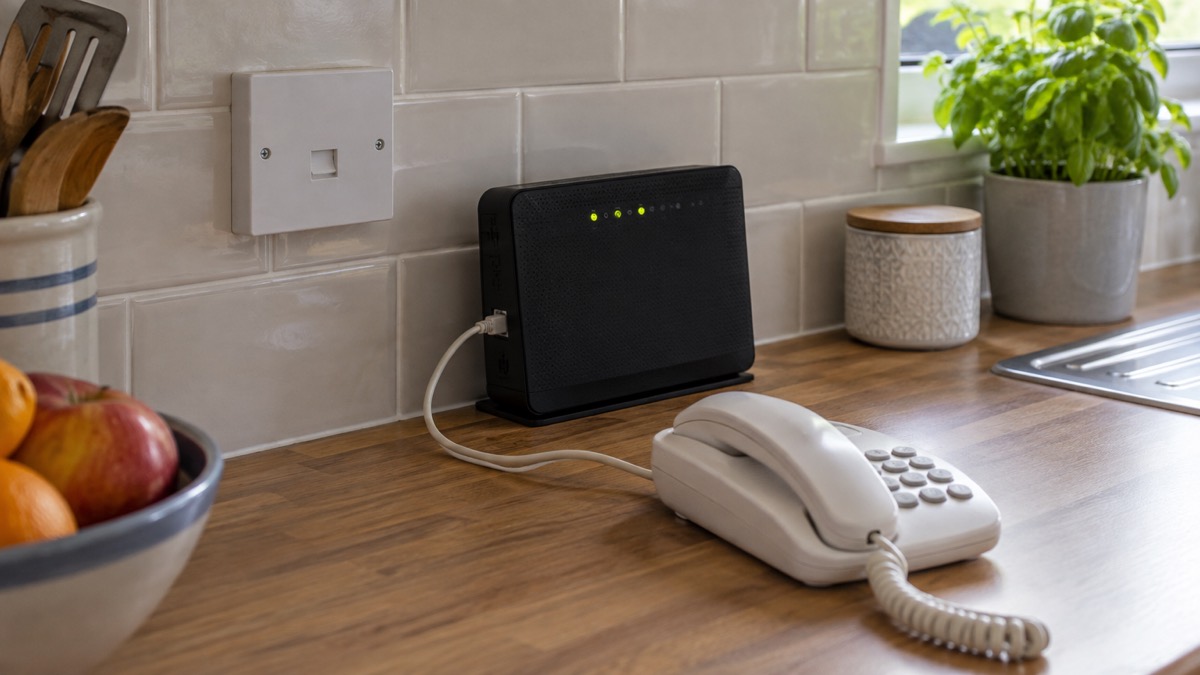
The change is smaller than it sounds for most people. Your digital landline will work over a broadband connection3, and in most cases your existing handset will work with it1. Suffolk County Council puts it plainly for its residents: most handsets work fine with the new system10. Many households will be able to keep using their existing handset, though some older phones may not be compatible, and your service provider will advise you2.
The practical difference is the socket. You will need to plug your phone into your broadband router, rather than directly into the wall socket9. The change may be as simple as that, or you may be given a new router to do it11. If you are unsure whether a particular device in your home will still work, the government advises contacting the equipment supplier or device manufacturer to find out whether it will remain functional on a digital phone line5.
If your phone does not work after the switch, work through this in order:
- Check the handset is plugged into the router's phone socket, not the old wall socket9.
- Check the router has power and its lights are on.
- Try a second, simple corded handset if you have one.
- Ring your provider, who will advise you during the switch1.
Your number stays the same. You can usually keep your existing number when you switch2, and your phone number will not change7. Telephone landlines will still exist and you can still have a landline telephone at home, but the network the phone uses will be different12. For the wider picture of what changes and when, see the digital landline switchover.
Your number and service stay the same
Nobody will have to lose their landline service because of this change7. That reassurance comes from official council guidance aimed at residents who rely on a home phone, and it is worth holding on to if you have heard otherwise. The analogue telephone system used in the UK for many years is changing to a digital system, so your landline will connect over the internet and your telephone will be connected to a router rather than a wall socket13.
Your provider should make the first move. Your phone provider, for example BT, Virgin Media or O2, will contact you before the change to explain what you need to do11. You should respond to your provider if they contact you about the change, as you might risk losing service if you do not speak to them about the process9. Your telecoms provider should contact you before the switchover to check in and discuss what needs to happen11.
| What stays the same | What changes |
|---|---|
| Your phone number7 | The phone plugs into the router, not the wall socket9 |
| You can still have a landline phone at home12 | The line runs over a broadband connection3 |
| A landline only service is still offered if you have no internet14 | The line needs mains power, so it stops in a power cut without backup4 |
If you rely on your landline, have poor mobile signal, or use telecare or health devices, tell your service provider so they can make sure you get the right support during the switch and can provide battery back-up support1. The same applies if you do not have a working mobile phone or reliable mobile signal: tell your provider before your landline is changed to digital9. For the help providers can offer, see extra help from phone and broadband providers.
A digital landline stops working in a power cut
This is the change that catches households out. Digital landlines need mains electricity and will not work in a power cut unless you have a battery back-up4. Digital landlines cannot carry an electrical power connection, so in the event of a power cut they will not work11. Put simply, if your power goes off, so does your router, and so does your phone line15.
A corded phone is not a magic fix on a digital line, because the line itself depends on the router. But official guidance still notes that if you have a corded landline phone, this might still be working in a power cut8. That is because some lines and some setups keep a working connection, and it costs nothing to keep an old corded handset for the purpose. Many modern telephones, especially digital or cordless ones, will not work in a power cut, so keep an old analogue phone to use16.
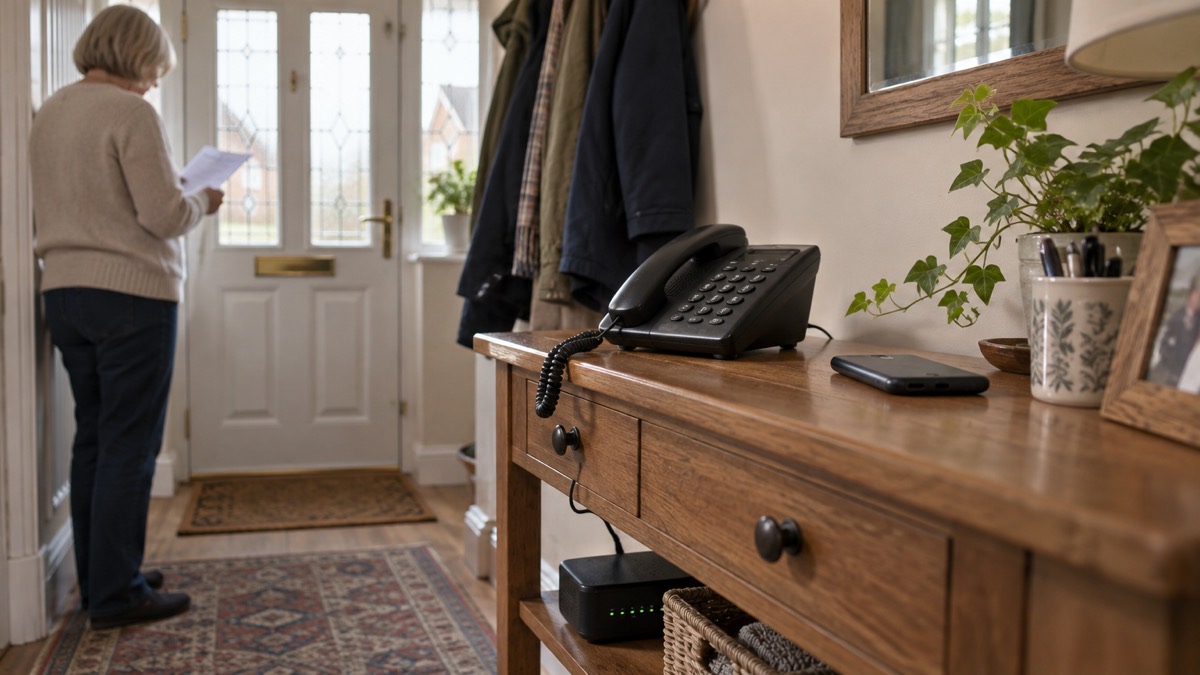
The first step is to find out where you stand. Contact your landline provider, who can let you know if your phone would work during a power cut17. If it will not, your landline provider might offer you a free solution, such as a back-up battery unit, for a minimum of one hour, that would enable you to call the emergency services during a power cut if you needed to8. For vulnerable customers with an analogue landline, the provider must supply a free back-up battery unit, meaning the landline would work for at least an hour during a power cut, and many batteries now last much longer18. For how to ask, see getting a free battery backup for a digital landline.
Battery backup or a mobile: keeping a line in an outage
You have two practical routes to a working phone when the power fails, and most households should have both. The first is a battery back-up on the line itself. The second is a mobile phone, kept charged, as a separate way to call.
| Option | What it gives you | What to watch |
|---|---|---|
| Provider battery back-up | Calls during a power cut, for a minimum of one hour8 | Ask your provider whether you qualify and how long yours lasts17 |
| Mobile phone | A separate line that does not depend on your router11 | Needs signal and charge; keep a power bank ready |
| Wi-Fi Calling | Calls over a working internet connection if the mobile network is down4 | Needs the router and broadband to be working |
| Corded handset | May still work in a power cut on some lines8 | Not a substitute for backup on a digital line4 |
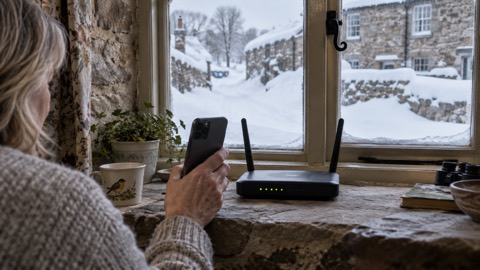
If your landline is not working, try using your mobile. If your mobile network is down but you have a working internet connection, you may still be able to make calls over Wi-Fi by enabling Wi-Fi Calling on your device4. That is a useful second string, but it depends on the router having power, so it does not solve a power cut on its own. For the detail, see Wi-Fi Calling.
A non-mains powered landline telephone will help you stay in touch during any disruptions to your power supply19. If possible, have an analogue phone that can be connected in your house, as this will still work if a power cut impacts the mobile network20. Keep a charged mobile and a charged power bank as well, and know how to save battery if the outage runs long. For the wider plan, see power cuts and keeping your router and hub running in a power cut.
Alarms, telecare and other devices need checking first
A phone line does more than carry calls in many homes. Your care alarm or telecare device might not work properly on a digital landline9. Do not assume a personal alarm, fall detector or medical pendant will keep working after the switch to digital phone lines, or during a power cut15.
The action is to tell people before the switch, not after. Tell your landline provider and your device supplier before your landline is changed to digital if you, or someone in your household, has a telecare alarm, health pendant, personal alarm or any other device that uses your phone line9. If you use telecare, a health alarm, CCTV, a house alarm, a payment terminal or any other device connected to your phone line, check with your equipment provider that it will work with a digital phone line before you switch2.
Ask the supplier specific questions. Contact the company that supplies your personal alarm, fall detector or medical pendant and ask them to confirm that it is compatible with the new digital phone network and what happens if the power goes off15. Services that rely on the old landline system, such as home phones, telecare and health devices, will need to be moved11. Some care providers have already written to customers: one alarm provider told customers in February 2026 that current personal alarms would not work with the digital switchover and offered an upgrade or an alternative21.
For more on devices and what to ask, see telecare and personal alarms when phone lines go digital and will a burglar alarm work after the digital switchover?.
When the analogue network is switched off
The old network is going, and the date is set. By 31 January 2027 all traditional phone lines will be going digital, and landline users must move to a digital option before then6. Between now and January 2027 most telephone providers will be moving their customers from old analogue landlines over to digital11. The traditional analogue landline network is increasingly unreliable and is being upgraded to a digital network; if you still have one of these connections and have not yet migrated, contact your landline provider4.
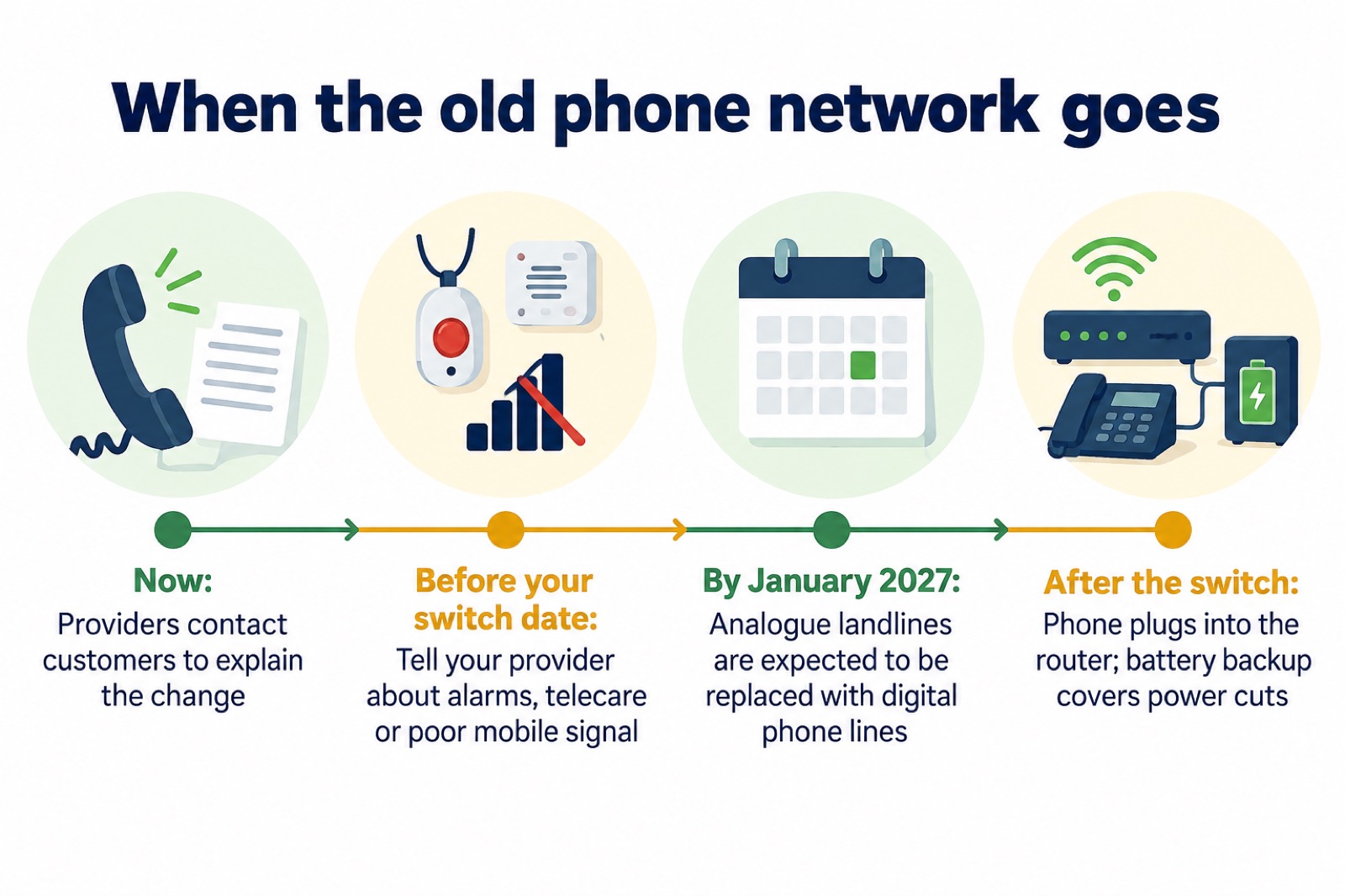
If you have not heard from your provider, do not wait. Contact your landline provider if you still have an analogue connection and have not yet migrated4. If you do not have an internet connection, your phone company will ensure that there is still a landline only service offered11. Your broadband provider will offer a dedicated landline service, allowing you to use your home phone in the same way as today23. For the full sequence, see when does the analogue phone network switch off? and what to do before the digital landline switchover.
Mobile networks, alerts and the 2G and 3G switch-off
Your mobile is part of the plan, so it is worth knowing what is changing there too. All 2G networks will be switched off by 2030, with some areas losing 2G access sooner24. For 3G, you should start to receive text messages or emails three to six months before switch-off22. If you use an older handset or a device that relies on 2G or 3G, such as some personal alarms, ask the supplier which network it uses. For the detail, see the 3G switch-off.
Emergency Alerts are sent to compatible 4G and 5G mobile phones within an area of risk. They do not need your location or phone number, and only the government and emergency services can send them25. If you do not have a mobile, you will still be made aware through the news and local emergency services26. That matters if your household has given up mobiles in favour of a landline: the alert system will not reach you directly, so keep a radio and know where to find official updates. See Emergency Alerts and how to get emergency warnings without a mobile phone.
If you are deaf or have hearing loss, there are separate routes to the emergency services, including emergency video relay22. For more, see 999 BSL and Relay UK.
Where to get help
Start with your provider. They can tell you whether your phone will work in a power cut17, and they can arrange battery back-up support if you rely on your line, have poor mobile signal or use telecare or health devices1. If you are worried about the cost or the process, your local council's digital switchover pages carry local contacts and reassurance, and the same message applies across England, Scotland, Wales and Northern Ireland: nobody will have to lose their landline service because of this change7.
- Your landline or broadband provider: compatibility, switch date and battery backup15.
- Your device supplier: alarms, telecare, CCTV and payment terminals2.
- Your council: local switchover guidance and support7.
- Priority Services Register: if you need extra help in a power cut, ask your energy supplier to add you27.
If a storm or outage is forecast, charge your phone and any power bank, and keep a corded handset and a battery or wind-up radio to hand. For the household plan around an outage, see what to do when phones and the internet go down and staying informed and in touch in an emergency.
Sources (27)
- Digital phone lines for homes, Openreach, 2026
- Digital phoneline, Openreach, 2026
- Future of landline calls, Ofcom, 2024
- Stay connected in severe weather, Ofcom, 2026
- Moving landlines to digital technologies, GOV.UK, 2025
- Analogue phonelines, Openreach, 2026
- The digital switchover, Suffolk County Council, 2026
- Power cuts, UK Government, 2026
- Future of landline calls, Ofcom, 2026
- Digital switchover telecare guide, Suffolk County Council, 2025
- Digital phone switchover, Argyll and Bute Council, 2026
- Digital alarm FAQs, Taking Care, 2026
- Technology to keep you safe at home, Independent Age, 2026
- Switchover to digital landlines | BETA - South Gloucestershire Council, South Gloucestershire Council
- The landline switchover, National Grid, 2026
- Power cut leaflet, National Grid Electricity Distribution, 2022
- Preparing for a power cut, Centre for Sustainable Energy, 2026
- Phone and broadband outages - Be Ready, prepare.campaign.gov.uk (UK Government Be Ready campaign)
- Get prepared, Carmarthenshire County Council, 2026
- Power cuts, West Yorkshire Prepared, 2026
- Important update regarding your personal alarm, Taking Care, 2026
- Emergency video relay, Ofcom, 2023
- Your landline is going digital, RNID, 2025
- 2G and 3G alarm FAQs, Taking Care, 2026
- National emergency alerts, Warwick District Council, 2026
- Emergency alerts, Denbighshire County Council, 2026
- Priority Services Register, National Grid, 2026
 Free Alert Services
 Emergency Apps
 Digital Switchover Checklist
 Silent 999 Calls
 Giving Your Exact Location
 When to Call 999
 Calling 999 With No Signal
 999 by Wi-Fi Calling
 When You Get an Alert
 Alerts While Driving
 Spotting a Genuine Alert
 Phones That Get Alerts
 Emergency Alerts On or Off
 Emergency Alert Privacy
 Emergency Alert Tests