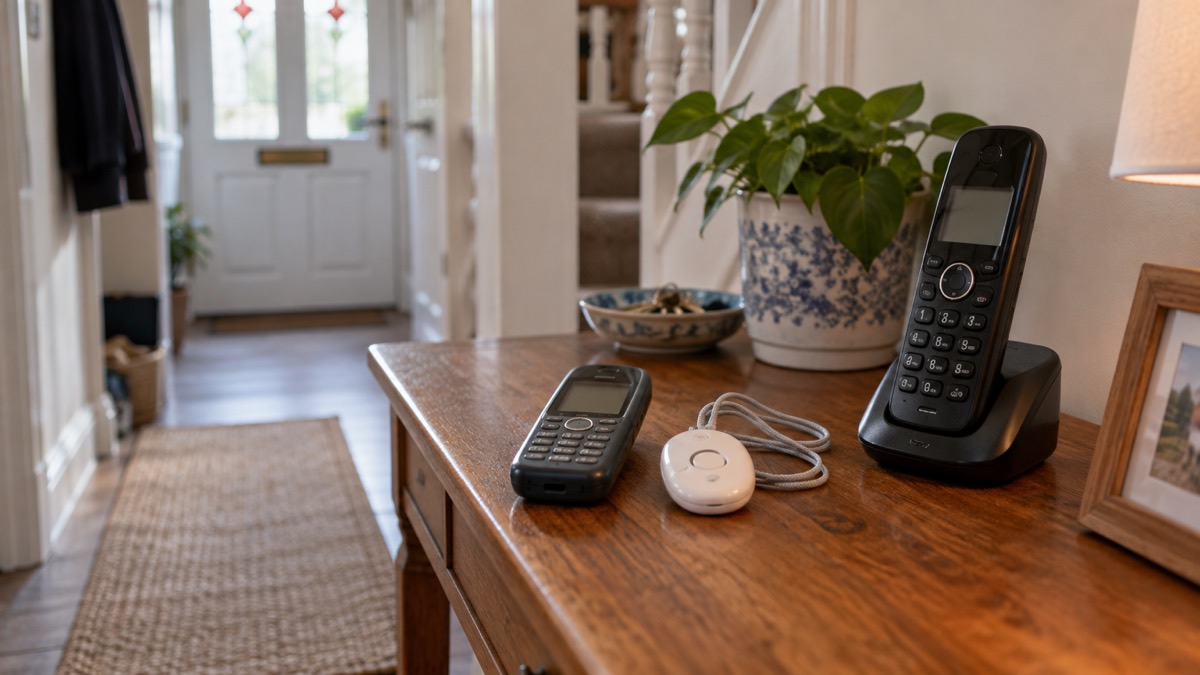
The UK's 3G mobile networks are being switched off, and on Three's network the change has already happened: Three states that "3G is no longer available as a service" and that devices which only use 3G for calls and data are not supported1. Behind the operators' individual programmes sits a Government requirement that all 3G networks are switched off by 20332. If your phone, smartwatch, home broadband device or personal alarm relied on 3G, some or all of it has stopped working, or will soon.
The good news is that most people need do nothing at all. Ofcom's guidance is plain on the point: "If you currently have 4G or 5G then you do not need to do anything"3. The households that do need to act are those with an older handset that cannot make calls over 4G, a 3G-only broadband device, or a telecare alarm or pendant that connects through the mobile network. This page explains how to check each of those, what still works for emergency calls and alerts, and where to get help.
Phones that only use 3G no longer work
A phone that is only compatible with 3G has lost its connection to the network it depended on. Three's own support article is unambiguous: "If your device is only compatible with 3G, calls, texts, and data services will no longer be available"1. That means no ordinary calls, no text messages and no mobile data, not occasionally but permanently, because the network itself has been retired rather than repaired.
This catches two groups of people in particular. The first is households holding on to an older handset as a spare or emergency phone, perhaps kept in a drawer or a car glovebox "just in case". If that spare is 3G-only, it is no longer a backup: it cannot call 999, receive an emergency alert or take a call checking you are safe. Check any spare phone before you rely on it. The second group is people using very old handsets as their main phone, including some models passed on to older relatives for simplicity. Three's advice for anyone using an older phone is direct: "To stay connected, you'll need to change to a device that's 4G Calling or 5G compatible"1.
One point matters for Three customers specifically: Three does not have a 2G network1. On other networks, some very old phones drop back to 2G for calls when 3G goes. On Three there is nothing to fall back to, so a 3G-only device on Three is fully offline. If you are not sure which network a handset is on, check the SIM packaging or a recent bill.
If you already have a 4G or 5G phone, none of this applies to you. Ofcom, the regulator for phone and broadband services, states that 4G and 5G customers do not need to do anything about the switch-off3. Ofcom also expects mobile providers to give adequate notice of the change, using simple and clear communications in a range of methods and formats, including text messages or emails and information on the provider's website, with extra help for customers who need it, particularly people struggling financially3. If you received messages from your provider about the switch-off and set them aside as marketing, it is worth reading them now.
Emergency calls and alerts now need 4G or 5G
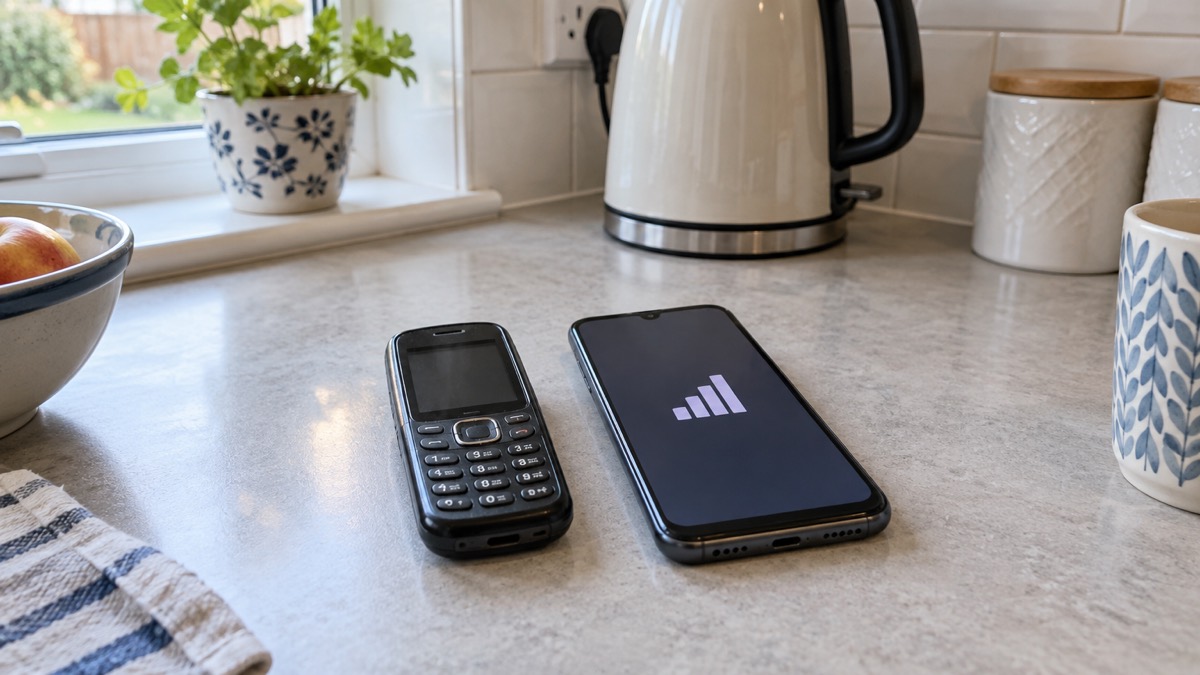
The most important consequence of the switch-off is what it does to emergency communications. Government guidance on the Emergency Alerts service states that alerts work on compatible devices connected to UK 4G and 5G mobile networks, and that you will not receive alerts if your device is turned off, connected to a 2G or 3G network, on wifi only, or not compatible5. A 3G-only phone therefore misses the government's national warning system entirely, including tests: a test message sent to all 4G and 5G phone networks in the UK makes clear that it is a test and no further action is required, but it never reaches a 3G device6. Our page on emergency alerts explains how the system works, and which phones are compatible covers the device side.
Coverage of the newer networks is broad but not total. A Government resilience statement of 8 July 2025 put 4G or 5G access at about 95% of the population2. If you live or travel in one of the uncovered areas, a 3G-only device was previously your only mobile option and now is no option at all, which makes an alternative way of calling for help, such as a landline, more important. Council guidance repeats the same requirement: emergency alerts work on compatible devices connected to UK 4G and 5G mobile networks, with no need for wifi or mobile data7, and phones must have the latest software update to receive them8.
For emergency calls themselves, there is a partial safety net. Three states that if its 4G and 5G are not available, you will not be able to call, text or use video relay to contact the emergency services using its network, but your device will be able to use other operators' networks, where available, to make emergency calls1. That fallback applies to genuine 999 calls; it does not restore ordinary calls, texts or data, and it depends on another network having signal where you are.
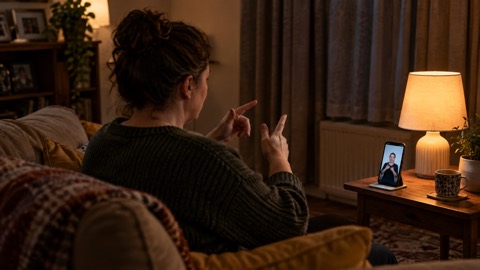
Two services fill gaps for people who cannot use a voice call. The emergencySMS service works throughout the UK on all mobile networks, though it cannot be used from abroad; it lets registered users text 999, and our emergencySMS guide covers registration9. For British Sign Language users, Ofcom requires telecoms providers to make emergency video relay available in the UK3. Ofcom guidance notes that a minimum of 3G was needed to use 999BSL or make any video call, with 4G or 5G giving much better quality video calls3; with 3G retired, a 4G or 5G connection is what the service now depends on. Our page on 999 BSL and Relay UK goes through it in detail.
Check whether your phone supports 4G Calling
Having a 4G phone is not quite the whole story, because many 4G phones still made their calls over the 3G network. What a phone needs after the switch-off is 4G Calling, also known as VoLTE. Three's guidance is specific: "your device must be 4G Calling, also known as VoLTE, compatible to make calls", and some older 4G devices do not support 4G Calling1. A phone in that position can show 4G signal and still be unable to make or receive calls.
Three gives three steps for checking on its network1:
- Pick your device in the settings menu.
- Go to Network.
- Check that 4G Calling (VoLTE UK & Abroad) is selected.
If the setting is there and switched on, your phone makes calls over 4G and you are ready. If your device is not compatible, Three's advice is that "you'll need to change to one that supports 4G Calling to keep using our network"1. Customers with accessibility needs whose phone is not 4G Calling compatible are advised to have a chat with Three's accessibility team1.
Smartwatches are affected in the same way. Three states that you need 4G Calling to make and receive calls on your smartwatch, and that you should be able to continue using your smartwatch as normal where it supports it1. If a household member relies on a watch for calls or fall alerts, check it against the same requirement. Our page on calling 999 from a smartwatch covers what these devices can do in an emergency.
One setting worth switching on whatever network you are on is Wi-Fi Calling. Ofcom advises turning on Wi-Fi calling in your phone's settings to allow calls over your broadband connection if your mobile network is unavailable10. In Scotland, NHS 24 gives the same advice for anyone phoning 111 from a mobile: switch on WiFi Calling if your phone has it, since you can make and receive calls and text messages even without mobile network coverage, provided your phone supports it and you have a wifi connection11. Our Wi-Fi Calling guide explains the limits, including what happens with 999, and calling 999 with no signal covers the fallbacks.
Home broadband devices that rely on 3G
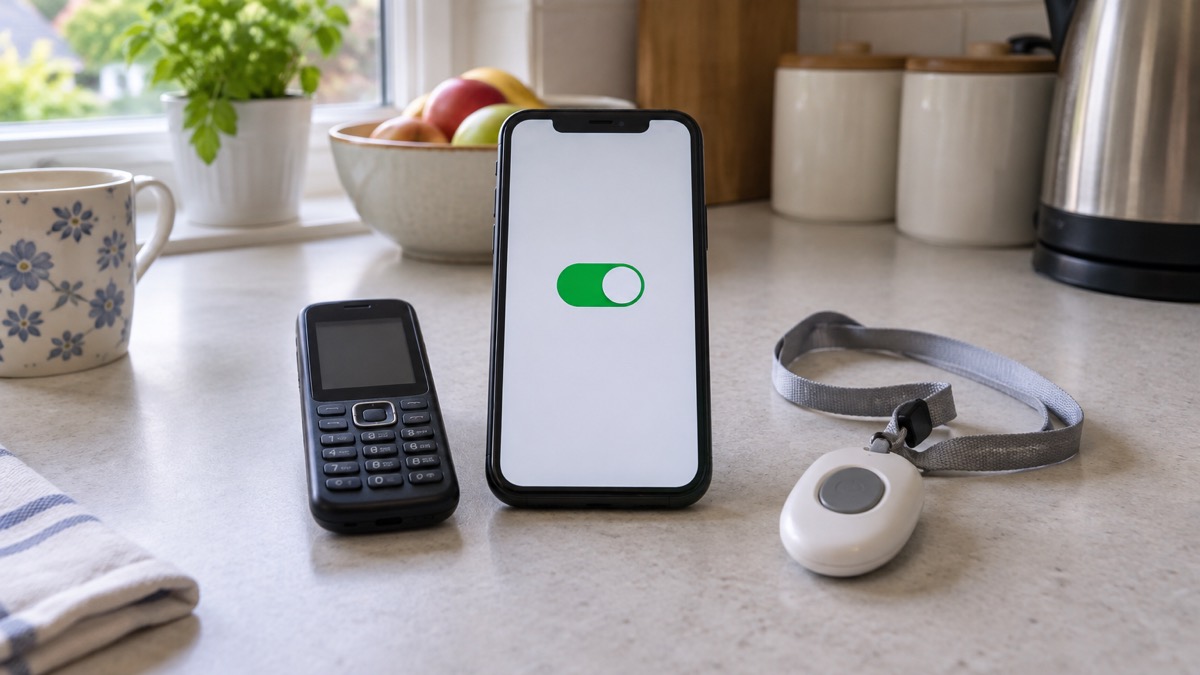
Some households get home broadband, or a backup internet connection, from a mobile broadband device such as a dongle or a 4G home router. These are affected only if they are 3G-only. Three's guidance splits its broadband customers into two groups: "You don't need to do anything if you've got a 4G or 5G data-only Home or Mobile Broadband device. You can continue using" it as before, but broadband customers with a 3G-only device should change it to continue using the network1.
If you are not sure which kind of device you have, the model name on the underside or its original packaging usually tells you, and your provider's support pages will list it. A device bought several years ago as a "3G dongle" or "3G router" is exactly what the switch-off removes. If your home internet depends on it, the practical effect is the same as a broadband outage that never repairs itself, so it is worth checking before rather than after.
For any other connected equipment in the house, the Government's landline guidance gives a rule that applies widely: contact the equipment supplier or device manufacturer to find out whether it will remain functional12. That covers devices plugged into a phone line as well as ones using mobile networks, and it is the single most useful question to ask about anything with a SIM card or a phone cable that you did not buy as a plain phone. Our pages on broadband outages and keeping your router running in a power cut cover the related question of what happens when the connection itself fails.
Personal alarms and pendants: which keep working
Personal alarms, sometimes called telecare, are the devices the switch-off touches most seriously, because a household member's safety may depend on them without anyone realising they use a phone network. A pendant alarm, as NHS inform describes it, is something you wear on your wrist or hang around your neck, and if you fall or need help you can press a button to trigger a call to an alarm receiving centre13. Whether that call still gets through depends entirely on what network the pendant uses and whether that network still exists.
Any alarm that connects over 2G or 3G therefore has a limited life even where it still works today, because the Government requires that all 3G networks are switched off by 20334. The practical advice is the same in every nation: contact the company that supplies your personal alarm, fall detector or medical pendant, confirm it is compatible with the networks it will need to use, and ask what happens to it if the power goes off.
The practical advice from the Government's emergency preparedness guidance is to check with the provider or manufacturer how your devices work if the network is down, for example how your personal alarm or diabetes sensor would function if mobile or broadband service is lost14. Ask specifically:
- Which mobile network does the alarm use, and is that network 3G or 2G?
- Will it keep working after that network is switched off?
- If you are buying a new alarm or device, check with the provider of that equipment that it is compatible with digital phone lines12
- How does the alarm behave during a power cut, if it connects through your home phone line?
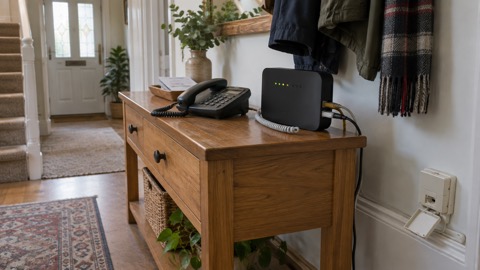
The landline side matters here too, because many alarms connect through the home phone line rather than a mobile network, and that line is also changing. The UK's phone network is being upgraded to digital technology, with completion expected by early 202715, and devices reliant on the old phone network, such as alarm systems, telecare devices and door entry systems, will require upgrading12. Ofcom advises telling your provider before the change if you don't own a mobile phone, or you don't have enough mobile signal at home to call the emergency services16. Our pages on the digital landline switchover and telecare and personal alarms work through both changes in detail.
Digital GPS alarms: help from anywhere with mobile signal
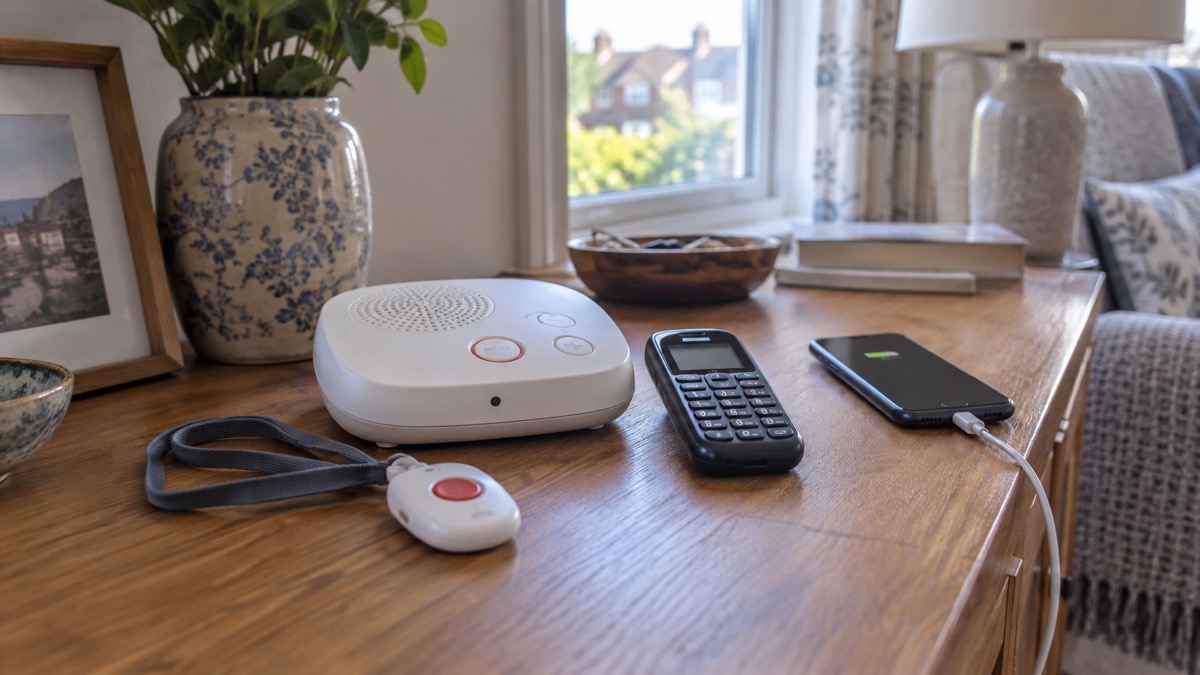
Not all alarms tie you to the house. Digital GPS alarms use the mobile network rather than a home phone line, so they can raise the alarm wherever there is mobile signal, which suits people who go out alone, garden at a distance from the house, or walk a dog. The trade-off is that they depend entirely on mobile coverage, and after the 3G switch-off that means 4G or 5G coverage. A GPS alarm that was designed for 3G has lost its network in the same way a 3G phone has.
When choosing or reviewing one, the same questions apply as for any connected device: which network does it use, does that network still exist, and what happens when the network is down. The Government's preparedness guidance to check with the provider or manufacturer how alarm devices work if the network is lost applies to GPS alarms as much as to home pendants14. It is also worth asking whether the device roams onto other networks, since Three states that phones on its network can use other operators' networks, where available, for emergency calls when its own 4G and 5G are unavailable1; an alarm with the same capability is more resilient than one locked to a single network.
A GPS alarm is one layer of preparedness rather than a complete answer, since it depends entirely on there being a mobile network signal where you are. For households that want a way to call for help beyond mobile coverage altogether, our pages on satellite messaging on phones and satellite messengers set out what those devices can and cannot do.
Why the 3G networks are being switched off
The switch-off is a deliberate, scheduled change rather than a failure. On 8 December 2021 the Government announced that all public 2G and 3G networks will be switched off by 2033 at the latest, with operators encouraged to switch off earlier1. Ofcom notes that the 3G networks in the UK are gradually being switched off over the next few years16. The reason is straightforward: the radio spectrum and equipment devoted to 3G are being reused for the 4G and 5G networks that carry almost all traffic today, and Three states that its existing 4G network continues to improve as a result1.
The operators have moved at different speeds, and on Three the change has already happened: the company states that 3G is no longer available as a service, and it has no 2G network for older devices to fall back on1. The end of the road for the older generation of networks is fixed: the Government requires that all 3G networks are switched off by 20334, which means 2G-only devices, including some older alarms and machine-to-machine equipment, face their own deadline even where they still work today.
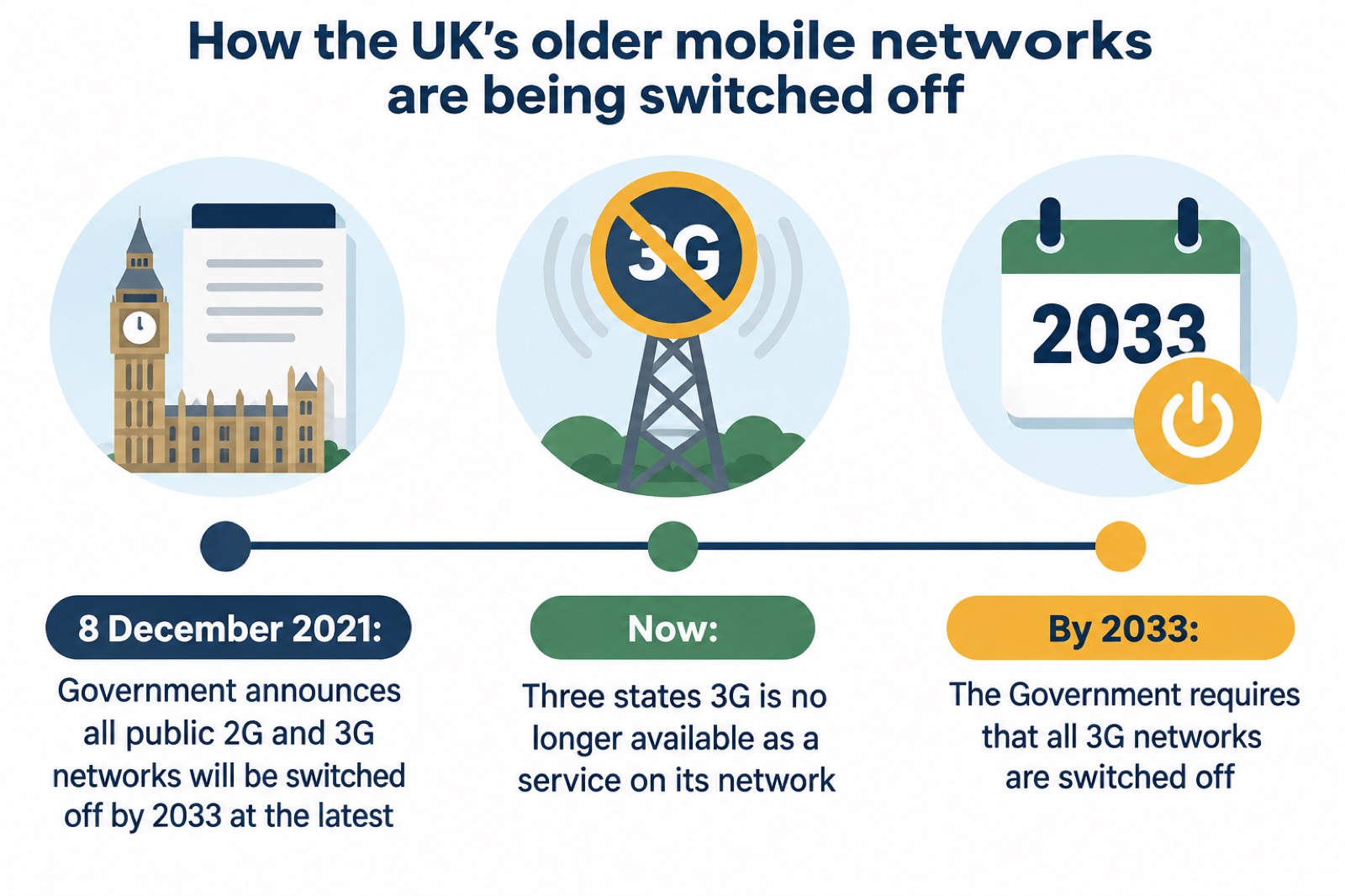
Ofcom does not have a formal role in the 3G switch-off, but it expects mobile providers to give adequate notice, ensure communications are simple and clear, use a range of communication methods and formats, provide extra help to customers that need it, particularly people struggling financially, and provide information about roaming when travelling abroad3. If you feel you were not properly warned, that expectation is the standard your provider is measured against when you complain.
Where to get help with an affected device
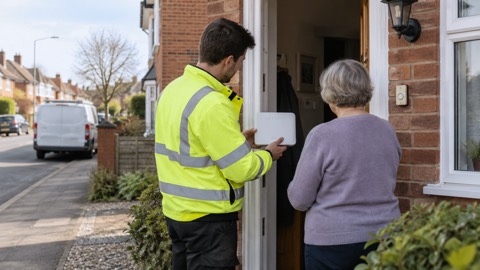
Start with the right organisation for the device in question. For a phone or mobile broadband device, that is your mobile provider: Three runs a dedicated line for its 3G switch-off on 0800 033 80311. For anything connected to your home phone line, the Government advises contacting the communication provider listed on your bill, such as BT, Sky, Virgin Media O2, Vodafone or KCOM, particularly if you identify as vulnerable or have alarm systems or telecare devices connected to your telephone line12. For a third-party device such as an alarm or a diabetes sensor, contact the equipment supplier or device manufacturer12.
| What is affected | Who to contact | Notes |
|---|---|---|
| A Three phone, smartwatch or mobile broadband device | Three, 0800 033 80311 | Ask about 4G Calling compatibility; accessibility team available for customers with accessibility needs |
| A phone or device on another network | Your mobile provider | Ofcom expects adequate notice and extra help for customers who need it16 |
| A telecare alarm, pendant or burglar alarm on your phone line | Your communications provider, listed on your bill12 | Say if you are vulnerable or have devices connected to the line |
| Any other connected device | The equipment supplier or device manufacturer12 | Ask whether it will remain functional |
| Power cuts affecting your phones | 105, or 0800 6783 105 for National Grid17; UK Power Networks also takes reports on 0800 31 63 105 or 10518 | Report the cut, then check your kit once power returns |
Landline customers should watch for genuine contact from their provider: communications providers will contact customers ahead of a migration taking place, and the Government advises looking out for that material and being careful not to confuse it with marketing12. Our page on digital switchover scams explains how to tell them apart.
A few other contacts are worth having to hand. If you break down on a motorway, National Highways advises using the free emergency telephone where provided, or a mobile phone to call 0300 123 5000 for advice and assistance, then contacting a breakdown recovery service19. In Northern Ireland, stay clear of any damaged electricity equipment and report it immediately to NIE Networks on 03457 643 64320. Blind and partially sighted people can get specialist equipment and advice from the RNIB on 0303 123 999921. Households that need extra support during outages can also ask their provider about the Priority Services Register, which our page on extra help from providers covers.
While you are checking devices, it is a good moment to check the smoke alarms too: Electrical Safety First reports that smoke alarms were absent in over a third of fire-related fatalities in England in the past year22. A home full of newly checked communications equipment is a good place for a working smoke alarm as well.
Finally, keep a way of getting information that does not depend on any mobile network. The Government's Emergency Alerts are sent to compatible 4G and 5G mobile phones within an area of risk, they don't need your location or phone number, and only the government and emergency services can send them23. It is possible to opt out if you need your phone to stay concealed, for example if you are a victim of domestic abuse24, though opting out means missing genuine alerts. A battery or wind-up radio, covered in our emergency radios guide, remains the dependable fallback when every screen in the house goes dark, and our staying informed section brings the whole subject together.
Sources (24)
- Our plans to switch off 3G, Three, 2026
- Government Resilience Action Plan debate, Hansard, 8 July 2025
- Emergency video relay, Ofcom, 31 March 2023
- Taking Care GO | Taking Care, Taking Care
- How alerts work, GOV.UK, 2026
- Emergency alert test Sunday 7 September at 1500, Wiltshire and Swindon Prepared, 25 October 2026
- Emergency Alerts service, Croydon Council, 2026
- Emergency Alerts Factsheet, Saltford Parish Council, April 2023
- Emergency SMS, South Tees Hospitals NHS Foundation Trust, 10 November 2022
- Stay connected in severe weather, Ofcom, 13 October 2026
- 111 service information, NHS 24, 22 December 2023
- Moving landlines to digital technologies, GOV.UK, 28 May 2025
- Telecare: help and support, NHS inform, 13 August 2024
- Phone and broadband outages, Prepare Campaign, 12 October 2026
- Switchover to digital landlines, South Gloucestershire Council, 2026
- Future of landline calls, Ofcom, 31 March 2023
- Find support with storm damage, Cornwall Council, 22 October 2026
- Hot weather advice, NHS Cambridgeshire and Peterborough ICB, 4 August 2026
- Driving on motorways, National Highways, 29 October 2026
- NIFRS Storm Eowyn operational update, Northern Ireland Fire and Rescue Service, 24 January 2025
- Hearing and sight impairments, North Wales Fire and Rescue Service, 29 October 2026
- The Beep, Electrical Safety First, 2026
- National emergency alerts, Warwick District Council, 29 October 2026
- Alerts and warnings, Be Ready Campaign, 30 October 2026
 Emergency Alerts
 Digital Landline Switchover
 emergencySMS Registration
 999 BSL and Relay UK
 Provider Extra Help