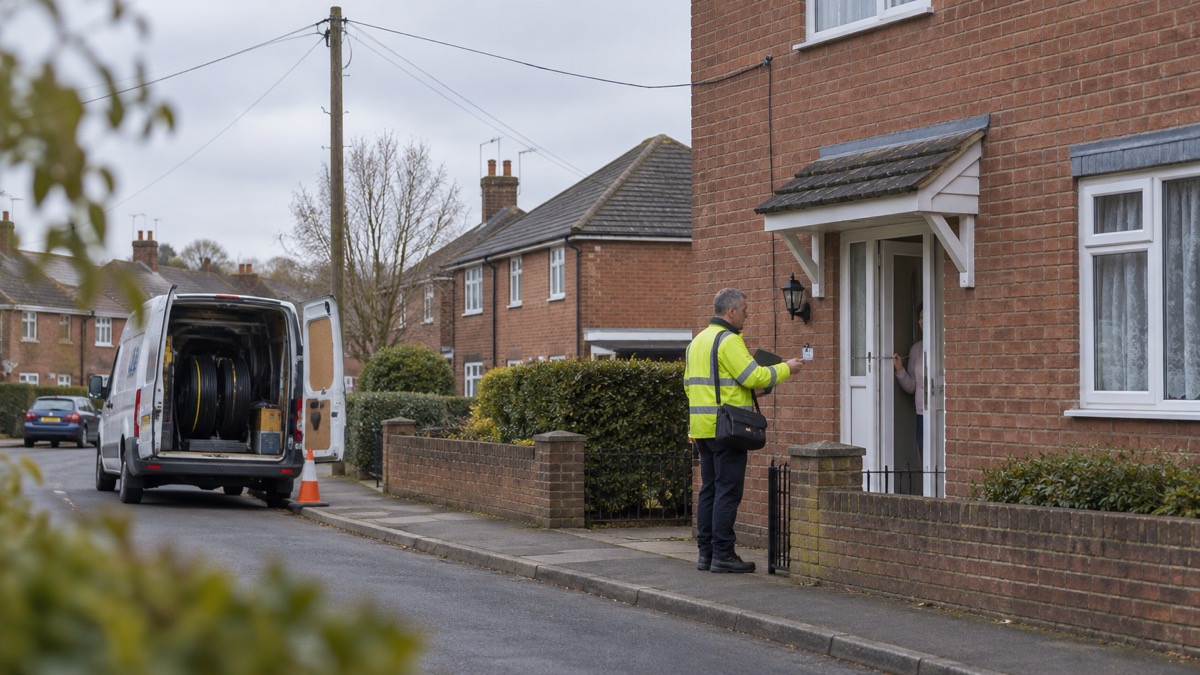
Telephone providers across the UK are switching traditional landlines to digital phone lines, and most customers will move from old analogue copper lines to a new digital phone service1. The switchover is a genuine change, but it has also given criminals a story to work with: councils and fire services warn that it can create an opportunity for scams by phone call, email or a visit to your door3.
The good news is that the real process has a shape you can check against. Contact about the switch is usually by letter, and any charges are applied to your normal invoices, not demanded over the phone4. Your provider should contact you before the switchover to check in and discuss what needs doing4. If someone rings, emails or knocks asking for money, bank details or a password to "keep your line working", that is not how the switchover works.
If you take one thing from this page, take this: stop, check with a number you looked up yourself, and never hand over bank details to a caller. Below is how the scams reach you, what to check first, where a doorstep caller must never get in, and how to report it and get help.
Criminals are using the digital landline switchover to run new scams
The switchover is real and nationwide. Landlines across the UK are being moved to a new digital system, changing from older, less reliable copper wires to fibre ones3. Most providers will move customers from old analogue landlines to new digital phone services, and between now and January 2027 most telephone providers will be moving their customers over4. Because so many households are expecting a letter, a call or an engineer, a criminal who mentions the switchover sounds plausible.
That is the whole trick. Suffolk's digital switchover guidance is blunt about it: the switchover can create an opportunity for criminals to devise new scams, whether through phone calls, emails, or in-person visits at your door3. Argyll and Bute council adds that there have been incidents reported of scammers contacting vulnerable users in relation to digital migration, and that communication providers or telecare services will never call you to ask for money4.
Two things follow. First, the switchover is not something you pay for over the phone. Second, the people most targeted are often those least able to check: older people, people who rely on a telecare alarm, and anyone living alone. If you care for a vulnerable person, keep an eye out for correspondence notifying them of a switchover date, so you know when a genuine contact is due and when one is not4.
It also helps to know who is not involved. The change is being made by telecom companies, not by National Grid, so a caller claiming to be from your energy supplier about the landline switchover has no reason to be ringing you at all1. If you still have an old analogue connection and have not yet migrated, the advice is to contact your landline provider yourself, on a number you choose8.
How switchover scams reach you: phone calls, emails and visits to your door
Scams arrive by three routes, and each has its own tell. The table below sets out what each looks like and the first thing to do.
| Route | What it can look like | First thing to do |
|---|---|---|
| Phone call | Someone claiming to be from your provider or a telecare service, asking for money or details to "complete" the switch4 | Hang up and ring your provider on a trusted number4 |
| Email or text | A message with a link or attachment about your landline, or a demand for payment7 | Do not reply, click links or download attachments; forward it on7 |
| Doorstep visit | An uninvited caller claiming to be an official or engineer10 | Ask for identity; if in doubt, keep them out6 |
The email and text route is the widest. The switchover can create an opportunity for criminals to devise new scams, whether through phone calls, emails, or in-person visits at your door9. The same pattern applies to switchover messages: a criminal sends many and needs only one household to act.
Doorstep scams follow a similar logic but rely on confidence. Councils warn about bogus callers using emails, fake websites, fake advertisements and callers pretending to be a family member or friend requesting money12. Derbyshire's winter guidance warns specifically about bogus officials who call door-to-door without an appointment claiming to be from heating supply or other companies, and says always to check the identity of callers and, if in doubt, call the police11.
Phone calls and emails about your landline: what to check first
Before you answer any question about your landline, run through a short check. It takes a minute and it settles most doubts.
- Was I expecting this? Genuine contact about the switch is usually by letter, and your provider should contact you before the switchover to check in4.
- Is money being asked for? Charges are only applied to normal invoices, and providers or telecare services will never call you to ask for money4.
- Am I being pushed to share details? Take a moment to stop and think before sharing personal information13.
- Can I verify it independently? Hang up and call your provider using a trusted phone number, such as the one on the bill4.
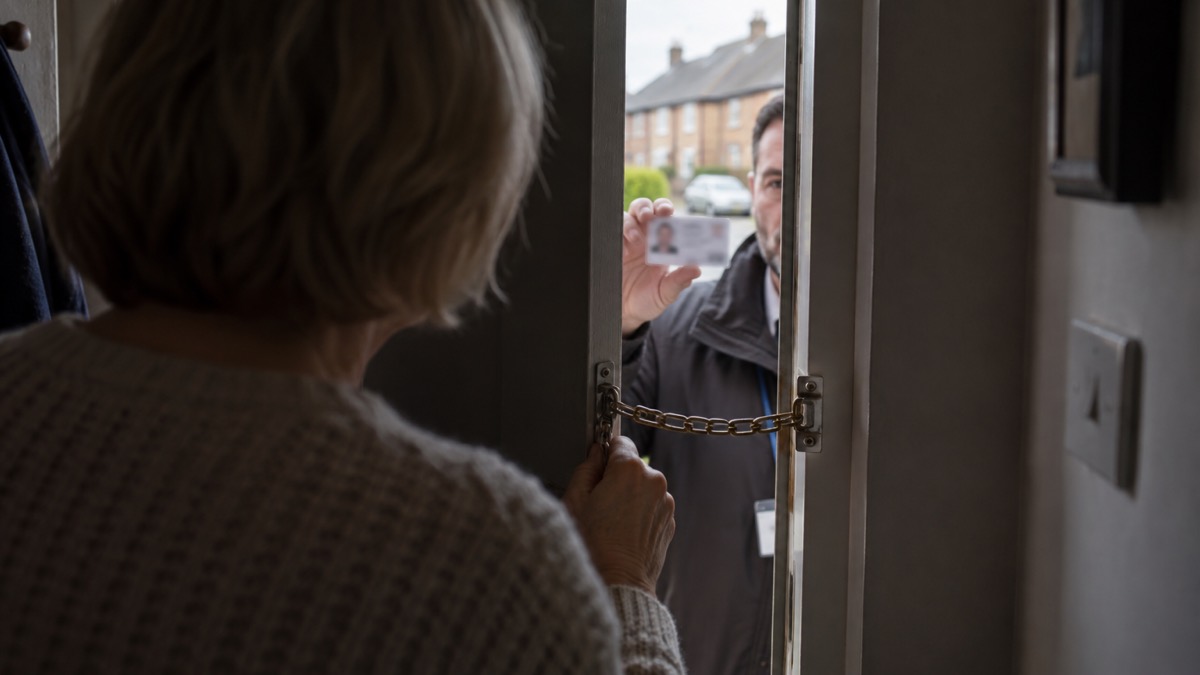
Caller ID is not a check. Sussex Resilience Forum warns that caller ID can be spoofed easily, so do not trust a displayed telephone number, and that your bank, the police, or real companies will never ask for your details in an email, text, or phone call14. If a call feels wrong, hang up. You can always ring back on a number you have found yourself.
If you use a personal alarm, fall detector or medical pendant, the switchover raises a separate question that scammers exploit. Do not assume it will keep working after the switch to digital phone lines, or during a power cut1. Contact the company that supplies your alarm and ask them to confirm it is compatible with the new digital phone network and what happens if the power goes off1. Age UK adds that you should check with the telecare device provider that it is compatible with digital phone lines and will continue to run after the switchover, and that wherever possible you should not accept or buy an analogue device15. A cold caller offering to "upgrade your alarm" for a fee is not the route to take; your own supplier is.
Where an unexpected caller at the door must never get in
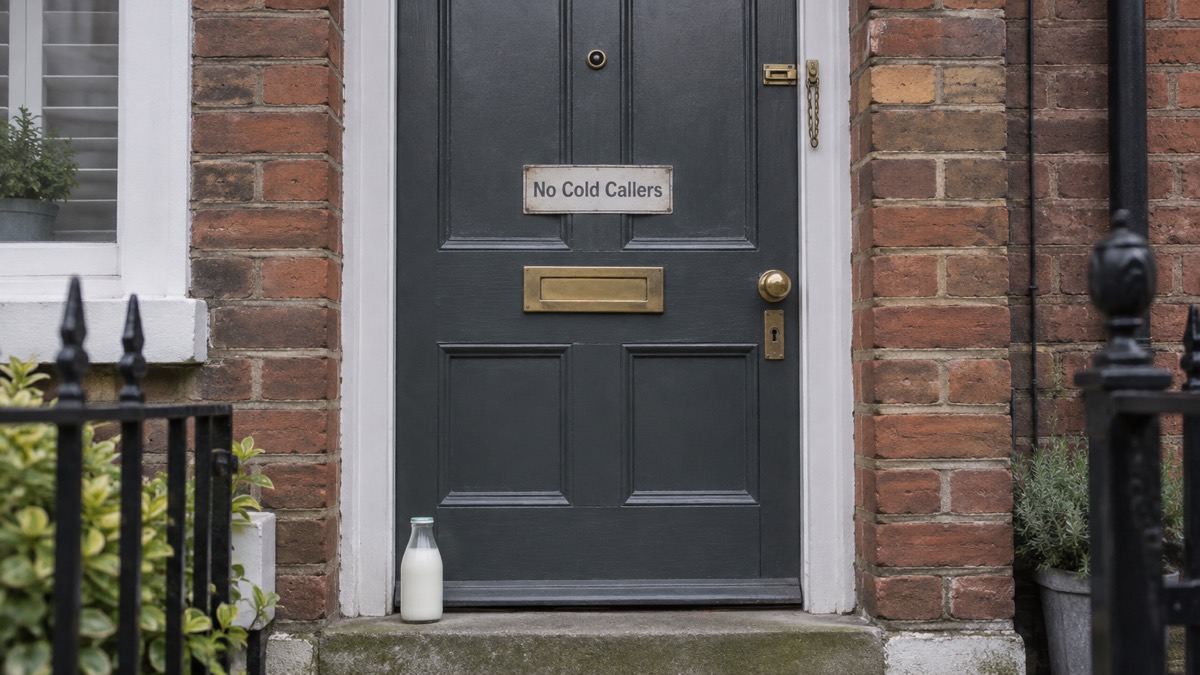
A doorstep caller about the switchover has no reason to be there unannounced. The rule councils and water companies repeat is simple: if in doubt, keep them out, and no identity means no entry6. Look out for uninvited doorstep callers in your area and treat an unexpected visit about your phone line the same way15.
The doorstep password scheme, run by Hafren Dyfrdwy, gives a practical method. Do not use any phone number a caller gives you; check identity through a route you control16. Ask for identification, close the door while you check, and ring the organisation on a number you have looked up. If the caller cannot or will not wait, that tells you what you need to know.
The same caution applies to anyone offering to do work. Lancashire's flooding guidance warns not to be tempted to let someone who appears at your door unannounced carry out the work, to always use reputable building contractors and not to pay in advance10. A caller who says your line or alarm needs urgent work and offers to do it there and then is following a well-worn pattern.
Reporting a switchover scam and getting help
Reporting is quick, and it helps others as well as you. The table below sets out where to go.
| What happened | Where to report |
|---|---|
| Suspicious email | Forward to report@phishing.gov.uk17 |
| Suspicious text | Forward to 77269 |
| Suspicious website | Report it to the NCSC18 |
| You have lost money | Tell your bank, then report to Report Fraud (England, Wales, Northern Ireland) or Police Scotland9 |
| You have paid a ransom | Report to your local police force by calling 10120 |
If you have lost money, tell your bank immediately, and always contact your bank using official websites or phone numbers rather than details a caller gave you21. Then report it as a crime to Report Fraud, the UK's reporting centre for cyber crime; in Scotland, contact the police by dialling 10119. The National Cyber Security Centre's phishing guidance puts it the same way: tell your bank and report it as a crime to Report Fraud for England, Wales and Northern Ireland, or Police Scotland for Scotland9.
If you have handed over information but not yet lost money, act on the account. Check your email filters and forwarding rules, because cyber criminals are known to set up a forwarding rule to automatically receive a copy of all emails sent to your account, which could let them reset your passwords19. Change passwords on any account the caller could have reached, starting with email and banking.
For an older or vulnerable relative, watch for the signs that something is wrong: receiving lots of unwanted calls, unusual transactions on bank statements, becoming unwilling to go out, no money to buy food or pay bills, lots of mail, or being unwilling to throw any old post away22. If you are worried about older or vulnerable family members, friends or neighbours, contact Adult Social Care at the local council23. And if you are unsure whether a contact about the switchover is genuine, speak to your provider directly to find out if you are affected24.
Sources (24)
- The landline switchover, National Grid, 2026
- Switchover to digital landlines, South Gloucestershire Council, 2026
- The digital switchover, Suffolk County Council, 2026
- Digital phone switchover, Argyll and Bute Council, 2026
- Check your personal alarm will work after the landline switch off, Citizens Advice, 2025
- Bogus callers, NI Water, 2026
- Report suspicious emails, websites and phishing, GOV.UK, 2026
- Phone and broadband outages, Prepare campaign, 2026
- Phishing, National Cyber Security Centre, 2026
- Flooding support, Lancashire County Council, 2026
- Snow buddies, Derbyshire County Council, 2026
- Bogus callers, Belfast City Council, 2026
- Digital switchover telecare guide, Suffolk County Council, 2025
- Preparing for an emergency: be ready, stay safe, act now, Sussex Police, 2025
- Telecare, Age UK, 2026
- Doorstep password scheme, Hafren Dyfrdwy, 2026
- sextortion-scams-infographic.pdf, National Cyber Security Centre
- Staying safe online, RNIB, 2026
- Recovering hacked accounts, National Cyber Security Centre, 2026
- Sextortion | National Cyber Security Centre, National Cyber Security Centre
- Shopping online, National Cyber Security Centre, 2026
- COVID-19 and scams, Nottinghamshire County Council, 2026
- How adult social care can help in severe winter weather, Surrey County Council, 2026
- Future of landline calls, Ofcom, 2026
 Free Alert Services
 Emergency Apps
 Digital Switchover Checklist
 Silent 999 Calls
 Giving Your Exact Location
 When to Call 999
 Calling 999 With No Signal
 999 by Wi-Fi Calling
 When You Get an Alert
 Alerts While Driving
 Spotting a Genuine Alert
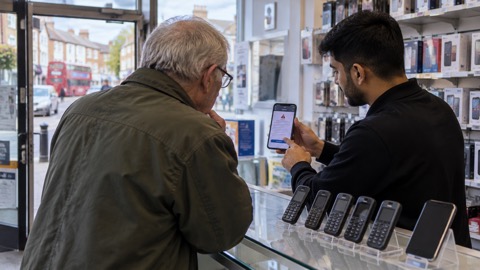 Phones That Get Alerts
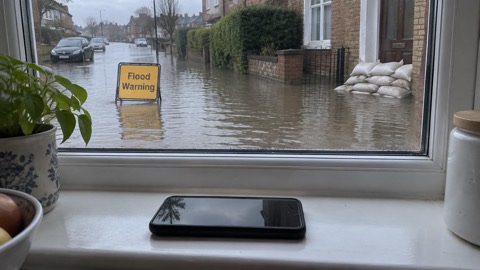 Emergency Alerts On or Off
 Emergency Alert Privacy
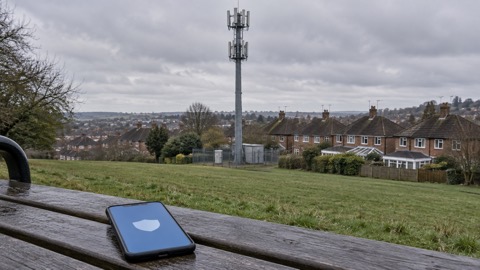 Emergency Alert Tests