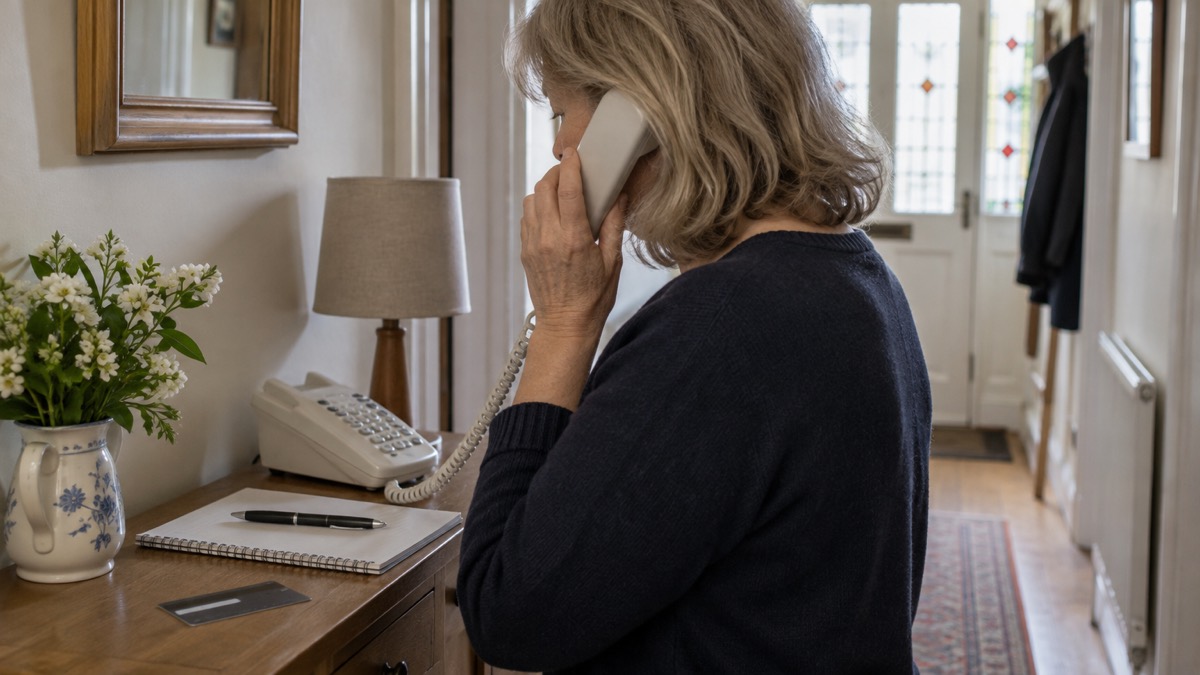
If money has left your account because of a scam, the first thing to do is tell your bank, straight away. The National Cyber Security Centre's advice is blunt on this point: if you have lost money, tell your bank immediately, then report it to Report Fraud, or in Scotland contact Police Scotland1. Speed matters more than anything else you do that day, because a payment that is still moving can sometimes be stopped.
Once the bank knows, report the crime. Report Fraud is the UK's reporting centre for fraud and cyber crime for England, Wales and Northern Ireland, and you can report online, either by signing up for an account or continuing as a guest2. In Scotland, fraud and any other financial crime should be reported to the police on 1013.
Then secure whatever the scam touched. If a password was exposed, change it on every account where you used it, and if the scam began with a hacked account, start with the account provider's own recovery process1. The sections below take each of these in turn, with the exact steps and the numbers to use.
Contact your bank first
Tell your bank before you do anything else. Official guidance is consistent across every kind of scam: if you have lost money or given a scammer your financial details, contact your bank immediately8. If you have shared your banking details, contact your bank immediately and let them know, and if you use online banking you can cancel your card or cards online7. If debit cards, online banking or cheques are involved, your first step should be to contact your bank or credit card company9.
How you contact them matters as much as how fast. Always use official websites or phone numbers, and do not use the contact details provided in a suspicious call or message, or click any links you are sent5. A scammer posing as your bank will happily supply a number that rings their own office. The safe route is the number printed on your bank statement or on any cash machine belonging to your bank, which is also the route for cancelling stolen cards as soon as possible10.
If you are not sure whether a message really came from your bank, treat it as suspect until you have checked through a channel you chose yourself. Our guide to checking whether a message from your bank is genuine walks through how to verify it, and if you have already handed over details, what to do when you have given your bank details to a scammer covers the next steps in detail.
Report it to Report Fraud
Report Fraud is the UK's reporting centre for cyber crime, and reporting helps the National Cyber Security Centre and law enforcement reduce criminal activity4. It covers England, Wales and Northern Ireland; in Scotland, fraud and any other financial crime goes to the police on 101 instead3. You can report online at reportfraud.police.uk, either by signing up for an account or continuing as a guest2. There is also a helpline for advice on preventing fraud and on what to do if you fall victim, alongside the online reporting service12.
What you gain from reporting is not a promise that your money comes back. It is a record: the report feeds into the picture of fraud that police and the NCSC use, and it gives you a reference for your own dealings with the bank. Report even if you think the amount is small or the attempt failed, because the pattern is what helps.
| Where you are | Who to report fraud to | How |
|---|---|---|
| England, Wales, Northern Ireland | Report Fraud | Online at reportfraud.police.uk, as a guest or with an account2 |
| Scotland | Police Scotland | Call 1013 |
| Anywhere, if the suspect is known to the victim or the victim is vulnerable | Police on 101 | Call 101 rather than Report Fraud13 |
If you are reporting on behalf of someone else, note that Report Fraud deals with all fraud unless the suspect is known to the victim or the victim is vulnerable, in which case call 10113. If you are helping a neighbour or relative, be aware of the warning signs and report any concerns, and always report if you have been scammed or think someone is attempting to scam you or someone you know14.
Report it as a crime
Reporting to Report Fraud is reporting it as a crime. The NCSC's phrasing is that if you have lost money, you should tell your bank and report it as a crime to Report Fraud, the UK's reporting centre for cyber crime; in Scotland, contact the police by dialling 1014. The same instruction appears across its guidance for phishing, hacked accounts and data breaches, which is a sign of how firmly it is meant7.
For Scotland specifically, if you have lost money because of an online scam or fraud, report the crime to Police Scotland2. The two systems are separate, so a report to Report Fraud is not a report to Police Scotland, and the reverse is also true.
If the scam was a sextortion email and you have paid the ransom, report it to your local police force by calling 10111. Our page on sextortion emails that quote your password explains why a password in the message usually comes from an old breach rather than from your account being watched.
If the scam started with a hacked account
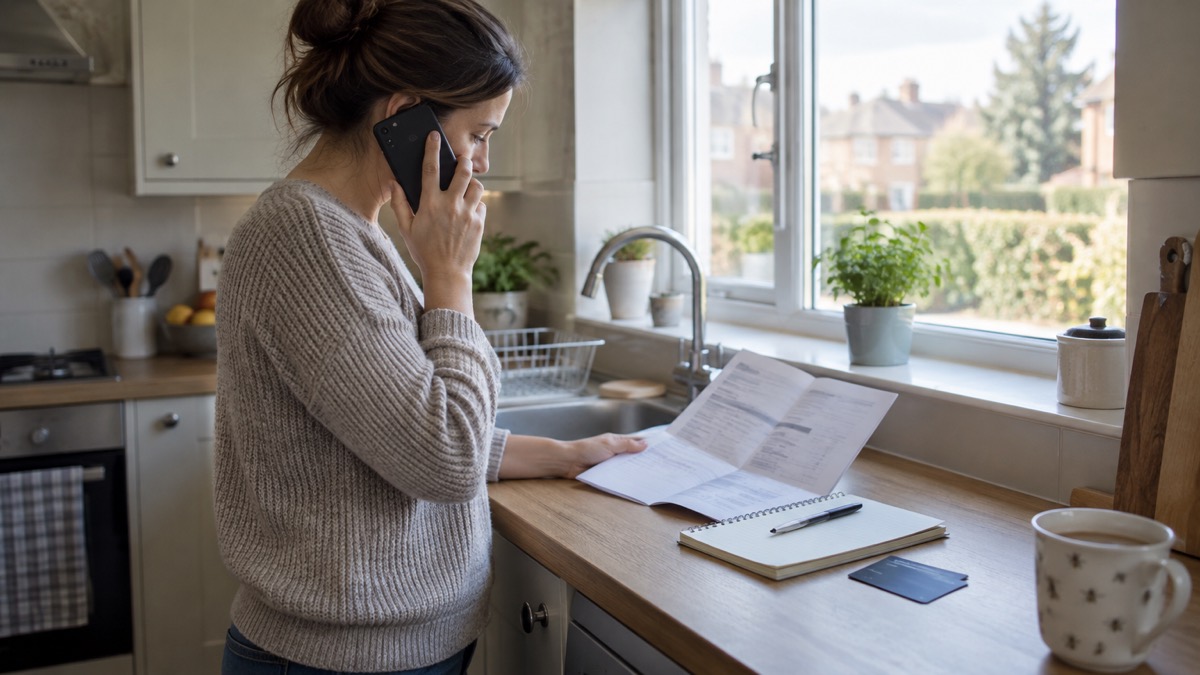
When the money went because someone got into one of your accounts, the order changes slightly: the account provider comes first, then the bank, then the report. Go to your account provider's website and search their help or support pages, which should explain the account recovery process in detail1. If you suspect one of your accounts has been fraudulently accessed, follow the actions to take to recover a hacked account16.
If the account cannot be recovered with the online service, create a new account, give your contacts the new details, tell them you have abandoned the old account, and update any bank, utility or shopping websites with your new details4. Once no unwanted email forwarding rules are in place, change the password for the account that was hacked and for any accounts using the same password17. Our guides on recovering a hacked email account and checking for forwarding rules set by hackers take these steps one at a time.
If the hack began with malware, the picture widens. If you have logged into any accounts or apps since installing the malware, you must change the password for that account, as it may have been stolen, and update the same password anywhere else you used it, making sure the passwords are unique18. Our page on malware on a computer or phone covers spotting and removing it.
Scam calls and texts: what to do with the message
If a message or call makes you suspicious, stop, break the contact, and consider the language it uses; tell-tale signs are authority, urgency, emotion, scarcity and current events21. You do not need to work out what the scam was for. Breaking contact and reporting it is enough.
- Forward scam text messages to 7726, free of charge6.
- Forward suspicious emails to report@phishing.gov.uk6.
- Report scam websites through the NCSC's reporting route22.
- If a caller persuaded you to pay them money, report the call to Report Fraud and also report it to your bank or credit card provider23.
You can also take a screenshot or picture of a QR code or scam text, add it to the main content of an email and send it to the NCSC24. Our pages on how to report a scam text message and how to report a phishing email give the detail.
Scam messages that arrive after a data breach
A common pattern is a wave of scam messages some time after your details appear in a breach. Criminals use stolen information within scam emails and text messages so that they appear legitimate, and may pretend to be from an organisation that has suffered a recent data breach25. These messages typically contain links to websites that look genuine but store your real details once typed in, install viruses, or steal passwords you enter15.
Watch for official-sounding messages about resetting passwords, receiving compensation, scanning devices or missed deliveries, emails full of technical language, and anything urging you to act immediately or within a limited timeframe15. If you are unsure whether your email was caught up in a breach, our guide to checking if your email was in a breach explains how to look, and your details in a data breach covers what to do next.
Changing passwords and locking the door behind you
Once the immediate calls are made, tidy up the accounts the scam touched. Change the password for any account that has been hacked, and also for any accounts that use the same password4. If you have given out your password, change the passwords on any of your accounts which use the same password, and if available you could use a passkey instead26. If you have given out a password and use the same one elsewhere, change those immediately7.
A password manager makes unique passwords practical, and our page on whether you need a password manager sets out the choice. Turning on two-step verification on your email and bank accounts is the other half of the job; our guide to protecting email and bank accounts and the checklist of which accounts to protect with 2-step verification take you through it.
Where to get help
If you are not sure where to start, Citizens Advice has step-by-step instructions on what to do if you think you have been scammed27. Age UK's staying safe guidance also points people to Report Fraud for fraud or a scam10. For anyone helping an older or disabled relative, our page on extra help in an emergency covers the wider support available.
If the scam has left you without access to your money, our guide to paying for essentials when card machines and banking apps fail covers the practical side, and when banks, shops and public services go offline explains what happens when the systems themselves go down. For the wider picture of how these incidents are handled, see cyber attacks and major IT failures.
Sources (27)
- Hacked accounts: what to do, National Cyber Security Centre, 2026
- Report suspicious emails, websites and phishing, GOV.UK, 2026
- Scam calls and messages, Ofcom, 2024
- Recovering hacked accounts infographic, National Cyber Security Centre, 2026
- Shopping online safely, National Cyber Security Centre, 2026
- Protect yourself booklet, Police Service of Northern Ireland, 2024
- Phishing: what to do, National Cyber Security Centre, 2026
- Winter safety advice, Suffolk Fire and Rescue Service, 2026
- Dealing with fraudulent calls and vishing, Virgin Media, 2026
- Staying safe, Age UK, 2025
- Sextortion, National Cyber Security Centre, 2026
- Scam missed parcel SMS messages, National Cyber Security Centre, 2021
- Others who can help, Devon and Cornwall Police, 2026
- Community risk register, Walsall Healthcare NHS Trust, 2023
- Data breaches guidance, National Cyber Security Centre, 2021
- Data breaches: what to do, National Cyber Security Centre, 2026
- Recovering a hacked account, National Cyber Security Centre, 2022
- Scam missed parcel SMS messages: advice on avoiding malware, National Cyber Security Centre, 2026
- Using passwords to protect your devices and data, National Cyber Security Centre, 2026
- Sextortion scams infographic, National Cyber Security Centre, 2026
- Cyber security advice for families, Essex Prepared, 2026
- Report a scam website, National Cyber Security Centre, 2026
- Hacked device: action to take, National Cyber Security Centre, 2021
- Report a scam text message, National Cyber Security Centre, 2021
- Data breaches infographic, National Cyber Security Centre, 2023
- Phishing scams: what to do, National Cyber Security Centre, 2022
- Staying safe, RNIB, 2026
 Accounts to Protect With 2-Step
 After Fixing an Infected Device
 Home Online Security Checklist
 2-Step Verification No Phone
 Antivirus on Phones and Tablets
 Automatic Updates
 Gave Bank Details to a Scammer
 Checking a Bank Message
 Blocking Nuisance and Scam Calls
 Scams After a Data Breach
 Browser Saved Passwords
 Checking Your Email for Breaches
 Hacker Email Forwarding Rules
 Factory Reset an Infected Phone
 Recover a Hacked Email