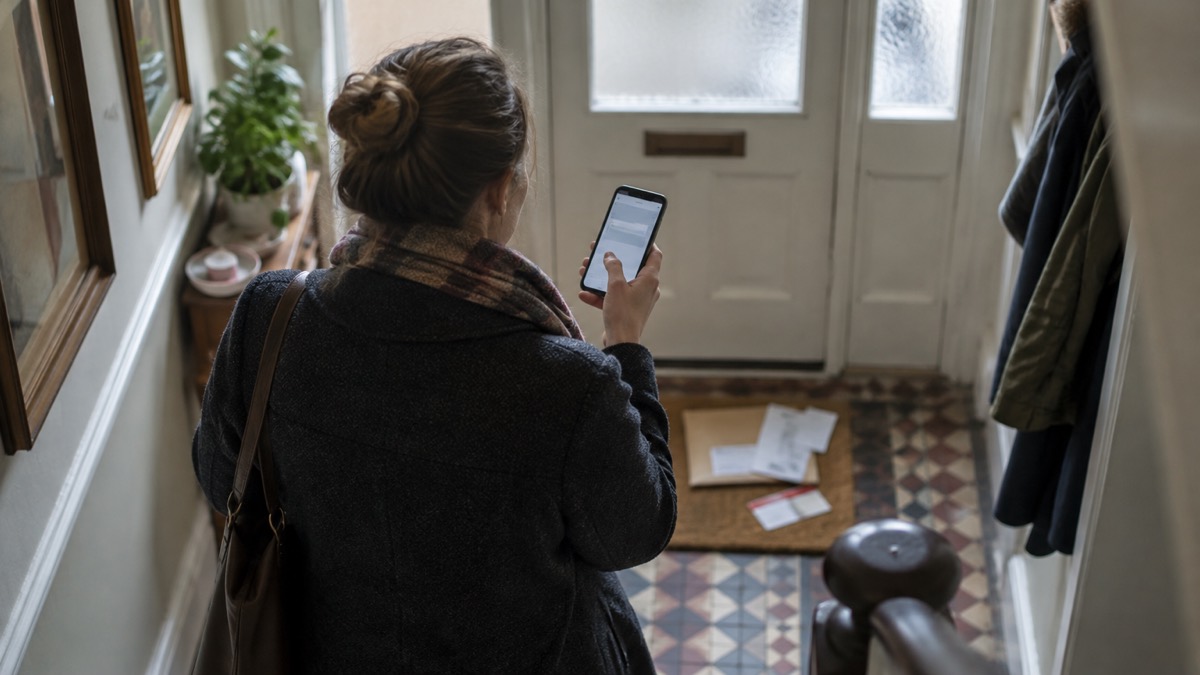
When an organisation loses your details, the messages that follow are designed to look like they come from that same organisation. The National Cyber Security Centre (NCSC) warns that you should be alert for suspicious messages after a breach has occurred, because cyber criminals may try to take advantage of it1. They use the stolen information inside scam emails and texts so that the messages appear legitimate, and may pretend to be from the organisation that has just suffered the breach2.
The tell is rarely the spelling. It is the story: an official-sounding message about resetting a password, receiving compensation, scanning your device or a missed delivery, often urging you to act immediately or within a limited timeframe3. The link in it usually leads to a website that looks genuine but stores your real details once you type them in, installs viruses, or steals the passwords you enter3.
You do not need to become a security expert. Check any unexpected message through a route you already trust, never through the contact details it gives you, and report it. If you have already clicked, there are clear steps to take, and they are set out below.
Why scam messages follow a data breach
A breach gives criminals a list of real names, addresses, email addresses and sometimes passwords, tied to an organisation you actually deal with. That is what makes the next message convincing. The NCSC explains that criminals can then use this information when creating phishing messages, such as emails and texts, so that they appear legitimate8. The approach may be more direct than a fake link, asking you for sensitive information such as banking details or passwords, or for access to your computer8.
It is not only people whose details were stolen who are targeted. The NCSC notes that even if your details are not stolen in the data breach, criminals will exploit high profile breaches while they are still fresh in people's minds3. A story about a hospital trust, a water company or a retailer is in the news, and within days messages arrive referring to it. You do not have to have been affected for the message to name the breach.
This is why the weeks after a breach are the risky period, and why the message arriving at all proves nothing. The organisation should be able to confirm if a breach has actually occurred, how you are affected and what else you need to do, and that is the conversation to have with them directly1. If you want the wider picture of what a breach means for your details, see your details in a data breach.
Warning signs: password resets, compensation, device scans and missed deliveries
The NCSC lists the themes that recur in breach-related scams: official-sounding messages about "resetting passwords", "receiving compensation", "scanning devices" or "missed deliveries", emails full of "tech speak", and being urged to act immediately or within a limited timeframe3. Each works because it borrows the authority of something real.
| What the message says | What it is really doing | What to do |
|---|---|---|
| "Reset your password now" | Sends you to a fake login page that captures your password3 | Go to the service yourself, not through the link9 |
| "You are due compensation" | Asks for bank details or personal information3 | Your bank or any official organisation will never ask for personal information by email2 |
| "Your device is infected, let us scan it" | A common scam, with the caller often claiming to be from a trusted company such as Microsoft or your internet service provider10 | Hang up immediately and report the call to Report Fraud10 |
| "We missed your delivery" | A text with a link that installs malware7 | Do not click the link or install any apps if prompted7 |
The missed delivery text deserves its own warning. If the malware is installed, it can steal your banking details, passwords and other sensitive information, and it attempts to access your contact list to send scam text messages to those numbers7. The NCSC's advice is blunt: do not click the link in the message, and do not install any apps if prompted7. There is more on this pattern in FluBot and fake parcel texts on Android phones.
Where a link in a scam message can take you
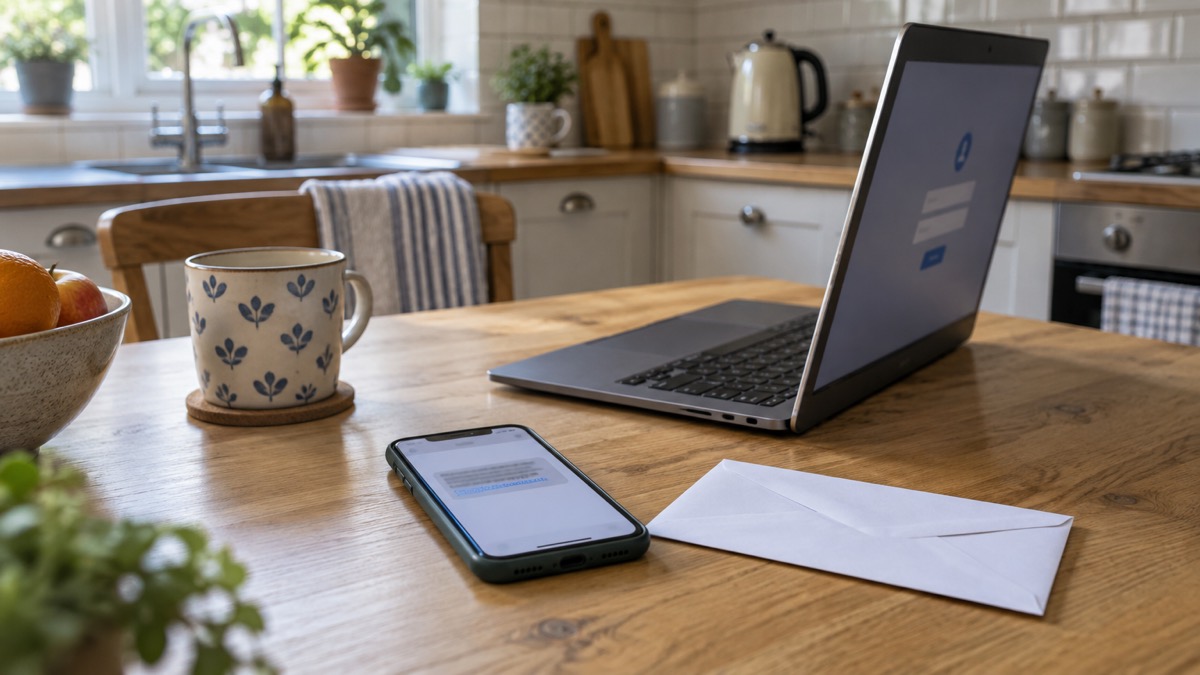
The purpose of a scam text message is often to get you to click a link, which takes you to a website criminals use to download viruses or steal passwords or personal information, sometimes known as phishing11. A scam email works the same way: the link may download a virus or steal passwords or personal information12. The NCSC describes these sites as looking genuine but storing your real details once you have typed them in2.
Once malware is on a phone, the damage spreads. The NCSC says it can steal banking details, passwords and other sensitive information, and it tries to reach your contact list so it can send scam texts to those numbers from your phone7. That is how a single click can turn into messages arriving from someone you know.
Criminals also build their messages from what they can find about you. They use information about you that is available online, including on social media sites, to make their phishing messages more convincing13. A message that knows your name, your street or your recent purchase is not proof of anything beyond that.
What to do if you think a message is a scam
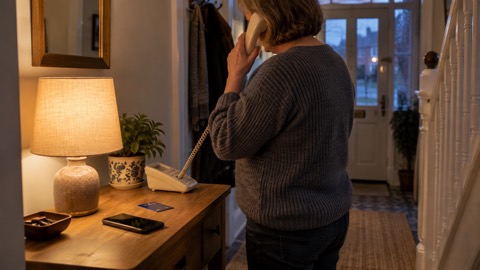
Do not give out private information such as bank details or passwords, do not reply to text messages, and do not download attachments or click on any links in emails if you are not sure they are genuine5. If you have received a suspicious call or message pretending to be your bank, do not use the contact details provided, or click on any links you are sent9.
Then report it, which takes a minute and helps everyone else:
- Texts: forward the message to 7726, a free service for reporting spam2.
- Emails: forward them to report@phishing.gov.uk, the NCSC's Suspicious Email Reporting Service14. The NCSC will investigate it5.
- Websites: report scam websites through the same government reporting service15.
- Delete the message once you have reported it16.
If the message arrived on a work laptop or phone, contact your IT department and let them know17. If a forwarded email containing only one link is rejected, it has been recognised as spam already and need not be forwarded again12. For the step-by-step versions, see how to report a scam text message and how to report a phishing email.
If a message or call about a security breach does not feel right, report it using the routes given2. And if a suspicious message includes a password you still use, change it as soon as you can, change any other accounts using the same password, and consider using a passkey instead3.
If you have already clicked a link or typed in your details
Act in order. A click is not the same as a compromise, but the next few steps decide how much damage is done. Do not give out private information such as bank details or passwords, reply to messages, download attachments or click links if you are not sure they are genuine1. If you have received a suspicious call or message pretending to be your bank, do not use the contact details provided or click on any links you are sent2. Criminals trick people into revealing passwords with fake phishing emails or SMS messages that link to scam websites3, and where malware is installed it can steal your banking details, passwords and other sensitive information4. Check whether your details have appeared in other public data breaches using online tools such as haveibeenpwned.com, which can also send future notifications5.
- Disconnect and scan. Open your antivirus software if you have it and run a full scan, then allow it to clean up any problems it finds15.
- Change the passwords. Change the password for any account or app you logged into since installing anything, and update the same password on any other accounts, making sure they are unique7.
- Check for forwarding rules. Cyber criminals are known to set up a forwarding rule to automatically receive a copy of all emails sent to your account, which could allow them to reset your passwords18. Check your email filters and forwarding rules18.
- Turn on 2-step verification. The NCSC calls this the first and most important step, because it helps protect you if your password gets phished or otherwise compromised19.
- If you installed an app, reset the phone. Do not back up your data before performing a factory reset, as the backup will also contain the malware7.
If you think your account has already been hacked, the NCSC points to its guidance on recovering a hacked account17. Signs of unauthorised activity include changes to security settings, messages or notifications sent from your account that you do not recognise, logins or attempted logins from strange locations or at unusual times, and unauthorised money transfers or purchases20. You may also be locked out entirely, or see password reset messages you did not request21. The full sequence is in what to do if an online account is hacked, and if money has gone, lost money to a scam sets out who to contact.
Sextortion emails that quote your password
A sextortion scam is when a criminal attempts to blackmail someone, usually by email, claiming they have login details or a video of the victim visiting an adult website and threatening to disclose this unless the victim pays a ransom14. It is an example of a phishing attack, where victims receive emails that try to trick them into doing the wrong thing14. The criminals send millions of emails in the hope that someone will pay14.
The detail that frightens people is a password quoted in the message. Do not worry if the message includes your password, as it is probably from an old breach of personal data, but change your account password immediately and anywhere else you use the same password6. The criminals behind these attacks do not know if you have a webcam, or know if you have visited adult websites14. You can check whether an address has appeared in a breach at haveibeenpwned.com14.
Forward the email to the Suspicious Email Reporting Service at report@phishing.gov.uk, and then delete it6. There is more in sextortion emails that quote your password.
Protecting yourself before the next message arrives
Two changes do most of the work. The first is 2-step verification, also known as two-factor authentication or 2FA, which usually works by sending a PIN or code, often via SMS or email, to prove it is really you20. Using it helps stop cyber criminals accessing your account, even if they know your password22. Set it up on your email account in particular, which will prevent a criminal from accessing your email account even if they know your password23. Our guide to turning on 2-step verification walks through it, and which accounts to protect helps you choose.
The second is antivirus, set up properly. Make sure your antivirus software is set to automatically scan all new files, anything you download online, or transfer from a USB stick, external hard drive or SD card24. On Android devices, make sure Google's Play Protect service is enabled, and note that some Huawei devices provide a similar tool to scan devices for viruses7. Antivirus is one layer; it does not replace care with links. See antivirus software: what it does for whether you need it.
You can also check whether your details have appeared in other public data breaches using online tools such as haveibeenpwned.com, and similar services are often included in antivirus or password manager tools3. If you use a password manager, turning on 2-step verification is the first and most important step to protect it19. For a wider routine, work through the home online security checklist.
Sources (24)
- Data breaches: what to do, NCSC, 2026
- Data breaches infographic, NCSC, 2023
- Data breaches guidance, NCSC, 2021-01-28
- Protect Yourself booklet, Police Service of Northern Ireland, 2024
- Report suspicious emails and websites, GOV.UK, 2026-10-29
- Sextortion, NCSC, 2026
- Scam missed parcel SMS messages, NCSC, 2021-04-23
- Data breaches: guidance for individuals and families, NCSC, 2021-01-28
- Shopping online, NCSC, 2026
- Hacked device: action to take, NCSC, 2021-08-09
- Report a scam text message, NCSC, 2021-11-26
- Report a scam email, NCSC, 2021-11-26
- Spot scams, NCSC, 2022-09-05
- Sextortion scams infographic, NCSC, 2026
- Phishing, NCSC, 2026
- Scam missed parcel SMS messages: advice on avoiding malware, NCSC, 2021-04-23
- Phishing scams: what to do, NCSC, 2022-09-05
- Hacked accounts, NCSC, 2026
- Password managers, NCSC, 2026-05-21
- Recovering hacked accounts infographic, NCSC, 2026
- Recovering a hacked account or service, NCSC, 2024-01-11
- Use 2SV to protect accounts, NCSC, 2024
- Having a strong password, Wiltshire and Swindon Prepared, 2026-10-25
- Protecting devices from viruses and malware, NCSC, 2024
 Accounts to Protect With 2-Step
 After Fixing an Infected Device
 Home Online Security Checklist
 2-Step Verification No Phone
 Antivirus on Phones and Tablets
 Automatic Updates
 Gave Bank Details to a Scammer
 Checking a Bank Message
 Blocking Nuisance and Scam Calls
 Browser Saved Passwords
 Checking Your Email for Breaches
 Hacker Email Forwarding Rules
 Factory Reset an Infected Phone
 Recover a Hacked Email
 How Often to Back Up Data