If a text message looks suspicious, forward it free to 7726 and do not tap any link in it. That is the national number most UK mobile customers can use to report spam texts, and forwarding reports the message to your mobile phone provider1. It costs nothing and takes a minute3.
If you have already clicked a link, replied or paid, contact your bank first, using the phone number or website you know is genuine rather than anything in the message4. Then report the fraud: to Report Fraud for England, Wales and Northern Ireland, or to Police Scotland if you are in Scotland5.
The rest of this page sets out how to forward a text on an iPhone or Android phone, what to do if you have already acted on a scam, where to report fraud, and how to tell a scam text from a real one.
Forward the text free to 7726
Forwarding to 7726 is the single action that matters most. It is a free spam-reporting service provided by phone operators, and it is a national number that most UK mobile customers can use7. Forwarding the message reports it to your mobile phone provider, which can then act on the sender1.
It is worth doing even though it feels small. The National Cyber Security Centre says reporting scam texts reduces the amount of scam texts you receive, makes you a harder target for scammers and protects others from cyber crime online1. Your one forward helps the network spot a number that is being used against many people.
The steps are the same on almost any phone:
- Do not tap any link or call any number in the message6.
- Open the message and choose the forward option.
- Send it to 7726 as the recipient.
- Delete the message once it has gone.
If your phone will not forward to a short number, or you cannot forward the message itself, the National Cyber Security Centre says you can take a screenshot or picture of a scam text, add it to the main content of an email and send it to them1. That is a fallback, not a replacement: forwarding passes on the sender's number and the original wording, which is what the provider needs.
How to report a scam text on an iPhone or Android phone
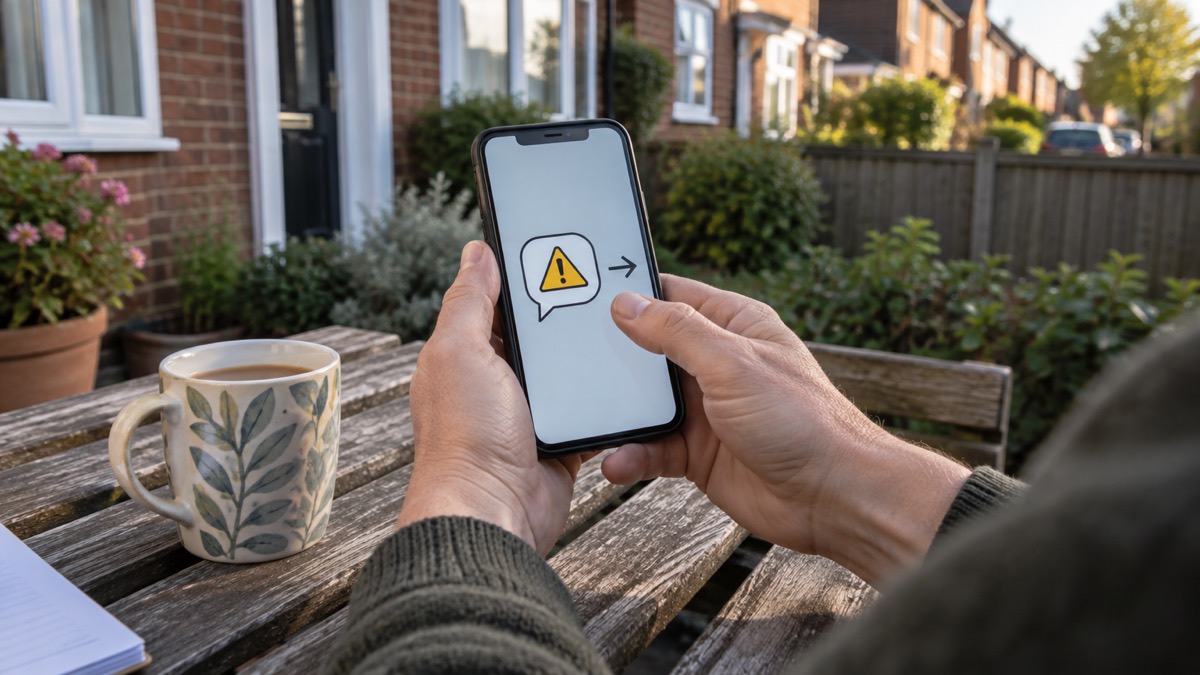
The mechanics differ slightly between phones, but the principle is the same: forward the original message, do not retype it, and do not open anything inside it.
On an iPhone, open the message, press and hold the bubble until the options appear, tap More, then the forward arrow, and enter 7726 as the recipient. On most Android phones, open the message, press and hold it, tap the forward arrow at the top of the screen, and enter 7726. If your phone offers a "report spam" or "report junk" button inside the messaging app, use it as well, but still forward to 7726 so the provider receives it.
While you are in the messaging app, it is worth checking a few settings that cut down what a scam text can do:
- Keep your phone's software up to date by installing the latest updates and patches5.
- Only install apps from official app stores such as Google Play, the Apple App Store or the Samsung Galaxy Store5.
- Do not reply to the message, even to ask it to stop3.
If you are not sure whether a message is a scam at all, the National Cyber Security Centre advises that you can report it to them through their website9. That is separate from 7726: 7726 goes to your mobile provider, while the NCSC collects reports of scams and phishing more widely.
If you clicked a link, replied or paid: contact your bank first
Acting on a scam text is not a reason to panic, but it is a reason to move quickly and in the right order. The first call is to your bank, not to the police and not to the sender.
The National Cyber Security Centre's advice is plain: report it to your bank immediately, and always contact your bank using official websites or phone numbers4. Do not use the contact details provided in the message, and do not click any links you are sent4. If you have lost money or given a scammer your financial details, contact your bank immediately10.
What to do, in order:
- Stop engaging. Do not reply, do not tap further links, and do not install anything the message asks for3.
- Call your bank on the number from your card, statement or banking app, and tell them what happened4.
- Change passwords for any account you entered details into, starting with your email and bank11.
- Report the fraud to Report Fraud, or to Police Scotland on 101 if you are in Scotland5.
- Keep the evidence. Do not delete the message until you have reported it.
If you replied to a scam text but did not click or pay, the risk is mainly that you have confirmed your number is live, which can bring more messages. Stop replying, forward the message to 7726 and delete it. If you have lost money or given a scammer your financial details, contact your bank immediately, using official websites or phone numbers rather than any contact details in the message1.
Reporting fraud to Action Fraud or Police Scotland
Reporting to 7726 deals with the message. Reporting the fraud deals with the crime, and it is what lets the police and banks build a picture of what is happening.
Where you report depends on where you live:
| Where you are | Where to report fraud | How |
|---|---|---|
| England, Wales and Northern Ireland | Report Fraud (Action Fraud) | Report online, either by signing up for an account or continuing as a guest3 |
| Scotland | Police Scotland | Telephone 1015 |
Action Fraud can also be reached by telephone on 0300 123 2040, or online at www.actionfraud.police.uk13. If you have lost money, tell your bank straight away and report it to Report Fraud, or in Scotland contact Police Scotland5.
If you have paid a ransom or a demand, the National Cyber Security Centre directs you to Report Fraud for further advice15. Age UK's staying safe guide gives the same steer: if it is fraud or a scam, contact Report Fraud16.
A report is worth making even when no money has gone. It helps the police and banks see patterns, and it gives you a reference if the scam develops. Keep the message, any screenshots and any bank correspondence together until the report is filed.
Signs a text message is a scam
Most scam texts give themselves away in the wording before you get as far as the link. The National Cyber Security Centre says the purpose of a scam text is often to get you to click a link that takes you to a website criminals use to download viruses or steal passwords or personal information, sometimes known as phishing1.
Watch for these signs:
- Urgency or threat. The text sounds urgent or threatening17.
- Authority. It claims to be from a body you would trust, such as the government, your GP practice, the NHS or the World Health Organization6.
- A link or attachment. Scam texts often include links or attachments which cannot be trusted, so do not click on them6.
- A demand for action within a deadline. Being urged to act immediately or within a limited timeframe is a warning sign18.
- Official-sounding requests. Messages about resetting passwords, receiving compensation, scanning devices or missed deliveries are common cover stories18.
- A delivery you are not expecting. Fake missed parcel texts invite you to install what looks like a delivery or parcel tracking app, but the app is malware19.
Parcel scams are more common around the festive period, when many of us are expecting deliveries19. If you are waiting for something, check with the retailer or courier using details from their own website, not from the text.
"The text sounds urgent or threatening."
If a message or call makes you suspicious, stop, break the contact and consider the language it uses: tell-tale signs are authority, urgency, emotion, scarcity and current events20. That is a quick test you can apply to any text before you do anything else.
Sources (20)
- Report a scam text message, National Cyber Security Centre, 2021
- Phishing, National Cyber Security Centre, 2026
- Report suspicious emails, websites and phishing, GOV.UK, 2026
- Online shopping fraud, National Cyber Security Centre, 2026
- Scam 'missed parcel' SMS messages, National Cyber Security Centre, 2021
- Coronavirus scam calls and texts, Ofcom, 2022
- Community Risk Register, West Yorkshire Prepared, 2025
- Emergency Alert, BT, 2026
- Staying safe online, RNIB
- Winter Matters, Suffolk Fire and Rescue Service, 2026
- Recovering hacked accounts, National Cyber Security Centre, 2026
- Dealing with fraudulent calls and vishing, Virgin Media, 2026
- Protect Yourself booklet, Police Service of Northern Ireland, 2024
- Hacked accounts, National Cyber Security Centre, 2026
- Sextortion scams, National Cyber Security Centre, 2026
- Staying safe, Age UK, 2025
- Scams, BT, 2026
- Data breaches, National Cyber Security Centre, 2021
- Scam missed parcel SMS messages: advice on avoiding malware, National Cyber Security Centre, 2021
- Cyber security, Essex Prepared
 Accounts to Protect With 2-Step
 After Fixing an Infected Device
 Home Online Security Checklist
 2-Step Verification No Phone
 Antivirus on Phones and Tablets
 Automatic Updates
 Gave Bank Details to a Scammer
 Checking a Bank Message
 Blocking Nuisance and Scam Calls
 Scams After a Data Breach
 Browser Saved Passwords
 Checking Your Email for Breaches
 Hacker Email Forwarding Rules
 Factory Reset an Infected Phone
 Recover a Hacked Email