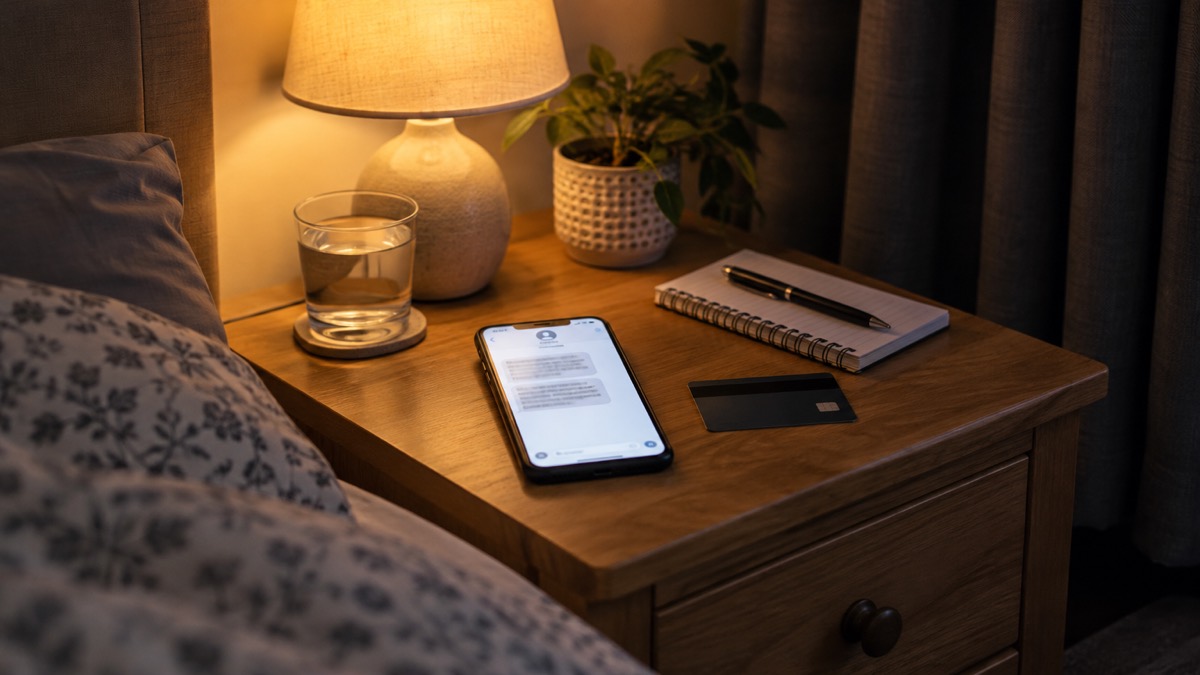
Replying to a scam text is a common mistake, and it does not mean you have lost money or that your phone is infected. What matters is what you do next. If you gave away a password, a one-time passcode or bank details, act now: change the password on that account and anywhere you reused it, and contact your bank immediately using the number on your card or its official website, not a link in the message1.
If you only replied with a word such as "STOP" or "YES", the main risk is that your number is now confirmed as active, which can bring more messages and calls. Do not reply again. Forward the message to 7726, the free reporting service that passes scam texts to your mobile phone provider, and then delete it3.
The sections below take you through each situation in turn: what to change, who to call, how to report, and what to watch for in the days and weeks afterwards.
Change your passwords if you shared or reused any
If the scam text asked for a password and you typed it in, or if you replied to a message that quoted a password you still use, change that password now. The National Cyber Security Centre (NCSC) advises changing any password mentioned in a scam message immediately if you still use it, and changing your account password anywhere else you use the same one6. The reason is simple: if you use the same password across different accounts, criminals only need one password to access all of them8.
Start with your email account. If a criminal can get into your email, they can reach private information about you, including banking details, send messages pretending to be from you, and reset the passwords on your other accounts8. The NCSC advises that if you have reused your email password elsewhere, change it as soon as possible, and make it strong and different from all your other accounts8.
A few practical points:
- Change the password on the account that was exposed first, then any account that shared it.
- Make each new password strong and unique to that account8.
- Consider a password manager, which the NCSC covers in its guidance, so you do not have to remember every password or reuse one9.
- If an account has already been hacked, change its password immediately and change the password on any account that used the same one4.
Criminals trick people into revealing passwords by creating fake phishing emails or SMS messages that link to scam websites, so a password typed into a link from a text should be treated as exposed10.
Contact your bank at once if you gave payment or account details
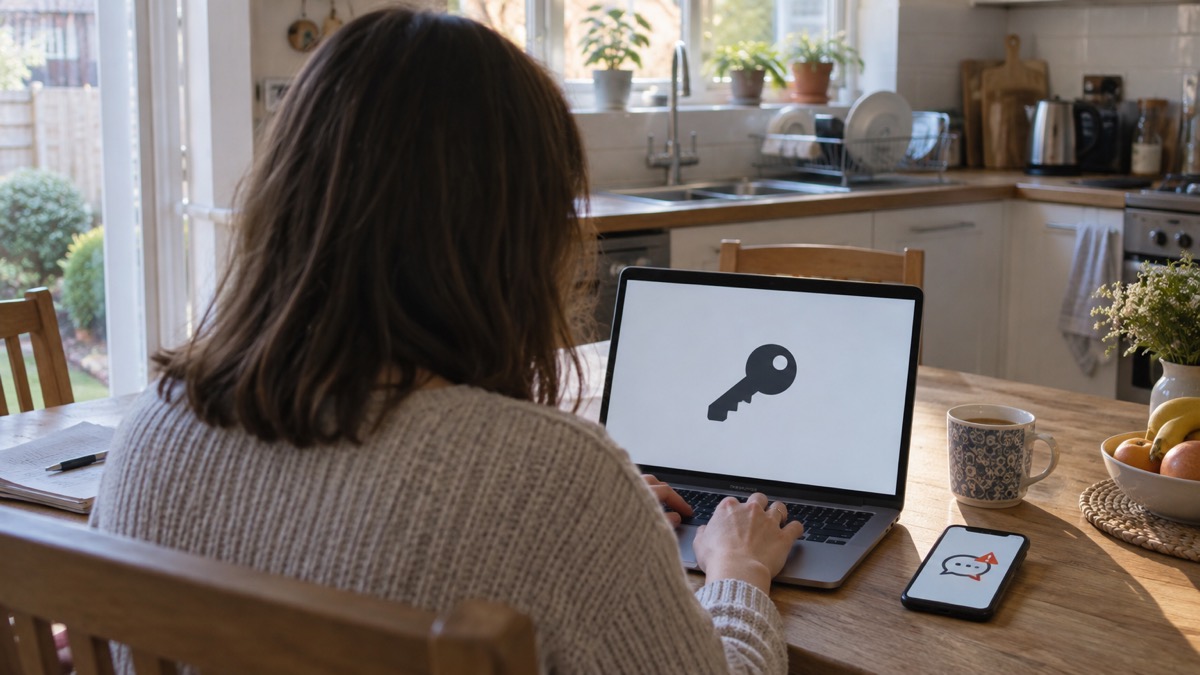
If you entered banking or card details after clicking a link, or gave them in a reply, contact your bank immediately and tell them what happened1. Suffolk Fire and Rescue Service gives the same advice plainly: if you have lost money or given a scammer your financial details, contact your bank immediately11. If you use online banking, you can cancel the card or cards online1.
Contact your bank using the phone number on the back of your card or the official website or app, never the contact details in the message and never a link you were sent12. The NCSC's recovery guidance is explicit: do not use the links in any messages you have been sent when contacting your bank for support5.
If money has already gone, tell your bank straight away and report it as a crime to Report Fraud, the UK's reporting centre for cyber crime. In Scotland, contact Police Scotland instead1. The same split applies across the official guidance: Report Fraud for England, Wales and Northern Ireland, and Police Scotland for Scotland1.
If you handed your card to a courier, call your bank straight away to cancel the card15. For more on what to do when money has gone, see Lost Money to a Scam: Who to Contact and What to Do.
Report the scam text by forwarding it to 7726
Forwarding a scam text to 7726 is free and takes seconds. The message is reported to your mobile phone provider, which can act against the sender3. The NCSC says reporting reduces the amount of scam texts you receive, makes you a harder target for scammers and protects others from cyber crime online2. As of September 2026, the 7726 service had removed 41.9 thousand scams across 93.3 thousand URLs2.
To report:
Forward scam text messages to 7726, free of charge, and forward suspicious emails to report@phishing.gov.uk10. The National Cyber Security Centre also asks people to report scam websites alongside texts and emails1.
One exception worth knowing: if you receive a genuine Emergency Alert on your phone, you will not be able to forward it to 7726, and you should not try to16. Emergency Alerts are the official government messages sent to phones in a local or national emergency, and they are not scams.
For a step-by-step walkthrough, see How to Report a Scam Text Message.
Watch for follow-up scams after replying
A reply, even a one-word one, can mark your number as live, and scammers may come back with calls or further messages. If a message or call makes you suspicious, stop, break the contact, and consider the language it uses. Tell-tale signs are authority, urgency, emotion, scarcity and current events17. BT's own guidance lists the same red flag: the text sounds urgent or threatening18.
If you get an unplanned phone call from a company, even one you use regularly, it could be a scam. Hang up, wait five minutes, and call the company back using a trusted number19. Legitimate IT companies never cold-call about viruses, so never respond to a call from someone claiming your computer is infected; hang up and report it to Report Fraud20.
After a data breach, scammers often send official-sounding emails about resetting passwords, receiving compensation or confirming identity, full of technical language and urging you to act immediately21. These messages typically contain links to websites that look genuine but store your real details once typed in, install viruses, or steal passwords you enter22. Do not click them23.
Where to get help and report fraud
There are several routes, and which one you use depends on what happened.
| What happened | Who to contact |
|---|---|
| You gave bank or card details | Your bank immediately, using an official number1 |
| You lost money | Your bank, then Report Fraud, or Police Scotland in Scotland1 |
| You received a scam text | Forward it to 7726, free3 |
| You received a suspicious email | Forward it to report@phishing.gov.uk1 |
| You want to report a scam website | Report it through the NCSC's reporting route1 |
| The suspect is known to you or you are vulnerable | Call 10124 |
Report Fraud deals with all fraud unless the suspect is known to the victim or the victim is vulnerable, in which case call 10124. Age UK's guidance for older people points to the same service: if it is fraud or a scam, contact Report Fraud20. Belfast City Council advises being aware of the warning signs and always reporting if you have been scammed or think someone is attempting to scam you or someone you know25.
If you are helping a family member, the same steps apply: change reused passwords starting with email, turn on two-step verification, and tell their contacts if an account was hacked so they treat recent messages with suspicion5. For a wider view of the help available, see The National Cyber Security Centre: Help for Individuals and Families and Phishing: How to Spot a Scam Email, Text or Call.
Protecting the accounts that matter most
Once the immediate risk is dealt with, the priority is to stop it happening again. The NCSC says the first and most important step is to turn on two-step verification (2SV), also called two-factor authentication or 2FA, to help protect you if your password gets phished or otherwise compromised9. It usually works by sending a PIN or code, often by SMS or email, to prove it is really you5. Even if a criminal knows your password, they will not be able to access your account without that code10.
Two-step verification is recommended to help protect your online accounts17. Turn it on first for your email, then your bank and any account that holds payment details. For help, see How to Turn On 2-Step Verification and Which Accounts to Protect With 2-Step Verification.
A strong, separate password for your email matters just as much, because criminals can use email access to reach many of your personal accounts and leave you vulnerable to identity theft17. If you are unsure whether a password has been exposed, the NCSC's data breach guidance explains what a breach is and what to do after one22. For a practical check, see How to Check If Your Email Was in a Breach.
Sources (25)
- Phishing: dealing with suspicious messages, National Cyber Security Centre, 2026
- Report a scam text message, National Cyber Security Centre, 2021-11-26
- Report suspicious emails, websites and phishing, GOV.UK, 2026-10-29
- Hacked accounts: guidance for individuals, National Cyber Security Centre, 2026
- Recovering hacked accounts infographic, National Cyber Security Centre, 2026
- Sextortion: guidance for individuals, National Cyber Security Centre, 2026
- Sextortion scams infographic, National Cyber Security Centre, 2026
- Having a strong password, Wiltshire and Swindon Prepared, 2026-10-25
- Password managers, National Cyber Security Centre, 2026-05-21
- Using passwords to protect your devices and data, National Cyber Security Centre, 2026
- Winter matters: seasonal safety advice, Suffolk Fire and Rescue Service, 2026-10-29
- Shopping online safely, National Cyber Security Centre, 2026
- Protect yourself booklet, Police Service of Northern Ireland, 2024-10
- Preparing for an emergency: be ready, stay safe, act now, Sussex Police, 2025-10
- Spotlight on Wiltshire Police courier fraud, Wiltshire and Swindon Prepared, 2026-10-25
- Emergency Alert: help and support, BT, 2026-10-25
- Protecting your family: cyber security, Essex Prepared, 2026-10-29
- Scams: help and advice, BT, 2026-10-29
- Staying safe online, RNIB, 2026-10-29
- Staying safe, Age UK, 2025-08
- Data breaches infographic, National Cyber Security Centre, 2023
- Data breaches: guidance for individuals and families, National Cyber Security Centre, 2021-01-28
- Coronavirus scam calls and texts, Ofcom, 2022-03-31
- Others who can help, Devon and Cornwall Police, 2026-10-29
- Scams and bogus callers, Belfast City Council, 2026-10-29
 Accounts to Protect With 2-Step
 After Fixing an Infected Device
 Home Online Security Checklist
 2-Step Verification No Phone
 Antivirus on Phones and Tablets
 Automatic Updates
 Gave Bank Details to a Scammer
 Checking a Bank Message
 Blocking Nuisance and Scam Calls
 Scams After a Data Breach
 Browser Saved Passwords
 Checking Your Email for Breaches
 Hacker Email Forwarding Rules
 Factory Reset an Infected Phone
 Recover a Hacked Email