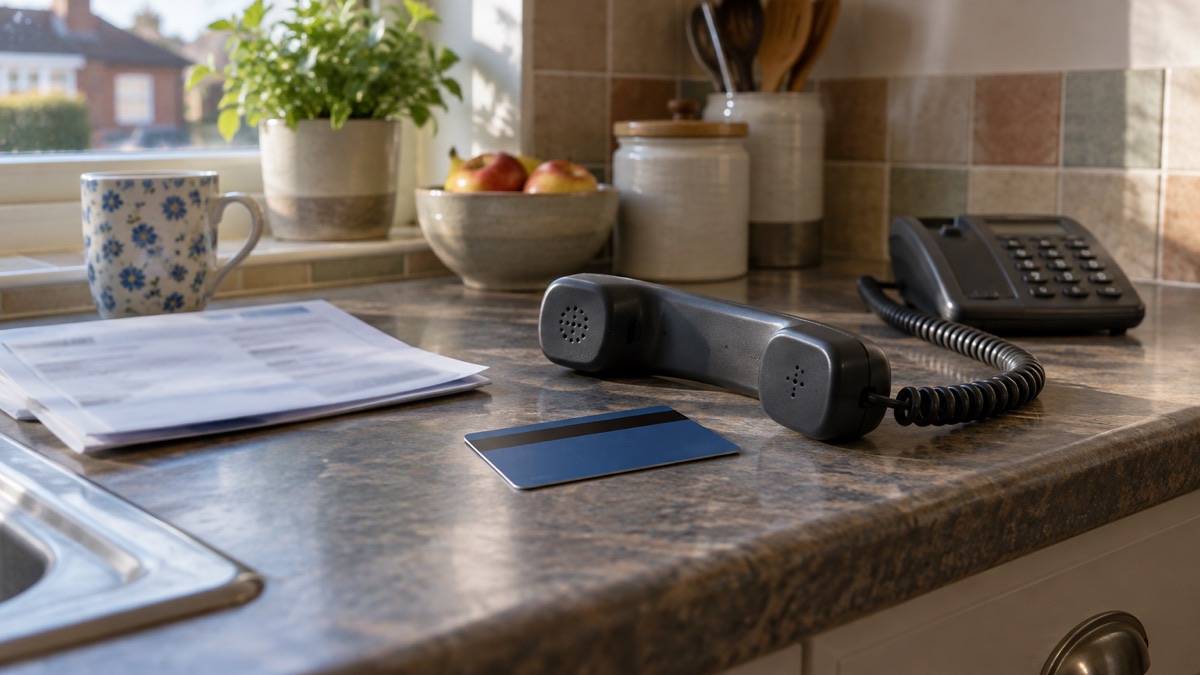
If you have given your bank details to a scammer, the first thing to do is call your bank. The National Cyber Security Centre (NCSC) is direct about it: if you have lost money or given a scammer your financial details, contact your bank immediately1. Do not use any phone number or link that came with the message or call that caught you out. Use the number on your bank statement, on the back of your card, or the bank's own app.
Then watch your account closely for payments you did not make, and report the crime. If you have lost money, tell your bank straight away and report it to Report Fraud, or in Scotland contact Police Scotland2. If you use online banking, you can often cancel your card yourself in the app or website while you are waiting to speak to someone3.
Expect the scammer, or someone working with them, to try again. Follow-up calls pretending to be from your bank are a known part of how these frauds work4. The sections below take each step in turn, in the order you need them.
What to tell your bank when you call
When you get through, say plainly that you have given your bank details to a scammer. Tell them what you shared (card number, account number, sort code, a password, a one-time code), how it happened (a call, a text, an email, a website), and when. If money has already left your account, say so and give the amounts and dates. The bank can then act on the account rather than working it out from scratch.
Use only contact details you have looked up yourself. The NCSC warns that if you have received a suspicious call or message pretending to be your bank, you should not use the contact details provided or click any links you are sent6. The same applies when you are the one making contact: go to the bank's official website or app, or use the number printed on your statement or card.
If you have lost money, the bank is not the only call. The NCSC advises telling your bank straight away and reporting it to Report Fraud, or in Scotland contacting Police Scotland2. If you have not lost money but your details are out there, the bank can still flag the account and tell you what to watch for.
If you use online banking, you may be able to do part of this yourself before you speak to anyone. If you use online banking, you can cancel your card or cards online1. That buys time while you wait on the phone.
Watching your account for payments you did not make
Once the bank knows, your job is to keep looking. Check your bank statements and online shopping accounts for unauthorised purchases and unusual transactions, and contact your bank directly using contact details from its official website or social media channels8. Do this for a few weeks, not just the first day, and check every account the details could touch, including any store cards or shopping accounts that hold the same card.
The NCSC lists the signs of unauthorised activity to look for: changes to your security settings, messages or notifications sent from your account that you do not recognise, logins or attempted logins from strange locations or at unusual times, and unauthorised money transfers or purchases3. A payment you do not recognise, however small, is worth a call.
If you have been through a data breach, the advice is the same: check your online accounts to see if there has been any unauthorised activity9. If phone numbers were among what was stolen, you might get a suspicious call asking for banking details or passwords, or for access to your computer10. Treat any unexpected call that asks for those things as hostile, whoever it claims to be.
Keep a simple record as you go: the date, what you saw, what you did and who you spoke to at the bank. It helps if you need to follow anything up.
Reporting the scam to Action Fraud
Reporting is a separate step from telling your bank, and both matter. If you have lost money, tell your bank and report it as a crime to Report Fraud, the UK's reporting centre for cyber crime3. In Scotland, the route is different: contact Police Scotland instead2.
| Where you are | Who to report the crime to | How |
|---|---|---|
| England, Wales, Northern Ireland | Report Fraud (Action Fraud) | Online at actionfraud.police.uk or by telephone on 0300 123 204011 |
| Scotland | Police Scotland | Contact Police Scotland2 |
The Action Fraud number, 0300 123 2040, is also given in local emergency planning guidance as the number to call if you suspect a scam12. Have your dates, amounts and any reference numbers ready when you report.
If the scam came by email or text, report the message as well as the crime. Forward suspicious emails to report@phishing.gov.uk, and the National Cyber Security Centre will investigate5. Suspicious text messages should be sent to 7726, which is free13. You can also report suspicious websites through the GOV.UK reporting service14. There is more detail on how to report a phishing email and how to report a scam text message if you want to do that first.
Changing passwords and locking the account down

If you entered banking or card details on a link or form, contact your bank straight away, and if you use online banking, cancel the card or cards there3. Then change passwords. The NCSC advises changing the passwords on any of your accounts where you use the same password3. Start with your bank, then your email, because if a criminal can access your email account they could reach private information about you, including your banking details, send messages pretending to be from you, and reset your other account passwords15.
If a scam message quotes a password you recognise, the NCSC says it has probably been discovered from a previous data breach, and you can check at haveibeenpwned.com16. Change that password immediately and anywhere else you used it17.
A few habits reduce the risk next time. Keep anti-virus software and a firewall up to date, and do not trust emails asking you to confirm bank details12. Strong, hard-to-guess passwords are part of the same picture18. If you want help with that, see how to create a strong password you can remember and how to turn on 2-step verification.
Spotting the follow-up scam calls that often come next
A scam that gets your bank details is often followed by a second approach. In a courier fraud case studied by Wiltshire Police, victims received additional calls pretending to be from their bank, to further legitimise the crime4. The second call is designed to feel like help arriving. It is not.
The pattern is consistent. If phone numbers are stolen, you might receive a suspicious call asking for banking details or passwords, or for access to your computer10. The approach may be more direct, asking you for sensitive information such as banking details or passwords, or access to your computer9. Criminals are always finding new ways to trick people into sharing personal details or money, and may pretend to be a utility company and contact you by phone, email, WhatsApp or text message19.
If someone calls claiming to be your bank, hang up and call the bank back on a number you have looked up yourself. If you are unsure whether a message is genuine, see how to check a message from your bank is genuine and how to spot a scam phone call. You can also read about how to block nuisance and scam calls.
Watch for the signs in someone else too, particularly an older relative. Receiving lots of unwanted calls is one of the warning signs that someone has been targeted, along with unusual transactions on bank statements, becoming unwilling to go out, having no money to buy food or pay bills, lots of mail, and being unwilling to throw old post away20. If you see those signs, help them call the bank and report it.
If the scammer is still in touch
Do not reply, and do not engage to "waste their time". Report the contact and then cut it off. Do not click on any links you are sent5. For calls, hang up and report the number through your phone provider's nuisance call service where one is offered.
If you have already paid money, report it. The NCSC says that if you have already paid a ransom, visit Report Fraud for further advice16. The same principle applies to any payment a scammer has talked you into: tell your bank and report it as a crime.
Where to get help
If you are not sure what to do next, start with your bank, then Report Fraud or Police Scotland. The NCSC has guidance on recovering a hacked account or service that is worth reading before you need it21. If your details were exposed in a breach rather than given away directly, see your details in a data breach.
For the wider picture of how to protect the household, the cyber attacks section covers phishing, hacked accounts, passwords and more. If a scam has left you short while you wait for the bank, paying for essentials when card machines and banking apps fail explains the practical options.
Sources (21)
- Phishing: what to do, National Cyber Security Centre, 2026
- Hacked accounts: guidance, National Cyber Security Centre, 2026
- Recovering hacked accounts infographic, National Cyber Security Centre, 2026
- Spotlight on Wiltshire Police courier fraud, Wiltshire and Swindon Prepared, 2024-08
- Report suspicious emails, websites and phishing, GOV.UK, 2026
- Shopping online safely, National Cyber Security Centre, 2026
- Preparing for an emergency: be ready, stay safe, act now, Sussex Police, 2025-10
- Hacked accounts: guidance, National Cyber Security Centre, 2026
- Data breaches: guidance for individuals and families, National Cyber Security Centre, 2026-05
- Data breaches infographic, National Cyber Security Centre, 2023
- Protect Yourself booklet, Police Service of Northern Ireland, 2024
- West Mercia Risk Register, West Midlands Ambulance Service, 2025-01
- Coronavirus scam calls and texts, Ofcom, 2024-02-07
- Emergency Alerts, GOV.UK, 2026
- Having a strong password, Wiltshire and Swindon Prepared, 2026-10-25
- Sextortion scams infographic, National Cyber Security Centre, 2026
- Sextortion scams: how to protect yourself, National Cyber Security Centre, 2026
- WM-LRF-CRR-Dec-2318.pdf, West Midlands Local Resilience Forum
- When we contact you, NIE Networks, 2026-10-25
- Covid-19 and scams, Nottinghamshire County Council, 2026-10-29
- Recovering a hacked account or service, National Cyber Security Centre, 2024-01-11
 Accounts to Protect With 2-Step
 After Fixing an Infected Device
 Home Online Security Checklist
 2-Step Verification No Phone
 Antivirus on Phones and Tablets
 Automatic Updates
 Checking a Bank Message
 Blocking Nuisance and Scam Calls
 Scams After a Data Breach
 Browser Saved Passwords
 Checking Your Email for Breaches
 Hacker Email Forwarding Rules
 Factory Reset an Infected Phone
 Recover a Hacked Email
 How Often to Back Up Data