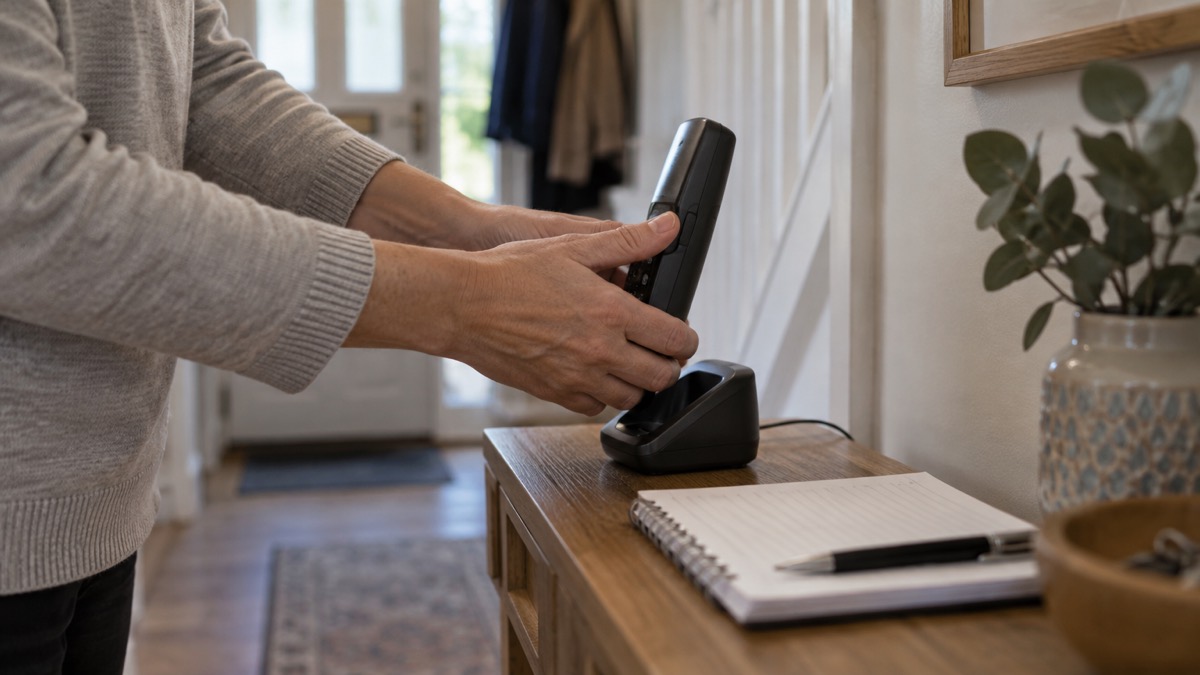
A scam call usually starts the same way: an unexpected voice, a claim to be from your bank, the police or a company you use, and pressure to act quickly. The first thing to do is stop. If a message or call makes you suspicious, stop, break the contact, and consider the language it uses1. You do not have to be polite, explain yourself or stay on the line. Hang up.
If the caller claims to be a company you already deal with, do not use any number they give you. Hang up, wait five minutes, and call the company back using a trusted number2. The police are clear that your bank, the police, or real companies will never ask for your details in an email, text, or phone call, and that caller ID can be spoofed easily, so do not trust a displayed telephone number3.
Blocking is the second step. On a mobile you can block the number after the call ends. On a landline, a call blocker is a small piece of equipment that plugs into your landline phone socket and automatically blocks unwanted calls4. Registering with the Telephone Preference Service cuts down UK marketing calls5, and reporting a scam call helps the authorities track it. If you have already given details or money, contact your bank immediately6.
What to do when a scam call comes in
The tell-tale signs of a scam call are in the language, not the technology. Guidance for households lists authority, urgency, emotion, scarcity and current events as the signals to listen for1. A caller who says they are from the police or your bank (authority), who says your account will be closed today (urgency), who plays on fear or sympathy (emotion), who offers something in short supply (scarcity), or who references a news story (current events) is using the same playbook. None of it makes the call genuine.
The safe response is a short sequence you can rehearse:
- Stop and listen for the warning signs rather than answering questions1.
- Break the contact. Put the phone down; you owe the caller nothing.
- If it was a company you use, wait five minutes, then call them back on a number you already trust2.
- Note the number and the time, then block and report it.
Waiting five minutes matters because a scammer may stay on the line after you hang up, hoping you will pick up again and dial straight through to them. Calling back on a number you already hold, from a different phone if you can, avoids that.
Be aware of the warning signs and report any concerns you may have8. That applies to doorstep callers too: look out for uninvited doorstep callers in your area9, and remember that bogus callers may try to enter your home by pretending to be from your water, electric, gas or phone company10. A doorstep password scheme, where you agree a password with your utility company, protects against that10.
Block numbers on your mobile phone
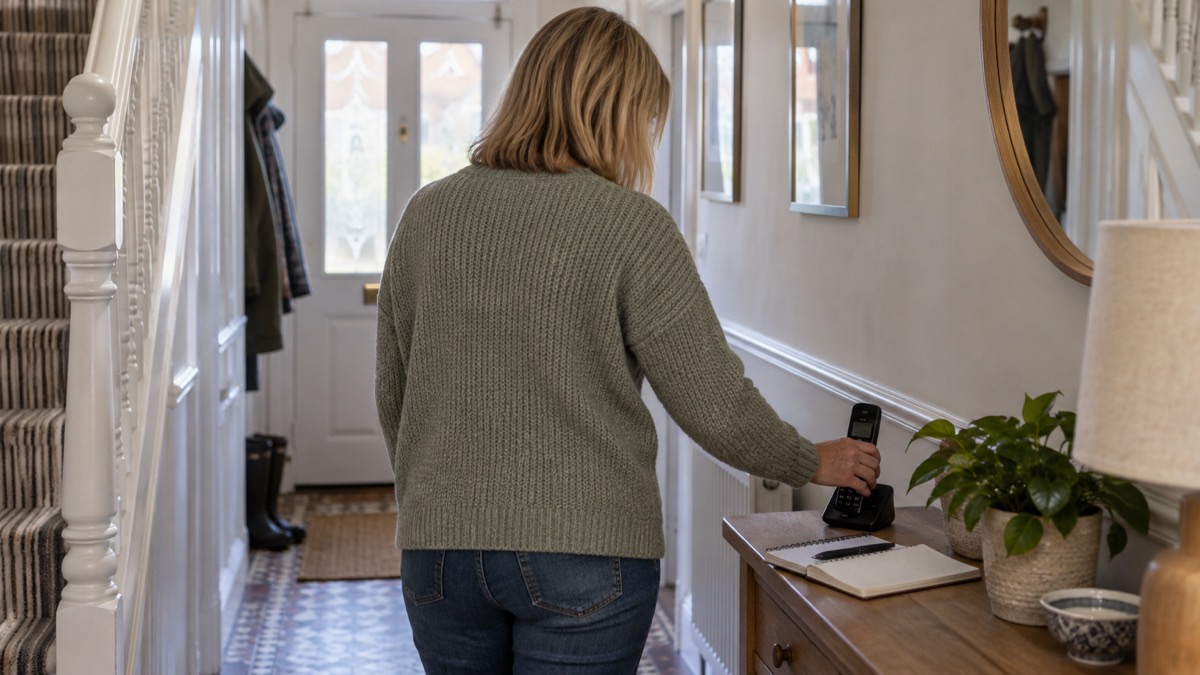
On a mobile, blocking is built in. When a call ends, open your recent calls list, select the number and choose the block option. The exact wording varies between phones, but the effect is the same: that number can no longer ring you. Repeat it for each nuisance number as it arrives.
Blocking one number at a time has limits. Scammers rotate numbers, and a spoofed number may belong to an innocent person. The police warn that caller ID can be spoofed easily, so do not trust a displayed telephone number3. Blocking a spoofed number may stop that particular call but tells you nothing about who was really calling.
For persistent nuisance, ask your phone provider what call filtering they offer. Some networks filter suspected scam calls before they reach you. Your provider can tell you what is available on your account.
If you have barred the calling line identity facility on your own phone, be aware that when you dial 999 your telephone number will still be displayed to the telephone exchange operator, as a safety feature to help ascertain an approximate location of the emergency11. That is a protection, not a problem, and it does not affect blocking incoming calls.
Block calls on your landline
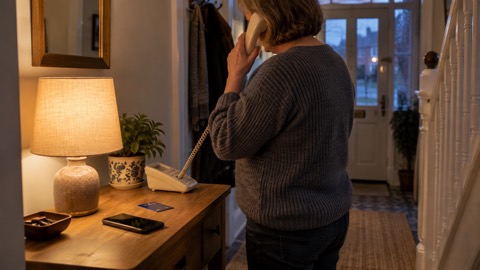
Landlines are where nuisance calls often hit hardest, particularly in households with an older resident. The most direct fix is a call blocker: a small piece of equipment that plugs into your landline phone socket and automatically blocks unwanted calls4. It sits between the wall socket and the phone, so it works whatever handset you use.
Some councils and trading standards teams go further. Buckinghamshire and Surrey Trading Standards issue and fit free call blockers for eligible residents, and report that they block up to 95% of nuisance calls12. Ask your own council or trading standards service whether a similar scheme covers your area.
The digital landline switchover is worth knowing about here. The switchover can create an opportunity for criminals to devise new scams, whether through phone calls, emails, or in-person visits at your door13. If your phone service is being moved to a digital connection, treat any call about the switchover as you would any other cold call: hang up and call your provider back on a number you trust.
| Option | What it does | Who it suits |
|---|---|---|
| Block the number on the handset | Stops one number ringing again | A household getting occasional nuisance calls |
| Call blocker at the socket | Automatically blocks unwanted calls4 | A landline that gets frequent nuisance calls |
| Council or trading standards scheme | Free blocker issued and fitted for eligible residents, blocking up to 95% of nuisance calls12 | Households that qualify for help |
| Telephone Preference Service | Removes your details from UK direct marketing databases5 | Cutting down legitimate marketing calls |
Register with the Telephone Preference Service
The Telephone Preference Service is a free service that helps you avoid UK based telemarketing calls by removing your information from direct marketing databases5. Registering is a single step and costs nothing. It reduces legitimate marketing calls; it does not stop criminals, who ignore the register.
Registration is not instant, and it does not cover every call. Calls from overseas, calls from companies you have an existing relationship with, and outright scams can still get through. Treat the register as one layer, alongside blocking and reporting, rather than a complete solution.
The same principle applies to other registers that keep you in touch in an emergency. The emergencySMS service, which lets you contact 999 by text, requires you to register your phone beforehand14. If you rely on a landline or a mobile for emergencies, check what you need to sign up for before you need it.
How to report a scam call
Reporting does not usually get your individual call investigated, but it feeds the picture that regulators and police use to shut down campaigns. There are several routes, and which you use depends on what happened.
- Suspicious texts: forward them to 7726. It is free of charge7. The National Cyber Security Centre gives the same instruction: forward texts to 772615.
- Suspicious emails: forward them to report@phishing.gov.uk5.
- Scam websites: report them through the same government service7.
- Bogus callers and criminal activity: share information confidentially with Crimestoppers by calling 0800 555 11116.
- In Northern Ireland: Action Fraud, Consumerline and PSNI can all help, depending on the circumstances8.
If you have been a victim of a scam and paid money, report it to your local police force by calling 10117. For a bogus caller at your door, the Bogus Caller Helpline on 0800 281 141 can tell you whether your caller is genuine16.
If you have already given details or money to a caller
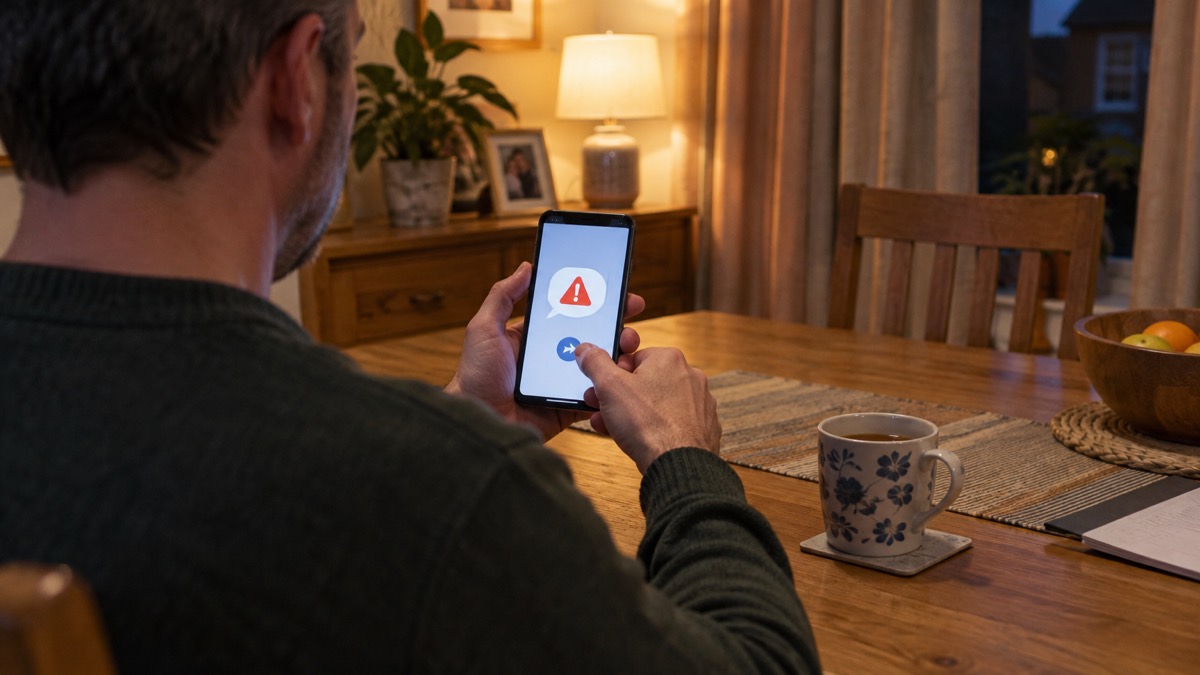
Act quickly. If you have lost money or given a scammer your financial details, contact your bank immediately6. The sooner the bank knows, the more chance there is of stopping a payment or securing the account.
Do not use the contact details the caller gave you, and do not click on any links you are sent18. If someone calls claiming to be from your bank after you have already spoken to a scammer, hang up and call the bank on the number on your card or statement.
Change any password the caller may have seen, and if they persuaded you to install software on your computer or phone, treat the device as compromised. Guidance on what to do if you gave your bank details to a scammer and on removing software a scam caller made you install walks through the next steps. If you are unsure whether a message from your bank is genuine, how to check a message from your bank is genuine sets out how to verify it.
For the wider picture on recognising the call before you engage, see how to spot a scam phone call. If money has gone, lost money to a scam covers who to contact.
Protecting an older relative
Older relatives are targeted repeatedly, and they may not recognise the signs or may be embarrassed to say they have been caught. Watch for the signals: receiving lots of unwanted calls, unusual transactions on bank statements, becoming unwilling to go out, no money to buy food or pay bills, lots of mail, or being unwilling to throw any old post away9.
Practical help is available. Some councils offer scam support visits, where volunteers can provide scam support visits and help blocking unwanted calls19. A call blocker fitted at the phone socket, or a handset with blocking built in, removes the call before it becomes a conversation4. If your relative is eligible for a council or trading standards scheme, a free blocker can be issued and fitted12.
Talk through the five minute rule with them: hang up, wait five minutes, and call the company back on a trusted number2. Put trusted numbers somewhere visible by the phone. If they live alone and rely on the phone for company, blocking every unknown call may not suit them, so agree which approach they are comfortable with.
Sources (19)
- Protecting your family: cyber security, Essex Prepared, 2026-10-29
- Staying safe online, RNIB, 2026-10-29
- Preparing for an emergency: be ready, stay safe, act now, Sussex Police, 2025-10
- Keeping safe in winter weather, Surrey County Council, 2026-10-29
- Protect Yourself Booklet (English), Police Service of Northern Ireland, 2024
- Seasonal winter advice, Suffolk County Council, 2026-10-29
- Report suspicious emails, websites and phishing, GOV.UK, 2026-10-29
- Bogus callers, Belfast City Council, 2026-10-29
- COVID-19 and scams, Nottinghamshire County Council, 2026-10-29
- Doorstep password scheme, Thames Water, 2026-10-28
- Making a 999 call, Dorset and Wiltshire Fire and Rescue Service, 2023-02-08
- Prepare for emergencies: risks, Surrey County Council, 2026-10-28
- Digital switchover telecare guide, Suffolk County Council, 2025
- Smoke Alarms, Cheshire Fire and Rescue Service
- Phishing, National Cyber Security Centre, 2026
- Protect yourself from bogus callers, Dwr Cymru Welsh Water, 2026-10-28
- Sextortion, National Cyber Security Centre, 2026
- Shopping online, National Cyber Security Centre, 2026
- Finding it harder to cope at home, Cornwall Council, 2025-05-27
 Accounts to Protect With 2-Step
 After Fixing an Infected Device
 Home Online Security Checklist
 2-Step Verification No Phone
 Antivirus on Phones and Tablets
 Automatic Updates
 Gave Bank Details to a Scammer
 Checking a Bank Message
 Scams After a Data Breach
 Browser Saved Passwords
 Checking Your Email for Breaches
 Hacker Email Forwarding Rules
 Factory Reset an Infected Phone
 Recover a Hacked Email
 How Often to Back Up Data