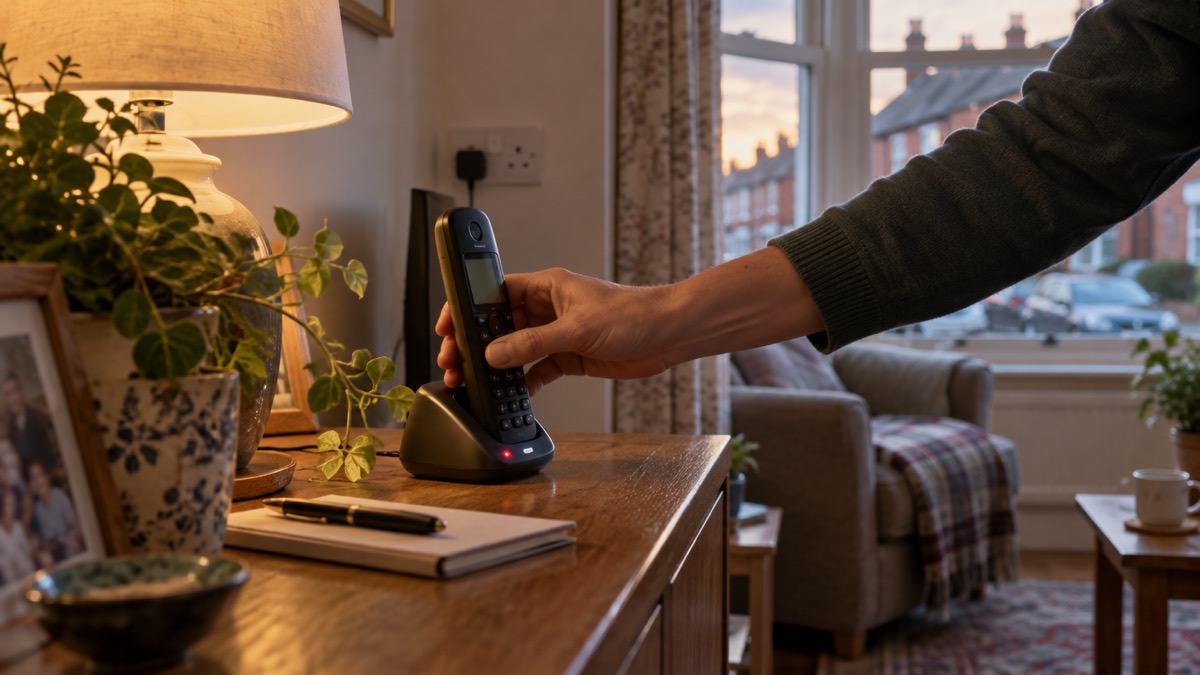
If a caller asks for money, passwords or a security code, hang up. That single rule covers almost every scam call, whether the caller claims to be your bank, the police, your energy supplier or a computer repair service. The National Cyber Security Centre's advice is blunt: if a message or call makes you suspicious, stop, break the contact, and consider the language it uses1. You do not have to be polite, explain yourself or wait for the end of the caller's story.
The tell-tale signs are the same across most scams: authority, urgency, emotion, scarcity and current events1. A caller who says they are from your bank's fraud team, that your account is being emptied right now, and that you must act before the line is cut, is using all of them at once. Real organisations do not work that way.
If you have already given details or paid, contact your bank immediately2. Then report it: Report Fraud on 0300 123 2040 for England, Wales and Northern Ireland, or Police Scotland on 101 if you are in Scotland3. The rest of this page sets out how to recognise the call, how to check a caller safely, and what to do afterwards.
Common signs of a scam call
A scam call is a performance. The caller wants you to feel that something official is happening, that it is urgent, and that you have no time to check. The National Cyber Security Centre names the levers they pull: authority, urgency, emotion, scarcity and current events1. Once you know the pattern, it is easier to hear it in the first few seconds.
The most common shape is impersonation. A caller claims to be from your bank, the police, an energy or water company, or a computer company. Bogus callers often pretend to be from utility companies7, and some pose as official callers from energy or water companies to try to trick their way into your home8. The same trick works by phone as at the door.
Watch for these signs:
- Authority: the caller says they are from your bank, the police, a government department or a well-known company.
- Urgency: you are told to act now, before your account is emptied or the line is cut.
- Emotion: the caller is sympathetic, or threatening, or both.
- Scarcity: you are told this is a limited offer, a final warning or a one-off chance.
- Current events: the story is pegged to something in the news, such as a data breach or a change to phone lines1.
A scam call often ends with a request: for a password, a one-time code, a payment, or for you to install something on your computer. Any of these from an unexpected caller is a reason to stop.
Why you should call back on a number you trust
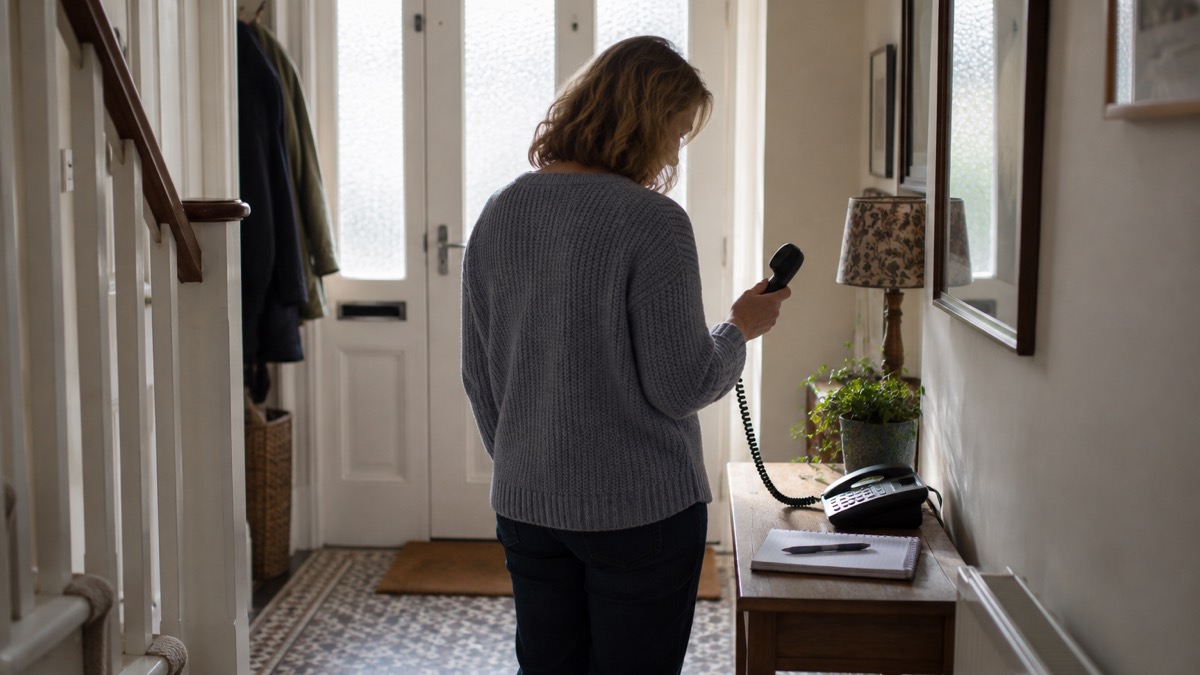
The safest way to deal with any unexpected call about money or security is to end it and start again on your own terms. The RNIB's guidance is clear: if you get an unplanned phone call from a company, even if it is one you use regularly, it could be a scam. Hang up, wait five minutes, and call the company back using a trusted number4. The five-minute wait matters because scammers can keep a line open after you hang up, so the dial tone you hear may not be real.
This is not rude. A genuine bank, energy supplier or police force will be entirely comfortable with you ringing back on a number you have found yourself. The National Cyber Security Centre says not to use the contact details provided, or click on any links you are sent5. Use the number on your bank card, your bill or the organisation's own website, typed in yourself.
For some callers there is a specific number to check against:
| Caller claims to be | How to check |
|---|---|
| Your bank or the police (fraud) | Hang up and call 101 to check the call9 |
| An energy or water company | Phone 101, the police non-emergency number, to check the caller is who they say they are10 |
| NIE Networks (Northern Ireland) | Hang up and call NIE Networks directly on 03457 643 64311 |
| Your water company (Wales) | Call the company's Bogus Caller Helpline; Dŵr Cymru's is 0800 281 14112 |
If you are in any doubt about a caller at your door claiming to be from a utility company, the same principle applies: do not let them in until you have checked. Dŵr Cymru says it can tell you if your caller is genuine, and would much prefer that you rang rather than risk being robbed12.
Protecting your accounts with 2-Step Verification
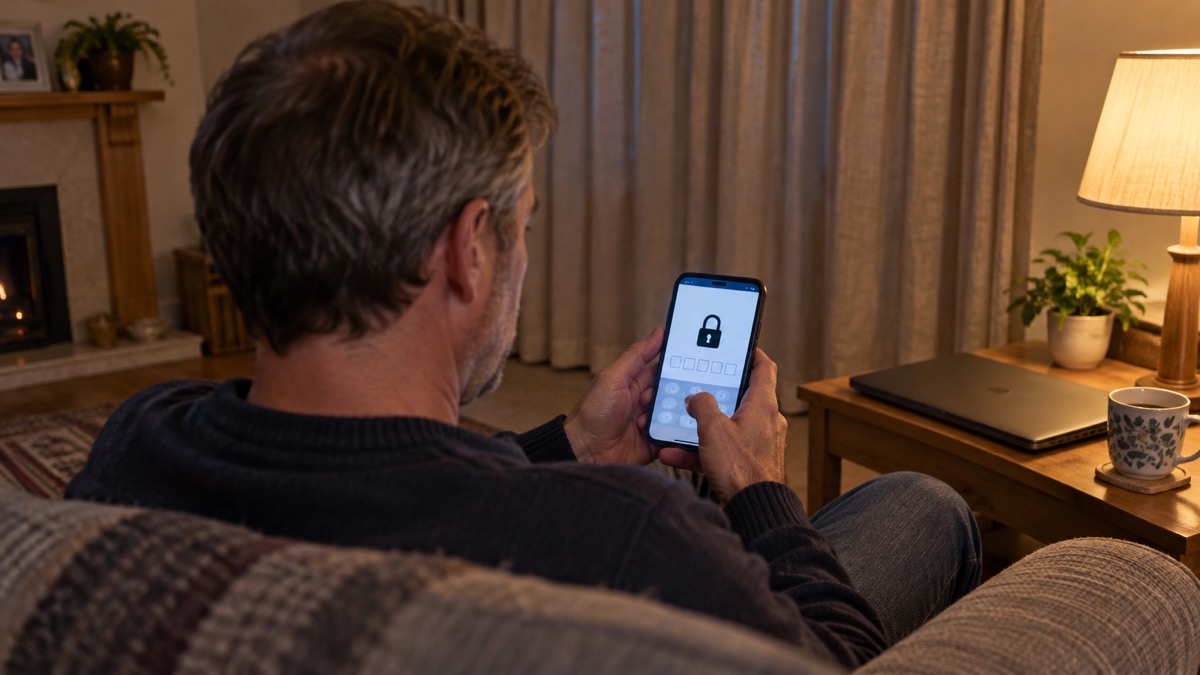
Even careful people can be caught out, which is why the second line of defence is on your accounts rather than on your phone. Two-step verification, also called 2SV or two-factor authentication, adds an extra layer of security so that even if a criminal knows your password, they still cannot access your account13. It usually works by sending a PIN or code, often by SMS or email, to prove it is really you14.
The National Cyber Security Centre calls turning on 2SV the first and most important step to help protect you if your password gets phished or otherwise compromised15. Its top tips say to turn on 2-step verification for your most important accounts6. In practice that means your email first, because email is the key to resetting everything else, then your bank, then any shopping or social media account that holds payment details.
A few practical points:
- Start with email. If a scammer gets into your email, they can reset the passwords on your other accounts.
- Use the app or SMS option your provider offers. The NCSC describes 2SV as giving you a code to enter from an app or SMS16.
- Keep your recovery details up to date. A recovery phone number or email address you no longer use is a weak point.
- Do not read a code out to anyone. No genuine bank, police officer or company will ask you for the code that has just arrived on your phone.
If you are setting this up for the first time, our guide to turning on 2-step verification walks through it account by account, and which accounts to protect helps you decide where to start.
What to do if you have already given details or paid
Act quickly and in this order. First, contact your bank immediately if you have lost money or given a scammer your financial details2. The sooner the bank knows, the more chance there is of stopping a payment. Then report it as a crime: tell your bank and report it to Report Fraud for England, Wales and Northern Ireland, or Police Scotland for Scotland17.
If the call was about a hacked account rather than a payment, use the provider's own recovery service. The National Cyber Security Centre's recovery steps include checking your bank statements and online shopping accounts for unauthorised purchases and unusual transactions, and contacting your bank directly using official websites or by typing the address into your browser14. If an account cannot be recovered with the online service, create a new one, give your contacts the new details, tell them you have abandoned the old account, and update any bank, utility or shopping websites with your new details14.
If you installed software at a caller's request, treat the device as compromised. Our guide to removing remote access software sets out what to uninstall and what to change afterwards.
If you have paid a ransom after a threatening call or email, report it to your local police force by calling 10118. Our page on sextortion emails that quote your password explains why paying rarely ends the demands.
Where to report a scam call and get help
Reporting is not just for you. It feeds the intelligence that gets numbers and lines shut down, and it warns other households. Be aware of the warning signs and report any concerns you may have19.
| What happened | Who to contact |
|---|---|
| You have lost money or given financial details | Your bank immediately2, then report it as a crime to Report Fraud on 0300 123 20403 |
| You are in Scotland and have lost money | Contact the police on 10120 |
| You want to report fraud generally | Report Fraud on 0300 123 2040; call 101 instead if the suspect is known to you or is vulnerable21 |
| You have paid a sextortion ransom | Your local police force on 10118 |
| You want to report a scam to Trading Standards | Citizens Advice Consumer Service on 0808 223 11332 |
| You are suspicious about a caller at your door | The police, or Crimestoppers anonymously on 0800 555 11122 |
| You want step-by-step advice after a scam | Citizens Advice4 |
In Northern Ireland, Action Fraud, Consumerline and PSNI can all help depending on the circumstances, and nidirect has information on scams and an incident reporting page23. In Wales, water company Bogus Caller Helplines can verify a caller before you engage12.
If you are worried about a relative or elderly neighbour, contact your local council or call the Age UK helpline on 0800 678 1602, open 8am to 7pm every day24. Our guide to extra help in an emergency covers support for older and disabled households more broadly.
Scam calls that target a specific story
Scammers attach themselves to whatever is in the news. Knowing the current themes helps you recognise the script.
Data breaches. After a breach, criminals send official-sounding messages about resetting passwords, receiving compensation, scanning devices or missed deliveries25. The National Cyber Security Centre's earlier guidance names the same pattern: official-sounding emails about resetting passwords, receiving compensation or confirming identity, full of tech speak, urging you to act immediately20. If you get a call along these lines, hang up and contact the organisation yourself. Our guide to what to do after a data breach covers checking whether your details were involved.
Broadband and phone line changes. Ofcom has warned about recorded messages claiming that, because more people are working from home, your broadband needs slowing down or switching off, then trying to get you to speak to an operator or press a button3. The digital phone switchover has created similar opportunities: the switchover can create an opportunity for criminals to devise new scams, whether through phone calls, emails or in-person visits at your door26. Legitimate contact about the switchover is usually by letter, and charges are only applied to normal invoices; if in doubt, hang up and call your provider using a trusted phone number, such as the one on the bill27.
Threats and sextortion. A sextortion scam is when a criminal attempts to blackmail someone, usually by email, claiming they have login details or a video of the victim visiting an adult website and threatening to disclose this unless the victim pays a ransom28. It is an example of a phishing attack28. Criminals send millions of these in the hope that someone will pay28. Do not pay. Forward a suspicious email to the NCSC's Suspicious Email Reporting Service at report@phishing.gov.uk28. If you have paid, report it to your local police force by calling 10118.
Helping someone else spot a scam call
Scam calls often target people who live alone, are less confident with technology, or are simply too polite to hang up. If you look after an older relative or neighbour, the most useful thing you can do is agree a household rule in advance: no details to an unexpected caller, and always ring back on a number you trust.
Watch for signs that someone you know is being targeted. The warning signs include receiving lots of unwanted calls, unusual transactions on bank statements, becoming unwilling to go out, no money to buy food or pay bills, lots of mail, and being unwilling to throw any old post away29. Any of these is worth a gentle conversation.
Practical steps you can take together:
- Put the rule on paper. A short note by the phone with the numbers to call: the bank, 101, Report Fraud on 0300 123 2040.
- Set up 2SV on their email and bank accounts, with you as a recovery contact if they are happy with that.
- Tell neighbours and any local Neighbourhood Watch scheme if a caller has tried it on, in case they try other homes in the area19.
- Check in after any odd call. Ask what was said and whether any details were given.
If you are worried, contact your local council or call the Age UK helpline on 0800 678 1602, open 8am to 7pm every day24. The Royal Voluntary Service's Stay Safe, Warm and Well guide also covers being scam aware and who to speak to if you spot a scam27.
Sources (29)
- Protecting your family: cyber security, Essex Prepared, 2026
- Seasonal winter safety advice, Suffolk Fire and Rescue Service, 2026
- Coronavirus scam calls and texts, Ofcom, 2024
- Staying safe online, RNIB, 2026
- Shopping online safely, National Cyber Security Centre, 2026
- Top tips for staying secure online, National Cyber Security Centre, 2024
- Protect yourself from bogus callers, Dŵr Cymru, 2026
- Digital phone switchover, Argyll and Bute Council, 2026
- Spotlight on Wiltshire Police courier fraud, Wiltshire and Swindon Prepared, 2026
- Quick Check 101 | Phoenix Energy, Phoenix Energy
- When we come to your home, NIE Networks, 2026
- Protect yourself from bogus callers, Dŵr Cymru, 2026
- Hacked accounts, National Cyber Security Centre, 2026
- Recovering hacked accounts infographic, National Cyber Security Centre, 2026
- Password managers, National Cyber Security Centre, 2026
- Using passwords to protect your devices and data, National Cyber Security Centre, 2026
- Phishing, National Cyber Security Centre, 2026
- Sextortion, National Cyber Security Centre, 2026
- Bogus callers, Belfast City Council, 2026
- Data breaches infographic, National Cyber Security Centre, 2023
- Others who can help, Devon and Cornwall Police, 2026
- Bogus Callers | South Staffs Water, South Staffs Water
- Bogus callers, Belfast City Council, 2026
- Use the right service this winter, Hampshire Hospitals NHS Foundation Trust, 2026
- Data breaches: guidance for individuals and families, National Cyber Security Centre, 2021
- The digital switchover, Suffolk County Council, 2026
- Stay safe, warm and well, Royal Voluntary Service, 2024
- Sextortion scams infographic, National Cyber Security Centre, 2026
- COVID-19 and scams, Nottinghamshire County Council, 2026
 Accounts to Protect With 2-Step
 After Fixing an Infected Device
 Home Online Security Checklist
 2-Step Verification No Phone
 Antivirus on Phones and Tablets
 Automatic Updates
 Gave Bank Details to a Scammer
 Checking a Bank Message
 Blocking Nuisance and Scam Calls
 Scams After a Data Breach
 Browser Saved Passwords
 Checking Your Email for Breaches
 Hacker Email Forwarding Rules
 Factory Reset an Infected Phone
 Recover a Hacked Email