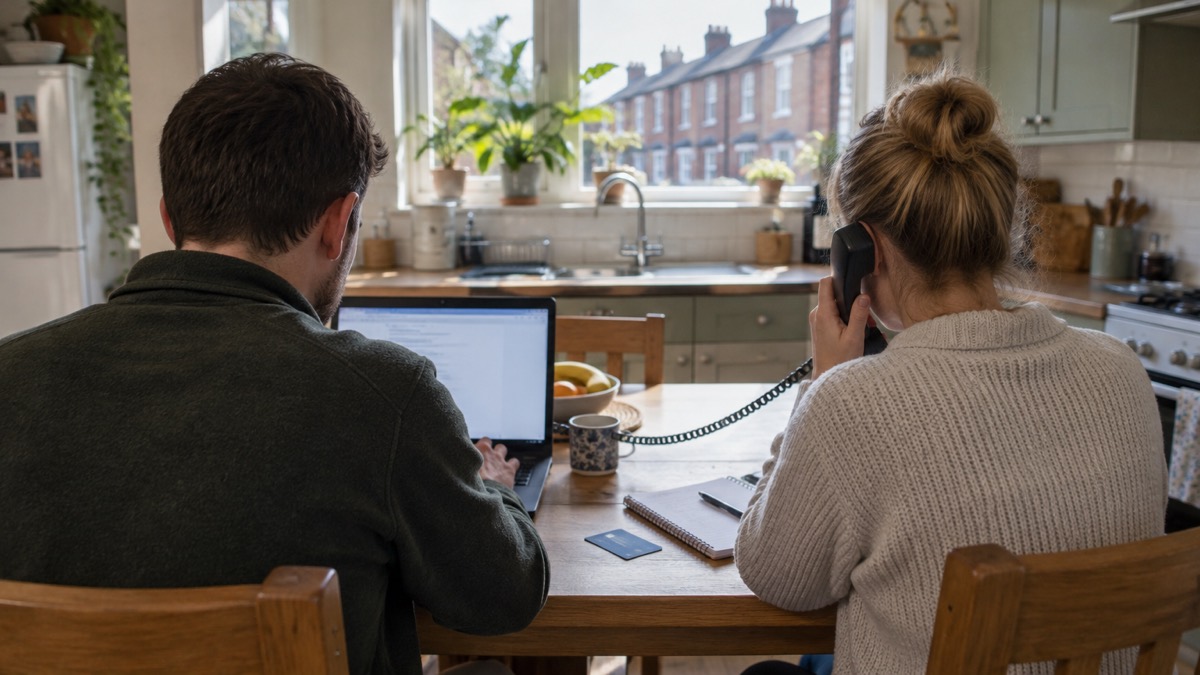
If you can no longer get into an online account, or you can see activity on it that you do not recognise, somebody else may have gained access1. The National Cyber Security Centre (NCSC), the UK's technical authority on cyber security, sets out a clear recovery route for households: find the provider's recovery process, check for tricks criminals leave behind such as email forwarding rules, change the hacked password and every password that shares it, log out all devices, update your apps, warn your contacts, and check your bank statements2.
Most hacked accounts can be recovered, and acting quickly limits the damage. The steps below follow the NCSC's own recovery guidance, in the order you need them2. If you have lost money, tell your bank straight away and report it to Report Fraud, the UK's reporting centre for cyber crime, or in Scotland contact Police Scotland4.
How to tell your account has been hacked
The NCSC lists four signs of unauthorised activity to look for across your online accounts: changes to your security settings, messages or notifications sent from your account that you do not recognise, logins or attempted logins from strange locations or at unusual times, and unauthorised money transfers or purchases2. The clearest sign of all is being locked out entirely: if you are no longer able to access your accounts, somebody else may have gained access1.
Not every odd event means a hack. A single password reset message you did not request can be a criminal probing the account, or simply someone mistyping their own address. The NCSC also notes that an account compromise can include a lost device as well as an account being broken into, so if a phone or laptop has gone missing, treat the accounts that were signed in on it in the same way1.
| Sign | What it looks like | What it means |
|---|---|---|
| Security settings changed | New recovery email or phone, unfamiliar linked devices | Someone may have taken control of the account2 |
| Messages you did not send | Contacts asking about odd emails, posts or texts from you | The account is being used to reach others2 |
| Strange logins | Alerts from locations or times that are not yours | Someone else has your password2 |
| Money moving | Purchases or transfers you did not make | Act immediately: bank first, then report2 |
| Locked out | Your password no longer works | Someone else may have changed it2 |
You can also check whether an account of yours has appeared in a known data breach, and sign up for future notifications, at haveibeenpwned.com, a service the NCSC points people to5. If a suspicious message quotes a password you still use, change it as soon as you can, change any other accounts using the same password, and consider using a passkey instead6. Our page on your details in a data breach covers what to do when the leak, rather than the account, is the starting point.
First steps: getting back into the account
Start with the provider's own recovery route. Go to the account provider's website and search their help or support pages to find the account recovery process; if you cannot find it there, a search engine query for the provider's name plus "account recovery" will usually surface it3. Type the provider's web address into your browser rather than following a link in a message, because criminals send fake "security alert" messages designed to look like the recovery process2.
If the account is an email account, there is one check to do before anything else: look for unwanted forwarding rules. Criminals may set up a rule that automatically sends them copies of every email you receive, which lets them keep watching your inbox and reset your other account passwords even after you change the email password2. The NCSC describes this as a common tactic used by cyber criminals3. Check your email filters and forwarding rules and remove anything you did not set up, then change the password3. Our page on how to check for forwarding rules set by hackers walks through where to find them in common email services.
Once no unwanted forwarding rules are in place, work through the recovery steps in order:
- Recover access to the account using the provider's own process3.
- Check for and remove any forwarding rules or filters in an email account2.
- Change the password for the hacked account, and for any accounts using the same password2.
- Log out all devices and apps, usually from the Settings menus of the app or website, so anyone still using the account is prompted for the new password2.
- Update your apps and device software2.
- Tell your contacts you were hacked2.
- Check bank statements and shopping accounts for anything you did not authorise2.
- Report it, especially if money is involved4.
Change the password, and every password like it
Change the password for any account that has been hacked, and also for any accounts that use the same password2. This second half matters as much as the first. The NCSC's password manager guidance warns that if you use the same password across different accounts and one of your accounts is compromised, a hacker can try the same password on your other accounts and potentially gain access to them too7. Criminals do this automatically, so a password reused from a hacked account can fall within hours.
Make each replacement password unique. If you have re-used your email password across other accounts, change your email password as soon as possible; it should be strong and different from all your other accounts8. The NCSC advises that if you think your password has been stolen, you should change it as soon as possible9. Where a service offers one, you could use a passkey instead of a password10. Our pages on how to create a strong password you can remember, what a passkey is and whether you need a password manager cover the choices.
After changing passwords, force every device and app to log out of the account. This can usually be done from the Settings menus of the app or website, and it may sit under the Privacy or Account sections2. Without this step, a criminal who is still signed in on their own device can keep using the account until that session ends; logging everything out means they are prompted for the new password, which they do not have2.
Check the account for changes you did not make
Regaining access is not the end of the job. Whoever held the account may have changed things to keep a route back in or to use the account for their own ends. Check your online accounts to confirm there has been no unauthorised activity: changes to security settings, messages you do not recognise, and logins from strange locations or unusual times6. Look in particular at:
- Recovery email addresses and phone numbers, which control future password resets
- Forwarding rules and filters in an email account2
- Linked apps, devices or third-party services you did not authorise
- Messages, posts or notifications sent from the account2
- Sent and deleted folders, for messages sent in your name
Then follow the money. Keep a look-out for unauthorised purchases, and check your bank accounts and online shopping accounts for any unusual transactions2. If you find something, contact your bank directly for further support, using their official website or social media channels, or by typing the address directly into your browser2. Do not use contact details from a message about the problem: after real breaches, criminals send fake messages that claim to help12.
If you have lost money, tell your bank straight away and report it to Report Fraud, the UK's reporting centre for cyber crime, or in Scotland contact Police Scotland4. Reporting helps the NCSC and law enforcement reduce criminal activity2. Our page on lost money to a scam sets out who to contact and in what order.
Tell your contacts, and deal with messages sent in your name
Notify your contacts, friends or followers that you were hacked, and suggest they treat any recent messages sent from your account with suspicion2. This is an official NCSC recovery step, and it protects other people: a hacked account is valuable to a criminal precisely because the victim's contacts trust messages that come from it. A scam or a malicious link sent from your real account reaches people who would ignore the same message from a stranger.
Do this from an account or device you know is secure. If your email was the hacked account, warn people by another route if you can, or after you have changed the password and logged out all devices.
One reassurance worth passing on: if a message sent to you or a contact includes a password, stay calm and act on it. The NCSC's sextortion guidance says that if a message includes your password, it is probably from an old breach of personal data, but you should still change that password immediately and anywhere else you use the same password13. You can check whether an account of yours has been compromised, and get future notifications, at haveibeenpwned.com5. Our page on sextortion emails that quote your password covers these messages in full.
Update your apps and devices, and turn on automatic updates
Apply updates to your apps and your device's software as soon as they are available, because updates include protection from viruses2. This is a recovery step, not just general housekeeping: if malware on your phone or computer captured the password in the first place, an unpatched device can undo everything you have just fixed. The NCSC's hacked accounts guidance lists updating apps and devices, and turning on automatic updates in your device's settings, among its recovery steps4.
Turn on automatic updates in your device's settings, if it is available, so you do not have to remember to apply updates14. Set your apps, and the phone or tablet itself, to update automatically as well15. If you receive a prompt to update your device or apps, do not ignore it: applying these updates is one of the most important and quickest things you can do to keep yourself safe online14. ProtectUK, the police-led counter-terrorism security service, gives the same advice: make sure the latest updates to your device's operating system are promptly installed16.
"Hackers rely on you to ignore those update notifications so they can get in before the update is made, so don't give them the chance."
Local resilience guidance echoes the same points: software and app updates contain vital security updates that help protect your devices from cyber criminals17. Our page on software updates for phones, computers and browsers explains what updates do and how to set them running automatically, and what happens when your phone stops getting updates covers older devices.
When the account cannot be recovered
In some cases, it may not be possible to recover your account with the online service2. If the provider cannot verify you, or the account has been closed, you will need to start again. The NCSC's advice for this situation is practical:
- Create a new account2.
- Give your contacts the new details2.
- Tell them you have abandoned the old account2.
- Update any bank, utility or shopping websites that hold the old address, so bills, statements and verification messages reach you2.
Before you abandon an account, make sure you have tried the provider's recovery route properly: go to the account provider's website and search their help or support pages to find the account recovery process3. If you cannot access one of your accounts, or have noticed other unusual activity, the NCSC's actions to recover a hacked account are the route to follow18.
Two jobs remain even when the account is lost. First, change the password on any other account that shared the hacked one's password, because the criminal still has the old password whatever happens to the account itself2. Second, keep watching your bank statements for unauthorised purchases or unusual transactions, and contact your bank directly through their official channels if anything appears2. If money has gone, report it: tell your bank straight away and report it to Report Fraud, or in Scotland contact Police Scotland4.
Stopping it happening again
Once the immediate recovery is done, three habits do most of the work of preventing a repeat. Use a strong, separate password for your email, because cyber criminals can use your email to access many of your personal accounts, leaving you vulnerable to identity theft17. If a criminal can access your email account, they could access private information about you including your banking details, post emails and messages pretending to be from you, and reset all your other account passwords8. Email is the master key, so protect it first.
Second, apply security updates promptly and turn on automatic updates in your device settings19. Third, turn on two-step verification on the accounts that matter, so a stolen password alone is not enough to get in. Our page on protecting email and bank accounts sets out the full approach, and the home online security checklist gives you a single list to work through.
If a message or call about a security breach does not feel right, report it rather than acting on it12. Criminals follow real hacks and real breaches with fake "recovery" messages, so treat any unexpected message about your accounts with suspicion and go to the provider's website directly2. Our pages on phishing and how to spot scam messages after a data breach cover what these look like.
Sources (19)
- Recovering a hacked account or service, National Cyber Security Centre, 11 January 2024
- Recovering hacked accounts infographic, National Cyber Security Centre, 2026
- Recovering a hacked account guidance, National Cyber Security Centre, 24 August 2022
- Hacked accounts: respond and recover, National Cyber Security Centre, 2026
- Sextortion scams: how to protect yourself, National Cyber Security Centre, 1 November 2018
- Data breaches guidance, National Cyber Security Centre, 28 January 2021
- Password managers guidance, National Cyber Security Centre, 21 May 2026
- Having a strong password, Wiltshire and Swindon Prepared, 25 October 2026
- Using passwords infographic, National Cyber Security Centre, 2026
- Phishing scams: what to do, National Cyber Security Centre, 5 September 2022
- Scam 'missed parcel' SMS messages: advice on avoiding malware | National Cyber Security Centre, National Cyber Security Centre
- Data breaches infographic, National Cyber Security Centre, 2023
- Sextortion scams infographic, National Cyber Security Centre, 2026
- Install the latest software and app updates, National Cyber Security Centre, 21 December 2021
- Protecting devices from viruses and malware infographic, National Cyber Security Centre, 2024
- IT security and online communications, ProtectUK, 6 October 2022
- Cyber security for families, Essex Prepared, 29 October 2026
- Phishing: respond and recover, National Cyber Security Centre, 2026
- Top tips for staying secure online poster, National Cyber Security Centre, 2024
 Accounts to Protect With 2-Step
 After Fixing an Infected Device
 Home Online Security Checklist
 Antivirus Software
 Backing Up Files and Photos
 Council Online Services Down
 Your Details in a Data Breach
 FluBot Fake Parcel Texts
 How Services Respond
 Malware Signs and Removal
 National Cyber Security Centre
 NHS Services During an IT Outage
 Keeping Key Records Offline
 Shopping Online Safely
 Paying for Essentials