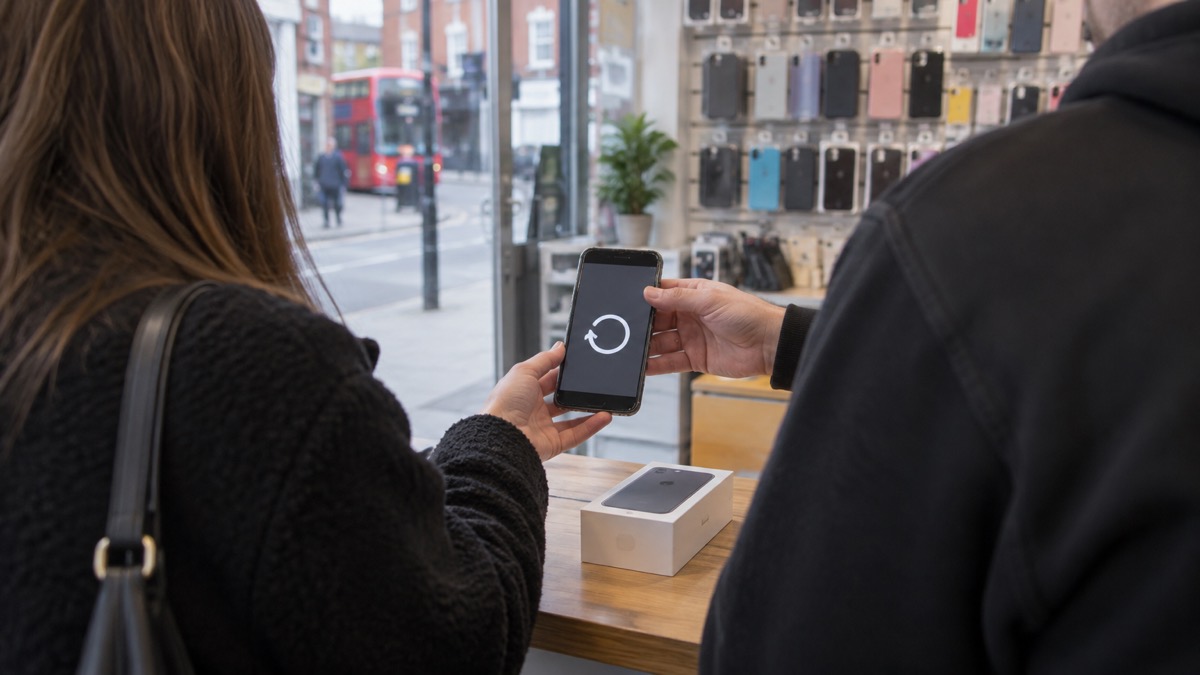
Your phone will not stop working the day the updates stop. It still switches on, still makes calls, still runs the apps already on it. What changes is quieter than that: the manufacturer no longer sends the security updates that close newly found flaws, so any weakness discovered from then on stays open. The National Cyber Security Centre puts it plainly: a device that is no longer supported will not receive security updates from the manufacturer, and without these your phone is less secure1.
That matters because updates are not housekeeping. The NCSC says software and app updates contain vital security updates that help protect your devices from cyber criminals, and that hackers rely on you ignoring update notifications so they can get in before the update is made2. An unsupported phone is one where that race has already been lost, permanently.
The practical answer is not to throw the phone away in a rush. Check whether it is genuinely out of support, take a few steps that reduce the risk while you decide, protect the accounts that matter most, and plan the replacement in your own time. This page sets out each of those in turn.
Your phone keeps working, but the flaws stay open
An unsupported phone does not become useless. It stops receiving two things: the security updates that fix flaws, and the updates that bring new features and performance improvements1. The first is the one that matters for safety. Every month that passes without a patch is a month in which a flaw that has been found and fixed on newer handsets remains exploitable on yours.
The NCSC's guidance for avoiding malware is blunt about the fix: ensure your device is kept up to date by installing the latest software and patches8. On a phone that no longer receives them, you cannot follow that instruction, and that is the whole problem in one sentence. The risk is not that something bad happens automatically. It is that the usual protections are no longer being renewed, so the same carelessness that a patch would have covered now has consequences.
This is also why the advice to keep everything updated runs through every part of home security, not just phones. Surrey County Council's emergency planning guidance tells households to keep all software and systems up to date, including mobile phones, alongside strong passwords and vigilance about phishing emails, texts and calls9. A phone outside support is the one device in the house where you can no longer do that.
It is worth being clear about what an unsupported phone is still good for, because the answer shapes what you do with it. It makes calls and sends texts. It receives Emergency Alerts if it is a compatible 4G or 5G handset with the latest software it can run5. It can hold a charged battery for a power cut. What it cannot do is offer the same protection to anything sensitive you do on it, which is why the steps below concentrate on accounts and data rather than on the handset itself.
How to check whether your phone still gets updates
Start in the settings. The NCSC's advice is to update all apps and your device when you are prompted, so the first check is simply whether your phone is still offering you updates at all4. Open the settings app, find the software update section, and see what it says. If updates arrive when you check, the phone is still supported. If the last update is old and nothing new is offered, it has probably reached the end of its supported life.
The same applies to apps. If app updates install normally, the phone is still within the range the app makers support. If updates refuse to install or the store says your device is not compatible, that is a sign the operating system is too old for current apps.
For Emergency Alerts specifically, there is a direct test. The government says alerts are sent to compatible 4G and 5G mobile phones within an area of risk, if they have the latest software update, and that phones released before 2015 are likely to require some changes to the settings10. If you have an earlier version of Android, you may still be able to receive alerts: search your device settings for emergency alerts to check5.
| What to check | Where to look | What it tells you |
|---|---|---|
| System updates | Settings, software update | Whether the device has all the latest software updates8 |
| App updates | Your app store | Whether apps are updated when you are prompted11 |
| Emergency Alerts | Search settings for "emergency alerts" | Whether the phone can receive alerts5 |
| Smart devices at home | The maker's support information | Whether the device will get regular software updates, and how long after purchase it will continue to be supported9 |
The same question applies to everything else connected in the house. Electrical Safety First advises checking whether a smart device will get regular software updates, and how long after purchase it will continue to be supported11. A phone is the device most people carry, but the principle is identical for a smart speaker, a camera or a baby monitor.
Steps that keep an unsupported phone safer for now
You do not have to replace the phone today. A few changes reduce what an unpatched device can expose you to, and they cost nothing.
- Keep installing whatever updates are still offered. Even an old phone may still receive app updates, and the NCSC says to update all apps and your device when prompted4.
- Turn off what you are not using. The Police Service of Northern Ireland's household security booklet suggests considering disabling Wi-Fi and Bluetooth connections when not in use, and disabling location services where possible12.
- Keep the phone charged and switched on if you rely on it. If you have a community alarm or use your mobile to call for help, NHS inform says the phone needs to be charged and switched on all the time, with an emergency number programmed into it13.
- Write key numbers down. Wiltshire and Swindon Prepared advises keeping important numbers somewhere you can reach when you cannot access them on your phone or online14.
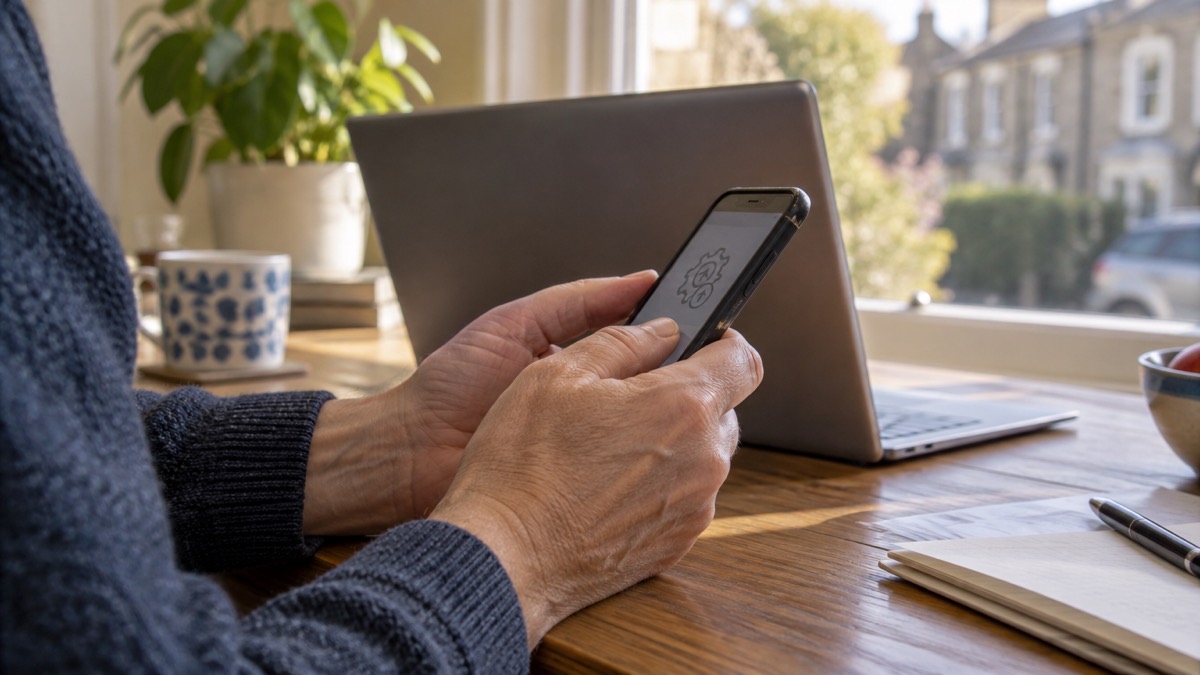
There is one more thing worth doing while the phone still works: check anything in the house that depends on it. The government's guidance on phone and broadband outages suggests that if you have medical or personal alarm devices that use phone or internet connections, you check with the provider or manufacturer how they work if the network is down, for example how your personal alarm or diabetes sensor would function if mobile or broadband service is lost15. An old phone that fails is a small problem. An old phone that was quietly holding up a medical alarm is a bigger one.
Protecting your accounts and data if the phone is compromised

If something does go wrong, the response is the same as for any hacked account, and the NCSC's recovery guidance sets it out in order. The first step is to update your apps and devices as soon as updates are available, and turn on automatic updates in your device's settings1. On an unsupported phone you may not be able to do this, which is exactly why the other steps matter more.
If you think you have entered personal details or passwords somewhere you should not have, the NCSC's phishing guidance is specific: change the passwords on any of your accounts where you use the same password, and if you have entered banking or card details, contact your bank straight away and cancel the card or cards if you use online banking6. Do that before anything else.
Then work through the accounts that matter. The NCSC's recovery steps include applying updates to your apps and device software as soon as they are available, because updates include protection from viruses16. If a message quotes an old password of yours, the NCSC's sextortion guidance says not to worry, as it is probably from an old breach of personal data, but to change your account password immediately and anywhere else you use the same password17.
Passwords saved in a browser deserve a thought on an unsupported phone. The NCSC warns that passwords stored in the browser are only as secure as your devices and accounts, so it is important not to switch off the security auto-update feature for your browser and operating system18. On a phone that no longer receives those updates, that protection is weaker than it was. If you want to move passwords somewhere more robust, the NCSC's guidance on password managers explains the options, and our page on protecting email and bank accounts covers two-step verification.
If an account has already been taken over, work through our guide to what to do if an online account is hacked, and if you are unsure whether a message is genuine, how to check a message from your bank is genuine sets out the checks.
When to replace the phone, and what to do with the old one
The NCSC's position gives you the trigger: avoid buying and using phones that are no longer supported, but you do not need the newest or most expensive model to stay safe1. So the decision is not about having the latest handset. It is about whether the one you hold still receives security updates. When it does not, and when you use it for banking, email or anything else sensitive, that is the point to plan a replacement.
Timing is yours, but a few things are worth doing before you switch.
- Take a backup first. The NCSC says backups can be used to transfer your existing files, apps and settings to a new device or computer, so a backup taken before the switch carries your photos, contacts and settings across7. Our guide to backing up files and photos at home covers how, and how often you should back up helps you set a routine.
- Check anything that depends on the phone. If you care for a vulnerable person, keep an eye out for correspondence notifying of a switchover date, and contact your telecoms provider to check that reliant services are not affected19.
- Wipe the old handset before passing it on. Remove your accounts and carry out a factory reset so the next person cannot reach your data.
- Deal with a swollen battery properly. If the battery has swelled, the London Fire Brigade's advice is to turn off the device20. Do not keep charging or using it, and do not pass it on.
An old phone still has uses after replacement. Keep it as a spare: the Energy Networks Association advises keeping a mobile phone fully charged so you can use it to go online for updates or call if you have a power cut21. Charge it before storms, as Ready Scotland advises charging mobile phones and power banks in case there is a power cut22. And if you rely on a landline as well, the digital switchover does not mean losing it: your phone number will not change, and most handsets will work fine with the new system23.
For the wider picture on keeping a household connected when networks fail, see staying informed and in touch in an emergency and software updates for phones, computers and browsers.
Sources (23)
- Install the latest software and app updates, National Cyber Security Centre, 2026
- Protecting your family: cyber security, Essex Prepared, 2026
- Using 999 with speech or hearing impairment, Yorkshire Ambulance Service, 2026
- Protecting devices from viruses and malware infographic, National Cyber Security Centre, 2024
- How alerts work, GOV.UK, 2026
- Phishing, National Cyber Security Centre, 2026
- Backing up your data infographic, National Cyber Security Centre, 2026
- Scam missed parcel SMS messages: advice on avoiding malware, National Cyber Security Centre, 2026
- Risks, Surrey County Council, 2026
- Emergency Alerts | Denbighshire County Council, Denbighshire County Council
- Smart homes, Electrical Safety First, 2026
- Protect Yourself Booklet (English), Police Service of Northern Ireland, 2024
- What to do if you fall, NHS inform, 2026
- Prepare yourself, Wiltshire and Swindon Prepared, 2026
- Phone and broadband outages - Be Ready, prepare.campaign.gov.uk (UK Government Be Ready campaign)
- Recovering hacked accounts infographic, National Cyber Security Centre, 2026
- Citizen sextortion, National Cyber Security Centre, 2026
- Password managers, National Cyber Security Centre, 2026
- Digital phone switchover, Argyll and Bute Council, 2026
- Batteries and chargers - Fire safety at home | London Fire Brigade, London Fire Brigade
- Power cut, Energy Networks Association, 2026
- Storms and high winds, Ready Scotland, 2026
- https://www.suffolk.gov.uk/community-and-safety/the-digital-switchover, Suffolk County Council
 Accounts to Protect With 2-Step
 After Fixing an Infected Device
 Home Online Security Checklist
 2-Step Verification No Phone
 Antivirus on Phones and Tablets
 Automatic Updates
 Gave Bank Details to a Scammer
 Checking a Bank Message
 Blocking Nuisance and Scam Calls
 Scams After a Data Breach
 Browser Saved Passwords
 Checking Your Email for Breaches
 Hacker Email Forwarding Rules
 Factory Reset an Infected Phone
 Recover a Hacked Email