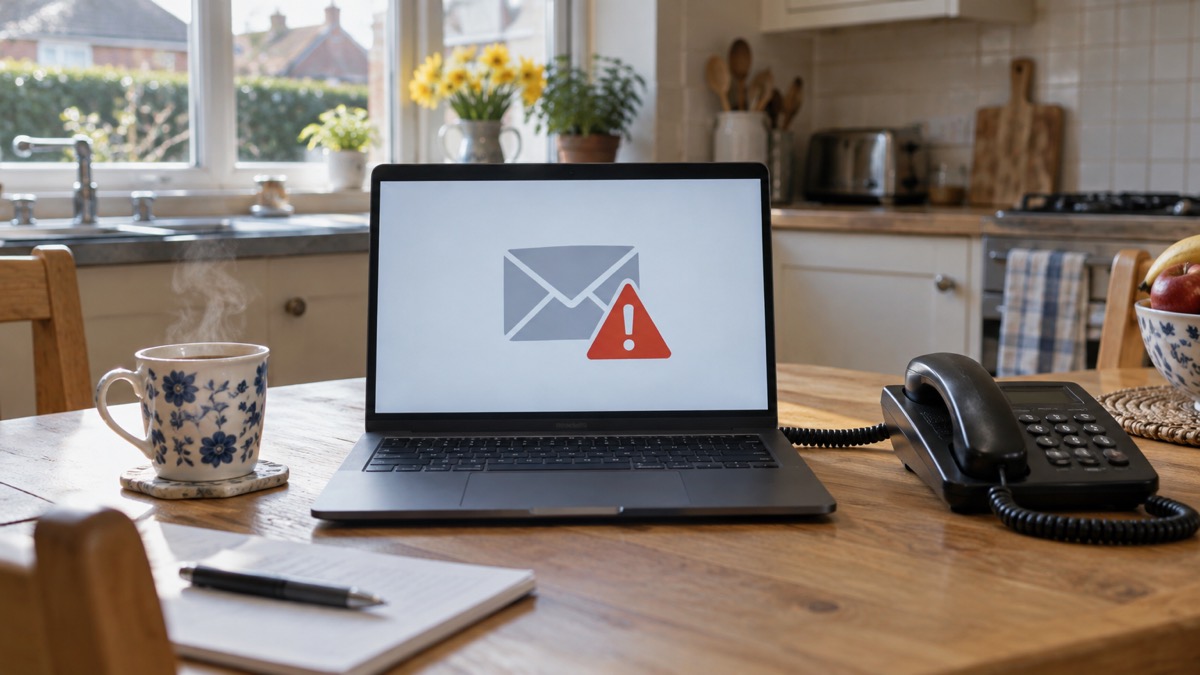
If an email has arrived that you are not quite sure about, forward it to report@phishing.gov.uk. That address belongs to the National Cyber Security Centre's Suspicious Email Reporting Service, and the NCSC will investigate what you send1. You do not need an account, a form or an explanation: forward the message and it is in the system.
Suspicious text messages go to 7726, a free number that reports the message to your mobile phone provider1. Scam websites are reported through the GOV.UK service for suspicious emails, websites and phishing2. Reporting takes a minute, and it does two things at once: it helps reduce the amount of scam communications you receive and makes you a harder target, and it protects other people from cyber crime online3.
What you should not do is reply, click or enter any information. The NCSC's guidance is blunt: it is important not to click on any links in the message, or enter any information4. If you have already done so, there is still a clear sequence to follow, set out below.
Forward the email to report@phishing.gov.uk
The Suspicious Email Reporting Service is the single route for suspicious email in the UK. Forward the message to report@phishing.gov.uk and the NCSC will investigate it1. The same address appears across official advice: the NHS's Synnovis incident questions and answers tell people to send suspicious emails to report@phishing.gov.uk or texts to 77265, and Suffolk's winter safety advice says the same6. It is the address to remember.
A few practical points make the difference between a report that is useful and one that is not:
- Forward, do not reply. Replying confirms your address is live. Forwarding passes the message on intact.
- Send the whole message. The headers and links are what the NCSC examines.
- Then delete it. The NCSC's sextortion guidance is to forward the email and then delete it7, and the same habit works for any scam.
- Do not click anything first. It is important not to click on any links in the message, or enter any information4.
If the message arrived on a work laptop or phone, the route is different. Contact your IT department and tell them what has happened4. Your employer's systems and the NCSC's reporting service are separate, and your IT team needs to know quickly.
Texts go to 7726, and websites go through GOV.UK
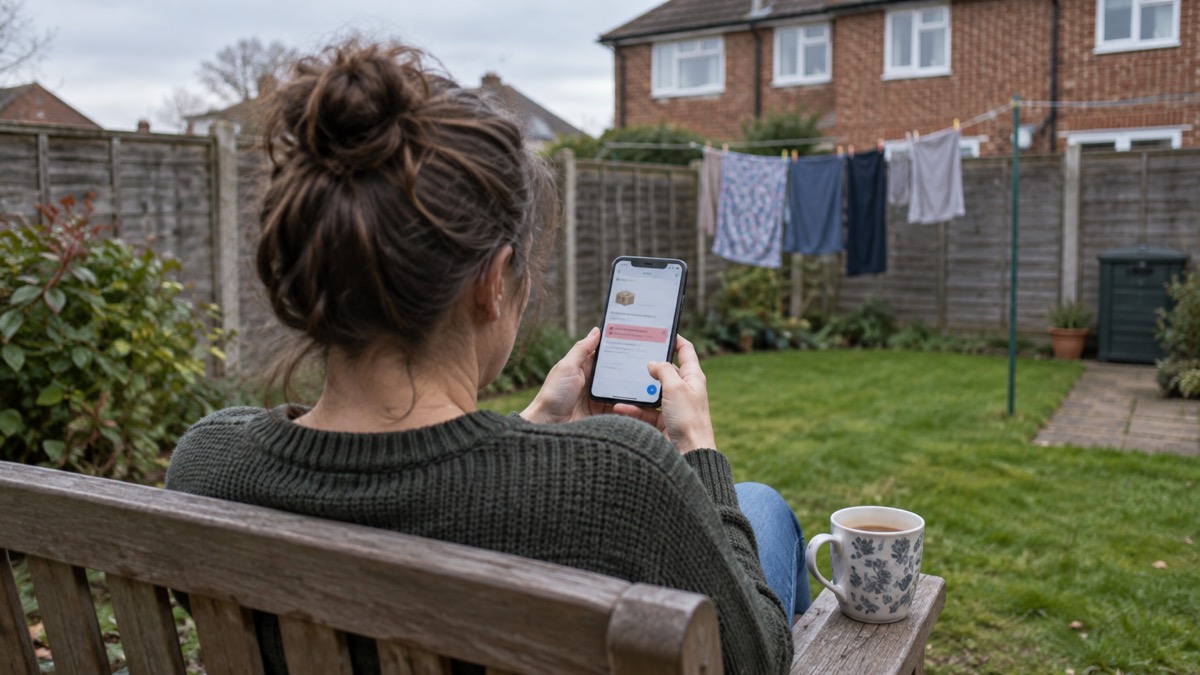
Text messages have their own route. Forward suspicious text messages to 7726, which is free, and it will report the message to your mobile phone provider1. The number is used across official advice: the Police Service of Northern Ireland's guidance says that in the UK you can forward a scam text to Ofcom on 7726, free of charge, and forward suspicious emails to report@phishing.gov.uk9. West Yorkshire's community risk register describes 7726 as a national number that most UK mobile customers can use10.
Websites are reported through the GOV.UK service for suspicious emails, websites and phishing1. The same service is what GOV.UK's Emergency Alerts guidance points to: if you get an email, it could be a phishing attempt or a scam, and you should report anything you think is suspicious2.
| What you have received | Where to send it | What happens |
|---|---|---|
| A suspicious email | report@phishing.gov.uk | The NCSC will investigate it1 |
| A suspicious text message | 7726 | It is reported to your mobile phone provider1 |
| A scam website | The GOV.UK report suspicious emails, websites and phishing service2 | Reported through the national service for suspicious emails, websites and phishing2 |
| A scam phone call | Report Fraud, or Police Scotland if you are in Scotland4 | Reported to the police fraud service4 |
If you have lost money, reporting the message is only part of it. Tell your bank and report it as a crime to Report Fraud for England, Wales and Northern Ireland, or Police Scotland for Scotland4. You can report to Report Fraud online, either by signing up for an account or by continuing as a guest1.
What happens after you report
Reporting is not a black hole, but it is not a callout either. The NCSC will investigate what you forward1, and the wider effect is to reduce the amount of scam communications you receive, make you a harder target for scammers and protect others from cyber crime online3. You will not usually get a reply about your individual message.
That is why reporting sits alongside your own defences rather than replacing them. Surrey County Council's emergency planning advice is to use strong passwords and be vigilant to phishing emails, text messages and phone calls, and to keep all software and systems up to date, including mobile phones11. The NCSC's password guidance makes the same link from the other direction: criminals trick you into revealing passwords by creating fake phishing emails or SMS messages that link to scam websites12.
If you run a UK-based organisation that has experienced a cyber incident, there is a separate route at gov.uk/report-cyber13. That is for organisations, not households.
"If you have received a suspicious message or call, or visited a suspicious website you should report it"
If you have already clicked, replied or entered details
Clicking a link is not the end of the matter, but it changes what you need to do next. Work through this in order.
- Change the password on the account the message related to, and anywhere else you used the same password.
- Turn on 2-step verification on your email account. The NCSC calls this the first and most important step, because it helps protect you if your password gets phished or otherwise compromised15.
- Check your email for forwarding rules. Criminals may set up rules that automatically receive copies of all emails sent to your account16.
- Run a full scan with your antivirus software if you have it, and allow it to clean up any problems it finds4.
- Tell your bank if you entered card or banking details, and report the crime to Report Fraud or Police Scotland4.

If you gave away a password, change it immediately. The NCSC's recovering hacked accounts guidance describes how 2-step verification usually works, by sending a PIN or code, often by SMS or email, to prove it is really you16. It means a criminal who knows your password still cannot get in.
Sextortion emails and messages that quote your password
Sextortion is an example of a phishing attack, where victims receive emails that try to trick them into doing the wrong thing18. Criminals send millions of emails in the hope that someone will pay18. The NCSC's advice is not to engage with the criminal: if you are unsure about an email, forward it to the Suspicious Email Reporting Service and then delete it18.
If the message includes a password you recognise, do not panic. The NCSC says it is probably from an old breach of personal data, but you should change your account password immediately, and anywhere else you use the same password7. If you have paid a ransom, report it to your local police force by calling 1017.
This is where data breaches and phishing meet. Criminals use information from breaches when creating phishing messages, such as emails and texts, so that they appear legitimate19. The NCSC's data breach infographic lists the tells to watch for: official-sounding emails about resetting passwords, receiving compensation or confirming identity, emails full of technical language, and being urged to act immediately20. If you get one, forward it to the NCSC's Suspicious Email Reporting Service at report@phishing.gov.uk19.
Protecting your accounts and devices afterwards
Reporting is one habit. These are the others, and they are what stop the next message from working.
- Strong, separate passwords. Use a different password for each important account, so one phished password does not open everything.
- 2-step verification on your email first. Essex's preparedness advice simply says 2-step verification is recommended to help protect your online accounts21.
- Software updates. Keep all software and systems up to date, including mobile phones11.
- Antivirus, installed and updated. The NCSC advises installing, updating and running antivirus software22.
- A password manager if you need one. The NCSC has guidance on password managers for people juggling many accounts23.
If you are concerned a device has been infected, the NCSC publishes guidance on recovering an infected device17. The steps above, changing passwords, checking forwarding rules, running a scan and turning on 2-step verification, are the core of it.
For anyone who finds online messages harder to judge, the RNIB's staying safe online guidance is a useful starting point: do not click on links or open email attachments unless you trust the person sending it, and if in doubt, contact them another way to check the email is legitimate24. Virgin Media's email safety tips add a simple check before you click: hover over a link to see where it actually goes25.
Where to get help

The NCSC is the national body for cyber security advice for individuals and families, and its phishing guidance covers spotting, reporting and recovering4. For a wider view of the scams in circulation and how they work, see our guide to phishing, and for what to do when an account has been taken over, what to do if an online account is hacked.
If you have lost money, the lost money to a scam page sets out who to contact. If you have clicked a link and are not sure what to do next, clicked a phishing link walks through it. For texts specifically, see how to report a scam text message, and for turning on the extra lock on your accounts, how to turn on 2-step verification.
Sources (25)
- Report suspicious emails, websites and phishing, GOV.UK, 2026
- Emergency Alerts, GOV.UK, 2026
- Phishing scams, National Cyber Security Centre, 2021
- Phishing, National Cyber Security Centre, 2026
- Synnovis cyber incident: questions and answers, NHS England, 2025
- Seasonal winter safety advice, Suffolk County Council, 2026
- Sextortion, National Cyber Security Centre, 2026
- Emergency Alert, BT, 2026
- Protect Yourself booklet, Police Service of Northern Ireland, 2024
- Community Risk Register, West Yorkshire Prepared, 2025
- Cyber attacks, West Yorkshire Prepared, 2026
- Using passwords to protect your devices and data, National Cyber Security Centre, 2026
- Hacked accounts, National Cyber Security Centre, 2026
- Phishing scams: how to spot and report them, National Cyber Security Centre, 2022
- Password managers, National Cyber Security Centre, 2026
- Recovering hacked accounts infographic, National Cyber Security Centre, 2026
- How to recover an infected device, National Cyber Security Centre, 2021
- Sextortion scams infographic, National Cyber Security Centre, 2026
- Data breaches, National Cyber Security Centre, 2021
- Data breaches infographic, National Cyber Security Centre, 2023
- Cyber security, Essex Prepared, 2026
- Mitigating malware and ransomware attacks, National Cyber Security Centre, 2026
- Staying safe online, RNIB, 2026
- Email safety tips, Virgin Media, 2026
- Risks, Surrey County Council, 2026
 Accounts to Protect With 2-Step
 After Fixing an Infected Device
 Home Online Security Checklist
 2-Step Verification No Phone
 Antivirus on Phones and Tablets
 Automatic Updates
 Gave Bank Details to a Scammer
 Checking a Bank Message
 Blocking Nuisance and Scam Calls
 Scams After a Data Breach
 Browser Saved Passwords
 Checking Your Email for Breaches
 Hacker Email Forwarding Rules
 Factory Reset an Infected Phone
 Recover a Hacked Email