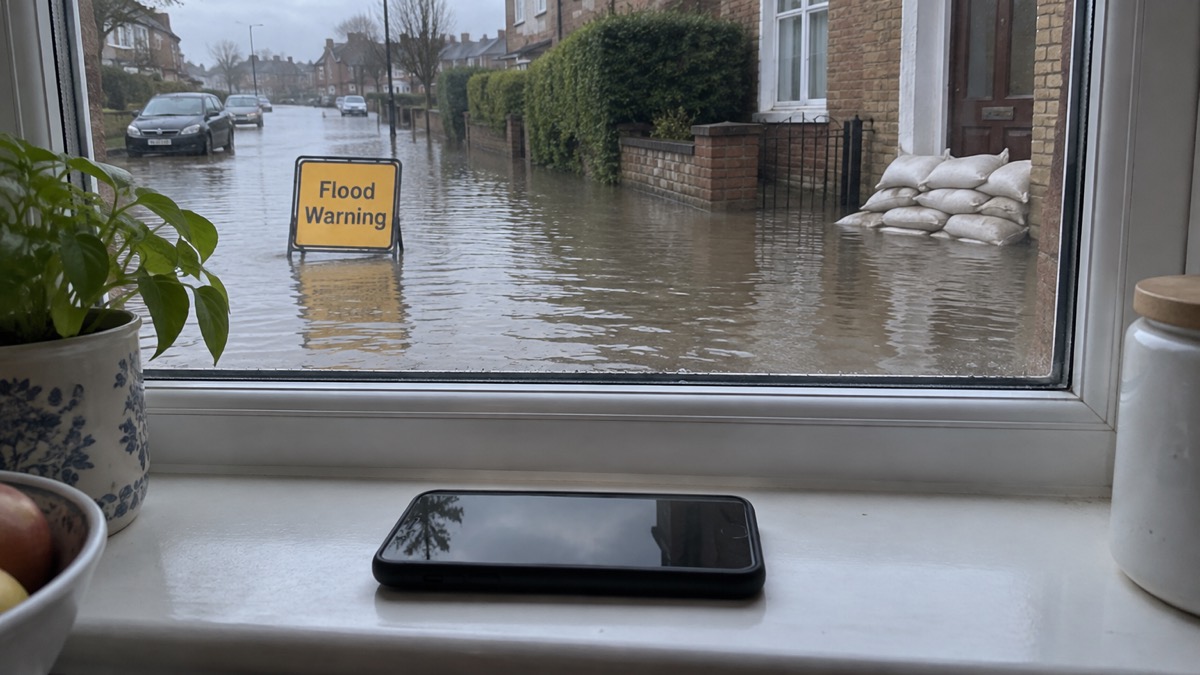
Emergency alerts are the loud, full-screen messages the government sends to compatible phones when there is an immediate threat to life. You can turn them off, and the way to do it is the same on almost every handset: open your phone's settings, search for "emergency alerts", and switch off the alert categories you find there1. On an iPhone the switches are called Severe alerts and Emergency alerts; on Android the wording varies by maker, and you may also see separate switches for test and operator alerts2.
You do not have to receive the alerts, but the government strongly advises against opting out, because the system exists to warn you when lives are in danger4. The exception is a phone you need to keep concealed: official guidance says it is possible to opt out if you need your phone to stay hidden, and that the loud sound can present a risk in some situations2.
This page covers where the setting lives on each type of phone, what each switch controls, when opting out is the safer choice, and what to do if alerts keep arriving after you have turned them off.
Turning alerts off: search your phone settings for "emergency alerts"
The quickest route on any phone is the settings search box. Type "emergency alerts" and the relevant menu should appear, whatever the maker has called it6. Official guidance for England, Scotland, Wales and Northern Ireland is the same on this point: search for "emergency alerts" in your phone settings and follow the instructions for your device6. The full official walkthrough sits at gov.uk/alerts/opting-out1.
If the search finds nothing, the menu may be filed under a different name. On some handsets the setting is called "wireless emergency alerts" or "emergency broadcasts"8. One official path runs through "settings", then "general settings", then "emergency alerts"1. On Android phones and tablets, the same screen also holds the switches for test alerts, exercise alerts, operator defined and operator alerts, which control the periodic test messages rather than real warnings8.
A few things are worth knowing before you start. The alerts are one-way: they do not report your location or whether you received them, and no data is gathered about you, your phone or your location9. You cannot opt out by type of hazard, only from the alerts as a whole3. And turning alerts off is not the same as turning your phone off: a device that is switched off or in aeroplane mode will not receive alerts either, but it also will not receive calls, so it is a blunter tool10.
Opting out on an iPhone: Severe alerts and Emergency alerts
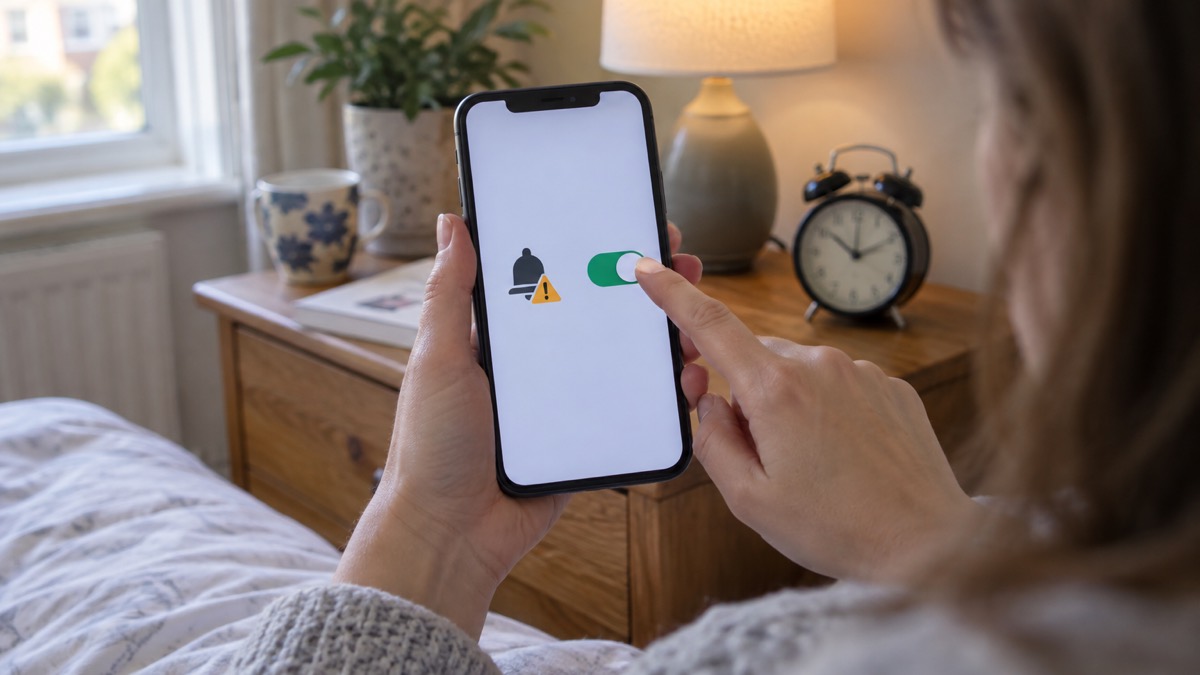
On an iPhone, search your settings for "emergency alerts" and turn off Severe alerts and Emergency alerts2. Apple's own menu path is Settings, then Notifications, then Extreme Alerts, according to Age UK's guidance11. Government factsheets give the same route for checking whether alerts are on: Settings, then Notifications, and make sure the Emergency Alerts toggle is on12.
The two switches do different jobs. Severe alerts covers the highest-level warnings, and Emergency alerts covers the rest. Turning off only one leaves the other category live, so if your aim is silence, both need to go off2. If the search does not bring the menu up, or the switches will not stay off, contact your device manufacturer: that is the official advice when the standard steps do not work14.
| Phone | Where to look | What to switch off |
|---|---|---|
| iPhone | Settings, then Notifications, then Extreme Alerts11 | Severe alerts and Emergency alerts2 |
| Android (general) | Search settings for "emergency alerts"1 | Severe alerts and Emergency alerts3 |
| Huawei, EMUI 11 or older | Emergency alerts settings3 | Extreme threats, Severe threats and Show amber alerts3 |
| Other phones and tablets | Emergency alerts, wireless emergency alerts or emergency broadcasts8 | Test alerts, exercise alerts, operator defined and operator alerts8 |
Android wording is not standardised. BT's support pages describe the same search-and-switch-off approach for Android handsets, with a note that Huawei devices running EMUI 11 or older use different labels: Extreme threats, Severe threats and Show amber alerts3. If your phone is not an iPhone and the labels above do not match what you see, search the settings for "emergency alerts" and read the descriptions on screen before changing anything1.
Should you turn emergency alerts off?
The short answer is no, unless you have a specific reason. Councils and government guidance say members of the public can opt out of the service, but strongly recommend that people do not, because it is intended to warn you when lives are in danger4. Age UK describes opting out as a personal choice that is not recommended11. The alerts are only used to warn you about an immediate threat to life, so the messages you would be silencing are the ones that matter most16.
There is also a practical argument for leaving them on. The system is designed to reach phones in a defined area, and it works alongside, not instead of, other warnings. If you do not have a compatible device, you will still be informed about an emergency, because the emergency services have other ways to warn you when there is a threat to life17. Those without a mobile will still be made aware through the news and local emergency services14. Opting out removes one channel, not all of them, but it removes the fastest one.
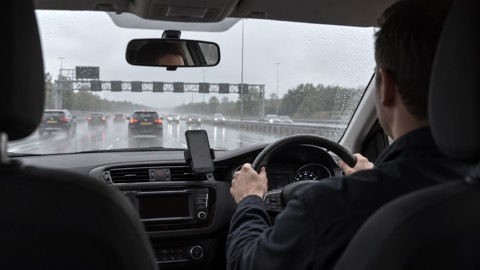
What you should do instead of opting out is make sure your phone is set up to receive alerts and that you know how to respond. Follow the advice in any official warning or emergency alert you receive18. Do not read or respond to an alert while you are driving or riding: find somewhere safe and legal to stop before picking up your phone16. If you are on the road when one sounds, the same rule applies, and you can use a hand-held phone if you are safely parked or need to call 999 or 112 in an emergency and it is unsafe or impractical to stop19.
"Members of the public can opt out of the service. However, we strongly recommend that people do not opt out of the service."
If you are setting up a household plan, it is worth knowing how the alerts fit with everything else you would do in an emergency. Our guide to how the UK phone warning system works explains what triggers an alert and what the message will say, and what to do when you get an emergency alert walks through the response step by step.
When opting out keeps you safer: concealed phones and domestic abuse
There is one situation where turning alerts off is the right call, and the official guidance names it. It is possible to opt out of the system if you need your phone to stay concealed2. The reason is the sound: alerts make a loud noise, and that may present a risk to people keeping a hidden mobile phone for personal safety reasons6. Victims of domestic abuse with a concealed phone may find it appropriate to turn off alerts2.
If that applies to you, the steps are the same as for anyone else: search your settings for "emergency alerts" and turn the alerts off on the concealed handset1. Do it in advance rather than during an emergency, when you may not have the time or privacy to find the menu20. Check any second phone too, including a spare kept in a bag, because the alert reaches every compatible handset in the area, not just the one you use most.
The same logic applies to anyone whose phone needs to stay quiet at a particular moment, but the guidance is specific about concealment for personal safety. For everything else, the balance falls the other way: the alert is there to tell you to act, and the actions it prompts, such as leaving when the emergency services say so, are ones that keep you and your household safe21. If you are out of your home when a fire alert or evacuation applies, stay out and call 99922.
Still getting alerts after opting out
If alerts keep arriving after you have switched them off, work through the likely causes in order. The first is that you turned off one category but not the other: on an iPhone, both Severe alerts and Emergency alerts need to be off2. The second is that the messages you are seeing are operator test alerts rather than real warnings. These have their own switches, labelled test alerts, exercise alerts, operator defined and operator alerts on many phones8. If you continue getting operator test alerts after opting out, contact your phone manufacturer for help14.
The third is the handset itself. If you have an earlier version of Android, you may still be able to receive alerts; check by searching your device settings for "emergency alerts"7. Older phones and some tablets may not expose the same switches at all, which is another reason the maker is the right place to ask14.
It also helps to know when a phone will not receive an alert at all, so you are not relying on silence as proof that the setting worked. You will not receive alerts if your device is turned off, connected to a 2G or 3G network, on wi-fi only, or not compatible7. Android phones and tablets may get more than one reminder about the same emergency alert, and those reminders can be turned off through the emergency alerts settings on the device7.
If you want to check an alert you missed, go to the current alerts or past alerts pages, or search for emergency alerts on your mobile phone or tablet7. And if you have opted out but want to turn alerts back on, the route is the same in reverse: search your settings for "emergency alerts" and switch Severe alerts and Emergency alerts back on2. For the wider picture, including what to do if your phone cannot receive alerts at all, see how to get emergency warnings without a mobile phone and will your phone receive emergency alerts.
Sources (22)
- Opting out of emergency alerts, GOV.UK, 2026
- National Emergency Alerts, Warwick District Council, 2026
- Emergency alert explained, BT, 2026
- Emergency alerts, Surrey County Council, 2023
- Emergency Alerts factsheet, Saltford Parish Council, 2023
- Emergency alerts service, Croydon Council, 2026
- How alerts work, GOV.UK, 2026
- System testing, GOV.UK, 2026
- Emergency Alerts, Denbighshire County Council, 2026
- National Emergency Alerts Service, North Hertfordshire District Council, 2022
- National Emergency Alerts, Age UK, 2026
- National Emergency Alerts factsheet, Lydiard Tregoze Parish Council, 2023
- Emergency Alerts, Isle of Anglesey County Council, 2026
- Emergency alert explained, EE, 2026
- Emergency Alerts System factsheet, Prepare campaign, 2025
- Frequently asked questions about Emergency Alerts, Cabinet Office, 2023
- Emergency alerts, GOV.UK, 2026
- Be prepared for emergencies, North Devon Council, 2026
- National Emergency Alert System: what is it?, Essex Prepared, 2026
- Prepared personal resilience, Scottish Borders Council, 2026
- Preparing your home for flooding, Cotswold District Council, 2020
- Home fire escape plan, Scottish Fire and Rescue Service, 2024
 Free Alert Services
 Emergency Apps
 Digital Switchover Checklist
 Silent 999 Calls
 Giving Your Exact Location
 When to Call 999
 Calling 999 With No Signal
 999 by Wi-Fi Calling
 When You Get an Alert
 Alerts While Driving
 Spotting a Genuine Alert
 Phones That Get Alerts
 Emergency Alert Privacy
 Emergency Alert Tests
 Alerts Without a Mobile Phone