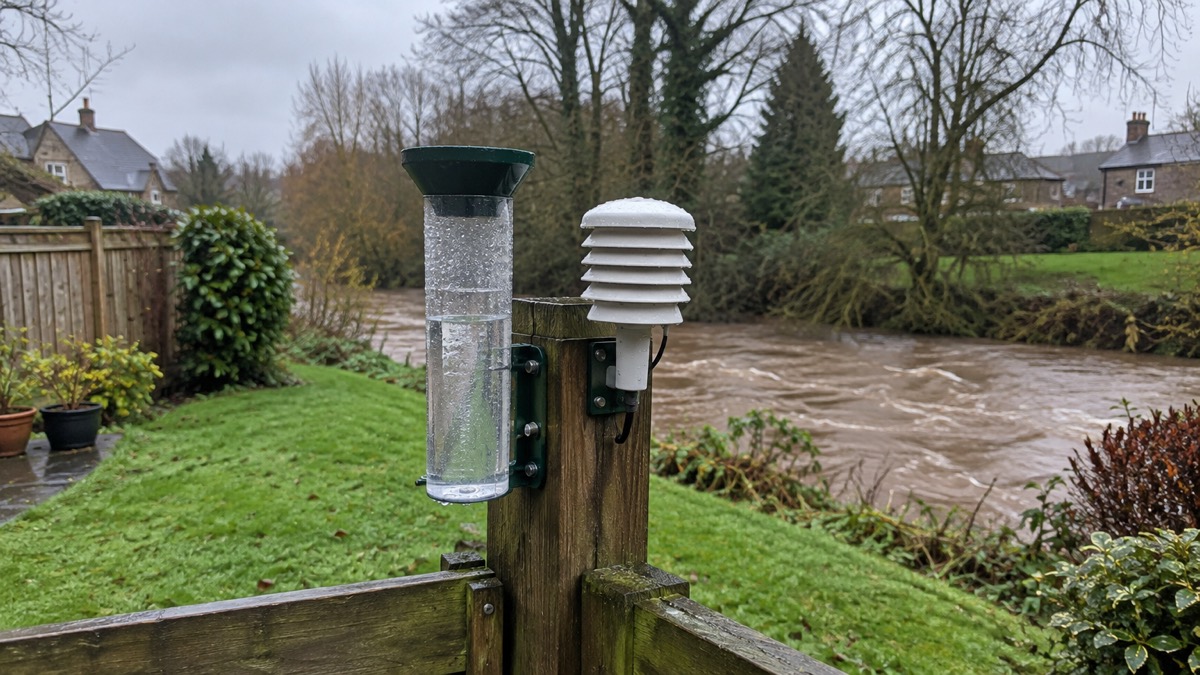
Most of the warning systems that matter in the UK need nothing from you. Emergency Alerts, the loud phone message that tells you your life may be at risk nearby, arrive automatically on compatible 4G and 5G phones in the area of risk, with no sign-up, no app and no charge1. The government does not need your phone number, your location or any personal details to send one3.
What does need you is everything else. Flood warnings, weather warnings, local council and resilience forum messages, and the arrangements around chemical and nuclear sites all depend on you registering in advance, usually for free5. A household that has done that gets hours of notice instead of minutes.
This page is a printable sign-up list: what to register for, how, and what to check on your phone so that a warning actually reaches you. Work through it once, note the dates, and revisit it when you change phone or move house.
Free alert services checklist
Work through this list in order. Each item takes a few minutes, and between them they cover the warnings most likely to reach a UK household: flooding, severe weather, local incidents and the national Emergency Alerts system.
Emergency Alerts need no sign-up or app
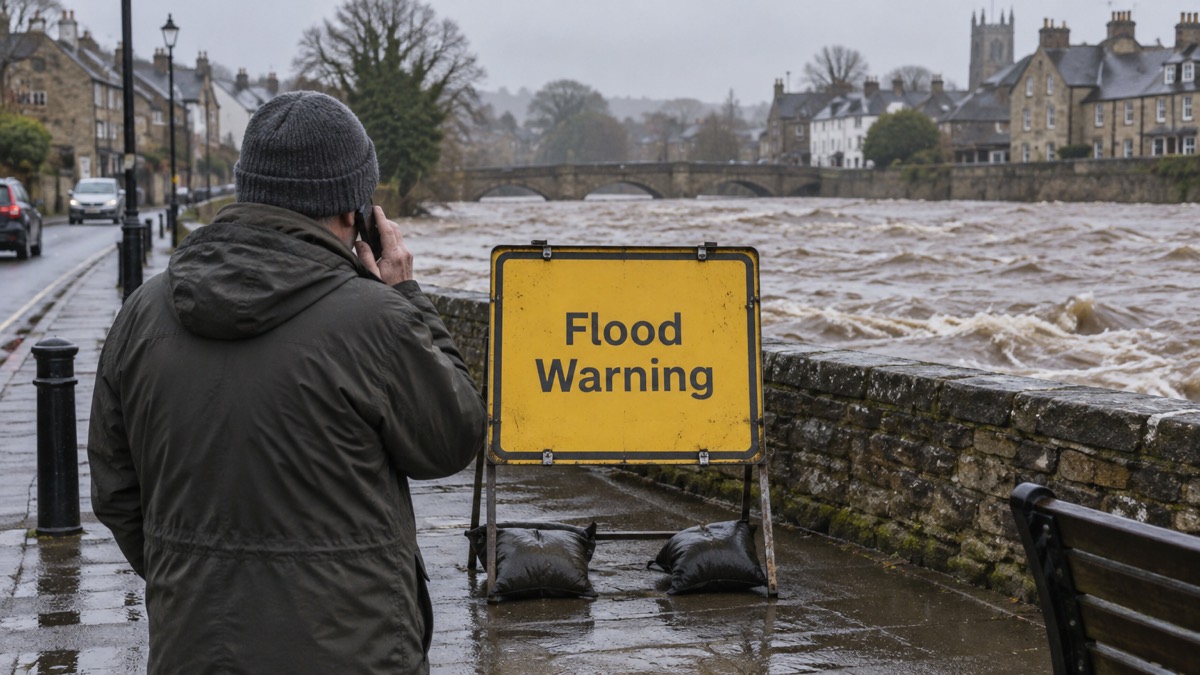
Emergency Alerts are the one part of the system that finds you. They are sent to compatible 4G and 5G mobile phones and tablets within an area of risk when there is a danger to life, and only the government and emergency services can send them2. There is no registration step, no app to install and no charge to receive them1.
The privacy design is deliberate and worth understanding, because it explains why the system can reach everyone. The government does not need your phone number or any of your details to send you an alert20. The service does not collect personal information or track your location, and no personal data is shared when an alert is sent4. You do not need to turn on location services to receive alerts3. Alerts are one-way: they carry instructions, not a request for information17.
That last point matters for spotting scams. The Emergency Alerts service will never send you emails or ask you to provide personal details1, and an Emergency Alert will never request you provide bank details21. If a message about an emergency asks for either, it is not from the system.
You can opt out if you want to, by searching for "emergency alerts" in your phone settings and following the instructions for your device4. Think carefully before doing so: the alert is intended to warn you about serious nearby threats to life, and it will give you clear instructions of what to do to stay safe17. If you do not want to get any emergency alerts in the future, you will need to change your phone settings20.
Keeping your phone ready to receive Emergency Alerts
An alert you never receive is no warning at all, and the reasons a phone misses one are almost always settings or hardware rather than the network. Check these before you need them.
Software and handset. Alerts are sent to compatible 4G and 5G mobile phones within an area of risk, if they have the latest software update23. Phones released before 2015 are likely to require some changes to the settings18. If you have an earlier version of Android, you may still be able to receive alerts; to check, search your device settings for "emergency alerts"2. Other phones that do not run iOS or Android may also receive alerts2.
What blocks an alert. You will not receive alerts if your device is turned off, connected to a 2G or 3G network, on wifi only, or not compatible2. Note that last one carefully: the alert does not need mobile data or wifi, but a phone that is connected only to wifi and has no mobile network connection will not get one2. Emergency alerts work on all 4G and 5G phone networks widely used by smartphones, but will not include older non-smart phones, and the 3G technology they use is being switched off19.
Finding an alert you have acknowledged. On Android phones, the alert may be found in the Messages app or "Emergency Alert History". For iPhone users, the alert will be in your notifications, and if you delete your notifications, the alert will also be deleted18.
| Check | What to do | Why it matters |
|---|---|---|
| Software | Install the latest update | Alerts need the latest software12 |
| Settings | Search "emergency alerts" in settings | Confirms alerts are switched on4 |
| Network | Make sure mobile network is on, not wifi only | Wifi-only devices do not receive alerts2 |
| Power | Keep the phone charged and switched on | A switched-off device receives nothing2 |
| History | Look in Messages or Emergency Alert History | Lets you re-read instructions18 |
Flood, weather and local alerts you register for yourself
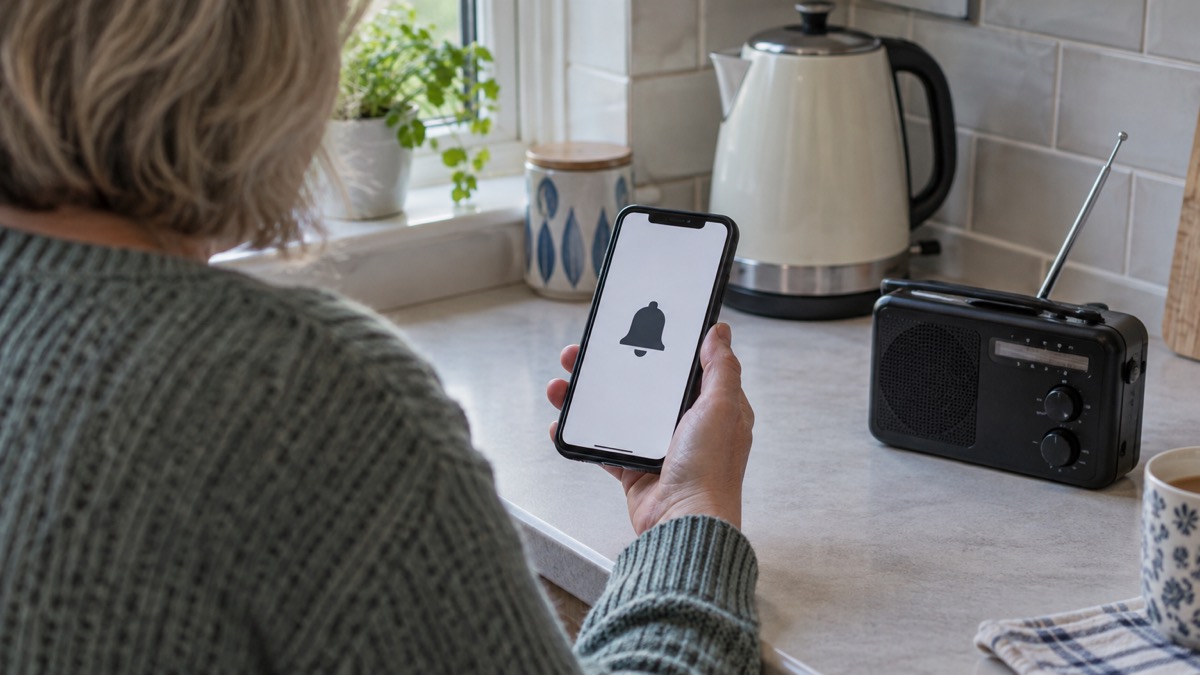
These are the services that need your details in advance, and they are where most of the practical value lies for a household near a river, the coast or a known flood risk.
Flood warnings. Anyone can sign up, for free, by phoning Floodline on 0345 988 1188 or registering online, and you can choose to be warned by phone, text or email5. This is the most specific warning most households can get: it is tied to your area rather than a region.
Weather. You can sign up for email alerts from the Met Office or download their Weather App to ensure you are always updated with the latest information9. Local council advice on storms and gales is consistent: sign up to receive alerts and information about risks in your area24.
Local resilience and council services. Some Local Resilience Forums offer a sign-up option for alerts to receive news and information about emergencies in your local area10. Individual councils run their own: SB Alert in the Scottish Borders is an emergency messaging service used with key partners to provide information directly to you on weather warnings, incidents and service updates7. Community groups are advised to sign up to alerts and warnings covering their area, with a list of trusted sources on the government's Prepare website26.
Site-specific schemes. If you live near Sellafield, you are encouraged to sign up for a free automated telephone warning system, which provides a warning in the highly unlikely event of an emergency at the site, plus updates by text, email and mobile calls during exercises13. Groundwater flood schemes exist in some areas: residents can sign up free to receive alarms by SMS or email, helping them stay informed and take action14.
Accessibility. If you cannot use a voice call, register for emergencySMS now: you must register your phone beforehand, and the ambulance service's advice is to register now, don't wait for an emergency15.
Alerts when there is no signal, no smartphone or no mobile at all
The Emergency Alerts system is designed so that a lack of data or a lack of signal in the ordinary sense does not stop an alert, but there are real limits.
No data or wifi is fine. Your mobile phone or tablet does not have to be connected to mobile data or wifi to get alerts2. The message travels over the mobile network itself, which is why a phone with no data allowance and no wifi can still receive one.
No mobile coverage is not fine. A device connected to a 2G or 3G network, or one that is not compatible, will not receive alerts2. If you are in a spot with no 4G or 5G coverage at all, the alert will not reach that handset.
No mobile phone at all. Those without a mobile will still be made aware through the news and local emergency services18. Official guidance also advises identifying someone living nearby who can inform you of any Emergency Alerts being sent17. This is worth arranging in both directions: if you have a phone, offer to be that person for a neighbour.
Driving. If an alert sounds while you are driving with nowhere safe to stop and no passenger to read it, tune into live radio and wait for bulletins until you can find somewhere safe and legal to stop17.
Older and non-smart phones. Alerts will not include older non-smart phones, and the 3G technology they use is being switched off19. If a household member relies on such a phone, plan now for how they will be told: a radio, a neighbour, or a newer handset.
Keeping your details and devices up to date
A sign-up list is only as good as its upkeep. Three things change often enough to break a warning service silently: your phone, your phone number, and your address.
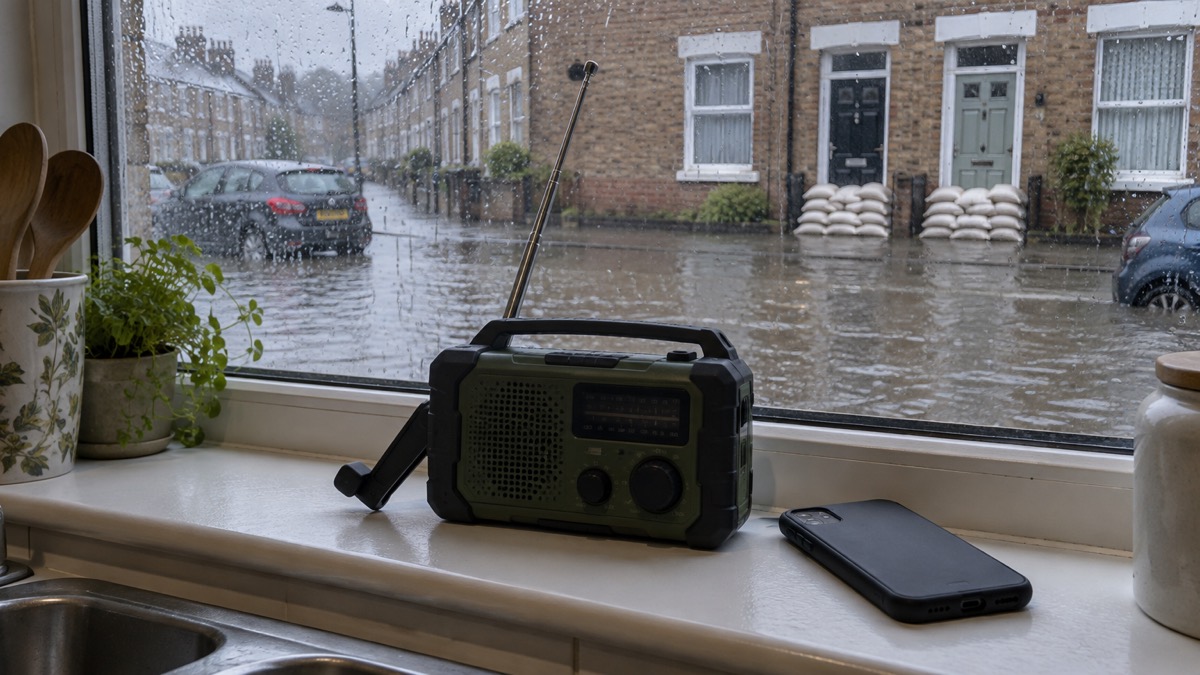
Revisit the list once a year, and whenever you move house or change number. Flood warnings and local alert schemes are tied to an address or a phone number, and an old number means a warning that never arrives. When you replace a handset, repeat the phone checks above: latest software, settings searched for "emergency alerts", and a test that the phone connects to the mobile network rather than wifi only2.
Keep the phone usable. A mobile phone needs to be charged and switched on all the time if it is to be relied on, and an emergency number can be programmed into it27. Keep a phone or alert device nearby in case you need help28. If you use a community alarm or personal alarm, check with your provider how it behaves during a power cut or after the digital landline switchover, and see our guide to telecare and personal alarms when phone lines go digital.
Make the paper copy. Write the list out and keep it with your household's emergency information: the services you have joined, the Floodline number, and who nearby will knock on your door if an alert goes out. Our emergency and non-emergency numbers checklist has a printable version, and Emergency Apps to Download covers the apps worth having alongside these services.
Where to get help signing up. If you are unsure which services cover your address, your council's emergency planning team can tell you, and their pages explain how to sign up for the Priority Services Register if anyone in the household needs extra help16. Charities and community groups can also help: community resilience guidance advises groups to sign up to alerts and warnings covering their area26. For the wider picture of how warnings reach a household, see Where to Get Official Warnings and News in an Emergency, and for the national system in detail, Emergency Alerts: How the UK Phone Warning System Works.
Sources (28)
- UK Emergency Alerts, GOV.UK, 2026
- How Emergency Alerts work, GOV.UK, 2026
- Alerts and warnings, UK Government Prepare campaign, 2026
- Emergency Alerts service, Croydon Council, 2026
- Bassetlaw district flood risk information, Environment Agency, 2026
- Your Home Emergency Plan, Royal Borough of Windsor and Maidenhead, 2025
- SB Alert, Scottish Borders Council, 2026
- What to do in a flood, Suffolk County Council, 2026
- Adverse weather, Carmarthenshire County Council, 2026
- Get prepared for emergencies: alerts, UK Government Prepare campaign, 2026
- National Emergency Alerts, Warwick District Council, 2026
- Emergency Alerts, Isle of Anglesey County Council, 2026
- Chemical and nuclear sites, Cumberland Council, 2026
- Groundwater flooding, Lincolnshire County Council, 2026
- Using 999 with speech or hearing impairment, Yorkshire Ambulance Service NHS Trust, 2026
- Fire and safety checks, Surrey County Council, 2026
- National Emergency Alerts factsheet, UK Government, 2023
- Emergency Alerts, Denbighshire County Council, 2026
- Frequently asked questions about Emergency Alerts, UK Government, 2023
- Emergency Alerts System factsheet, UK Government, 2025
- Emergency Alerts, Surrey County Council, 2023
- Emergency Alerts easy read, UK Government, 2025
- Emergency-Alerts-Factsheet.pdf, Saltford Parish Council
- Storms and gales, Lancashire Prepared, 2026
- Flood protection, Scottish Borders Council, 2026
- Prepare your community, Greater Manchester Combined Authority, 2026
- What to do if you fall | NHS inform, NHS inform
- Falls prevention, Staffordshire County Council, 2026
 Emergency Apps
 Digital Switchover Checklist
 What to Keep Charged