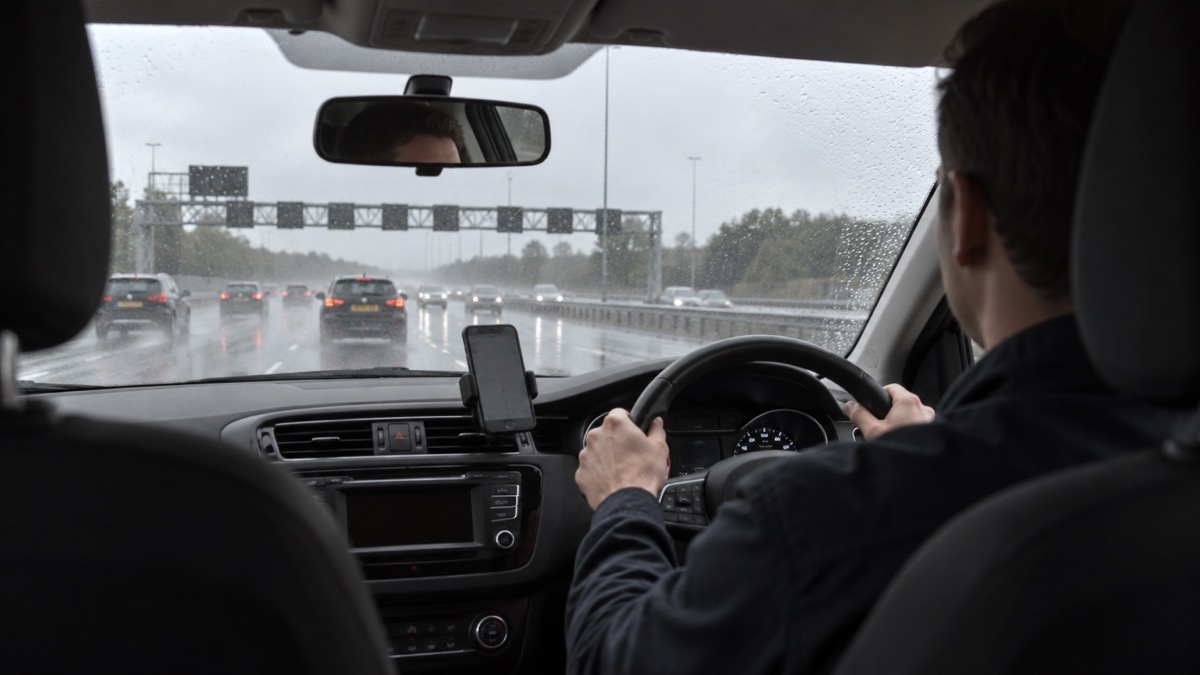
If your phone sounds an emergency alert while you are driving, the official advice is simple: carry on driving and do not pick up the phone1. The alert is designed to grab your attention, with a loud, siren-like sound even if the phone is set to silent, a vibration, and a message on screen until you acknowledge it2. None of that is a reason to take your eyes off the road or a hand off the wheel.
Find somewhere safe and legal to stop before you read the message3. That might be a car park, a service area or a lay-by, not the hard shoulder of a motorway. If there is nowhere safe and legal to stop and nobody else in the vehicle to read it for you, tune into live radio for information until you can find somewhere safe and legal to stop4.
The law backs this up. It is illegal to hold a mobile phone while driving or riding a motorcycle, and the police can stop you if they think you are not in control because you are distracted5. The law still applies if you are stopped at traffic lights, queuing in traffic or supervising a learner driver5. An alert is not an exception.
Keep driving and leave the phone alone
The first thing to do is nothing. Carry on driving and do not pick up the phone1. The alert will not disappear in a way that matters: the message stays on your screen until you acknowledge it, so there is no rush to read it at the wheel5. Trying to silence the sound, dismiss the screen or read the text while moving is exactly the distraction the law and the safety advice are there to prevent.
This is not only about alerts. Winter driving guidance from Cornwall Council and from Argyll and Bute Council gives the same instruction if you are in trouble: do not use a mobile phone while driving, stop somewhere safe or ask a passenger to make the call6. The message is consistent because the risk is the same everywhere: a driver looking at a screen is not looking at the road.
The law is stricter than many people realise. It is illegal to hold a mobile phone while driving or riding a motorcycle, and the police can stop you if they think you are not in control because you are distracted5. You can be prosecuted, and the law still applies if you are stopped at traffic lights, queuing in traffic or supervising a learner driver5. An emergency alert does not create an exemption.
"If you are driving when you get an alert, you should carry on driving. Do not pick up the phone."
If you are on a motorcycle, the same rule applies: it is illegal to use a hand-held device while riding2. Keep riding, keep your hands on the bars, and deal with the alert once you have stopped.
Stop somewhere safe and legal before you read the alert
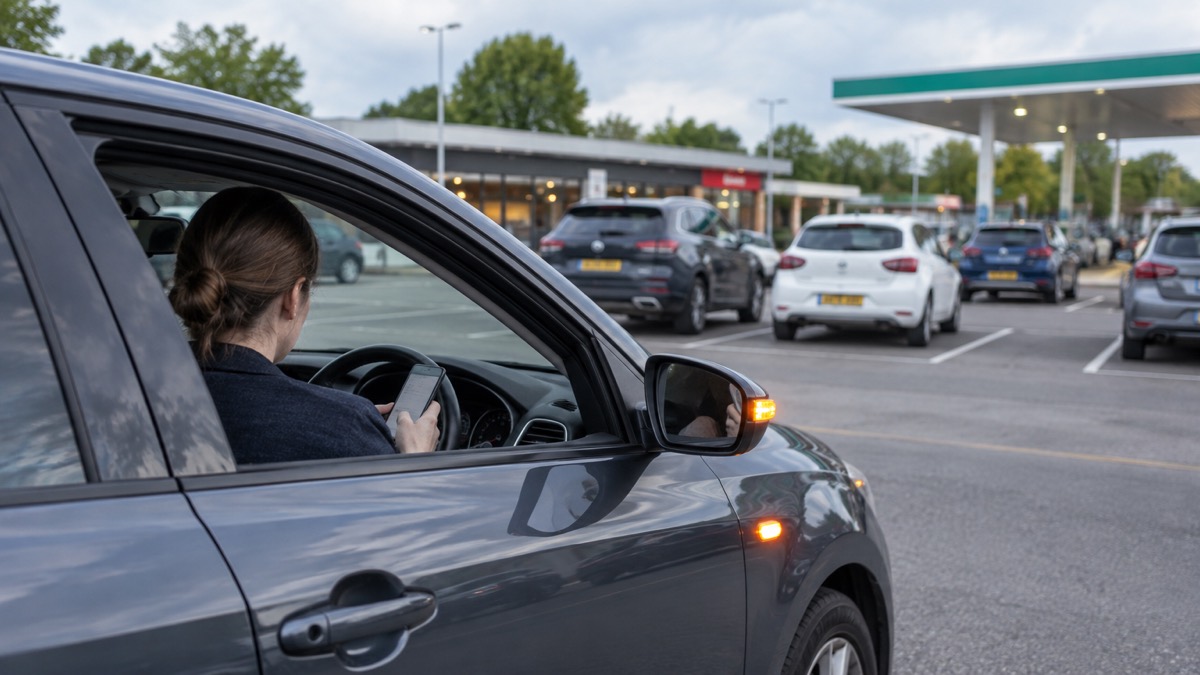
Once you can, find somewhere safe and legal to stop before reading the message3. The Highway Code describes a place of relative safety as somewhere you, your passengers and your vehicle are less likely to be at risk from moving traffic8. The safest place is a location designed for parking, and on motorways and high-speed roads that means a service area8. Other places include lay-bys, emergency areas and hard shoulders8.
That ranking matters. A service area is designed for stopping; a lay-by is a reasonable second; an emergency area or hard shoulder is for breakdowns and incidents, not for reading a message. Pulling onto the hard shoulder to check your phone puts you in one of the most dangerous places on the road network for no good reason.
When you have stopped, read the message properly and follow the instructions it gives. In an actual emergency, follow the instructions in the alert to keep yourself and others safe1. The alert is based on your current location, not where you live or work, and you do not need to turn on location services to receive it2. That means an alert can reach you in a place you do not know well, which is another reason to read it carefully once you are stationary.
If you have dismissed the alert without reading it, you can usually find it again. On Android phones, the alert may be found in the Messages app or in Emergency Alert History; on an iPhone, it will be in your notifications9. For more on what the alert means and how to respond, see what to do when you get an emergency alert.
A passenger can read the alert for you
If someone else is in the vehicle, they can read the alert for you while you keep your eyes on the road. This is the same principle the fire and rescue services give for phone calls: stop somewhere safe, or if you have a passenger, ask them to make the call6. A passenger reading an alert is doing the same job: taking the distraction away from the driver.
A passenger can also help in other ways. They can check the screen, read out the instructions, and tell you whether the alert affects the road ahead. They can look for a safe place to stop if the alert suggests you should. What they should not do is encourage you to glance at the phone yourself, or hand it to you while you are moving.
The alert itself is built to be noticed. Compatible phones use a loud, siren-like sound so people with visual impairments are not excluded, and the alert may work with screen magnification, read the message out and override volume settings10. The unique noise should also be audible for those who use a hearing aid10. Some phones will read out the message and can override volume settings, and Emergency Alerts also use a distinct vibration type11. If a passenger has accessibility settings enabled, their phone may read the alert aloud, which can be useful in a moving vehicle.
No safe place to stop and no passenger: tune into live radio
Sometimes there is nowhere safe and legal to stop close by, and nobody else is in the vehicle to read the alert. In that case, tune into live radio for information until you can find somewhere safe and legal to stop4. The same advice appears in the government's own guidance: if there is nowhere safe and legal to stop and no one is in the vehicle to read it for you, you can listen to news on live radio to find out about the emergency3.
This is a practical fallback, not a reason to keep driving indefinitely. Use the radio to understand what is happening while you look for a safe place to stop. Local news bulletins carry road closures, flooding and forecasts, so they are the right thing to have on12. Travel bulletins and variable message signs also give information about weather, road and traffic conditions ahead13.
On motorways, overhead message signs are used to flash up important messages, including warning you of delays and advising alternative routes13. Keep an eye on them as well as listening. If you are at home or somewhere safe when an alert arrives, the wider advice is to go inside, stay inside and tune into local radio14. The same principle applies in the car: get information from a source that does not take your eyes off the road.
For more on which stations to tune into and what kind of radio to keep, see emergency radios and which radio stations to tune into during a power cut.
Where you must not stop to read an alert
Some places are never right for reading an alert. The hard shoulder of a motorway is for breakdowns and incidents, not for checking your phone. If you have to stop in a live lane, the advice is different and urgent: stay in your vehicle, keep your seatbelts and hazard warning lights on, call 999 immediately and ask for the police, or press your SOS button if your vehicle has one15.
| Place | Suitable for reading an alert? | What it is for |
|---|---|---|
| Motorway service area | Yes, the safest option | Parking designed for stopping8 |
| Lay-by | Yes, a reasonable option | A place of relative safety8 |
| Emergency area | Only if you have broken down | Breakdowns and incidents16 |
| Hard shoulder | No | Breakdowns and incidents16 |
| Live lane | Never | Call 999 and stay in your vehicle15 |
If your vehicle has a built-in emergency call system, the eCall SOS button contacts a 999 operator17. If you cannot get out of your car safely, turn your hazard warning lights on, activate the eCall SOS button and keep your seatbelts on18. You can also quote the numbers and letters on marker posts or driver location signs along the edge of the road to tell the emergency services where you are8. For more on this, see what the SOS button in your car does.
Alerts on the motorway, and what to do next
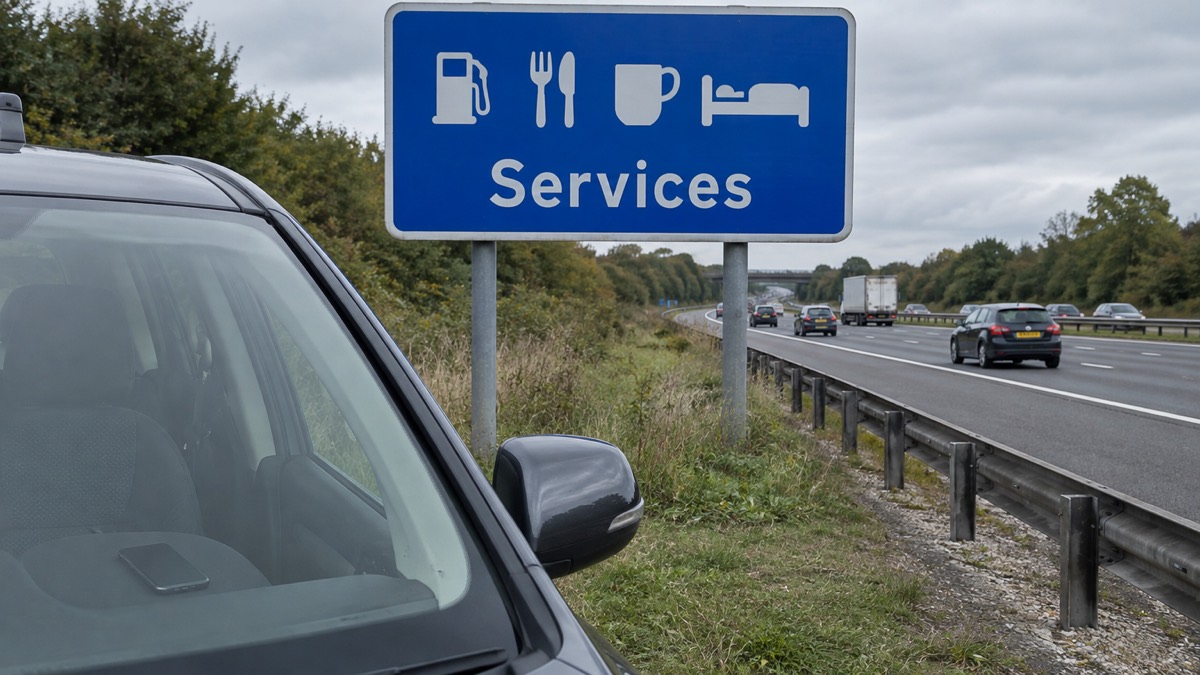
On a motorway, the safest place to stop is a service area8. If an alert sounds and you are approaching one, carry on to it rather than pulling onto the hard shoulder. If you are past the service area and there is no safe place to stop, listen to live radio and keep driving until you find one4.
The emergency services can alert National Highways, so it can close motorway lanes and send other help as required, such as a traffic officer17. That is one reason to give a clear location if you do have to call. On a motorway, it is best to use a roadside emergency telephone, because the breakdown and emergency services will be able to locate you easily7.
Once you have stopped and read the alert, follow its instructions. If it tells you to avoid an area, do so. If it tells you to go inside, do so when you reach a safe place. The alert is based on where you are, not where you live, so it may be telling you about a hazard close to your current location2.
Short answers to common questions
Riding a motorcycle. Carry on riding and do not touch the phone. It is illegal to use a hand-held device while riding2. Find somewhere safe and legal to stop before reading the message, or tune into live radio if there is nowhere safe to stop and no passenger4.
Phone in a hands-free cradle. A cradle makes calls legal, but it does not make reading an alert safe. You must have hands-free access such as voice command, a dashboard holder or mat, or a windscreen mount, and the device must not block your view of the road or the traffic5. The advice is still not to read or respond to an alert while driving5.
Alert sound in a quiet car. Expect it to be loud. Compatible phones play a loud, siren-like sound even if set to silent, vibrate for around 10 seconds, and show a message until you acknowledge it19. Do not let the noise make you brake suddenly or grab the phone.
Checking the alert after you stop. The message stays on screen until you acknowledge it5. If you have dismissed it, Android users may find it in the Messages app or Emergency Alert History, and iPhone users in notifications9.
Alerts on the motorway. Head for a service area, the safest place to stop8. Do not use the hard shoulder to read a message. If you have to stop in a live lane, stay in your vehicle, keep your seatbelts and hazard warning lights on and call 99915.
Finding local radio bulletins. Tune into live radio and listen for local news bulletins covering road closures, flooding and forecasts12. Travel bulletins and variable message signs give information about conditions ahead13.
For the wider picture on how alerts work and what they mean, see Emergency Alerts: how the UK phone warning system works and where to get official warnings and news in an emergency.
Sources (19)
- Emergency Alerts easy-read guidance, GOV.UK, 2025
- Emergency Alerts, GOV.UK, 2026
- Get prepared for emergencies: alerts, Prepare campaign, 2026
- Frequently asked questions about Emergency Alerts, GOV.UK, 2023
- National Emergency Alert System: what is it?, Essex Prepared, 2026
- Winter driving, Derbyshire County Council, 2026
- Winter driving, Cornwall Council, 2026
- The Highway Code: breakdowns and incidents, GOV.UK, 2026
- National emergency alerts, Warwick District Council, 2026
- Emergency alerts, Surrey County Council, 2023
- Emergency Alerts System factsheet, Prepare campaign, 2025
- Winter travel and driving safety advice, South Western Ambulance Service NHS Foundation Trust, 2026
- Winter driving, Mid and West Wales Fire and Rescue Service, 2026
- Are You Ready booklet, Culham Parish Council, 2025
- Driving on motorways, National Highways, 2026
- Knowing what to do if you break down or crash | Brake, Brake
- eCall, National Highways, 2026
- eCall SOS - National Highways, National Highways
- Emergency Alerts service, Denbighshire County Council, 2026
 Free Alert Services
 Emergency Apps
 Digital Switchover Checklist
 Silent 999 Calls
 Giving Your Exact Location
 When to Call 999
 Calling 999 With No Signal
 999 by Wi-Fi Calling
 When You Get an Alert
 Spotting a Genuine Alert
 Phones That Get Alerts
 Emergency Alerts On or Off
 Emergency Alert Privacy
 Emergency Alert Tests
 Alerts Without a Mobile Phone