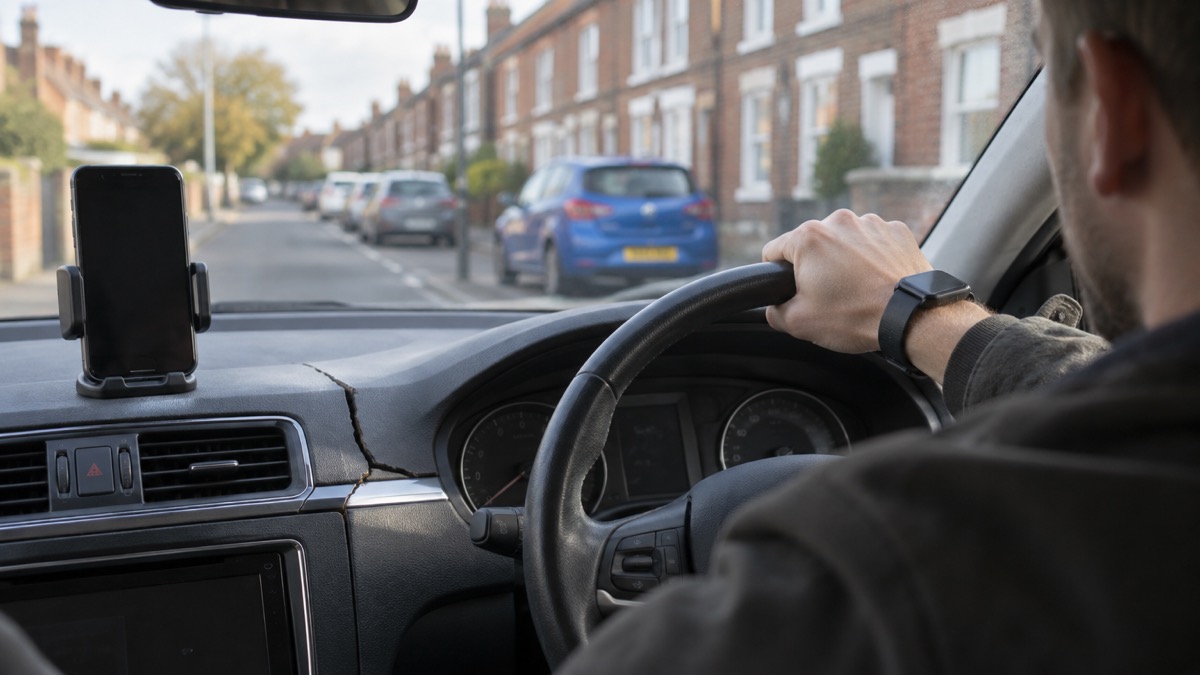
If you are in a severe crash, help may be called without you doing anything: the eCall SOS system built into many cars contacts a 999 operator and provides your vehicle's exact location directly to emergency services1. It is worth knowing how it works before you need it, because it has limits that a charged phone covers.
On an iPhone or Apple Watch, Crash Detection shows an alert and can initiate an emergency phone call after 30 seconds2. On a Pixel 4a or later, Car Crash Detection uses the phone's location, motion sensors and nearby sounds to spot a possible severe crash, then turns on speakerphone, tries to call emergency services, says a car crash happened and shares the device's approximate location3. In the car, eCall contacts a 999 operator and provides your vehicle's exact location directly to emergency services1.
The practical steps are simple. Check that Crash Detection is switched on, store In Case of Emergency contacts so a helper can reach your family, and find your car's eCall SOS button now rather than in the dark on a hard shoulder. This page explains what each system does, how they work together, and when pressing the button is the wrong thing to do.
Turning on Crash Detection on an iPhone
Crash Detection is a setting on the phone and watch, and the first thing to do is confirm it is on. Apple's own guidance describes what happens once it is: if Crash Detection is turned on, the Apple Watch displays an alert and can initiate an emergency phone call after 30 seconds2. That 30 second window is deliberate. It gives you time to cancel a false alarm before a call goes out.
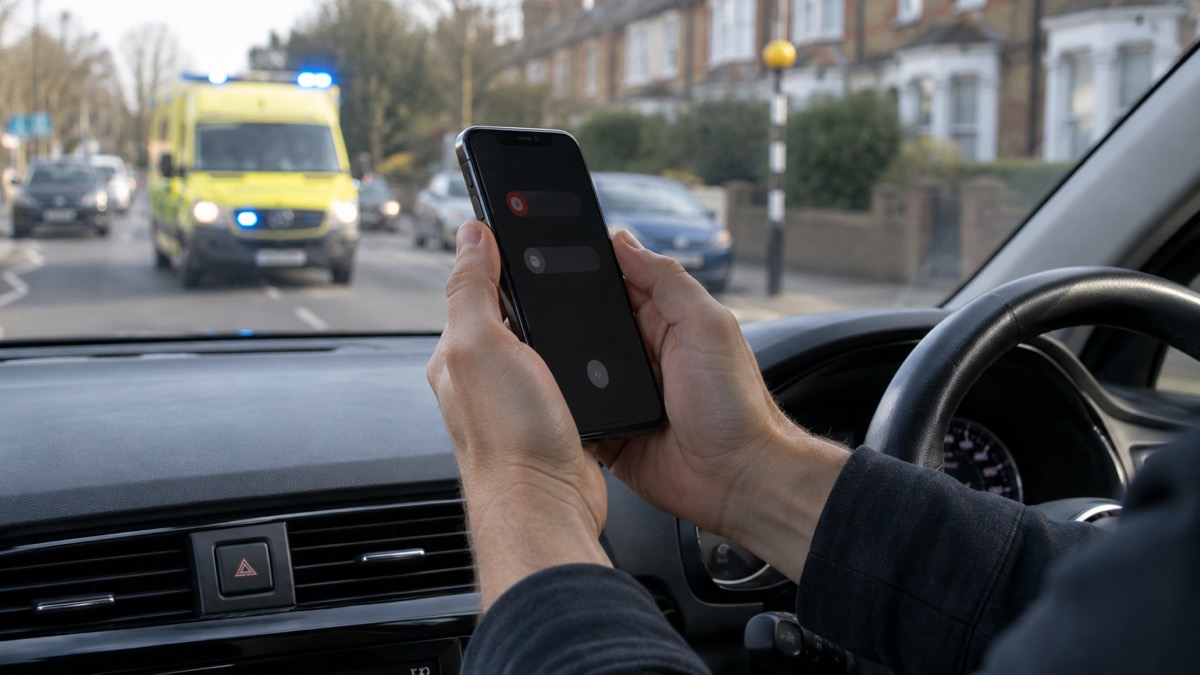
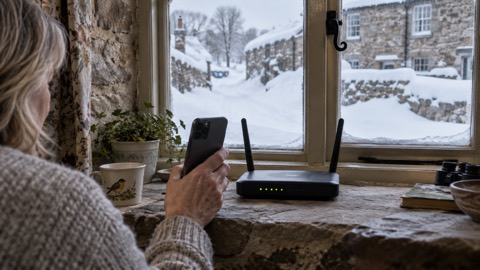
For that call to connect, the watch or a nearby iPhone needs a cellular connection, or Wi-Fi calling with an internet connection2. This is the point most households miss. A watch without a cellular plan, or a phone with no signal, cannot make the call on its own. If you drive regularly on rural roads, that matters more than any other feature.
There is a second, manual route that works on the same hardware. On an iPhone, you can start Emergency SOS yourself by simultaneously pressing and holding the side button and either volume button until the sliders appear and the countdown on Emergency SOS ends, then releasing the buttons5. It is worth practising once, calmly, at home, so the button combination is familiar.
A phone that is charged and to hand is the foundation of all of this. Guidance on preparing a vehicle for snow and ice is to ensure your mobile phone is fully charged so that you can quickly raise the alarm if you need to4, and ice safety advice is to keep your phone charged and accessible so you can call for help6. A charging cable in the car is part of the same habit.
What happens after a severe crash is detected
The two systems behave differently, and knowing which does what stops you relying on the wrong one.
On an iPhone or Apple Watch with Crash Detection on, the watch shows an alert and can initiate an emergency phone call after 30 seconds2. You can stop it during that window if you are unhurt. If you are not able to, the call goes ahead.
On a Pixel 4a or later, including Fold, Car Crash Detection uses information such as your phone's location, motion sensors and nearby sounds to detect a possible severe crash3. When it triggers, your phone automatically turns on speakerphone, tries to call emergency services, says that a car crash happened and shares your device's approximate location3. The speakerphone matters: it means anyone nearby, including a passer-by, can hear the call and speak to the operator.
| System | What triggers it | What it does | What it sends |
|---|---|---|---|
| Apple Crash Detection | Severe crash detected by the watch or phone | Displays an alert, then can initiate an emergency call after 30 seconds2 | A call to the emergency services2 |
| Pixel Car Crash Detection | Location, motion sensors and nearby sounds3 | Turns on speakerphone, tries to call emergency services, announces a car crash3 | The device's approximate location3 |
| Car eCall | Airbag deployment, or the SOS button1 | Contacts a 999 operator1 | Your vehicle's exact location1 |
The difference in location accuracy is worth understanding. A phone gives an approximate location; the car's own system gives an exact one1. If both are available, the car system is the stronger signal to the emergency services.
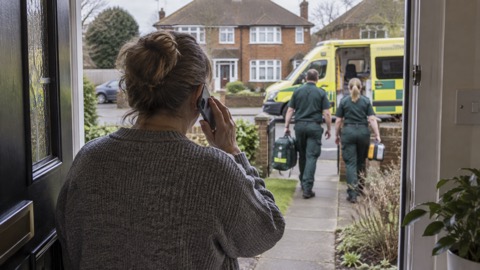
If you come across a crash rather than being in one, the advice is to park safely at the side of the road, engage the handbrake, turn the vehicle's wheels away from the crash site, turn on the hazard lights, and call the emergency services once your vehicle is safely parked and the engine is turned off7. Call 999 and give full details of the incident, location and any casualties4.
Phone or car: how crash detection and eCall work together
These are not rival systems. They cover different failures. A phone can call for help from any vehicle, including a passenger seat or a hire car, but depends on signal and a charged battery. A car's eCall is wired into the vehicle and triggers on airbag deployment, but only exists in cars built with it.
Since April 2018, most cars and vans have been fitted with an emergency call system known as eCall1. It is automatically activated in the event of an incident when the airbags are deployed1. That means in a serious impact you may not need to do anything at all.
Some vehicles have a private eCall instead. Automatic and manual activation of the private eCall connects you to your vehicle manufacturer's call centre, and the call centre operators work with 999 operators and will communicate your exact location to the emergency services1. The outcome is the same; the route is different.
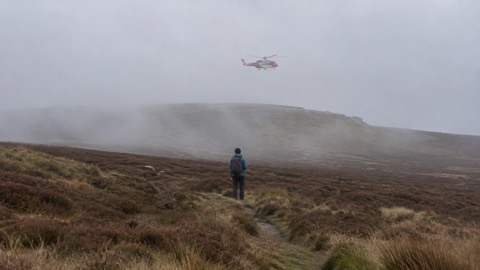
Where the systems combine well is location. To identify your location to the emergency services, the Highway Code advises pressing the SOS button if your vehicle has one, using a mobile telephone mapping application, or quoting the numbers and letters on marker posts or driver location signs along the edge of the road8. A phone with a mapping app is a useful backup to the car's own system, and a useful primary tool in a car that has none.
eCall contacts a 999 operator with your car's exact location
When activated, eCall contacts a 999 operator and provides your vehicle's exact location directly to emergency services1. That single sentence is the whole value of the system: no describing a junction, no guessing which slip road, no searching for a marker post in the rain.
The response does not stop at the call. The emergency services can alert National Highways, so it can close motorway lanes and send other help as required, such as a traffic officer1. This is how a lane closure after a crash actually happens: the call from the car or from a 999 caller sets it in motion. You do not need to arrange it.
For a driver, the practical lesson is to know your location anyway. Fire and rescue guidance is to make sure you know your location, so if you need to dial 999 you know exactly where you are if you or someone else gets into difficulty, and to use a location app such as What3Words6. That advice holds whether or not your car has eCall, and it covers the case where the car system is damaged or the button cannot be reached.
If you have to call 999 yourself, give full details of the incident, location and any casualties4. The more precisely you can describe where you are, the faster help arrives.
Where to find the eCall SOS button and when not to press it
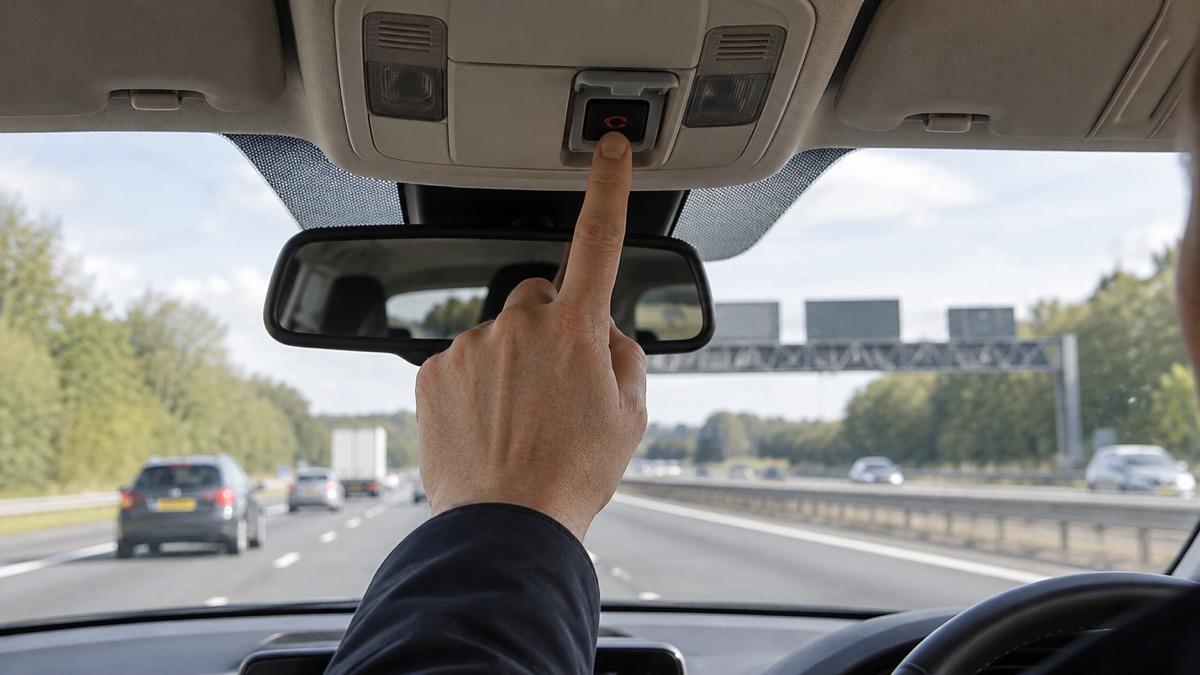
The eCall SOS button can be found in the ceiling console by the internal rear-view mirror, behind a pop-out hatch or on the centre console1. Find yours while parked, before you ever need it. In a damaged car, in the dark, is the worst time to be hunting for a hatch.
It can be manually activated by the driver or passenger by pressing the button1. Passengers can use it too, which matters if the driver is unconscious or trapped.
The rule on when not to press it is firm. Do not use the emergency call system or press the eCall SOS button if you only require breakdown recovery or vehicle roadside assistance1. eCall should only be used if the situation requires the emergency services1. A flat tyre or a dead battery is not that situation.
If you have broken down and can leave your vehicle safely, press your bCall button or use your phone to call for breakdown recovery or roadside assistance1. The bCall button is the breakdown equivalent, and using it keeps the emergency line free for people who need it.
Checking eCall is working: the self-test and fault light
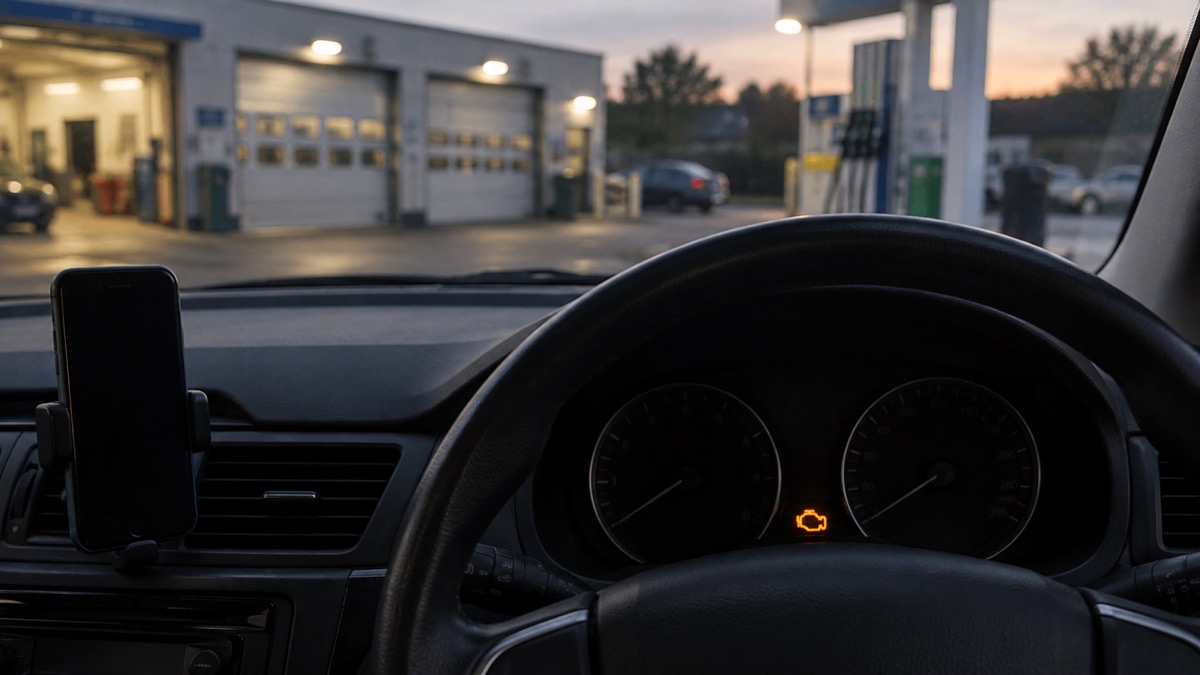
You do not need to test eCall yourself. There is no need to check if your eCall is working, as the system will carry out a self-test each time the vehicle is started1. That is one less thing to remember.
What you should do is watch for the warning. In case of any fault, a malfunction lamp or message may illuminate or appear on your vehicle dashboard1. If you see it, treat it as you would any other warning light: don't ignore warning lights on your car's dashboard, and stop at a safe place to check the problem9. A fault in the emergency call system is worth having looked at before your next long journey.
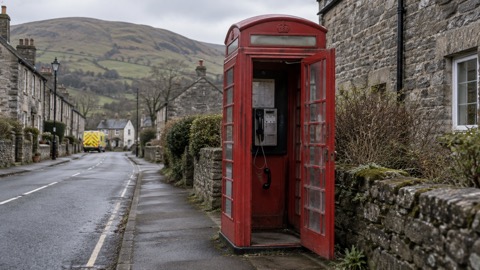
The wider habit is the same one that covers every other failure. Keep the phone charged9, keep it accessible6, and know how you would call for help if the car's system did not work. If you cannot use your mobile phone, or do not have one, you will have to wait for a passing motorist to report you or a passing police patrol car to spot you, and you should be prepared for a long wait if this happens12. On the motorway, locate the nearest emergency phone13.
For households that want to go further, the Staying Informed and in Touch in an Emergency: A Household Guide covers the wider picture, and What the SOS Button in Your Car Does looks at eCall on its own. If your concern is calling 999 when the mobile network is down, see How to Call 999 When Your Mobile Network Is Down, and for giving a precise location, How to Give Emergency Services Your Exact Location.
Sources (13)
- eCall, National Highways, 2026
- Contact emergency services using Apple Watch, Apple, 2026
- Car Crash Detection, Google, 2026
- In an emergency, London Fire Brigade, 2026
- Emergency call and text on iPhone and Apple Watch, Apple, 2026
- Top causes of rescues and how to avoid them, Devon and Somerset Fire and Rescue Service, 2026
- Know what to do if you breakdown or crash, Brake, 2026
- The Highway Code: breakdowns and incidents (274 to 287), GOV.UK, 2026
- Vehicle breakdown advice, Milton Keynes Council, 2026
- Driving in Snow - Winter safety - Seasonal Safety - Keeping You Safe - North Wales Fire And Rescue Service, North Wales Fire and Rescue Service
- eCall, Traffic England, 2026
- Winter car kit, Met Office, 2026
- Ice safety, Cheshire Fire and Rescue Service, 2026
 Free Alert Services
 Emergency Apps
 Digital Switchover Checklist
 Silent 999 Calls
 Giving Your Exact Location
 When to Call 999
 Calling 999 With No Signal
 999 by Wi-Fi Calling
 When You Get an Alert
 Alerts While Driving
 Spotting a Genuine Alert
 Phones That Get Alerts
 Emergency Alerts On or Off
 Emergency Alert Privacy
 Emergency Alert Tests