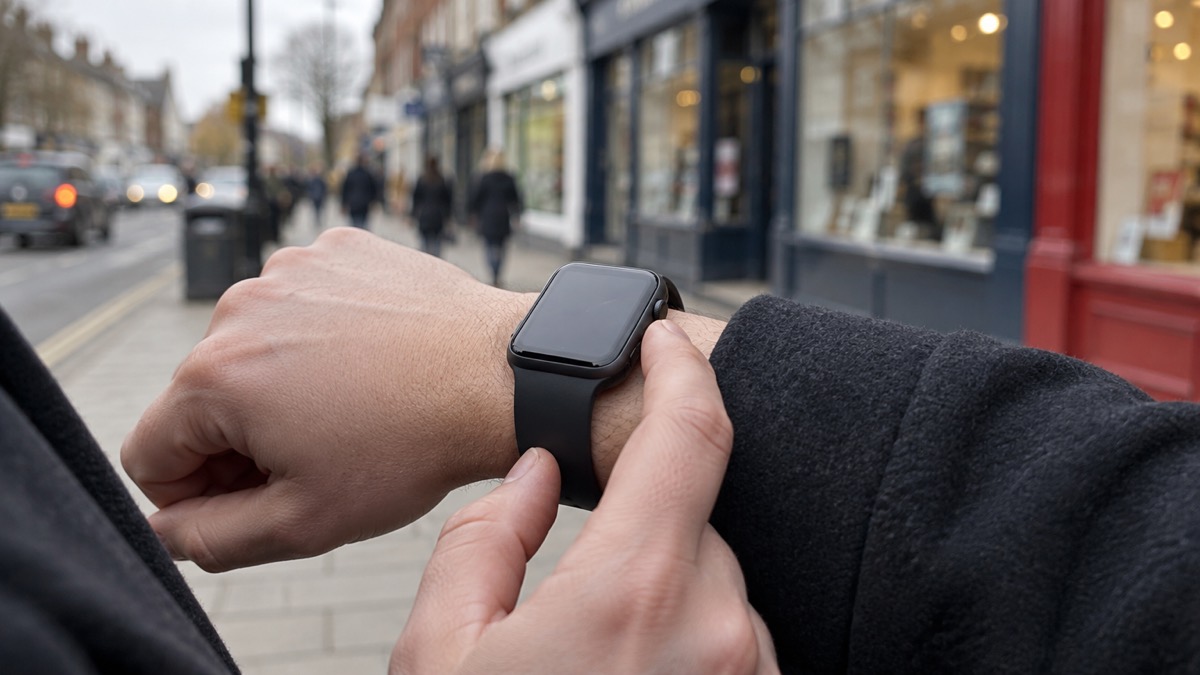
An Apple Watch can put a call to 999 on your wrist when your phone is in another room, in a bag, or out of reach after a fall. The watch is a second way to reach the emergency services, not a replacement for your phone, and it works best when you have set it up in advance: emergency contacts stored, your address to hand, and the difference between a real alert and an accidental one understood.
The UK emergency numbers are 999 and 1121. If your mobile provider is experiencing an outage, you can automatically use another provider's network to call 999 or 112 free of charge, shown as "SOS only" on iOS2. That matters for a watch with a cellular plan, because the network it uses is the same one your phone uses.
What the watch cannot do is invent a signal. Some mobile devices can use Emergency SOS and Satellite SOS to contact emergency services via satellite when no mobile networks are available2, but that is a feature of the device and the conditions have to be right. For anyone who cannot make voice calls, the emergencySMS service lets you text 999 from a mobile phone3, and 999 BSL and Relay UK exist for British Sign Language users4. This page sets out how to call, how to text, what to set up first, and how to avoid the accidental calls that waste emergency time.
How to call 999 from an Apple Watch
On a watch the call is made from your wrist, which is the point. Your Apple Watch calls the emergency services in your region, for example 9991, and you can say "Hey Siri, call 999"1. If you have fallen, if your phone is charging in another room, or if you are in a flat and cannot get to a handset, the watch is the nearest thing to a phone you have.
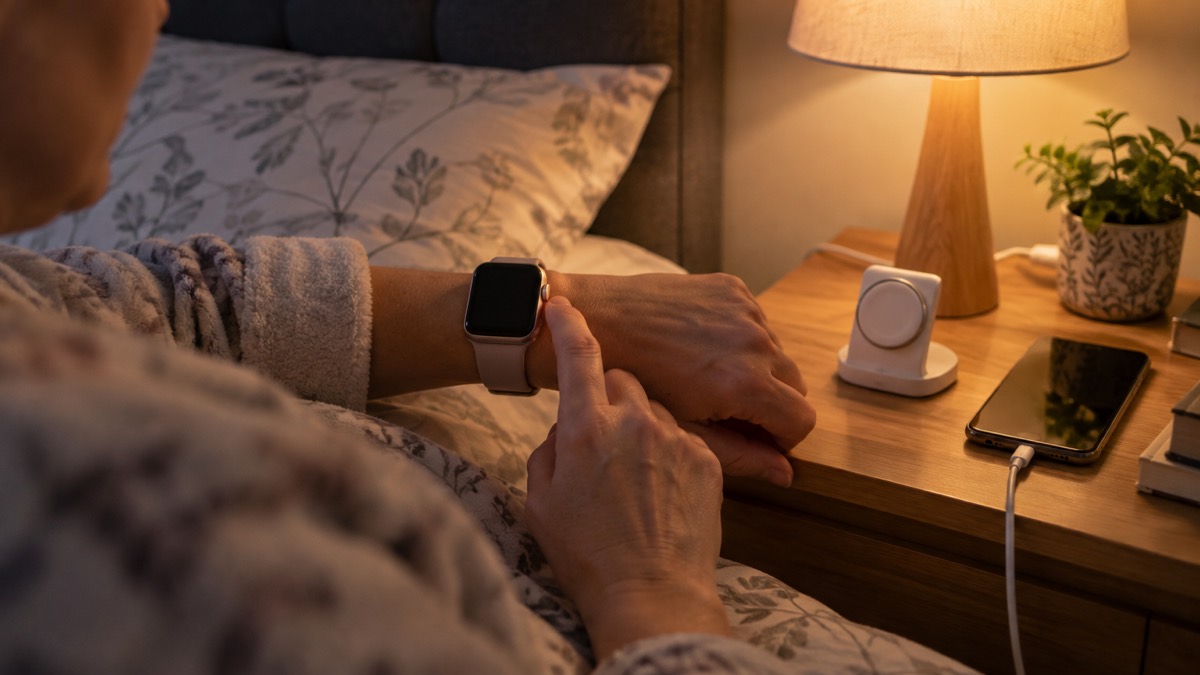
Before you rely on it, know three things. First, the watch needs a connection: either a cellular plan of its own or a link to your iPhone nearby. Second, the call goes to the same emergency services as any other call, so the operator will ask the same questions: what has happened, where you are, and whether anyone is injured. Third, the watch is a device with a battery, and a flat watch cannot call anyone. Keep it charged, and treat it as one of the things you keep topped up before a storm or a power cut, alongside your phone.
If the call connects but you cannot speak, do not hang up. The emergency services can trace a call and will try to establish what is happening. The silent 999 calls page explains what happens when you dial but cannot speak, and the 999 and 112 page sets out what happens when you ring.
For a household with more than one device, the watch is a useful second line. It is not a substitute for a phone that works, and it is not a substitute for knowing your address. The smartwatch 999 page covers the wider question of calling from a watch, and the phone ready checklist covers getting a mobile set up before an emergency.
Hold the side button: the countdown and the warning sound
The Emergency SOS feature on an Apple Watch is triggered by holding the side button. The watch then runs a countdown before it calls, and it makes a warning sound so that people around you know a call is being made. That sound is deliberate: it tells anyone nearby that an emergency call is in progress, and it gives you a moment to cancel if you pressed by accident.
The same principle applies to the Emergency Alerts system on your phone, which is worth understanding because the two are often confused. An Emergency Alert appears on your device for 20 seconds and you hear a loud, siren-like sound for up to 10 seconds5. The alert can play a loud siren-like sound even if the device is set to silent, vibrate for around 10 seconds, read the alert aloud if accessibility settings are enabled, and display information about the emergency and the actions to take6.
"the alert will appear on your device for 20 seconds and you will hear a loud, siren-like sound for up to 10 seconds"
That is the behaviour of an alert, not of an SOS call, but the lesson is the same: a loud sound is part of the design, and it is there to get attention. If you keep a phone hidden for personal safety reasons, the loud sound may present a risk in some situations6, and the turn off alerts page explains how to manage that.
Texting 999 when you can't speak
A voice call is not always possible. If you cannot make voice calls, you can contact the 999 emergency services by SMS text from your mobile phone3. The service is designed specifically for people with hearing loss or difficulty with speech, for contacting the 999 emergency services by SMS text when unable to make voice calls7.
The emergencySMS service allows you to text 999 if you are deaf or hard of hearing8, and it is available to people who cannot make voice calls9. The service allows deaf, hard of hearing and speech-impaired people who find it difficult to use the phone to send a text message to the 999 service so they can get through to the ambulance, police, fire service or coastguard10.
| Service | Who it is for | How it works |
|---|---|---|
| Voice call to 999 or 112 | Anyone | Dial 999 or 112 and speak to the operator1 |
| emergencySMS | People who cannot make voice calls, including deaf and hard of hearing people | Text 999 from a mobile phone3 |
| 999 BSL | British Sign Language users | Alternative contact route for people unable to use voice telephony4 |
| Relay UK | People unable to use voice telephony | Alternative contact route4 |
You need to register for emergencySMS before you need it, and the emergencySMS page explains how to register and text 999. The 999 BSL page covers the British Sign Language route. If you are deaf or hard of hearing, the fire service advises that you make sure your home has the right smoke and heat alarms and that you have a way to alert someone if a fire starts11.
What the watch needs to reach emergency services
A watch is only as good as the connection behind it. There are three things to check before you rely on it.
- A connection. The watch needs either its own cellular plan or a nearby iPhone. If your mobile provider is experiencing an outage, you can automatically use another provider's network to call 999 or 112 free of charge, displayed as "SOS only" on iOS2.
- A charged battery. A flat watch cannot call. Keep it charged, and see the what to keep charged checklist for the wider household list.
- A known location. The operator will ask where you are. Know your address, and if you are out, know the road or landmark. The exact location 999 page explains how to give your location precisely.
If the watch cannot connect, fall back to your phone. If the emergency call system fails to work when you press the SOS button, use your phone to call 999 for help12. The same advice applies to the SOS button in a car: if it fails, use your phone to call 99912. The car eCall page covers what the SOS button in your car does.
International emergency calls: which models and what they can't do
If you travel abroad, the number to call depends on the country, and the watch will use whatever the local network supports. International emergency calls require an Apple Watch SE, Apple Watch Series 5, Apple Watch Ultra or later model, and when you start an Emergency SOS call while abroad the watch connects to local emergency services but may not be able to send your location or a text message to your emergency contacts1. Check the local emergency number before you travel and keep it written down.
What the watch cannot do is guarantee a call. The Emergency Alerts system works on iPhones running iOS 14.5 or later, and Android phones and tablets running Android 11 or later13, and other phones that do not run iOS or Android may also receive alerts13. That is about alerts, not calls, but it shows the principle: the device and the software version decide what works.
For satellite contact, some mobile devices can use Emergency SOS and Satellite SOS to contact emergency services via satellite if no mobile networks are available2. The satellite messaging page explains what satellite SOS does on phones, and the satellite SOS iPhone page covers the iPhone route in detail. The satellite messenger or phone SOS comparison sets out the choice between a dedicated messenger and a phone feature.
Your emergency address and contacts: set them up before you need them
The most useful thing you can do with a watch is set it up before you need it. Add "in case of emergency" (ICE) contacts that can be easily found on your phone, and enable any safety and emergency features such as the "personal safety" feature on Android and the "Health" app on iOS2. ICE stands for In Case of Emergency15.
Once an emergency contact is set up, ICE numbers can be seen and called from the lock screen by selecting Emergency call, which is useful if you are injured and someone needs to contact your designated family or friends16. That is the point of the setup: it lets a stranger, a paramedic or a passer-by reach the right person without unlocking your phone.
Keep a written list as well. Keep a list of emergency contact numbers at home in the event of an emergency17, and keep a record of contact details for work, doctor, schools, water supplier, electricity network operator, gas supplier, telephone and internet provider, home insurance company, home breakdown services and an emergency friend18. Prepare a list of emergency contacts, including formal contacts such as utility companies or your local authority, and the contact details of friends and family who could help19. Have one or more emergency contact numbers on your phone or in your bag20.
| What to set up | Why it matters |
|---|---|
| ICE contacts on your phone | Can be seen and called from the lock screen16 |
| Health app on iOS | Holds medical and emergency information2 |
| Written contact list at home | Works when you cannot access your phone17 |
| Utility and council numbers | Lets you report and get updates19 |
| A family contact plan | So everyone knows how to reach each other21 |
Find out how your family will stay in contact in an emergency21, and keep people's email addresses in your phone, as they may be handy16. If you are a carer, keep a list of phone numbers and addresses of people who need to know there has been an emergency22. The contact plan page sets out how to build one, and the phone numbers list checklist gives you a paper list to keep.
Turning off automatic dialling to avoid accidental calls
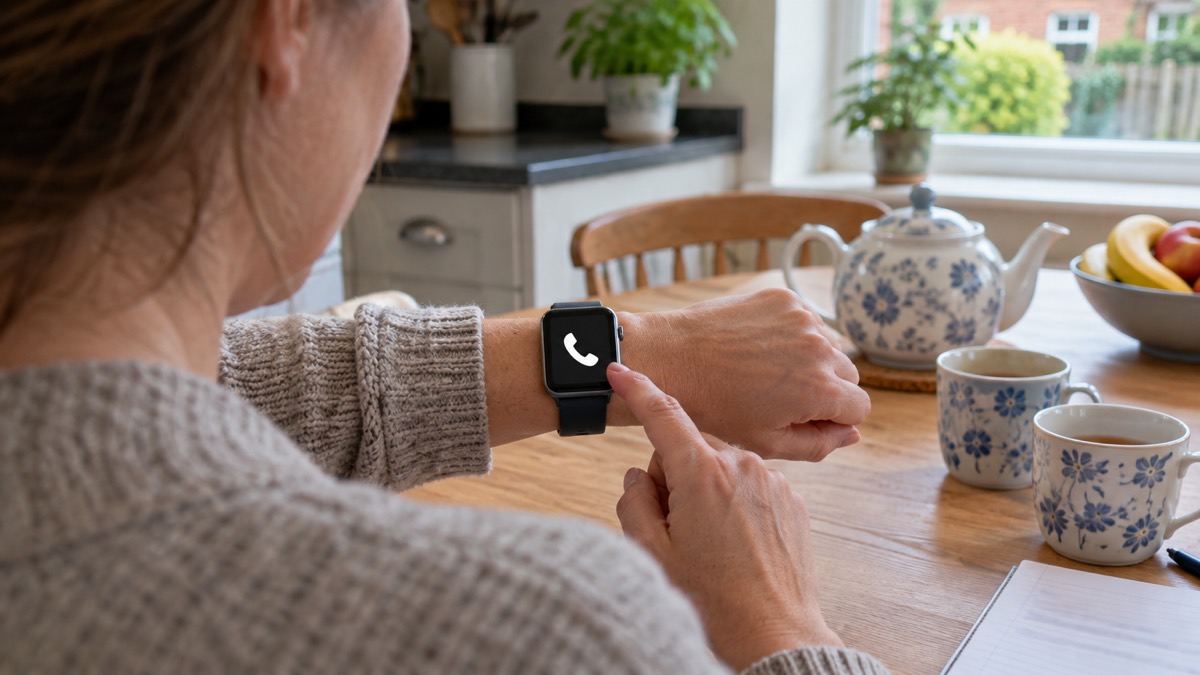
An accidental 999 call is not harmless. It ties up an operator and can send help to the wrong place. The watch's countdown and warning sound exist to give you a moment to cancel, and you should use it: if you press the side button by mistake, cancel during the countdown.
If you do call by accident, stay on the line and explain. Do not simply hang up. The emergency services treat a silent or dropped call as a possible emergency and may call back or send help.
There is a separate question about Emergency Alerts, which some people want to turn off. You can opt out of the emergency alerts system in your phone's settings: search for "emergency alerts" and turn off "severe alerts" and "extreme alerts"23. To opt out on iPhone, search your settings for "emergency alerts" and turn off Severe alerts and Emergency alerts24. How you opt out depends on your device, and if you still get alerts after opting out, contact your device manufacturer for help25.
An Emergency Alert will never request you provide bank details25. If you get a message that does, it is not a genuine alert. The genuine alerts page explains how to tell a real alert from a scam.
Where to get help and how the watch fits the wider plan
The watch is one part of a household plan. If you cannot make voice calls, you can contact the 999 emergency services by SMS text from your mobile phone1. If you are deaf or hard of hearing, 999 BSL and Relay UK are alternative routes2. If you need non-emergency help, the non-emergency numbers page covers 101, 105 and NHS 111.
For the wider picture, the staying informed section covers phones, radios and alerts, and the when networks fail page explains what to do when the signal goes. The emergency alerts page covers the UK warning system, and the warnings and news page covers where to get official information.
If you live alone or care for someone who does, the extra help section covers older, disabled and medically dependent households, and the telecare page covers personal alarms when phone lines go digital. The crash detection page covers crash detection on phones and watches, which is a related feature worth knowing about.
Sources (26)
- Staying safe, Greater Manchester Fire and Rescue Service, 2026
- Stay connected in severe weather, Ofcom, 2026
- Using 999 with speech or hearing impairment, Yorkshire Ambulance Service NHS Trust, 2026
- Fire safety information for residents, Greater Manchester Fire and Rescue Service, 2026
- Emergency Alerts factsheet, Saltford Parish Council, 2023
- Emergency alerts service, Croydon Council, 2026
- Medicines and tablet safety, Just One Norfolk NHS, 2026
- Emergency plan, Ready Scotland, 2026
- Disabled people and carers, Ready Scotland, 2026
- SMS texting, North West Ambulance Service NHS Trust, 2023
- Fire safety for people with hearing difficulties, Devon and Somerset Fire and Rescue Service, 2026
- eCall, Traffic England, 2026
- How alerts work, GOV.UK, 2026
- eCall, National Highways, 2026
- Yourself, Wiltshire and Swindon Prepared, 2026
- Yourself, Wiltshire and Swindon Prepared, 2026
- Emergency kit checklist, Neath Port Talbot Council, 2026
- Are You Ready booklet, Culham Parish Council, 2025
- Advice for households, West Yorkshire Prepared, 2026
- Emergency kit, Ready Scotland, 2026
- Emergency advice for residents, Warwickshire County Council, 2026
- Easy Read: Disabled persons and carers, Prepare campaign, 2024
- Opting out, GOV.UK, 2026
- National emergency alerts, Warwick District Council, 2026
- Emergency alerts, Surrey County Council, 2026
- In the event of a fire, South Wales Fire and Rescue Service, 2026