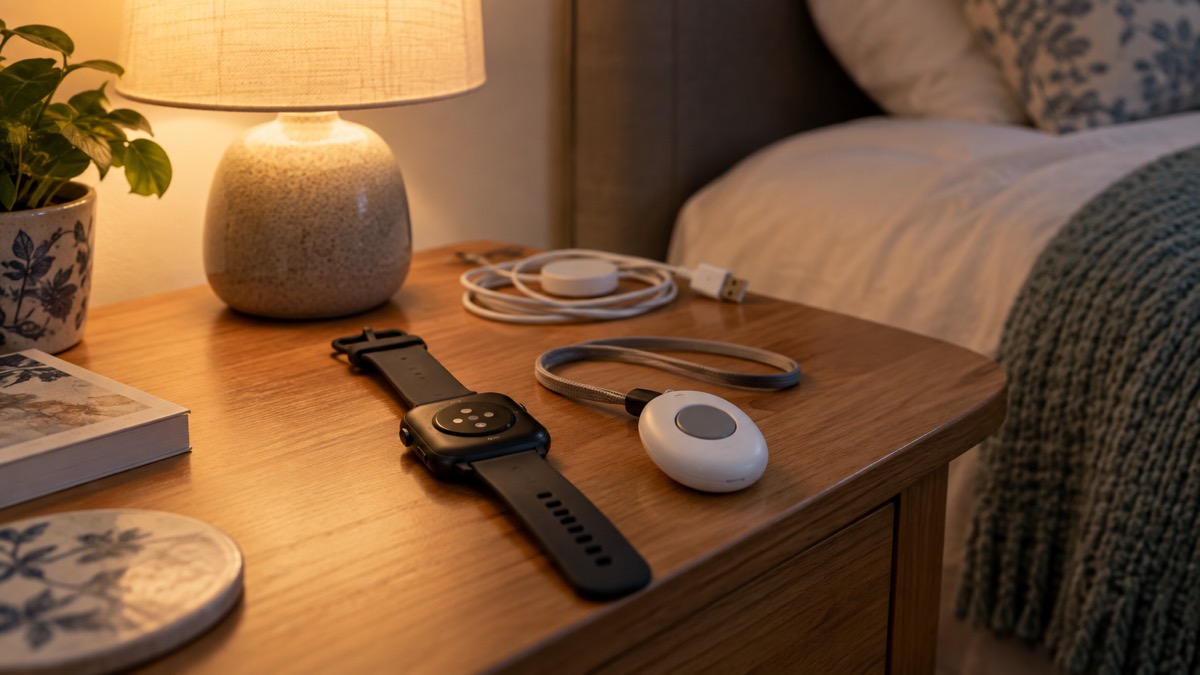
If you fall at home and cannot get up, the question that matters is not which device looks smartest on your wrist. It is who answers, how quickly, and whether they know where you are. A monitored fall alarm connects you to a call centre where someone can talk to you and act, and the provider holds your details1. An Apple Watch with Fall Detection turned on will attempt to call the emergency services itself if you have been immobile for about a minute2. Both can bring help. They fail in different ways.
The practical difference is the route out. A monitored alarm calls a response centre that already knows who you are and where you live3. A smartwatch calls 999, and the ambulance service decides what to send. Neither replaces pressing a button yourself: the maker of the Taking Care fall alarm says plainly that some falls will not trigger detection, and always recommends pressing the button if you can3. The NHS says the same in its own way: if you are hurt or cannot get up, call out, bang on the wall or floor, or use a personal alarm, and if you can, crawl to a telephone and dial 9994.
So the choice is less about the gadget and more about your circumstances: whether you have a mobile signal or Wi-Fi at home, whether you are usually in one house or out and about, whether you can press a button, and whether anyone is expecting to hear from you. This page sets out how each option works, where each one lets you down, and what to check before you rely on either.
| Monitored fall alarm | Smartwatch with fall detection | |
|---|---|---|
| Who answers | A call centre that knows who and where you are3 | The emergency services on 9992 |
| How it raises the alarm | Automatic detection, or a button press5 | Automatic detection after about a minute immobile, or a manual call2 |
| Where it works | At home and in the garden, up to 300 metres from the base unit5 | Wherever there is a cellular connection or Wi-Fi calling2 |
| What it needs | A base unit and a phone or mobile connection9 | A charged watch and a connection2 |
Smartwatch or monitored alarm: who answers when you fall
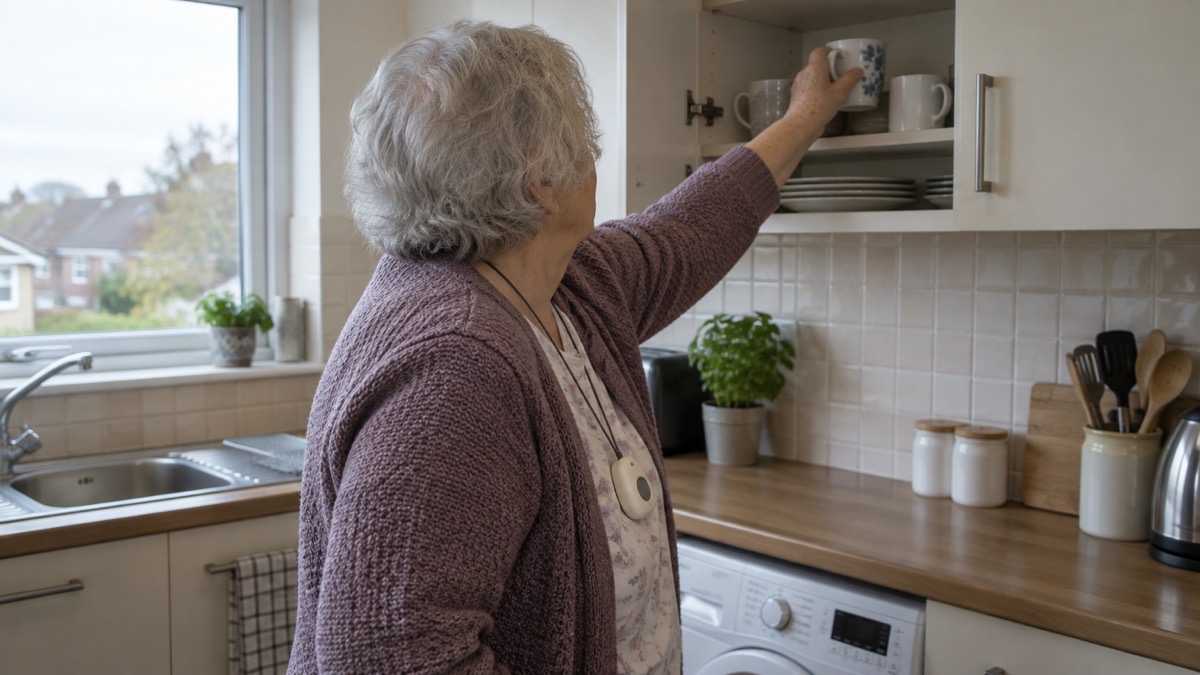
A monitored personal alarm is a pendant or bracelet with a button. Press it and you are connected to a call centre where you can talk to someone who can help1. The best-known version is the wearable pendant alarm, which lets you press a button to call for help7. Many councils run personal alarm schemes, and some include GPS tracking8. The service is built around a response: someone answers, speaks to you, and arranges what happens next.
A smartwatch with fall detection works differently. It is a general-purpose device that happens to include an emergency function. Apple's own instructions describe what happens: if Fall Detection is turned on and you have been immobile for about a minute, the watch automatically attempts to call emergency services2. That call goes to 999, not to a private call centre. The watch can also alert your emergency contacts with a text message after the call ends, sending your current location and updates as it changes2.
The difference in who answers changes what happens next. A monitoring centre holds your address, your key safe code if you have registered one, and your next of kin. The emergency services hold none of that until you tell them. That is not a criticism of 999, which is the right number for a life-threatening emergency. It is a reason to think about which one you want answering a fall at three in the morning.
How fall detection decides you have fallen
Fall alarms are not magic. They contain sensors, typically accelerometers and gyroscopes, and an algorithm designed to react to a sudden free fall from a standing position, followed by a significant impact and no movement3. The maker describes the same logic in its product documentation: when a sudden and rapid movement, followed by a lack of activity, is detected, the alarm interprets it as a fall10. The sensor uses an algorithm to tell the difference between hard falls and other movements9.
That word "hard" is doing a lot of work. The fall detector is designed to detect hard, unobstructed falls, and may not detect every fall5. Detection depends on where the device is worn and the amount of shock or impact from the fall9. A gentle slide down a wall is not the same event as a heavy landing on a hard floor, and the algorithm is tuned for the second.
Apple's approach is different in detail but similar in principle. The watch watches for immobility after a fall, and if you have not moved for about a minute it attempts the call2. It also has a Crash Detection feature that displays an alert and can initiate an emergency phone call after 30 seconds2. Both are automatic systems making a judgement about your body, and both can be wrong in either direction.
Falls that may not trigger an alert
This is the part that decides whether a device is right for you. The maker of the Taking Care fall alarm lists the falls its algorithm may miss: slumping or falling from a sitting position, or a fall that is broken, such as if the wearer holds on to something3. Backward falls are less likely to be detected when the pendant is worn around the neck, because the pendant is protected by the body3. Wrist-worn fall alarms may be affected if the arms are cradled to the chest or covered by clothing during a fall3.
The Personal Alarm Watch is a case in point. The maker states that the Personal Alarm Watch does not detect falls11. It is a watch with a help button and GPS, not a fall detector. If you want automatic detection from that range, the maker points customers to the Taking Care Anywhere or the Out-and-About Mobile Alarm, which include a fall alarm11.
There is also a height limit. The algorithm may not trigger an alarm call if the person wearing the fall alarm is less than 1.2 metres, or 4 feet, tall3. For a shorter wearer, automatic detection is not something to rely on.
The NHS falls plan makes the same point from the other direction: calling out or banging on a wall or floor could be difficult if you are unwell or hurt, and using a phone or alarm is more reliable12. The alarm is the reliable channel, but only if you use it.
Press the button whenever you can, even with fall detection
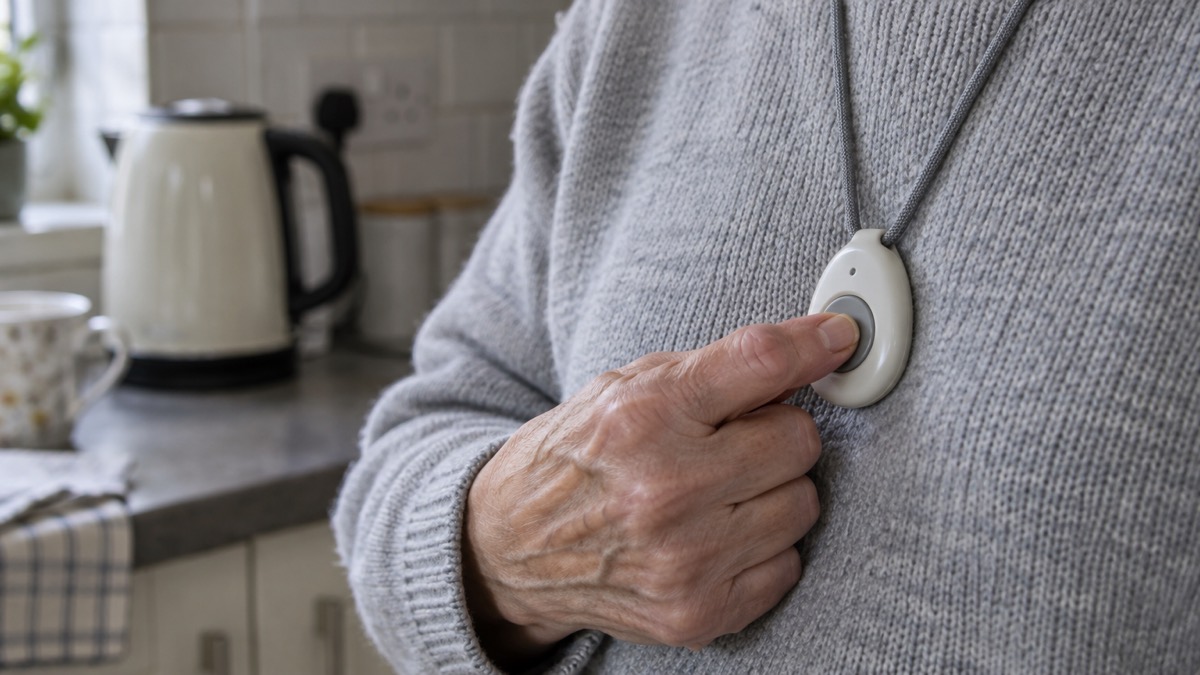
Automatic detection is a backstop, not the main event. The maker's guidance is that you should always press the button on the fall alarm pendant to call for help if possible, because some falls will not trigger detection3. The product page repeats it: if you are able to do so, press the button5.
This matters because the consequences of an undetected fall are serious. Without assistance, someone may not be found until a carer visit or welfare check, and in some instances that can be days. Hypothermia, dehydration, blood loss and fractures are a real danger, and falls can be fatal3. The value of an alarm is the speed of the response, and the button is the fastest route.
The button also works when the algorithm is confused. If you have tremors, epilepsy or Parkinson's, the maker warns that you may accidentally cancel an alert, and suggests the Digital Personal Alarm without fall detection may be more suitable5. The fall detection feature can be disabled to prevent false alarms, and the maker asks customers to call when ordering to request this10. That is a sensible option for some households: a button-only alarm that never misfires is better than an automatic one that keeps cancelling itself.
Calling 999 from an Apple Watch
An Apple Watch can call the emergency services in several ways. You can press and hold the side button until the sliders appear, then drag the Emergency Call slider to the right13. You can press and keep holding the side button until the watch issues a warning sound and starts a countdown; when the countdown ends, it calls emergency services2. You can ask Siri to call your local emergency number, such as 911, 112 or 9992. You can also text the emergency services by asking Siri to text your local emergency number, or by going to the Messages app and texting it2.
The automatic route is the one people ask about. If Fall Detection is turned on and you have been immobile for about a minute, the watch automatically attempts to call emergency services2. Crash Detection works on a shorter fuse: the watch displays an alert and can initiate an emergency phone call after 30 seconds2.
There is a detail worth knowing before you rely on it. The Apple Watch makes the warning sound even if it is in silent mode, so if you are in an emergency where you do not want to make noise, use the Emergency Call slider to call without a countdown13. And if an emergency call has been made but you do not need emergency services, do not hang up: wait until a responder answers, then explain that you do not need help2. Hanging up can trigger a response anyway.
What an Apple Watch needs to reach emergency services
A smartwatch is only as good as its connection. Apple states that for standard emergency calls, your Apple Watch or nearby iPhone needs a cellular connection or Wi-Fi calling with an internet connection2. If neither is available, the automatic call has nowhere to go.
That has practical consequences for a household. A watch paired to a phone left on the kitchen table will use the phone's connection if it is nearby. A watch taken for a walk without the phone needs its own cellular service. If you are relying on a watch for falls, check the signal in the rooms where you spend time, and check it in the garden.
Apple also builds in a fallback for location. If emergency services cannot locate you, they go to your emergency address2. You set that on your iPhone: open Settings, tap Apps, tap Phone, tap Wi-Fi Calling, then tap Update Emergency Address, and enter your address2. It is worth checking it is current, particularly after a move.
International calls have their own conditions. International emergency calls require an Apple Watch SE, Apple Watch Series 5, Apple Watch Ultra or later models2. When you start an Emergency SOS call while abroad, the watch connects to local emergency services, but it may not be able to send your location or a text message to your emergency contacts2. In certain areas, international emergency calling works even if you have not set up cellular service on the watch2.
At home or out and about: where each alarm works
The monitored alarm market splits by coverage, and the split is the most useful thing to understand when choosing. A standard home fall alarm is for use at home and in the garden, with automatic fall detection5. The pendant works up to 300 metres, or 984 feet, from the base unit, which is what lets it work reliably throughout the home and garden5. That range is a radio link to the base unit, not a phone signal, so it does not depend on mobile coverage.
A GPS alarm is for home and out and about. The Taking Care Anywhere is a GPS personal alarm for support at home and out and about, with fall detection for reassurance on the move5. It shares GPS location in an emergency, is neck worn, and lets you speak through the pendant or the base unit5. The Digital Fall Alarm, by contrast, is a home and garden device: neck or wrist worn, speaking through the base unit, with automatic fall detection14.
| Device | Where it works | How you speak | Fall detection |
|---|---|---|---|
| Digital Fall Alarm | At home and in the garden, up to 300 metres from the base unit5 | Through the base unit14 | Automatic5 |
| Taking Care Anywhere | At home and out and about5 | Through the pendant or base unit5 | Included15 |
| Personal Alarm Watch | In-home and out-and-about5 | Not stated in the facts available | Not stated in the facts available |
The choice between a home alarm and a GPS alarm is really a question about your week. If most of your risk is stairs, bathrooms and the garden, a home alarm with a long pendant range covers it. If you walk to the shops alone, a GPS alarm covers the walk as well as the house. The home or GPS alarm comparison sets the two side by side in more detail.
Analogue alarms must be upgraded for the digital switchover
The telephone network is changing, and alarms that depend on the old analogue line are affected. Devices such as fall monitors and personal alarms may require checks or upgrades before the switchover16. Some analogue telecare devices are not digitally compatible or do not perform as reliably on digital networks, and may need to be upgraded17. Some older telecare alarms may stop working if they are not updated18.
The advice is consistent across official and independent sources. Contact the company that supplies your alarm and ask them to confirm that it is compatible with the new digital phone network, and what happens if the power goes off6. Do not assume it will keep working after the switch to digital phone lines, or during a power cut6. If you or a relative uses a telecare alarm, also known as a community alarm, contact your provider to check compatibility20. Age UK's guidance is firmer still: wherever possible, do not accept or buy an analogue device, and consider only a digital alarm if you are unsure1.
Newer devices are not affected in the same way. The Digital Fall Alarm and Taking Care Anywhere are unaffected because they do not use a telephone landline10. That is the practical test: ask whether the alarm uses a phone line at all.
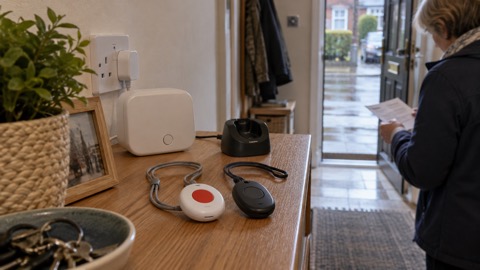
The base unit matters here too. The fall detector calls the monitoring team through the personal alarm base unit21. If the base unit is switched off, unplugged or lost power, the alert has no route out. Keep it plugged in, check it after a power cut, and ask the provider what the unit does when the power fails. The telecare power cut page covers that in more detail.
Where to get help and what to check before you choose
Start with your council. Many councils run personal alarm schemes, and some include GPS tracking8. The Government's find a telecare provider service lists providers, and telecare alarm systems can alert call centres or carers if you experience a problem such as a fall at home or outside, depending on the device and its connectivity17. A council telecare service may also offer a neck-worn fall detector designed to identify a serious fall that leads to unconsciousness and immobility and raise an automatic call to the monitoring centre22.
Before you order, work through these checks:
- Ask about the phone line. Confirm the device is compatible with digital phone lines and will keep running after the switchover1.
- Ask about power cuts. Ask what happens to the alarm and the base unit if the power goes off6.
- Check the height limit. If the wearer is under 1.2 metres, or 4 feet, ask whether automatic detection is suitable3.
- Check the connection for a watch. Confirm there is a cellular signal or Wi-Fi calling where the wearer spends time2.
- Set the emergency address. On an iPhone, set it under Wi-Fi Calling so emergency services have a fallback2.
- Register for a key safe if you have one. A monitoring centre that can pass on access details saves the responder time. The key safes page explains how they work.
For the wider picture, the personal alarms section covers the types available, and the fall detectors page explains how automatic alerts work in more depth. If you are weighing an alarm against a mobile phone, the personal alarm or mobile comparison sets out the trade-offs. And if you live alone, the living alone guide covers the routines that make a fall less likely to go unnoticed.
Sources (22)
- Telecare and personal alarms, Age UK, 2026-08-11
- Contact emergency services on Apple Watch, Apple, 2026
- How fall alarms work, Taking Care, 2026-01
- Handling falls, North West Ambulance Service NHS Trust, 2024-10-22
- Fall alarm for elderly, Taking Care, 2026-10-29
- The landline switchover, National Grid, 2026-10-25
- Technology to keep you safe at home, Independent Age, 2026-10-25
- Staying safe, Age UK, 2025-08
- Falls detector package FAQs, Taking Care, 2026-10-29
- Digital fall alarm FAQs, Taking Care, 2026-10-29
- Guardian Watch package FAQs, Taking Care, 2026-10-29
- Creating a falls plan, NHS Inform Scotland, 2024-06-18
- Emergency SOS on Apple Watch, Apple, 2026
- Personal alarm watch, Taking Care, 2026-10-29
- Why choose Taking Care personal alarms, Taking Care, 2026-10-29
- Switchover to digital landlines, South Gloucestershire Council, 2026
- Find a telecare provider, GOV.UK, 2025-05-13
- Telecare, Staffordshire County Council, 2025-07-20
- Landlines, National Grid, 2026-10-26
- Digital phone switchover, Argyll and Bute Council, 2026
- FAQs Product - Falls Detector Package, Taking Care (taking.care)
- What's available from the Telecare service, Isle of Anglesey County Council, 2026-10-29
 Home Alarm or GPS Alarm
 Personal Alarm or Mobile Phone